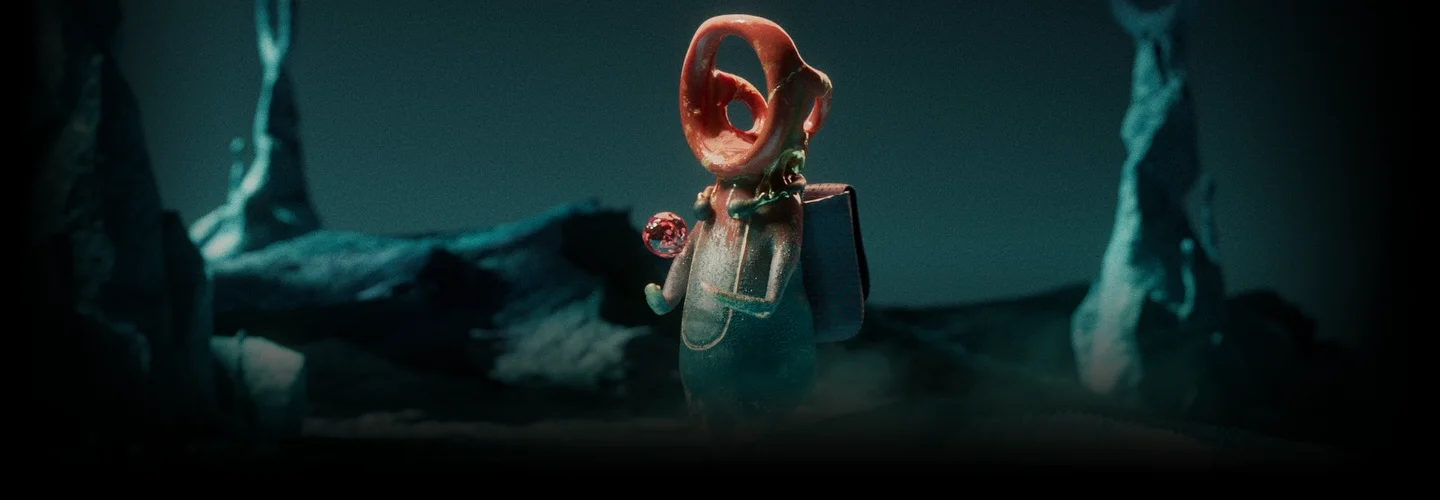
3dartist,yeseongkim_김예성2 Details
Class Intro
Expert 3D artist Yeseong Kim will teach you to create captivating videos in Redshift based on his practical workflow that will set you apart from the competition.

Level up to an advanced level by taking renewed instructor Yeseong Kim’s class to fully utilize Redshift features for successful projects.
Class Perks
Get These Coloso Exclusives
-
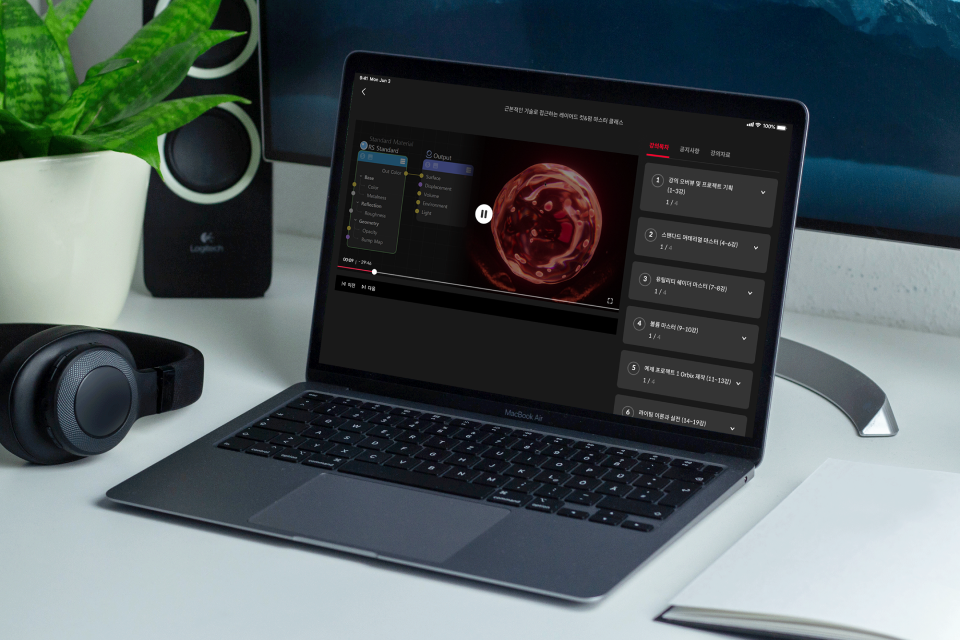 Unlimited Access to 17+ Hrs & 38 Chapters of Content- Producing 3 project videos

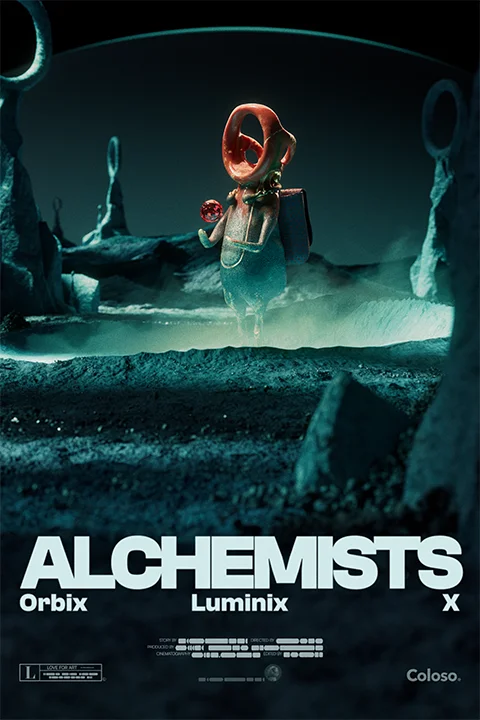
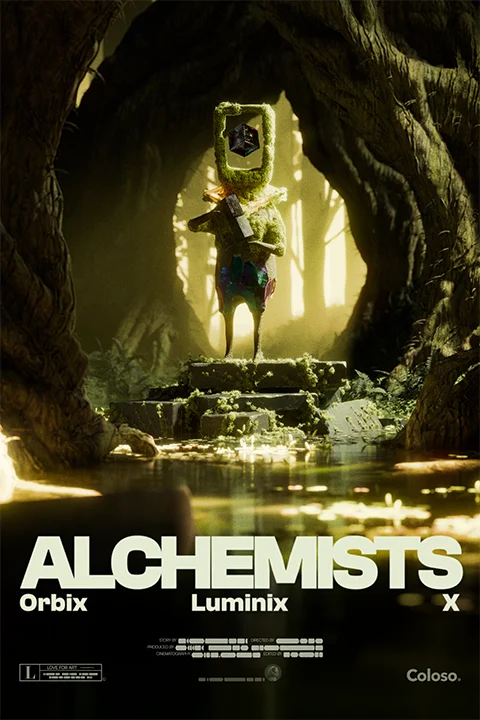
- Material Master: Orbix

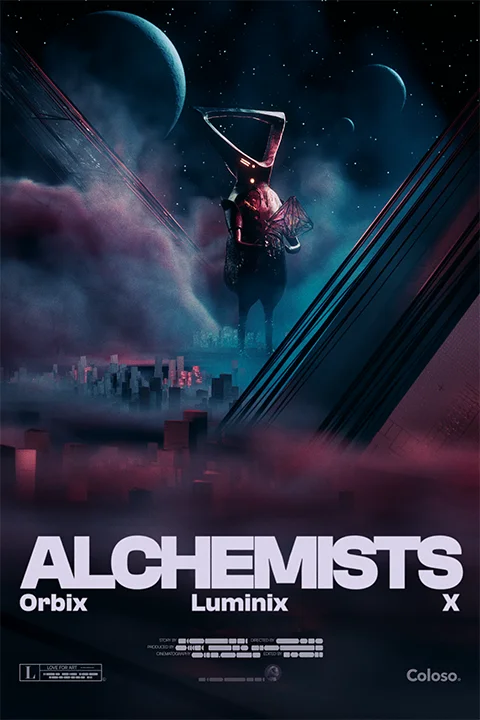
- Lighting Master: Luminix

- Project Master: X -
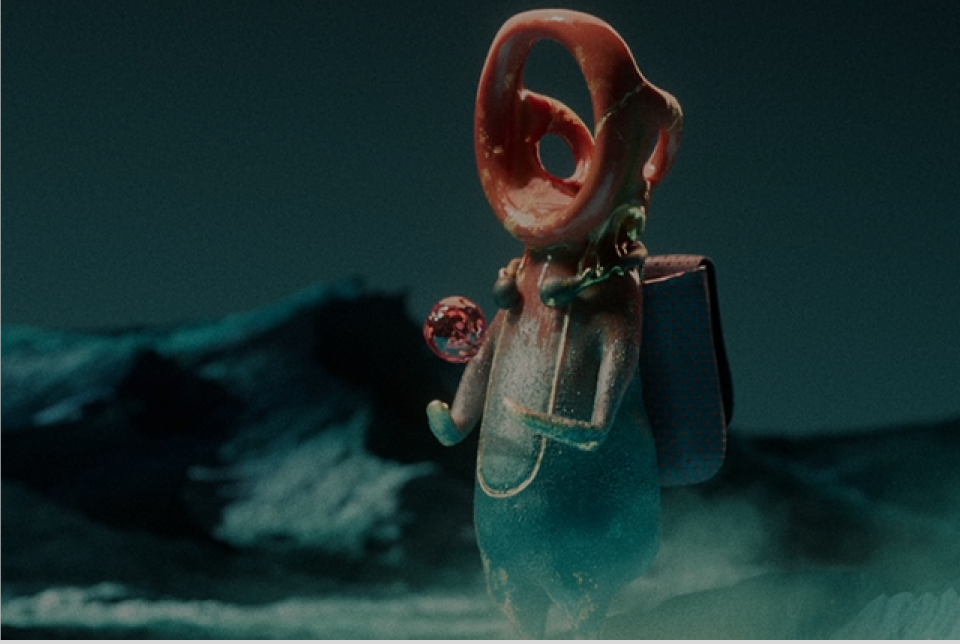 Professional 3D Artist's Yeseong Kim's Key Skills- 11 project scene files
- Instructor’s workflow process -
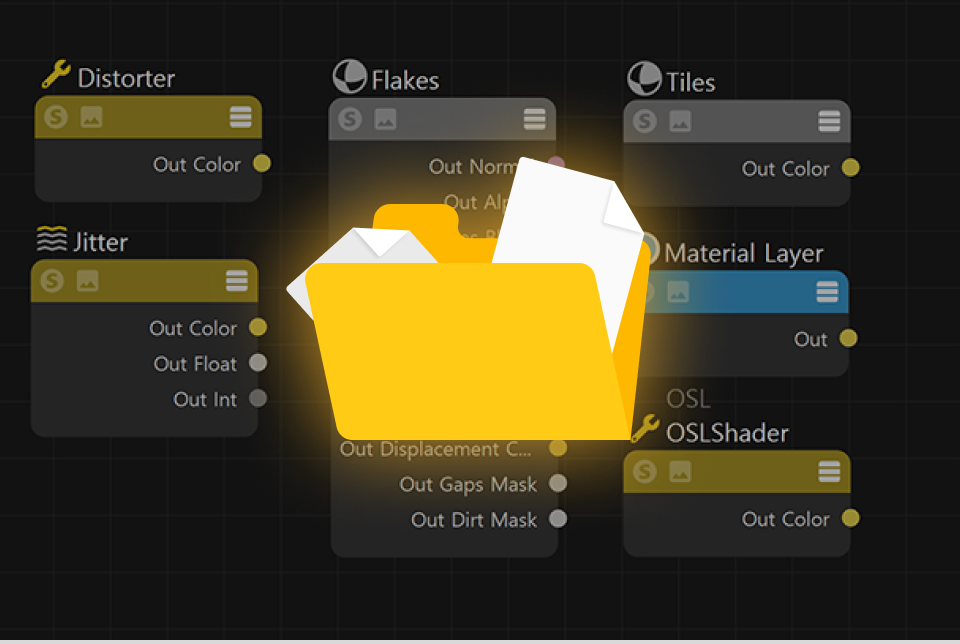 Instructor Crafted Class Materials- 30+ Asset files provided
- Ready-to-use textures
- Character models
- Object models
- VDB files
Recommendation
Who Should Take This Class?
3D artists who want to learn more about Redshift Renderer
Motion graphic designers aiming to create high-quality video with efficient work processes in practical work
Job seekers who want to create competitive, high-quality portfolios
How Is This Different From the First Class?
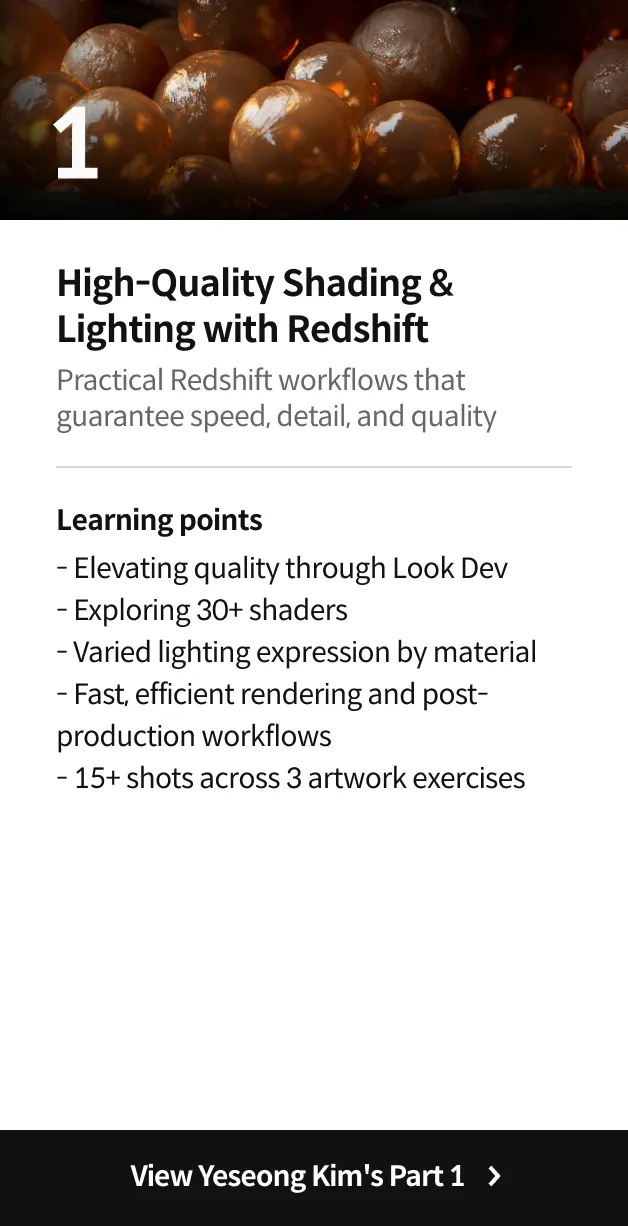
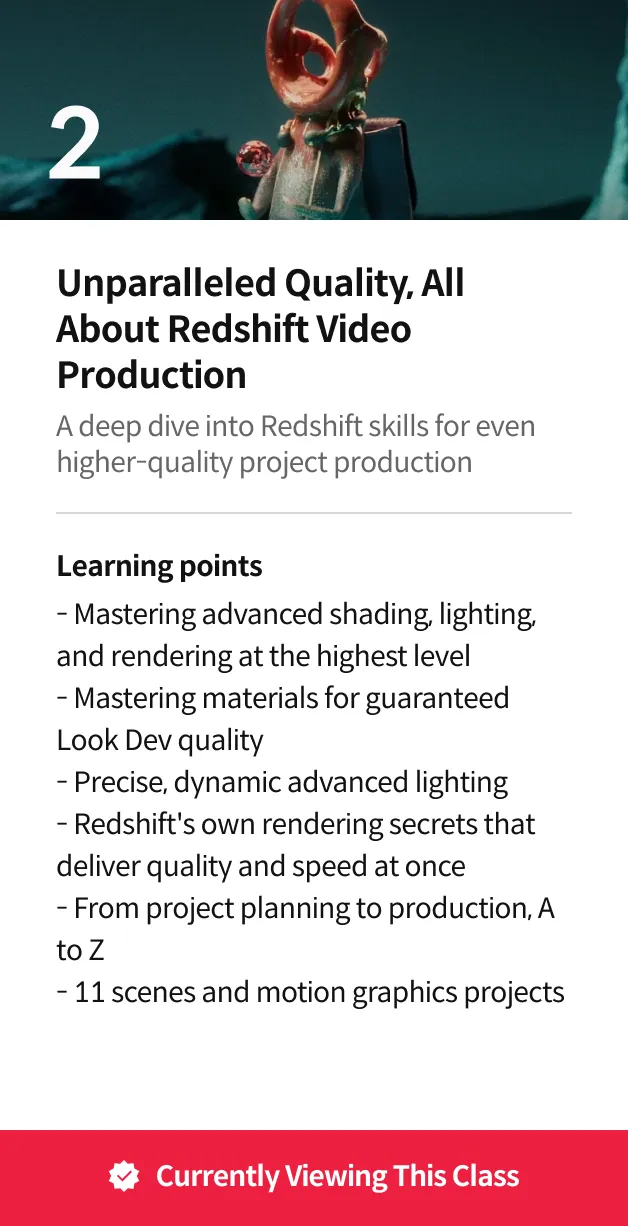
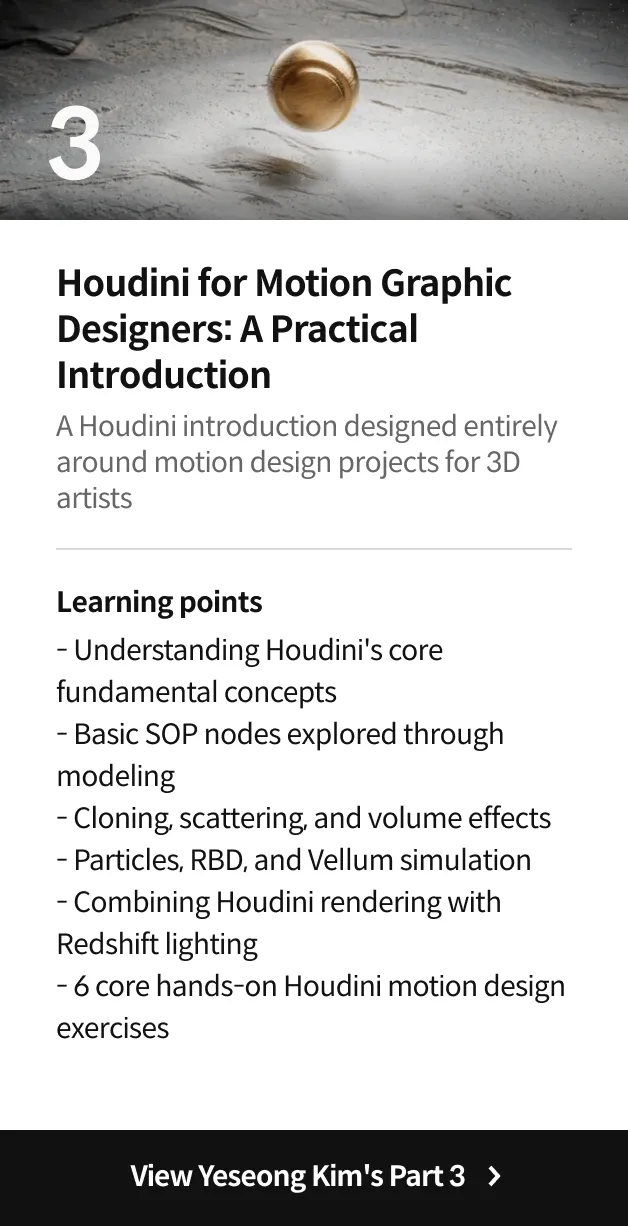

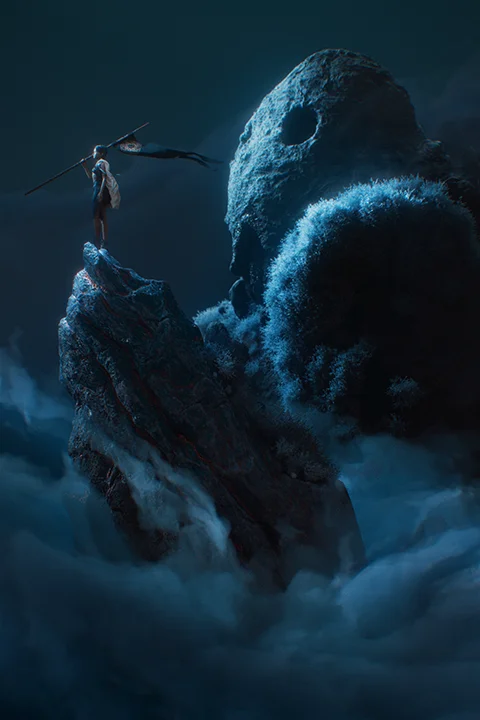
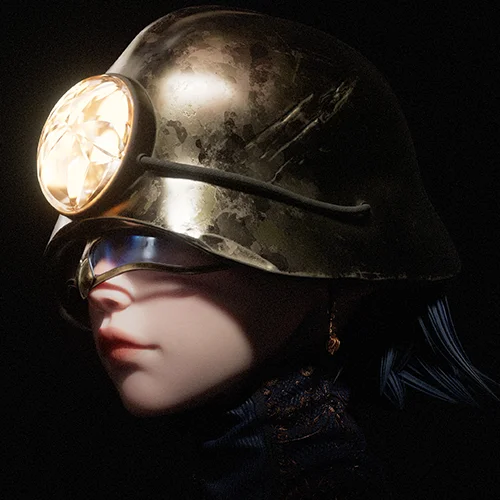
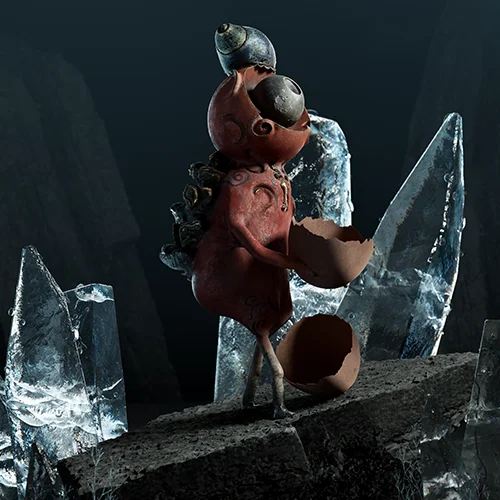
Expert 3D Artist Yeseong Kim's Portfolio

Why Take This Class?
When working on videos, we can often be overwhelmed by figuring out which technology to implement in the desired scene.
Maximize video directing by implementing upgraded Redshift skills such as delicate material expression, detailed lighting expression including light attributes and shaders that influence the mood of the video, and takes and optimizing, which are key in rendering.
Follow the work pipeline of the renowned 3D artist Yeseong Kim, utilizing Redshift at 200% capacity to produce project videos from planning to post-correction compositing.
In addition to essential design, modeling, animation skills, and post-correction for video work, discover insider video production knowledge that maximizes the usability of various tools so you can reach the peak as a lookdev.
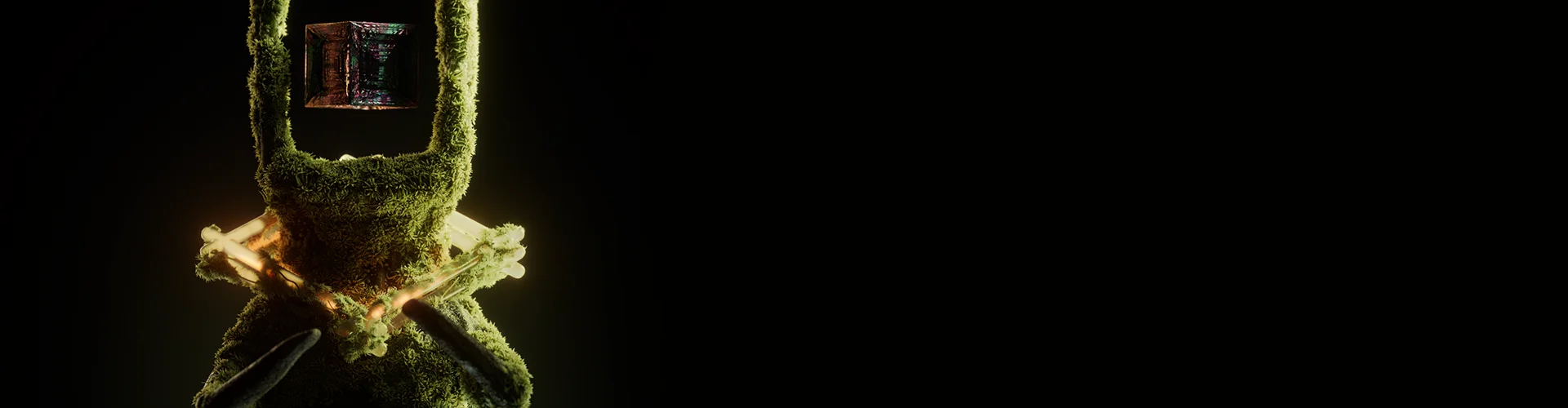
3 Project Exercises
Material Master: Orbix


Lighting Master: Luminix




Project Master: X
Yeseong Kim
3D Artist
Hello, I’m 3D artist Yeseong Kim.
I joined Tendril with a portfolio created through steady personal projects and participated in various brand projects with design, look development, and as a lighting artist with companies such as Microsoft, RIOT, ESPN, and HUBLOT.
Starting a project is easy for anyone, but consistently producing good quality is challenging. This class is set up so you can go through the entire process from planning to managing a completed project containing 11 scenes. In particular, let's cultivate fundamental problem-solving ability that helps in practice by deep diving into 3D material and lighting, which many people find difficult. I hope this class helps you build your own portfolio.
3D Artist Yeseong Kim
[Current]
Senior 3D Artist at Tendril Studio
Projects & Awards
[Projects]
ESPN CFP
ESPN CFP
Microsoft Windows 365 Cloud PC
Cybin X Kernel
Riot LOL Worlds 2022
Hublot WorldCup 2022
Hublot MP - 13
Class Highlights
Advanced Techniques to Enhance 3D Shading Problem-Solving Skills
Were you overwhelmed by shading issues with personal or practical projects that weren’t properly resolved? I have designed a class where you can explore the new Redshift shader features and apply materials to real video scenes, allowing a deeper understanding of the functions and roles within the materials.

Theory-To-Project Application Deep Dive Into 3D Lighting
Master not just technical lighting skills limited to one tool or setup but gain a deep understanding and purpose about overall lighting and apply it in projects so you can always create consistent good lighting.

Learn How to Plan Projects & Manage Workflows To Create Consistent Portfolio Work
Consistently create a portfolio of work based on expertise rather than intuition through project exercises that cover the entire project process, from planning to finish, including workflow establishment and management.
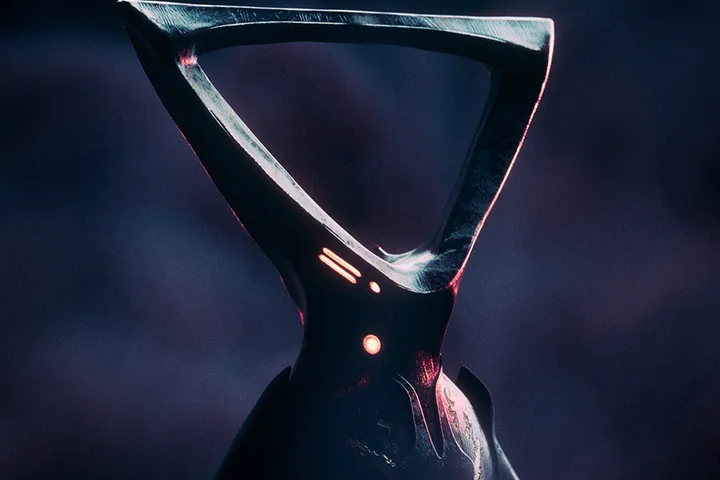
Class Details
You'll Learn
-
 Mastering Redshift’s Standard Shader and Other Essential ShadersLearn about various shader functions in detail such as Redshift's newly updated standard material, volume material, and utilities to solidify your foundation before applying it to projects.
 -
 Solving Project Problems Through Deep Understanding of MaterialsFocus on the artwork itself rather than the numbers or technical aspects while solving shading problems by deep diving into various material functions and applying them directly to projects.
 -
 Learn Essential Lighting Theory and Practical Application Beyond ToolsExplore the theory and purpose of lighting, a crucial aspect in 3D projects that goes beyond tool dependency. Apply this knowledge to real projects to enhance your storytelling abilities.
-
 Practical Lighting Applied in Various ScenariosApply practical lighting through class projects that work through various scenarios rather than simply using lighting effectively for only one setup.
 -
 The Entire Process of Project Rendering and CompositingStabilize technically complex rendering through project exercises and create a completed video from RAW images through compositing in After Effects or Fusion.
 -
 Method for Planning and Managing Projects for Consistent WorkWe will look closely at each step of the entire process from project planning to completion to learn how to create consistent, high-quality images.
- Unlimited Access
- Best Price
Buy now, get unlimited access.
12/31 (Sat) (UTC-7) Special offer ends soon.
This special offer ends soon.
Buy now and save!
Curriculum
In-Depth Look
SECTION 01. Intro
SECTION 02. Material Master
SECTION 03. Lighting Master
SECTION 04. Render Master
SECTION 05. Project Master
SECTION 06. Bonus Chapter
*The release date of this class, curriculum images, and associated content can be changed without prior notice.
** Class videos may be seperated for a more streamlined viewing experience
Interview with
3D Artist Yeseong Kim

What is the purpose or key point of this class?
If you learned about the general shading and lighting of Redshift in the first class, now you’ll deep dive into detailed and upgraded materials and lighting in this class. Also, I’ll share my entire project process from planning to management and finally outputting the final video file, as well as all the useful tool usage tips when doing 3D work.
If there are any unique points to this class, what would they be?
When I was working on my personal portfolio, I created this class, solving problems that I encountered in real-time with shading and lighting, and giving detailed explanations. Many 3D tools are constantly updated. Instead of relying on software-bound tutorials to address these changes, I have structured it so that you can enhance your fundamental problem-solving skills through content that is practical for your work.
What do you think students will gain from this class?
Due to the nature of complex technical issues in 3D projects, it's easy to overlook crucial aspects from an artistic perspective. Therefore, I have designed an advanced class to solve these problems, specifically with shading and lighting. I hope you will be able to consistently produce high-quality shading and lighting in your own projects or at work.
Required Programs
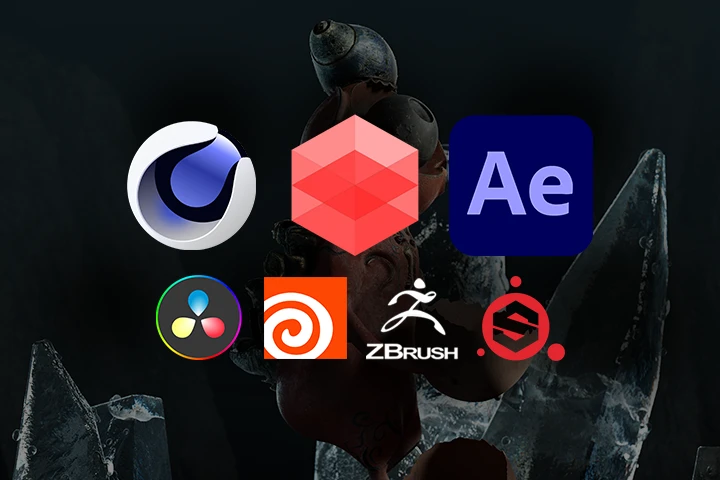
This course will use
- Cinema4D 2023.2 or higher
- Redshift 3.5.17 or higher
- After Effects v23.2 or higher
- DaVinci Resolve/Fusion v.18 (optional)
- Houdini 19.5 (optional)
- Zbrush (optional)
- Substance Painter (optional)
Please purchase and install these program(s) for an optimized chapter experience.
*These programs and/or materials will not be provided with the chapter.
Recommended Class
Like this class?
Then check these out!