3DAnimator,AlexMoon_3D애니메이터 알렉스 문 Details
Class Intro
3D Animator, Alex Moon
“Highly complete 3D animation! “Now we can do it all with just Unreal Engine.”
From In-Game to Cinematics, Complete 3D Animation with Just Unreal Engine
Work on motion with an expensive external tool, output and load it into the game engine, and work with the motion tool again if changes are made...
In this era where the performance and functions of Unreal Engine have advanced tremendously, no more ‘labor’!
In this era where the performance and functions of Unreal Engine have advanced tremendously, no more ‘labor’!
I'll teach you how to create everything from play scenes to cinematics based on new animation features and motion capture processes.
Watch and learn the secrets of Unreal Animation, which kills all three birds with one stone: low cost, efficiency, and quality.
Watch and learn the secrets of Unreal Animation, which kills all three birds with one stone: low cost, efficiency, and quality.
3D Animator Alex Moon's Portfolio
-
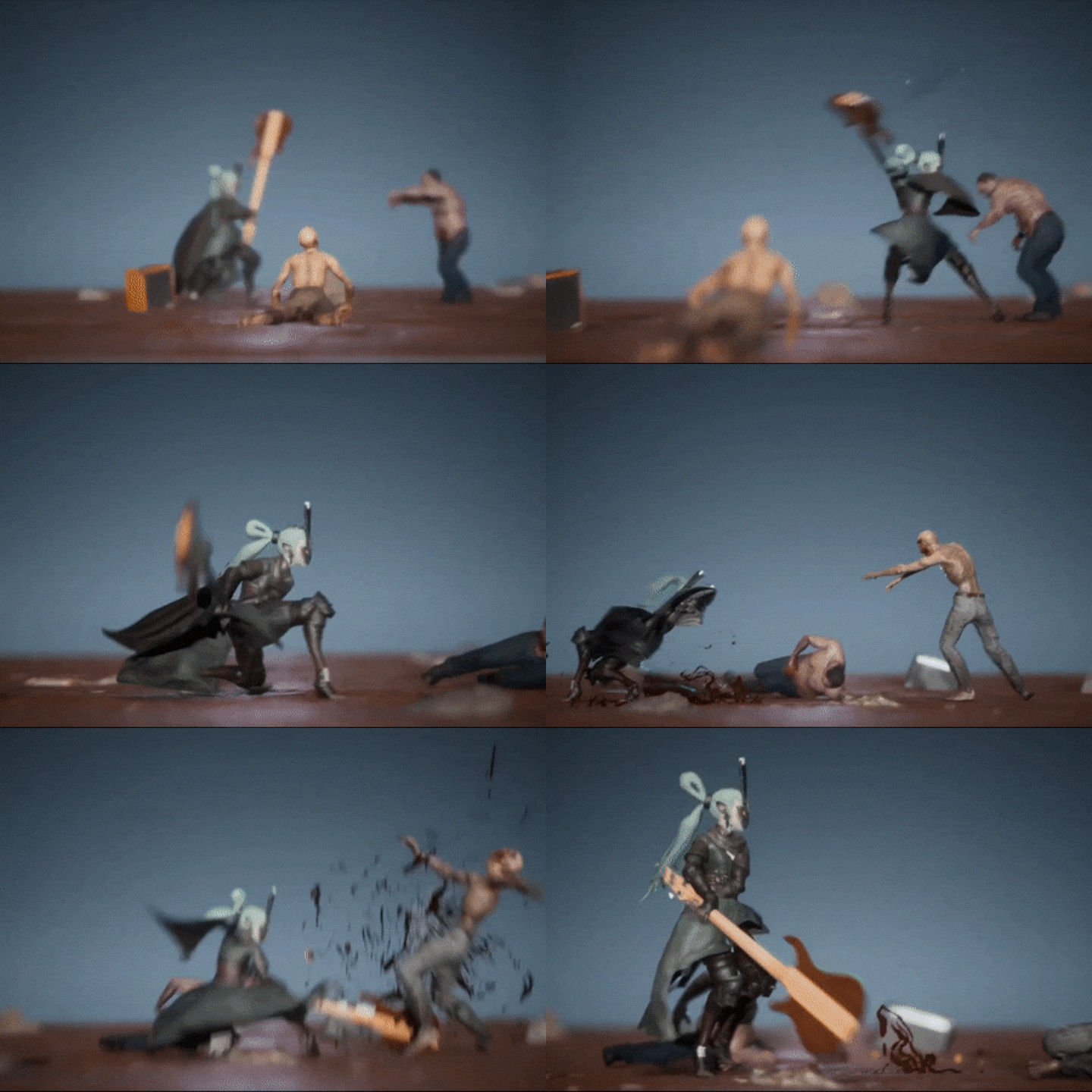 Combo Attack
 -
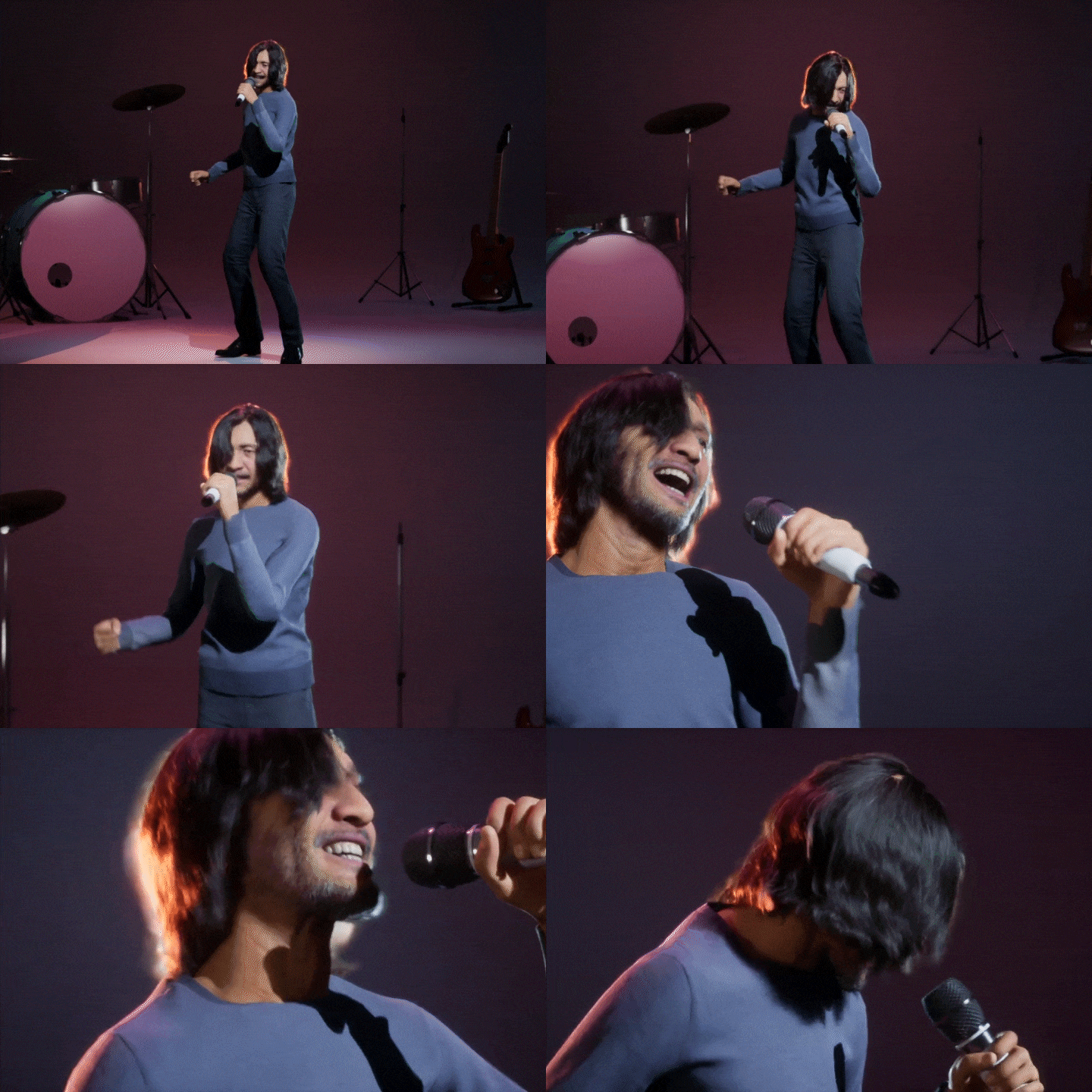 Metahuman singing
-
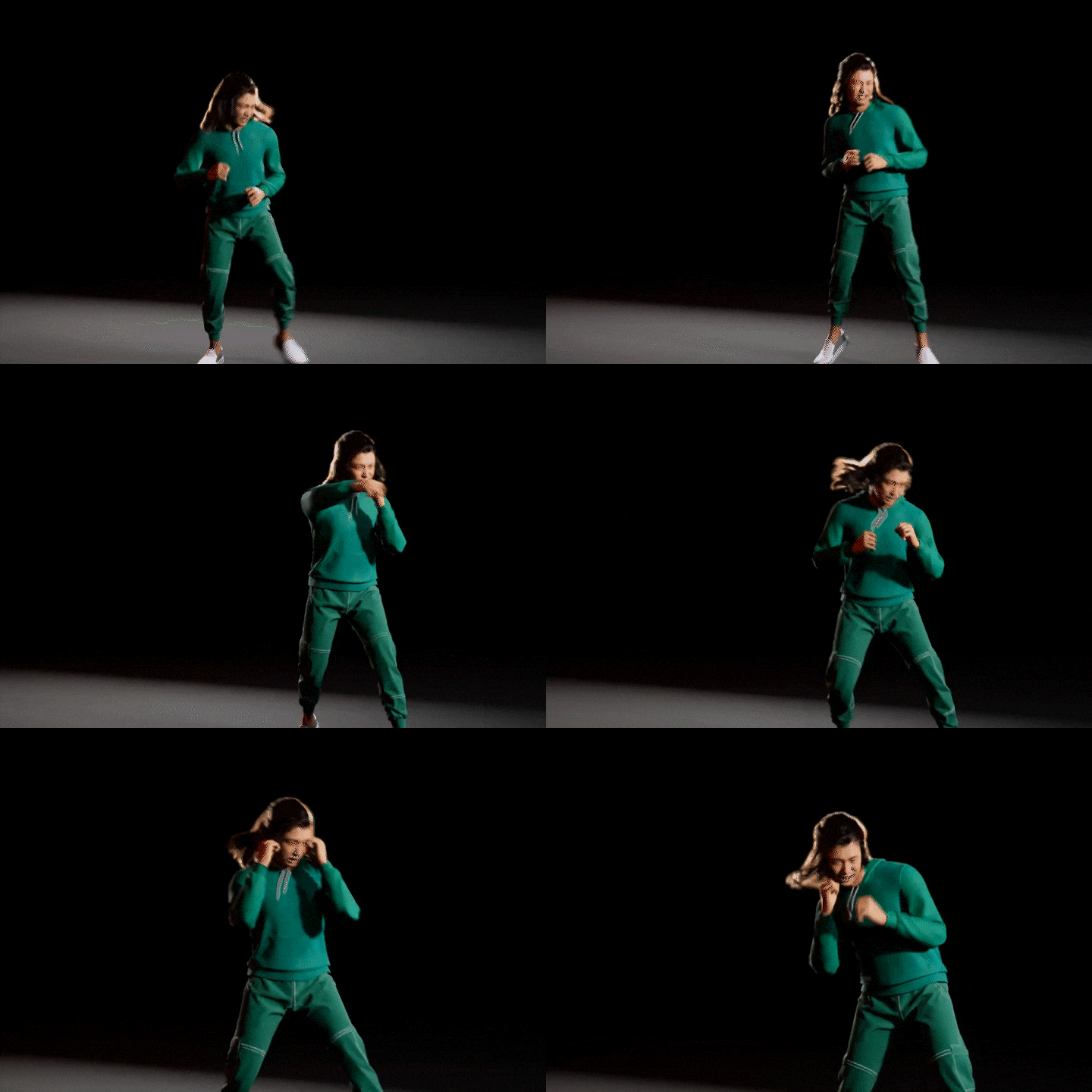 Metahuman boxer 01
 -
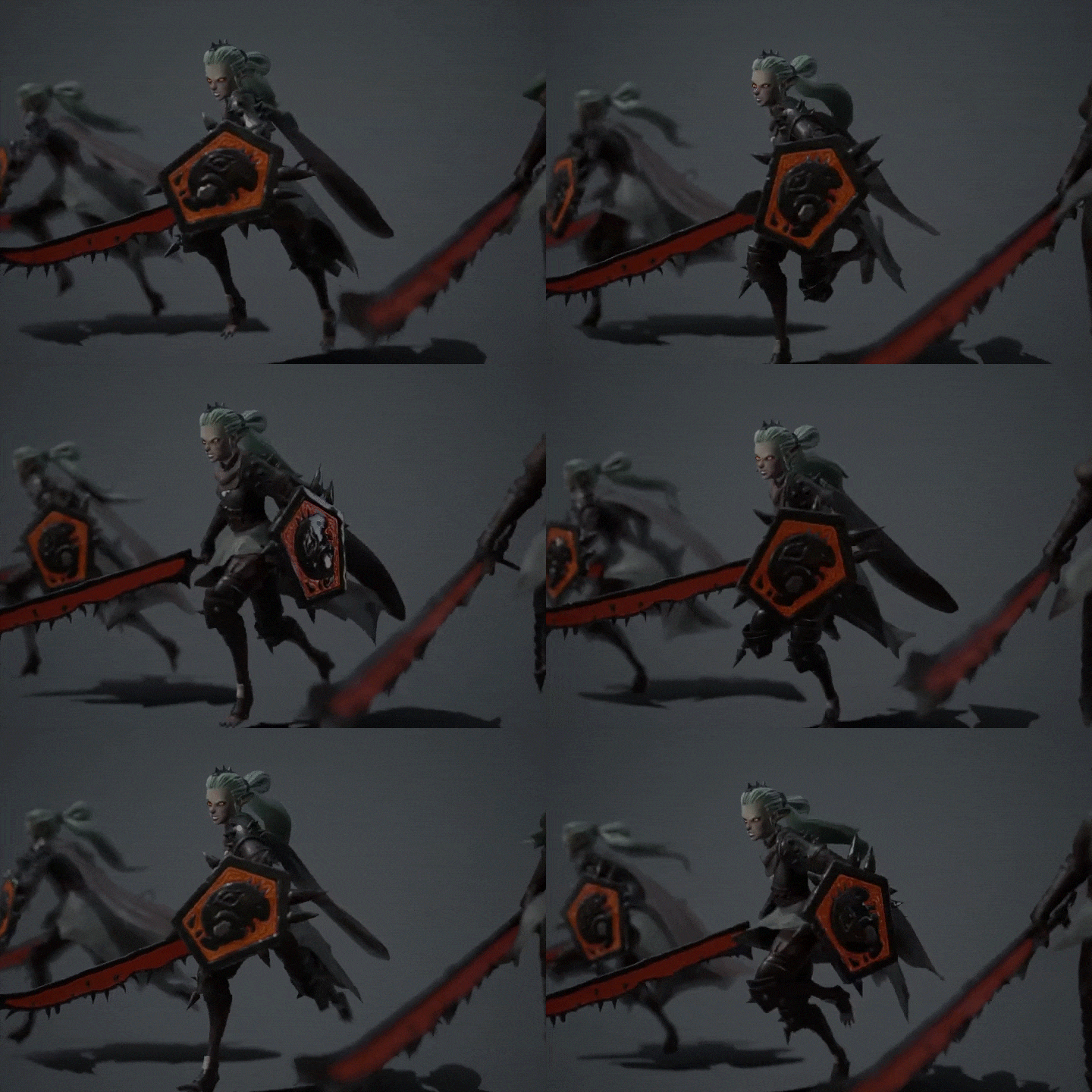 Female run cycle
 -
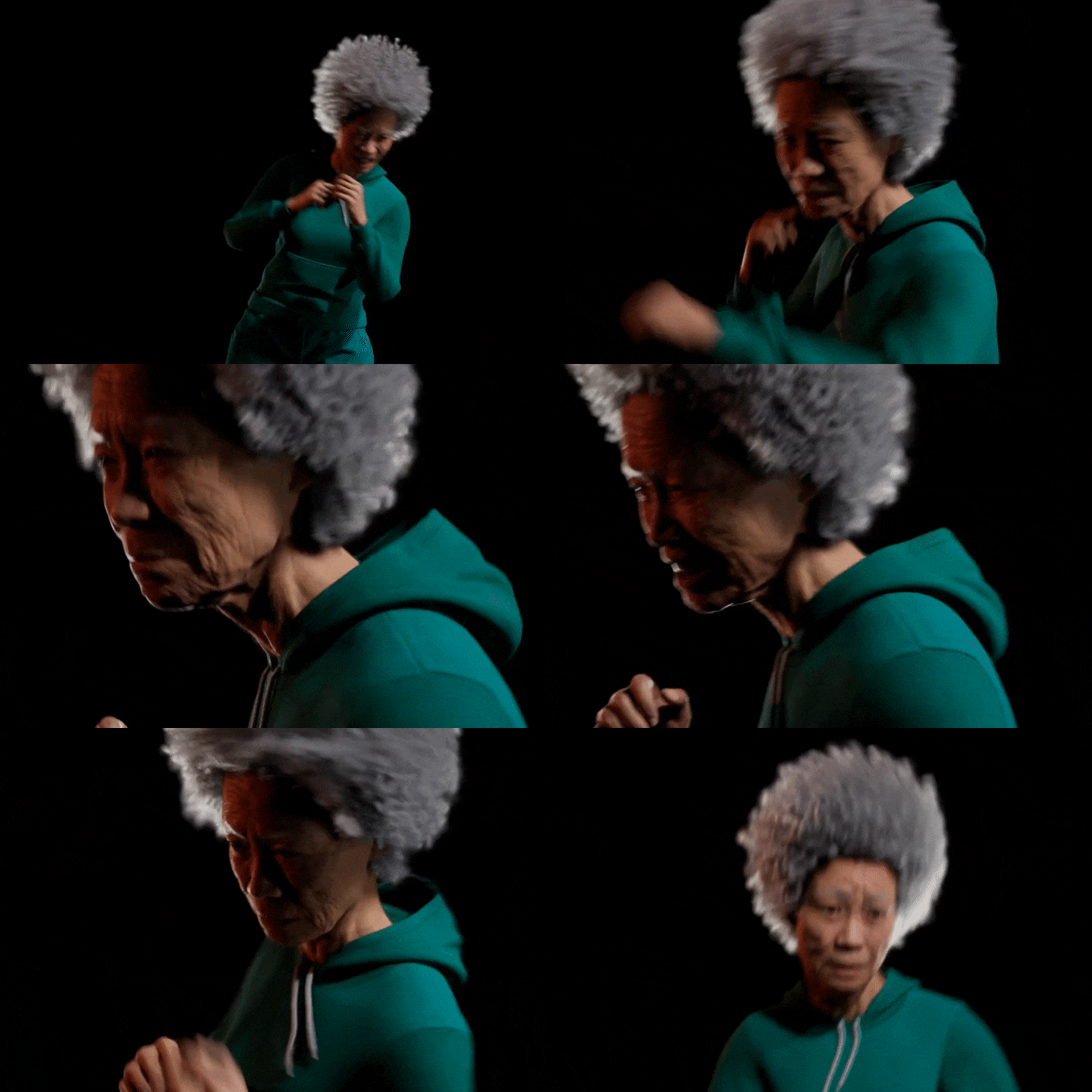 Metahuman boxer 02
Class Perks
Get These Coloso Exclusives
-
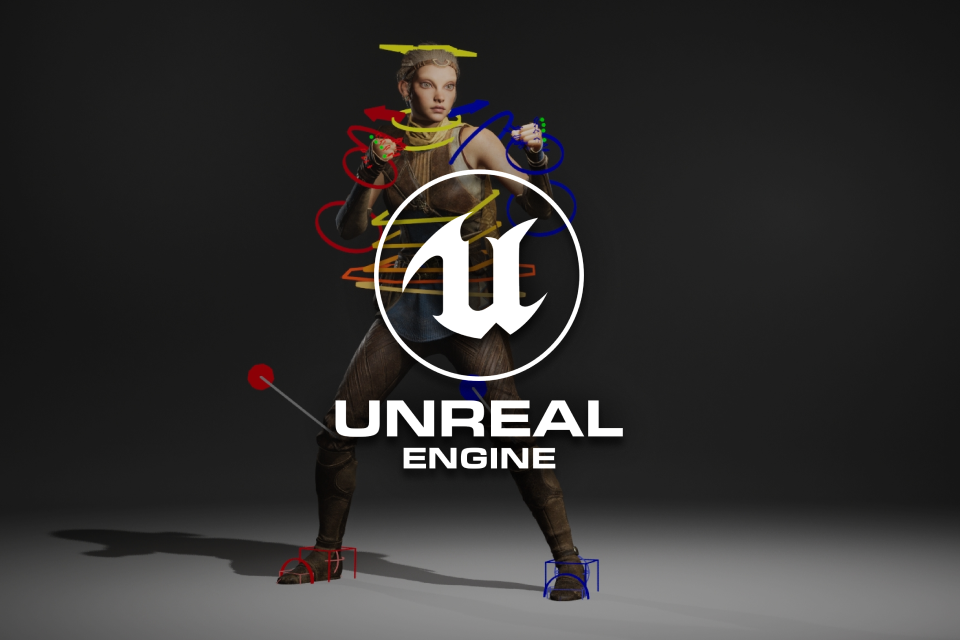 Learning with the most recent version of Unreal Engine 5.2
 -
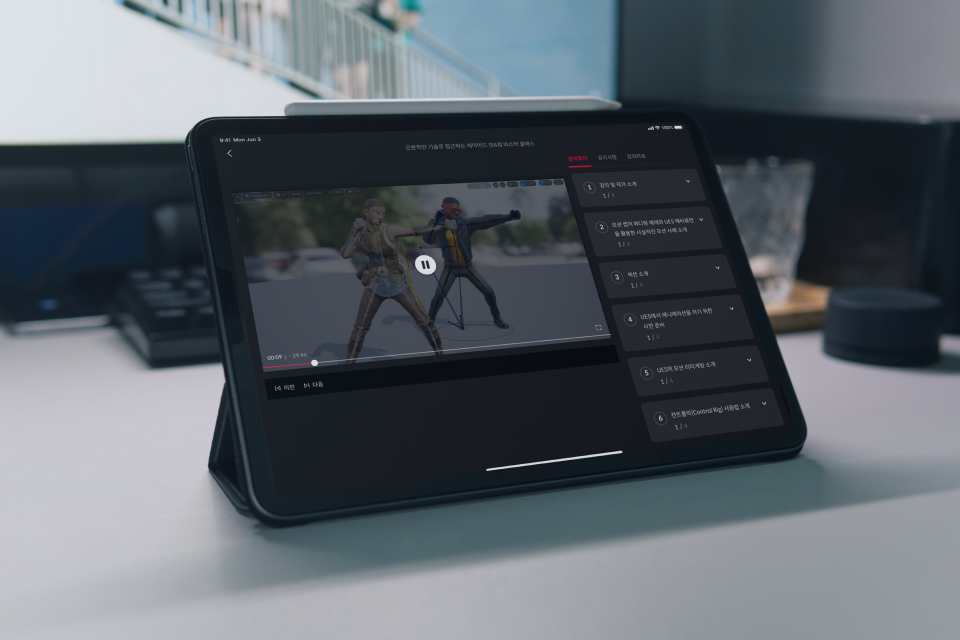 Provides theory summary, project files, and motion capture data
 -
 Learn realistic motion capture and editing methods
Why Take This Class?
Alex Moon is a talented person who has worked at leading domestic and international studios such as Nexon, NCSoft, and Rockstar Games, and a trendsetter who has quickly learned the new animating skills of Unreal Engine, which is updated every day!
In this class, the curriculum is filled with the speaker's special know-how to quickly complete natural 3D animation without any awkwardness.
Check out the practical know-how of current animators who can utilize 200% of the infinitely scalable animation features of Unreal Engine at Coloso.
5+ Class Exercises
Part 01. In-Game
-
 Mixamo’s Idle motion retargeting in the engine
 -
 Mixamo’s Kick motion retargeting in the engine
 -
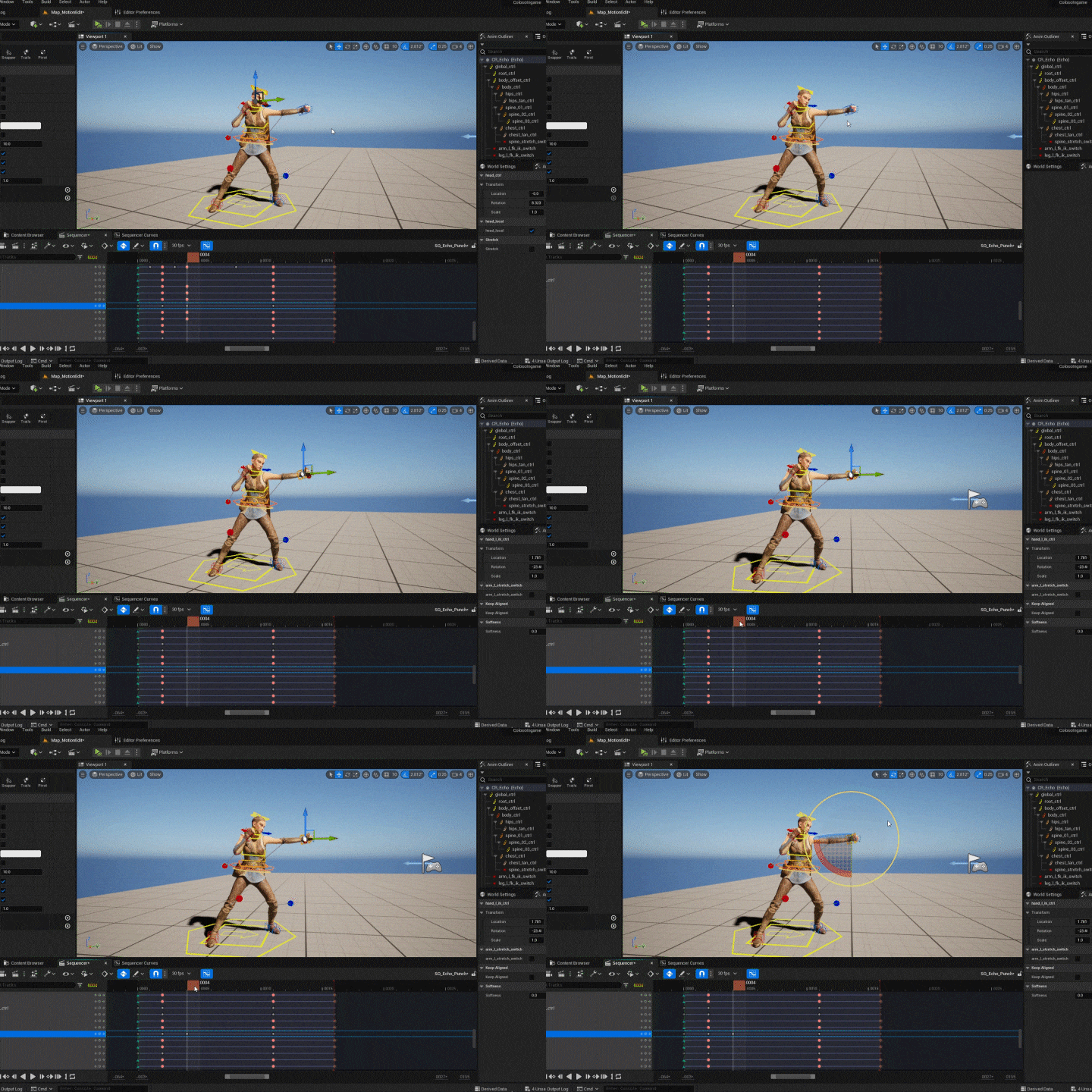
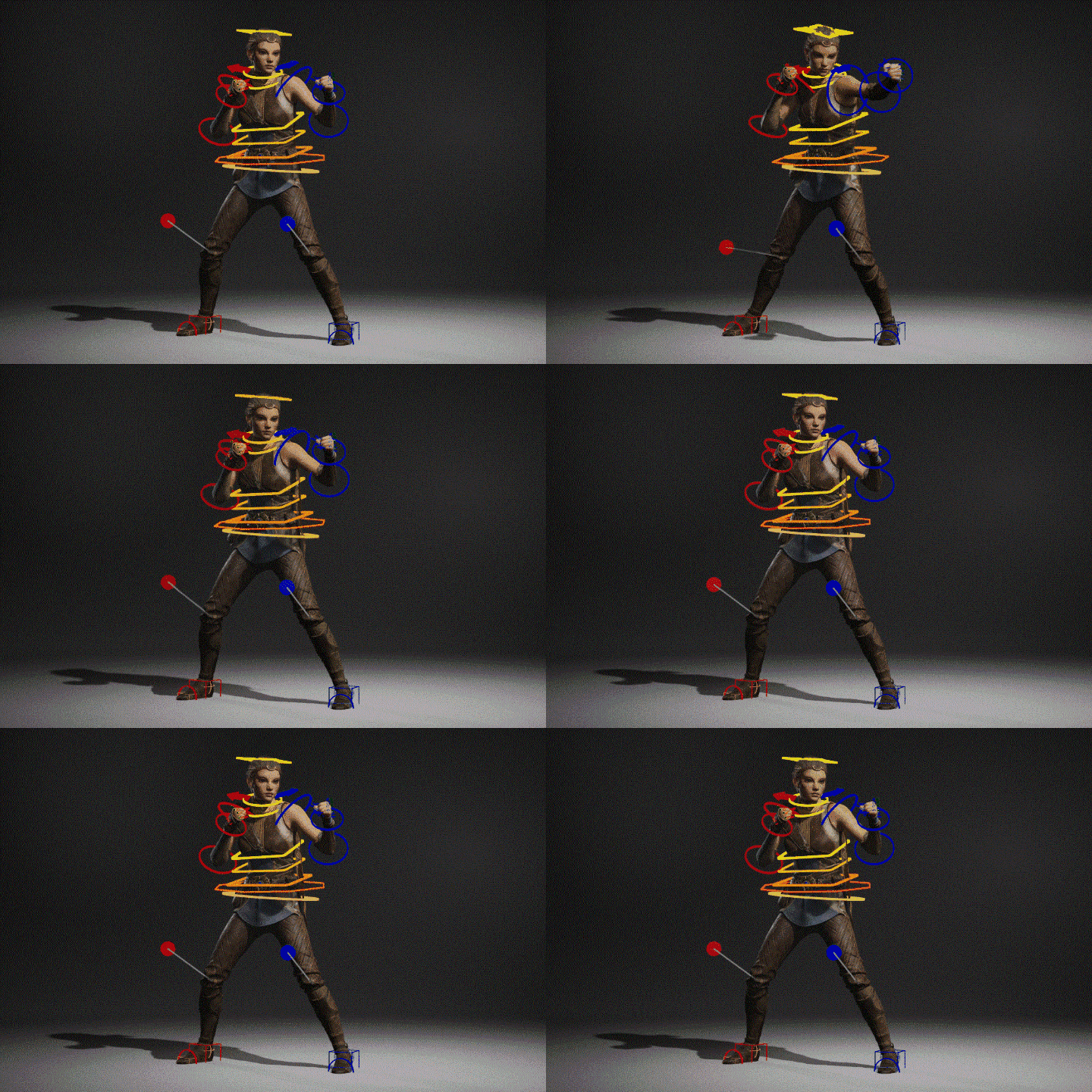 Create a punching motion using Control Rig
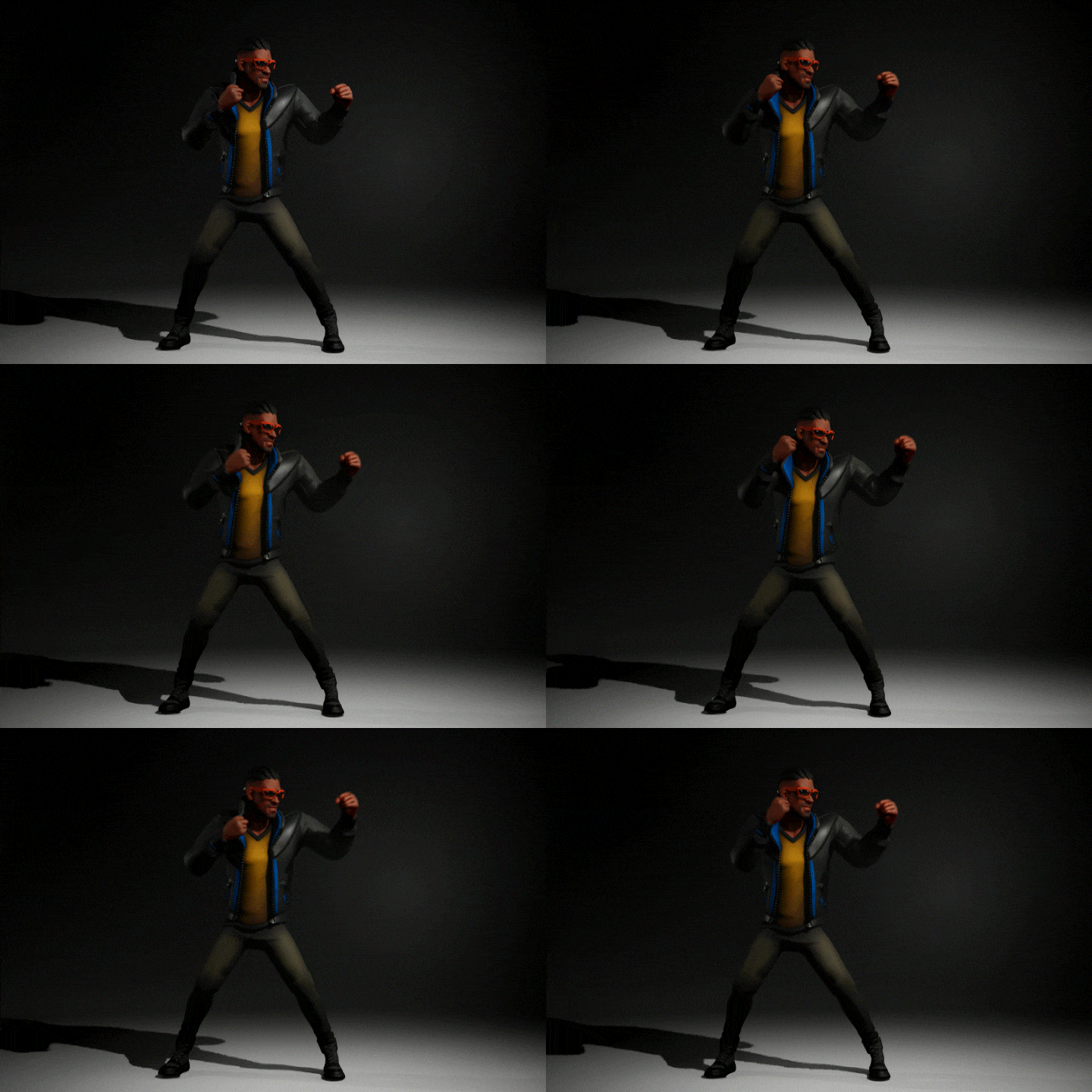
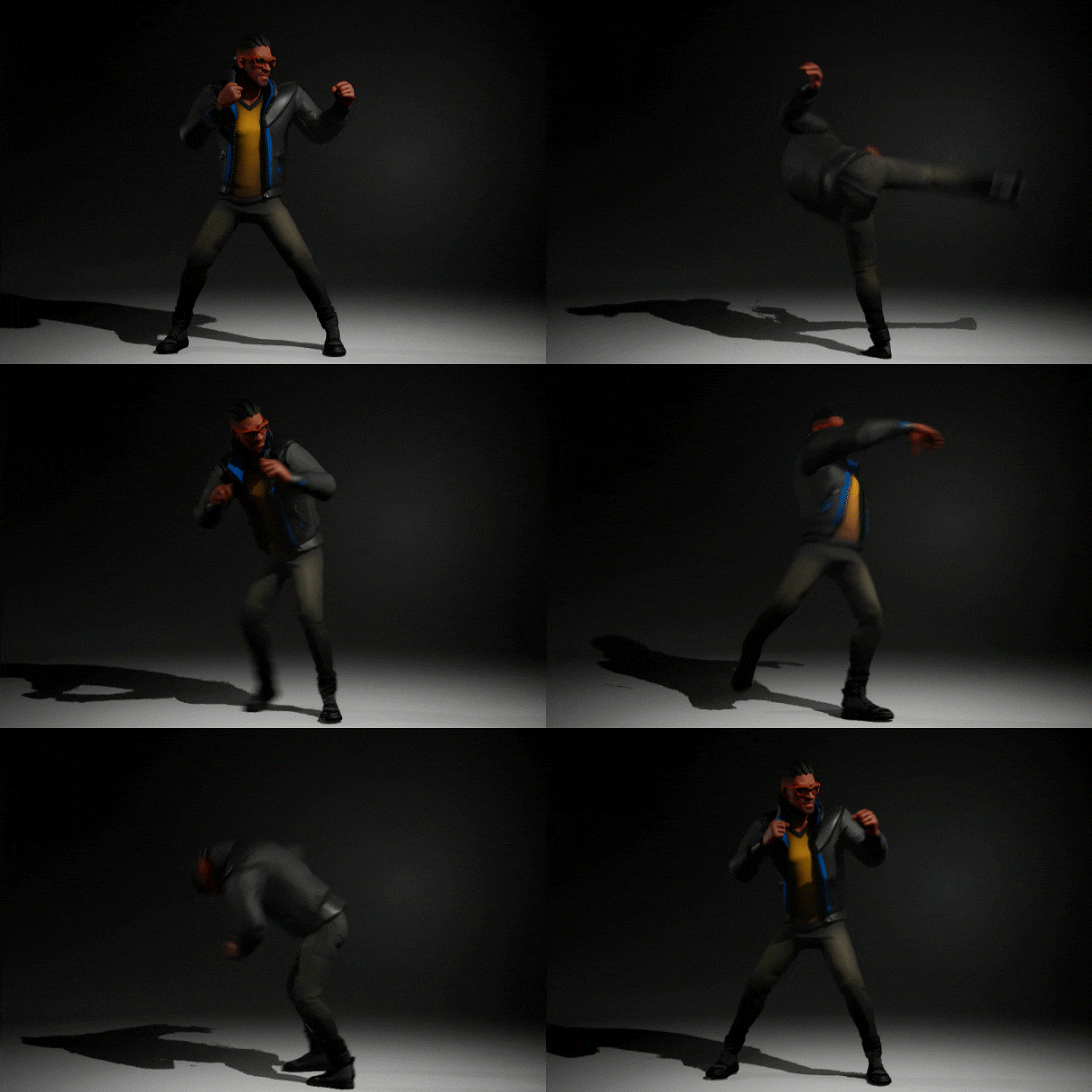
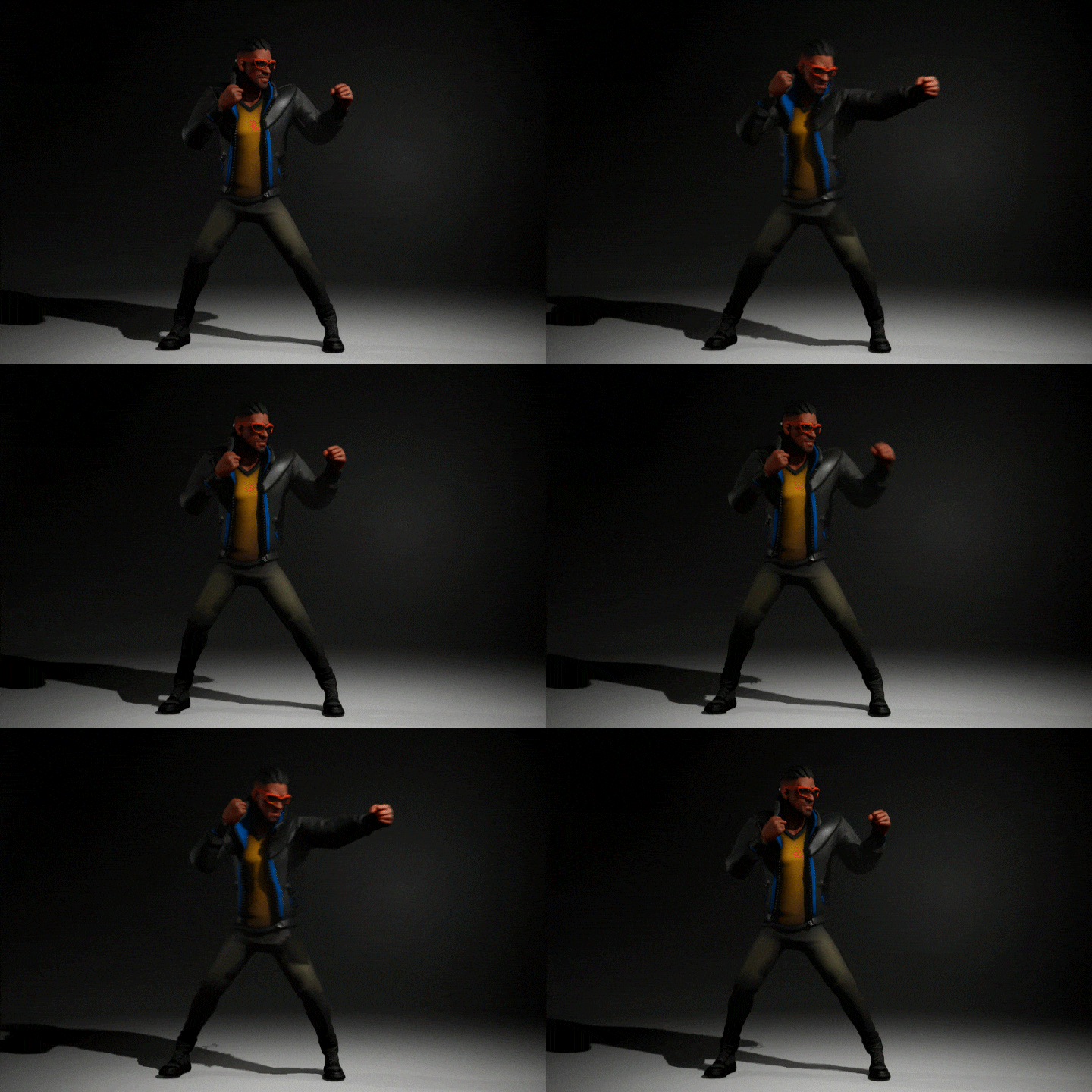
Retarget Pose From Mesh: Applying motion to different types of skeletons
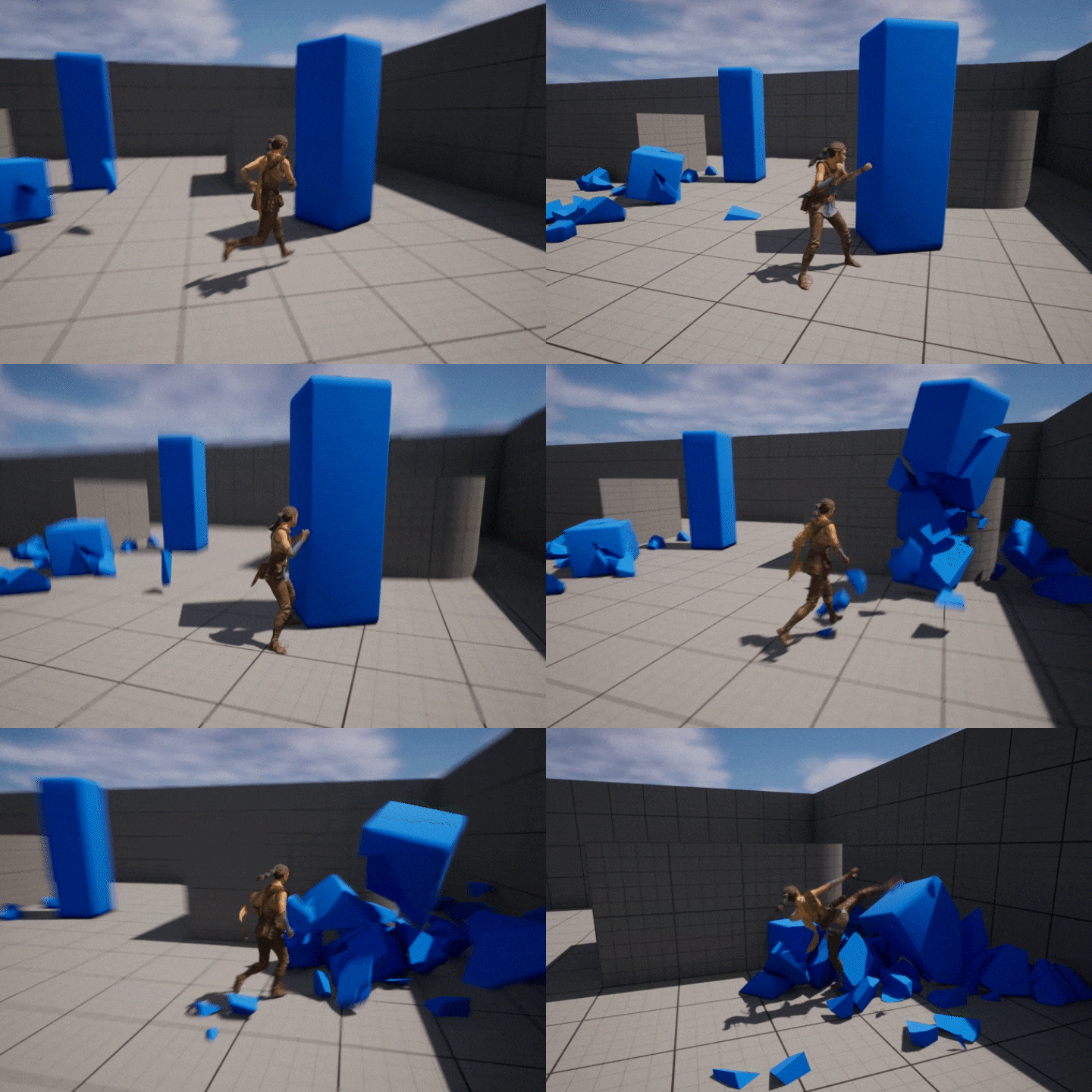
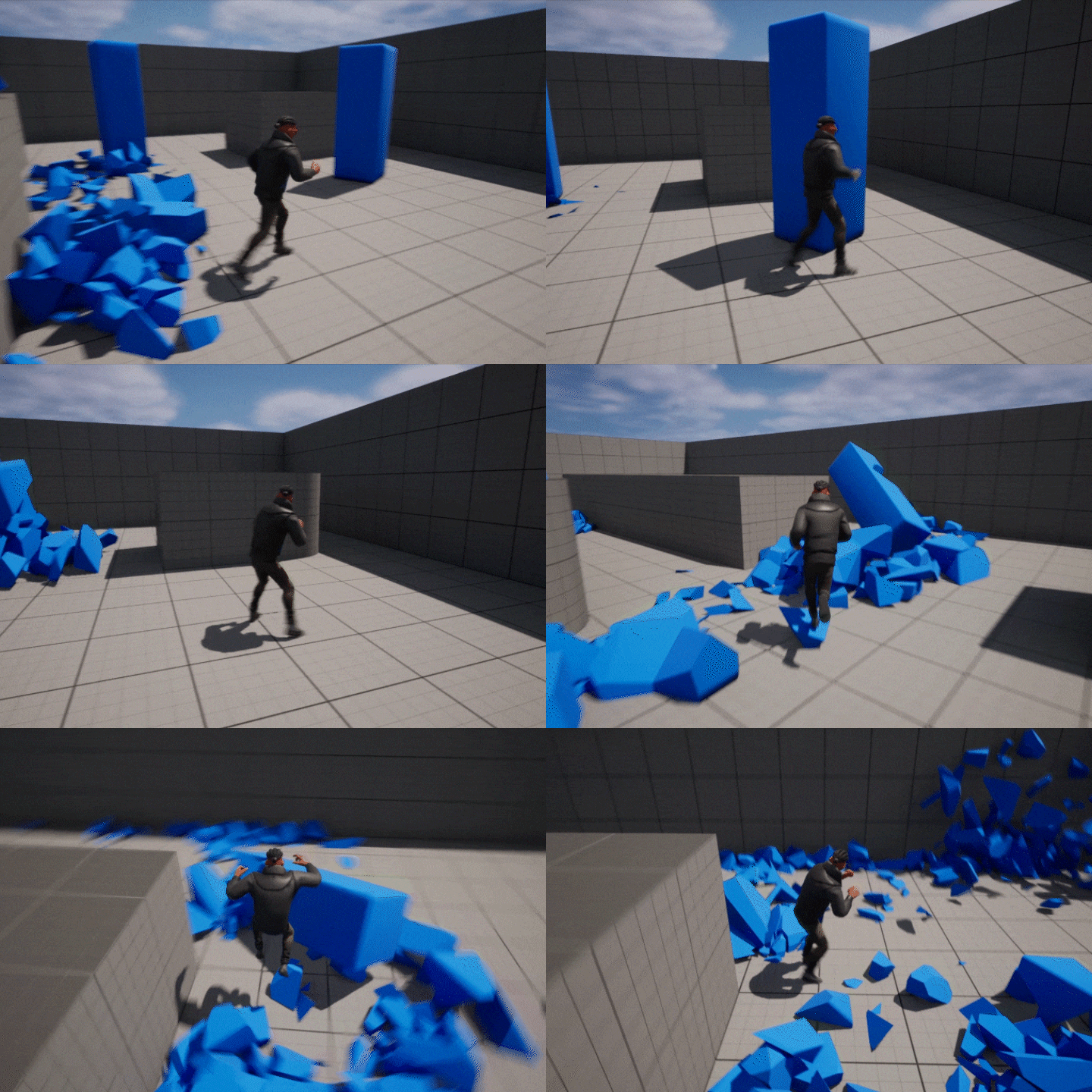
Applying Motion to the Third Person Template: Creating In-Game Scenes
Part 02. Cinematic
-
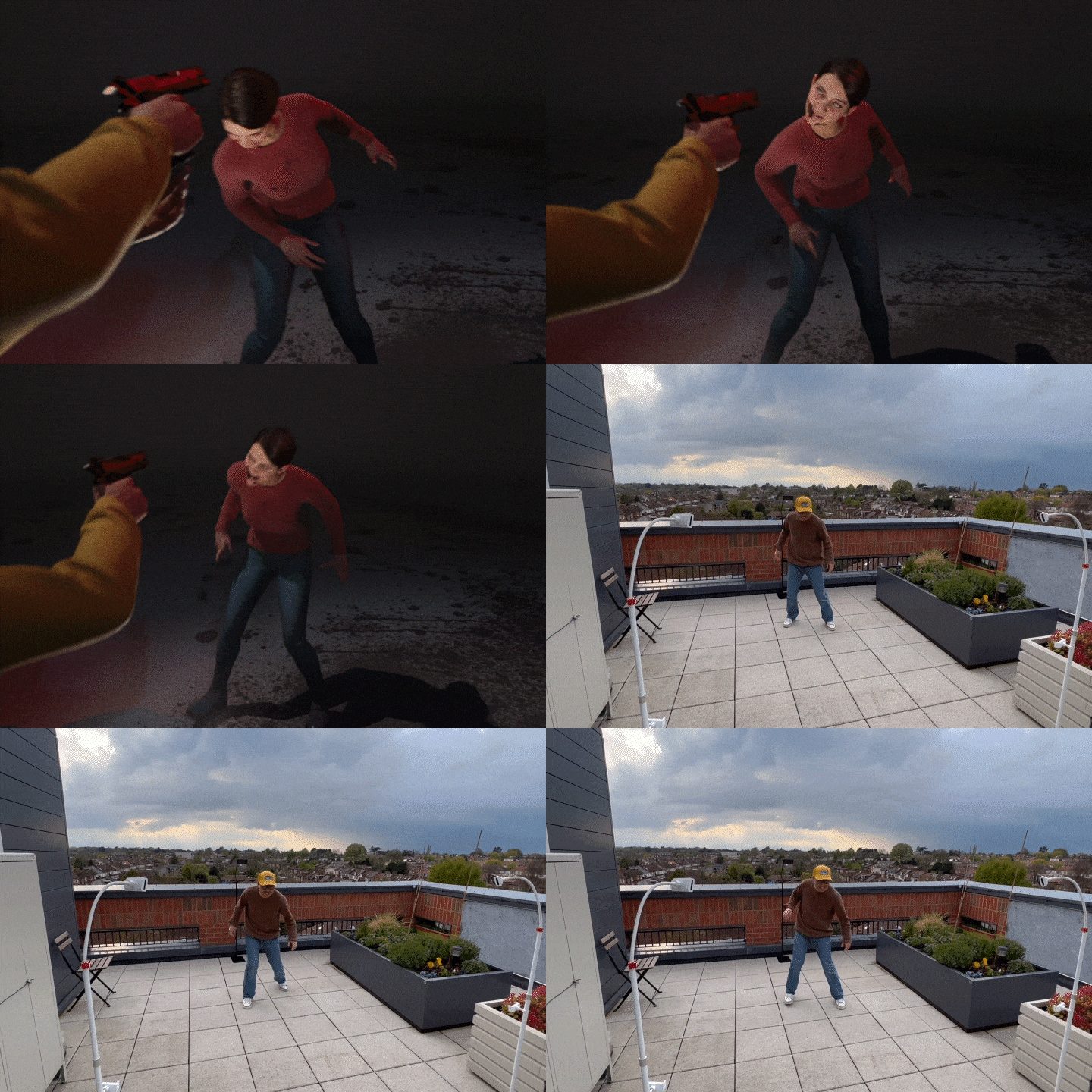 Body capture
 -
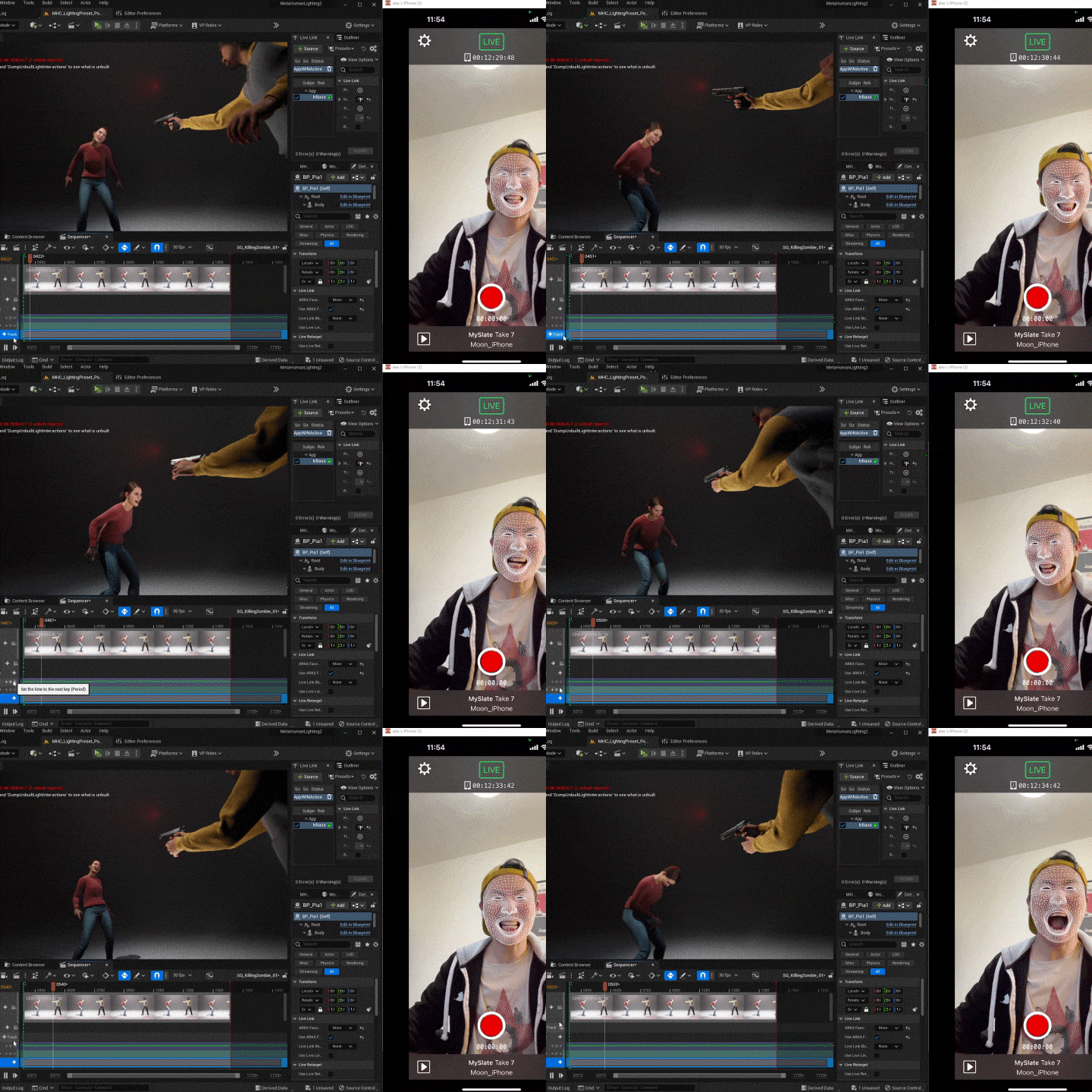 Facial capture
 -
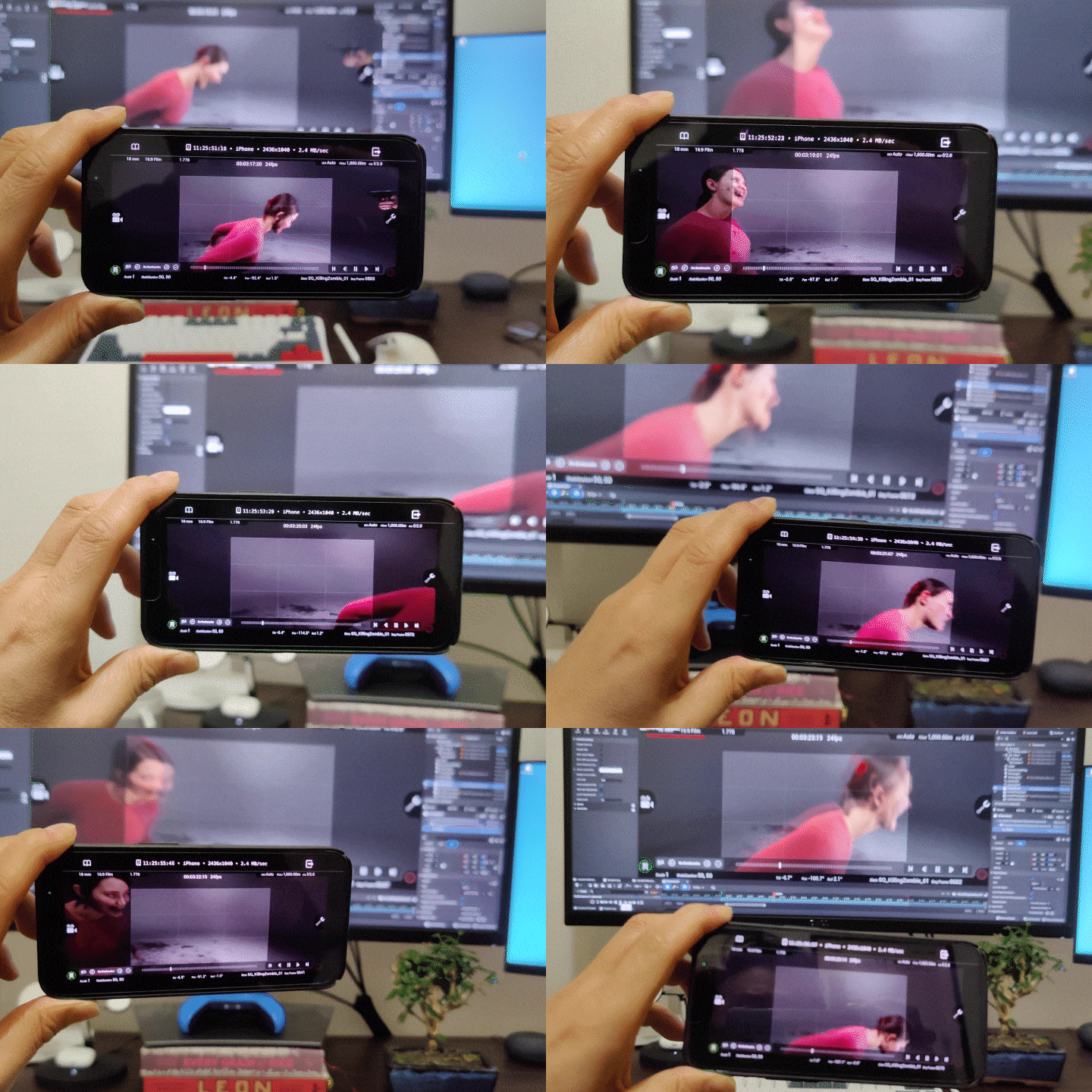 Virtual camera
-
 Zombie character motion editing
 -
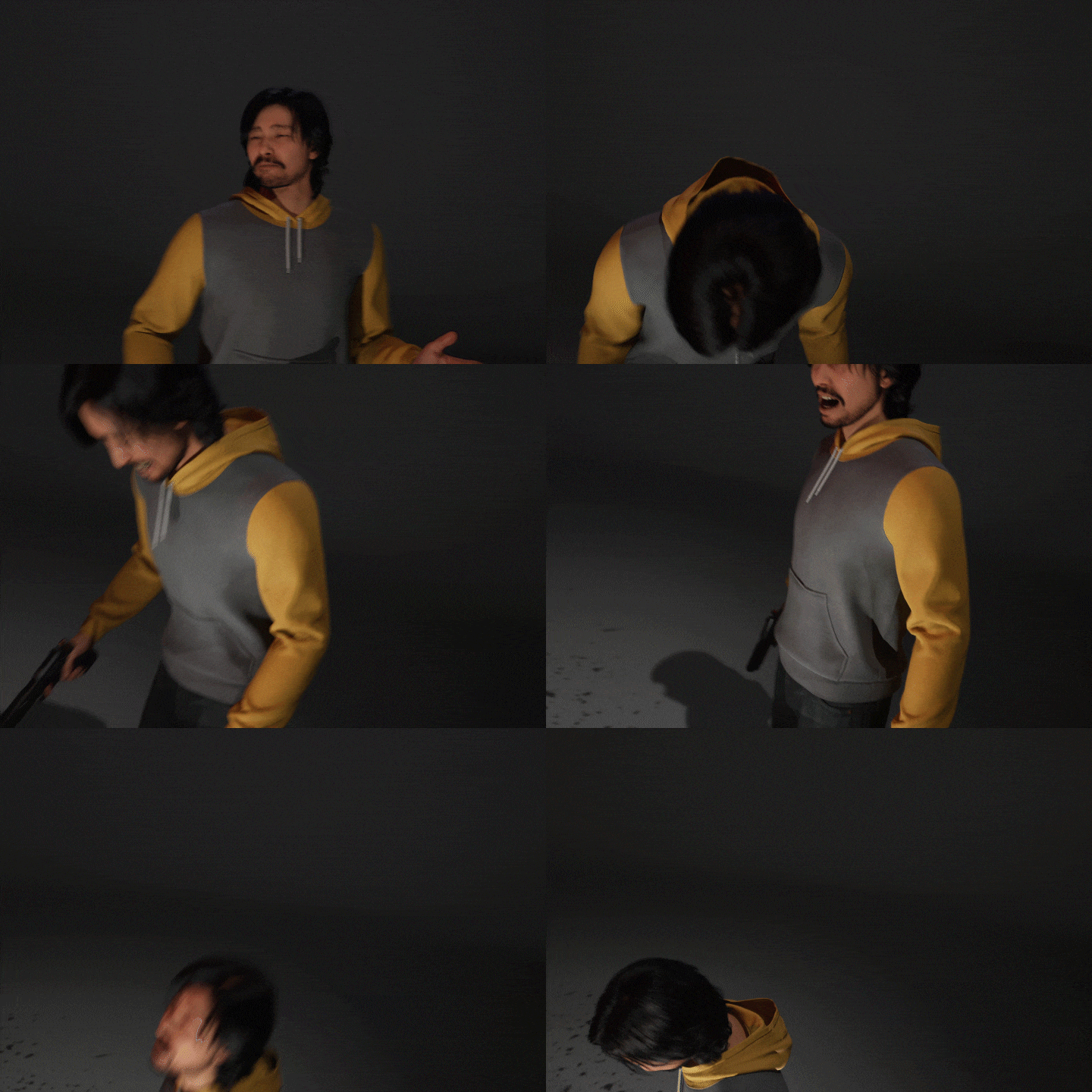 Male character motion editing
(Final) Cinematic Scene
3D Animator
Alex Moon
Hello, this is 3D animator Alex Moon.
After moving to the UK after working at Nexon and NCSoft, I gained experience at Creative Assembly and Rockstar Games studios, and am currently working as a Principal Animator at a company called Improbable.
In this class, I will demonstrate the animating know-how I have accumulated through experiencing various projects from famous domestic and foreign game companies.
I will teach you all new and convenient skills based on our knowledge and experience using Unreal Engine animation tools.


3D Animator Alex Moon
[Current]
Improbable Principal Animator
(Metaverse-related project in progress)
Projects & Awards
[Nexon]
Mabinogi Heroes
[NCSoft]
Undisclosed new project
[Creative Assembly]
Total War: Rome 2
Total War: Warhammer 1,2,3
Total War: Three Kingdoms
[Rockstar Games]
Red Dead Redemption 2
[etc]
2023 British BAFTA Game Animation Category Judge
class features
Class Highlights
3D Animation Process Completed with Just Unreal Engine
Learn in detail about Unreal Engine 5's new animation features, control rig and retargeting, and apply three retargeting methods to examples to create high-quality motion quickly and easily.
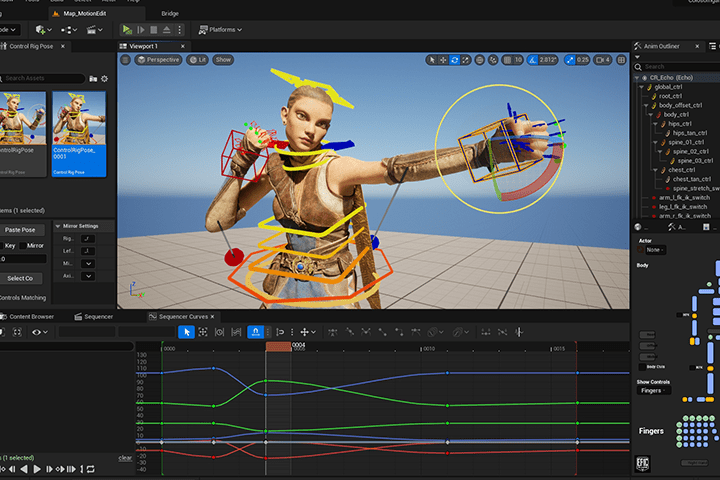
Motion Capture and Motion Editing That Anyone Can Easily Access
Learn how to capture and edit motion using only a smartphone application, without the hurdles of a studio or equipment, and learn tips for dynamic motion editing.
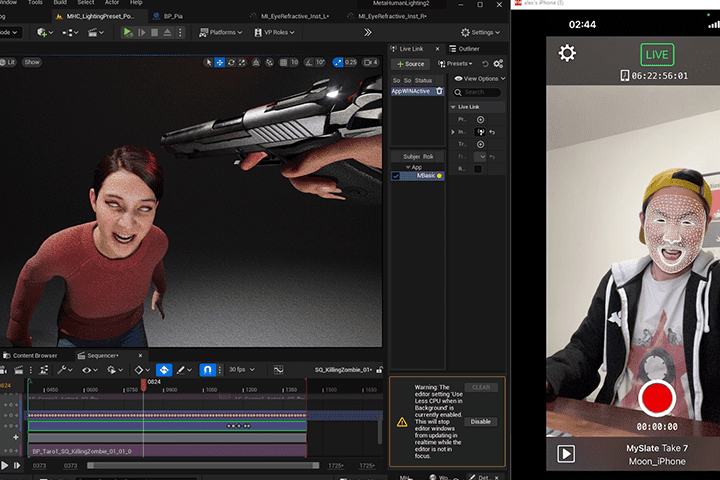
In-Game &Amp; Cinematic Animation for Career Expansion
Unreal Animation can be used not only in games but also in the video field! We will cover animation examples in both in-game and cinematic fields, strengthening your capabilities as an animator and expanding your career.
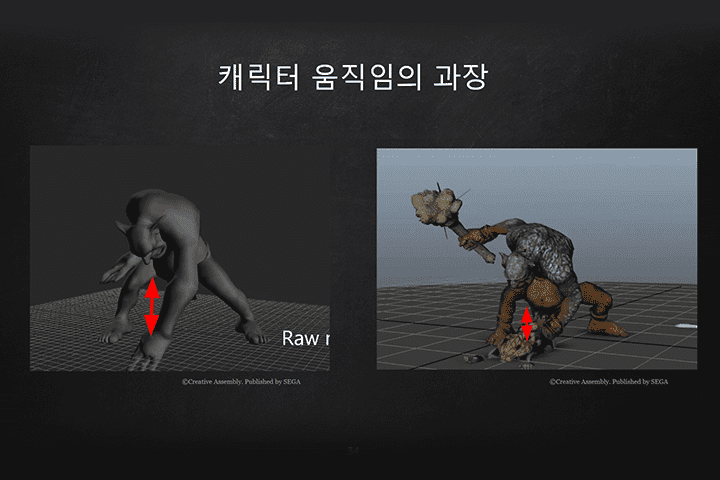
Class Details
You'll Learn
-
 Unreal Engine and the Metahuman Video Production ProcessLearn about the definitions of metahumans and the Uncanny Valley, point out improvements, and learn the video production process using them.
 -
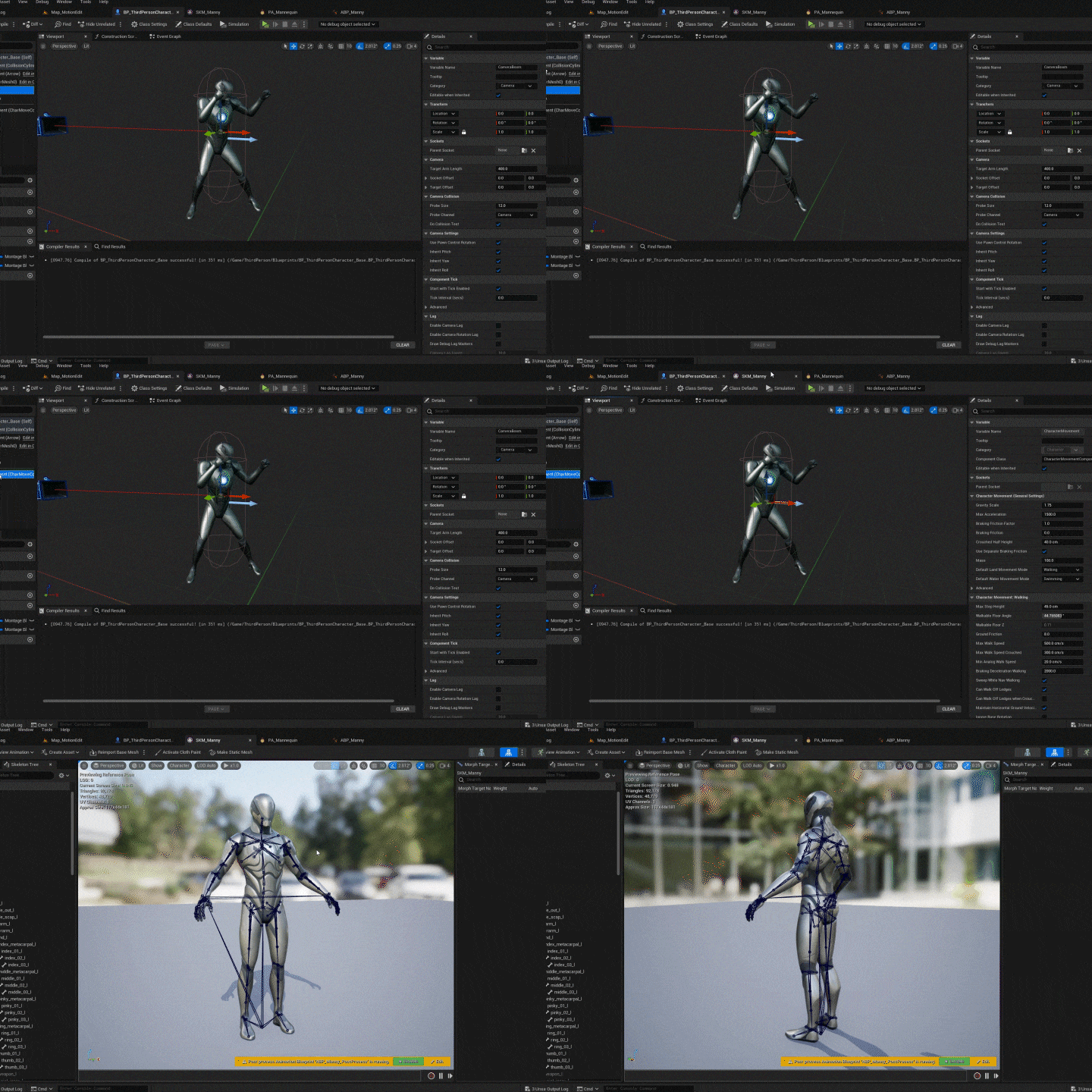
 How to Use the Newly Installed Animation TechnologyWe will learn the overall process of creating motion through control rig and retargeting, which are the most advanced motion functions, and then applying them to game characters.
 -
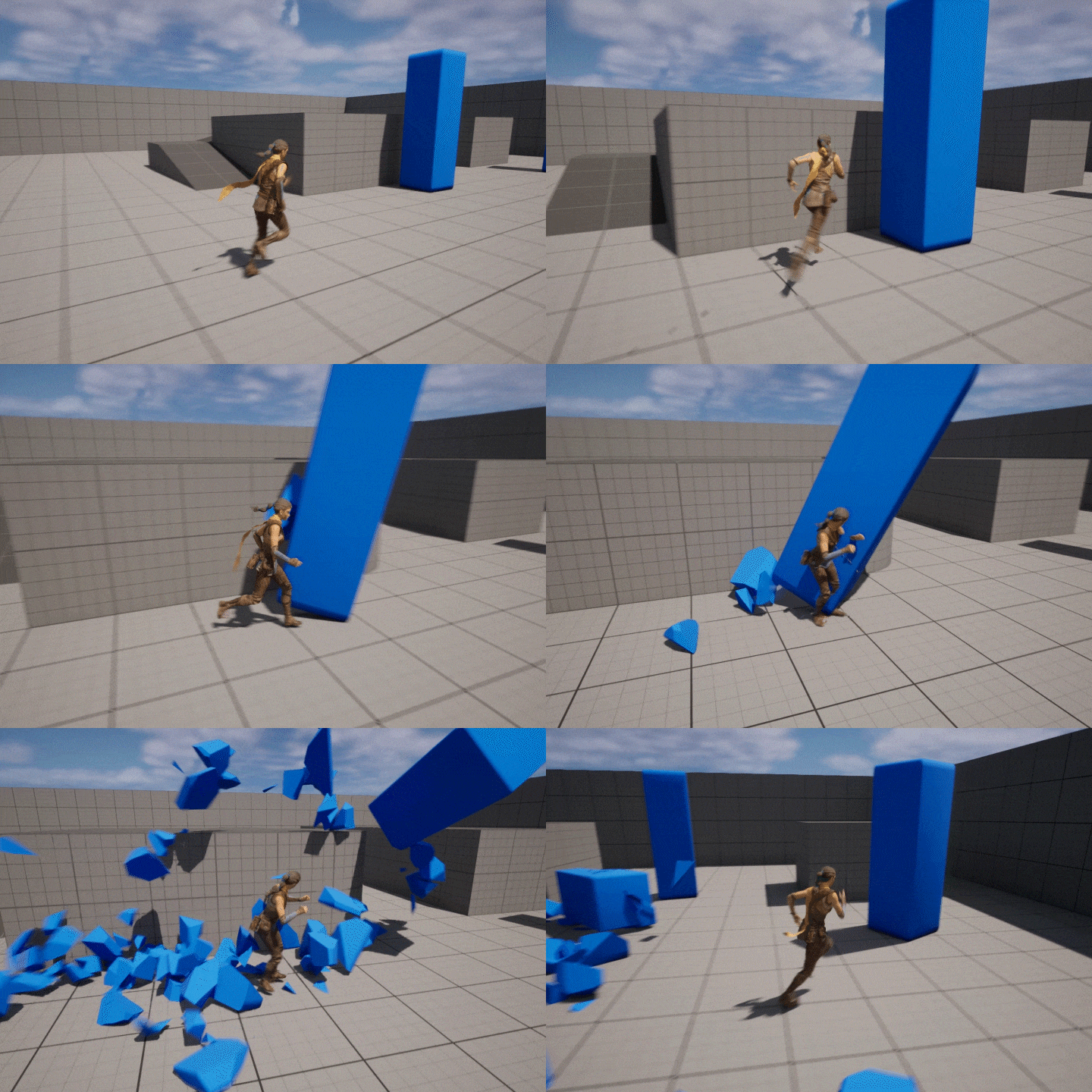 Creation of In-Game Motion and Game Play ScenesCreate a third-person game play scene and play it yourself by applying idle, punching, and kicking motions frequently used in-game to the character.
-
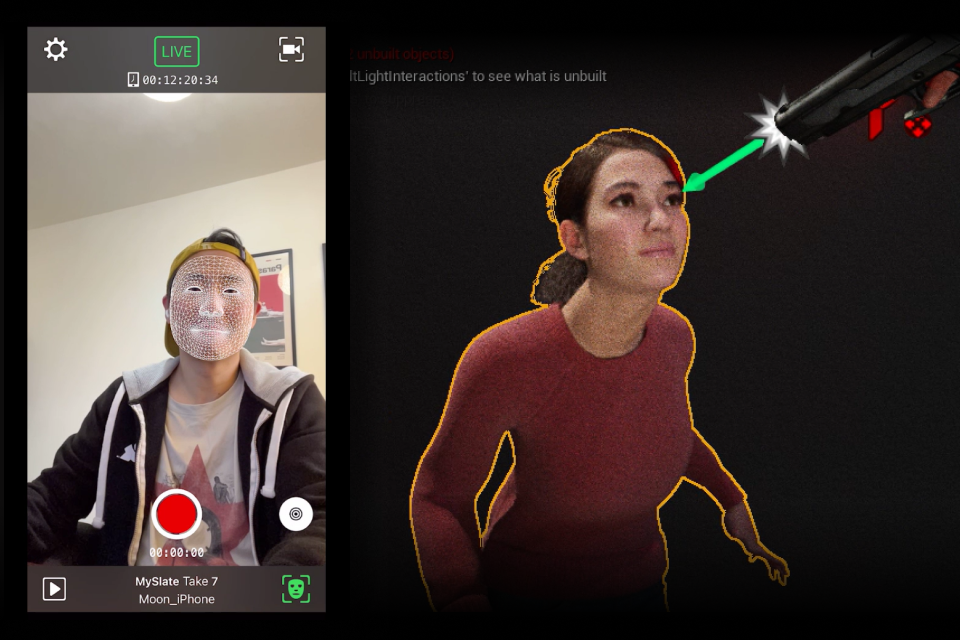
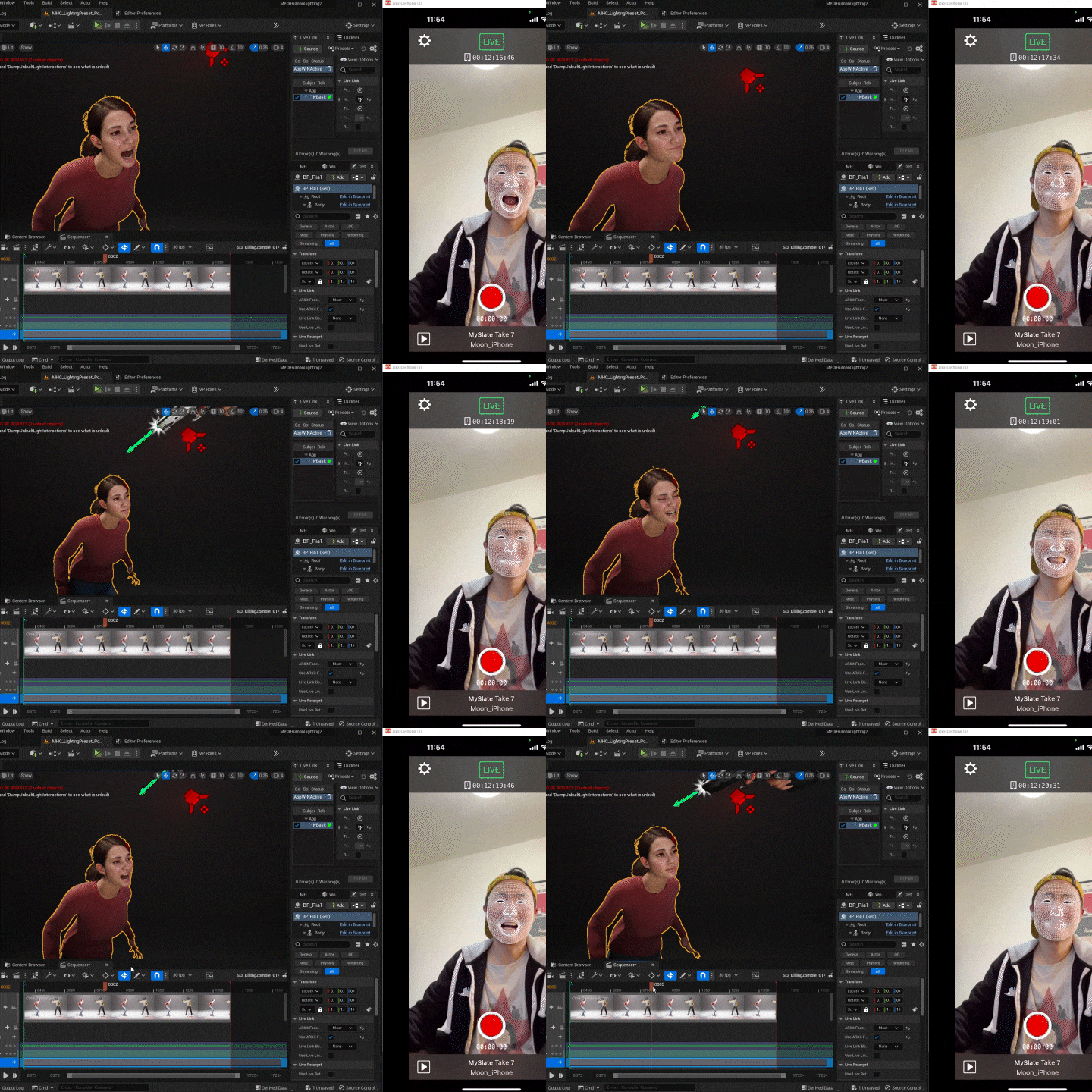 Production of Cinematic Scenes Using Motion Capture DataWe use Move AI and Livelink Face to capture body and face, and apply the extracted motion capture data to metahumans to create vivid cinematic videos.
 -
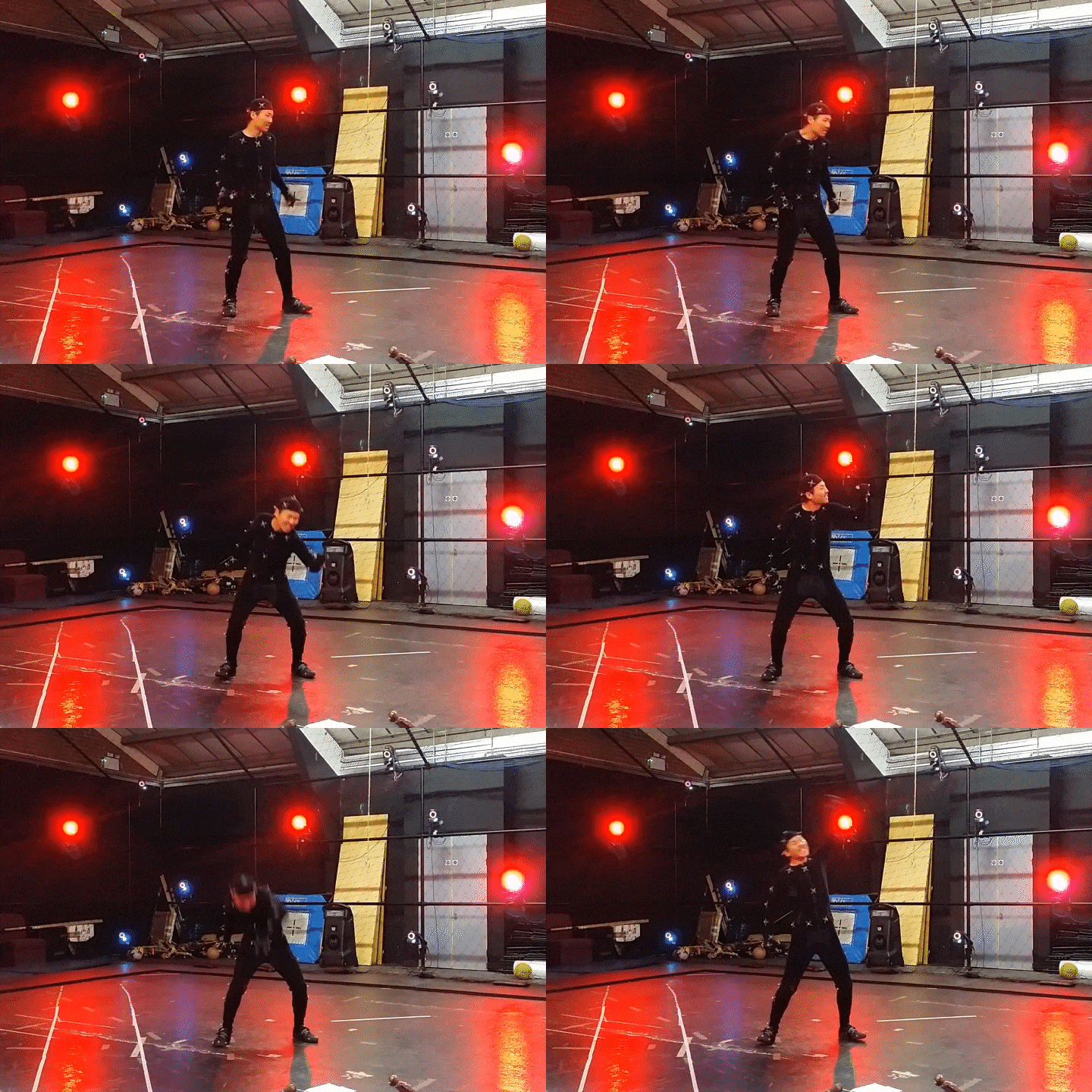 Complete Dynamic Motion Capture Data EditingBased on the speaker's experience editing various motion capture data, we will learn various tips for showing movements more dynamically.
 -
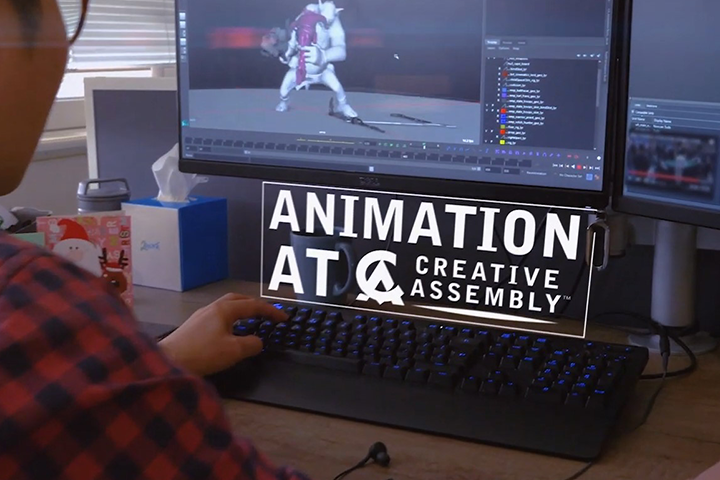 Motion Job Stories &Amp; AAA Company Career TipsWe share the motion work we have done so far and reveal tips for strengthening your capabilities as a 3D animator and know-how for getting a job at an AAA company.
curriculum
Curriculum
In-Depth Look
SECTION 01. Introduction to Motion Production Cases Using Unreal Engine 5 and Metahumans
01. Class Introduction
- Introduction to previous work and motion capture editing examples
* Example 01) Three Kingdom
* Example 02) Warhammer
* Example 03) Personal task attack motion - Why post-production is important when using motion capture data
02. Introduction to Motion Capture Editing Examples and Realistic Motion Cases Using UE5
- What is the Uncanny Valley?
- Description of past problems and resolution status
- definition of metahuman
* Case 01) Metahuman Pole Dance
* Case 02) Metahuman Boxer
* Case 03) Metahuman Peregrine Falcon
SECTION 02. Preparation for Creating Motion in Unreal Engine 5
03. Introduction to the Section and Explanation of the Advantages of Animating in UE5 Settings
- Section 2 Introduction
- Download UE5
- Create a new project (add ThirdPerson sample content)
- Introduction to useful engine settings when animating
- Advantages of creating motion in UE5
04. Basic Explanation of How Game Motion Works
- Description of assets related to in-game motion
skeleton mesh
skeleton
Physics Asset
animation sequence
Character Blueprint
Animation Blueprint
05. Introduction to Using Control Rig
- Introduction to Controllic
- Introduction to Sequencer and Controllic UI
- Loading into an already created animation control rig
SECTION 03. Quickly Create Motion for Games Using Mocap Data and Controllic
06. Introduction to Motion Retargeting in UE5
- Introduction to Lecture 3 Section
- Three types of retargeting supported in UE5
- Skeleton compatible
- IKRig settings
- Retargeting pose from Messi
07. Changing the Default Mannequin Character to an Eco Character
- Download Eco Project
- Moving to ThirdPerson Project through migration
- Skeleton compatibility settings (retargeting setup method A)
- Changed the default character settings in the Mannequin Blueprint to Echo.
08. Modify the Mannequin’s Basic Running Motion
- Import and modify existing running motions in Sequencer
- Export and check running motion in game
- Apply immediately through Linked Export
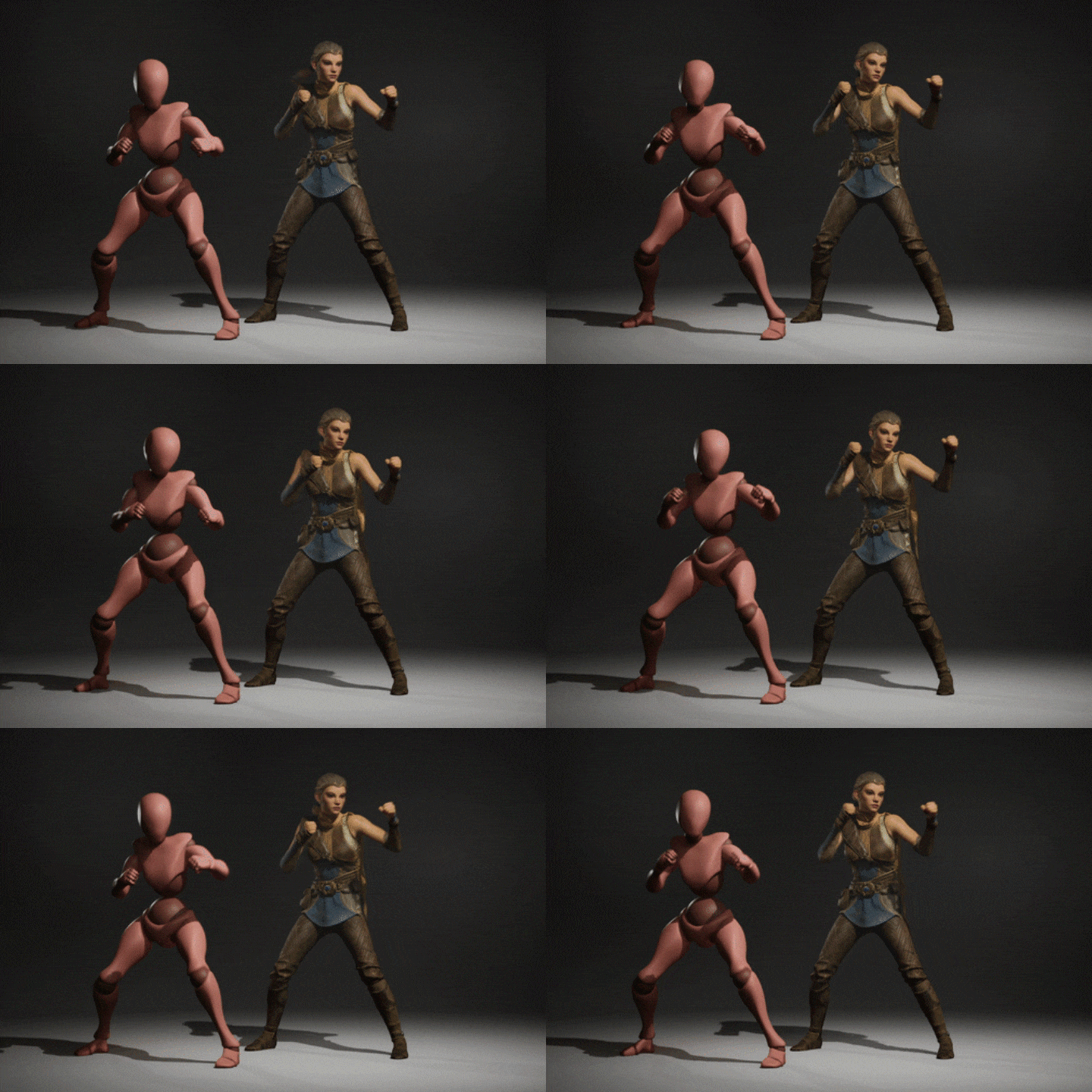
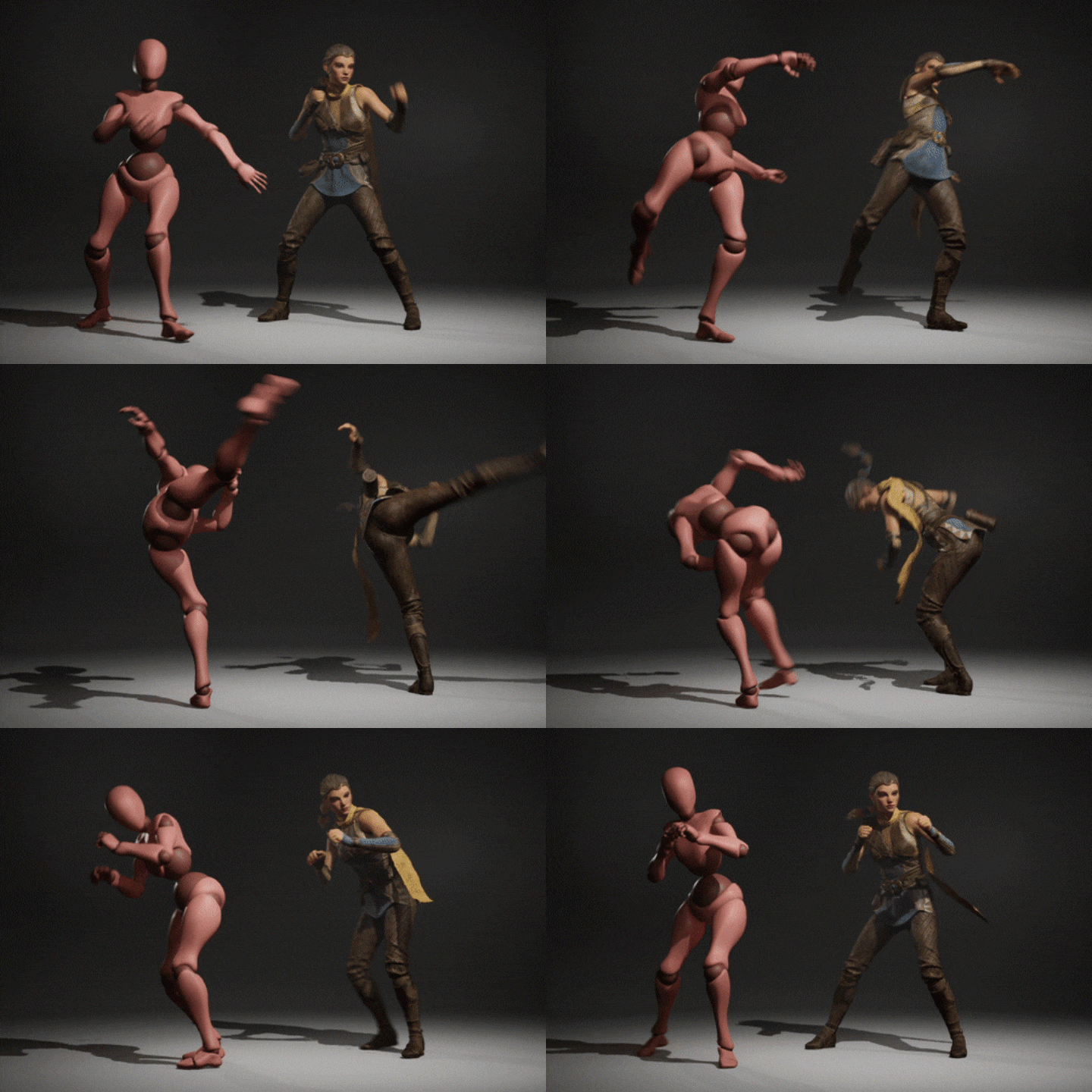
09. Receiving Motion Data from Mixamo and Applying It to My Character
- Download Idle motion and Kick motion from Mixamo
- Import the received animation from Unreal Engine.
10. Set Up Ikrig for Mixamo Character for Retargeting
- IKRig settings for Mixamo characters
- Mapping retargeting between Mixamo characters and Mannequin 5
11. Idle Motion Editing
- Edit the third pulse map and create a motion editing map.
- Edit retargeted idle motion in sequencer
> Gaze straight ahead
> Reduce head movement in curve editor
> Correct finger shape. The other side was modified by attaching a pose mirror.
> Raise your hand position a little higher.
> Export as linked animation and check in game
12. Editing Kick Motion
- Edit retargeted kick motion in sequencer
> Match the first and last poses
> Set kick motion to occur when right-clicking on the blueprint
> Modify timing
13. Creating a Punching Motion
- Creating key poses in sequencer
- Exporting to Linked Animation
- Setting the punch occurrence when left mouse click in blueprint
- Modify punching speed and motion details
14. Creating a Destructible Object
- Apply simulation
- Set objects to break when punching and kicking
15. Quickly Apply Motion to Characters of Different Skeleton Types
- Download Stylized Character Kit: Casual 01 from Marketplace
- Create blueprint, add RetargetPoseFromMesh
SECTION 04. 04. Production of Cinematic Videos Using Motion Capture Data and Metahumans
16. Create a New UE5 Project and Download Metahuman
- Section 4 Introduction
- Download Metahuman Lighting from Unreal Marketplace and create a project - Introduction to Metahuman
- After downloading the metahuman, place it on the sequencer.
- Brief explanation of metahuman controllic
17. Motion Capture Using Move.ai
- Introduction to Move.Ai / How to set it up / Actual capture
(Downloadable files provided)
18. Applying Mocap Data to Characters
- Import mocap data
- Applying mocap data to each character in sequencer
- Cut only the parts you want to use from mocap data
19. Female Character Editing
- eye contact
- Modify finger shape (using pose library)
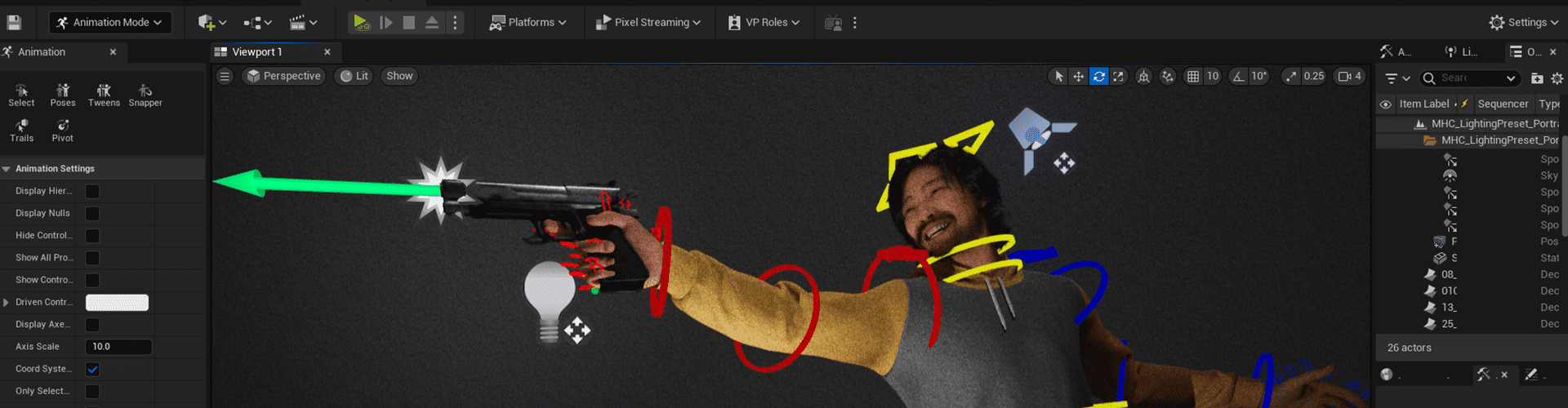
- Exaggeration of the motion of being shot
20. Male Character Editing
- Cut out unnecessary parts and attach using blend.
- Download the gun model from the marketplace and attach it to your character.
- Modify hand shape
21. Apply Body Simulation to a Dying Character
- Physics asset settings
- Apply physics in sequencer
22. Face Capture Using Livelink
- Introduction to LiveLink and how to set it up
- Actual capture (downloadable file provided)
- Apply to character and edit
23. Add Camera Movement Using Hand Keys
- Add movement by keying the camera
- Adjust camera settings to create an out-of-focus effect
24. Motion Polishing after Adding Camera Movement Using Virtual Cam
- Add camera movement using virtual cam
- Fix movement visible on camera
25. Conclusion
- Add lighting
- Add effects
- Inserting and rendering background music
SECTION 05. Tips to Make Mocap Data More Dynamic
26. Mocap Data Editing Tips Part 1
- After matching the first/end pose, quickly check the motion in the engine
- Find the Golden Pose
- Exaggeration of pose and movement distance
- Exaggeration of hip motion that adds strength to the action
27. Mocap Data Editing Tips Part 2
- Let the character's gaze be directed towards the target or the object encountered.
- Add rhythm to motion
- Timing correction is performed after pose correction.
- Bringing out character characteristics
- Animation using references
SECTION 06. Tips as an Animator
28. Career Tips as a 3D Animator
- 3D animator's capabilities
> Do I have to be good at drawing?
>Do game animators also need to know Blueprints?
> Is there anything you wish you had known when starting your career as an animator? - AAA company employment know-how
> Prepare your portfolio
> Why acquaintance chances are important
> Interview Tips: Self-introduction and portfolio introduction
> English skills required for employment at foreign companies
Interview with
3D Animator, Alex Moon

Question.01
Why should we pay attention to animations produced with Unreal Engine?
Why should we pay attention to animations produced with Unreal Engine?
Unlike 3ds Max or Maya work, which requires multiple tools, you can create motion within the engine and immediately check the character's movements through game play, maximizing productivity and efficiency . It is expected that the game animation production pipeline will gradually change to solving everything within the engine, so I think the prospects for animating using Unreal Engine are very bright.
Question.02
What are the unique points of this class?
What are the unique points of this class?
Through the 'Controllic' and 'Retargeting' functions newly added to Unreal Engine 5 , you can create in-game motions and scenes using only Unreal Engine . You can also directly extract your own motion capture data through the app and use it to create realistic cinematic videos. Experience expanding your career as a 3D animator by creating both ‘in-game examples’ and ‘cinematic examples’!
Question.03
What do you think are the strengths of this class?
What do you think are the strengths of this class?
Based on our long animating experience, I will introduce the motions we have created so far and teach you editing methods to make them look dynamic and cool. Take home all the tips to strengthen your capabilities as a 3D animator and the know-how to get a job at an AAA company .
Required Programs
This course will use
- Unreal Engine 5.2 program
Please purchase and install these program(s) for an optimized chapter experience.
- LiveLink Face (iPhone app/latest version)
- Move AI (iPhone app)
*These programs and/or materials will not be provided with the chapter.