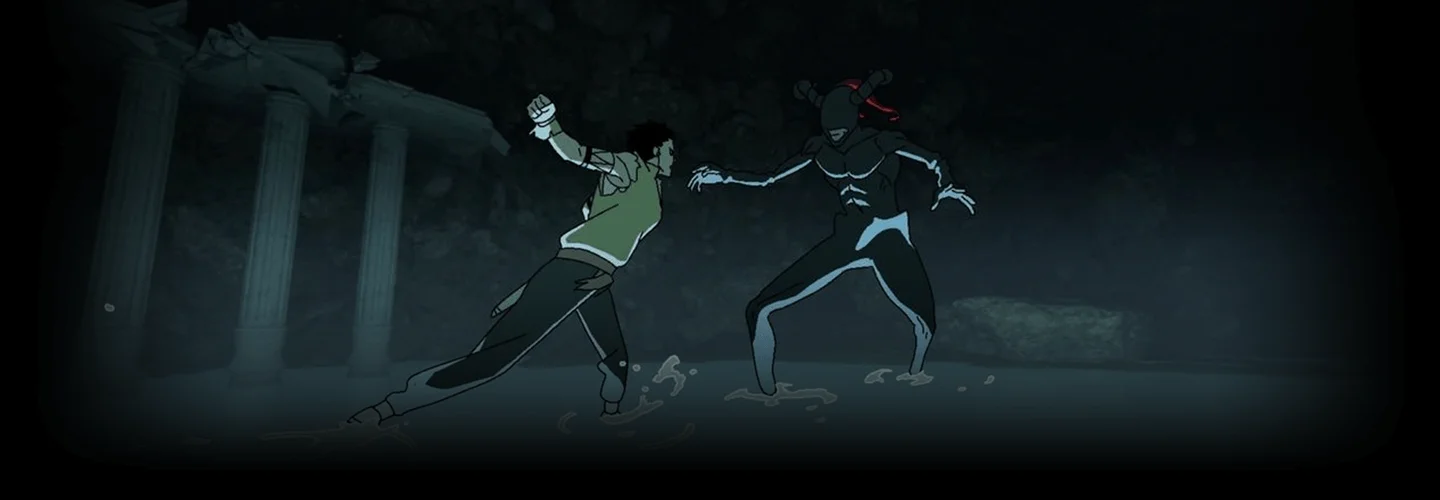
2danimator,DALRI Details
Intro
Class Intro
2D Animator, DALRI
With this 28-chapter curriculum guide, I will help you create comprehensive frame-by-frame action scene animation.
Create a Blood-Pumping Combat Animation Scene with DALRI
In this comprehensive frame-by-frame action scene animation course, DALRI will cover it all, from mastering the fundamentals of human proportions and character movement to honing advanced techniques like composition, storyboarding, and camera movements. You will gain a well-rounded understanding of how intense fight scenes are animated as well as a general animation workflow.

Through a structured curriculum designed to build upon the foundation of animation, students will not only learn the technical side of action scene animation but also storytelling and choreography. If you want to kick your animation up a notch by adding breathtaking and intensive fight scenes, this is a no-brainer course to take.
Class Perks
Get These Coloso Exclusives
-
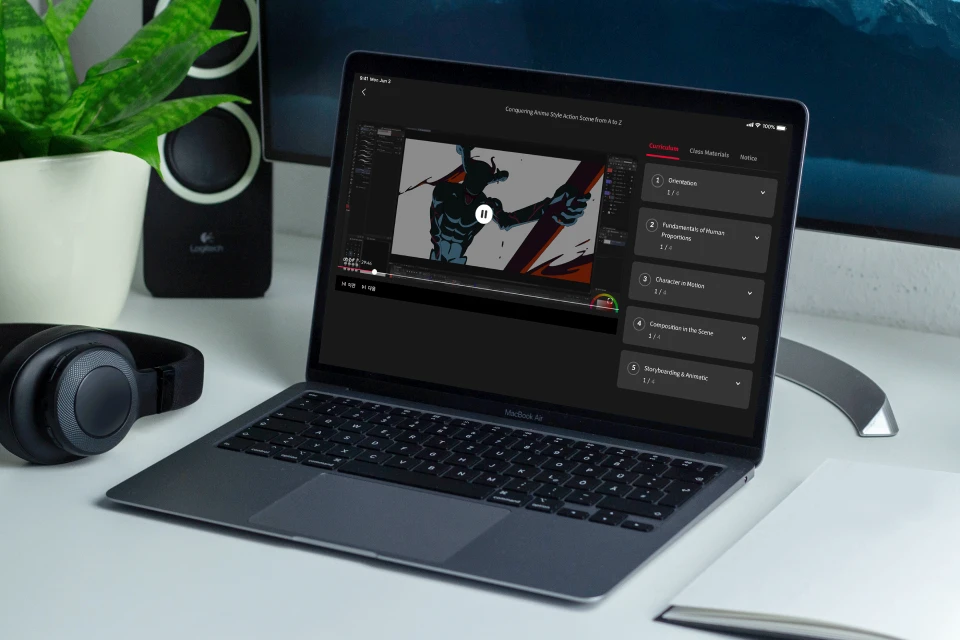
Unlimited Access to All Chapters -
Clip Studio Animation Files of Every Stage -
Final Animation File and More
Class Material Details
-
 Step by Step Animation Process- 1 Clip Studio file for each animation stage
- 3 Additional Chapter Recordings -
 In-class Combat Animation File- 1 Final Animation File
 -
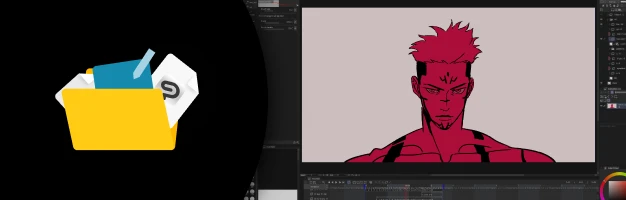 Personal Animation Files- 3 Popular Clip Studio animation files
Expert 2D Animator DALRI's Portfolio








※ This portfolio contains fan animations
Why Take This Class?
Do you want your animations to be breathtakingly immersive?
Want to incorporate intense combat scenes into your animation?
Get personalized guidance and hands-on practice as you delve into the technical aspects of action animation with powerful combat scenes. This comprehensive course begins with diving into the fundamentals of human proportions, guiding you through the entire process of animation while integrating dynamic effects seamlessly into your animations.
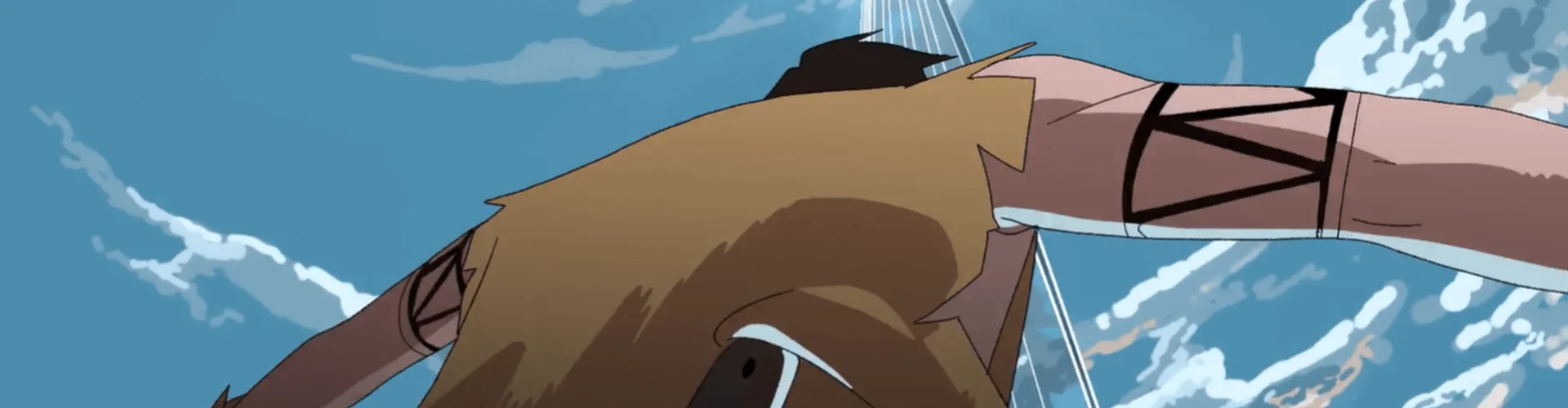
10 Class Exercises
-
 Characters for Action
 -
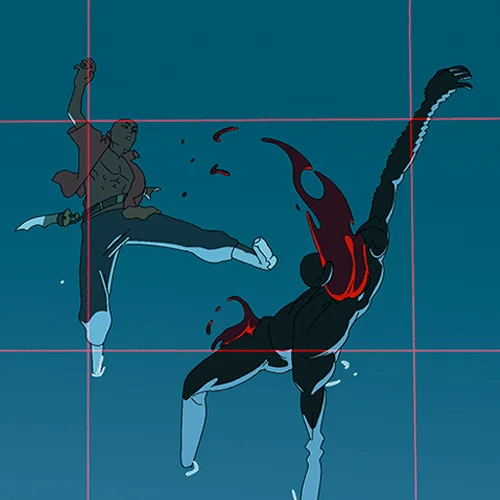 Composition in Scene
 -
 Storyboarding & Animatic
-
 Camera Work in Action Scenes
 -
 Key Poses & Arcs
 -
 Animating Character Details (Hair & Clothes)
-
 Simple Background Animation
 -
 FX Animation: Fire & Explosion
 -
 FX Animation: Water & Thunder
 -
 Coloring & Shadowing
Instructor
2D Animator
DALRI
Hi everyone, My name is DALRI, and I am a freelance animator.
Animation has been my passion since I was just 11 years old. From that age, my goal was always to master the art of Sakuga and make my way into the world of anime. That dream started to take shape at 19 when I got to work on short scenes for The Black Clover, and since then, I've had the opportunity to contribute to other notable anime projects.
Alongside the big projects, I've always been interested in freelancing and building my own ground to experiment with different ideas and techniques, constantly honing my abilities.
In this course, I want to show you the complete workflow of creating a dynamic action scene, talk about all the techniques that can make your animation come alive, and give you all the necessary information that will help you in the future to create animations of any complexity.

2D Animator, DALRI
[Current]
Freelance 2D Animator
Projects & Awards
Participated in:
- Black Clover
- Idaten (Mappa Studio)
- Wonder Egg Priority
- Jalex Rossa (Storyboarding)
- Other NDA projects
Highlights
Class Highlights
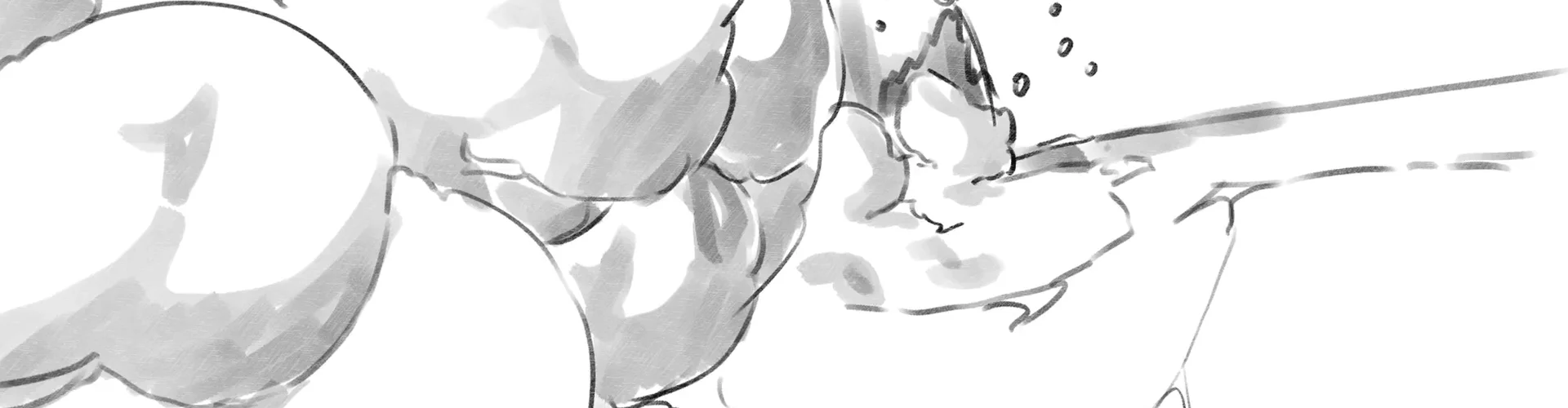
Animation from Character Design to a Complete Action Scene
Drawing your own character will give you the opportunity to reveal your full potential, and going through the entire process of creating an action scene animation will give you a thorough understanding of working with timing and arcs in animation.

Camera & Volume in Action
Working with the volume of the character is one of the most important aspects of the entire process of creating animation. You will learn how to create a volume using the camera and the simplest lines.

FX Animations for Dramatic Effects
Understanding how effects work will give you more freedom in creating them in the future. Just like knowing the principle of movement of an explosion will allow you to animate it in any situation.

Class Details
You'll Learn
-
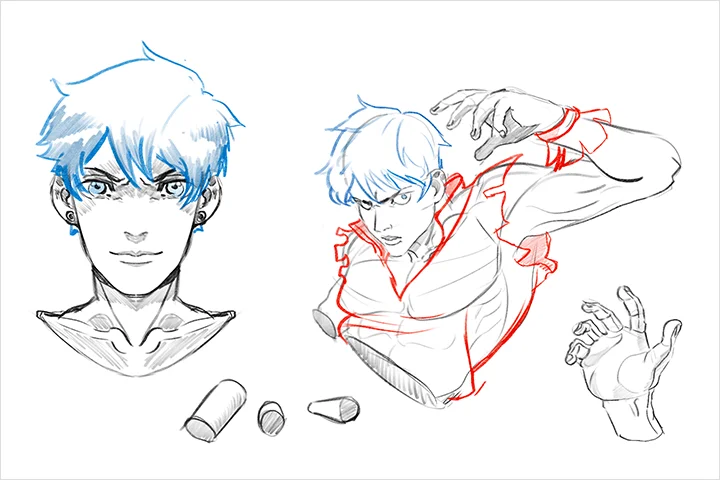 Character Designing for AnimationGain a complete understanding of how a volumetric character comes to life from scratch. You'll be equipped with the knowledge needed to be able to seamlessly integrate them into any animation project.
 -
 StoryboardingExplore the complete process of creating storyboards and animations, immersing yourself in composition and dynamic camera animation techniques that will aid you in bringing your creative visions to life.
 -
 Rough AnimationDuring this phase, you will learn to work with key character poses as you master essential techniques, including the fundamental animation principles. Through hands-on practice and guidance, you'll develop a solid understanding of character animation.
-
 Tie DownIn this stage, we'll carefully select the most effective brushes for refining tie-down animations and dissecting characters into manageable parts for enhanced detail and precision. Additionally, you'll gain valuable insights into designing work tailored for studio environments.
 -
 Clean UpYou will learn the optimal brush settings for refining animations to perfection while also delving into the details of working with vector layers.
 -
 FX in Action Scenes & MoreBy understanding the underlying principles of FX animation, you'll not only avoid simply mimicking other artists' techniques but also gain the ability to create captivating effects of your own.
- Unlimited Access
- Best Price
Buy now, get unlimited access.
12/31 (Sat) (UTC-7) Special offer ends soon.
This special offer ends soon.
Buy now and save!
Curriculum
Class Preview
Check out DALRI's Class Preview
Curriculum
In-Depth Look
SECTION 01. Kicking off with OT
01. Orientation
- Introducing your instructor
- What you will learn
- Helpful websites and software programs
SECTION 02. Drawing Characters
02. Fundamentals of Human Proportions
- Basic proportions of a human figure
- Drawing muscles on a person
- Animation of some muscles of the character
- Creating your own characters
03. Character in Motion
- Character drawing with volume
- Sketches of the character in dynamic poses
SECTION 03. Storyboarding and More
04. Composition in the Scene
- Analysis of the composition using examples from different shows*(Link on the screen)
- Working with the camera to evoke the right emotions
05. Storyboarding & Animatic
- Creating a storyboard in anime
- Search for references
- Creating animatic for our future animation
06. Camera Movements in Action Scenes
- Ways of working with the camera
- Arcs in the camera
- The camera as a way to turn any scene into art
SECTION 04. Rough Animation
07. Key Poses
- Rough drawing of key frames based on animatics for two characters
- Timing correction
- Key frames for the background
- Anticipation
08. Arcs
- Arcs in animation
- Work with inbetween frames
09. Details on the Character
- Principles of hair and clothing animation
- Animation of details on ready-made characters in motion
10. Background Animation
- Creating rough drawings and animation for the background
11. FX: Rough Fire and Explosion
- Drawing and animation for fire
- Drawing explosions
- Principles of animating an explosion
- Animating an explosion for our scene
12. FX: Water and Thunder
- Principles of lightning animation
- Principles of water animation
SECTION 05. Tie Downs
13. Tie Down Key Frames for Character 1
- A conversation about why this is the most enjoyable work in animation
- Creating tie-downs over rough animation
- Basics of working with keyframes for studios
14. Tie Down Inbetween
- Work on in-betweens for the first character
- Work on maintaining volume during movement
15. Tie Down Key Frames for Character 2
- Creating good key poses for the second character
- Work on emotions
16. Tie Down Inbetween
- Finishing in-between
17. Fire and Explosion Clean-up
- Line for fire
- Work with color
- Line for explosion
18. Explosion
- Work wirh colors in explosion animation
- Shadows
19. Water and Thunder Clean-up
- Line for lightning and adding effects.
- Color and line for water
SECTION 06. Cleaning, Coloring & Shadows (Related Videos Provided)
20. Necessary Corrections
- Fix character hands and details
- Finishing rough animation for clouds
- Preparing everything before cleaning
21. Final Clean-up
- Working with a vector layer
- Choosing a brush for cleaning
- Work with folders
- (Recording provided as perks)
22. Coloring
- Choosing colors for characters and background
- Organization of layers in Clip Studio EX for color
- Coloring some frames
- (Recording provided as perks)
23. Adding Shadows and Finishing up
- Shadows on the character
- Adding shadows to a clouds
- Finishing animation
- (Recording provided as perks)
SECTION 07. Guide for the Future
24. Words for Improvement & Encouragement
- How to develop further
- What roles are prepared for the animator at the studios
- How to develop your social networks and which ones are better for an animator
- Say goodbye
*The release date of this class, curriculum images, and associated content can be changed without prior notice.
** Class videos may be seperated for a more streamlined viewing experience
Interview with
2D Animator DALRI

Question.01
What makes your class different from other classes?
I'm not going to just talk about the principles that are on YouTube and various other websites and leave everything to the students. Everyone knows about the 12 principles, but not everyone is a good animator. I'll tell you what I encountered while learning animation and what mistakes you need to avoid to get better. I will talk about the creation of animation from A to Z so that the student does not have any questions about where to start and how to develop further in the future.
Question.02
Could you please share how you started your journey in the industry?
My work in the industry began several years ago when I realized that animation was the coolest thing in my life. I started actively animating tons of frames every day on my phone with my finger, trying to figure out all the tricks of animation on my own, and I loved it. I took my favorite anime characters and tried to make them come alive. The more I animated, the more I found people who appreciated my work on Twitter, after which studios began to contact me to animate now for them that I encountered while learning animation and what mistakes you need to avoid to get better. I will talk about the creation of animation from A to Z so that the student does not have any questions about where to start and how to develop further in the future.
Question.03
What are some "to-go" or "must-have" tools in your industry, and why?
The answer to this will be love. This is not just a romanticization of animation; it is the key to success. If you knew all the principles of animation, various techniques, and an ideal drawing, you would not be able to become at least a good animator. Animation is not math; it's art. You don't need the most expensive animation software or the most expensive tablets to do good work. The minimum you need is hands, eyes, paper, and love to make them come alive. The more I animated, the more I found people who appreciated my work on Twitter, after which studios began to contact me to animate now for them that I encountered while learning animation and what mistakes you need to avoid to get better. I will talk about the creation of animation from A to Z so that the student does not have any questions about where to start and how to develop further in the future.
Required Programs
This course will use Clip Studio Ex(not Pro) on any device.
Please purchase and install these program(s) for an optimized chapter experience.
*These programs and/or materials will not be provided with the chapter.

Recommended
Recommended Class
Like this class?
Then check these out!