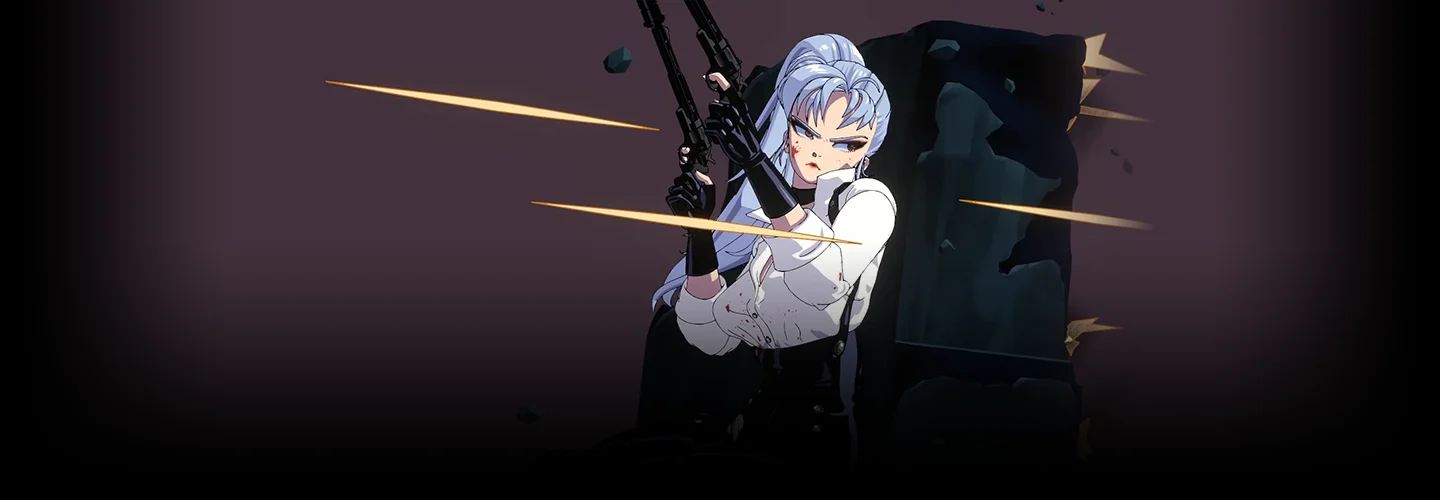
GraphicArtist,Raul Details
Intro
Class Intro
2D & 3D Artist,
Raul Trevino
I've always been fascinated with turning 2D designs into 3D while keeping that classic 2D anime vibe intact. That's why I'm pumped to share the skills I've acquired to help others bring their characters to life through modeling and rendering.
Bring Your 2D Character into Life with Easy Steps of 3D Modeling
Finding ways to turn your character into 3D, but have no idea where to start from? With over 15 years of experience in the character and comic industry, Raul Trevino is here to help you with easy-to-follow 3D character modeling methods you could guzzle down like soda. Explore the unique techniques for transforming 2D characters into a 3D world without getting lost and exposed to unnecessary processes. The only focus will be showcasing your characters in three-dimensional form, that's all!

Forget about time-consuming courses that delve into unnecessary technical details. Our course is designed to get straight to the point, focusing on what you really need to know to craft your own character in three-dimensional ways. From beginners to intermediates, follow the step-by-step course on 3D character design by tackling practical exercises in depth. Go through the complete, easy-to-understand modeling procedure, and you'll be surprised how quickly your skills improve. With every chapter, check out the simplified but detailed method of modeling parts of the body with stunning poses and facial expressions that work in perfect harmony with your character. By the end of class, with a finalized character file of your own, this class will be a takeaway for you that will live forever.
Class Perks
Get These Coloso Exclusives
-
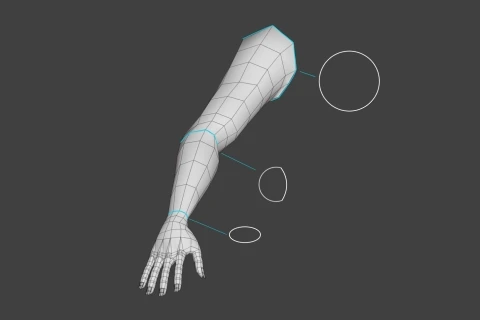
Body Mesh Guidelines -
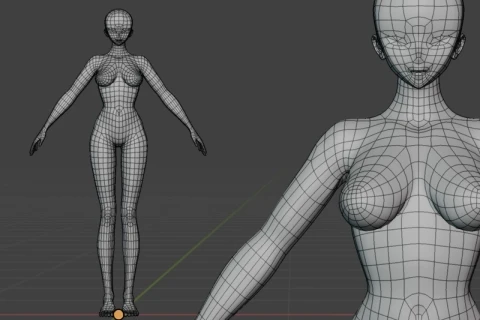
Female Basemesh -
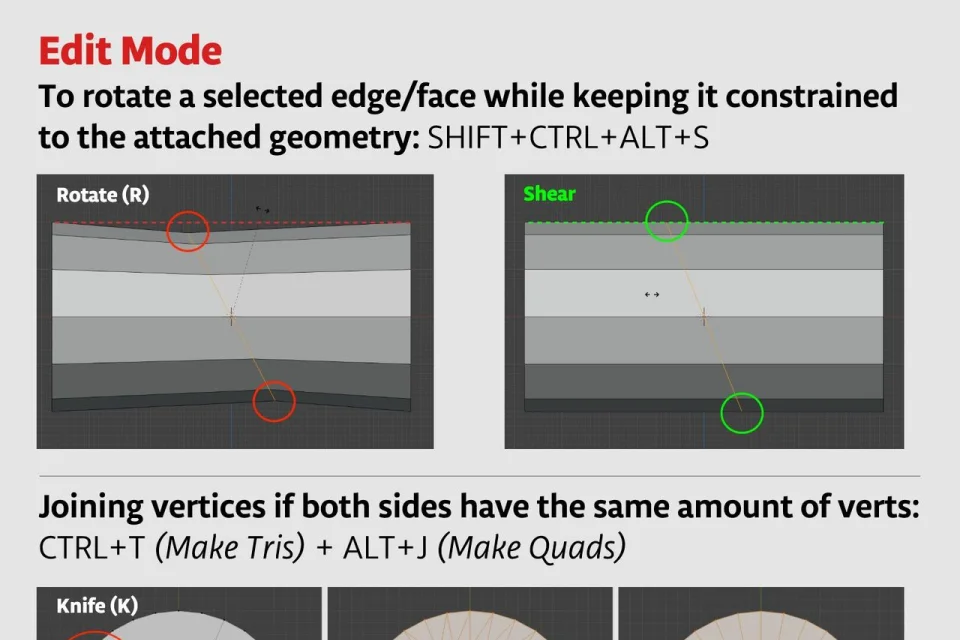
Reference Guide
-
Project Files -
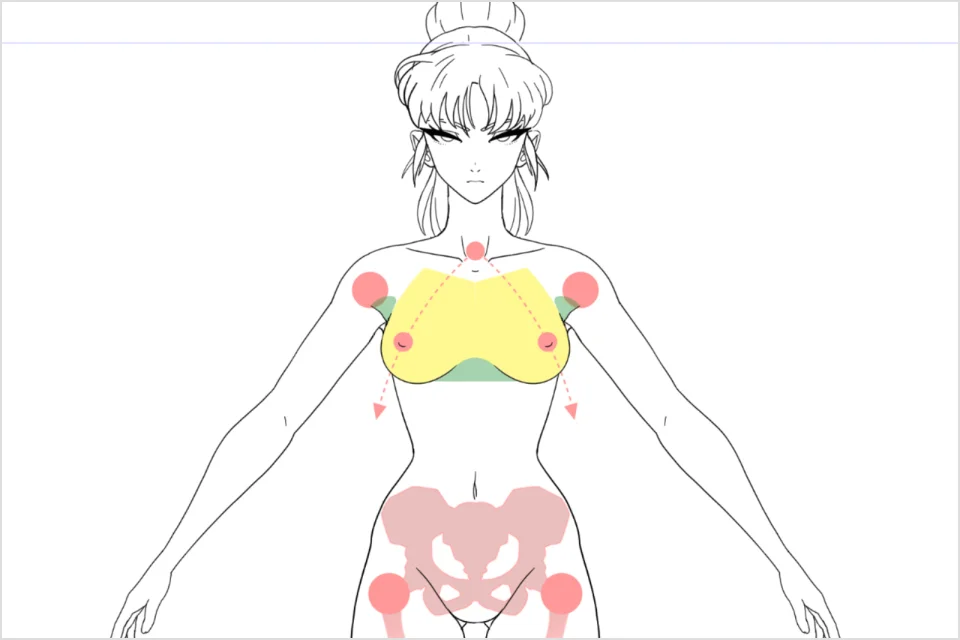
Diagram Template -
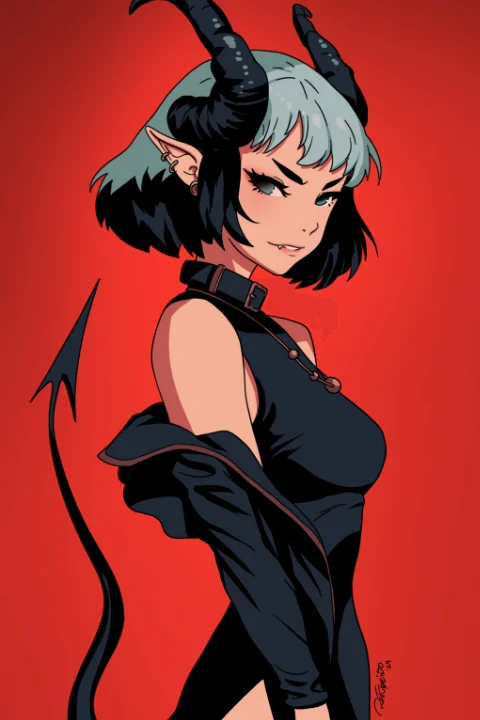
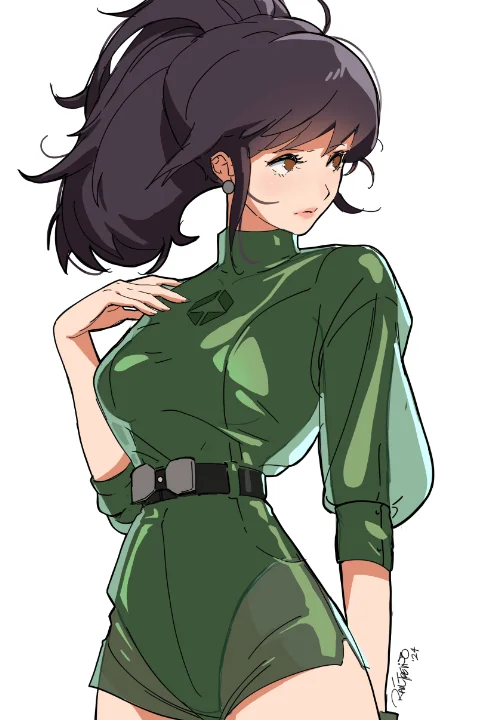
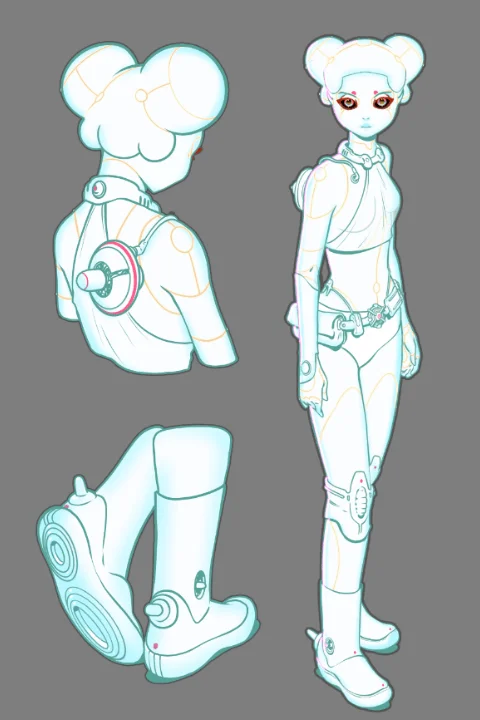
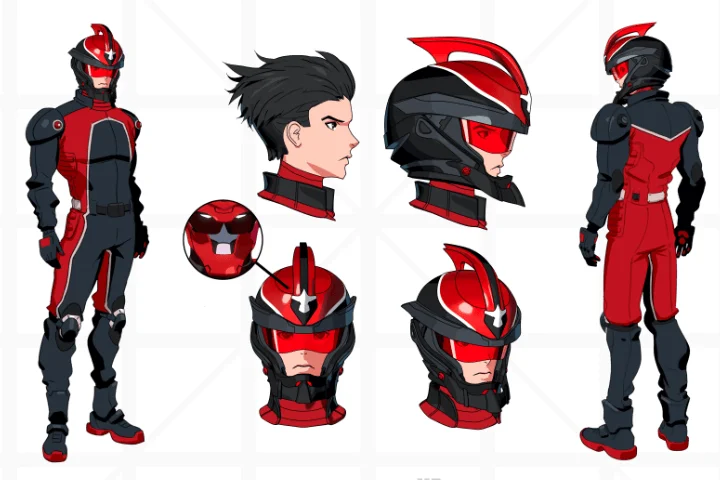
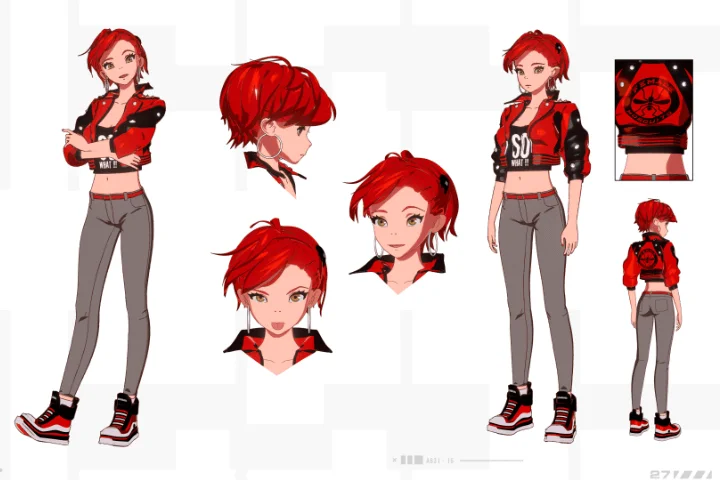
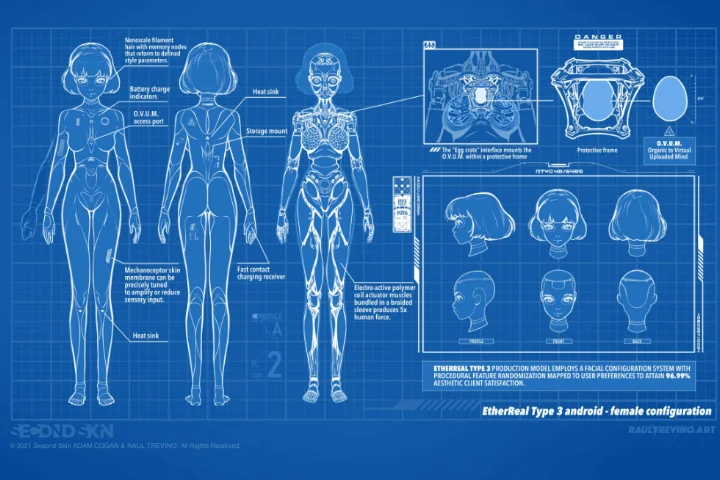
Expert 2D & 3D Character Artist Raul Trevino's Portfolio
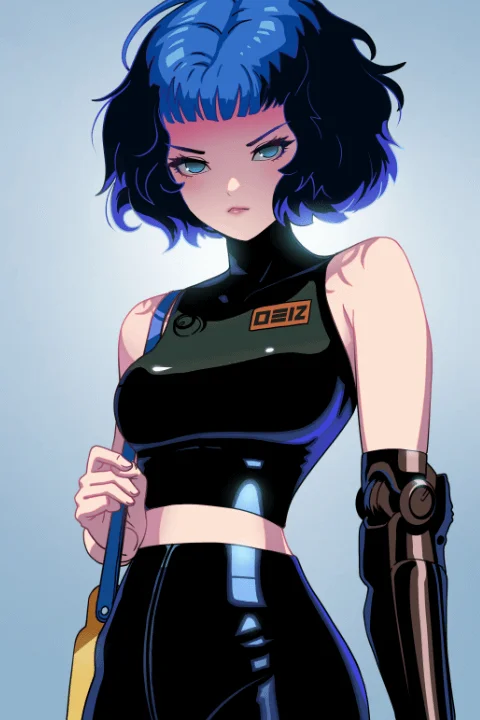
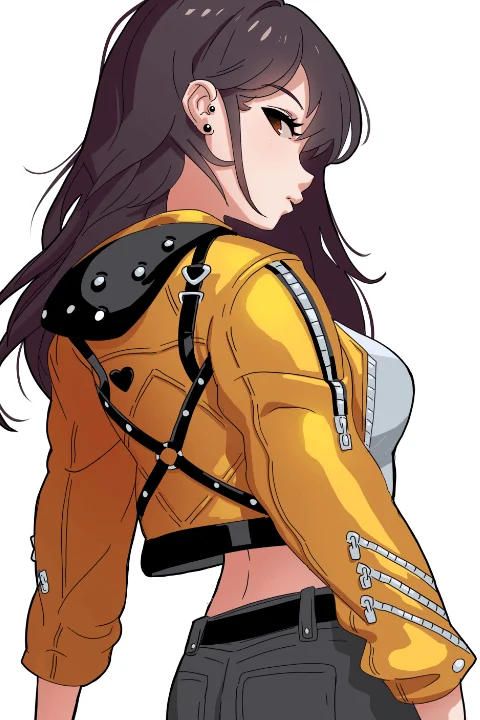



Why Take This Class?
Passion doesn't always come with knowing where to start. Regardless of your art level, trying something new can be hard and confusing — or take too much time! Drawing from his 2D character design skills, Raul Trevino will give you a whole new perspective on 3D designs — saving you from time-consuming research.
Turn your 2D illustrations into high-quality 3D artwork! Kick off your journey by modeling parts of the body, all the way from the hands to the feet. Provided with detailed guidelines on how to model your own characters, give your designs an impressive three-dimensional changeover within seconds. Accommodating these 3D art techniques would broaden your skills and diversify the strengths you own as a 2D artist.
From Your Instructor:
"Although my main goal is to provide you with the essential tools and techniques to work smoothly, I'll also cover some advanced features for those interested. I will indicate which chapters to skip for faster results and offer options to delve deeper into technical aspects. However, learning 3D is an endless journey with a broad spectrum of specializations, so this course focuses solely on bringing your character into the 3D world. It won't be a game-ready asset or suitable for professional animation. Instead, this course is about showcasing your creations without diving into complex rigging, retopology, VFX, compositing, and nodes. You'll learn how to present your characters professionally to make an impact on your audience. After watching the course, you'll have the confidence to explore the more technical details further."
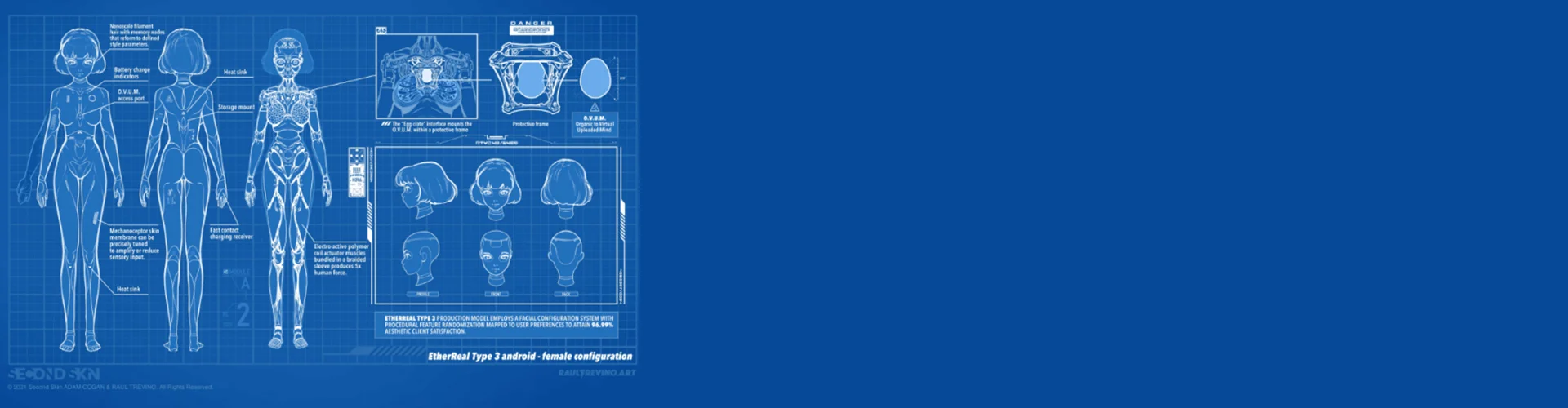
Get Ready for the Real-World
10 Class Exercises
-
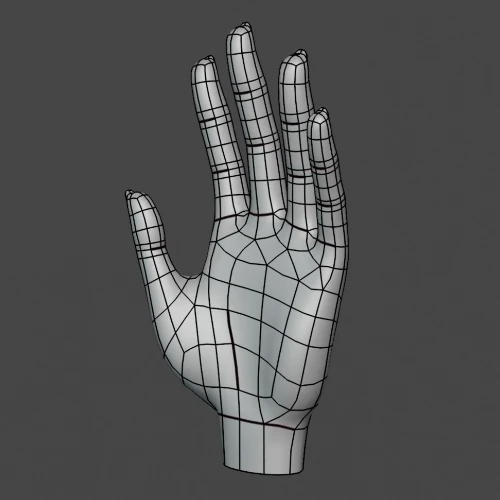 Modeling a Hand
 -
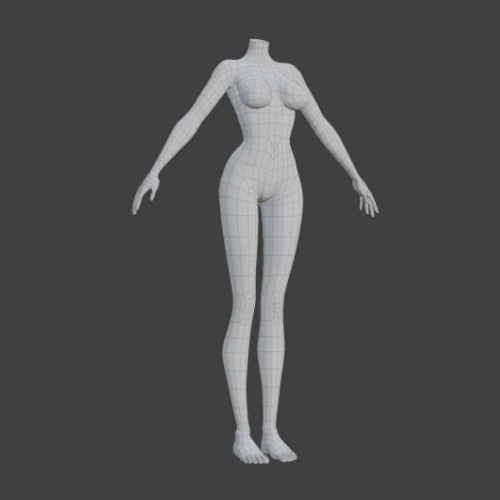 Modeling the Body with Anime Proportions
 -
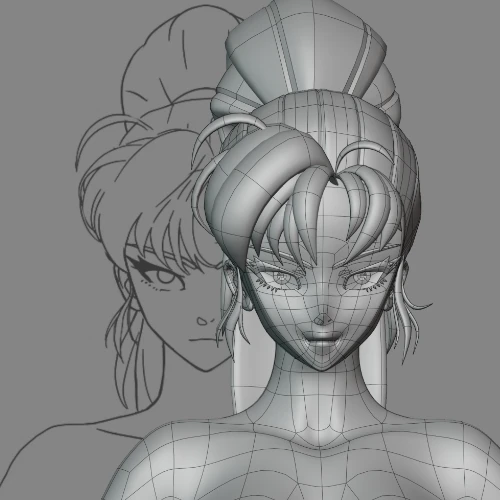 3D Anime Head Modeling
-
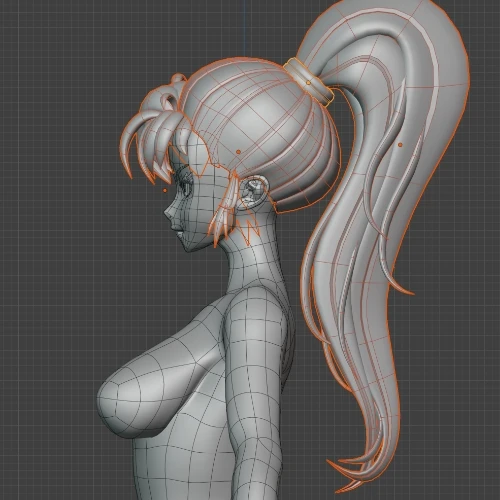 Creating the Hair Mesh in 3D
 -
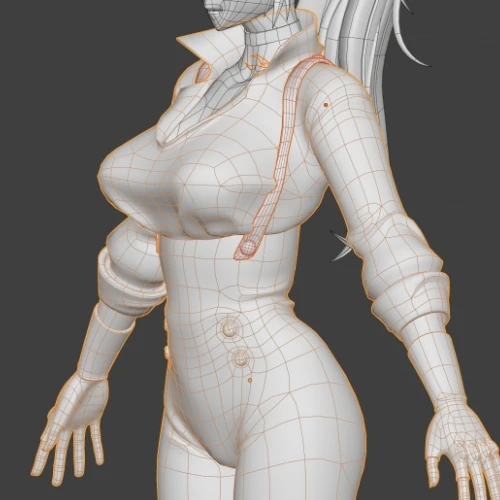 Modeling the Body and Clothing in 3D
 -
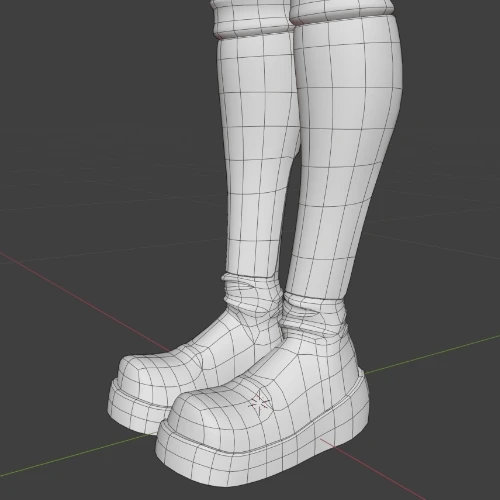 Modeling Shoes
-
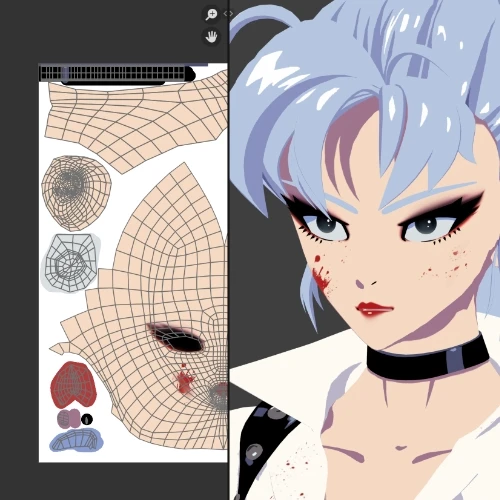 Texture Painting
 -
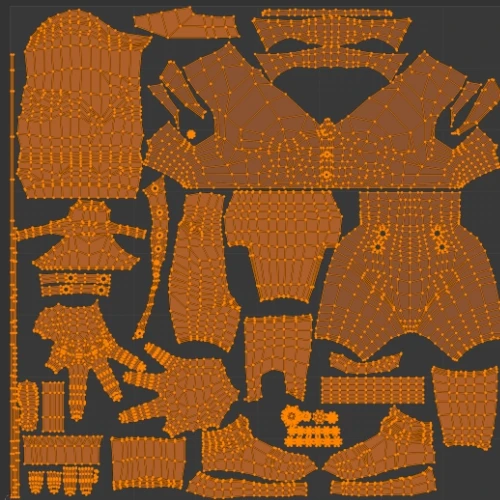 UV Unwrapping
 -
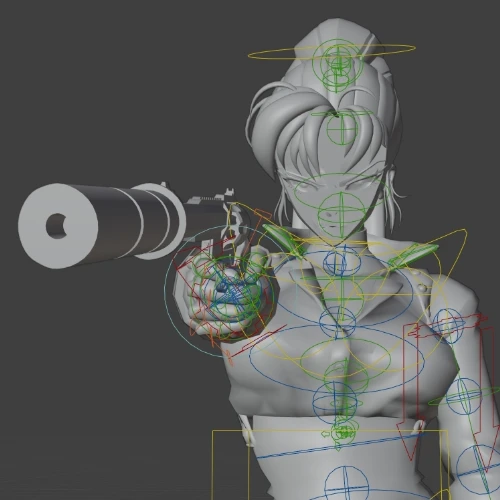 Rig the Model
 -
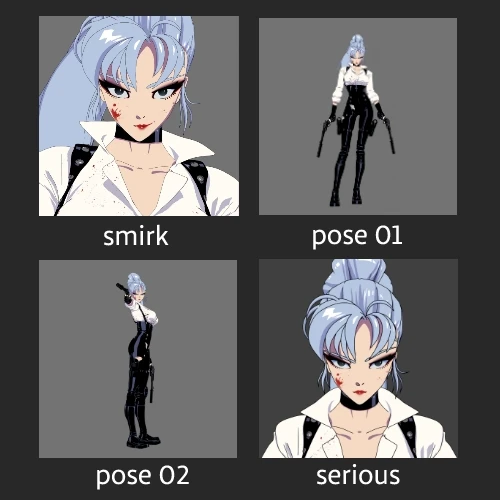 Create a Pose and Experssion Library
Final Product

*By taking Raul's class, you'll obtain the skills to create the 3D character shown above
Instructor
2D/3D Character Artist
Raul Trevino
Hello! I'm Raul Trevino, a 2D & 3D character designer and comic author rocking it out in Japan.
I've been in the character and comic industry for over 15 years now. Besides whipping up characters, I'm all about crafting entire worlds for them to inhabit. And guess what? Two of my creations got picked up for potential film and TV series adaptations. Plus, I've got some experience working on game design and transmedia projects for Ubisoft, including as lead character artist on Project Kyzen.
Lately, I've been diving into Blender to model characters. But you know how it is: time is always a scarce resource. I've been itching for a practical crash course on transitioning from 2D to 3D but never found the right fit. It took me a bunch of courses and tutorials to get where I wanted. So, I decided to create my own course focusing on the essentials of bringing your 2D creations into the third dimension.


2D/3D Character Artist,
Raul Trevino
[Current]
2D & 3D Character Designer
Comic Author
Projects & Awards
[Notable Projects]
- Lead Character Artist on Project Kyzen
- Character Design for a story bible treatment for a new Ubisoft title.
- Writing and Drawing Live Forever, Webtoon Originals.
- Color Rendering Characters for Licensing Products for DC Comics. The Dark Knight Rises and more.
- "Catrina" Character Designed and exhibited in WonderFest Japan, sculpted by Irene Matar.
[Awards]
(2016) LIVE FOREVER Comic - FONCA Sponsorship for the develop of the Culture and Mexican Arts.
(2014) Best Graphic Novel for "Tinkers of the Wasteland" at the Butze-Vargas awards for Mexico’s best comics.
(2014) Best Writer for my comic "Tinkers of the Wasteland" at the Butze-Vargas awards for Mexico’s best comics.
(2004) New Fnac Talent for "The Dance of the Conquest."
(2004) Nominated Best New Author at the 9th annual Expocomic event in Spain.
(2003) 1st Place in the International Norma Editorial Competition for Best Work, (Spain).
Highlights
Class Highlights
Dive into 3D: Transforming Your 2D Characters with Blender
Learn how to transition your favorite 2D characters into the 3D world with Blender while giving them a whole new vibe. This course is specially designed for people who draw for hobbyists, aspirants, or professionals but aren't sure how to dive into the 3D world to enhance their characters.
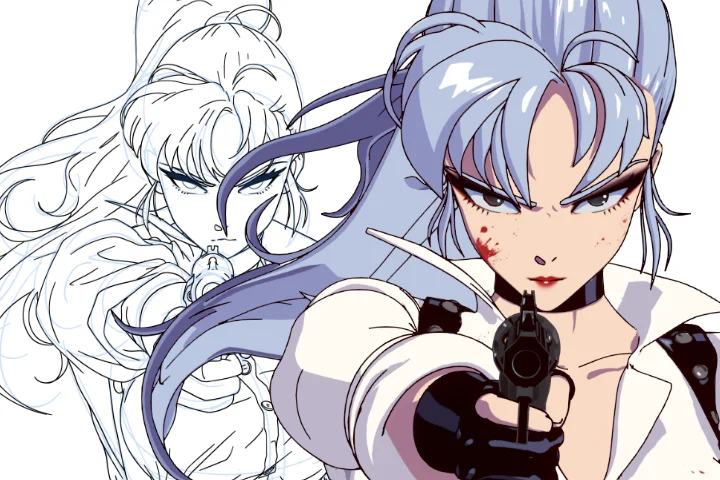
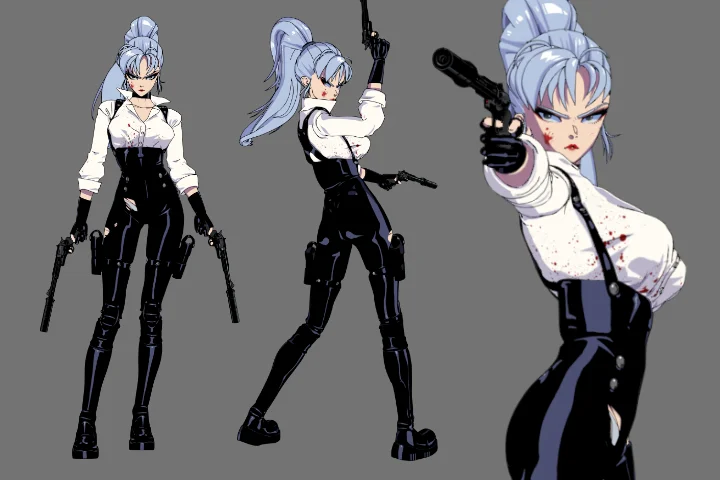
Unlocking Character Charisma: The Magic of Body Language!
Dive into the fascinating world of body language. We'll break down the key aspects that make up those non-verbal cues, like gestures, posture, and facial expressions. So get ready to bring your character to life with some seriously adorable, tough, or downright cool poses. You'll learn how to make your character's body language speak volumes!
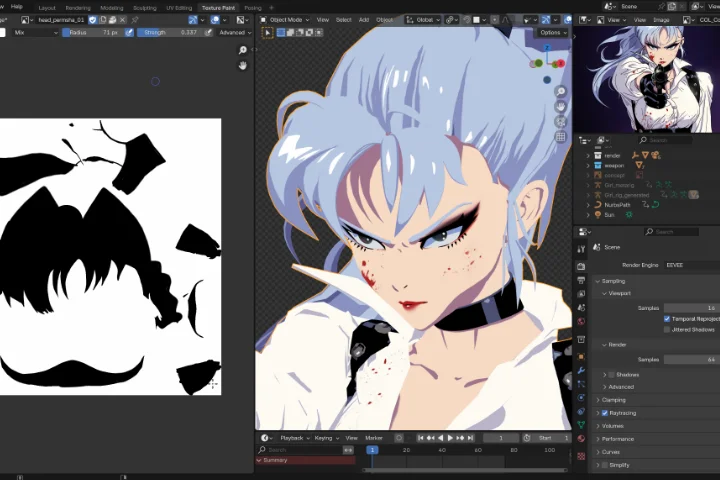
Bringing 3D Models to Life with Anime-Style Texture Painting
Texture painting is like magic for giving your 3D models that cool 2D vibe without all the shader and node hassle. We'll work on simple textures that look like they jumped straight out of a classic 2D drawing. It's all about nailing the anime look to make our character come to live. So let's skip the complicated shader setups and dive right in!
Class Details
You'll Learn
-
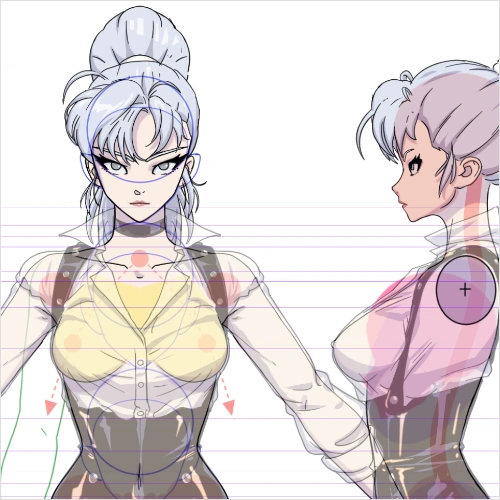 Model Sheet: Understanding the Key PointsLet's dive into the model sheet first. We'll go through it, picking out all the important bits and pieces. Trust me, getting this right is key — it's going to save you a ton of time when you're in the modeling stage.
 -
 Props: Intro to Hard Surface Modeling and DecalsWe're going to take a quick detour into the world of hard surface modeling by creating some props for our character using subdivision techniques. To top it off, we'll add some decals to give our models that extra dose of coolness and fun!
 -
 Mastering Body Modeling: Pro Tips to Keep Your Sculptures SharpNow, let's get into the world of human body modeling. I'll dish out the juicy details on body proportions to keep your models looking sharp. Because the truth is, it's easy to lose that body volume when you're wrestling with polygons!
-
 Blender Bliss: Mastering 3D without the Tech Stress!Yes, skip the nitty-gritty technical parts like retopology and nodes and learn the essentials. But if you're curious about the technical side, I'll give you a speedy overview just in case.
 -
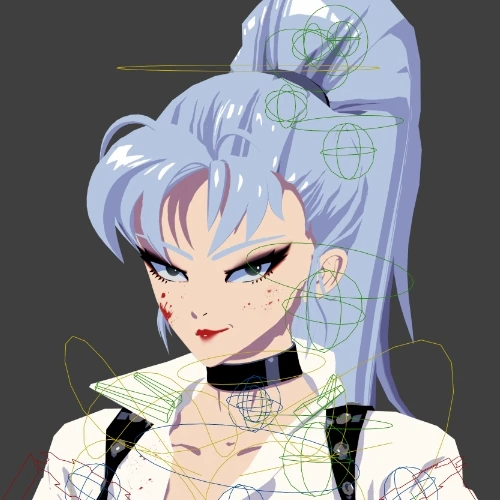 Introduction to RiggingIn this stage, you'll learn the basics of giving your model a skeleton so it can move and groove! It's all about creating a system of bones and controls that allow your character to bend, twist, and strut its stuff.
 -
 Eevee: Fast Rendering and Seamless ScenesLet's pitch into Eevee, Blender's real-time rendering engine, to experience its lightning-fast speed and efficiency. We'll experiment with various lighting setups and discover how to incorporate backgrounds seamlessly into our final scenes.
- Unlimited Access
- Best Price
Buy now, get unlimited access.
09/28 (Mon) (UTC-7) Special offer ends soon.
This special offer ends soon.
Buy now and save!
Class Preview
Still Not Sure?
Check Out Raul's Class Preview!
Chapter 01.
Orientation
1. Introducing your instructor
2. What you will learn?
3. Helpful websites and software
Curriculum
Curriculum
In-Depth Look
SECTION 01. OT
01. Orientation
- Introducing your instructor
- What you will learn
- Helpful websites and software programs
SECTION 02. Introduction (Beginner)
02. Blender Installation, UI, Addons
- Settings and exploring the UI
- Installing essential addons for the course
- Seting up the Toon Shader and what it is
- How to structure your folder's project
03. Chapter 3: Essential Tools
- Essential tools for the class
04. Topology: Quads Vs. Engons
- Basics about topology
- Why topology matters
- When to use Ngons (They're not always bad)
SECTION 03. Modeling a Hand (Beginner)
05. Modeling Hand: Part (1)
- Modeling a hand? It's not as hard as it seems!
- Exploring the basic modeling
- Crucial takeaways when modeling hands
06. Modeling Hand: Part (2)
- Solving common modeling problems
- Hand proportions and other physiognomies
07. Unwrapping (UV Intro)
- What is UV Unwrapping?
- Why unwrapping?
SECTION 04. Modeling the Anime Female Body (Intermediate)
08. Understanding a Model Sheet/Diagram
- How to properly analyze the character sheet
- Considerations when transitioning from 2D to 3D
09. Modeling Body: Part (1)
- Crucial things while modeling a female body
- Starting with torso modeling
- A practical way for a quick female body modeling
- Limbs preparation
10. Modeling Body: Part (2)
- Modeling arms and legs
- Joining and merging the hands to the body mesh
- Brushing up final details
11. Modeling Feet
- Feet modeling
- What to keep in mind when modeling the feet
12. Modeling Head
- Head modeling
- Considerations for turning from a 2D to a 3D head
- Key anime proportions that deviate from reality
13. Modeling Hair
- Hair modeling
- Approaching hair style variations
SECTION 05. Modeling Upper Clothes & Props
14. Modeling Tops
- Using our existing body model to make clothing
- Expressive clothes folds
- Adding final details to the clothing
15. Modeling Pants
- Modeling pants
- Key factors to consider while modeling pants
16. Modeling Shoes
- Considerations for modeling shoes
- Adding additional accessories
17. Modeling a Prop
- Hard surface modeling workflow
- Why Echoing Shapes & Balancing Details Matters
- Which elements don't deserve our time to model
18. UVs + Cel Shading (Materials)
- Applying Our Previous Knowledge of UVs
- Color Materials (Cel-Shading) Pros & Cons
- Fixing Normals for Face (Basics)
19. UVs & Adding Permanent Shadows (Texture Paint)
- Applying Our Previous Knowledge of UVs
- Learn masking to texture paint joined meshes
- What to emphasize while painting our textures
SECTION 06. Rigging & Posing
20. Rigging the Model
- Riging our model
- Understanding the right placement of the bones
- Making bone adjustments
- Weight paint the critical areas
21. Facial Expressions (Shape Keys)
- Implementing shape keys
- Trying out different expressions
22. Cute and Cool Poses (Pose Library)
- Create easily a library for your poses
- Trying out diverse poses
23. Turntable & Rendering
- Setting up the animation for the turntable
- Rendering our final model to share to the world
24. LineArt Modifier and Freestyle
- Differences between Freestyle and Lineart Modifier
- Which method I personally like and why
SECTION 07. BONUS) Incorporating 3D to 2D
25. Mixing 3D & 2D and Thank You
- Ideas about how to use your 3D models on your 2D designs
- Matching 3D Props on your 2D design
- Placing 3D Props on your 2D designs
- And thank you for all your efforts
*The release date of this class, curriculum images, and associated content can be changed without prior notice.
** Class videos may be seperated for a more streamlined viewing experience
Interview with
2D/3D Character Artist Raul Trevino

Question.01
Is there a specific reason why you chose this specific topic/themes?
I've always been fascinated by the idea of turning my 2D designs into 3D, especially while keeping that classic 2D anime vibe intact. I was pumped about learning new skills to make my creations even cooler. When I finally brought my characters to life with modeling and rendering, it was like they jumped right off the screen! And it wasn't just me who was blown away—lots of folks digging my work were totally captivated, too. Sharing these creations on social media got a bunch of traditional artists buzzing about making the same leap from 2D to 3D. They were hitting me up with questions about what software I use and how I do it all. So, yeah, once you start getting the hang of these techniques, you'll discover other possibilities that you didn't know you could do, and all sorts of awesome options and ideas will start popping up.
Question.02
Could you please share how you started your journey in the industry?
Drawing characters has always been something I've just had to do — it's like an itch I've always needed to scratch. I've been doodling since I was a little kid, and I've always felt like it's what I'm meant to do with my life; it's been my passion, my escape, and my obsession all rolled into one. Then, one day, I ended up winning this international comic contest in Spain, and ever since then, I've been hooked on creating characters for all sorts of stories and projects, popping up on different visual platforms. I've also had this itch to dive into 3D art, but life was always too hectic to give it a proper go. Finally, I decided to buckle down, saved up some cash, quit a few jobs, and went all in on learning these new skills. And let me tell you, it's been like pouring gasoline on the fire of my imagination. So, I'm sharing all this in the hopes that it might light a spark for others out there, whether they're fellow artists or just art enthusiasts, to push their own boundaries and explore new creative horizons.
Question.03
Is there anything else you would like to share with your students?
I'm all about keeping that fire burning for what you love. See, if you dive into a career before you're really ready and it tanks, it can seriously put a damper on your passion. And once that spark's gone, it's tough to get back. Trust me, bitterness ain't a good look. So, maybe snag another gig to pay the bills for now, but don't let go of what you're passionate about. Keep at it, learn, grow, and when the time feels right, take that leap to turn your passion into your paycheck.
Required Programs
This course will use Blender 3.6+, Clip Studio (Photoshop or the like).
Please purchase and install these program(s) for an optimized chapter experience.
*These programs and/or materials will not be provided with the chapter.
Recommended
Recommended Class
Like this class?
Then check these out!