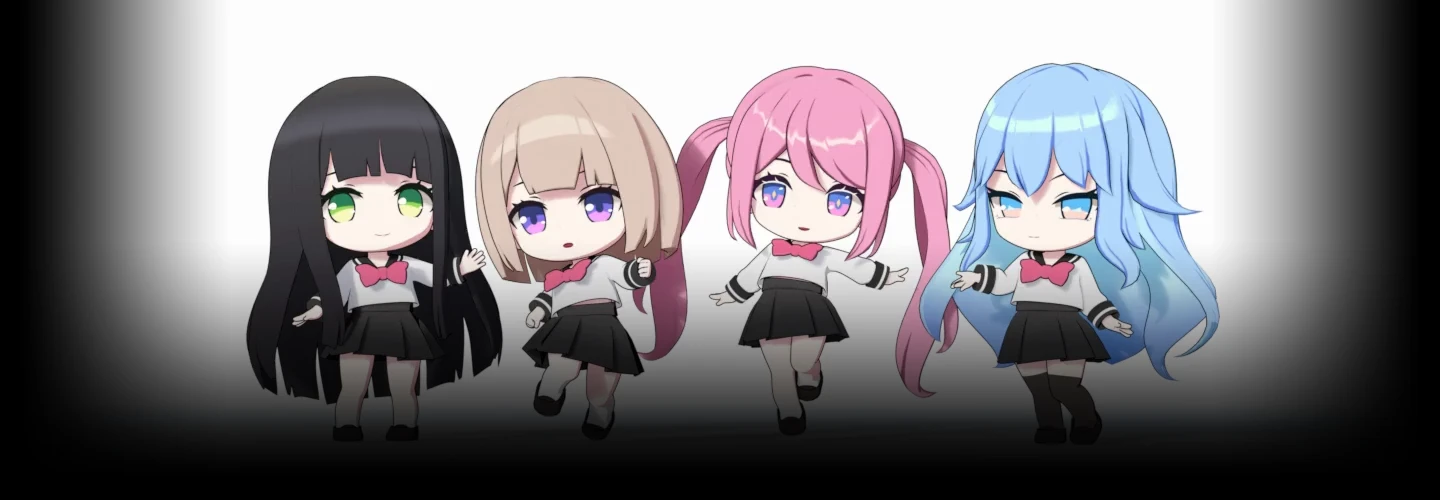
[Signature]3danimator,minust2_KR Details
Intro

Now in Your Language, Only on Coloso!
Learn from Korea's Top Master Creatives
-
 Master SD Character Modeling in Blender
 -
 Learn minusT’s Unique Styling Techniques
 -
 Create Expressive, Animation-Ready Characters
Beginner’s Guide to 3D Character Modeling & Customization
Have you struggled and given up on creating your own 3D character in Blender because it seemed too difficult? With the simple structure and proportions of SD characters, you can start 3D character modeling quickly and easily. In this signature class by legendary animator minusT, you’ll learn how to bring vibrant, distinctive, subculture-inspired 3D characters to life.

From a variety of hairstyles to highly versatile outfits, model all the elements that bring your character to life and complete the design you’ve always envisioned. Discover the SD character creation techniques that make learning Blender character modeling easier than ever, guided by minusT, the top-rated instructor in student satisfaction, in his second signature class.
Class Perks
Special Gift from minusT
-
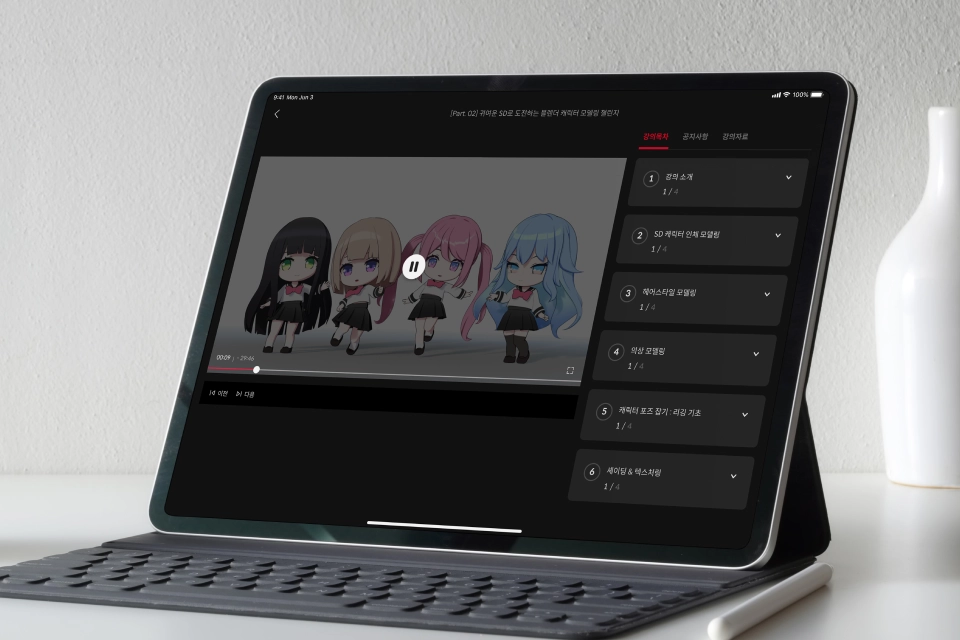 Blender SD Modeling BasicsUnlimited Access to 26 Chapters
 -
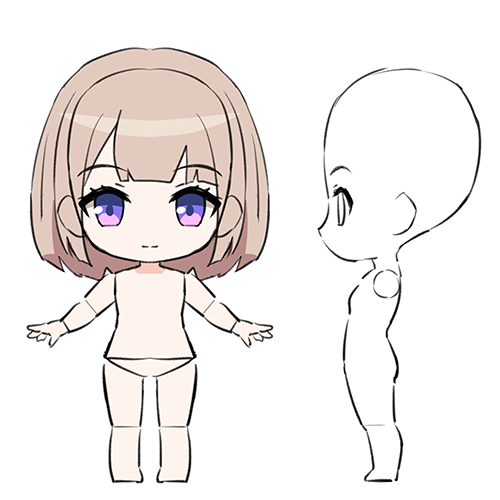
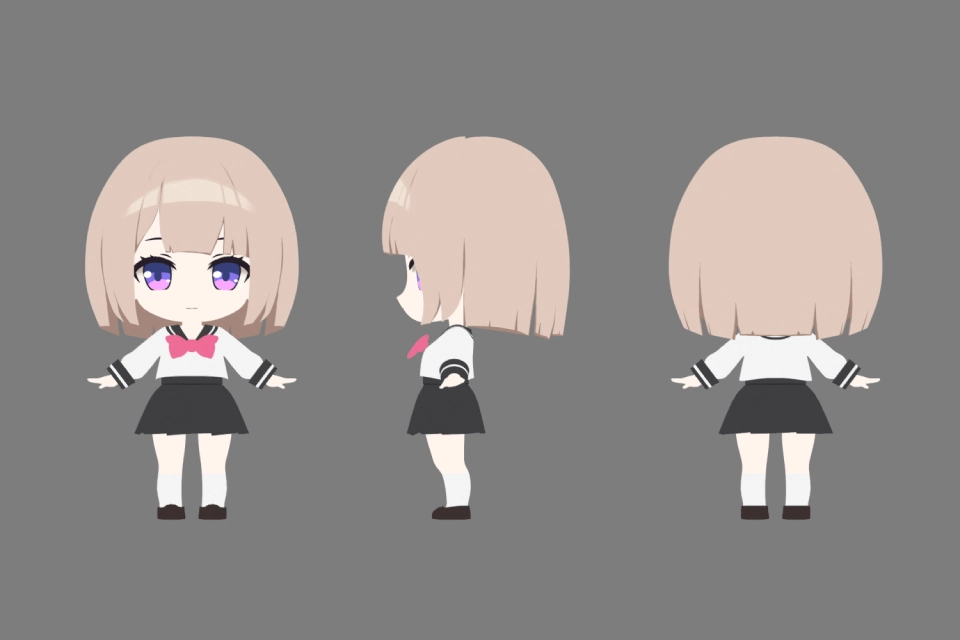 A Guide to Character Design Modeling3D Character Orthographic Views
 -
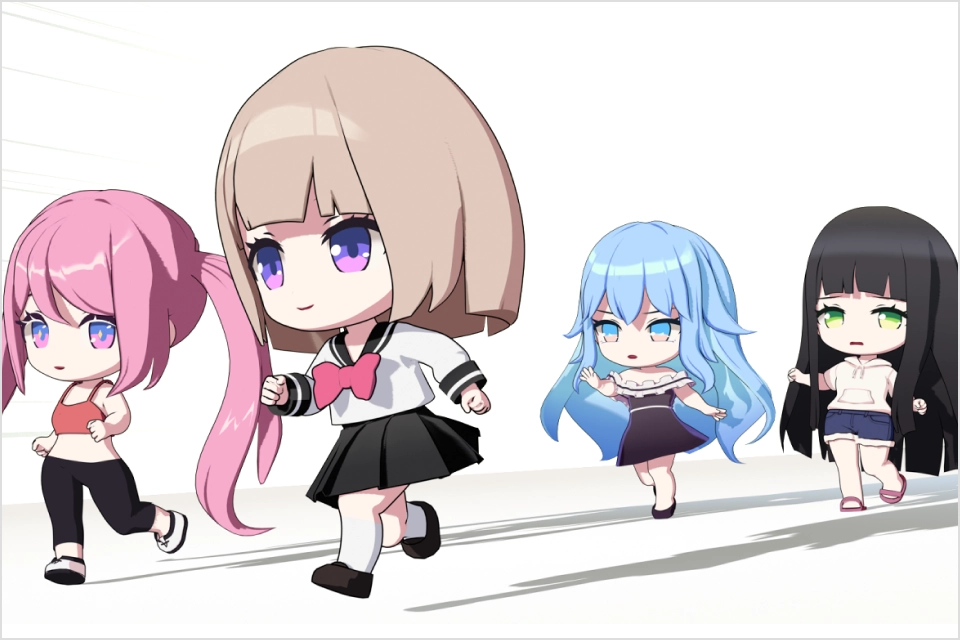 Express Your Unique Style4 Complete SD Character Models
-
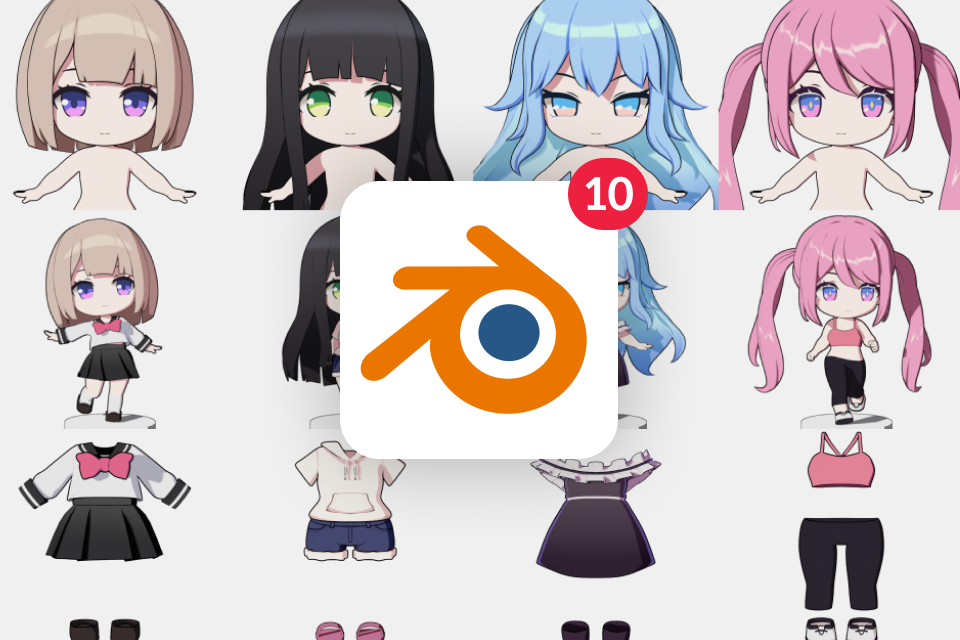 From Hair to Outfits- 10 Blender Practice Project Files
 -
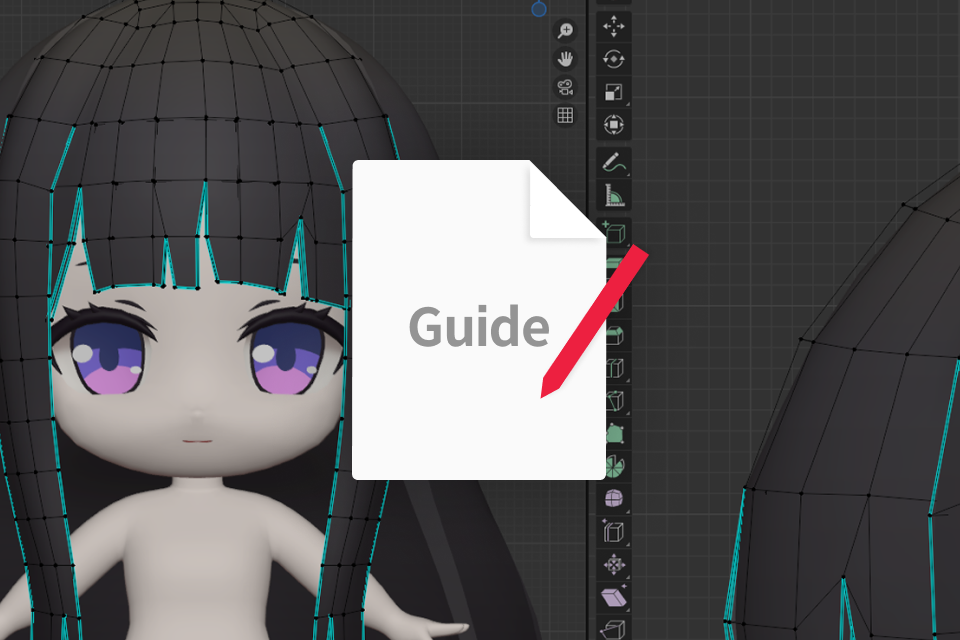 Exclusive Summary Booklet- Blender Controls & SD Character Creation Guide
 -
Recommendation
Who should take this class?
Blender hobbyists who want to turn their own 2D characters into 3D
Beginner Blender users who want to create their own cute 3D/SD characters
Blender users exploring minusT’s character creation methods and line art techniques

Expert 3D Animator minusT's Portfolio
Why Take This Class?
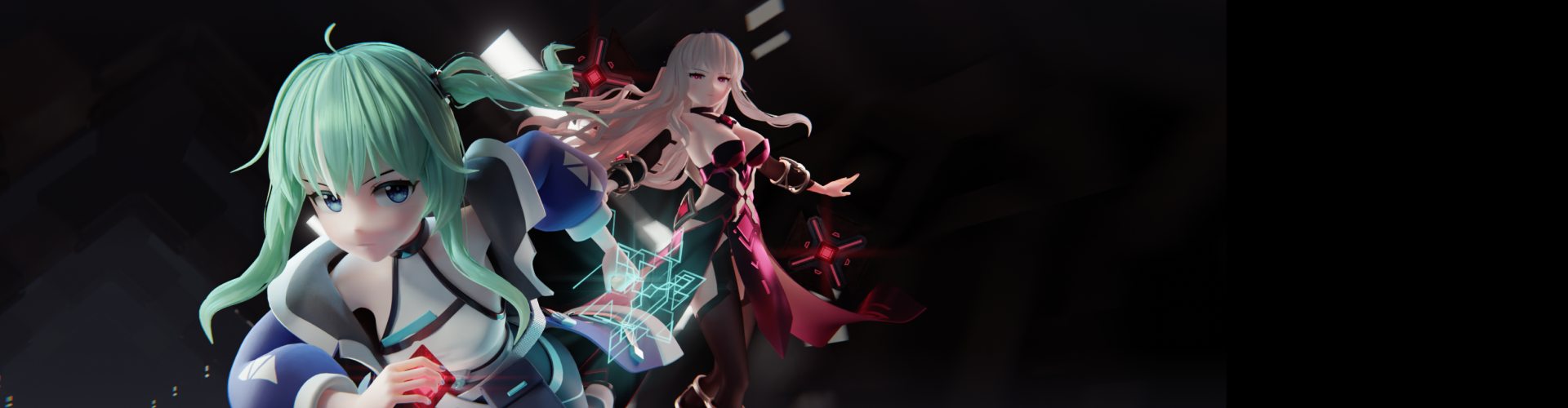
Learn the cartoon rendering skills that bring 2D aesthetics to life in a 3D environment! Discover minusT’s unique Blender line art techniques and create 2D-style character models that look as if they were hand-drawn. Combine the depth of 3D modeling with the charm of 2D line art to complete your own character that feels as natural as an illustration
Bring your own 2D character to life in 3D - from head to body, hair, and outfits! Learn texturing methods tailored for cartoon rendering in detail, and discover how to express a variety of line art styles quickly and easily. With minusT’s signature class, you’ll finally be able to create the 3D character profile you’ve always envisioned!
Get Ready for the Real-World
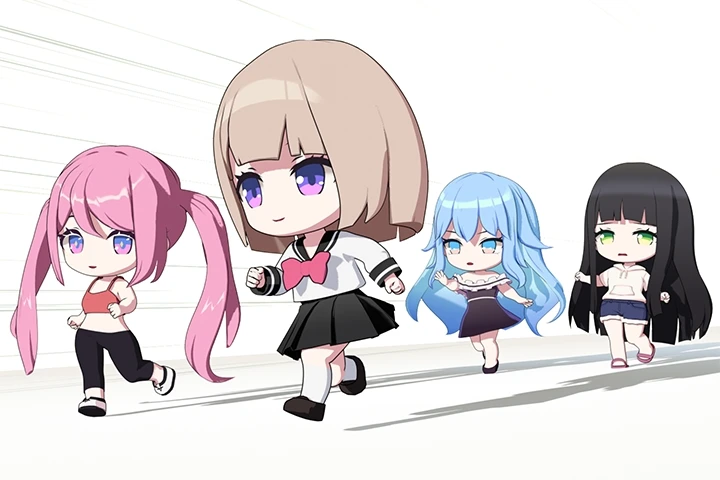
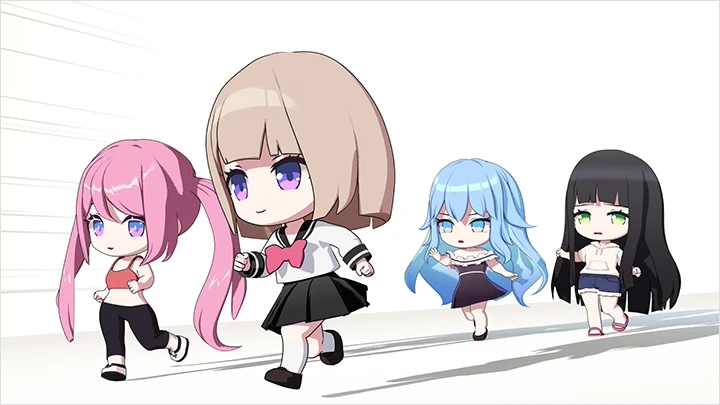
Bringing SD Characters to Life with Unique
Personalities and Creative Expression
Part 1. SD Character Body Modeling
-
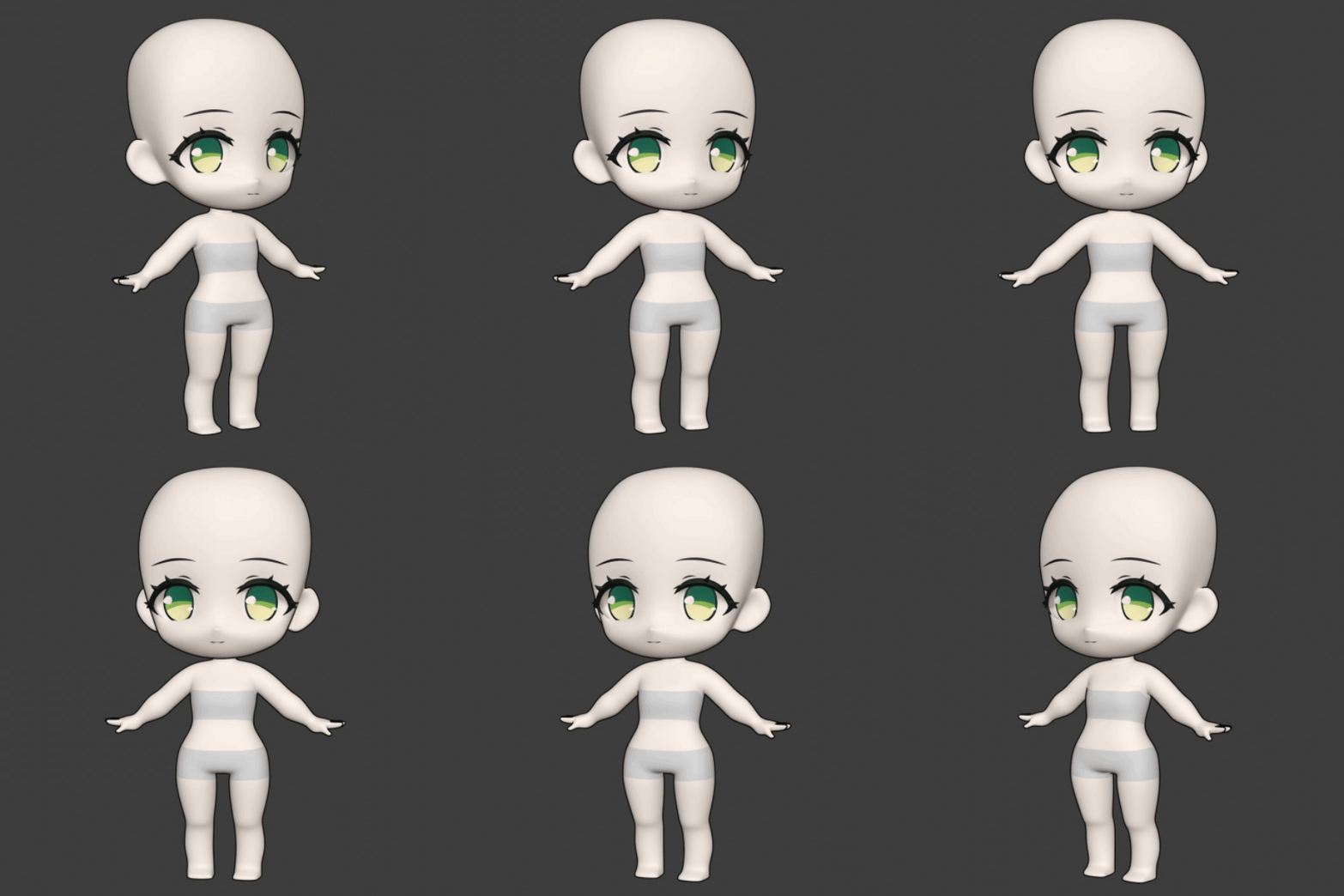 Challenge 1. Basic SD Character
 -
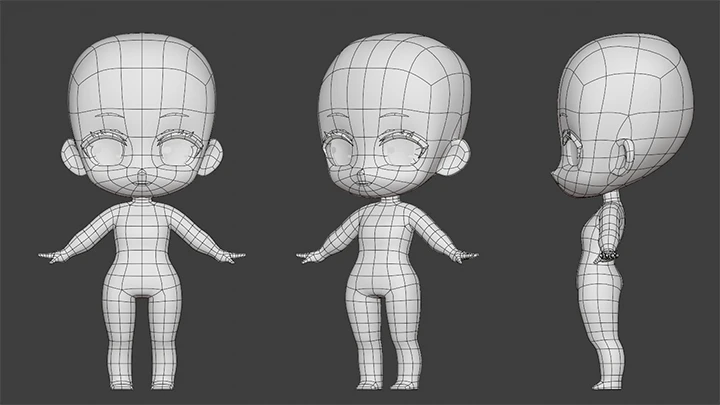
 Head Modeling
 -
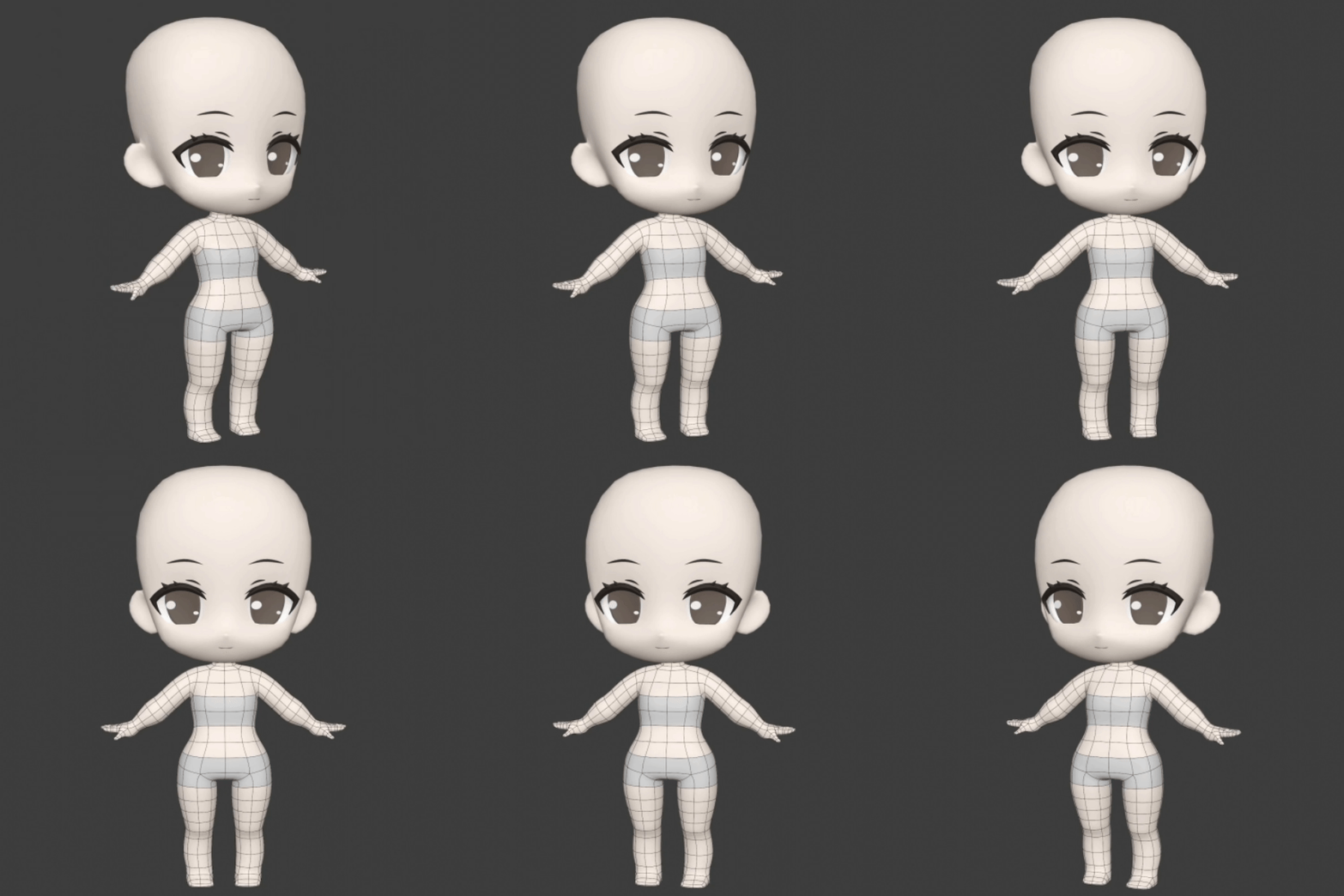 Full-Body Modeling
 -
 Hand Modeling
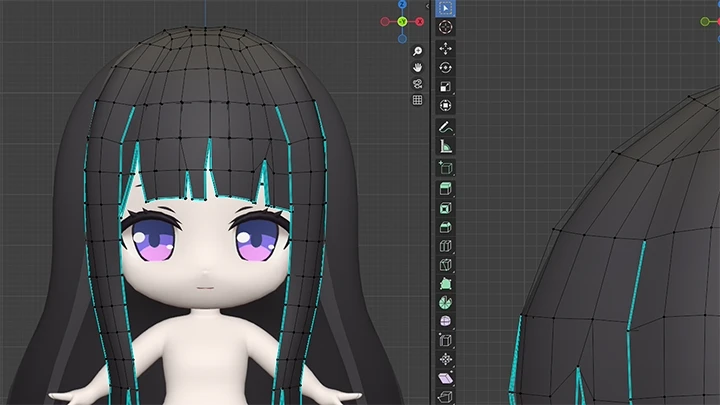
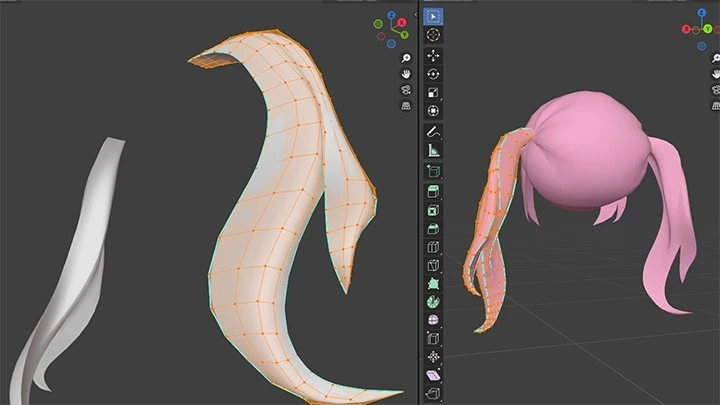
Part 2. Hair Styles
-
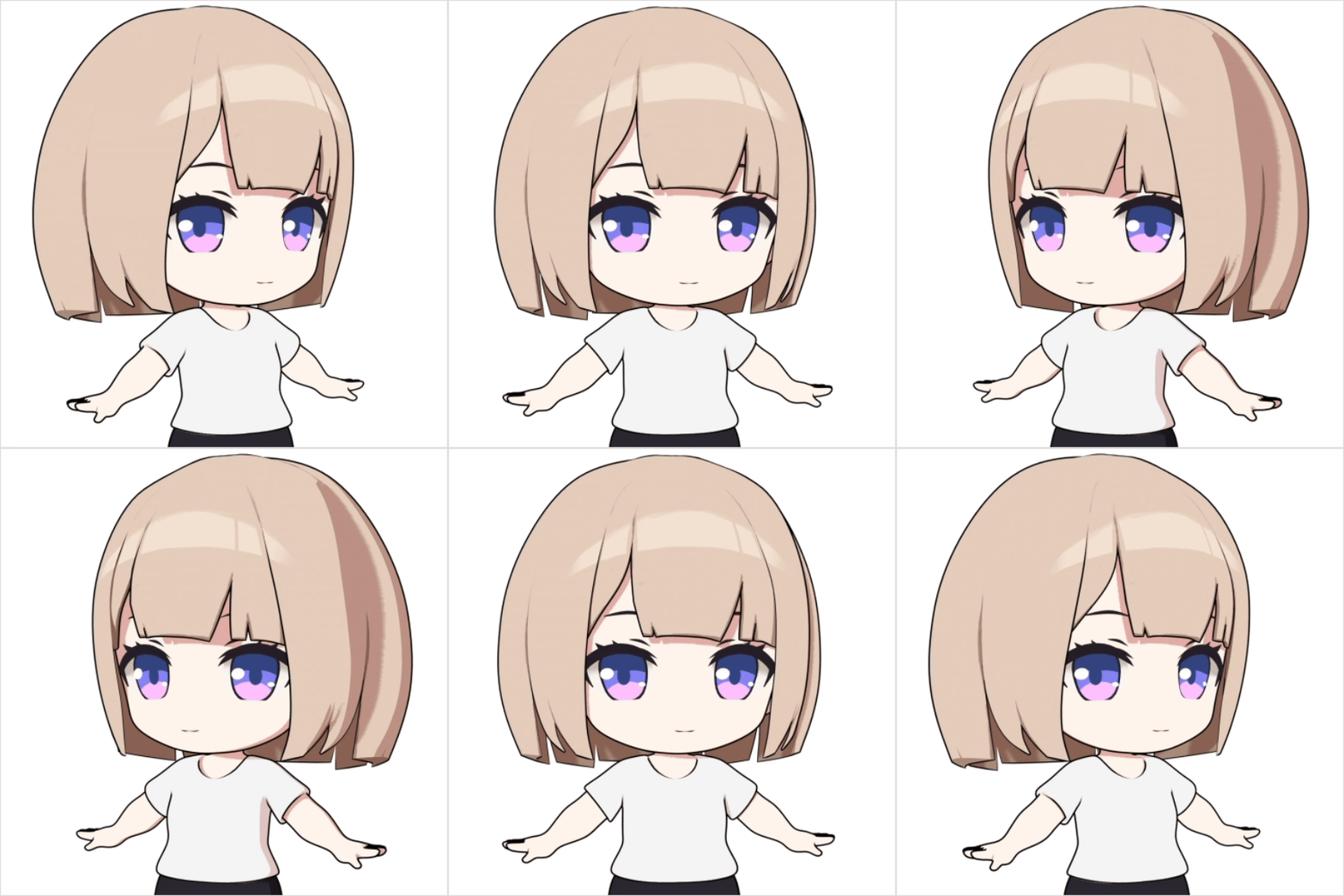 Challenge 2. Bob Hair
 -
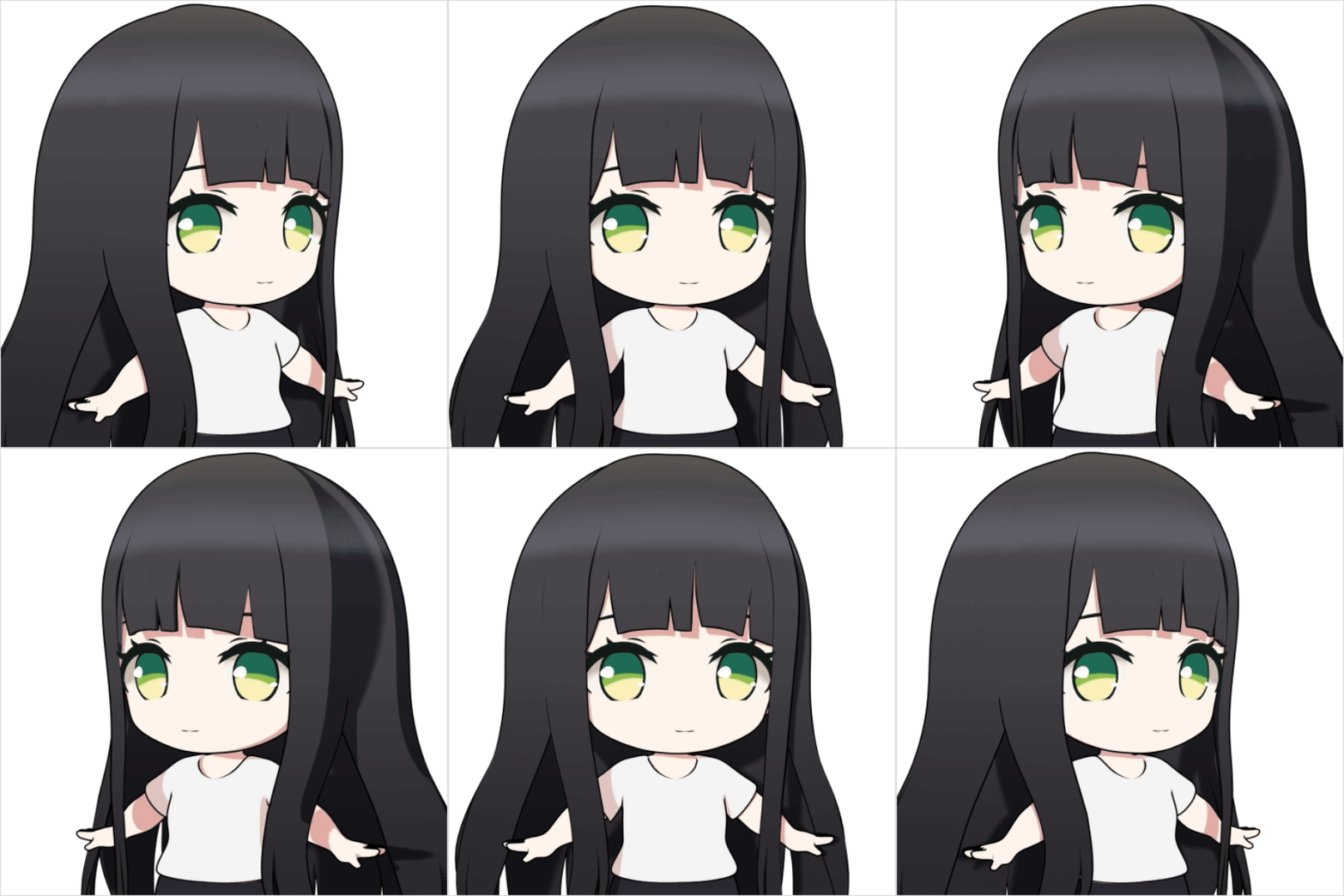 Challenge 3. Long Hair
 -
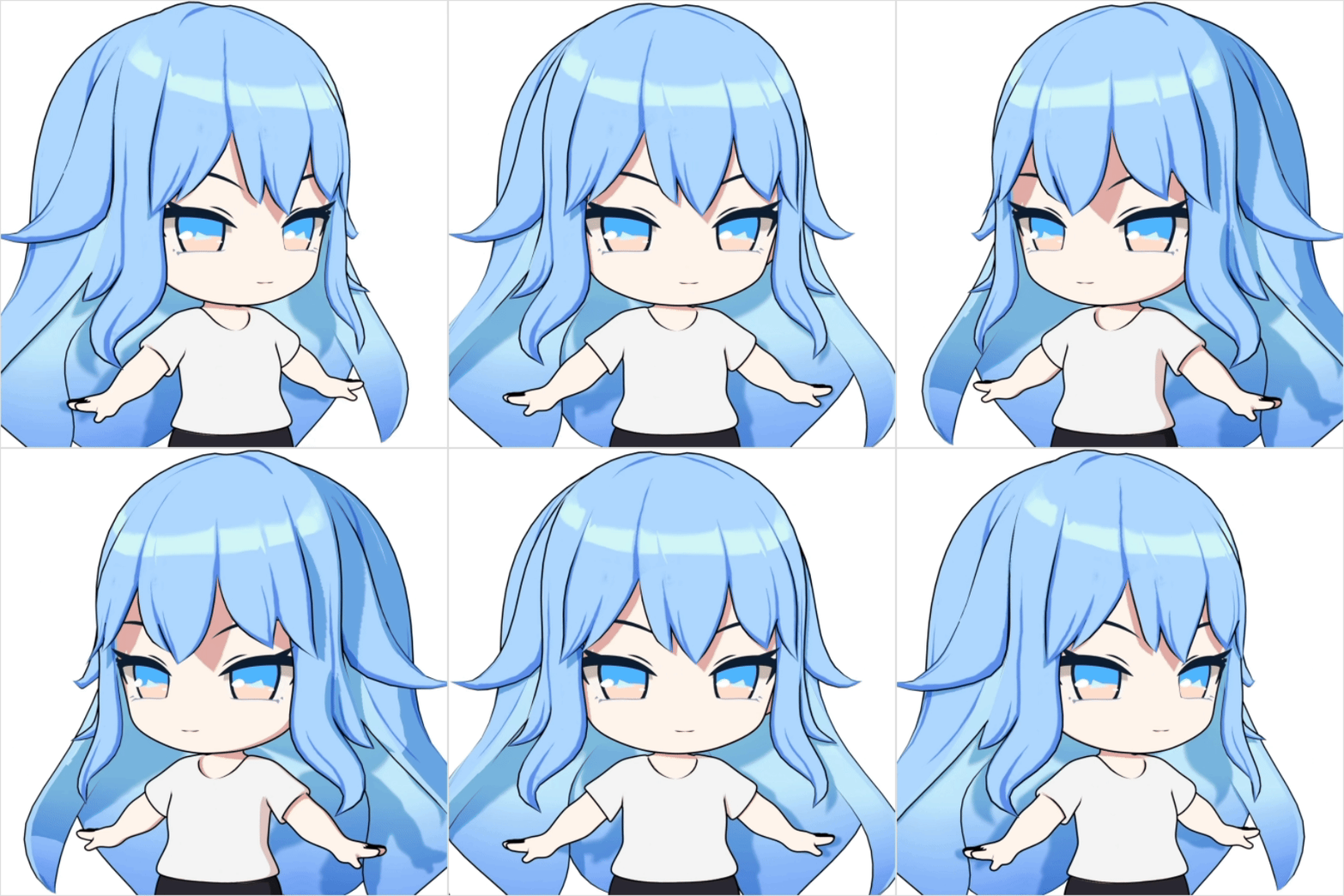 Challenge 4. Wavy Hair
 -
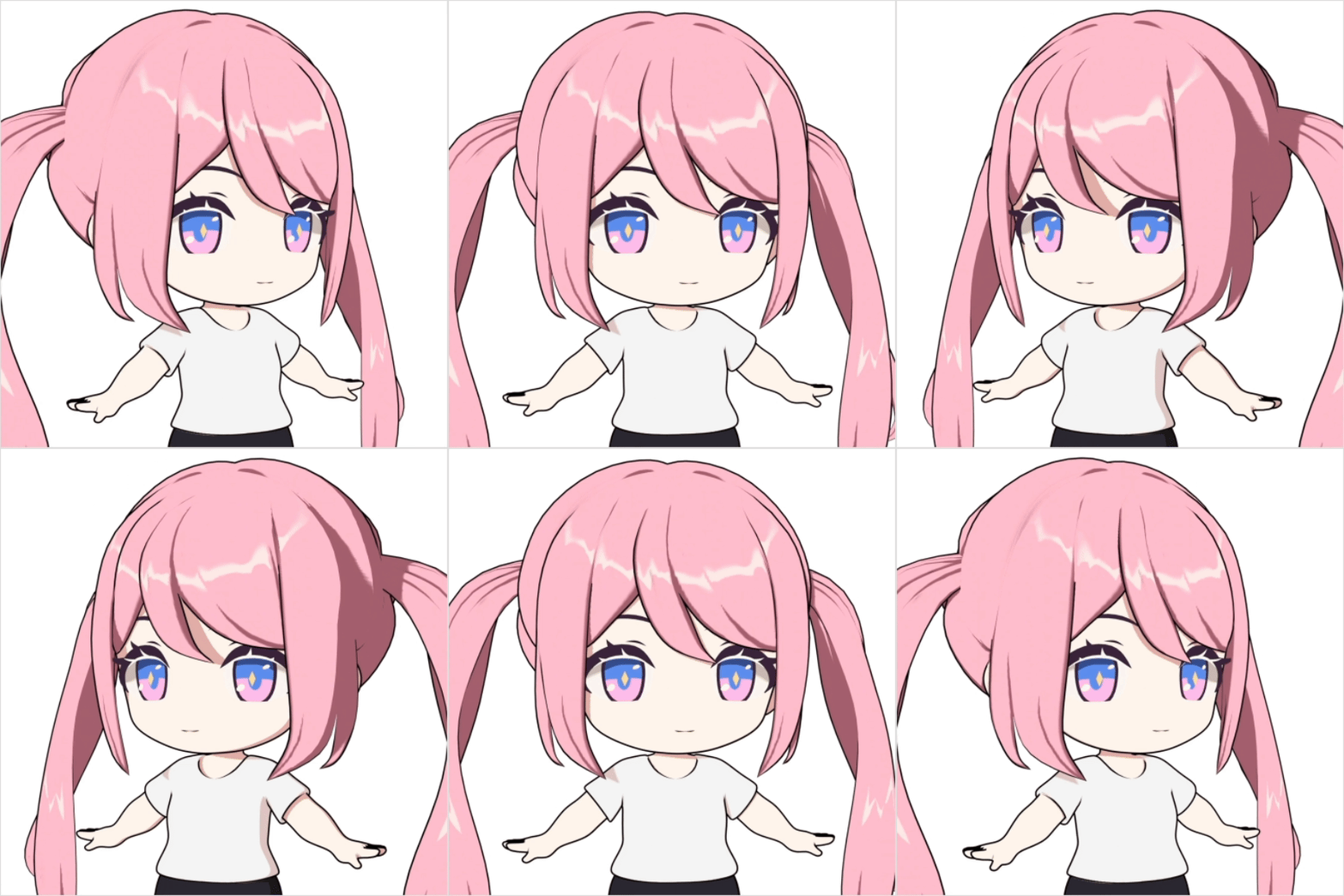 Challenge 5. Twin-Tails
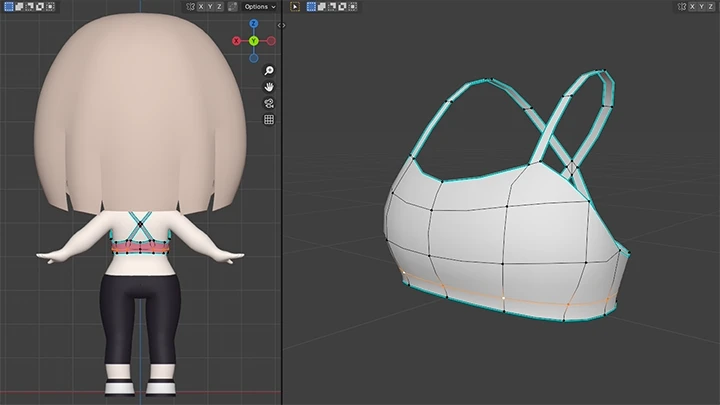
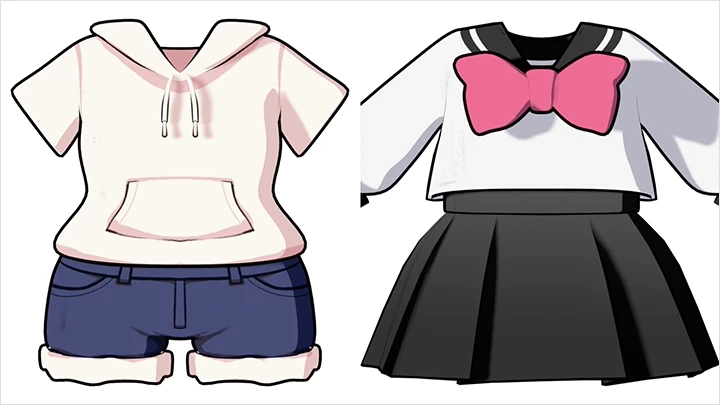
Part 3. Outfit Modeling
-
 Challenge 6. Sportswear
 -
 Challenge 7. School Uniform
 -
 Challenge 8. Casual Wear (Hoodie & Shorts)
 -
 Challenge 9. Dress
Part 4. SD Character Presentation
-
 Character Posing
 -
 How to Express Line Art in 3D
 -
 Eyes & UV Unwrapping Texturing
 -
 Outfit & Hair Texturing
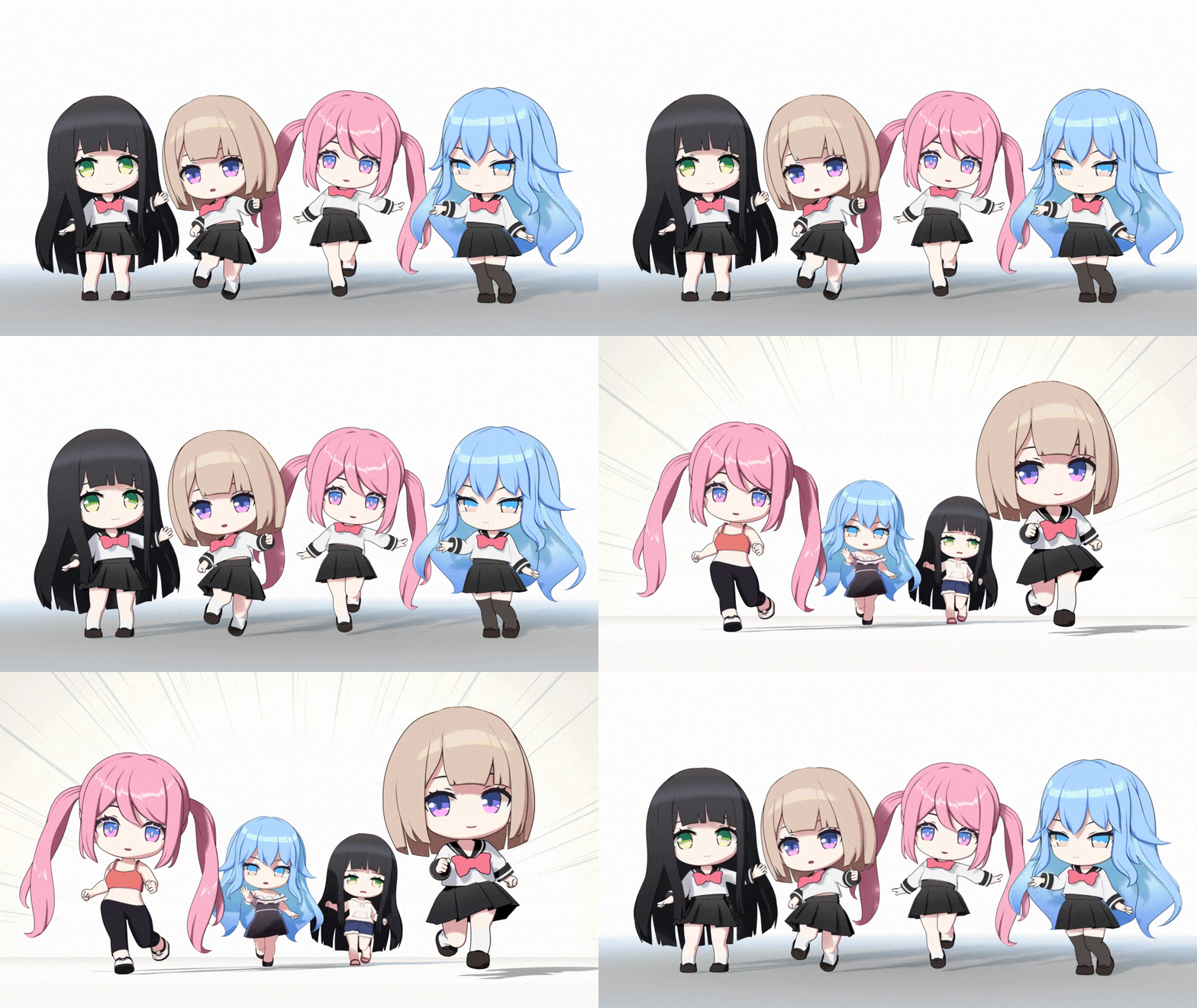
Challenge 10. Creating Your Own SD Character
Highlights
Class Highlights
Beginner-Friendly! Start Blender Character Modeling with SD
Learn the fundamentals of 3D character modeling quickly with SD characters built on simple structures and proportions! Understand the proportions and key points behind cute, natural-looking SD characters, and master the basics of 3D character modeling. Through a variety of beginner-friendly examples, you’ll start Blender character modeling easily and enjoyably.
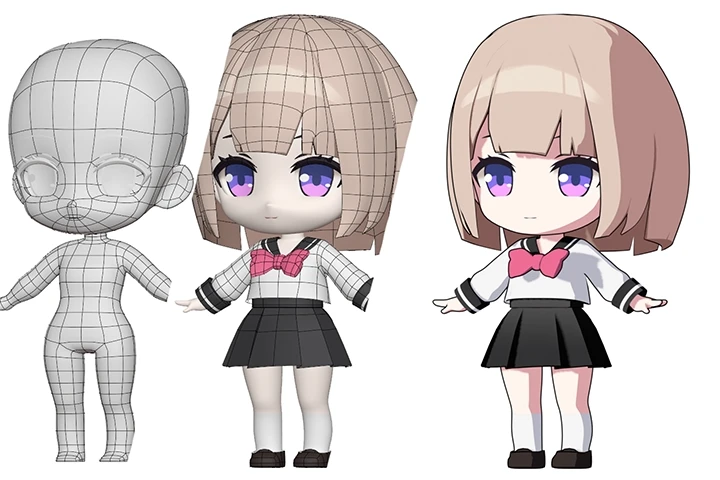
Designing Diverse Character Hairstyles & Outfit Modeling
Explore different modeling approaches through a variety of hairstyles and outfits. Practice step by step as you complete 4 hairstyles, including bobs and waves, and 4 outfits, such as school uniforms and casual wear. With these progressive examples, you’ll learn to create SD characters that reflect your own design choices and unique personality.
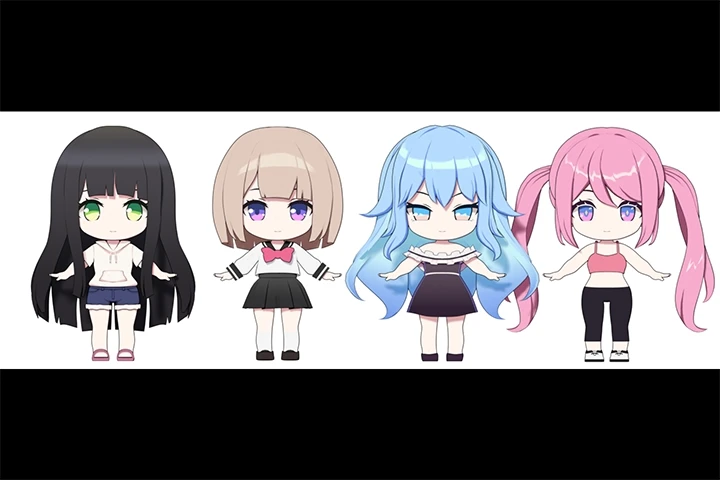
3D Character Line Art Skills to Capture the 2D Aesthetic
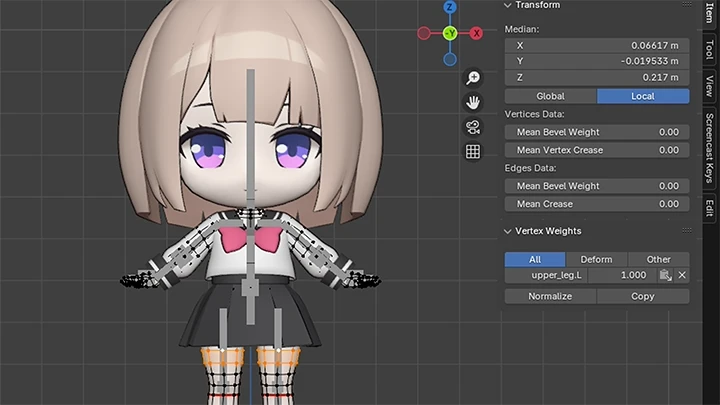
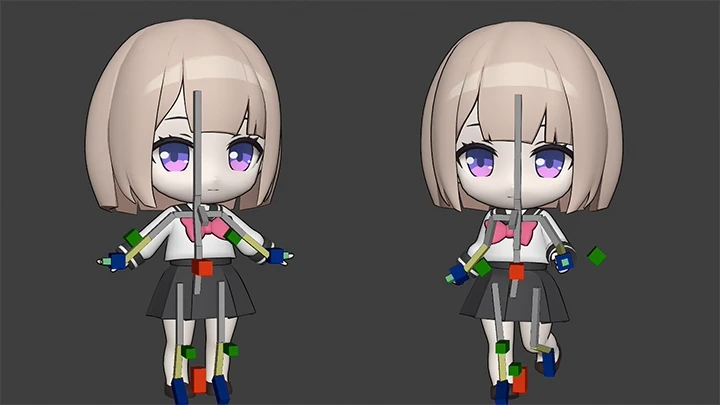
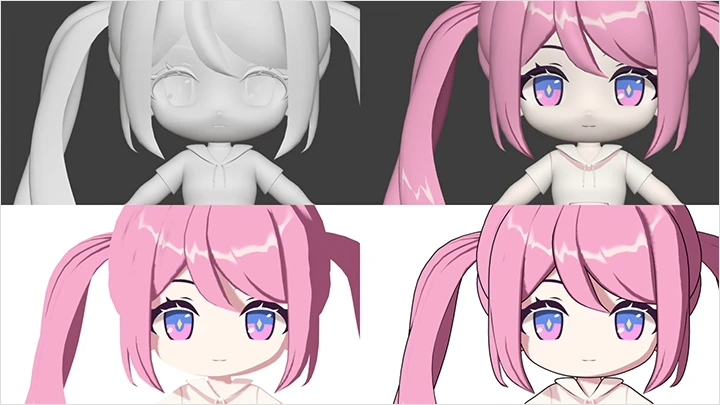
Discover minusT’s unique Blender techniques for capturing a 2D look in a 3D environment! Using skills such as toon shading, texturing, and outline enhancement, you’ll create 3D models with the expressive visuals of an illustration. Finally, add simple rigging to your rendered character and complete dynamic SD poses that bring it to life.