illustrator,elie Details

Brainstorming & Idea Exploring
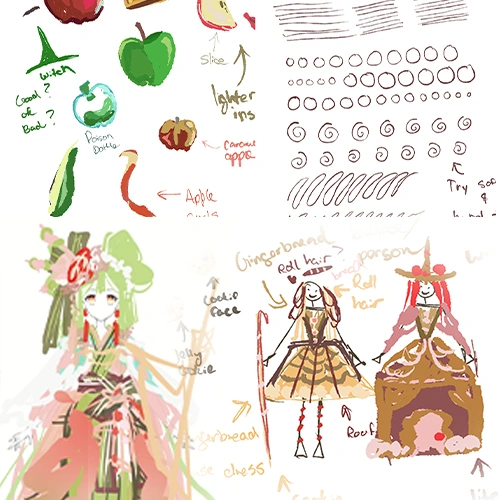
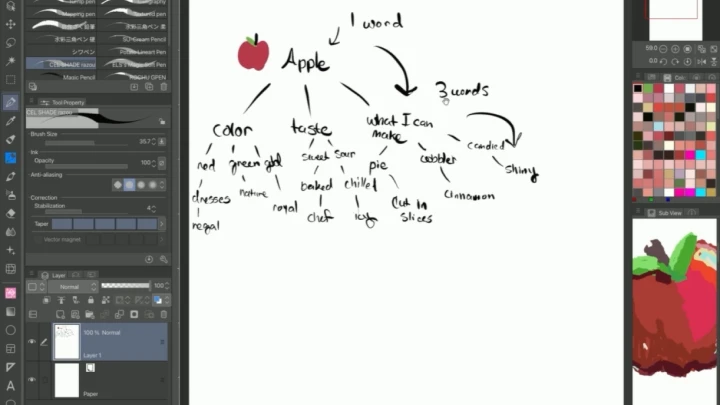
Taking a single concept and breaking it down into multiple parts based on individual experiences and senses for building a variety of ideas for one topic.

Bite-Size Fundamentals
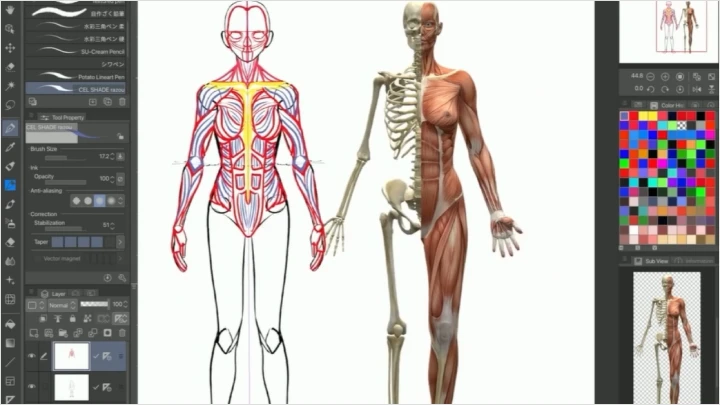
Anatomy, color, light & shadow, and more. Lightly covering these important basics and sharing methods to take them further if interested.

Observe & Apply
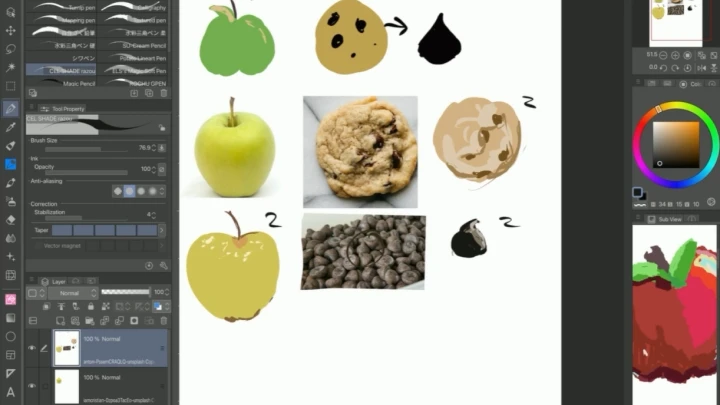
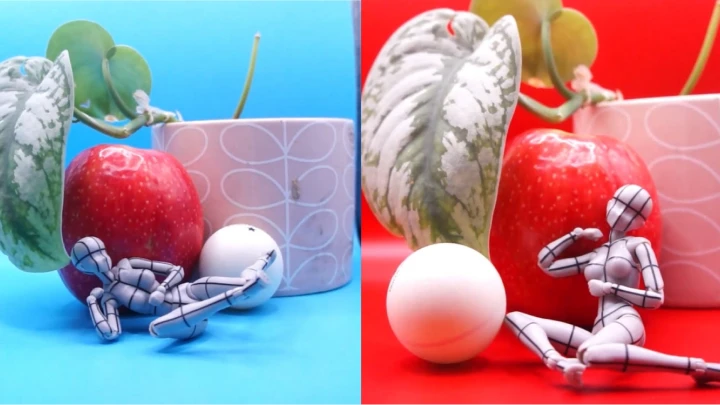
Using the senses to break down items into basic shapes and how to use the shapes in character design.

Storytelling Through Clothing & Accessories
Folds, silhouettes, fabrics, and a brief history; how clothing tells a story and how to incorporate it into your character, focusing primarily on feminine attire.

Rendering & Finalizing
Line art concepts, tips and tricks for illustrative work, and step-by-step printmaking. Learn methods for adding color, light, and finishing touches to make your art stand out.

Turning Your Works Into Business
Covering personal experiences for marketing yourself on social media, applying and attending conventions, and creating products with your artwork.
**Class release dates and content are subject to change without prior notice.
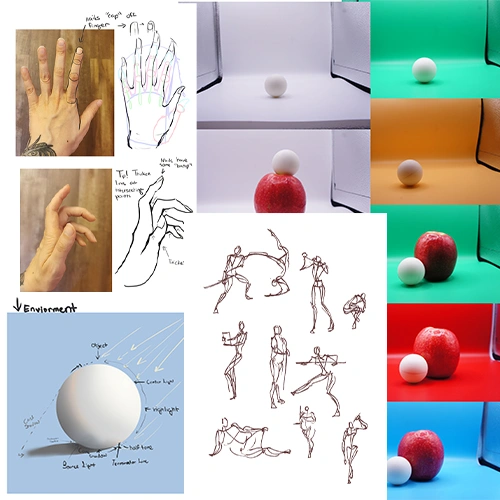
- Section 01
OT
01. Orientation- Meet your instructor and learn about the overview of this class - Introducing the tools and software used in class creation - Quick explanation of brushes and stabilization (more detail in the illustration stage) - Sharing reading materials - Explaining our class goals: Creating a character sheet and designing a full illustration with fashionable outfits
- Section 02
Brainstorming
02. Self-Exploration- Brainstorming what you want to draw: Ask yourself questions - Exploring methods of finding inspiration: Memories, something you saw, ideas in your head
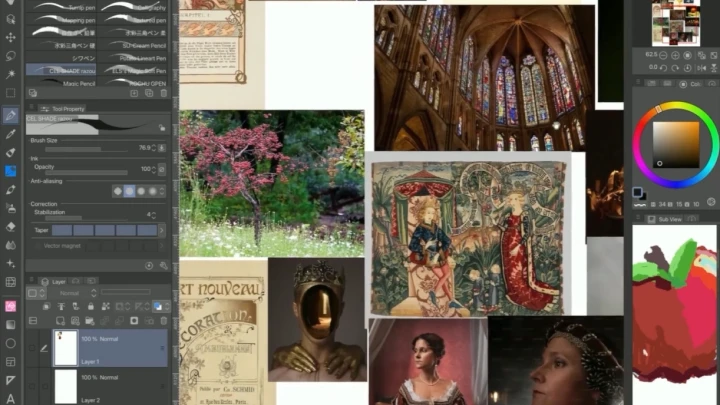
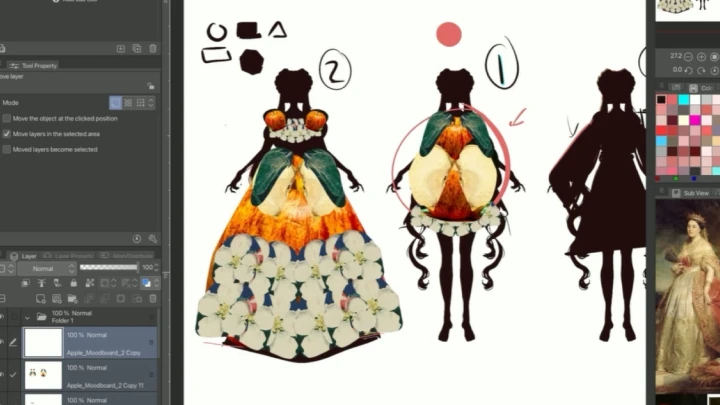
03. Moodboard and Sketch- Creating our moodboard - Explanation of how the mind needs reference points, and why these references are useful - While art can be anything and you can rely on memory alone, having a mental catalog of how things exist in real life can enhance your work - Fantasy is important for creativity, and reality can help others understand a message clearly. Both are important tools! - Perform a general search of words that you associate with the image in your head/idea you wrote down - Use Pinterest, books, pictures/screenshots you took, anything is okay, this is your moodboard for personal use - Repeat the above to create second moodboard for comparison character - Loosely sketch stick figures and shapes with anything that comes to mind, doesn't have to be good, the goal is to get ideas out of your mind and build momentum - After this, we will set these moodboards and sketches aside and practice fundamentals. We can return to these with fresh skills *I will lecture while demonstrating
- Section 03
Anatomy Workshop
04. Warmups: Gesture[Warmups] - Importance of implementing warmups into your routine - Loosen your hand with brush strokes and shapes, we will explore methods to keeping your hands moving smoothly while drawing [Quick Tips After Doing Warmups] - Getting yourself in a good headspace with music, audiobooks, and a clean work desk - Long strokes vs. Short strokes - If you’re spending too much time on something, move on to another part you are interested in to keep your hands moving - Depending on how your art style evolves, you can lean on both anatomy and gesture, so it's a good idea to familiarize yourself with both to build confidence
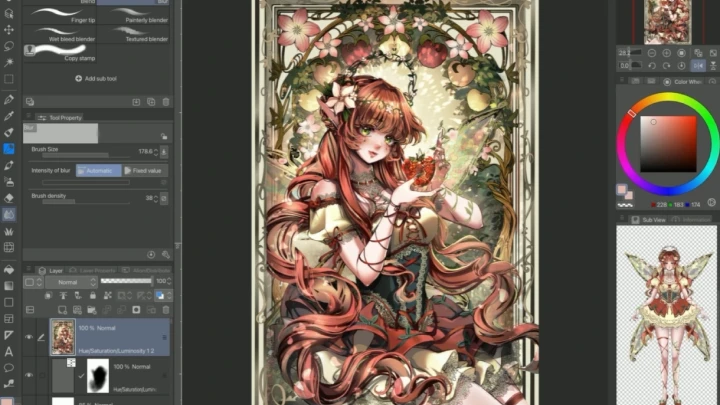
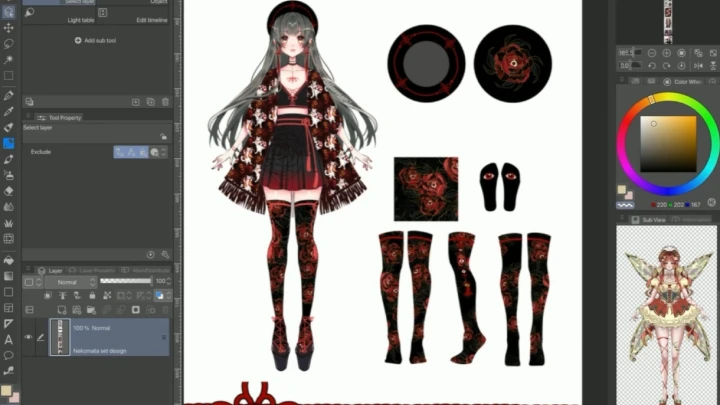
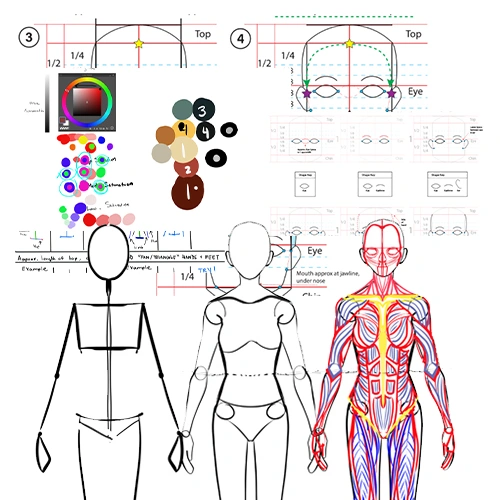
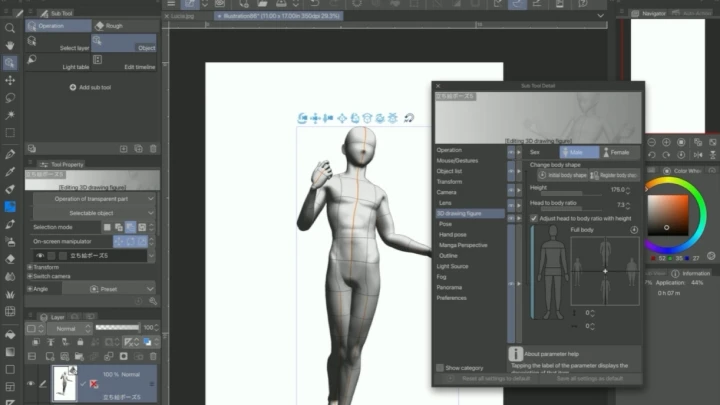
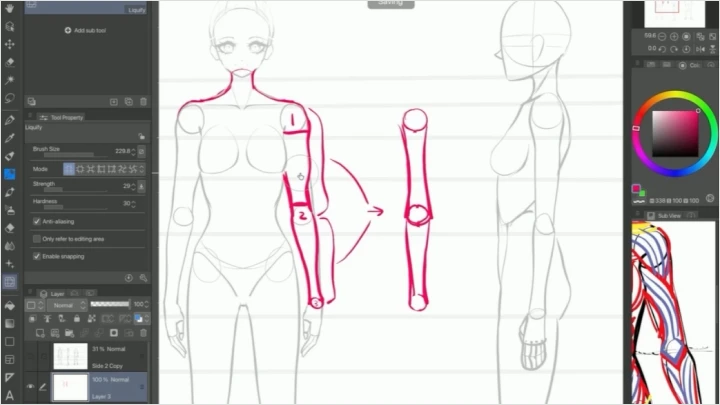
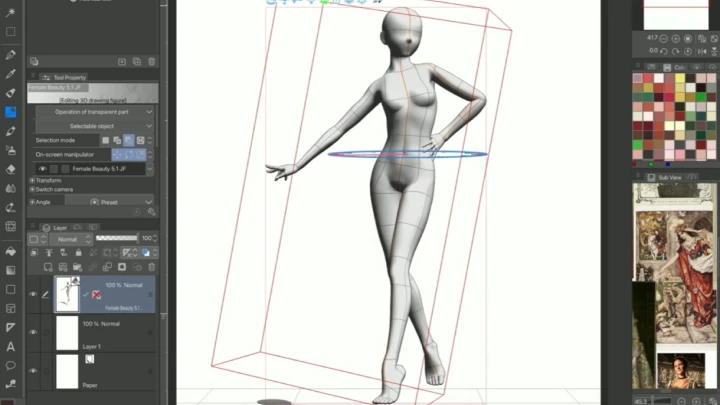
05. Basic Anatomy[Front] - Set up Symmetry Ruler in Clip Studio Paint to create our body reference - Start with basic shapes: Head, neck, shoulders, arms, hands, chest, torso, hips, legs, feet - Information about proportions (head and torso to legs etc.) [Move on to Using Front Proportions to Make] - Side - Back
06. Head[Breakdown of Head Shape] - Starting with basic shapes - Proportions (space between eyes, lips/nose, forehead, etc.) - Eyes (shape for now, detail following) - Eyebrows - Nose - Lips - Ears [Stylized Features] - Discuss how realism can be altered into anime style
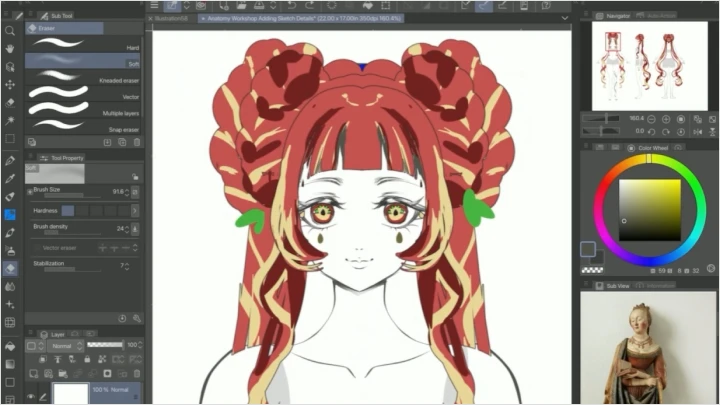
07. Hair- Sectioning the head into parts - Using the head we created, we will divide the main shape into sections of hair - How to use larger shapes and break them down with some small details - Discuss shape design and its importance
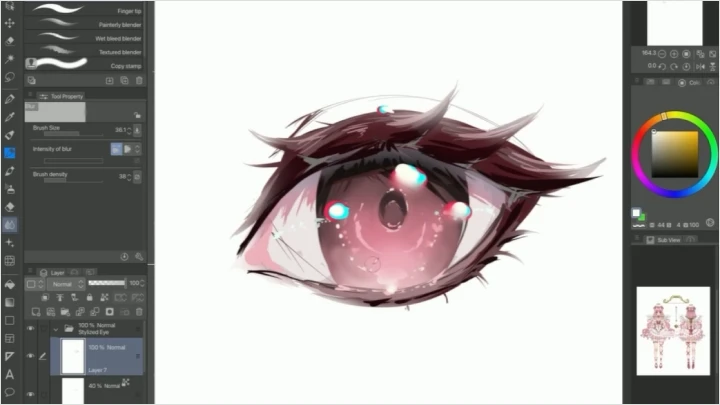
08. Eyes- Breakdown of semi-realistic eye parts - Diving into stylized eyes - Discussing how realism can be incorporated into anime style
09. Body- Breakdown of body form - Revisiting our front, side, back character sheet and adding detail to upper, middle, and lower body - Discussing methods beginners can keep in mind while adding detail, as well as helpful tips for referencing
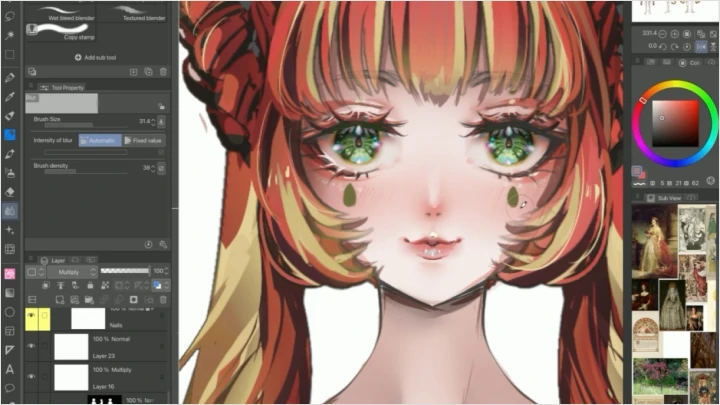
10. Detailing- Exploring methods of detailing the anatomical body we've created - Revisiting eyes: Methods to add relevant details in the eyes of our character (example: sparkles, shapes, and how to use these details) - Revisiting hair/nails/etc.: Explore some techniques for these areas such as potential for adding new detail
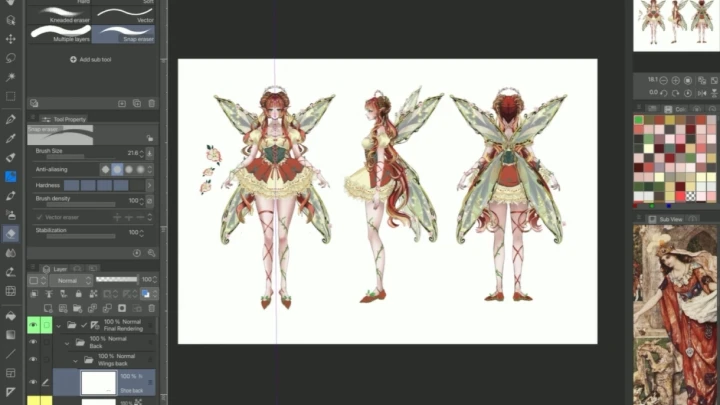
11. Skill Recap- Making the character base we will use for our midterm goal - Explaining how building a memory of human shape basics through repetition will make your art creation proces faster over time - Using what we learned above, let's make the base for our character design - Front/side/back
- Section 04
Color
12. Warmups: Color- Introduction to color - We will discover how colors can help convey a story, mood, or meaning - Take out our moodboard created in section 1 to see what colors come to mind for your character - Simplified color theories
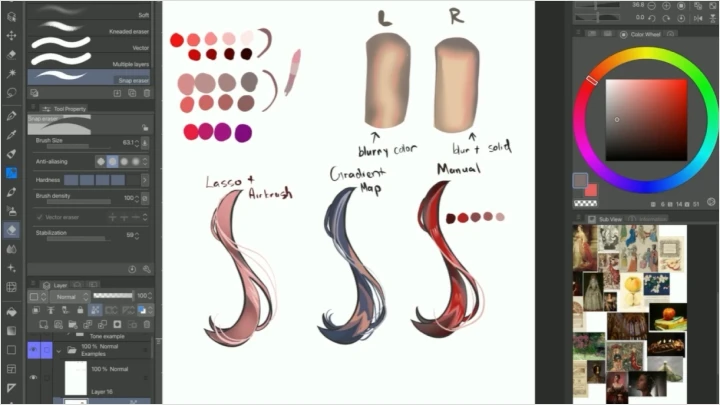
13. Colors: Simplified[Lecture & Demo] - Choosing colors for your character - Explanation of how I personally choose color - Assistive tools in Clip Studio Paint: Lasso tool, Paint bucket, Gradient Map - How using greyscale can help you achieve contrast with color - Sharing tips for coloring ++Tip 1: Name layers so it is easy to identify at a glance ++Tip 2: You can keep color block layers separate so you can clip light and shadow to these areas, making it easier to color later!
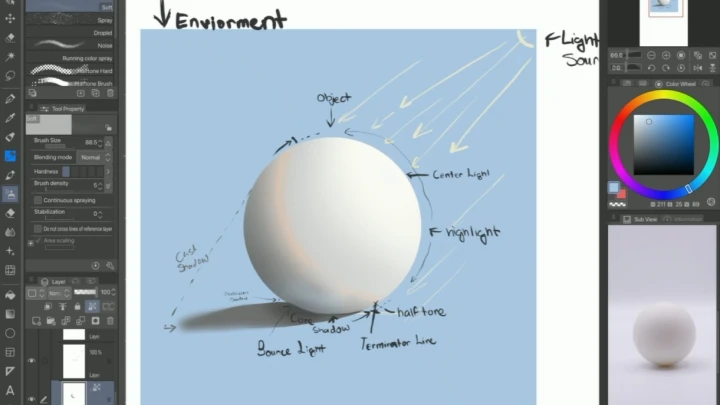
14. Light and ShadowThink of Objects in 3D [Lecture] - Consider your character's environment; you can pull the atmosphere color from there - Light direction - Light quality and how it’ll affect color application (cel and soft shading, and/or changing lineart color) How to Apply Lighting [Demo] - Terminator line (that saturated color pop you see in anime art often!) - Core shadow - Reflected light/bounce light (often the a color close to character in established environment) - Cast shadow (the shadow the object is making) - Occlusion shadow (the shadow at its darkest)
15. Applying Color[Demo] - Let's apply colors from our palette to our character sheet - Detailed breakdown of following Eyes - How to base color the eye Skin & body - General method of skin coloring - How to approach coloring joints Hair - Apply base color
16. Applying Light and Shadow[Demo] - Application of light & shadow from our knowledge to our character sheet - Detailed breakdown of following: Eyes - Where to shade eye - How to add depth Skin & body - Areas for shading - Explanation of treating limbs as cylinders and joints as spheres - Refer to our "light and shadow reference sphere" created Hair - How to express transparency with bangs and forehead - How to show hair depth - Where to consider shading and techniques
- Section 05
Clothing and Details
17. Break Point: Revisiting Your Progress[Lecture] - Revisiting your concept - Pull out the moodboards and sketches we created in the introduction - Assess if we are still interested in the original idea. It's okay if we need to change our character along the way. We can decide which idea we want to work with and make changes - This is a natural part of the art process and personal growth and important to the process
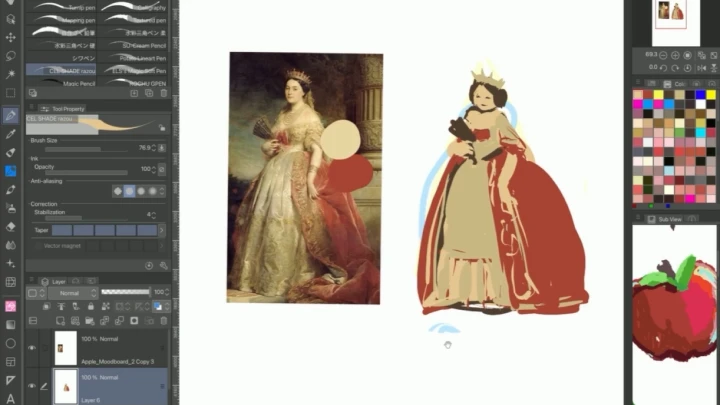
18. Warmup 1: Observation[Lecture] - Discussion of the importance of observing details - Observation helps build a database for what you want to achieve in your illustration process [Demo] - As a class, I will demonstrate observation of a sample image In the observation, I will notate: - What I like at first glance - What I like at a closer look - Choose one detail of the image - Consider how I would create above detail - How would I use this detail in my own work - How I could use detail in a way that fits my character
19. Warmup 2: Building Memory[Lecture] - Discussion of activity to enhance observation skills when drawing something new [Demo: Exercise to Build Memory] - Demonstration of choosing one reference to recreate - Keeping reference open, quickly create in 5 minutes (visual copy) - Hide reference, hide created copy, and redraw from memory for 5 minutes (memory copy) - Un-hide reference and compare memory copy to visual copy - Notate the differences between copies - Notate what could change between all 3 images *This is an activity you can use to build memory reliance
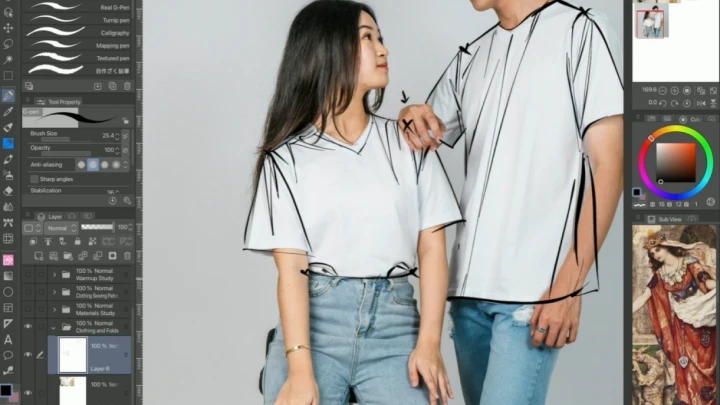
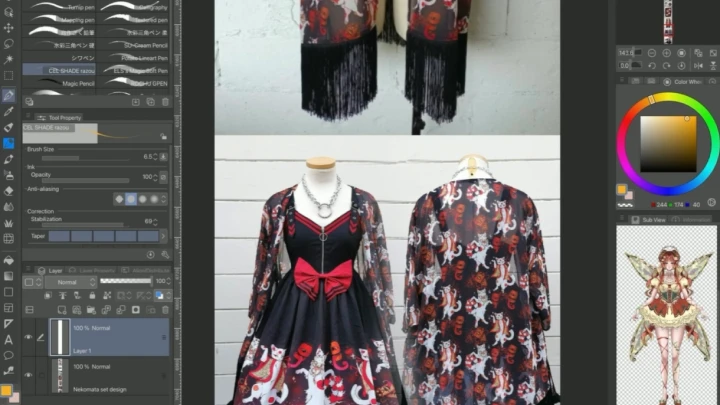
20. Clothing[Demo] - Discussion of clothing parts, and how they interact with each other - Shapes - Layering and stacking - Folds - Construction patterns - Ruffles - Ties/ribbons/laces - Fabrics and showing fabric weight/texture
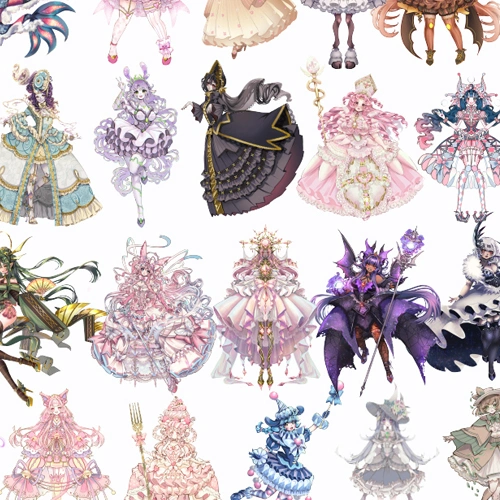
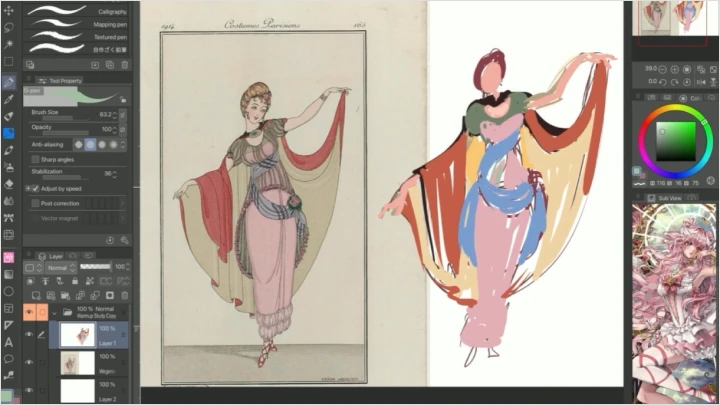
21. The Value of Clothing- Briefly explore eras of clothing - Fantasy clothing or styles are often inspired by trends in history with a blend of fantasy - Notate geological locations have different characteristics and historic relevance that can help guide how you imagine your character - Examples: Steampunk, fae, cyberpunk, gothic EGL, etc. there are many but we will explore common imagery *Emphasize how research is relevant to your personal creativity and realism *Reminder: You don’t have to commit lengthy time to study- anything helps!
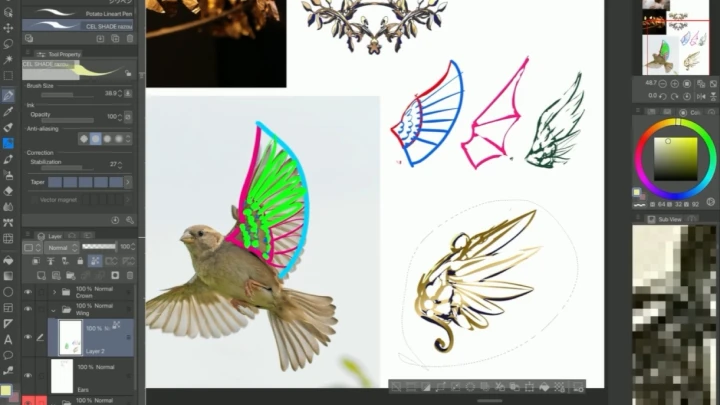
22. Adding Unique Details- Exploring ways to add fantasy concepts to character using research from the previous chapter - Jewelry (talk about eras of clothing from the past, trends, etc.) - Body alterations (piercings/tattoos/etc.) - Exploring fantasy elements (wings, tails, etc.)
- Section 06
Finalizing Your Character Sheet
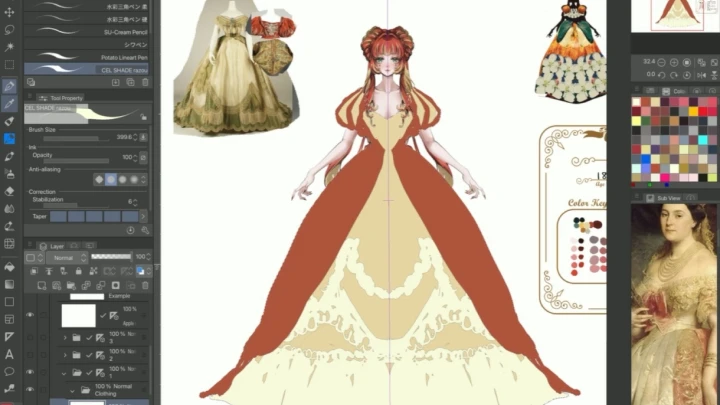
23. Dress Your Character[Warmup] - Practice applying clothing shapes on body with clothed figure gesture practice - Continue to build up your character sheet using what we learned in this chapter [Demo] - Creating a new layer over our model base - Sketch out an outfit using general shapes - Break down the shapes into smaller details *This will complete a general sketch of what the character clothing will look like
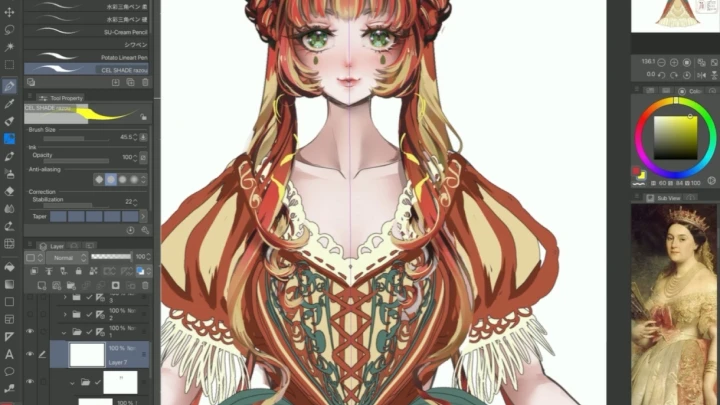
24. Detail Your Character- Applying what we've learned from previous chapters - Add relevant details to your character as necessary - Continue application of color, refer to previous chapter if needed *This will finalize our character design sheet
- Section 07
Illustration: Planning
25. Recap and Illustration Intro[Before We Get Started Creating a Full Illustration] - Let's do some self care by cleaning out our workspace - The importance of getting yourself in a good headspace, put on some music if you’d like - Grab a snack or drink before getting started - Recap of what we've covered so far: Anatomy, color, and render - Continue thinking of objects as “3D” - If you’re spending too much time on something, move on to another part you are interested in to keep your hands moving - A general rule-of-thumb is when you notice yourself taking too long, set a timer with a 10/15 minute limit - If your focus is taking too long, set it aside and re-approach it later - Let's grab some reference images that we can refer to during our illustration progress to make the process easier!
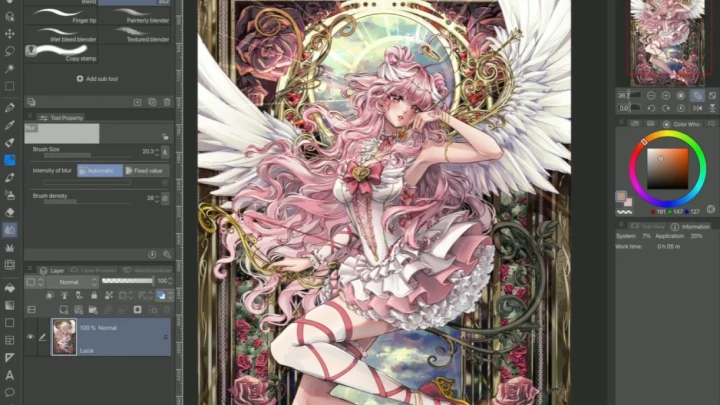
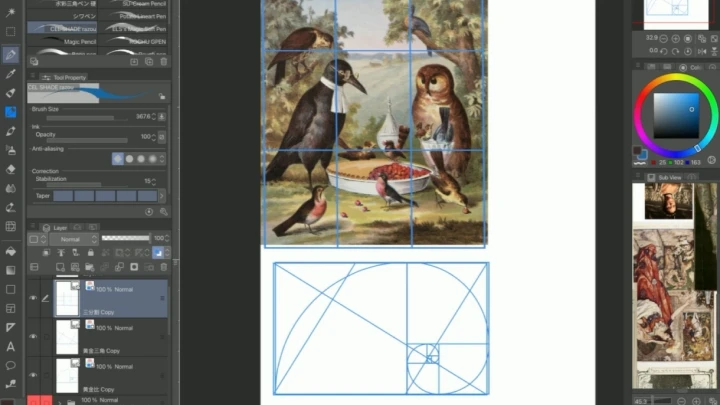
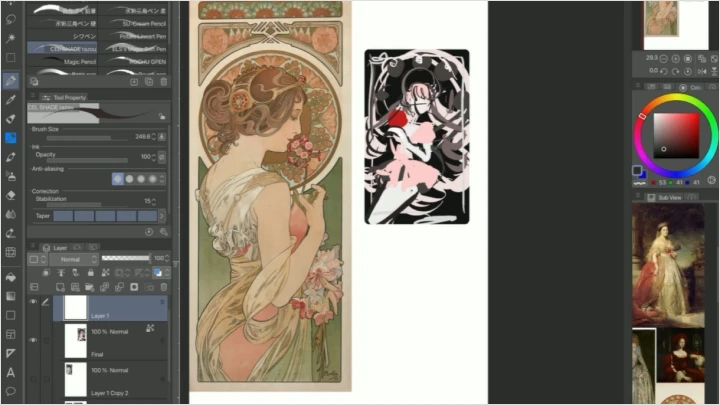
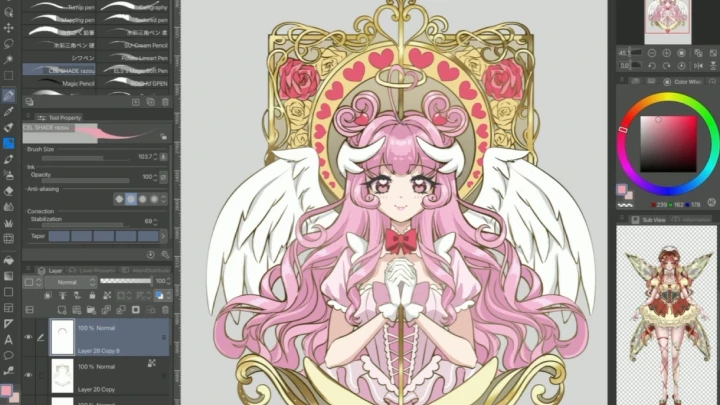
26. Intro to Composition[Lecture & Demo] - Rule of thirds, golden ratio, triangles - Using negative space - Let's study three examples together - There are more compositions to explore, but these are a good starting point *Include some recommendations for more [Questions to Ask Yourself] - Do any of these compositions appeal to you? - What weighs the focal point down? - How will we arrange elements? - What do we want to guide the eye to? [Lecture & Demo] - I will showcase how I incorporate Art Nouveau in my illustration using ideas we collected in the section workshop - I will be using framing composition as example
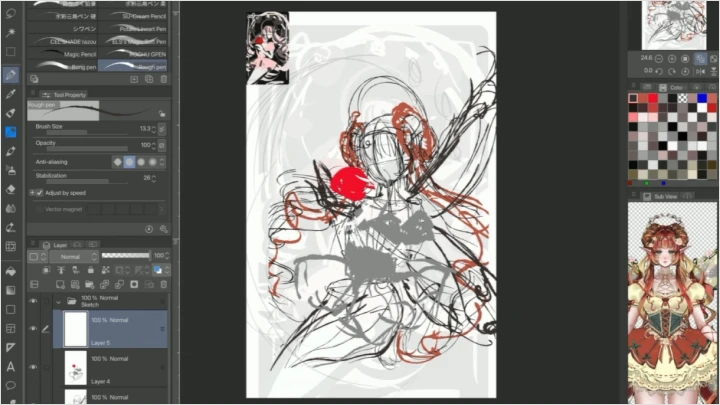
27. Thumbnailing[Lecture & Demo] - Explanation of thumbnailing technique to start your concept - Let's limit the time spent to a minute per thumbnail - Creating small boxes - Can be greyscale or color - Using a dark, mid, and lighter color to arrange composition - Try to make a few to choose from - Pick one you like, if there isn’t one you like, repeat the activity and continue timing yourself
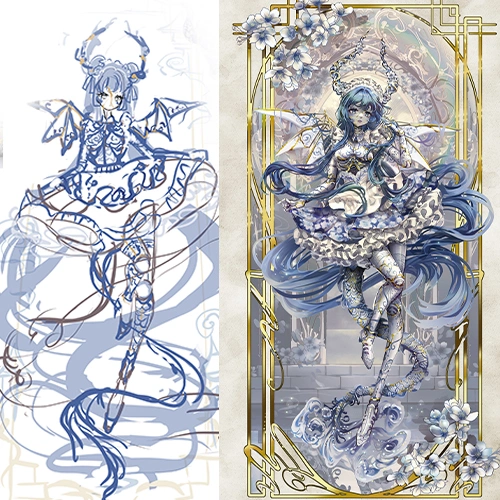
28. Sketching[Lecture & Demo] - Building a sketch based on thumbnail - Creating a large canvas size (I will be using 11in x 17in 350 DPI) - Taking out the thumbnail image you made, enlarge to fill canvas - Adjusting thumbnail to a composition of your choosing - Optional: Keep thumbnail off in corner to reference at smaller scale (Can be in navigation) - We will be working up from our thumbnail image and adding general shapes that we will build up from (refer to references for guidance) - Flipping the canvas and adjust as needed
- Section 08
Illustration: Rendering
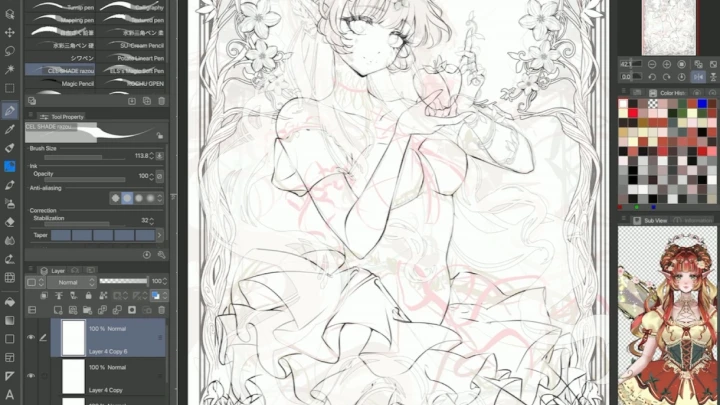
29. Line Art[Demo] - Discussion of line art approach, and using line weight - Creating a new layer above sketch layer - Erasing parts of your sketch so further clarify the image - Turning down the opacity of your sketch to a comfortable level where you can see the image overall, but you are able to draw over it - Discussing stabilization of lines, and adjustments you can make to brushes - Creating a new layer for line art -Start lining over your sketch - As we line, I will discuss line weight, and adding darker areas to where objects meet - Cleaning up line art - Continue flipping your canvas
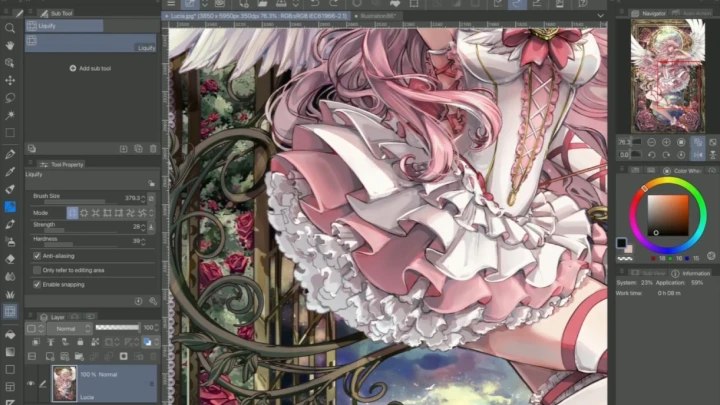
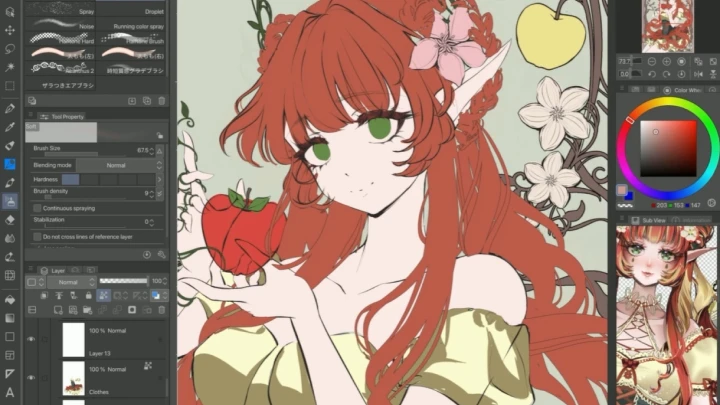
30. Base Color[Lecture & Demo] - Recap of Section 2.1 - 2.2 Colors - Keeping our character reference in mind while coloring to choose colors that complement the character focus - Setting line art layer to multiply - Turning on Line Art as “reference” layer - Creating new folder under reference layer named “Coloring” - Using paint bucket, set to “refer reference layer” - Start filling in sections, breaking apart these sections in their own layer
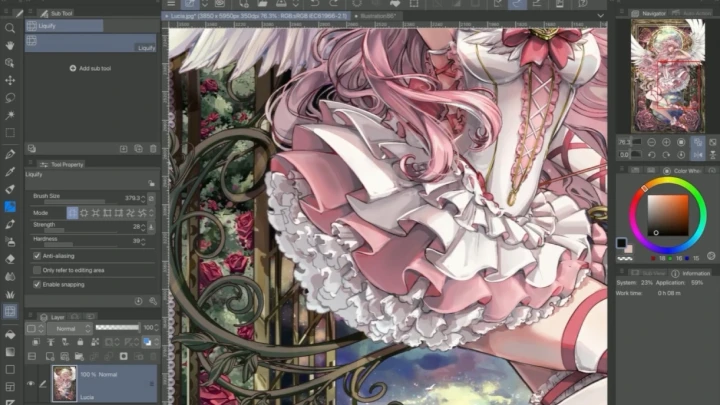
31. Render Light and Shadow[Lecture & Demo] - Rendering through combining everything we’ve learned thus far - Color block your individual sections with a lighter color, direction based on light source - Color block sections with shadow - I will be using “cel shading” method here and explain - With my cel shading method, I will explain where to blur a line, and where to keep it straight - Let's continue rendering by adding additional colors to our light and shadow while remembering what we learned
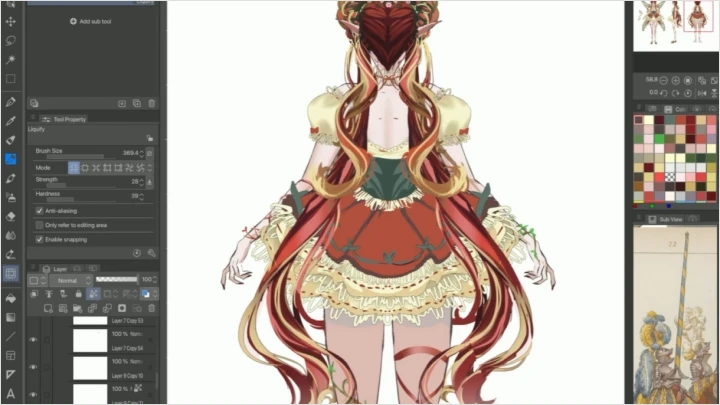
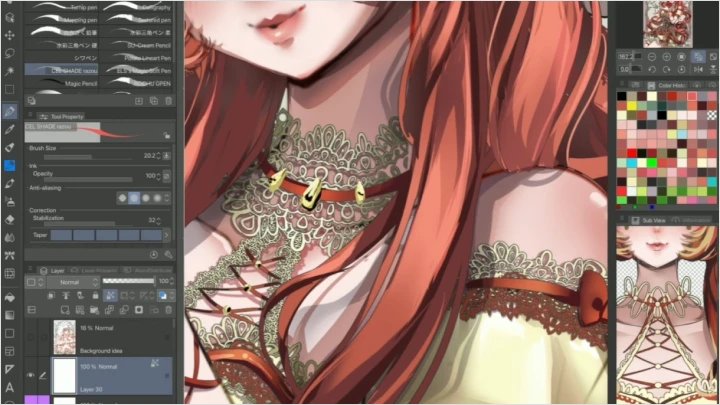
32. Extra Details and Effects[Demo] - Discussion of additional details that can help make an illustration stand out - Coloring line art - Multiply effect on line art with gaussian blur - Using correction layers for color, etc., without disrupting your image - Gradient mapping to bring your colors together - Bonus: I will be designing in the Art Nouveau style, so I will discuss coloring metals along the way
33. Finalizing- Celebrating your artwork - Take a break from your project and revisit it with fresh eyes - Compare your work against your references to cross check if there are any adjustments you'd like to make - Flip your canvas to check for adjustments
- Section 09
Bonus
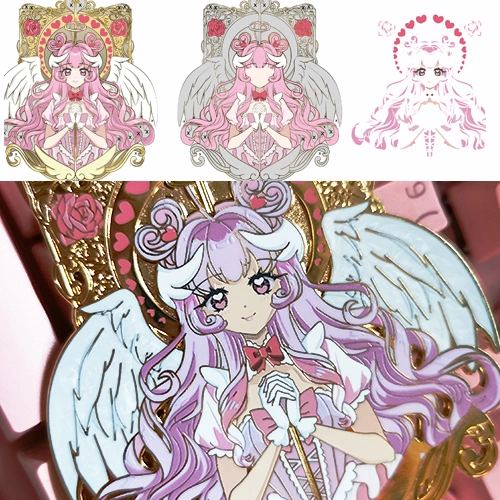
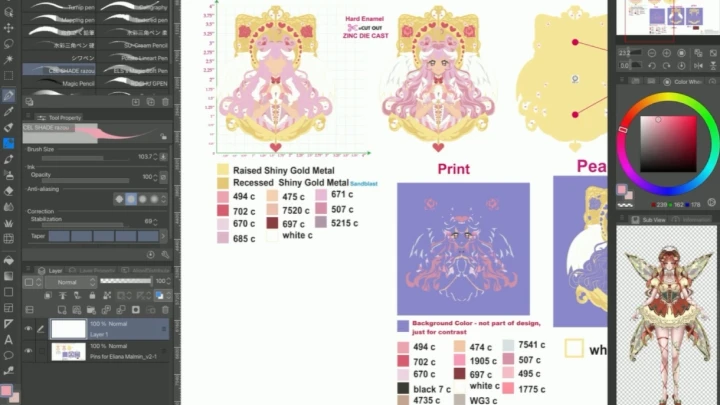
34. Manufacturing Products- Manufacturing products and my personal experiences - Considering what you’d like to make as a product - Sourcing a manufacturer - Working with manufacturer (making mockups, samples, etc) - Budgeting - Marketing yourself - Conventions (finding events, setup supplies, booth display, etc) *Will supply some examples of my own process and how I source suppliers
35. Building Confidence- Creating your portfolio - Social Media Confidence and Networking - Sharing my personal journey and what has worked for me - Reminder that "art block" is a sign of growth, and changing your approach will help overcome these moments and grow your skills - Thank you for taking this course!
This course will use Clip Studio Paint ver. 3 (lower or higher versions are also acceptable).
Most digital drawing software can achieve the same effects we will be discussing. However, the interface may differ and the perks will be provided in .CSP format.
Please purchase and install these program(s) for an optimized chapter experience.
*These programs and/or materials will not be provided with the chapter.