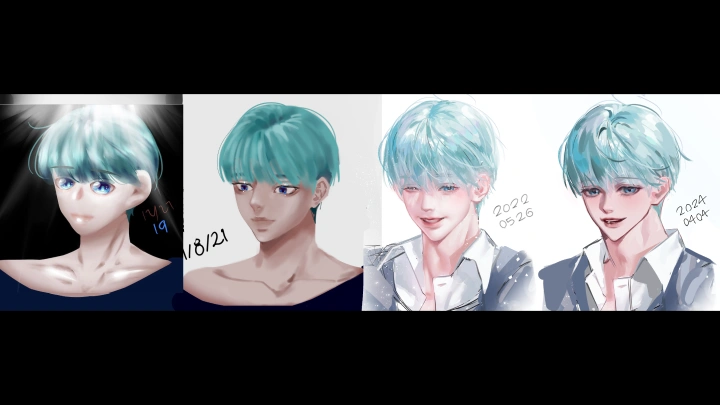
illustrator,doyunecheon_천도윤KR Details

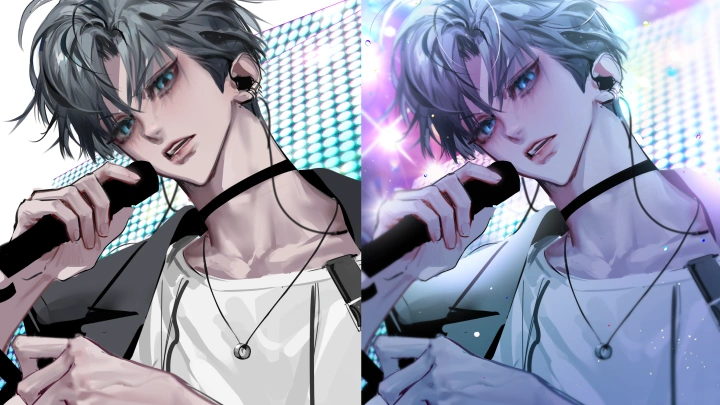
Achieve a High-Density, Full Look with Semi-Lineless Art
Learn the fundamentals of the semi-lineless style and the detailing techniques that create a sense of density. Discover how to balance sharp outlines with painterly rendering and adjust visual balance to make even unfinished pieces look full and rich.

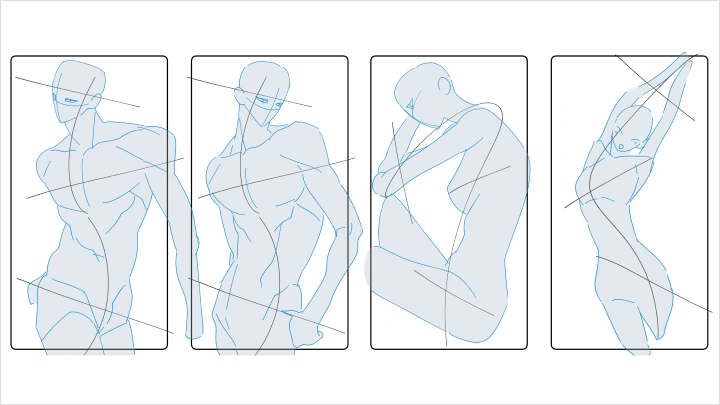
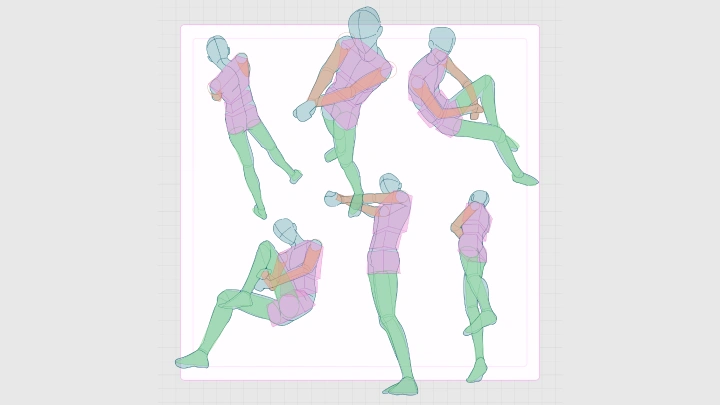
Consistent Quality: Mastering Anatomy and Poses
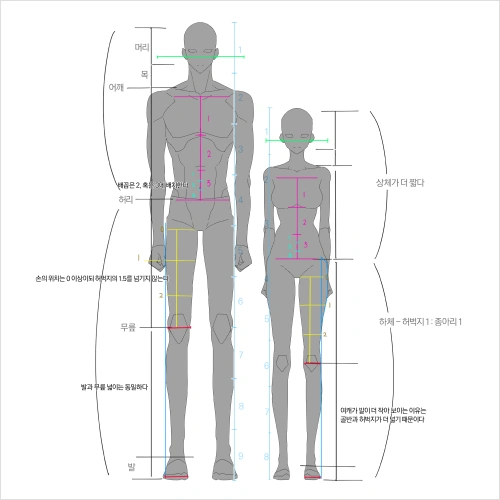
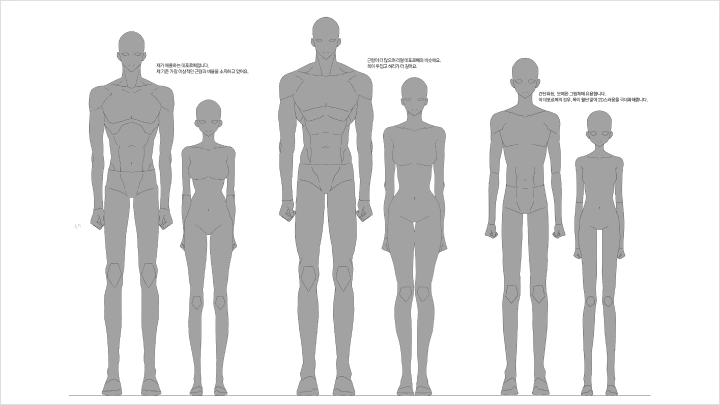
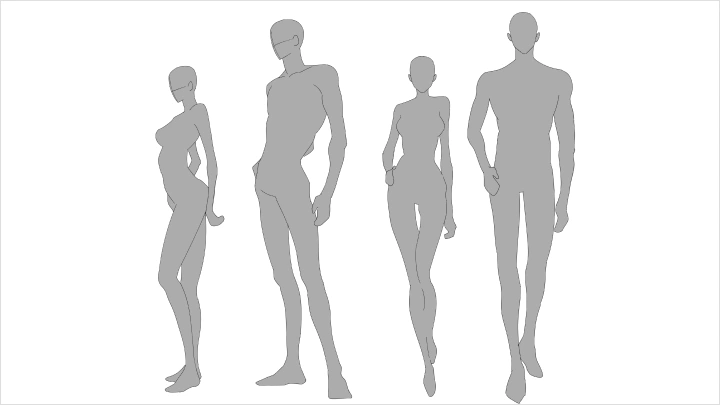
Set a consistent standard for human proportions to maintain a high quality across all your work. Learn basic guidelines for designing dramatic yet plausible poses. You'll also get tips to prevent anatomical distortion and disproportion while practicing compositions.

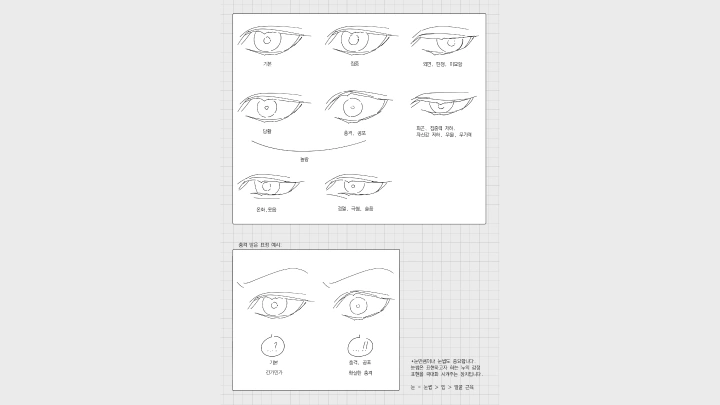
Conveying Emotion and Atmosphere through Composition
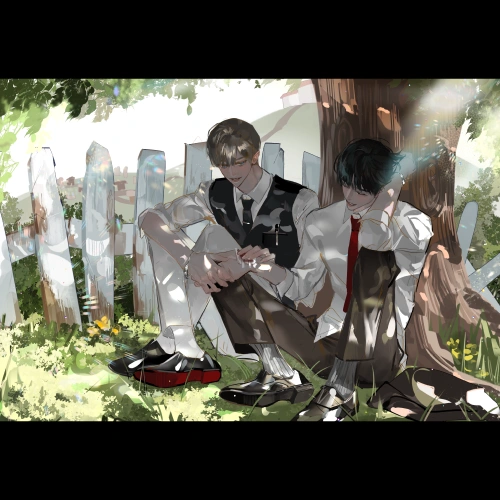
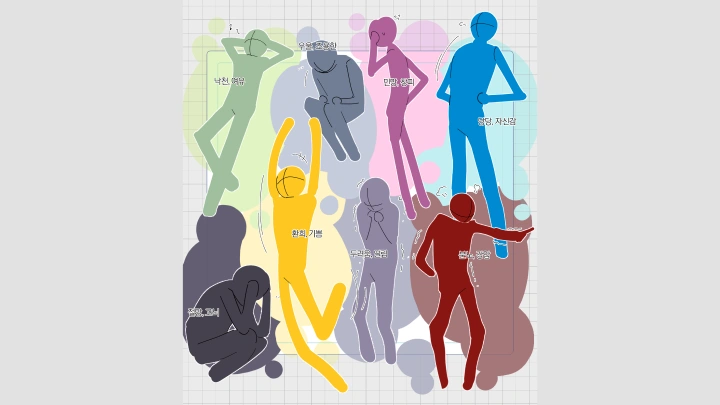
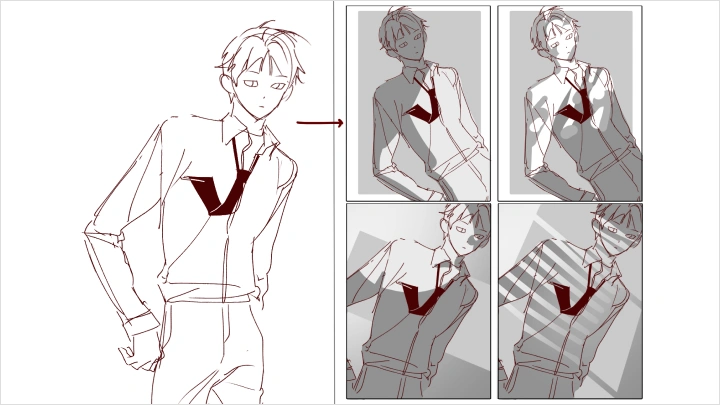
Master the art of conveying a character's emotions and the scene's mood in a single frame. Learn visual composition using backgrounds, color, and eye direction. You'll discover how to control emotional temperature and psychological distance through variations in lighting and color temperature.

Boost Your Art's Persuasiveness with a Sculptural Sense
Learn how to create a focal point by removing unnecessary elements and designing your art around key features. Practice the process of simplifying structure while filling in density with detailed rendering. Elevate your art's persuasiveness with eye-catching compositional skills.

Enhance Atmosphere with Color and Value
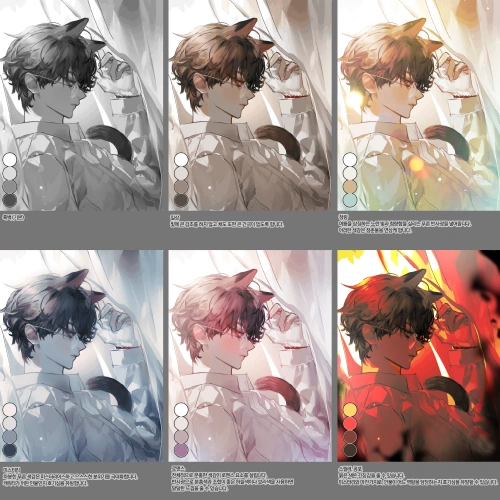
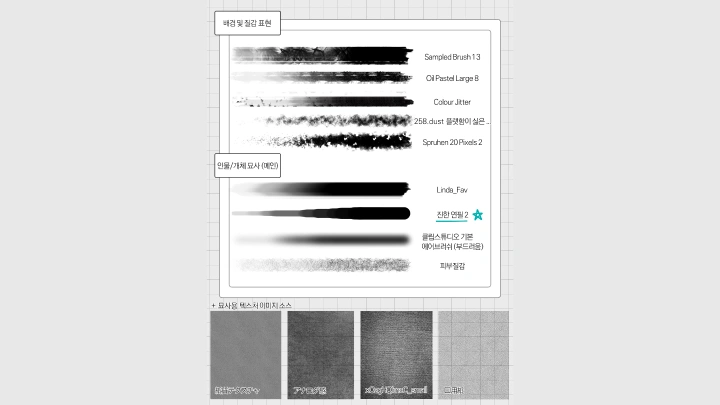
Learn how to design your color palette and apply value to add depth and weight to your work. Set your colors to match your desired mood and use various value combinations to distinguish between your characters and the background. You'll also learn to control the atmosphere and level of finish by selecting the right brushes and adjusting texture.

200% Quality Boost: The Retouching Process
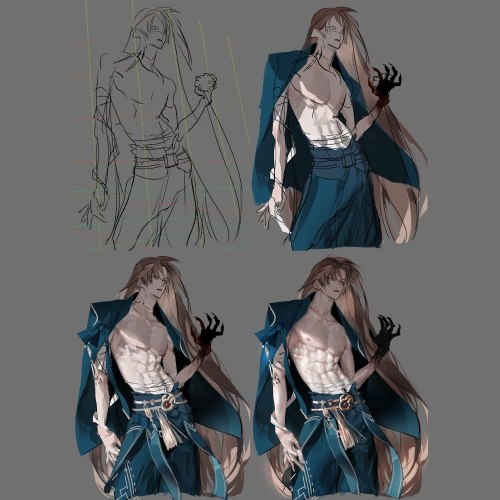
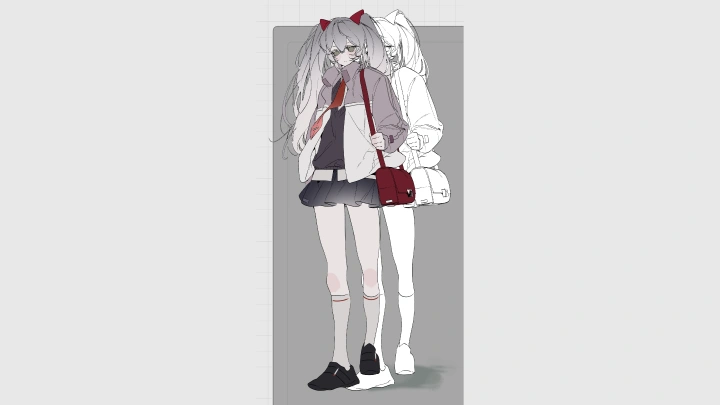
Learn the entire workflow, from rough sketch to coloring and final retouching. Discover how to find that last touch that fills in your drawing's imperfections. You'll learn to analyze and refine your own work, mastering retouching skills that can elevate your art by two or three levels.
- Section 01
Creating a Foundation: Character Structure and Guiding the Viewer's Gaze
01. Establishing Your Character's Standards: Deformation and Human Proportions- Understanding the differences in proportion settings and drawing between male and female characters - Determining your character's unique proportions based on their silhouette - Controlling detail in deformation vs. realistic styles
02. Training Compositions to Guide the Gaze- Practice the visual effects of basic compositions (triangle, diagonal, central symmetry) - Learn how to fix the viewer's gaze by placing high-density information - Create a rhythm that leads the eye and focal points that make it pause
03. Why Quality is Determined in the Rough and Base Color Stages- How to handle structural accuracy and organize information during the rough stage - How to create rhythm in the base color stage using saturation and value contrast - Tips for bringing your art's quality up to 80% before you even start coloring
- Section 02
Selection and Focus: Density Control and Detailing
04. Choosing Colors: Creating a Palette that Fits Your Concept- Use color sets and gradients to express emotions (e.g., warmth, anxiety, threat) - Design three-dimensional compositions using saturation and color temperature contrast - Create focal points by adjusting the distance between character and background colors
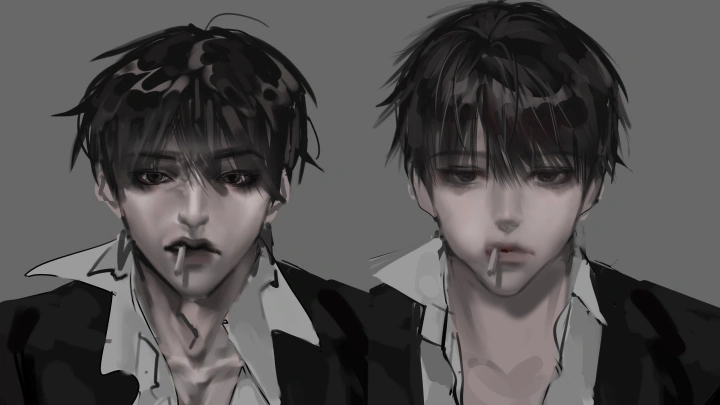
05. How to Decide Which Areas to Detail vs. Which to Omit- Establish standards for separating areas where the eye lingers from those it passes over - Understand the difference in emphasis for semi-lineless art: increase information in areas to be emphasized, and match the rhythm in the rest
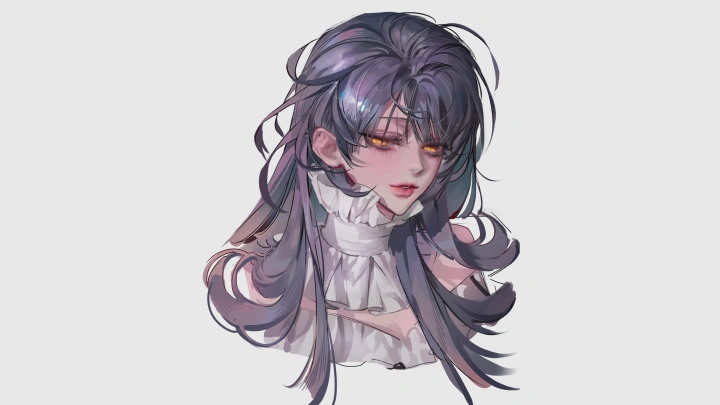
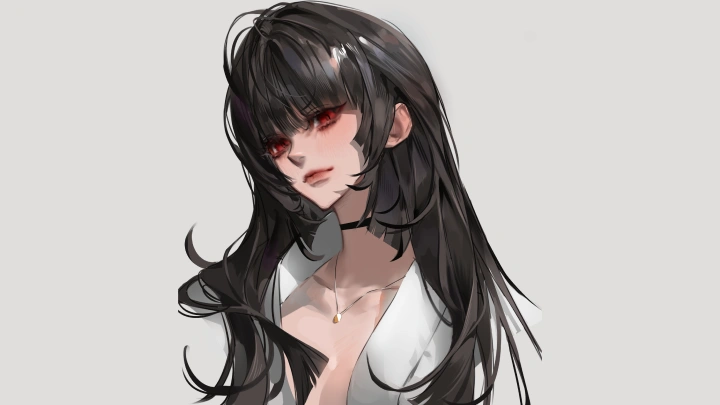
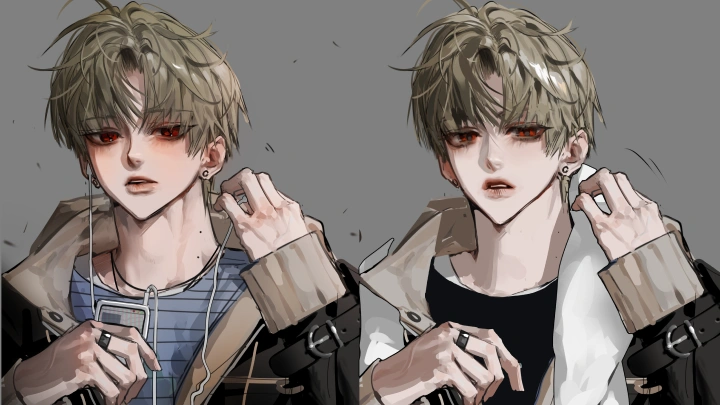
06. Creating Impact with Hair, Eyes, and Hands- Learn how to prioritize and emphasize key features—like eyes, hair, and hands - using coloring and value - Master brush techniques to define shapes without using lines
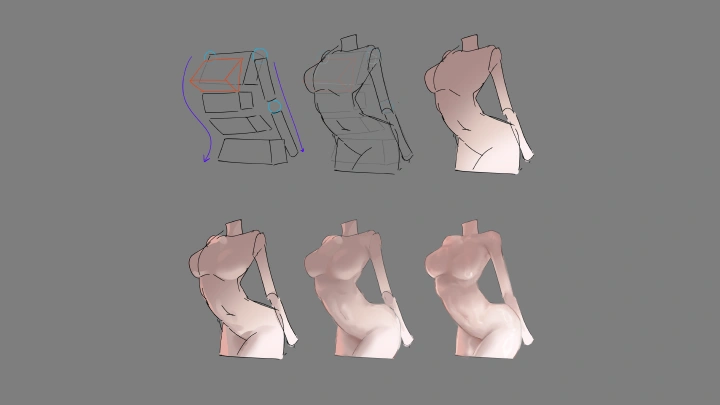
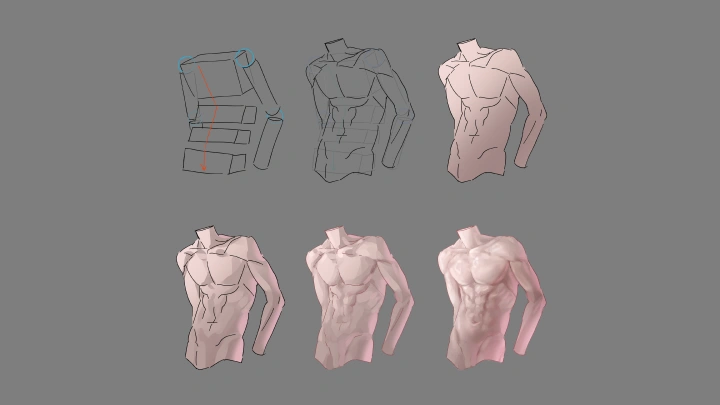
07. Understanding and Coloring the Human Body, Focusing on the Abdominals- Learn the anatomical structure of the male torso and get drawing tips - Master techniques for rendering abs impressively without information overload (elevate quality from a single color block to a detailed form and lighting flow)
08. Semi-Lineless Coloring Density Control Techniques- Learn to control the sharpness of the edges and the blending of the inner coloring - Master designing information to look lineless without appearing blurry - Use brush edge sharpness to create a sense of depth and dimension
- Section 03
Persuasive Human Anatomy Composition
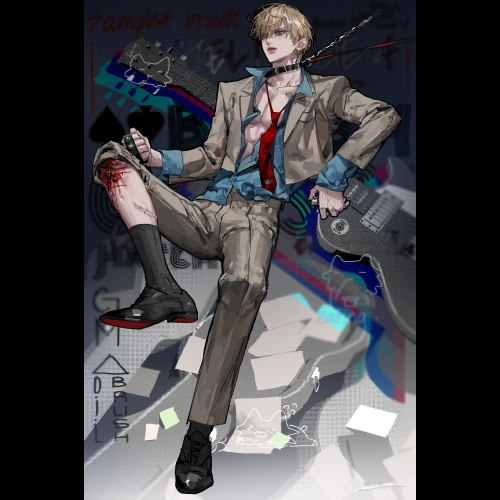
09. Creating a Body with a Story, Not Just a "Pretty Body"- Learn to draw poses that convey a specific situation and context, moving beyond idealized body types - Prioritize a "living silhouette on screen" over strict anatomical accuracy - Discover how to bring out the unique personality of each character's body
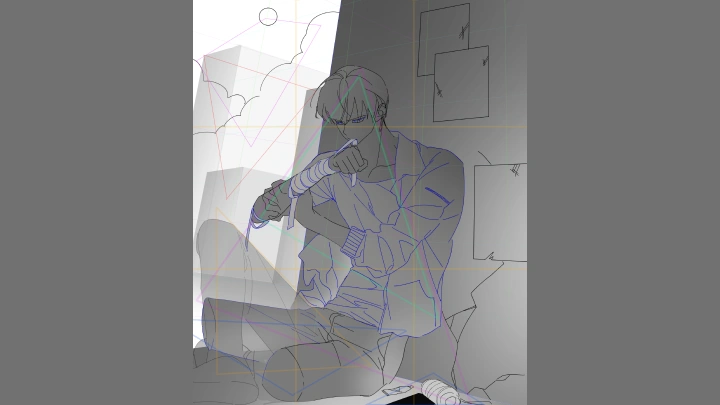
10. Creating a Sense of Body Structure Under Clothing- Understand how clothing can both conceal and reveal the body - Learn to render wrinkles and folds to show structural direction, pressure, and sagging
11. Maintaining Structure in High-Difficulty Compositions- Learn to design anatomy that stays solid in high-angle, low-angle, and tilted shots - Train yourself to rebuild forms using three-dimensional shapes - Hone your skills to refine distortion so it looks intentional, not sloppy
- Section 04
Expanding Your Composition: The Flow of Structure, Light, and Emotion
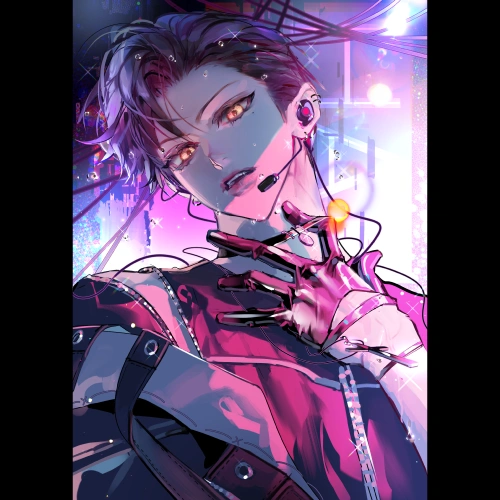
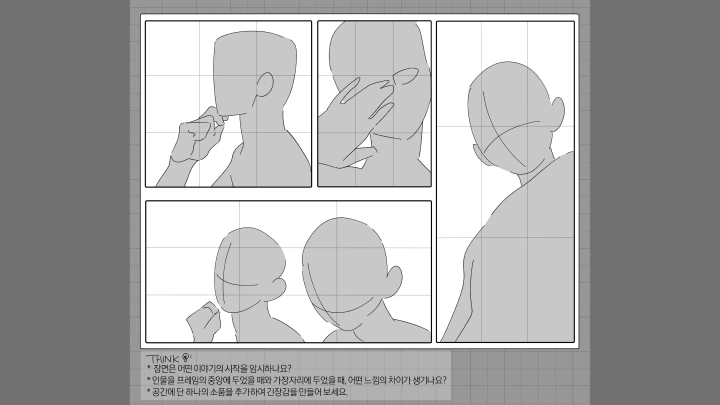
12. Creating a Persuasive Close-Up- Learn how to compose camera angles for character-focused illustrations - Guide the emotional flow by strategically placing features like the eyes, mouth, and hands - Use negative space within the frame to increase focus and draw the viewer in
13. How to Use Accessories, Clothing, and Effects for CompositionLearn to place decorative elements to emphasize the focal point while avoiding visual clutter Discover how to compose secondary elements and props (like a fluttering ribbon, dust effects, or light) to explain a character's movement and situation Understand the order in which to place elements to match the flow of the viewer's gaze
14. From Planning to Post-Production: The Full Illustration Workflow- Organize your workflow: keyword selection, creating a rough scenario, and designing the forms - Set clear checkpoints for each step, from base colors to final coloring and post-production - Establish your standards for post-production, focusing on value, color temperature, and information density
- Section 05
Advanced Illustration Design for High-Density Composition 01: Layout and Placement
15. Composing a Silent Scene: Non-Verbal Emotional Delivery- Design a frame that implies emotion through the direction of the eyes, fingertips, and body - Create a composition that conveys emotion without needing an explanation - Make a scene that allows the viewer to infer emotional flow without any dialogue
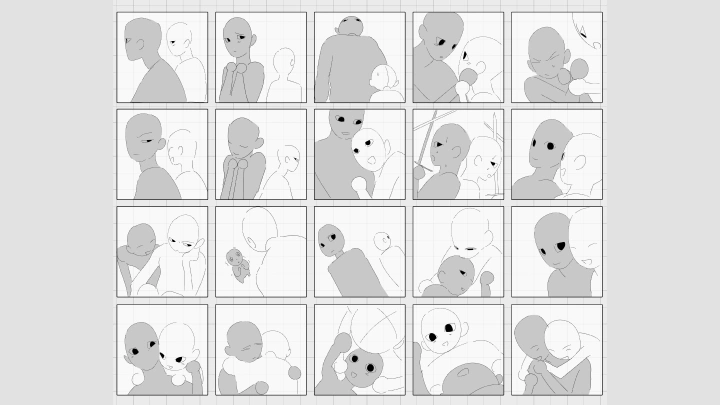
16. Designing Multi-Character Scenes to Show Relationships- Visualize relationships through gestures, body direction, and eye contact - Set the level of intimacy by adjusting the distance between characters in the frame - Design an emotional flow that can be felt without a single word
17. Adding Tension to Static Scenes- Create tension using composition, value contrast, and intersecting gazes within the frame - Set the emotional temperature with the direction and color of light - Infuse a sense of narrative flow into a static composition - Combine a static pose with light and composition to build tension
- Section 06
Advanced Illustration Design for High-Density Composition 02: Coloring
18. Low Saturation, High-Density Illustration- Learn how to place a point color to express emotion within a grayscale palette - Discover how to maintain a sense of rhythm even with minimal saturation contrast - Use value separation to add depth to your emotional narrative
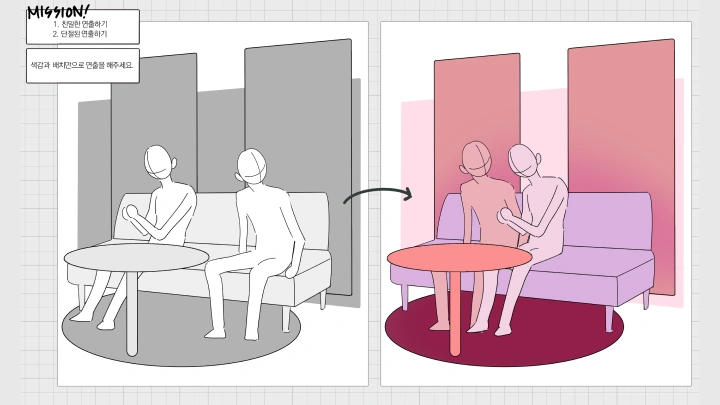
19. Creating Emotional Temperature Differences: Adjusting Psychology with Color and Distance- Set the emotional temperature of your main character and use contrast with the background or other characters to guide emotion - Create a sense of psychological distance using a character's position and distance within the frame - Express feelings like warmth/threat and intimacy/detachment with color and spacing
20. Mixing Painterly Textures with Digital Brushes- Learn to combine texture brushes with semi-lineless brushwork - Discover how to create contrast between rough textures and clean, refined areas - Master brush techniques that add an intentional analog feel to your digital art
- Section 07
Advanced Illustration Design for High-Density Composition 03: Using the Background
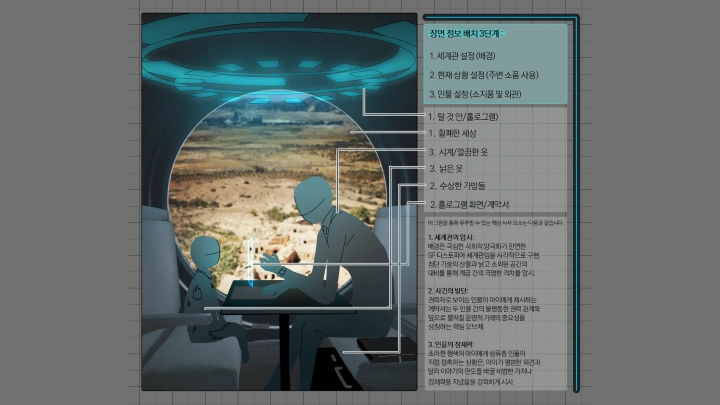
21. Compositional Techniques to Hint at Hidden Settings- Hint at a story through background objects, patterns, and traces - Use props around a character to build a narrative - Learn the formula for placing "information that isn't noticed at first"
22. Background Segmentation and Compression Based on Gaze and Depth- Learn to express a situation by using the distance, size, and proportion of the background and characters
23. Completing a Prologue in a Single Frame- Learn the formula for composing a scene that feels like the "start of a story" - Hint at a prologue by creating harmony between subtle expressions and the background - Design negative space that makes the viewer infer what comes next - Train yourself to design a frame that encourages the viewer to imagine the rest of the story
- Section 08
Objective Art Analysis
24. Creating a Checklist for Self-Feedback- Establish evaluation criteria: What do you want your art to convey? - Check key elements: Review the balance of the gaze's flow, information density, and color contrast - Create a detailed list of items for a before-and-after comparison
25. Giving Feedback on Followers' Art- Learn how to accept objective feedback - Develop the ability to interpret and incorporate feedback into your work - Analyze the points of your art that get a public reaction
- Section 09
Conclusion
26. In the End, the Person Who Keeps Drawing Wins- Understand the unspoken meaning behind compliments like "You're a great artist" - Reflect on the times you were swayed by social media reactions and the insights you gained from them - Learn how to overcome various challenges and frustrations and get back on your feet
This course will use Clip Studio Version 4.0.3
Please purchase and install these program(s) for an optimized chapter experience.
*These programs and/or materials will not be provided with the chapter.