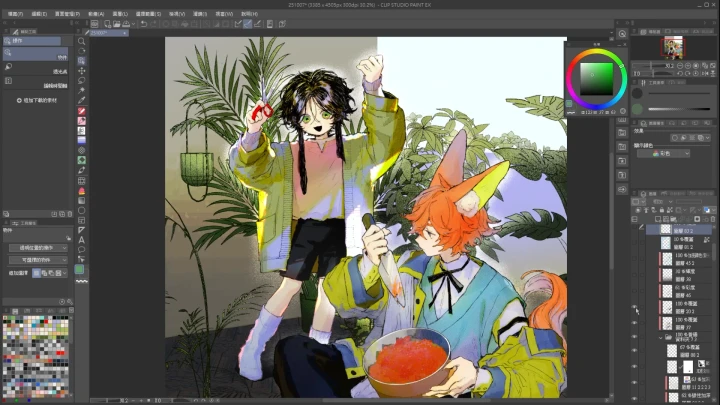
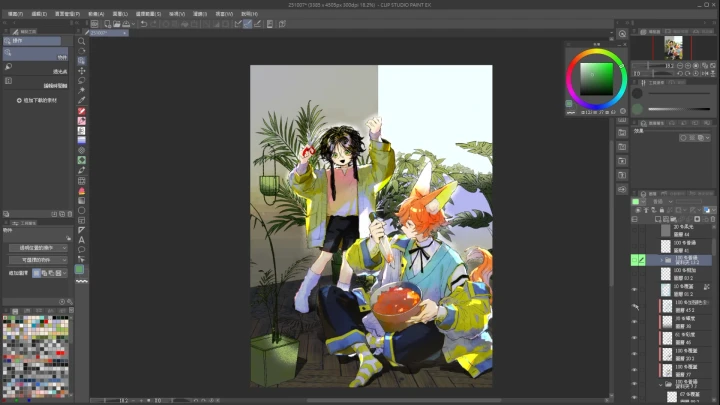
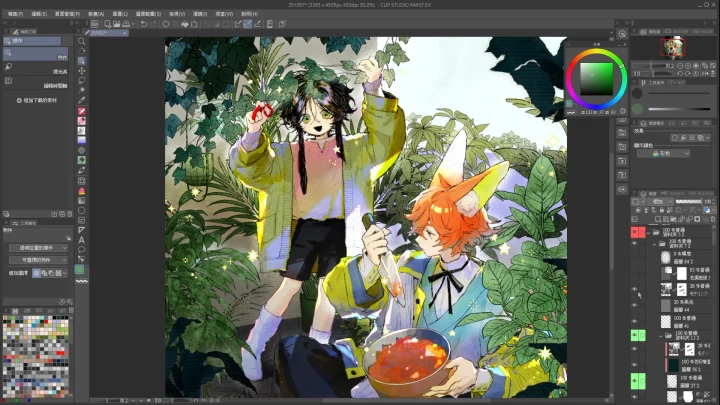
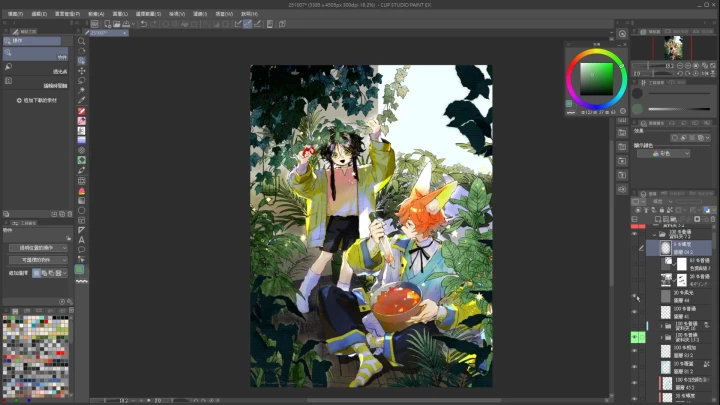
illustrator,chairannn_ZH Details


Release (Ch. 1 - Ch. 26) : 2026. 02. 13 (UTC-8)
**Class release dates and content are subject to change without prior notice.
- Section 01
Course Introduction
01. Course Overview- View drawing as a form of expression - Who is this course suitable for? - What kind of content can you get in the course? - Basic drawing concepts
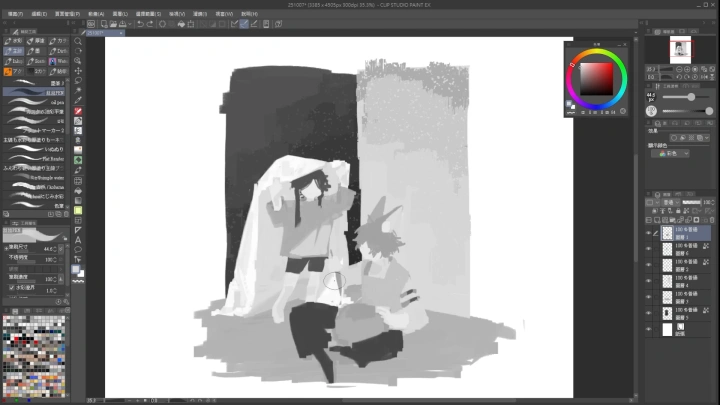
02. Setting Up Your Drawing Environment- Introduction to hardware and software equipment - Customize workspace and shortcuts for a smoother workflow
03. Preparing References and Tools- Build your own reference library - Auxiliary tools (3D, photo reference websites, etc.)
- Section 02
Story Planning & Worldbuilding
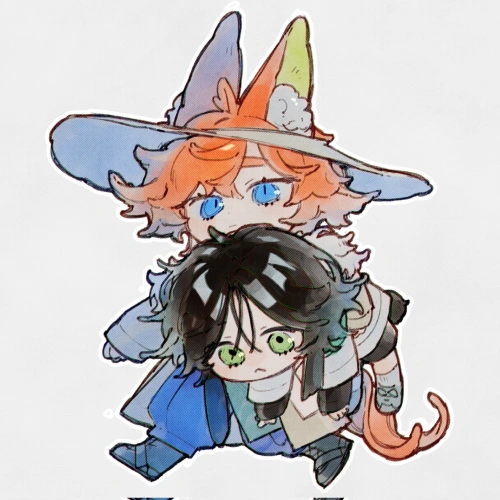
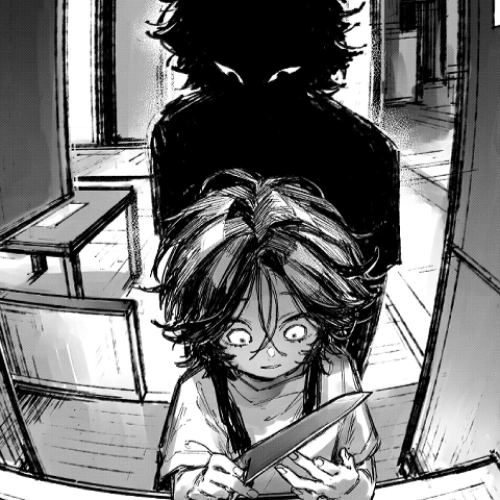
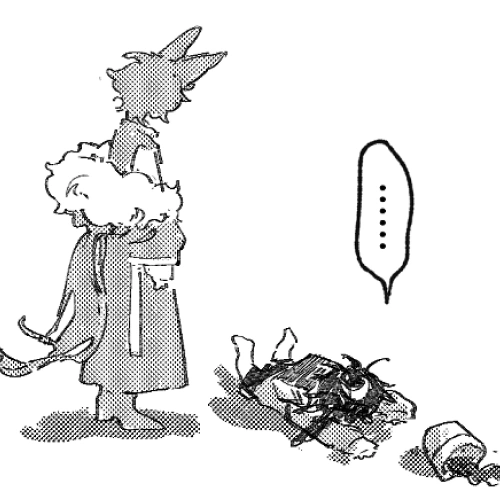
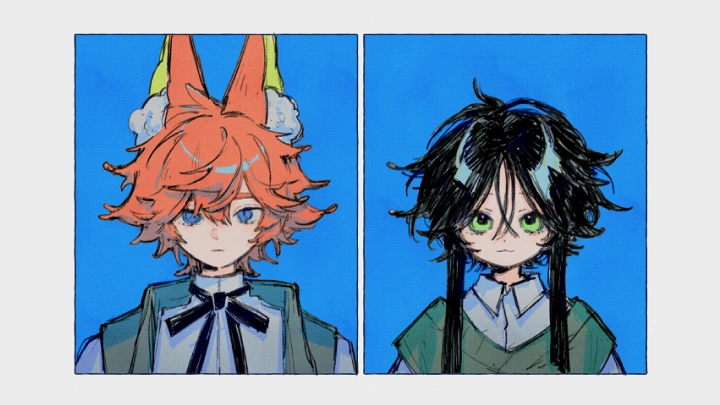
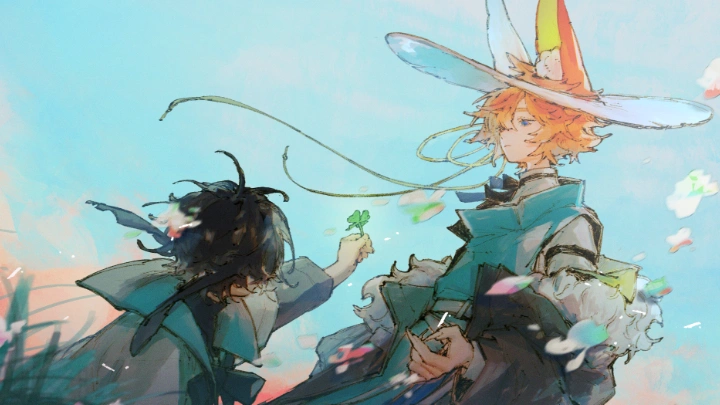
04. Introduction to the Character Universe- [Waning Moon Series] universe introduction - Worldbuilding through illustration - Develop your own work using open-world game storytelling logic - How to translate a world concept into a single illustration
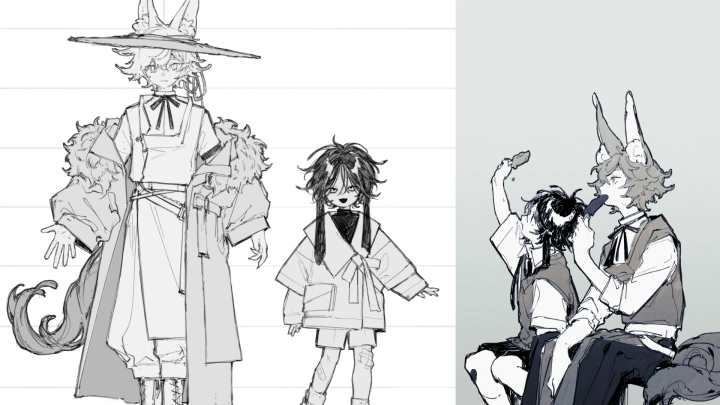
05. Character Setting- Main Characters Introduction of the [Waning Moon Series] - A brief discussion on character design - Design characters for specific locations in the world, establish connections, and develop stories - Continue the storyline and add depth to the characters.
- Section 03
Concept Sketch
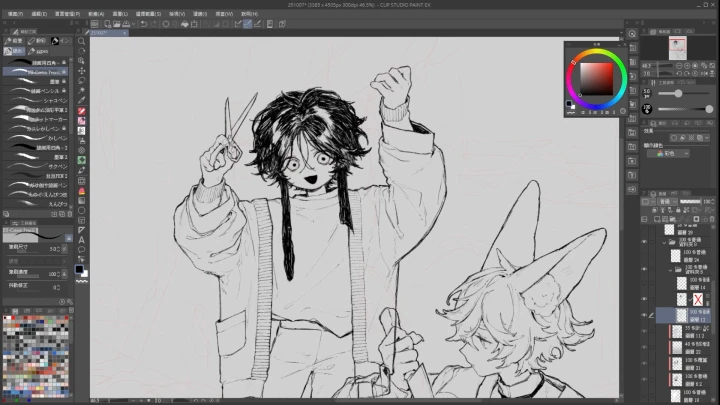
06. Basic Composition- Application of photography concepts -Divide visual areas within the frame - Common basic composition formulas - Summarize to determine the outline of the object's shape
07. Scene Composition and Layout- Organize narrative key points and select elements - Character body language and facial performance - Visual hierarchy and eye movement - Scene setup, background context, and camera perspective - Relationship between body movement and the screen - Reading order and eye flow
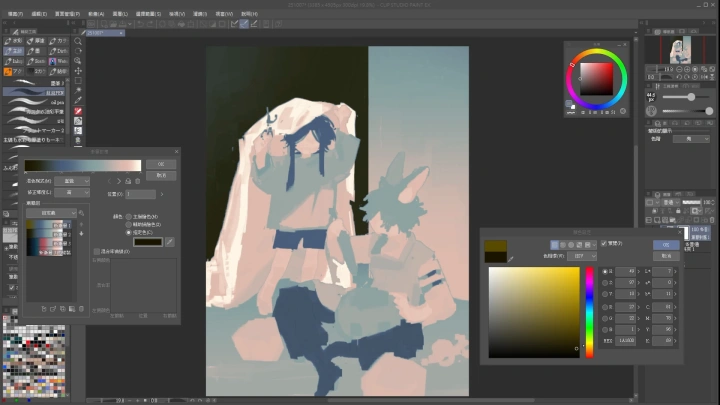
08. Color Theory and Application- Basic concepts of color - Creating different atmospheres - Color harmony and practical application - Grayscale and color conversion
09. Lighting and Shadow Design- The expressive effects of different lighting and shadow scenes - Designing focal points - Basic light source direction, screen correction - Level adjustment
- Section 04
Line Art
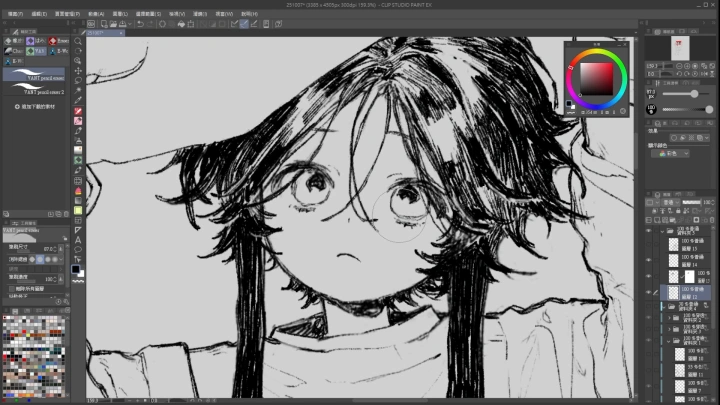
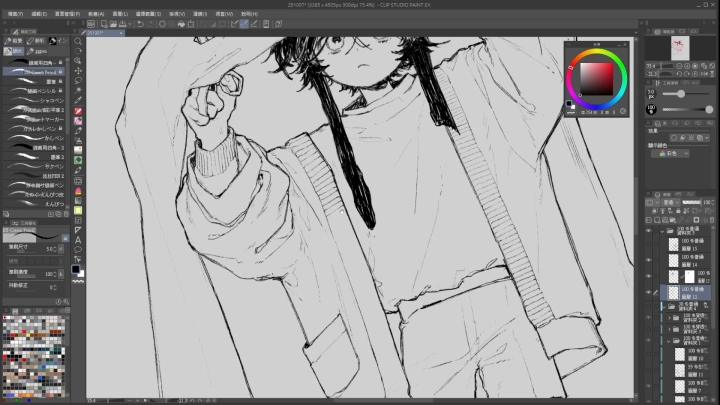
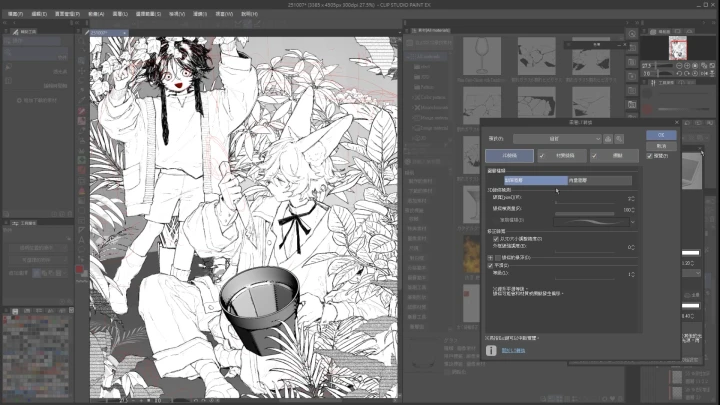
10. Brush Settings and Line Techniques- Select and adjust brushes that suit you - Understanding line dynamics and surface logic - Common brushes and brush settings explanation - Maintaining line consistency: explanations and examples
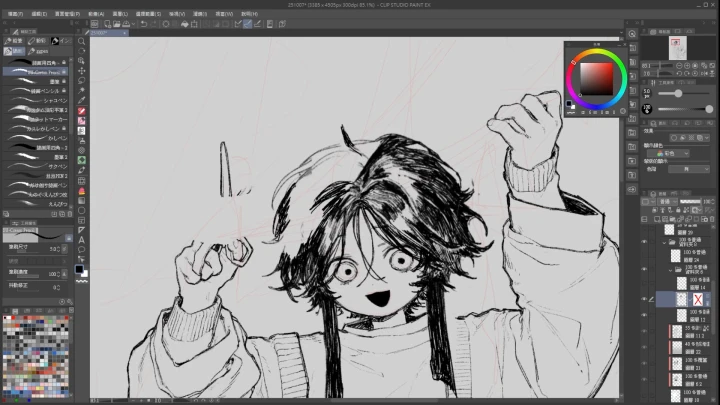
11. Expressing Narrative Through Characters- Let the character perform the story - The relationship between the character and the overall scene - Explanation of facial depiction details, expression interpretation - Depicting scene details and providing practical examples
12. Painting Object Surface Textures- Using contour lines to express different materials - Object contour stylization - Understanding and depicting objects of various materials - Stylization, selecting and omitting necessary lines
13. Depicting Volume and Contact Shadows- Line level planning and three-dimensional composition relationships - Application of occlusion shadows - Understanding line weight, placement principles, and line correction techniques - Understanding occlusion shadows and logical application
14. Final Line Refinement- Check the overall density and spacing of the lines - Add decorative lines and clean up sketches efficiently - Explanation of frequently asked questions - Explanation of types of decorative lines - Removal of stray lines and subsequent related instructions
- Section 05
Black & White Coloring Process
15. Local Color & Basic Light and Shadow- Fill in the base color - Apply two-tone shading following the sketch’s light design - Selection fill and manual refinement - Adjust color levels
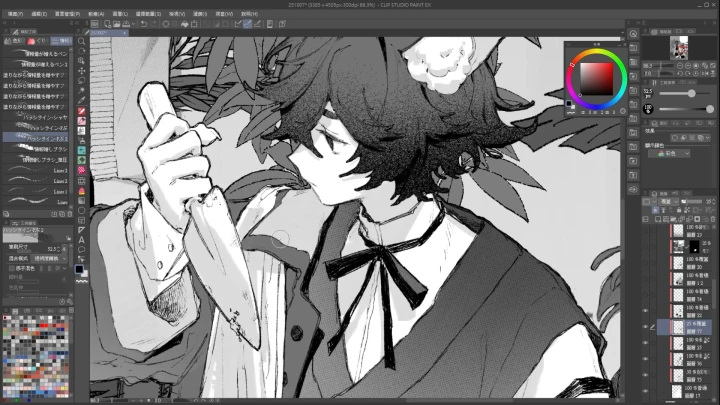
16. Painting Object Textures- Add texture and patterns - Organize shadow contours - Shading and brushstroke presentation - Description of commonly used texture materials - Explanation of shadow contour modeling and surface texture concepts
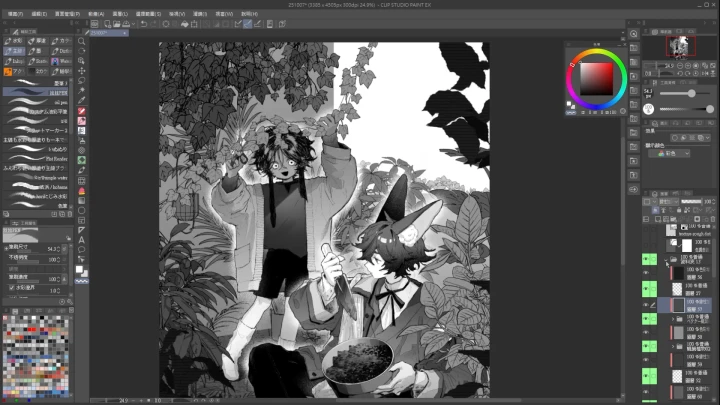
17. Adding Details and Enhancing Focus- Adjust the main body outline - Add information content, highlights - Review overall composition arrangement, strengthen lines - The use of information-rich brushes and highlights
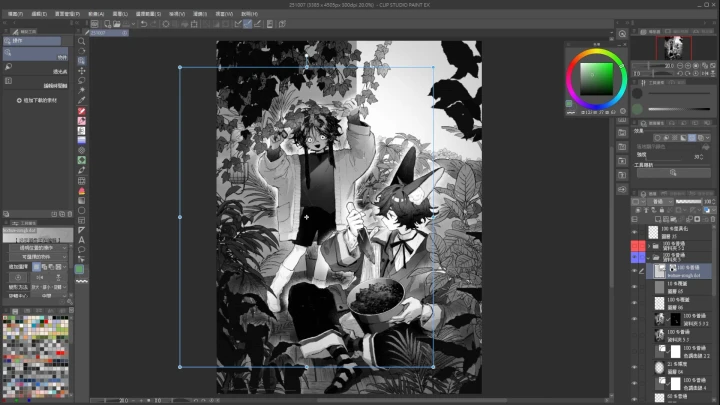
18. Overall Lighting Arrangement- Adjust overall lighting relationships using tone cur - Adjustment of details - Brightness and contrast adjustment - Explanation of curve application
- Section 06
Finalizing and Post-Production
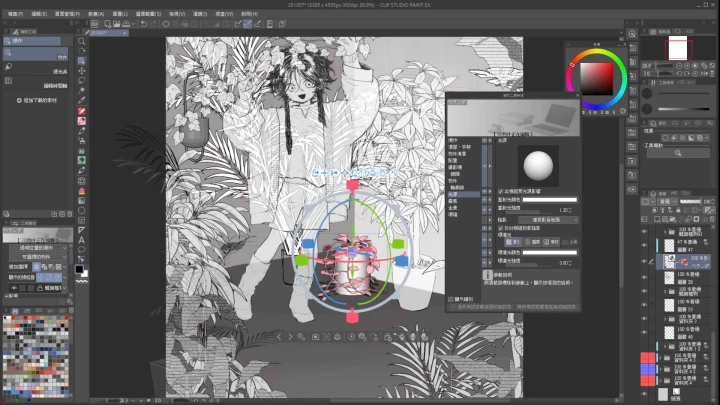
19. Using and Integrating Materials- 3D asset application (CSP 3D asset application instructions) - Visualizing materials in post-production - Handling the addition and removal of details - Manual adjustment process
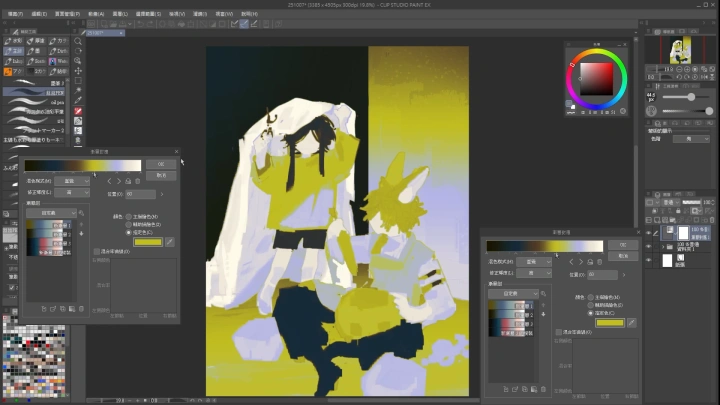
20. Adding Color Tones and Final Adjustments- Applying layer effects (tone adjustment layers explained) - Color accents - Final draft review - Final draft checklist
- Section 07
Full-Color Coloring Process
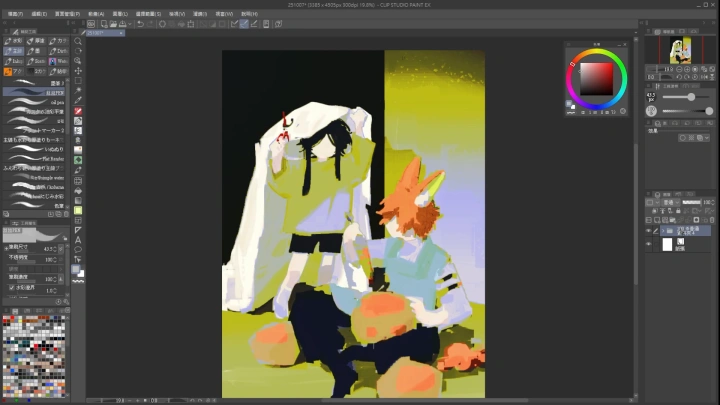
21. Local Color & Basic Light and Shadow- Fill in the base color - Apply two-tone shading following the sketch’s light design - Selection fill and manual refinement - Adjust color levels
22. Painting Object Textures- Add texture and patterns - Organize shadow contours - Shading and brushstroke presentation - Description of commonly used texture materials - Explanation of shadow contour modeling and surface texture concepts
23. Adding Details and Enhancing Focus- Adjust the main body outline - Add information content, highlights - Review overall composition arrangement, strengthen lines - The use of information-rich brushes and highlights
24. Overall Lighting Arrangement- Adjust overall lighting relationships using tone cur - Adjustment of details - Brightness and contrast adjustment - Explanation of curve application
- Section 08
Finalizing and Post-Production
25. Using and Integrating Materials- 3D asset application (CSP 3D asset application instructions) - Visualizing materials in post-production - Handling the addition and removal of details - Manual adjustment process
26. Adding Color Tones and Final Adjustments- Applying layer effects (tone adjustment layers explained) - Color accents - Final draft review - Final draft checklist
Please purchase and install these program(s) for an optimized chapter experience.