Coloso.

Search Input

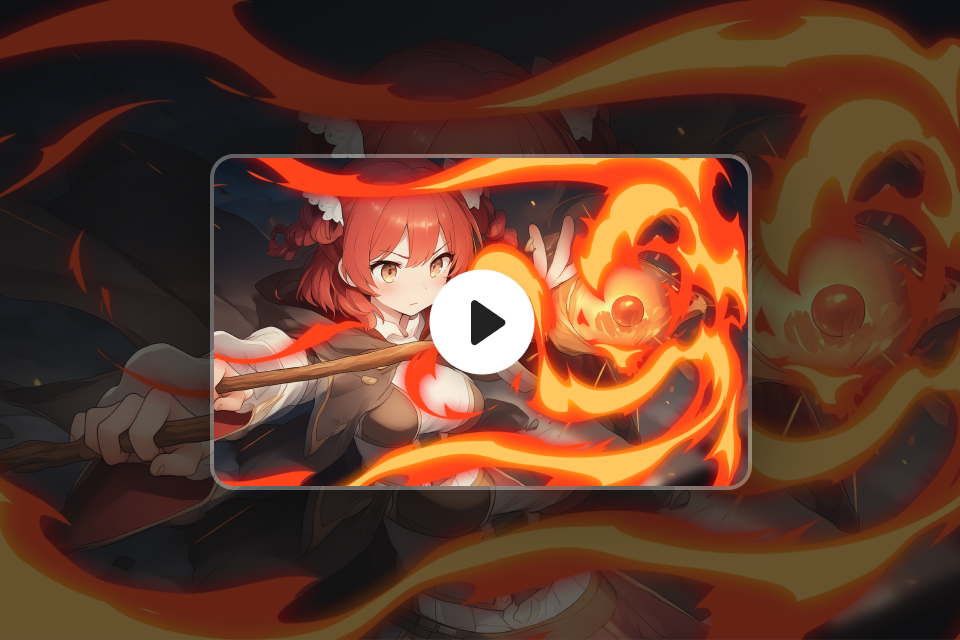
Comprehensive Cartoon-Style FX Workflow from 2D to 3D

VFX ArtistHunyoung Ha
  • Now Available


Class Details

  • Now Available
  • Beginner~Advanced
  • Total 30 videos
  • Korean
  • English, Traditional Chinese [Auto]
  • Class materials included


vfxartist,hunyoungha_하헌영KR Details

Instructor
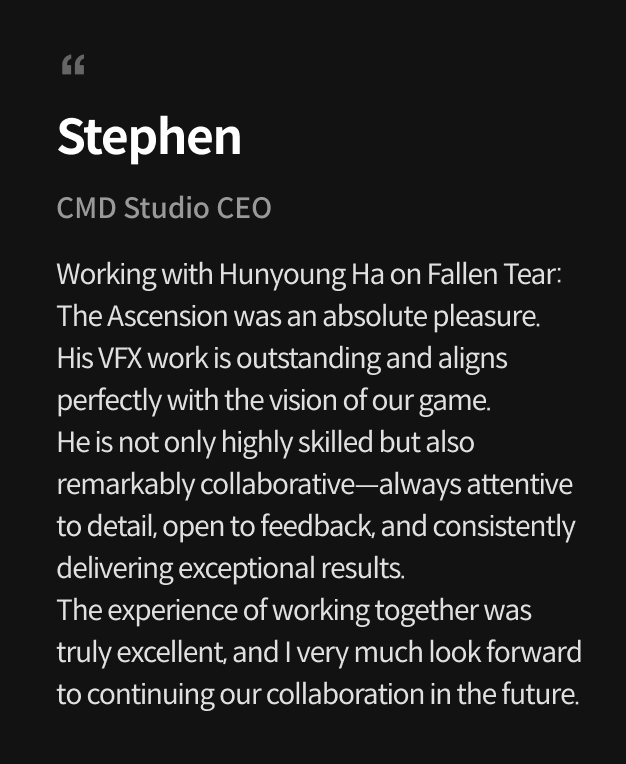
Hunyoung Ha
VFX Artist

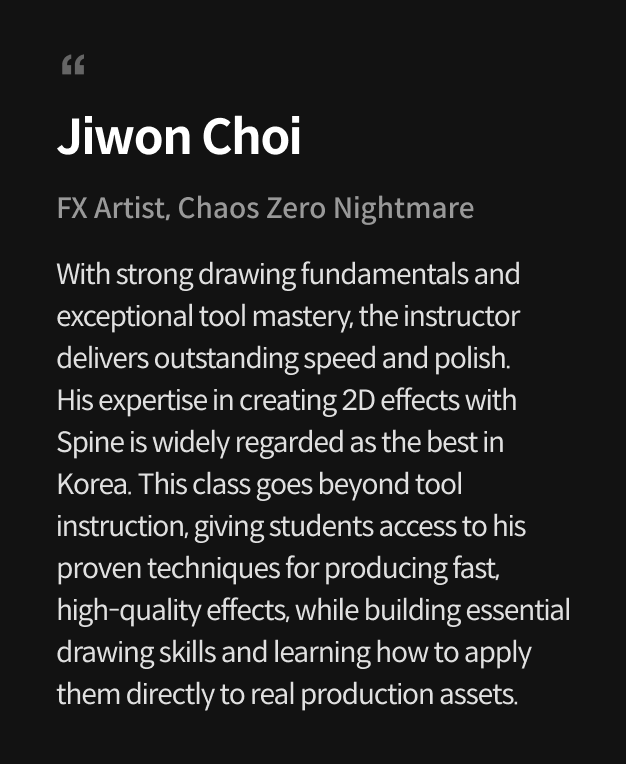
Hello, I’m Hunyoung Ha, a VFX artist. I specialize in creating effects using drawing and Spine, focusing on how in-game FX can enhance characters and storytelling. Currently, I serve as team lead at Super Creative, guiding team members while producing a variety of combat effects for the new title Chaos Zero Nightmare. I’ve also participated in numerous animation projects, creating FX across 2D and 3D styles.


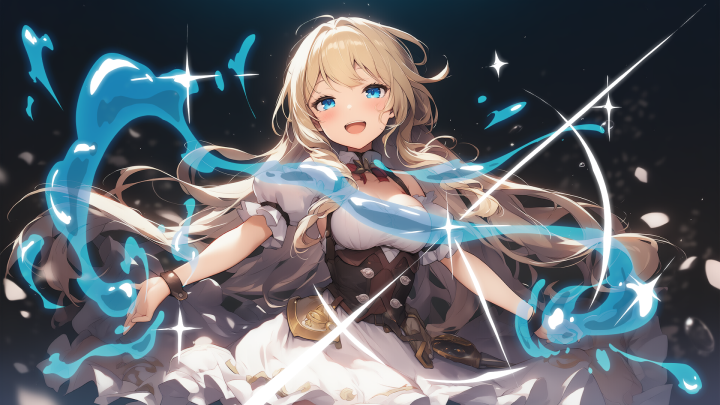
In this class, I will guide you step by step from concept art planning and sequence drawing to Spine FX, cut-in animations, and 3D FX based on my professional know-how. You’ll practice the timing and direction unique to cartoon-style FX, a production method that’s often hard to learn, and gain hands-on experience in creating drawing-based cartoon FX that can be directly applied in games.

Hunyoung Ha

Hunyoung Ha

VFX Artist
instagram
Profile

Current Team Lead, Effects Team at Smilegate Super Creative Participated Projects Chaos Zero Nightmare - Game FX Team Lead Fallen Tear: The Ascension - Game FX Cookie Run: Kingdom - Cinematic Animation FX Cookie Run: Tower of Adventures - Cinematic Animation FX Squad Busters - Cinematic Animation FX Brawlhalla - Cinematic Animation FX

Interview
Meet the Instructor
Question 01

1. What do you consider your personal strengths in your work?

My strength lies in foundational skills such as drawing for effects, concept creation, and timing theory. Although I have worked in development environments without commercial engines, this actually allowed me to develop these skills because, as an effect artist, I had to handle the entire production process from start to finish myself. In this class, I aim to help students create impressive subculture-style effects without being constrained by the development environment.

Question 02

2. How are your personal strengths reflected in this course curriculum?

I’ve incorporated my practical experience in drawing and FX production throughout the curriculum. I focus on key elements I consider essential—concept art, sequence animation, and timing—and provide structured guidance on each. Additionally, students will learn how to create illustrative cut-ins that match their effects using AI, and how to seamlessly integrate these illustrations with in-game FX.

Question 03

3. What is the purpose of this course, and what makes it unique?

This course goes beyond simply teaching tool usage—it is designed to help students master foundational FX skills. You will practice the entire FX production process from start to finish and turn it into your own strength. The course also introduces concept art creation, sequence effects, and animation techniques, providing guidance on how to adapt these methods to your specific development environment.

Class Details
You'll Learn
<p><strong>FX Direction &amp; Visualization Guide</strong></p>

FX Direction & Visualization Guide

Solve the most challenging parts of FX production; concept ideation and communication with designers. Learn how to create concept art, translate ideas into visual designs, and structure your FX for effective on-screen direction. Develop a systematic approach to concept art production while practicing visualization methods that lead to stronger, more impactful FX.

Attribute-Based FX Creation
Through Sequence Drawing Practice


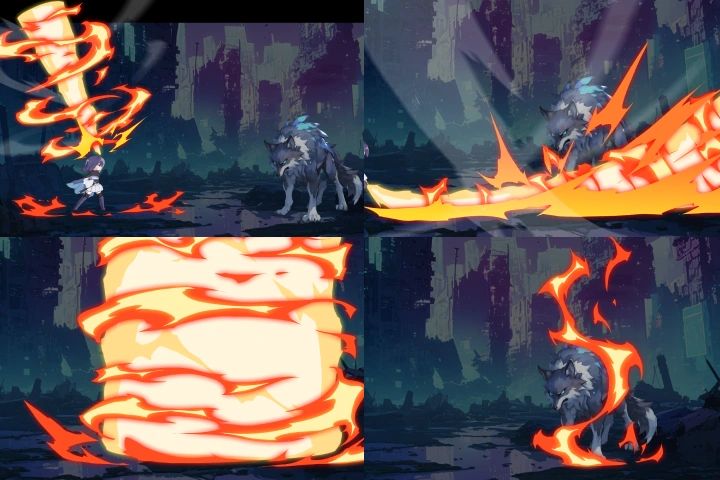
Learn efficient drawing techniques and post-processing workflows packed with real production know-how. Create sequence-based effects for fire, water, electricity, smoke, and more, while mastering the timing and rhythm unique to cartoon-style FX. Build a solid foundation in FX fundamentals through hands-on sequence drawing exercises.

Practical 2D/3D FX Production
Using Spine

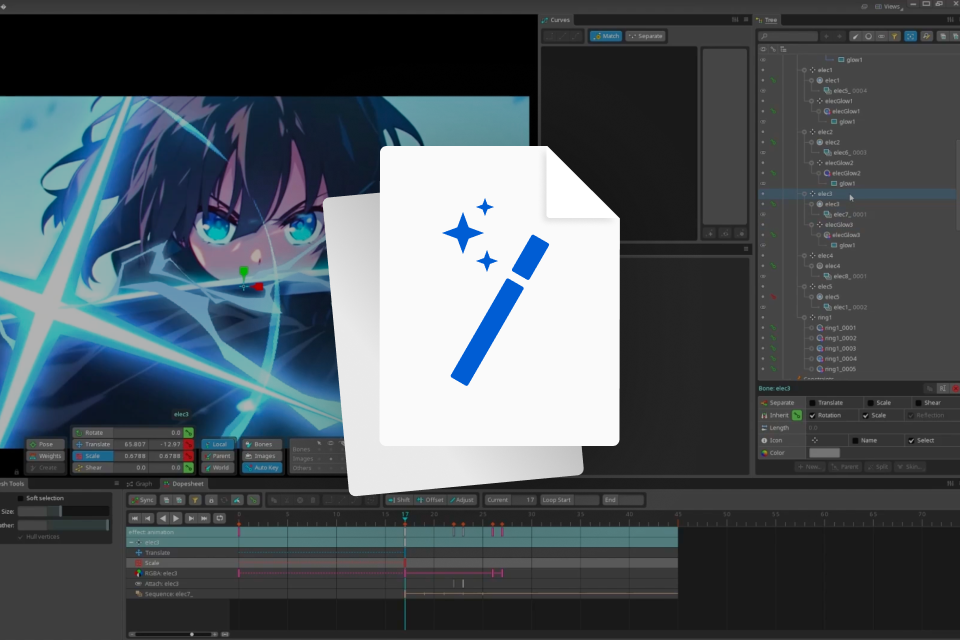
Experience a structured 2D/3D FX workflow used in real projects. Focus on Spine-based 2D FX production, apply your drawn resources to create various elemental effects, and learn how to assemble FX in Unity to achieve the intended visual impact.

2D-to-3D FX: Real-World Techniques

Learn how to take drawing-based 2D FX and expand them into 3D FX using the Unity engine. Practice assembling and adapting 2D effects within a commercial game engine, and build hands-on 3D FX skills that can be directly applied in real production environments.

Connecting In-Game & Cut-In FX

Go beyond single effects and practice sequencing to seamlessly link in-game action with cut-in animations. Learn to place cut-ins within ultimate skill sequences, create hooks, and achieve smooth transitions for high-impact, immersive game scenes. Master ultimate skill FX direction for polished, engaging gameplay experiences.

<p><strong>Bringing Animation to Life with Drawing-Based FX</strong></p>

Bringing Animation to Life with Drawing-Based FX

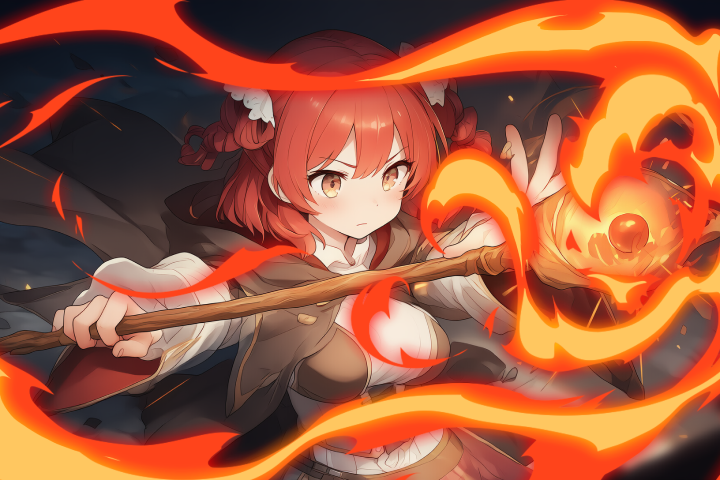
Learn how to create drawing-based FX that can be applied not only to in-game assets but also to animated cutscenes. Enhance your dynamic expression by designing impactful frames flaring fire, dispersing smoke, and more to enrich a single scene and bring your animation to life.

Curriculum
In-Depth Look

**Class release dates and content are subject to change without prior notice.

  • Section 01
    Intro
    curriculum-gamegraphic-hahunyoung-01-1.webp
    curriculum-gamegraphic-hahunyoung-01-2.webp
    curriculum-gamegraphic-hahunyoung-01-3.webp
    • 01. Course Introduction- Speaker introduction - Lecture direction introduction

    • 02. Preparing to create effects- Introduction to the tool - Introduction to assets to be used in the lecture - Basic tool settings

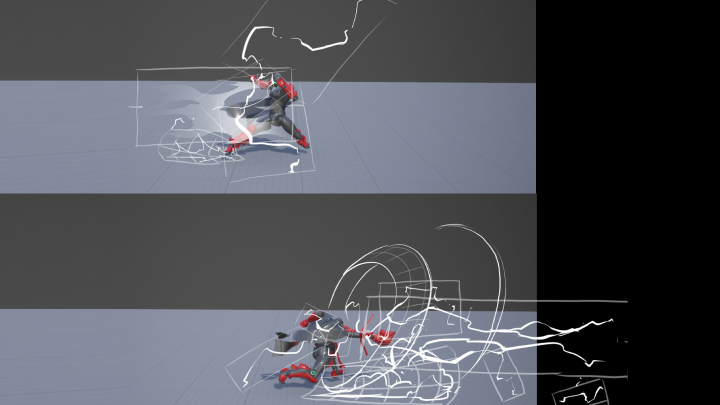
    • 03. Points to consider when creating concept art based on in-game characters- The purpose of concept art - Expressing various elements: swordsmanship, hits, casting, floor dust, etc. - Useful concept art techniques: Lasso tool painting, various effects, etc. - Knowing commonly missed elements: perspective matching, coloring

  • Section 02
    Creating sprite animations with various attributes
    curriculum-gamegraphic-hahunyoung-02-1.webp
    curriculum-gamegraphic-hahunyoung-02-2.webp
    curriculum-gamegraphic-hahunyoung-02-3.webp
    curriculum-gamegraphic-hahunyoung-02-4.webp

    • 04. Creating fire sprites and spine effects- Creating a simple fire sequence - Practice creating the process of flames forming and disappearing

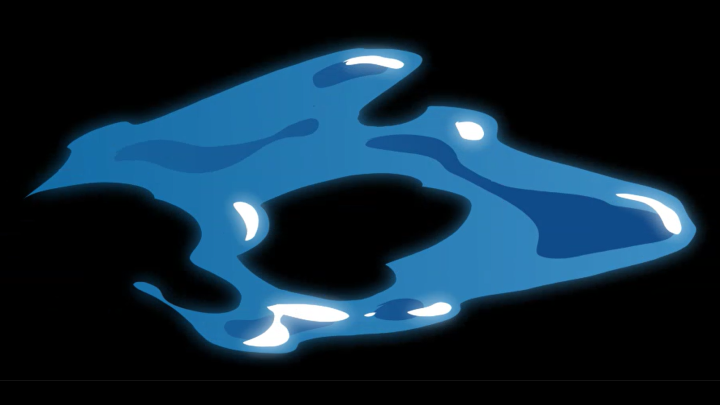
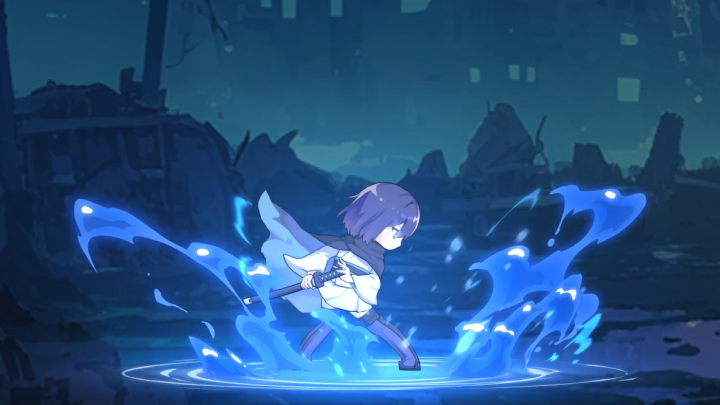
    • 05. Creating water sprites and spine effects- Design elements and timing of water properties

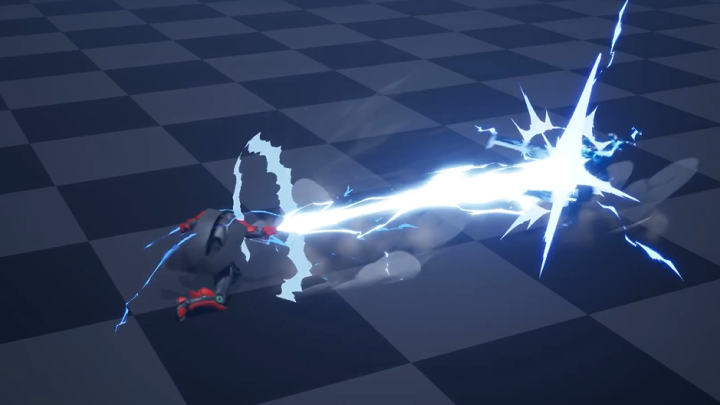
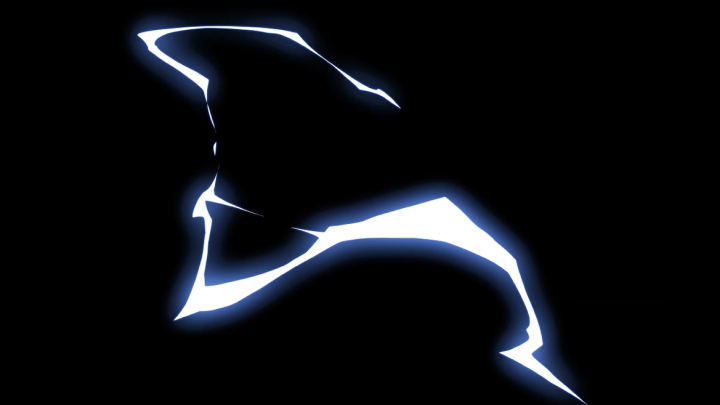
    • 06. Creating electric sprites and spine effects- Create an electrical sequence focusing on the timing and design of the cutoff.

    • 07. Creating smoke sprites and spine effects- Practice creating smoke effects that can be used in a variety of ways


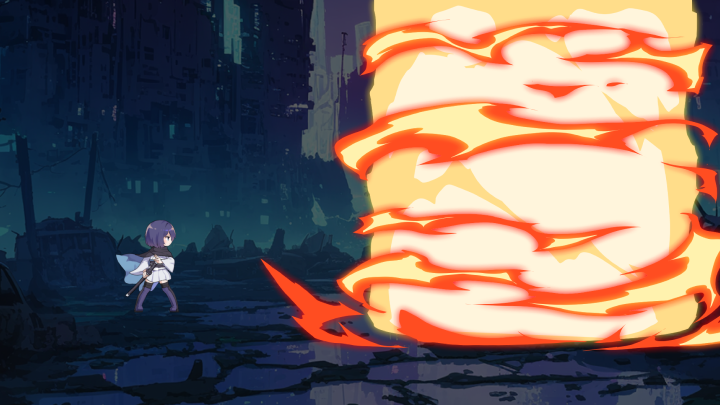
    • 08. Creating shockwave sprites and spine effects- Creating shockwave effects that can be used in various ways, such as for hitting or attacking.

  • Section 03
    Creating an in-game spine effect
    curriculum-gamegraphic-hahunyoung-03-1.webp
    curriculum-gamegraphic-hahunyoung-03-2.webp
    curriculum-gamegraphic-hahunyoung-03-3.webp
    curriculum-gamegraphic-hahunyoung-03-4.webp
    • 09. Heel Effect- Creating a basic heal effect - Creating a water attribute variation

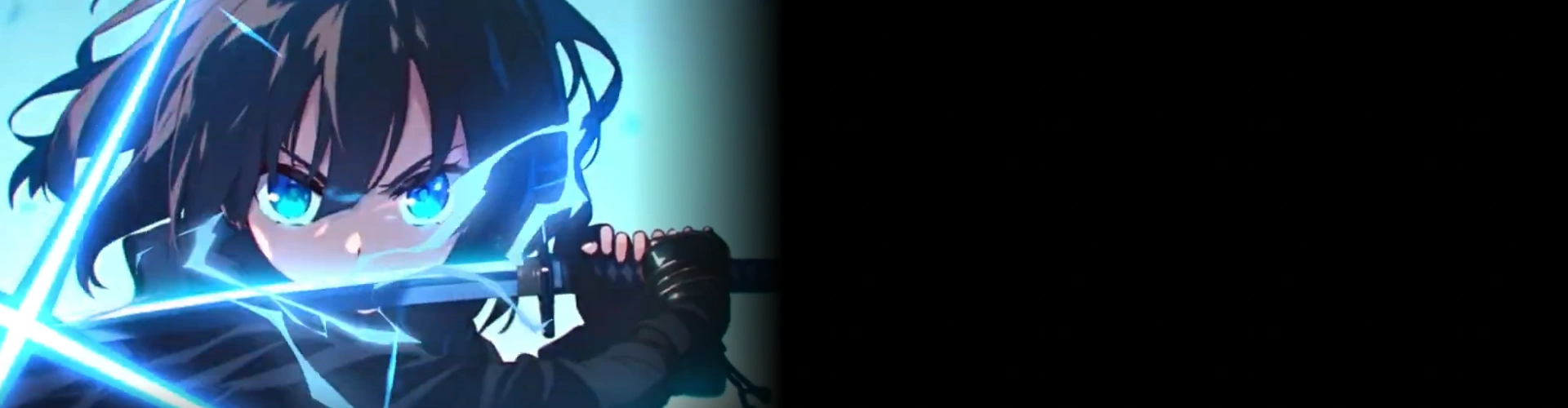
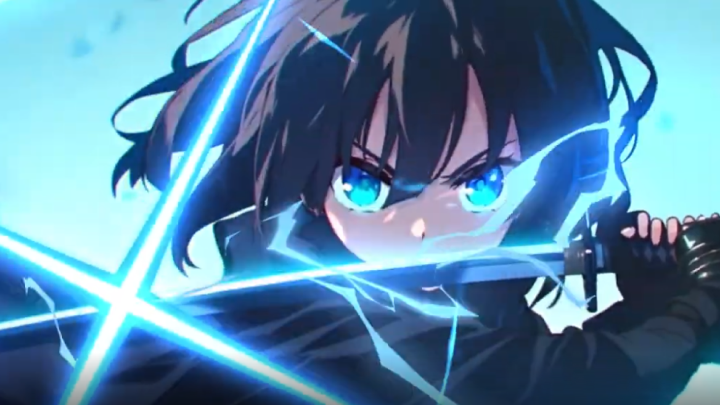
    • 10. Creating an Electric Attribute Sword & Hit Effect- Electric attribute sword effect - Electric attribute hit effect

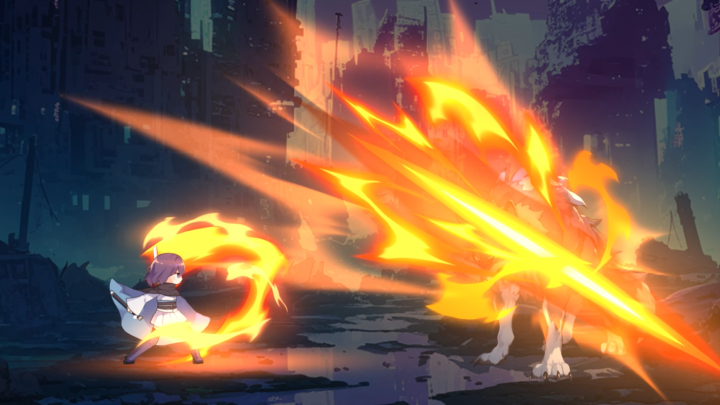
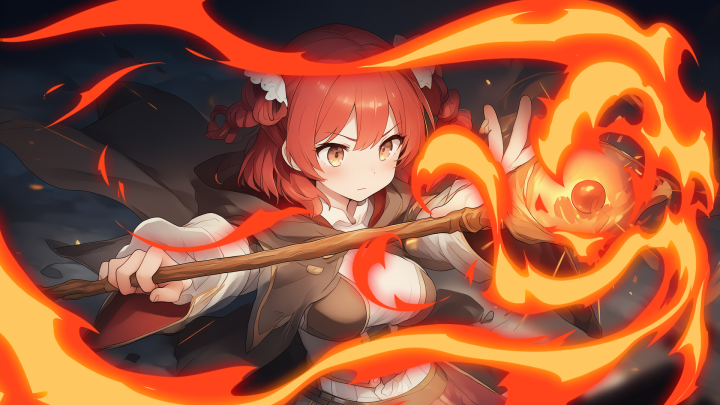
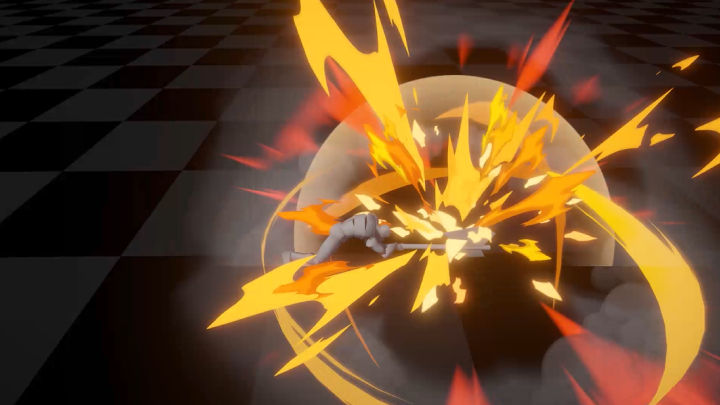
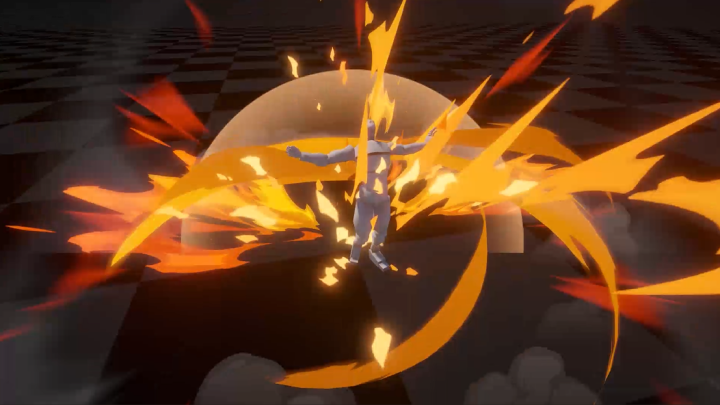
    • 11. Creating fire attribute swordsmanship and hit effects- Flame attribute sword effect - Flame attribute hit effect

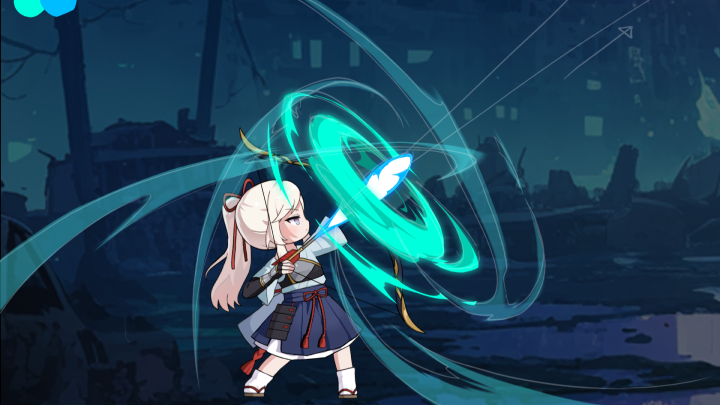
    • 12. Creating bow firing and hit effects- Creating bow shooting and hit animations

    • 13. Water attribute casting- Casting and directing production of self-healing through the power of water

    • 14. Ultimate Skill Production 01- Production of a scene that gathers energy and instantly cuts down the enemy

    • 15. Ultimate Skill Production 02- Production of a scene where the sword is raised to gather energy and then powerfully slashed forward.

    • 16. Ultimate Skill Production 03- Production of a scene that fires energy into the sky and drops it to attack enemy lines in a wide area.

  • Section 04
    Illustration cut-in production
    curriculum-gamegraphic-hahunyoung-04.webp
    • 17. Effects production concept art- Detailing the effects to be produced through concept art

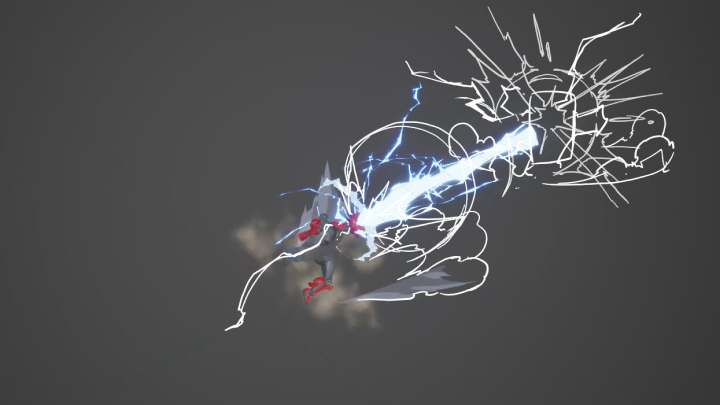
    • 18. Creating a Cut-In Direction Using Spine- Production of 2 types of illustration cutscene FX - Production of effects for flashy cut-in production such as light leaks flowing from swords, flames, and electricity

    • 19. Ultimate Skill Production 01- Place cut-ins between ultimate moves - Create hookups to create a natural connection

    • 20. Ultimate Skill Production 02- Place cut-ins between ultimate moves - Create hookups to create a natural connection

  • Section 05
    Creating a direct fire effect animation
    curriculum-gamegraphic-hahunyoung-05-1.webp
    curriculum-gamegraphic-hahunyoung-05-2.webp
    • 21. Analyzing cutscene directing cases in various games- Stunning cutscene production for various game projects - Examples of using animation effects for cartoon-like production

    • 22. Water animation effect- Demonstration of drawing animation expression - Production of 2D animation effects

    • 23. Smoke animation effects- Demonstration of drawing animation expression - Production of 2D animation effects

    • 24. Fire animation effect- Demonstration of drawing animation expression - Production of 2D animation effects

    • 25. Electric animation effects- Demonstration of drawing animation expression - Production of 2D animation effects

    • 26. Building an impact frame- Demonstration of drawing animation expression - Production of 2D animation effects

  • Section 06
    2D effect game engine application
    curriculum-gamegraphic-hahunyoung-06-1.webp
    curriculum-gamegraphic-hahunyoung-06-2.webp
    curriculum-gamegraphic-hahunyoung-06-3.webp
    • 27. Creating a fire attribute sword attack sequence- Applying FX to game engines - 3Dization of 2D FX sources

    • 28. Creating an Electric Attribute Buff Effect- Applying FX to game engines - 3Dization of 2D FX sources

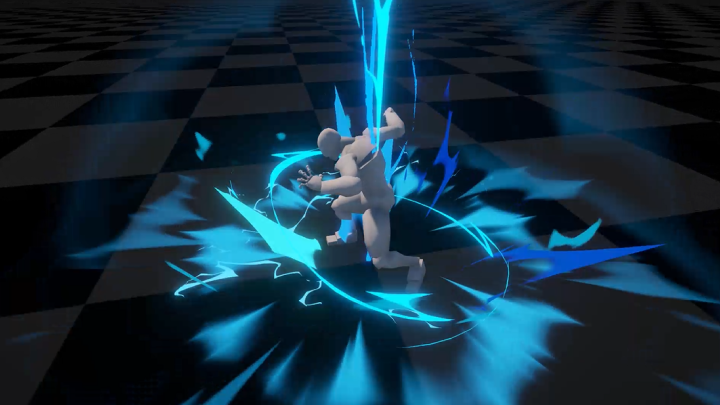
    • 29. Creating an electric punch attack sequence- Applying FX to game engines - Converting 2D FX sources to 3D - Creating cutscenes using animation

    • 30. Quality improvement and finishing- 3D effect quality improvement - Finishing

Required Tools

This course will use Spine 2D 4.2.43, Krita 5.2.9, Unity.

Please purchase and install these program(s) for an optimized chapter experience.

*These programs and/or materials will not be provided with the chapter.

program-gamegraphic-hahunyoung-01.webp
program-gamegraphic-hahunyoung-01-1.webp
media,3d,game.webp
Recommended Classes

Important Notice

- This product provides access to the video lectures online (Excluding products categorized as Assets). - Under certain circumstances, discounts may end early or be extended without prior notice. - For pre-ordered courses, the content and the lecture videos will be released sequentially according to the schedule. The Course Start Date will be set to the release date of the first lecture video. - You will gain immediate access to the course through My Page upon completing registration and payment. Total Course Duration: - The Standard Access (Paid access) period lasts for the first 15 days and Unlimited Free Access period will begin from the 16th day. Both the Standard and Unlimited Free Access periods offer the equal viewing experience to the content. - Course Start Date: The estimation of the Course Start Date will be based on the completion date of the payment. Immediate access to the lecture videos will be granted through My Page. (For pre-ordered courses, the start date will be the release date of the first lecture video.) - In case the course start date is postponed due to extenuating circumstances on Coloso’s end, the start date will be adjusted accordingly.
*Please note that certain aspects of this course, including the release date, curriculum images, and associated content, are subject to change without prior notification.
*Would you like to learn more about our refund policy? Please check ▶ here
*Please check our ▶ FAQ for Copyright and Proprietary Rights, User-Generated Content, Security, and Violation information.
*保留未事前告知而更改本網頁資訊的權利
*欲進一步瞭解退款政策的細節,請由 ▶ 此處確認。
*請至 ▶FAQ頁面查看有關版權及所有權、使用者製作內容、資料安全及違反等相關資訊。
*Tenga en cuenta que la información de esta página está sujeta a cambios sin previo aviso.
* ¿Le gustaría saber más sobre nuestra política de reembolso? Por favor, compruebe ▶ aquí
*Por favor, compruebe nuestras ▶ FAQ para los derechos de autor y derechos de propiedad, contenido generado por el usuario, seguridad e información de violación.
- This product is strictly prohibited to resell, redistribute, steal, or transfer. - The original images and simple edited images of this product cannot be transferred, distributed, or sold. - This product can be refunded only before the class video is released. - You can find this product on [My Class] > [Class Materials]