conceptartist,enzofernandez Details
Release 1 (Ch. 1 - Ch. 37) : 2026. 02. 05 (UTC-8)
**Class release dates and content are subject to change without prior notice.
- Section 01
OT

01. Orientation- Meet your instructor - Introduction to the fundamentals: what are they and why should I even learn them? - Learn about the overview of this class - Workspace setup
- Section 02
The Fundamentals of Drawing
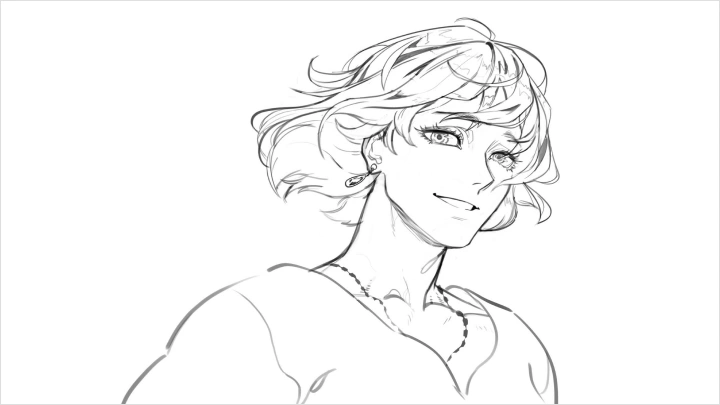
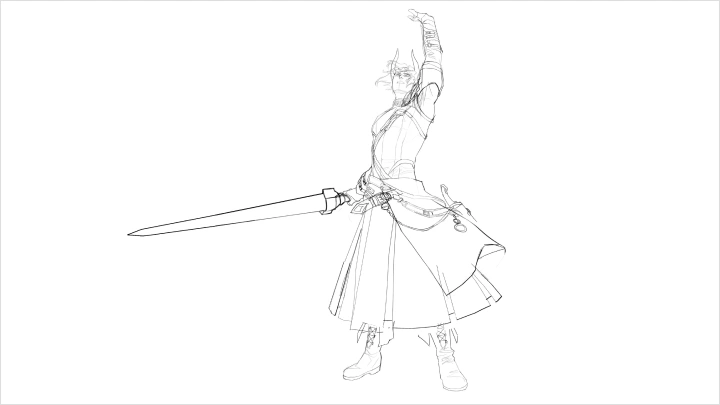
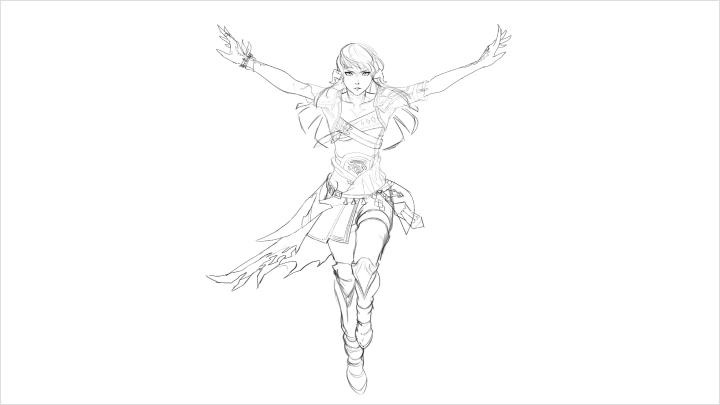
02. Drawing Basics- Drawing for absolute beginners - How to study - Helpful links and resources
03. Perspective and Thinking in 3D- Why beginners fight perspective - The illusion of depth - Master the horizon line and vanishing points - How to make 1 point, 2 point, 3 point and 4 perspective grids - Field of view
04. Form and Structure- Break complex objects into basic geometric shapes - Construct with volume, not outlines
- Section 03
Drawing the Human Figure
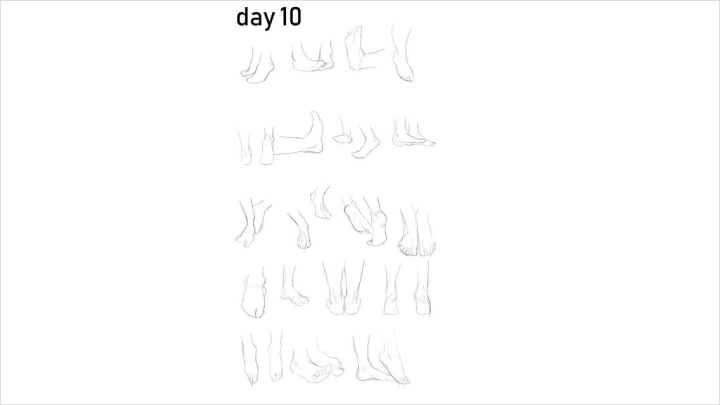
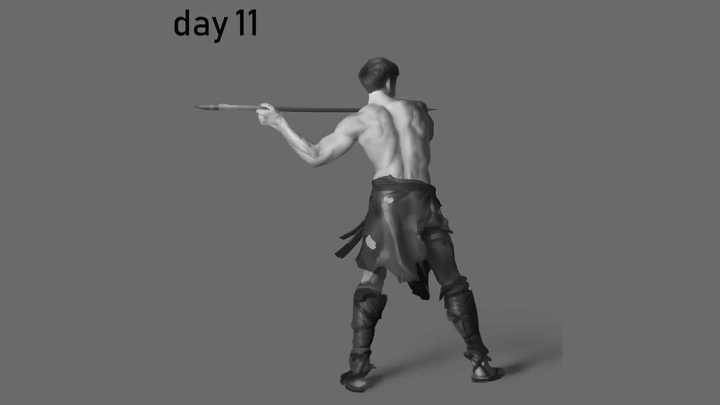
05. Gesture Drawing and the Importance of Rhythm- What are gestures? - Action, lines and balance - Poses - Rhythm
06. Structure and Anatomy of the Human Body- Overview of the general proportions of the human body - Brief overview of human anatomy - Measuring and using the landmarks of the body
07. Structure and Anatomy of the Hands- Master the basic hand shapes - Hands tell the story
08. Construction of the Human Head- Lock down your basic head construction - Features follow the skull structure
- Section 04
Fundamentals of Light and Shadow
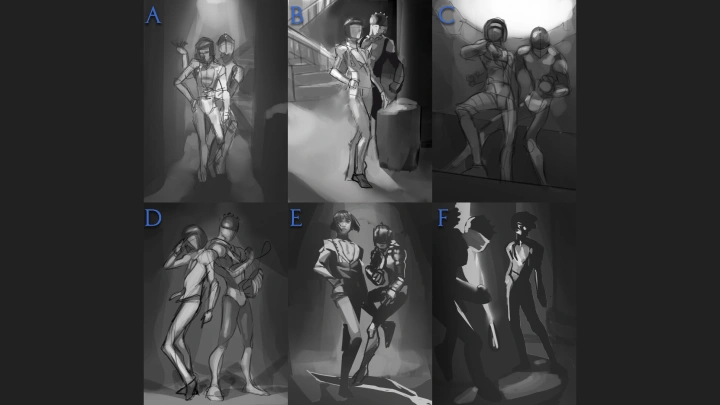
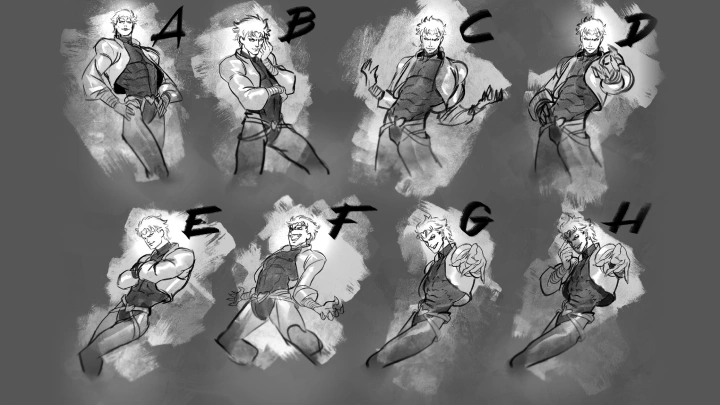
09. Principles of Value, Light and Form- Value simplification and value grouping - Planes and light - More ways of creating the illusion of depth
10. Anatomy of Light and Shadow- Shading the sphere: light and shadow families - Direct light, highlight, halftones, diffuse light - Core shadow, bounce light, projected and occlusion shadows - Reflected environment
11. Edges- Edges - Common mistakes and how to avoid them - Sphere and cube painting demonstration - BW portrait study demonstration - Applying the fundamentals of light and shadow
- Section 05
Color and Believable Rendering
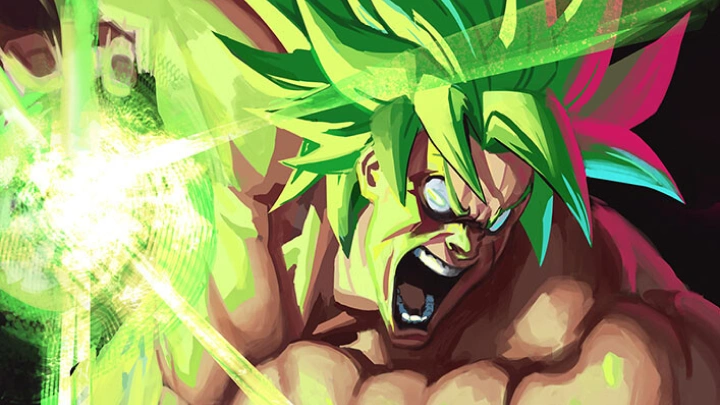
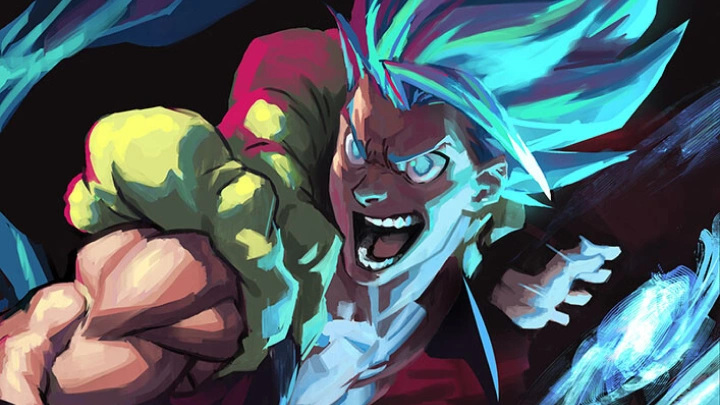
12. Basics of Color- Local color vs. observed color - Temperature shift creates depth and interest - Saturation decreases with distance
13. Color Schemes and Achieving Color Harmony- Types of color palettes - Tips when painting different types of skin - Using color to guide the viewer's eye
14. Rendering Materials 1: Matte, Glossy and Metal- How light interacts with surfaces - Roughness and scattering of the highligt - Metalness and environment reflection
15. Rendering Materials 2: Translucent Materials and Skin- Gems, gels and jello - Subsurface scattering - Skin tones
16. Painterly Style in Digital Art- Let's talk about brushes beyond the default ones - How to stylize your brushwork to give your artwork a traditional look - How to enhance the traditional look via post-processing - Why I don't use grayscale to color, and why I don't abuse layer modes - Color painting study demo
- Section 06
Keys to Composition
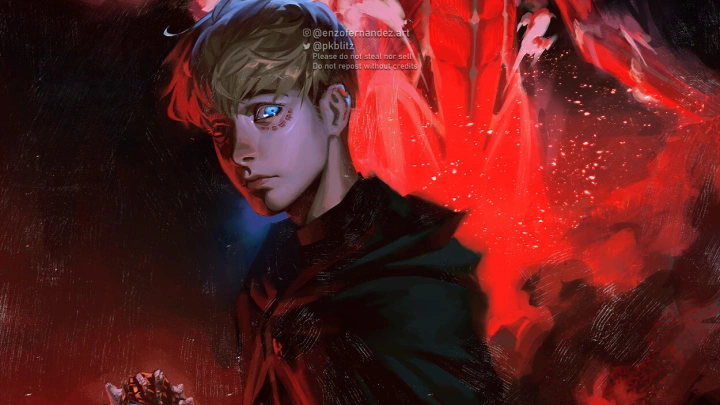
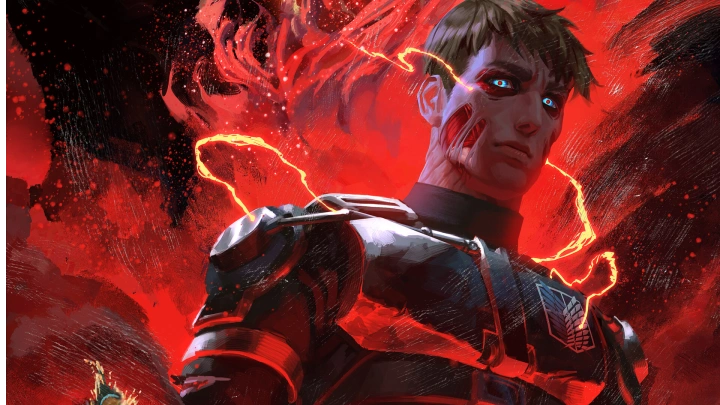
17. How to Make Appealing Compositions- Introduction to composition - What is appeal - Keys to hierarchy - Big-medium-small
18. Composition: Sources of Contrast and How to Create Interest- Enhancing focal points - The many sources of contrast - The golden ratio and the rule of thirds
19. Composition: Lines, Tangents and Composition Types- How to use lines to guide the eye - Avoiding tangents and using overlaps - Composition types and templates
- Section 07
Final Illustration: From Thoughts to Final Sketch
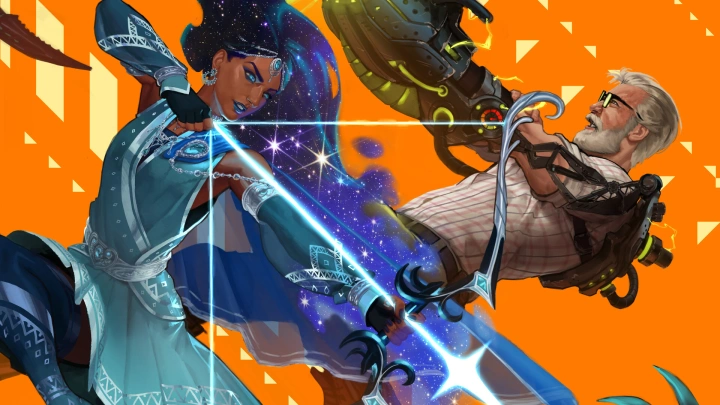
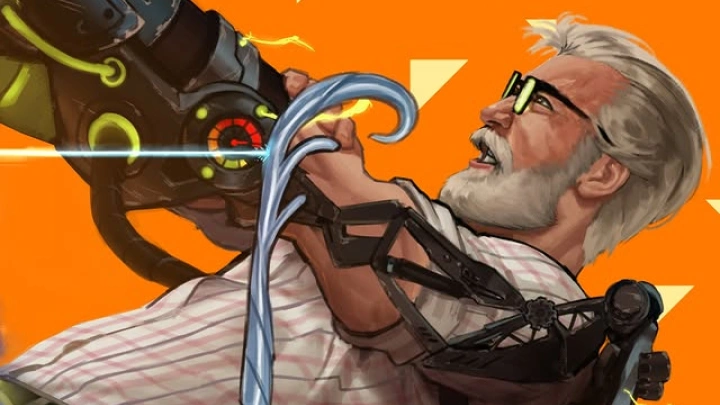
20. Preparing to Start an Illustration- Assessing the brief and taking notes - Deciding on story and tone - Reference gathering and inspirations - Organization and steps before you start - General tips
21. Sketching: Compositional Thumbnails, Final Sketch and Exploring Color Options- Quick thumbnail sketches - Revising the final sketch composition - Testing color options
- Section 08
Final Illustration: References and Blocking In


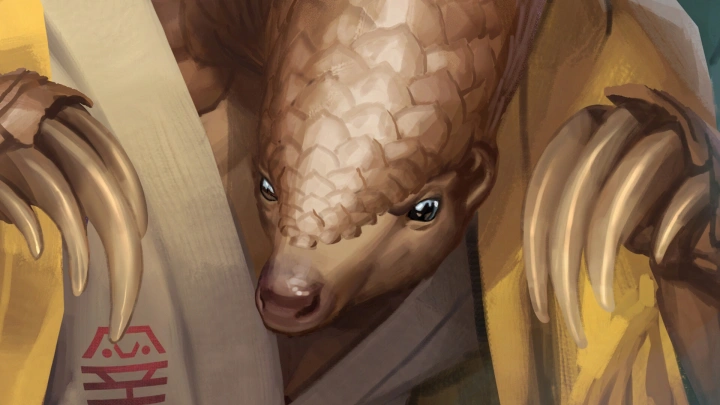
22. Taking References, Establishing Perspective and Proportions, and Blocking-In Colors- Taking photo and 3D references - Establishing your perspective and constructing anatomy - Blocking in large color masses
23. Material Reference Spheres for Rendering- Material spheres for reference
- Section 09
From Sketch to Final Illustration: Step-by-Step Workflow
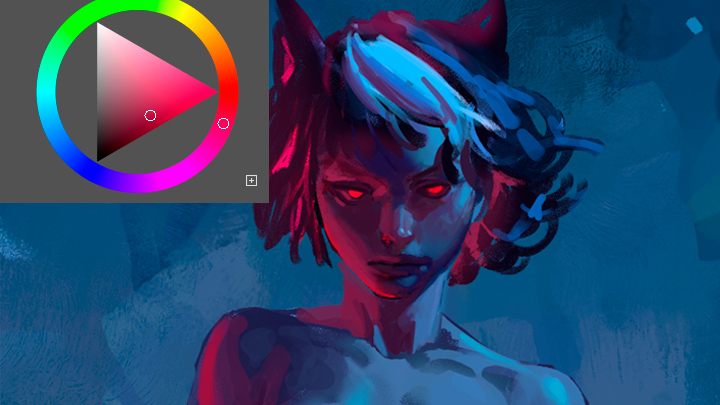
24. Rendering: Armor and Gold- Rendering my character's armor, gold accents and other parts of my painting
25. Rendering: Face and Body- Getting closer to completion by painting the face and translucent body
26. Finishing Touches: Polishing, Post-Processing and Exporting- One last pass and finishing touches - Adjusting levels, hues and more - Grain, blur, gradients and other tools to give your image that final punch
27. Final Words