Coloso.

Search Input

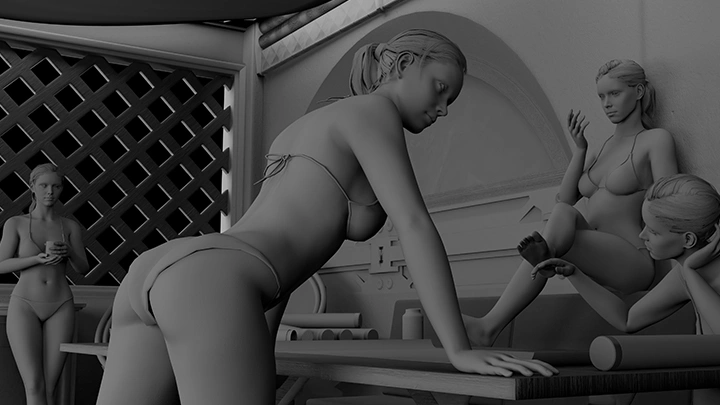
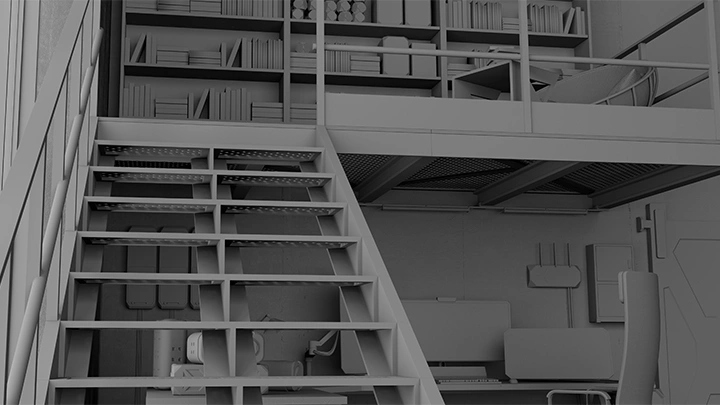
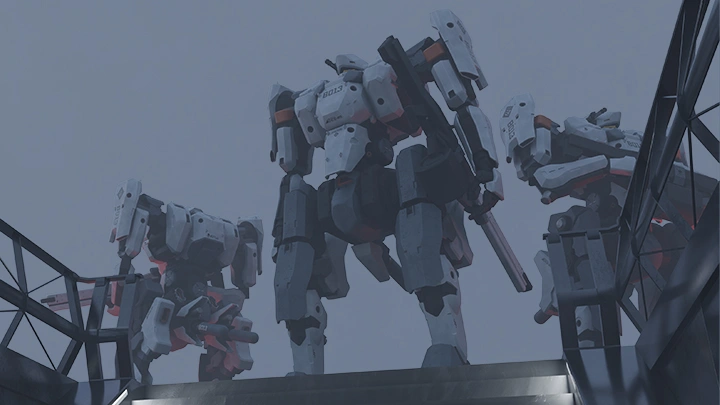
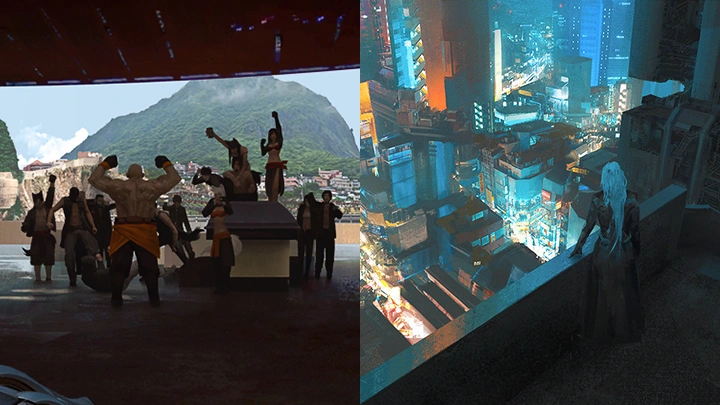
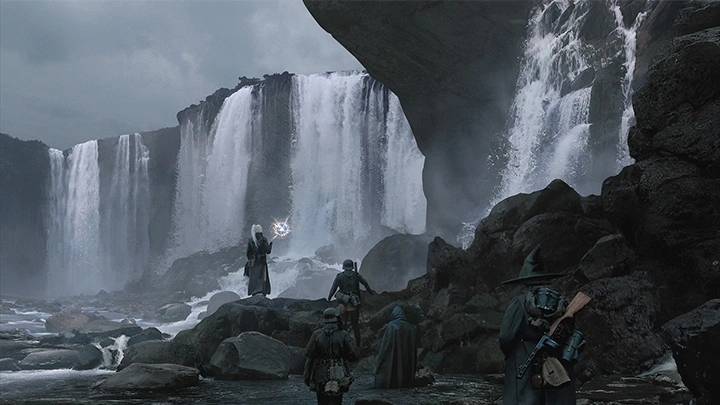
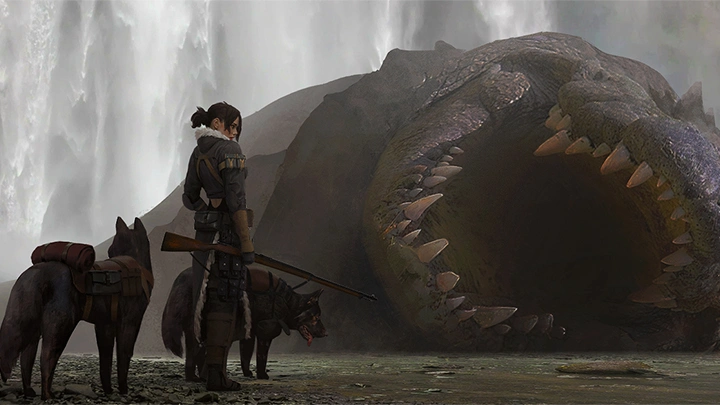
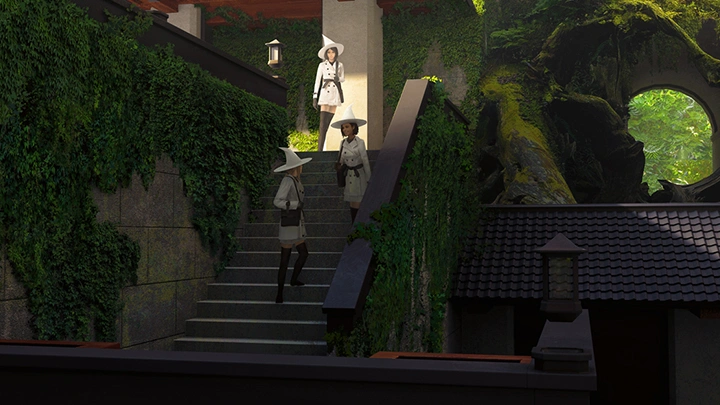
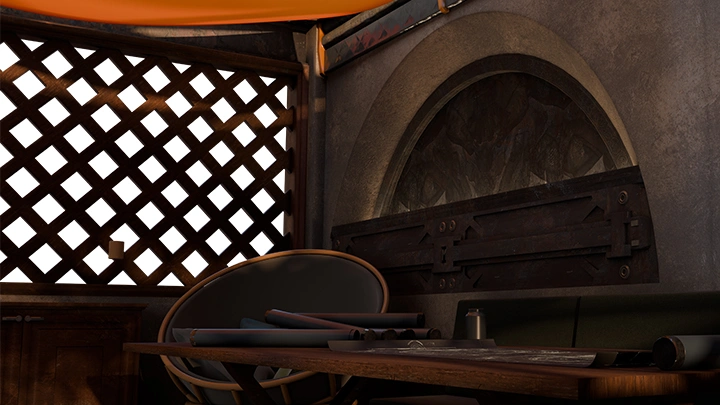
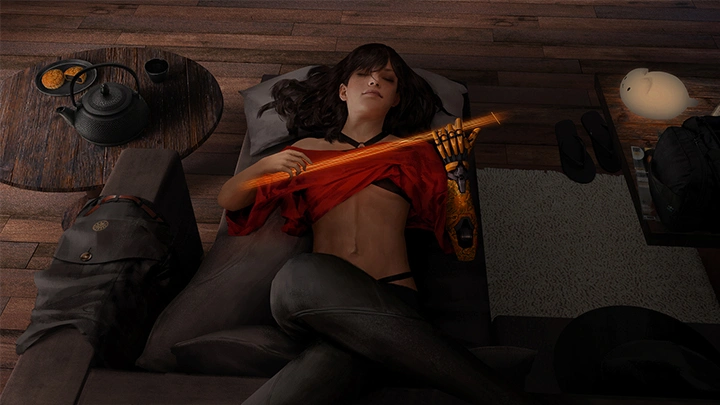
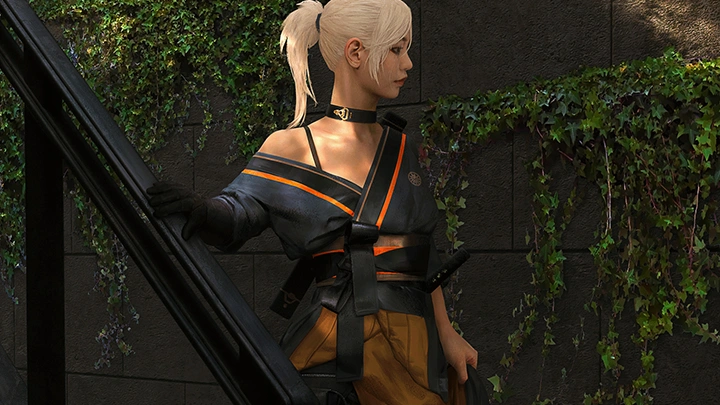
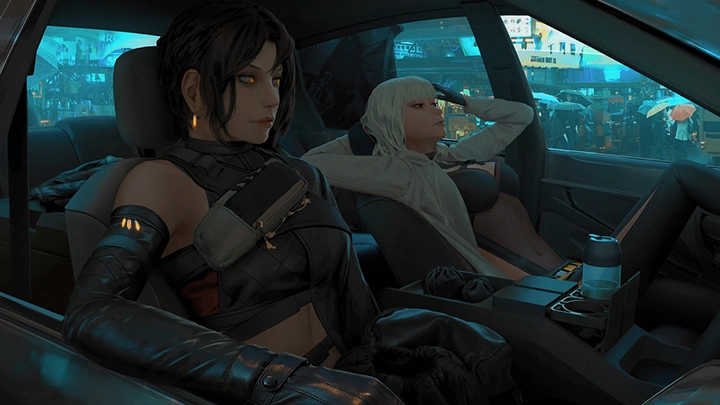
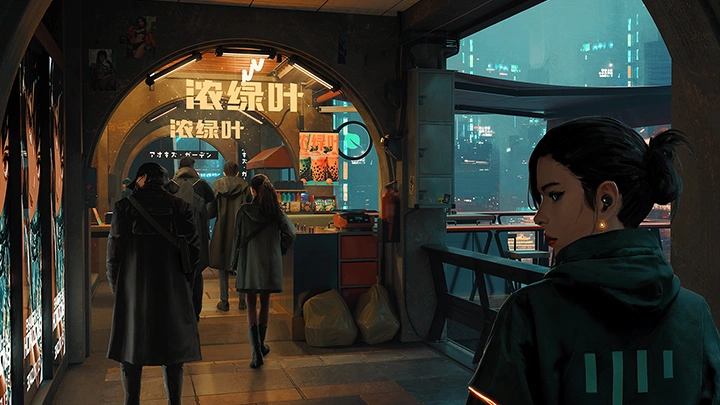
Cinematic Illustration, Creating Immersion and Intrigue

Concept ArtistBrandon Liao
  • Now Available


Class Details

  • Now Available
  • Beginner~Pro
  • Total 35 videos, 27Hours 52Minutes
  • English
  • English, Traditional Chinese [Auto]
  • Class materials included


conceptartist,brandonliao Details

Instructor
Brandon Liao
Concept Artist

My name is Brandon Liao, and I am a concept artist who works primarily in games. I mainly focus on visual development and worldbuilding, which means I help visually build worlds from scratch and establish guidlines to keep future development as cohesive as possible. This includes characters, environments, props and weapons, mood and tone all across many genres.

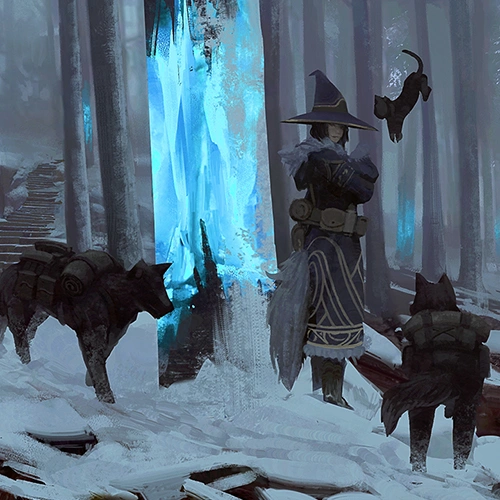
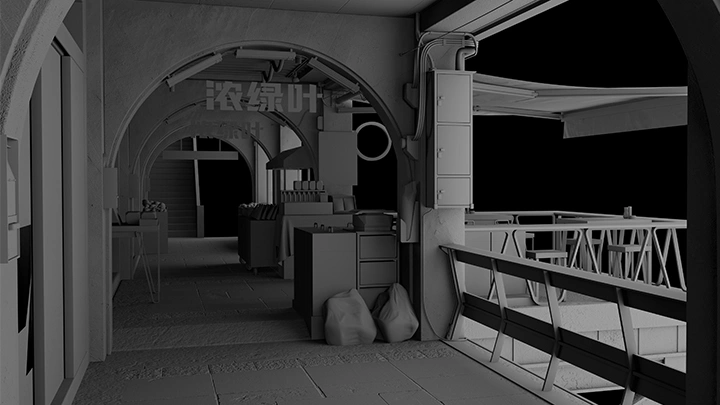
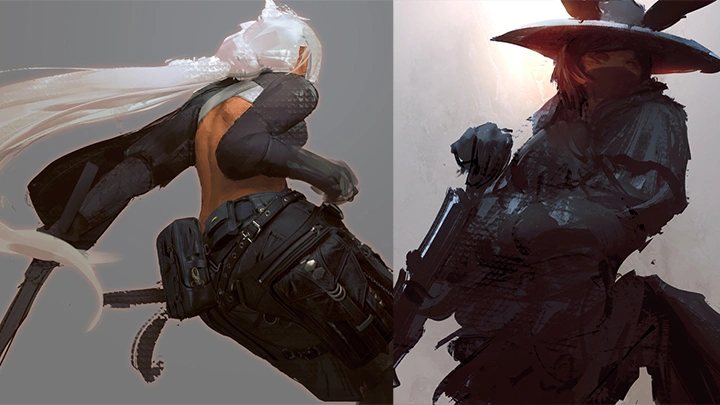
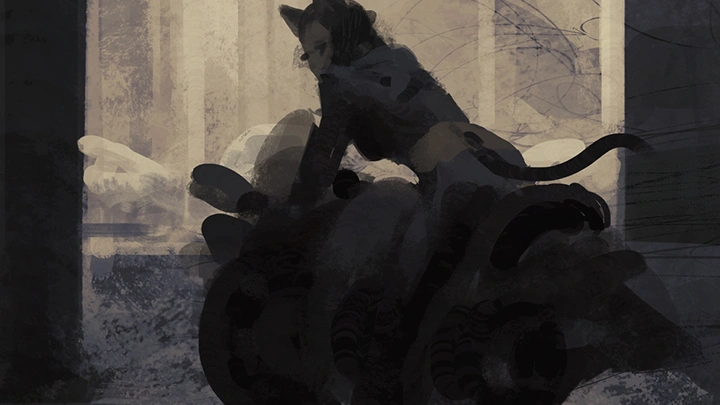
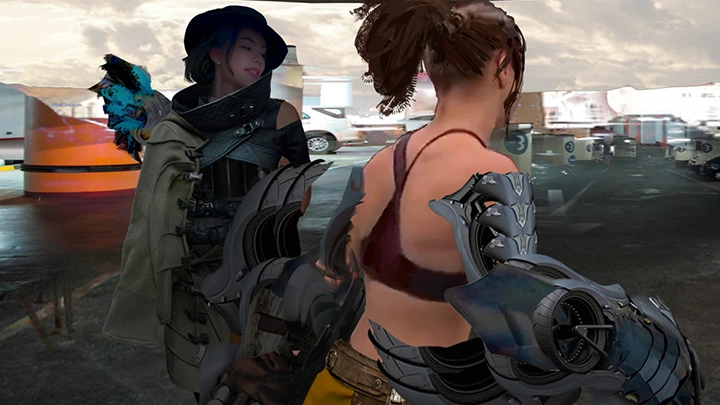
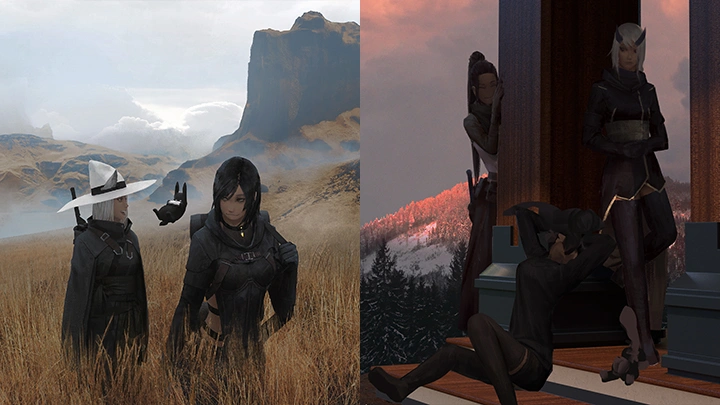
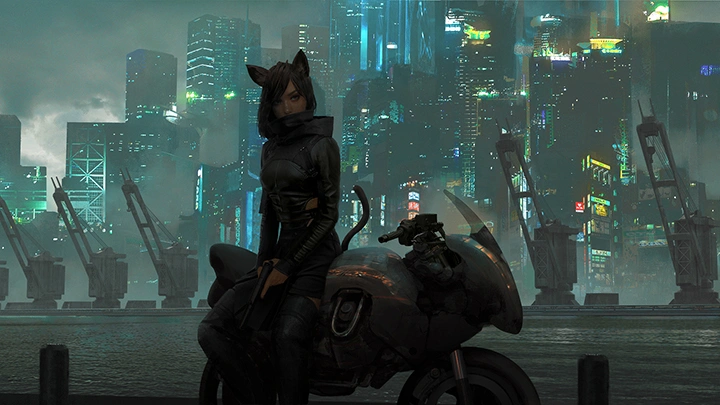
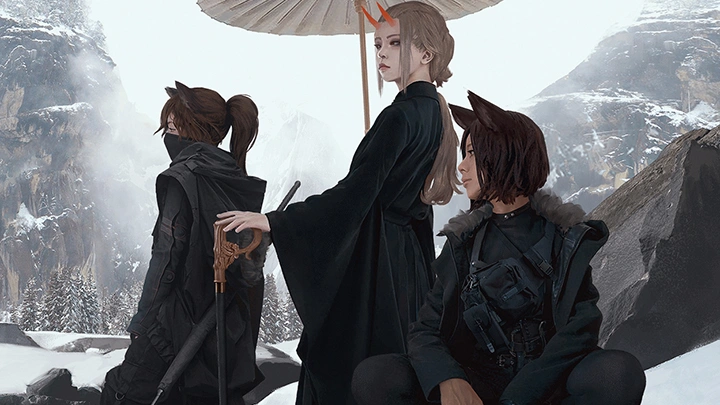
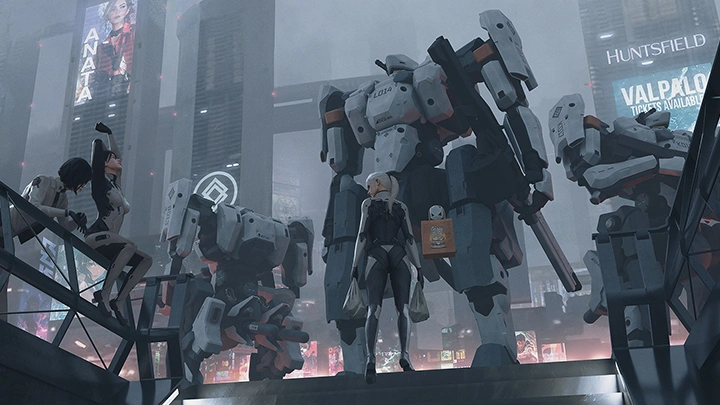
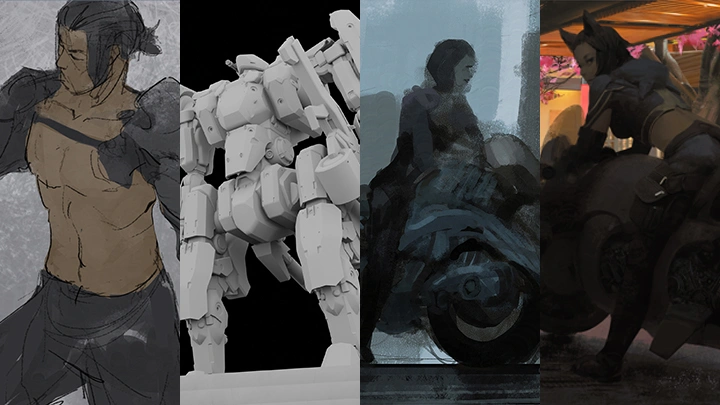
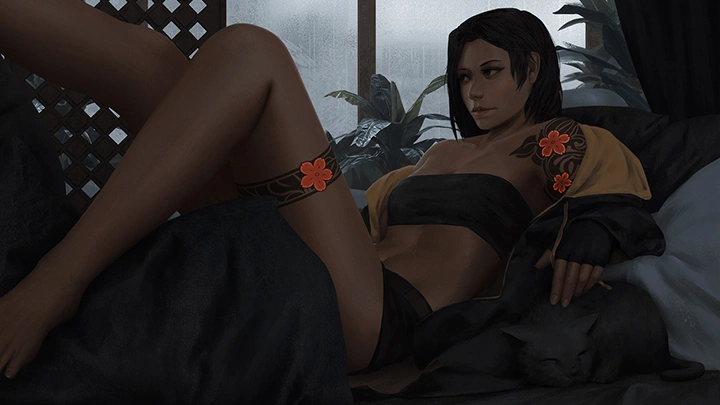
In this class, I will be showing different techniques and processes to create my favorite part of visual development: cinematic mood paintings.

Brandon Liao

Brandon Liao

Concept Artist
Profile

[Current] - Freelance Concept Artist [Previous] - Principal Concept Artist at Mountaintop Studios - Lead Concept Artist at Zenimax Online Studios - Associate Concept Artist at Riot Games [Notable Projects] - Spectre Divide (2022 - 2025) - Project Blackbird (2018 - 2022) - League of Legends (2012 - 2014)
Interview
Meet the Instructor
Question 01

What makes your class different from other classes?

Along with covering the fundamentals of composition, lighting, and color, this class will show you how to effectively make use of tools available in Photoshop and Blender to quickly and efficiently create cinematic illustrations.

Question 02

What are some essential skills or "must-have" tools in this industry,
and why?

Having the fundamental drawing skills to convey perspective/depth, color/lighting, and form/anatomy are key. Mastering those makes your life easier as you spend less time wondering how to draw something correctly, and more time on executing your ideas. Even though there are must-have tools like Photoshop and Blender that can supplement or cover any skills you're lacking, having a mastery over the fundamentals ensures you know what to look for and how to manipulate them to achieve the best possible result.

Question 03

How would you define success in this industry? What is the formula to success in your opinion?

Success, by my definition, is if you're having fun making the art, if the majority of your audience is enjoying it, and if you're happy with whatever returns you gain from it. If all three are true, then you've won.

Question 04

Do you have any advice for your students?

Don't be afraid to mess up; everyone does. The sooner you fail, the quicker you learn, and the faster you will succeed. The only way to improve is to get critcal feedback, and never take it personally no matter how bad it gets. Lastly, never stop drawing.

Class Details
You'll Learn
<p><strong>Research and References</strong></p>

Research and References


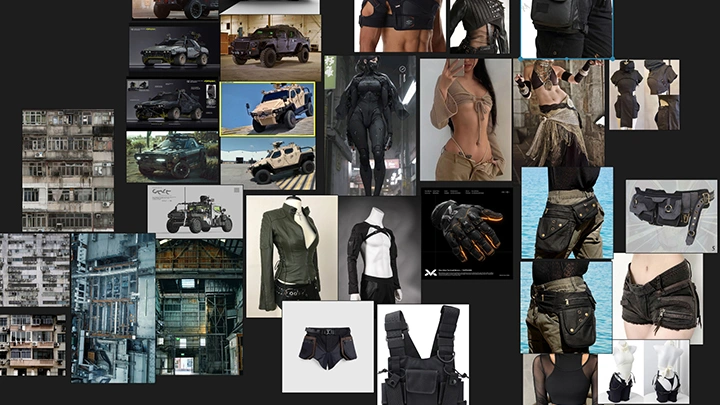
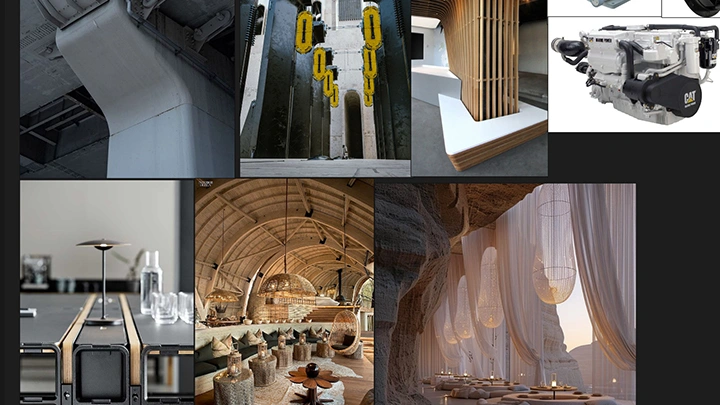
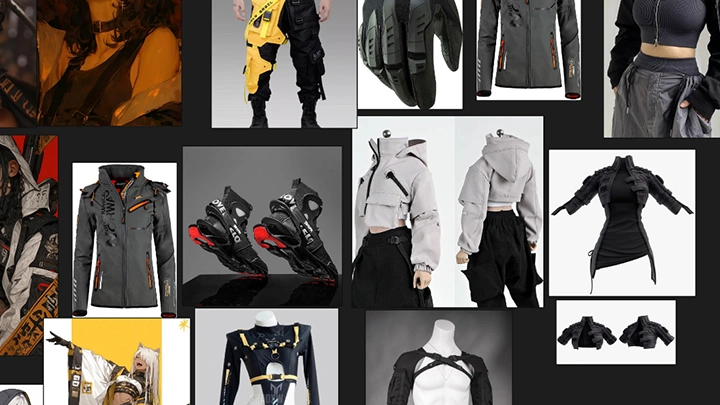
Organize your thoughts and ideas through moodboards to help start an illustration; this helps to chip away at any lingering doubts or questions of what to draw or how to draw it.

<p><strong>Composing the Best Shot</strong></p>

Composing the Best Shot

Learn to experiment with different perspectives, camera angles, and visual guides to get the best shot to tell your story.

<p><strong>Build Intrigue and Curiosity</strong></p>

Build Intrigue and Curiosity

Understand how to draw your audience into your world. Every detail counts; from character posing, props on a table, to the lighting scenario, and even the design of things in your scene. All parts add up to create the greater whole of hinting at a much larger world beyond the camera frame.

<p><strong>2D and 3D</strong></p>

2D and 3D

Having skills in both 2D and 3D programs goes a long way when creating illustrations. Even learning a few basic tools in each can speed up the drawing process significantly.

<p><strong>Lighting with Adjustment Layers</strong></p>

Lighting with Adjustment Layers



Master the use of various adjustment layers and blending modes to get colors and lighting in a relatively non-destructive manner; making experimentation and implementation easy.

<p><strong>Speed and Efficiency</strong></p>

Speed and Efficiency

There are many ways to make an illustration; knowing what and how to execute them only adds more tools to your creative arsenal. This class will show you a few different techniques and methods to efficiently create complex illustrations.

Curriculum
In-Depth Look

**Class release dates and content are subject to change without prior notice.

  • Section 01
    Orientation
    curriculum-conceptartist-brandonliao-us-01.webp
    • 01. Class Intro- Introduction of the instructor and overview of the class - Workspace settings and programs

  • Section 02
    Mood Boards
    curriculum-conceptartist-brandonliao-us-02.webp
    curriculum-conceptartist-brandonliao-us-03.webp
    curriculum-conceptartist-brandonliao-us-04.webp
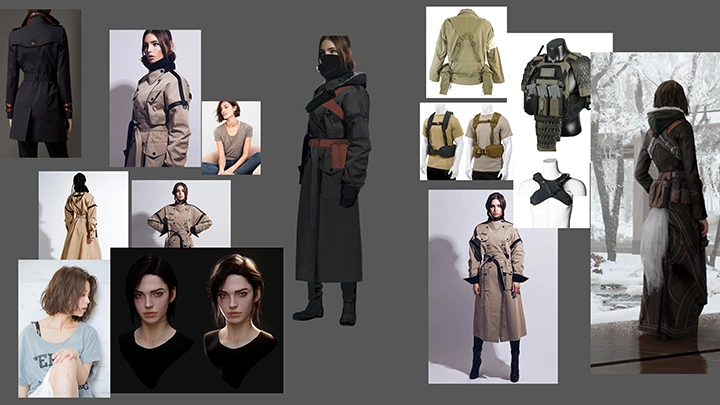
    • 02. Direction and References- Highlighting the value of having references - Creation of a reference library - Decision on visual direction

    • 03. Gather References for the Shot- Decision on the narrative - Gathering shot references - Keeping an eye on lighting, mood, and the general environment - Gathering possible character poses

    • 04. Gather References for Designs- Decision on the type of world - Gathering environment references - Gathering interesting design details for characters, props, etc.

  • Section 03
    Sketches
    curriculum-conceptartist-brandonliao-us-05.webp
    curriculum-conceptartist-brandonliao-us-06.webp
    curriculum-conceptartist-brandonliao-us-07.webp
    curriculum-conceptartist-brandonliao-us-08.webp
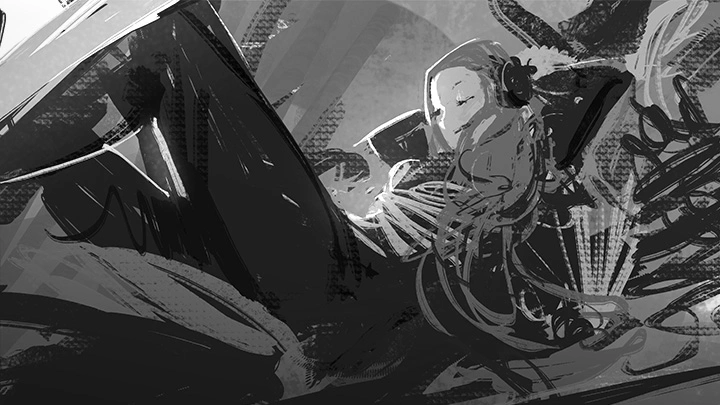
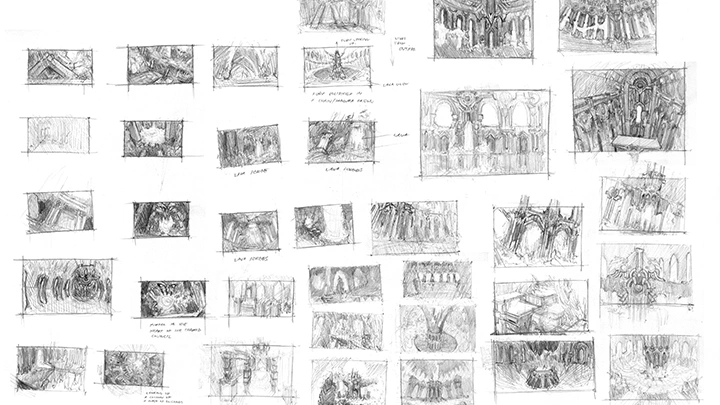
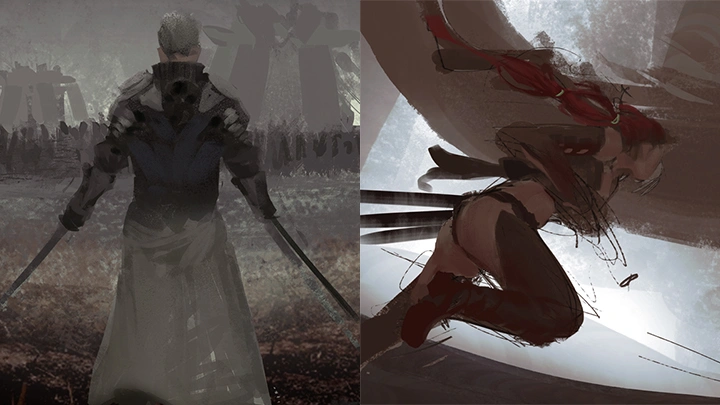
    • 05. What Goes Into Composition- Explanation of framing and focal points, character posing, and lighting plans - Explanation of storytelling in a scene


    • 06. Test Shots I- Sketching compositions for Illustration 1 - Sketching compositions for Illustration 2


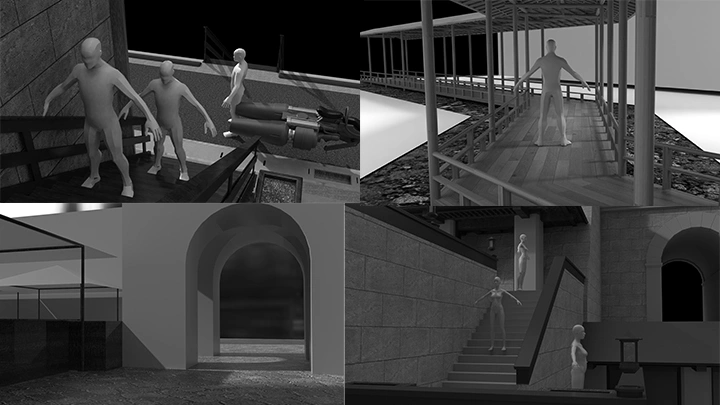
    • 07. Test Shots II: Using 3D- Building compositions for Illustration 3

    • 08. Test Designs- Explanation of sketching designs before execution - Sketching environmental details - Sketching character details

  • Section 04
    Underpainting I - Environment General Colors and Values
    curriculum-conceptartist-brandonliao-us-09.webp
    curriculum-conceptartist-brandonliao-us-10.webp
    curriculum-conceptartist-brandonliao-us-11.webp
    curriculum-conceptartist-brandonliao-us-12.webp
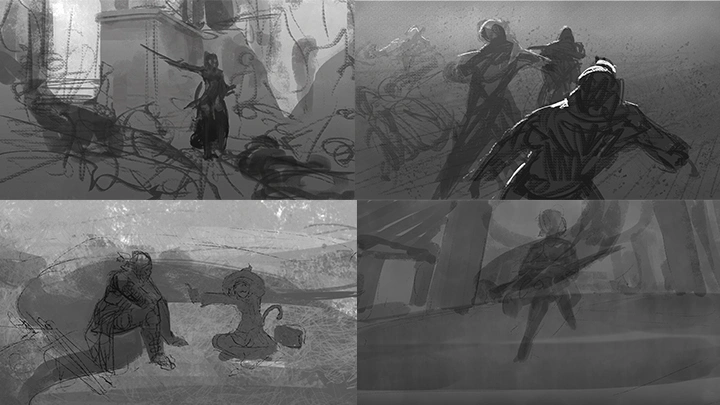
    • 09. The Underpainting- Explanation of the underpainting - Highlight the importance of using ambient light (or diffuse light) values first - Going over how to add basic colors quickly

    • 10. Illustration 1: Environment Block-In- Using photographs to create an underpainting for Work 1

    • 11. Illustration 2: Environment Block-In- Using photographs to create an underpainting for Work 2

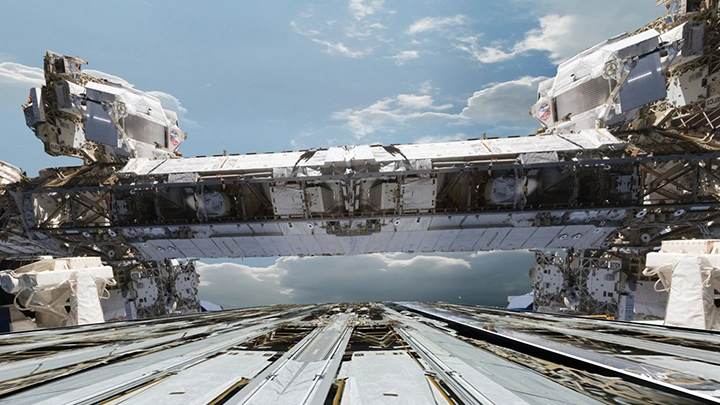
    • 12. Illustration 3: Environment Block-In- Creating and using proxy models to set up a scene for Work 3

  • Section 05
    Underpainting II - Character General Colors and Values
    curriculum-conceptartist-brandonliao-us-13.webp
    curriculum-conceptartist-brandonliao-us-14.webp
    curriculum-conceptartist-brandonliao-us-15.webp
    curriculum-conceptartist-brandonliao-us-16.webp
    • 13. Posing in an Environment- Going over how to pose a character within an environment - Paying special attention to perspective and depth - Discussing artistic liberties

    • 14. Illustration 1: Character Block-In- Keeping values in line with the environment for Work 1 - Painting the costumes and props the character interacts with or will interact with

    • 15. Illustration 2: Character Block-In- Keeping values in line with the environment for Work 2 - Painting the costumes and props the character interacts with or will interact with

    • 16. Illustration 3: Character Block-In- Posing a character proxy model in 3D for Work 3 - Blocking in props the character might interact with

  • Section 06
    Underpainting III - Cohesion Between All Elements
    curriculum-conceptartist-brandonliao-us-17.webp
    curriculum-conceptartist-brandonliao-us-18.webp
    curriculum-conceptartist-brandonliao-us-19.webp
    curriculum-conceptartist-brandonliao-us-20.webp
    • 17. Adjustments- Adjusting elements to serve the focus of the illustration

    • 18. Shading- Adding ambient occlusion and basic contact shadows - Correcting general ambient lighting

    • 19. Atmosphere- Adding in atmospheric effects to create the illusion of depth

  • Section 07
    Paintover I - Environment Details
    curriculum-conceptartist-brandonliao-us-21.webp
    curriculum-conceptartist-brandonliao-us-22.webp
    curriculum-conceptartist-brandonliao-us-23.webp
    curriculum-conceptartist-brandonliao-us-24.webp
    • 20. Storytelling Through the Environment- Going over the thought process behind what goes into an environment - Reviewing examples of considerations to make an environment feel more alive

    • 21. Illustration 1: Environment Detailing- Painting in environment details for Work 1

    • 22. Illustration 2: Environment Detailing- Painting in environment details for Work 2

    • 23. Illustration 3: Environment Detailing I- Building environment details for Work 3

    • 24. Illustration 3: Environment Detailing II- Texturing environment details for Work 3

  • Section 08
    Paintover II - Character Details
    curriculum-conceptartist-brandonliao-us-26.webp
    curriculum-conceptartist-brandonliao-us-27.webp
    curriculum-conceptartist-brandonliao-us-28.webp
    curriculum-conceptartist-brandonliao-us-29.webp
    • 25. Storytelling Through the Character- Going over the thought process behind what goes into a character - Explaining how costume design can help tell the story of the world they're in - Reviewing examples of things to consider to hint at personality and history of a character

    • 26. Illustration 1: Character Detailing- Painting in character details for Work 1

    • 27. Illustration 2: Character Detailing- Painting in character details for Work 2

    • 28. Illustration 3: Character Detailing- Painting in character details for Work 3

  • Section 09
    Lighting I - Let There Be Light!
    curriculum-conceptartist-brandonliao-us-30.webp
    curriculum-conceptartist-brandonliao-us-31.webp
    curriculum-conceptartist-brandonliao-us-32.webp
    • 29. Cinematic Lighting- Explaining lighting, mood and tone; why lighting is applied last - Explaining how to use lighting to set a focal points - Explaining the use of adjustment layers and blend modes

    • 30. Direct and Bounce Lighting- Adding direct lighting and bounce lighting

    • 31. Environment and Character Lighting- Adjusting lighting in the environment and on the character

  • Section 10
    Lightning II - Post Processing
    curriculum-conceptartist-brandonliao-us-33.webp
    • 32. Adjustment Layers and Blend Modes- Color correcting the entire illustration to harmonize all values at once

    • 33. LUTs and Final Touches- Color grading the entire illustration to achieve the cinematic look

  • Section 11
    Summary
    curriculum-conceptartist-brandonliao-us-34.webp
    • 34. Recap- Summarizing the entire process

    • 35. Takeaways and Conclusion- Key takeaways - Advice

Required Tools

This course will use Photoshop, PureRef and Blender
Please purchase and install these program(s) for an optimized chapter experience.

*These programs and/or materials will not be provided with the chapter.

program-gamegraphic-hailee-photoshop.webp
_program_program-conceptartist-brandonliao-us.webp
Recommended Classes

Important Notice

- This product provides access to the video lectures online (Excluding products categorized as Assets). - Under certain circumstances, discounts may end early or be extended without prior notice. - For pre-ordered courses, the content and the lecture videos will be released sequentially according to the schedule. The Course Start Date will be set to the release date of the first lecture video. - You will gain immediate access to the course through My Page upon completing registration and payment. Total Course Duration: - The Standard Access (Paid access) period lasts for the first 15 days and Unlimited Free Access period will begin from the 16th day. Both the Standard and Unlimited Free Access periods offer the equal viewing experience to the content. - Course Start Date: The estimation of the Course Start Date will be based on the completion date of the payment. Immediate access to the lecture videos will be granted through My Page. (For pre-ordered courses, the start date will be the release date of the first lecture video.) - In case the course start date is postponed due to extenuating circumstances on Coloso’s end, the start date will be adjusted accordingly.
*Please note that certain aspects of this course, including the release date, curriculum images, and associated content, are subject to change without prior notification.
*Would you like to learn more about our refund policy? Please check ▶ here
*Please check our ▶ FAQ for Copyright and Proprietary Rights, User-Generated Content, Security, and Violation information.
*保留未事前告知而更改本網頁資訊的權利
*欲進一步瞭解退款政策的細節,請由 ▶ 此處確認。
*請至 ▶FAQ頁面查看有關版權及所有權、使用者製作內容、資料安全及違反等相關資訊。
*Tenga en cuenta que la información de esta página está sujeta a cambios sin previo aviso.
* ¿Le gustaría saber más sobre nuestra política de reembolso? Por favor, compruebe ▶ aquí
*Por favor, compruebe nuestras ▶ FAQ para los derechos de autor y derechos de propiedad, contenido generado por el usuario, seguridad e información de violación.
- This product is strictly prohibited to resell, redistribute, steal, or transfer. - The original images and simple edited images of this product cannot be transferred, distributed, or sold. - This product can be refunded only before the class video is released. - You can find this product on [My Class] > [Class Materials]