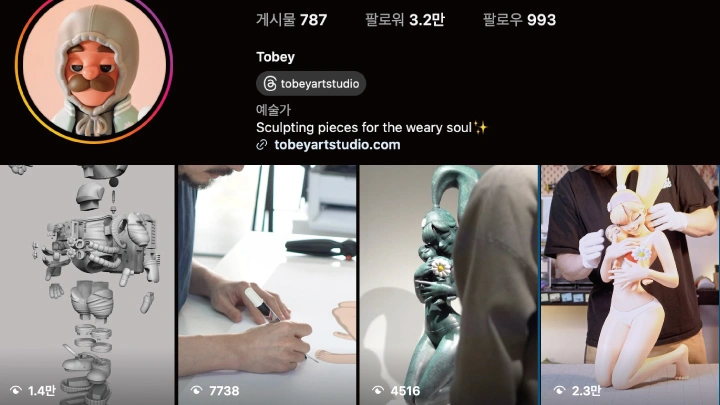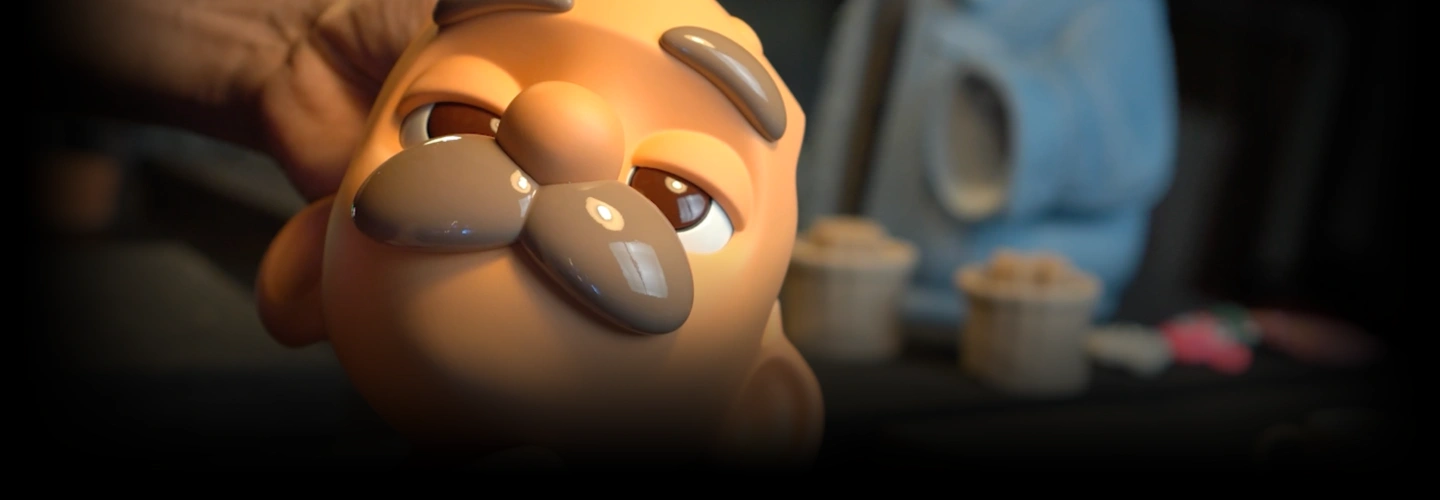
[Dictionary]arttoyartist,tobey_KR Details
Intro

Now in Your Language, Only on Coloso!
Learn from Korea's Top Master Creatives
-
 Transform Your Imagination into Tangible Art
 -
 Master the Full Production Workflow
 -
 Develop Your Unique Artistic Identity
Class Intro
Art Toy Artist, Tobey
“Explore the entire process from character design to digital modeling to give your figure a physical form.”
Korea’s Top Art Toy Artist Tobey’s Roadmap to Bringing Your Original Characters to Life
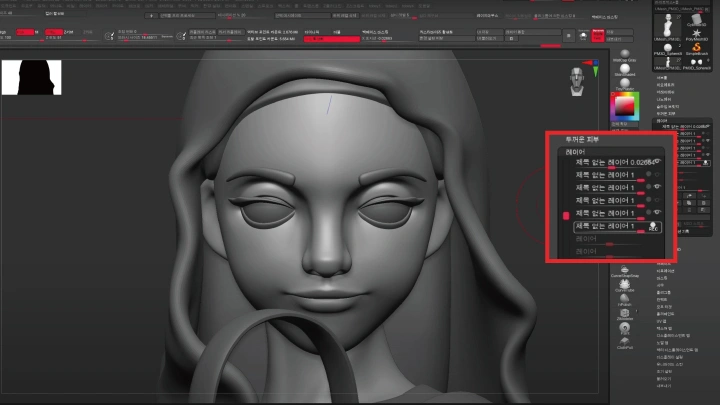
Materialize your original character by printing them as physical, tangible toys, instead of leaving them as digital models! In this class, you’ll use ZBrush to model, print, post-process, and color a character and even brand yourself as an artist, exploring the entire art toy creation process. Join Tobey, Korea’s top art toy artist, as he guides you through how to bring the character in your head to life.

This class by Tobey covers the A to Z of creating art toys, without requiring any prior ZBrush knowledge. Starting from the basics, you’ll learn the key features required to design your own character, as well as Tobey’s practical expertise. Discover Tobey’s roadmap to making art toys, which covers everything from designing your original character to debuting as an artist, right now on Coloso!
Class Preview
Still Not Sure?
Check Out Tobey's Class Preview!
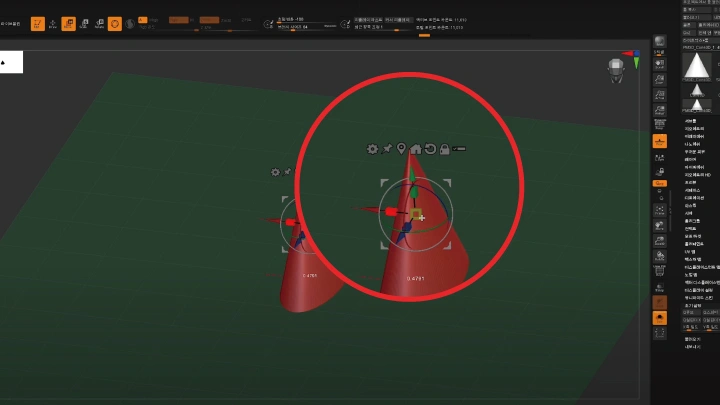
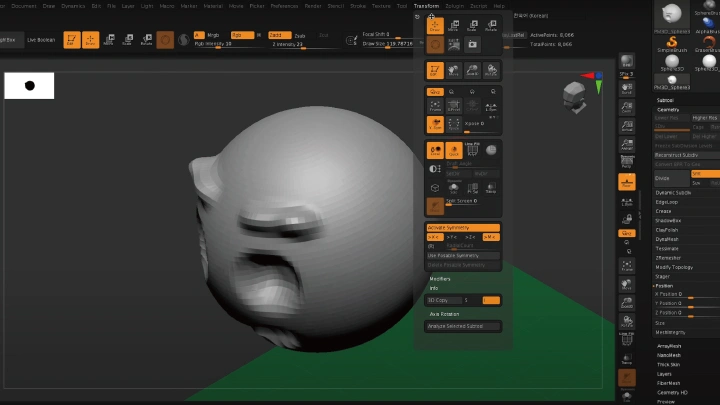
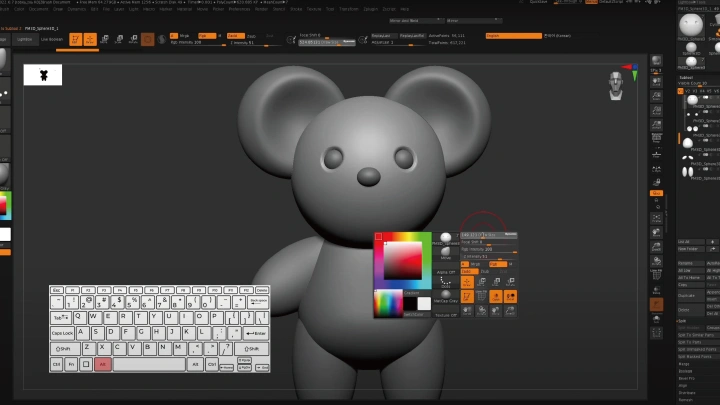
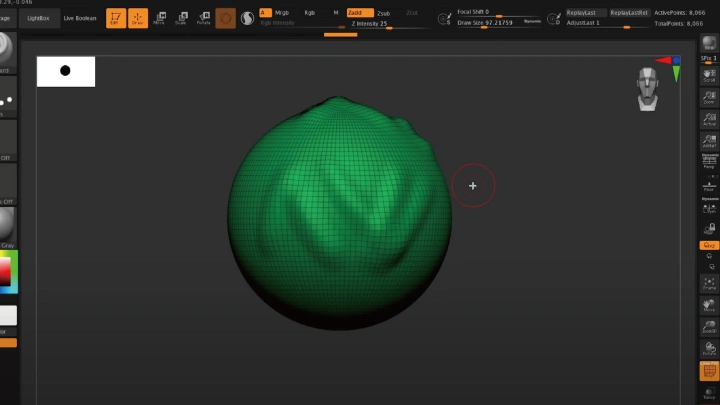
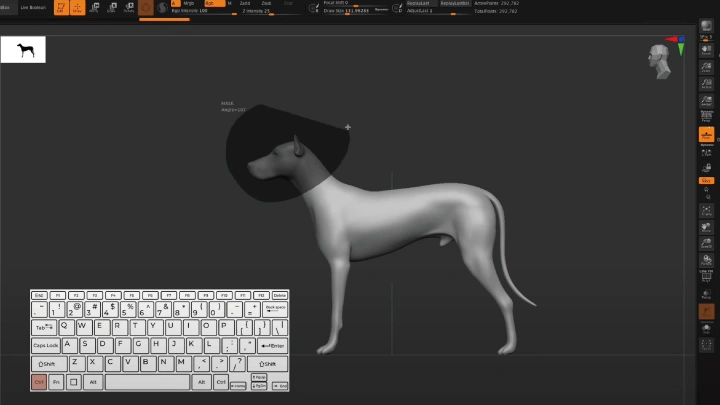
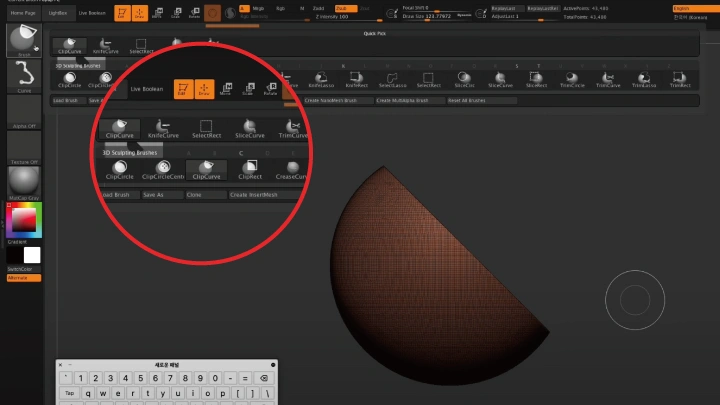
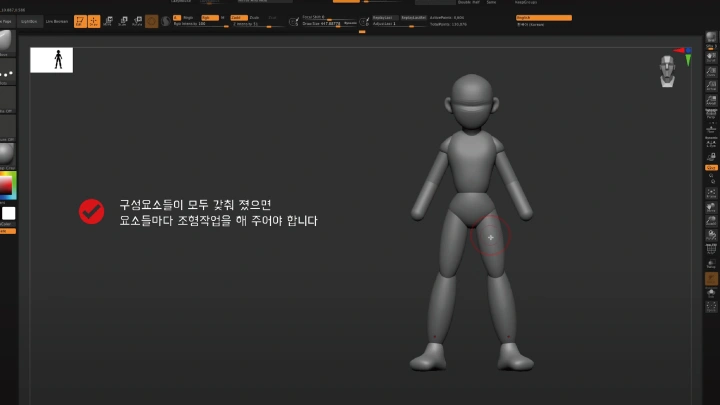
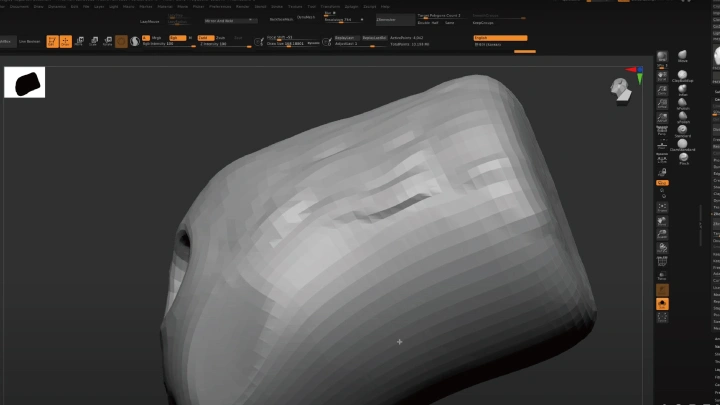
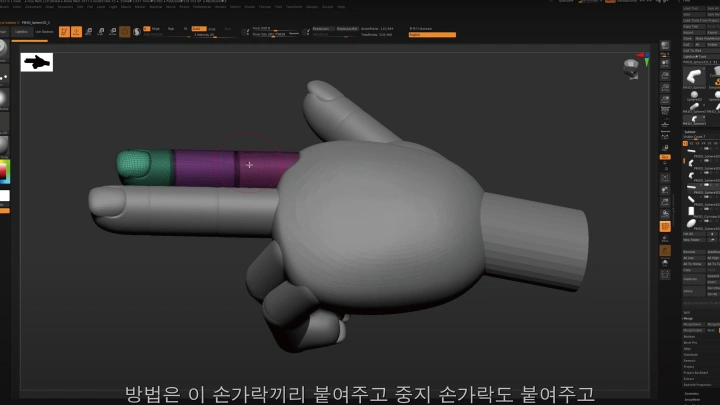
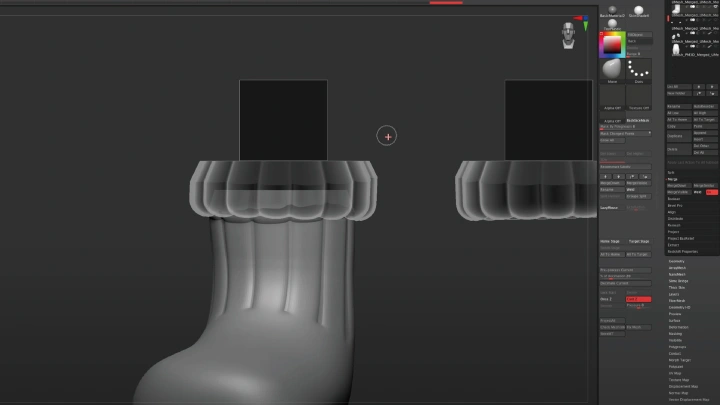
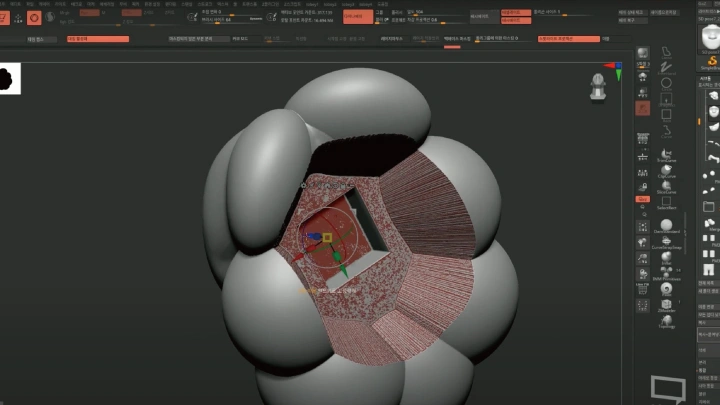
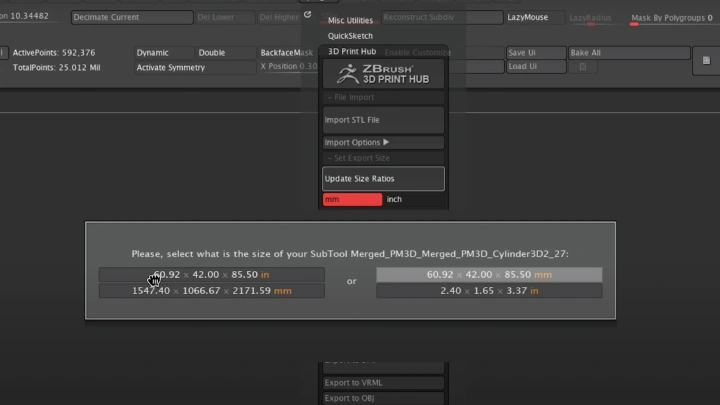
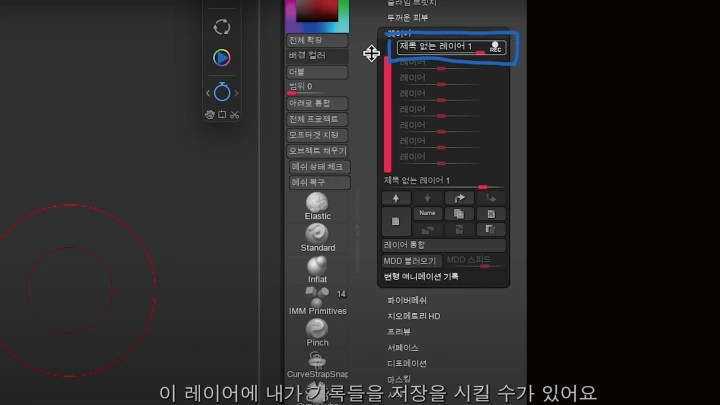
43. Creating Joints in Practice 1
1. Detailed joint design for a physical art toy
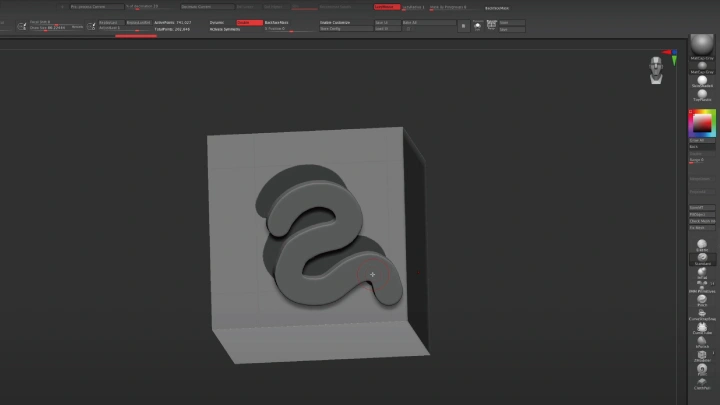
2. Practical joint modeling
2. Practical joint modeling
Class Perks
Special Gift from Tobey
-
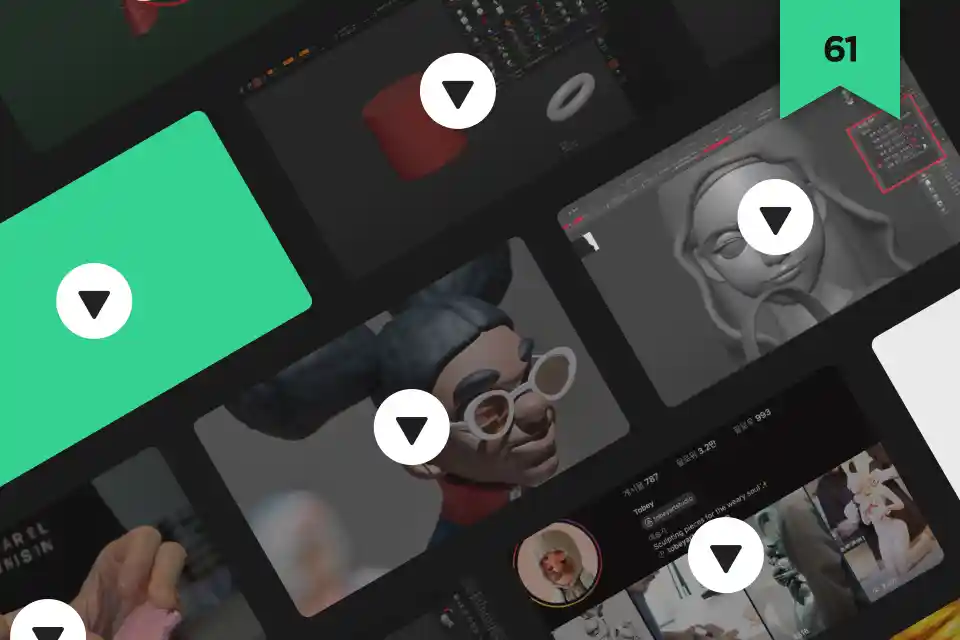 Unlimited Access to 61 ChaptersLearn Tobey’s practical work process for creating full-scale art toys
 -
 7 Project Files for Art Toy CharactersColoso exclusive main ZBrush example files included.
 -
 Tobey’s Custom UI Setting Files & Shortcut ListMaximize your ZBrush workflow
-
 3D Printing and Post-Processing Expertise & Branding StrategiesColoso-Exclusive resources
 -
 Student-Only 3D Printing Discount & Special CouponPrint your own art toy with special coupon and student-only discounts
*Upload your final files to Coloso-exclusive page for discounted 3D printing through partner vendors. -
 Quarterly Updates to Section 5 ZBrush Efficiency TipsLifetime access with ongoing updates
*Update schedules may vary depending on recording and editing timelines.
Recommendation
Who should take this class?
3D modeling hobbyists who want to create art toys and figures of their original characters
Aspiring art toy artists who want to enter the art toy/figure industry
Professionals who want to learn Tobey’s practical work process and branding strategies, as well as digital modeling
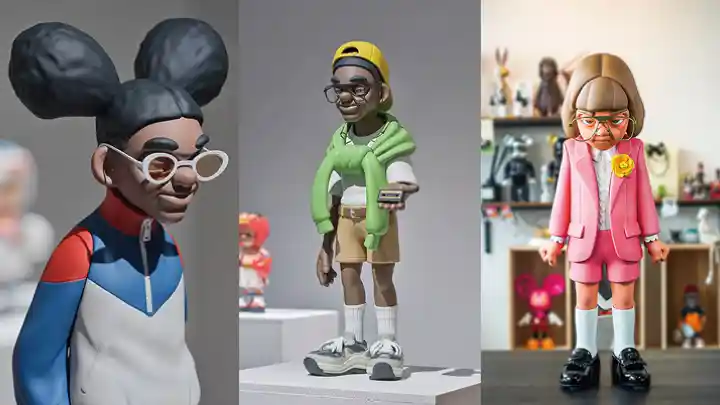
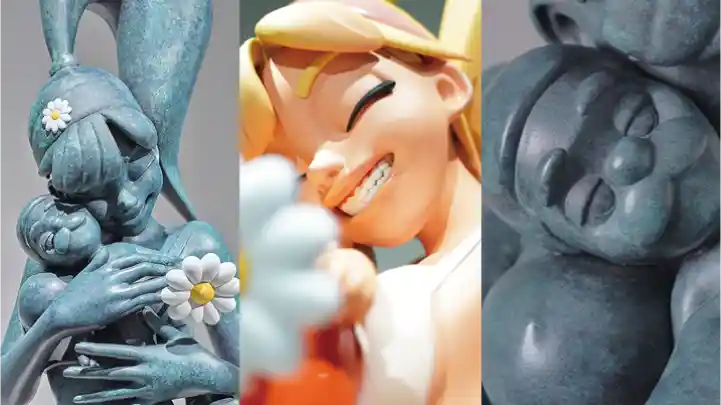
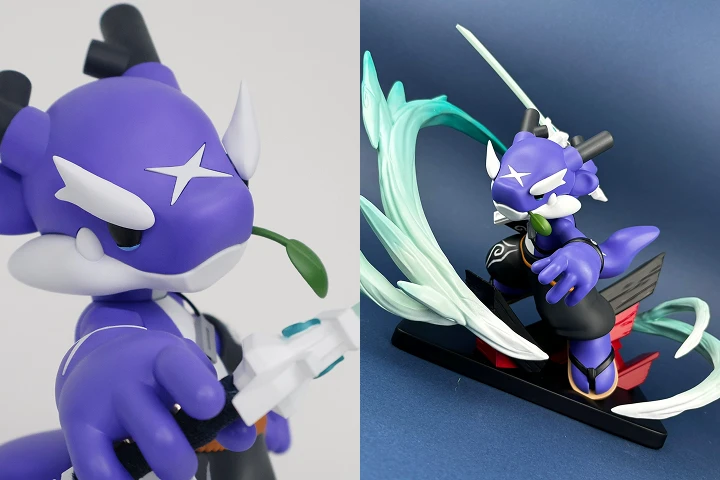
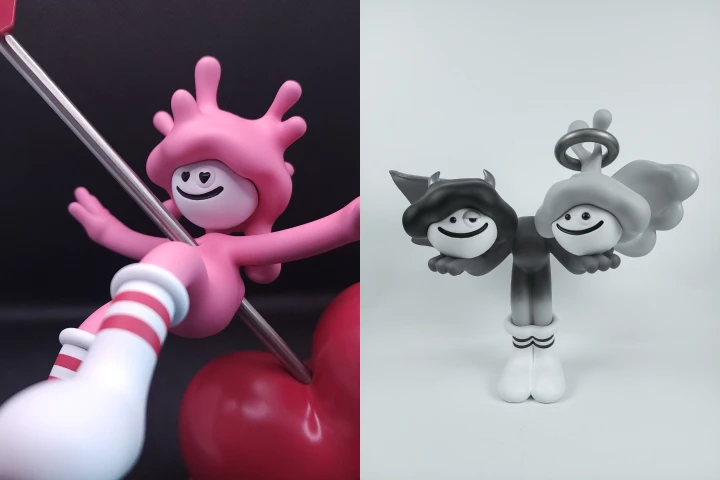
Expert Art Toy Artist Tobey's Portfolio
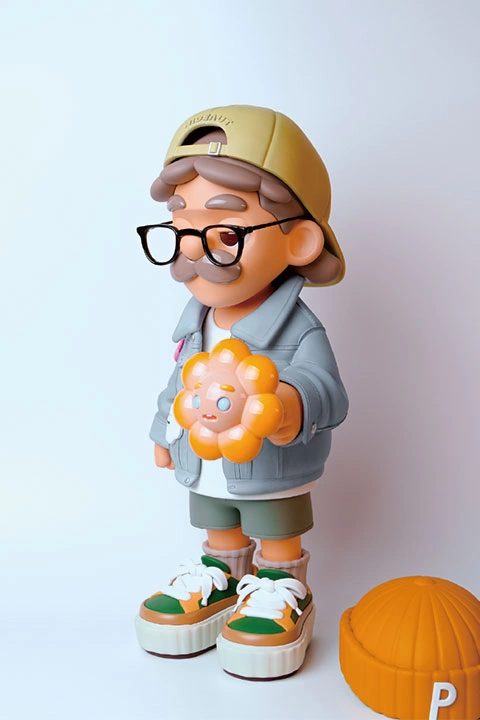
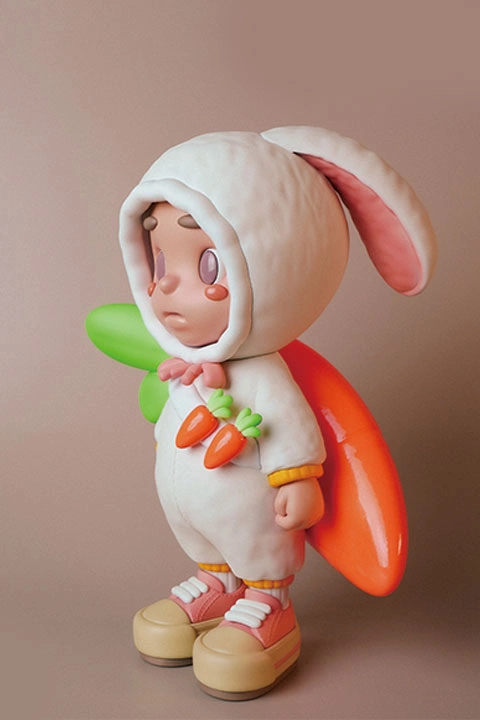
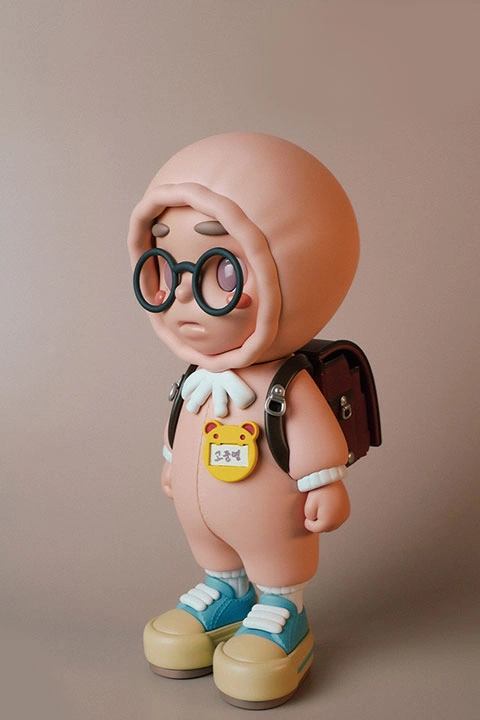
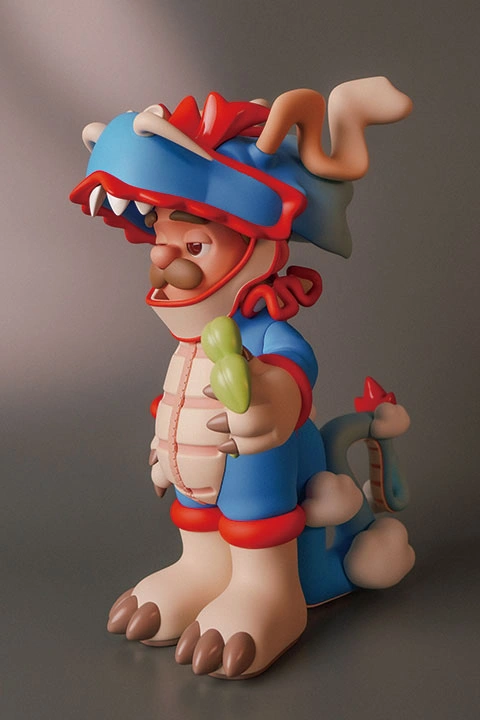
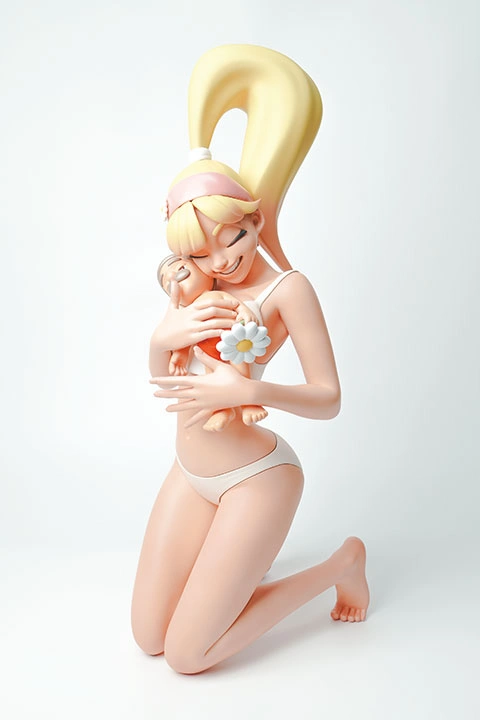
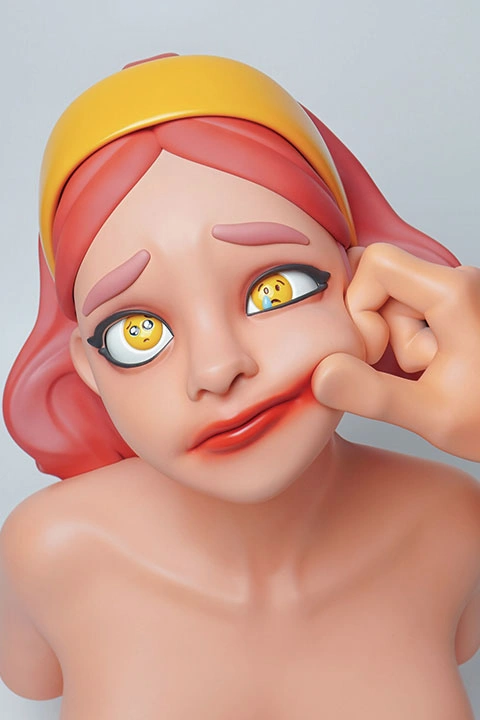
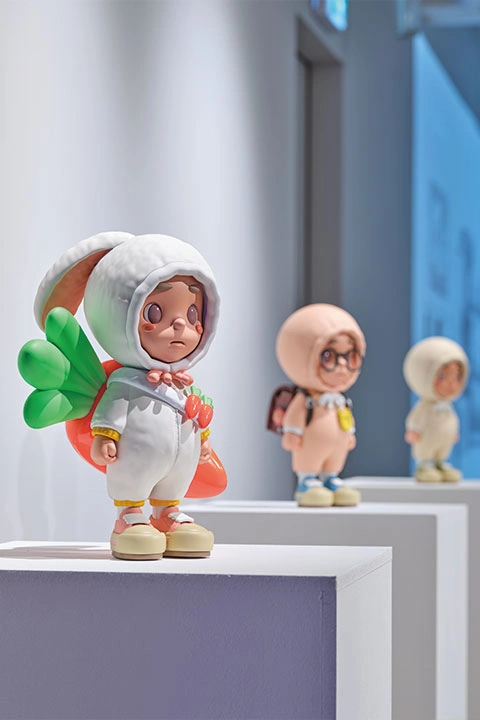
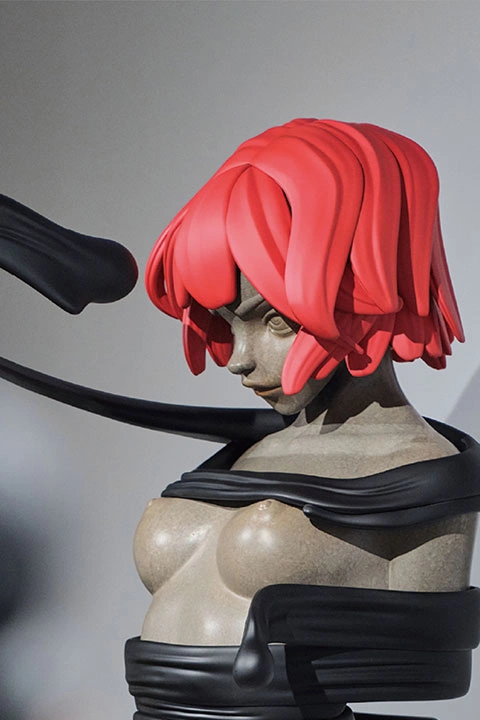
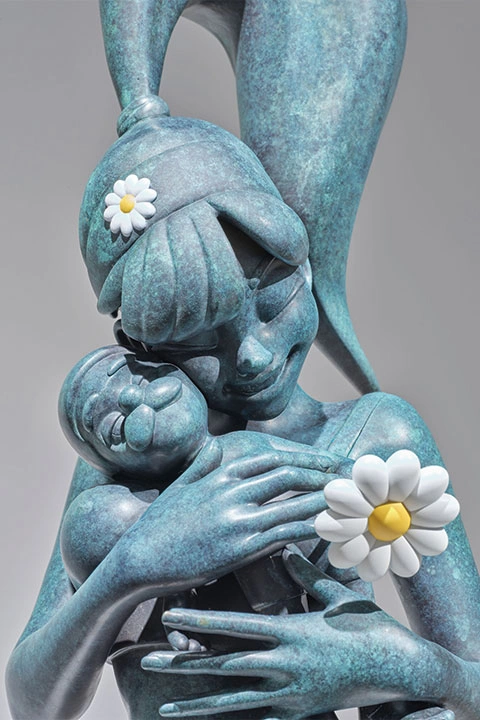
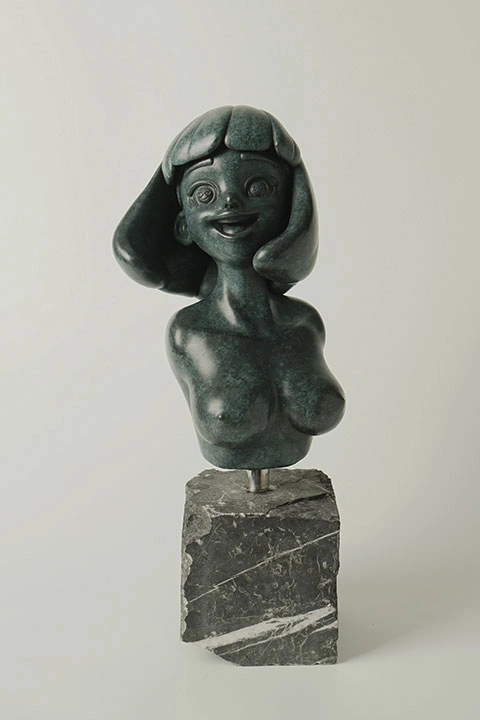
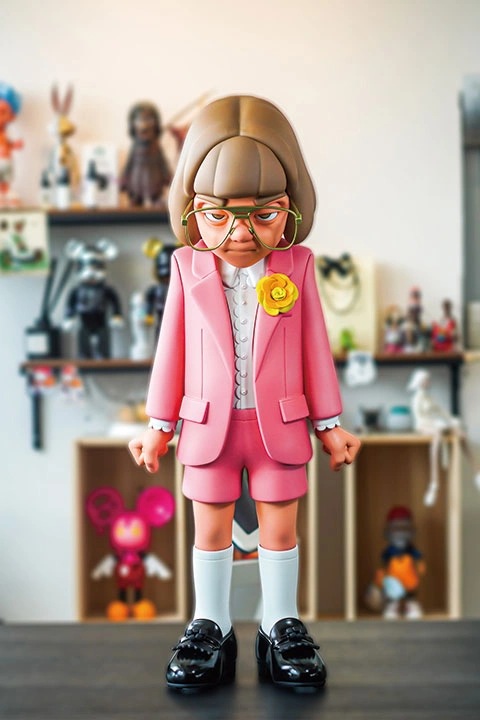
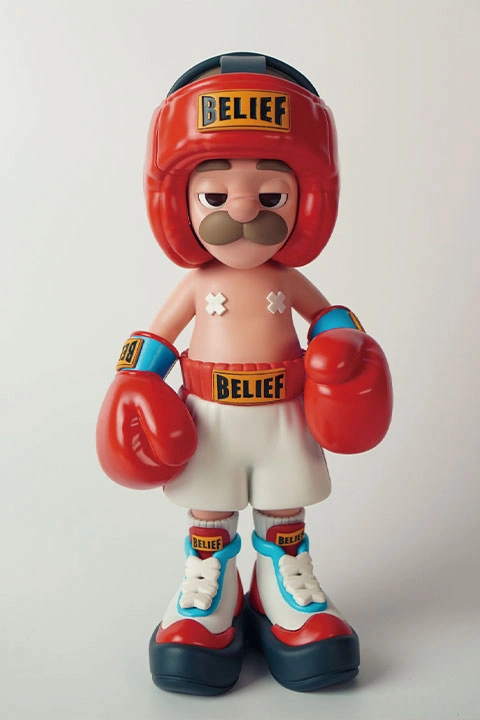
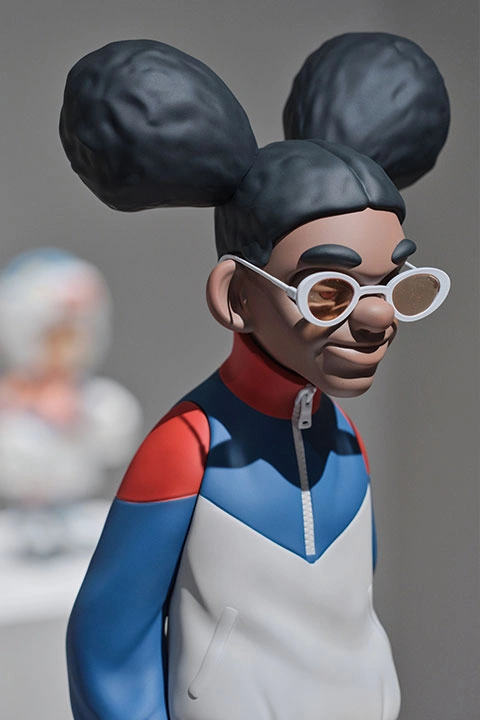
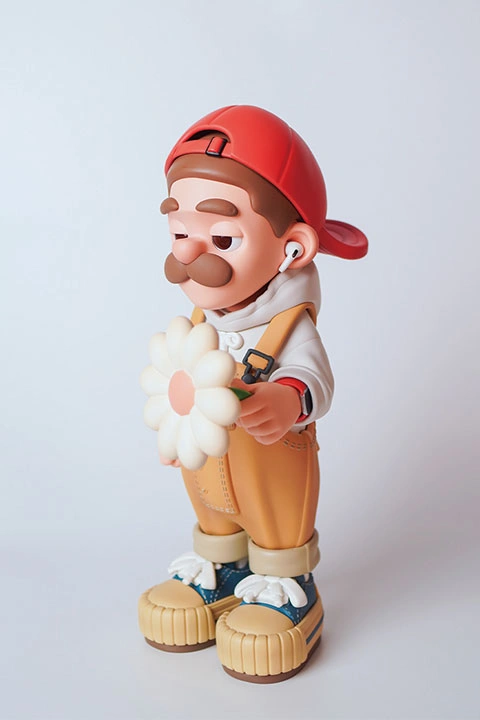
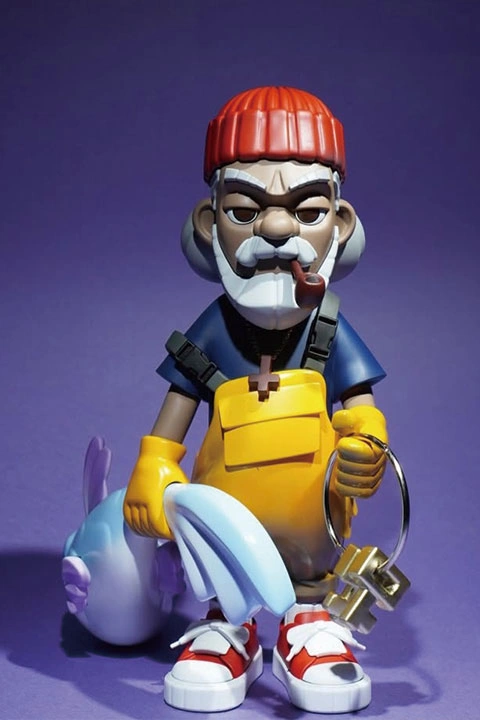
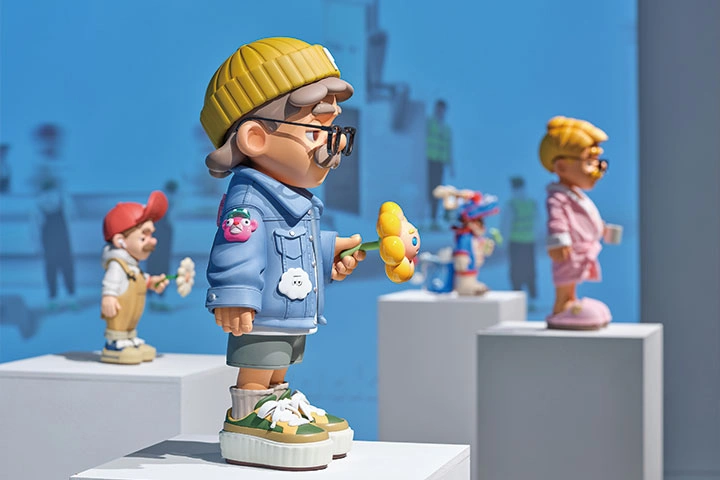
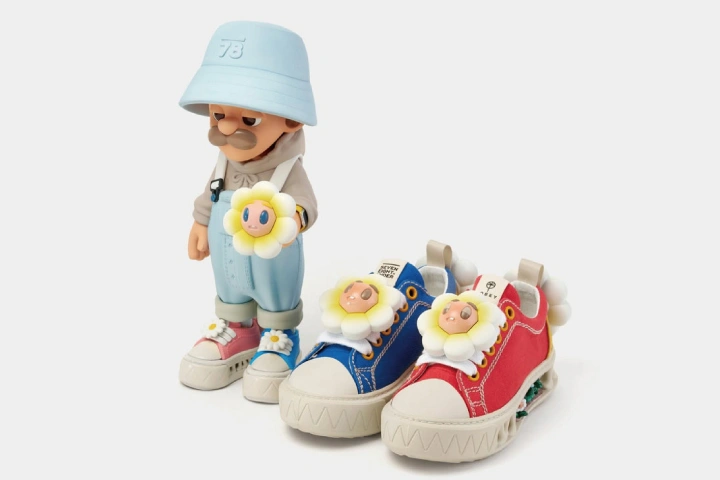

Hands-On Art Toy Making with Tobey for Beginners and Beyond
Enjoy Tobey’s class, whose quality is backed by countless student reviews, as an online VOD course on Coloso right now! What’s more, the top-tier art toy artist, who has taught in-person classes for six years, designed brand-new character exercises available only in this Coloso class. Ease yourself into the world of art toy creation with the help of his beginner-friendly, proven curriculum.
Grab the rare chance to learn practical techniques for materializing your character from Tobey online! Work on Coloso-exclusive character exercises in Tobey’s style, experiencing all stages involved, including printing, post-processing, and coloring. Join this art toy class by Tobey right now and learn everything from practical work processes to solutions for creative struggles.
Get Ready for the Real-World
Full Art Toy Creation Workflow to Turn Your Characters into Reality
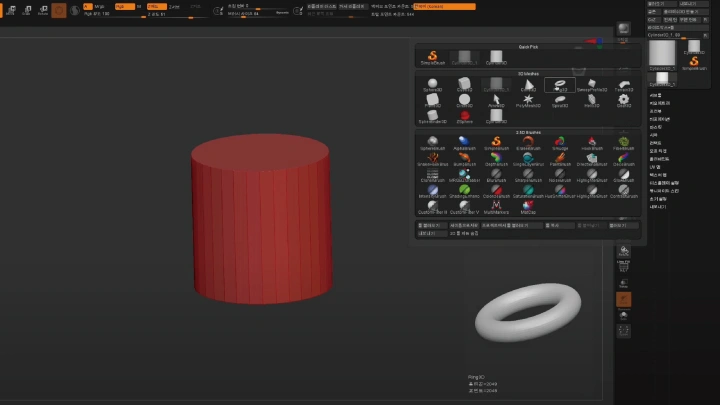
ZBrush Basics
-
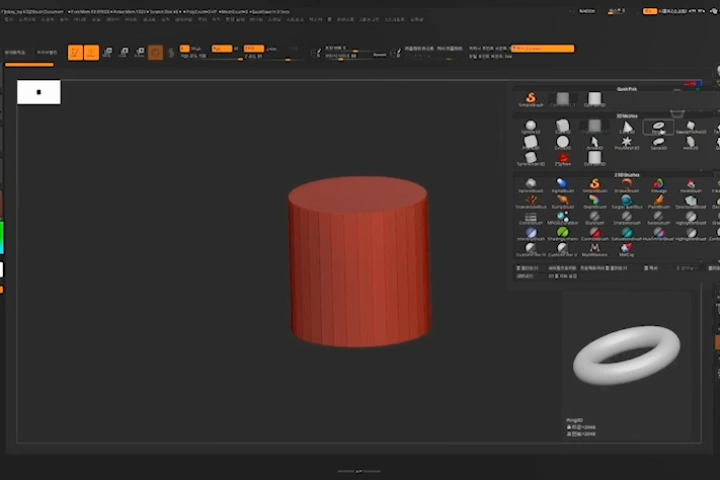 Understanding Zbrush
 -
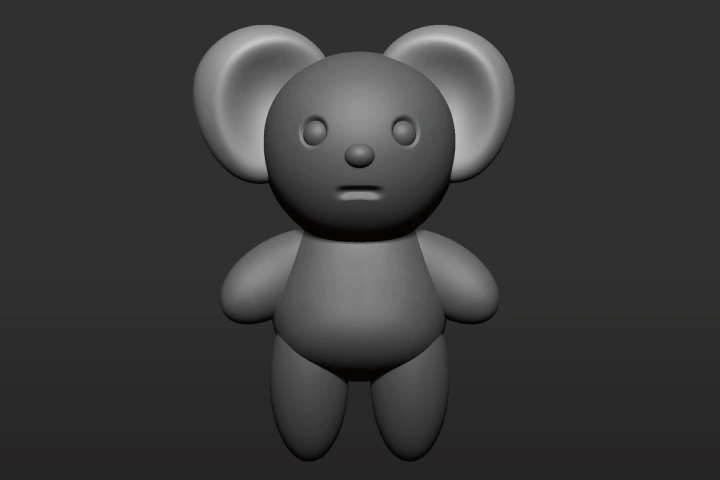 Creating a Simple Character with Shapes in ZBrush
 -
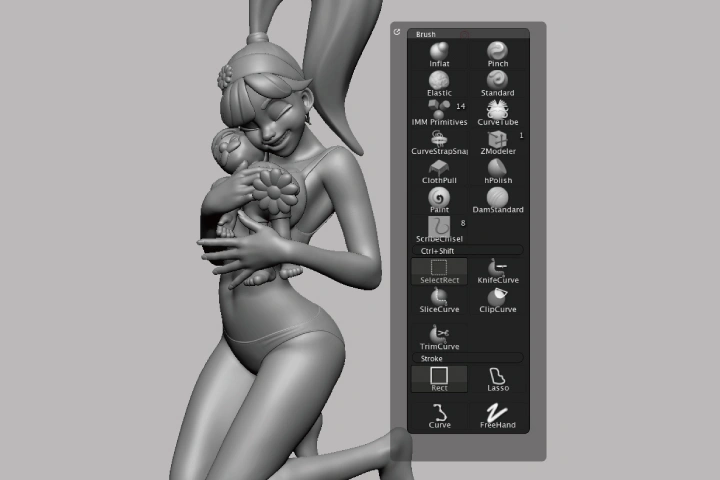 Types of Brushes & the Concept of Masking
Modeling: Sketching & Advanced Techniques
-
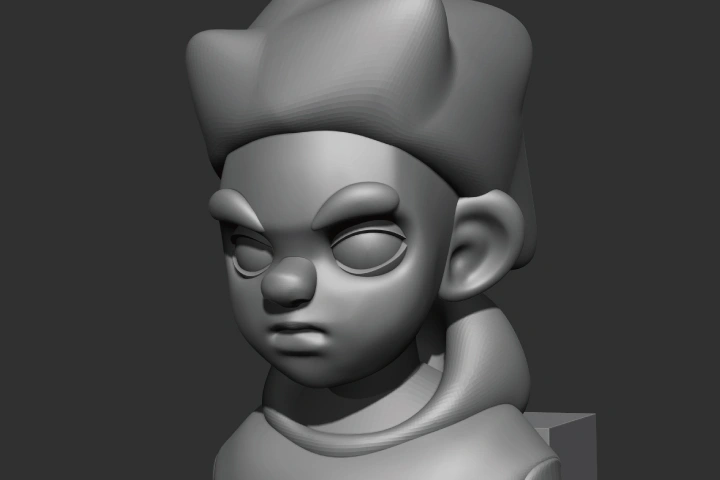 Sketch Modeling
 -
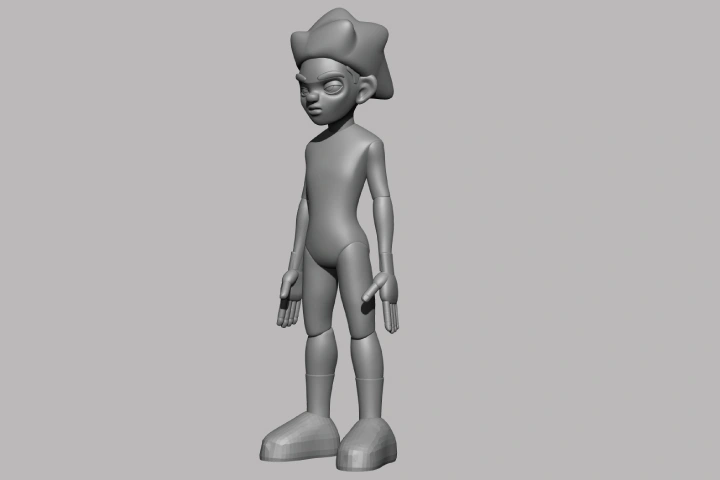 Making a Body
 -
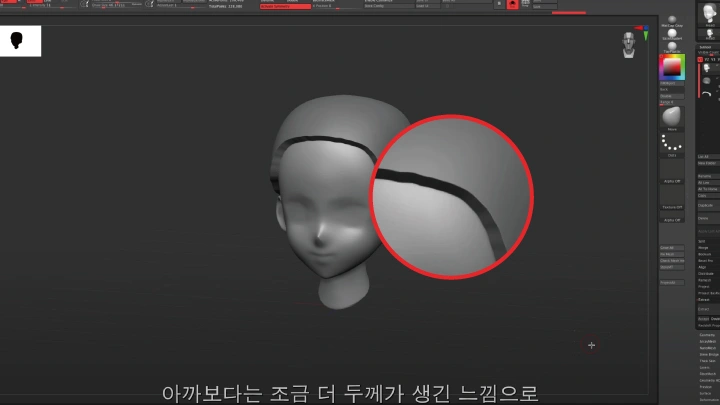
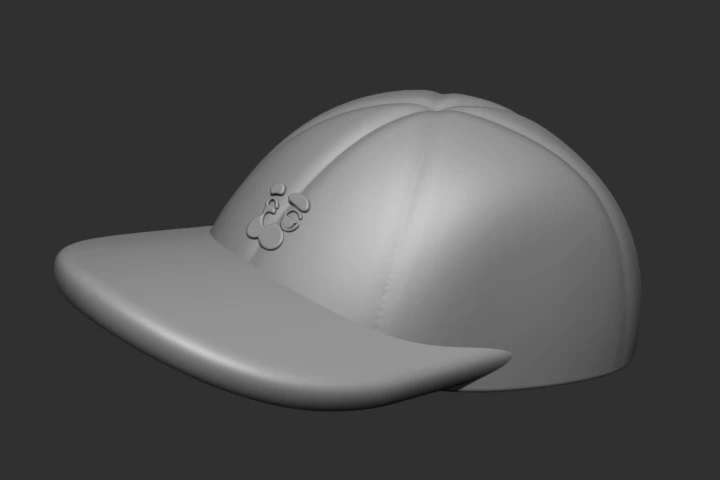 Making a Hat
 -
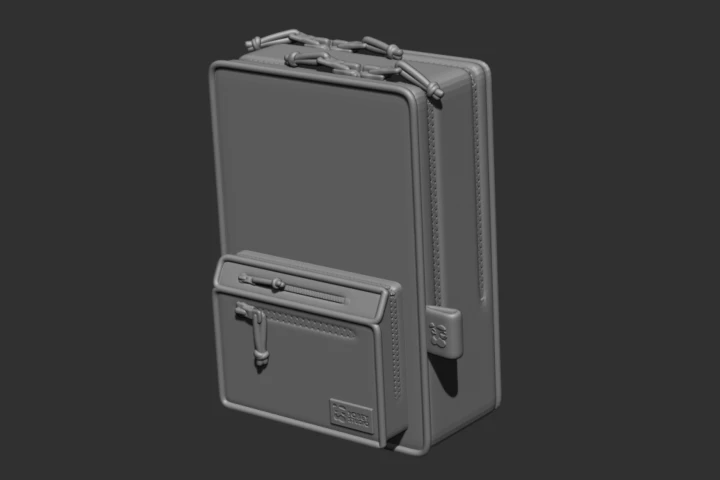 Making a Bag
 -
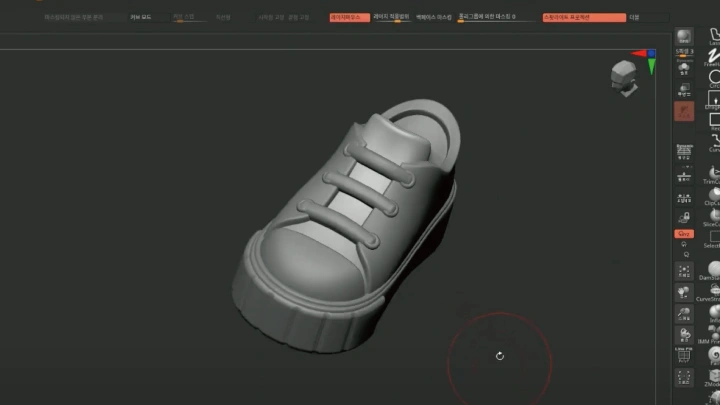
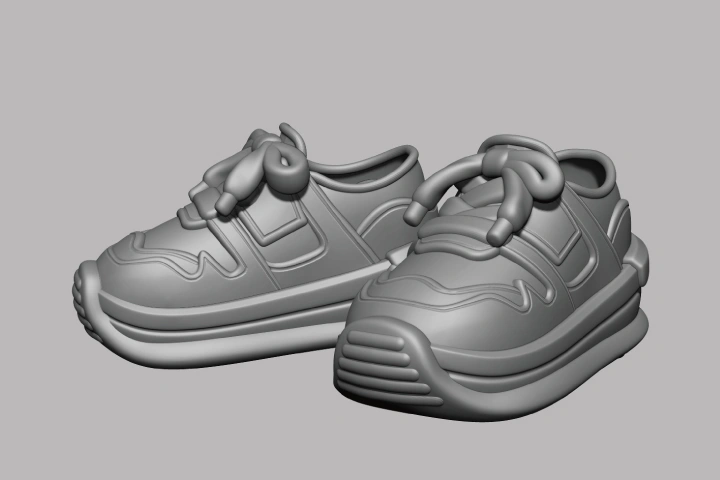 Making Shoes
 -
 Adding Details Through Division Modeling
 -
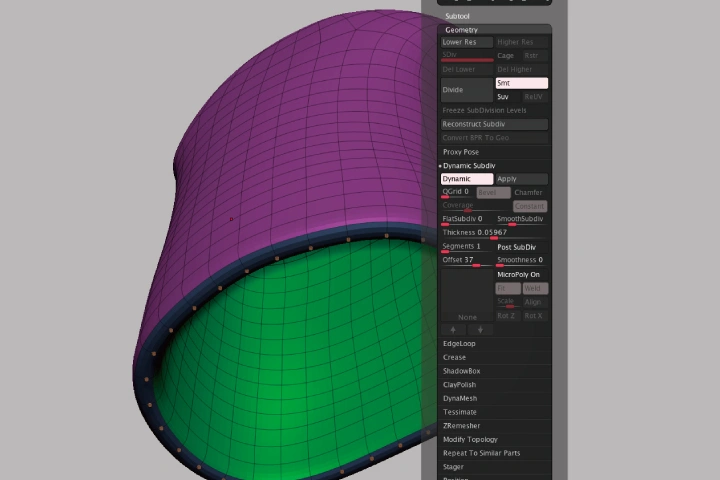 Dynamic Subdivision for Creating Thickness
 -
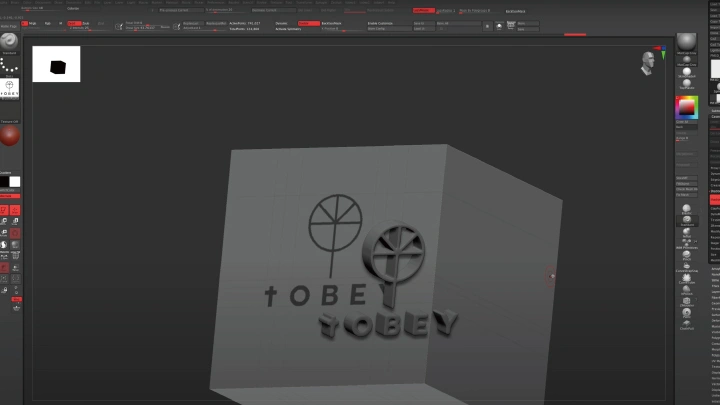
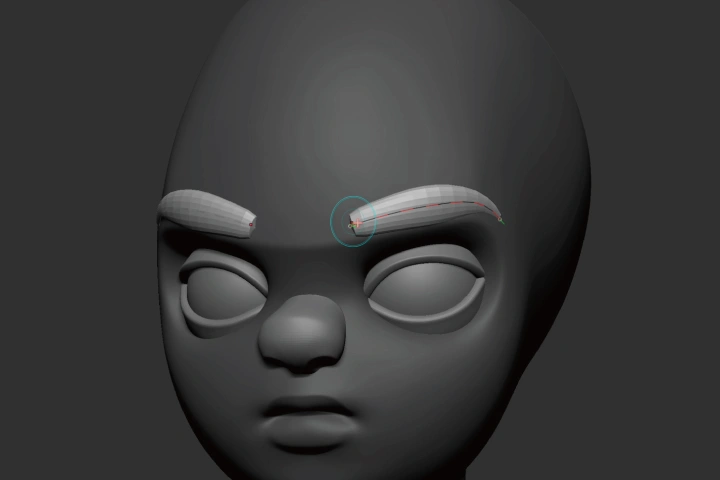 How to Use Curve Brushes
 -
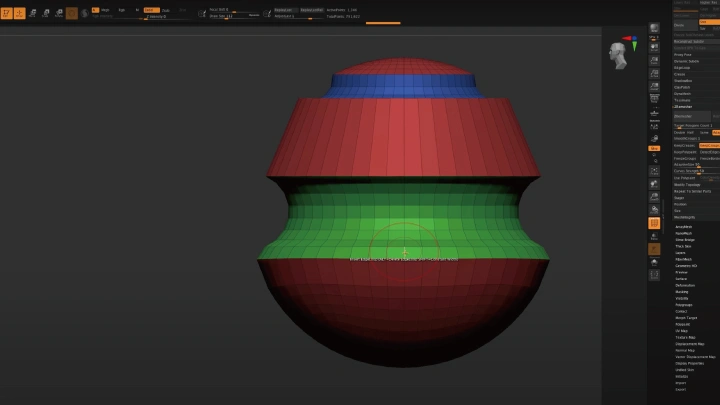
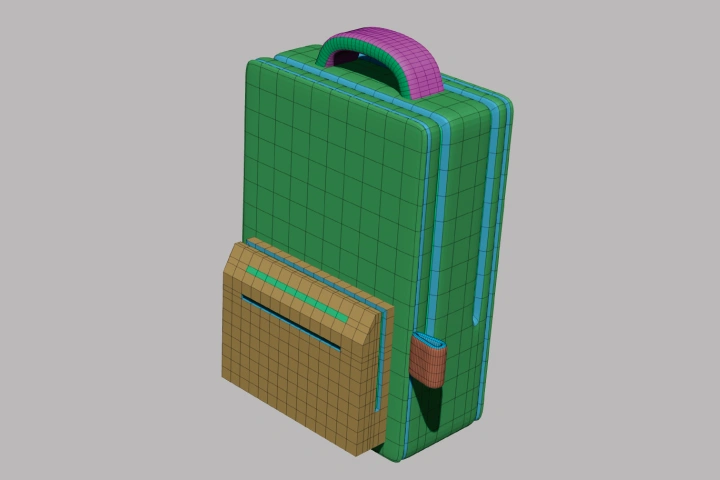 ZModeler (Low-Poly & Hard Surface Modeling)
Parting and Joint Design
-
 Subtraction Modeling Using Booleans
 -
 Creating Joints
 -
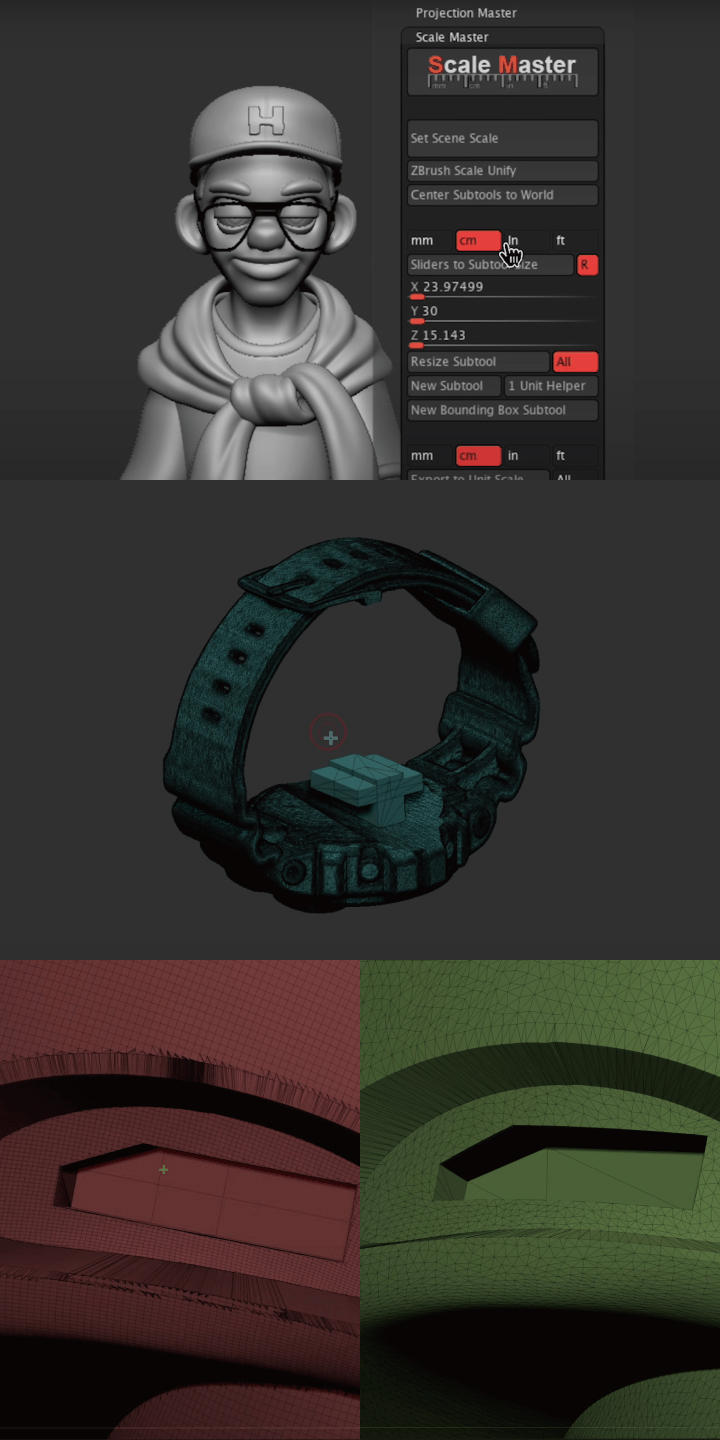 Steps to 3D Printing(Size Adjustment, Joint Design, Optimization)
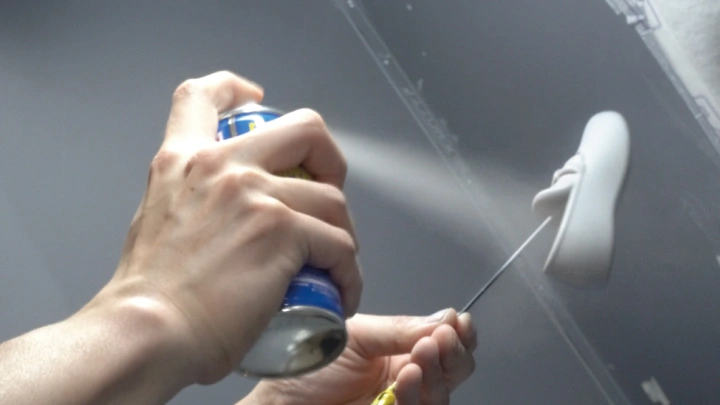
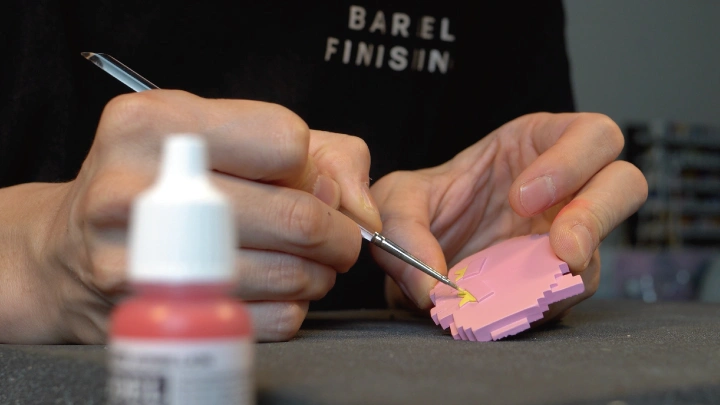
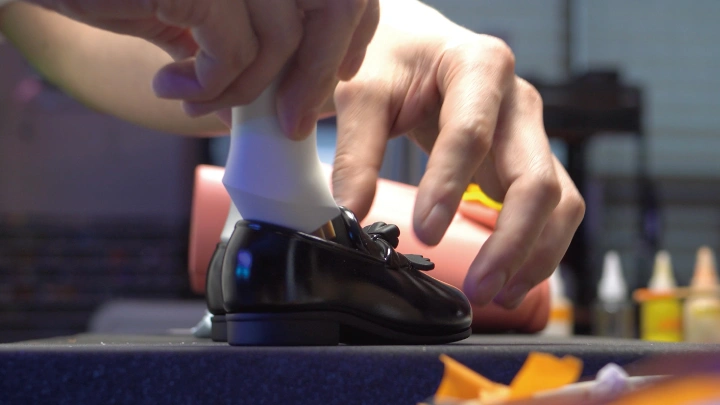
Physical Creation
-
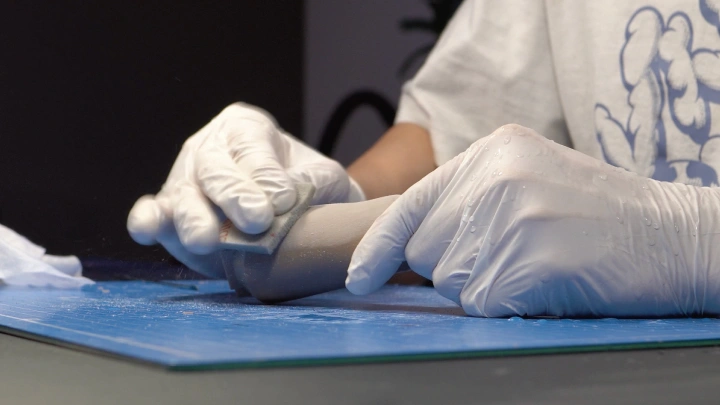
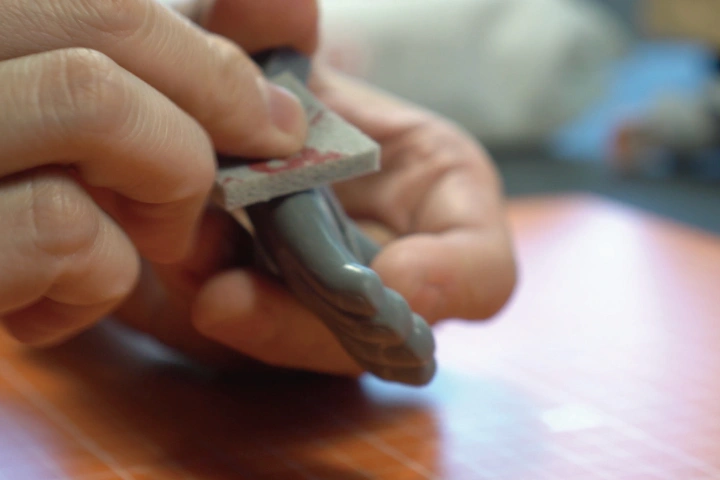 Sanding
 -
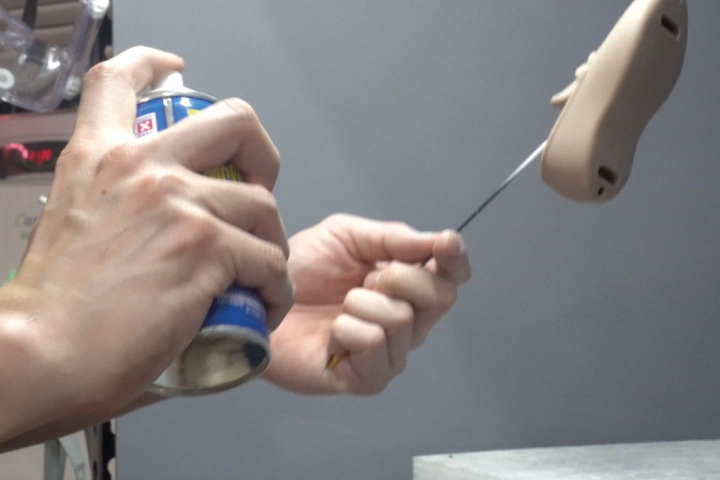 Applying Surfacer
 -
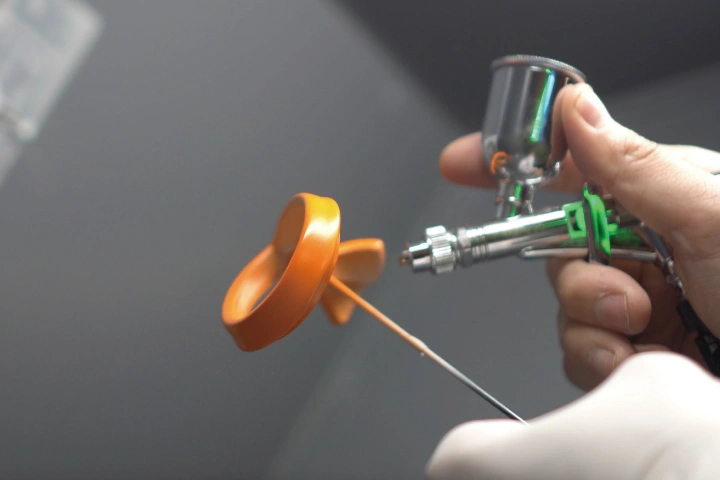 Painting
-
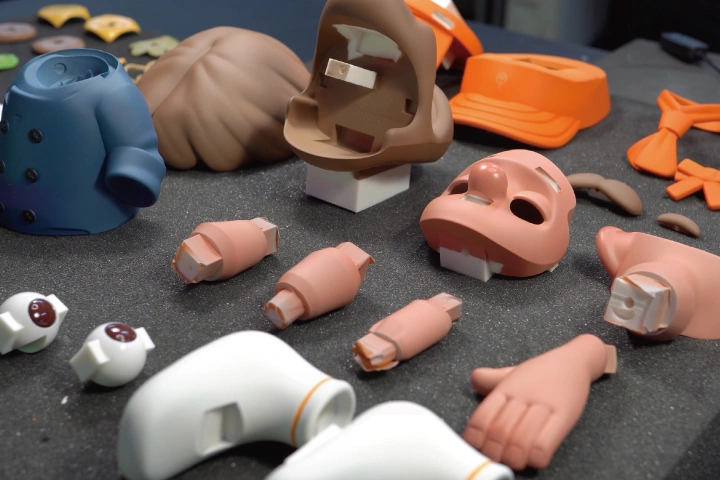 Finishing Painting
 -
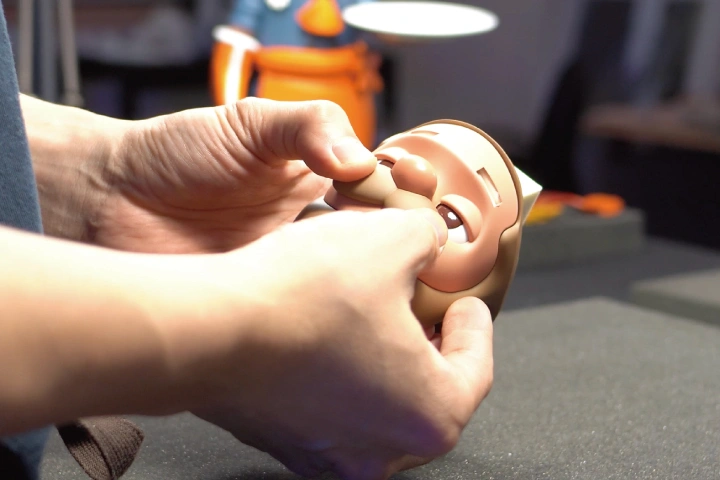 Attaching Parts
 -
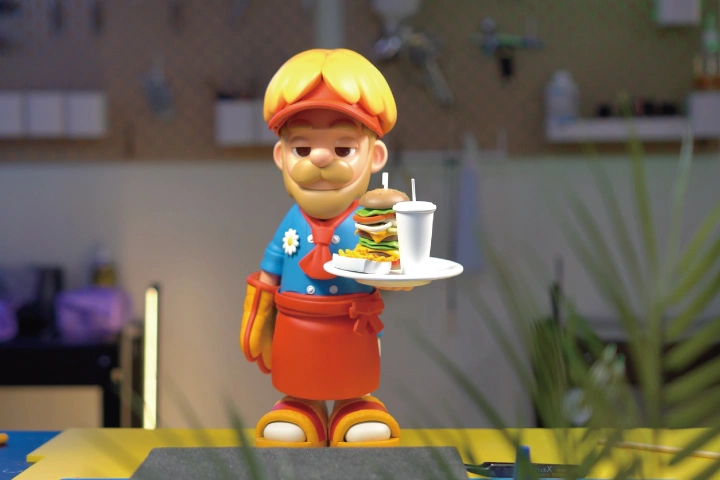 Completion
*The above images are sample images for a better understanding.
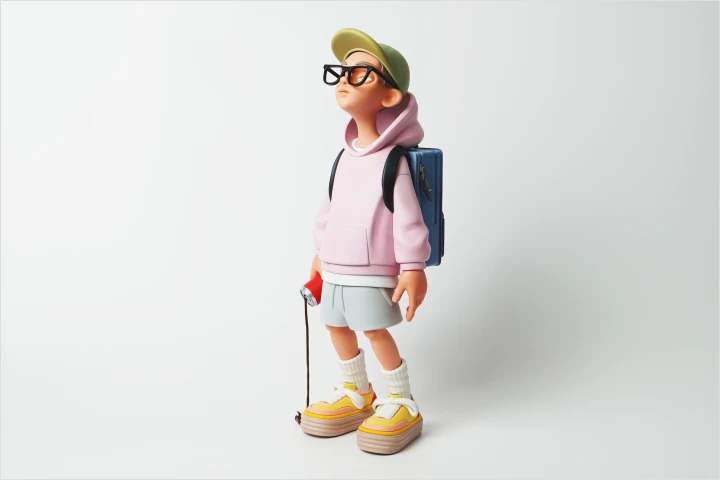
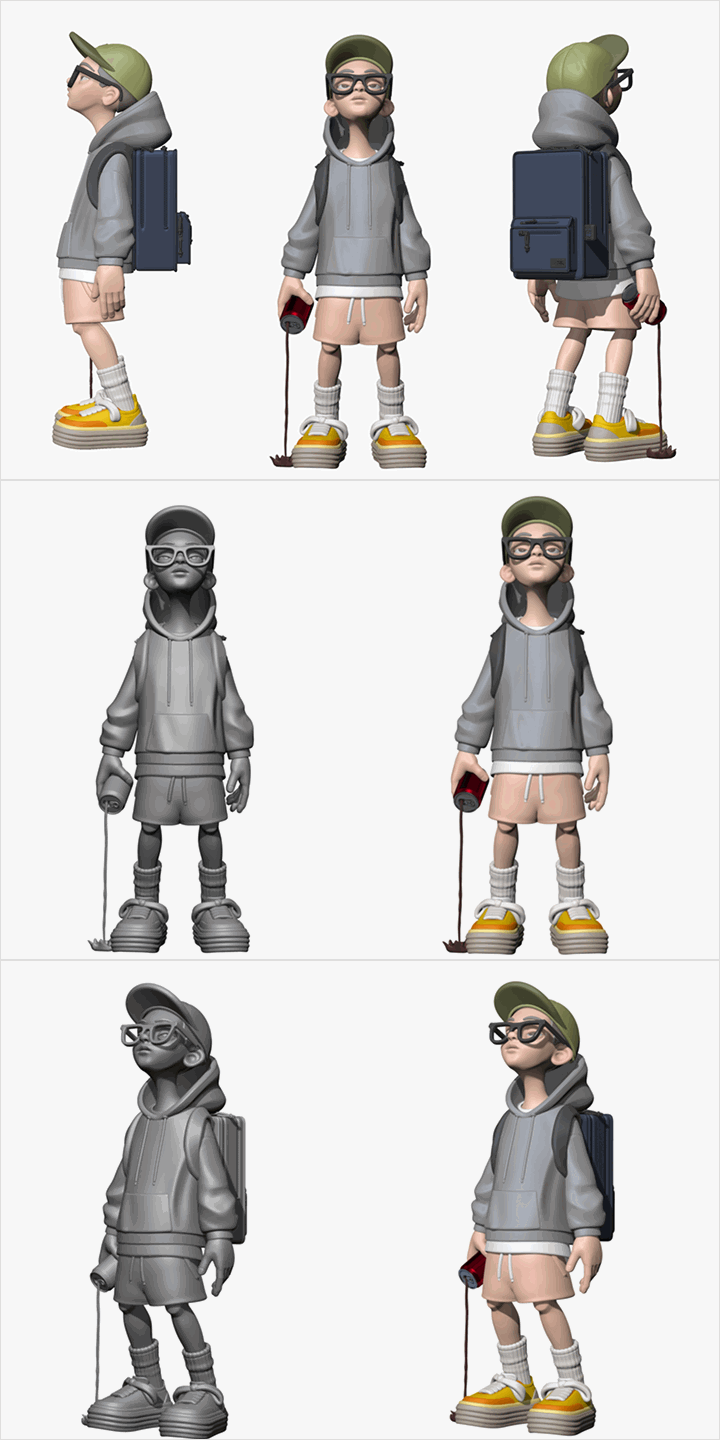
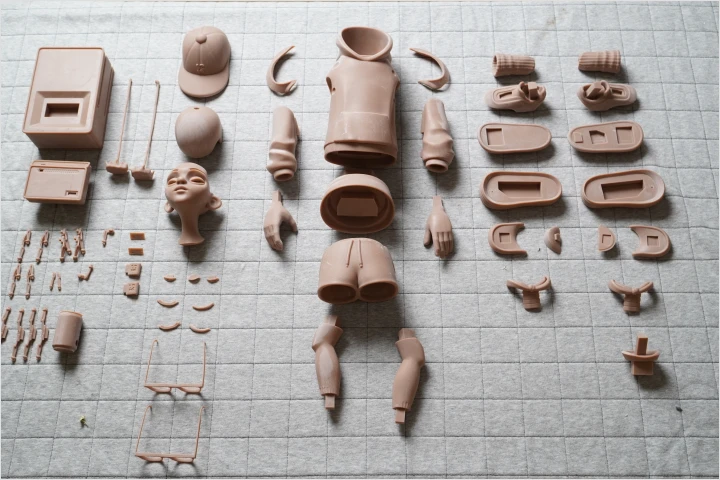
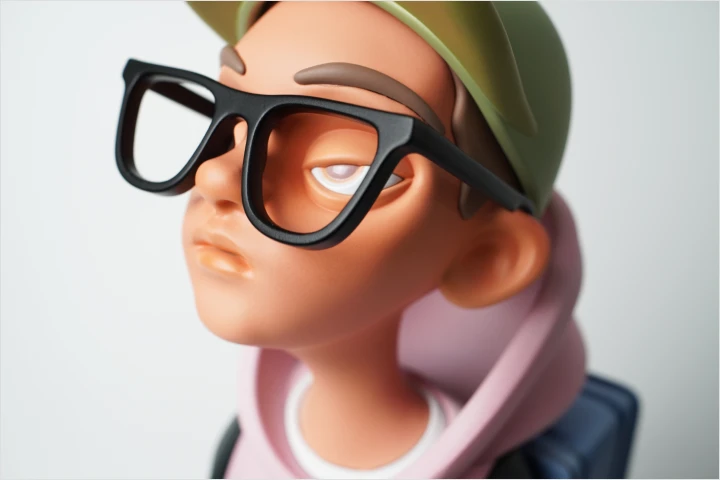
Final Exercise Project
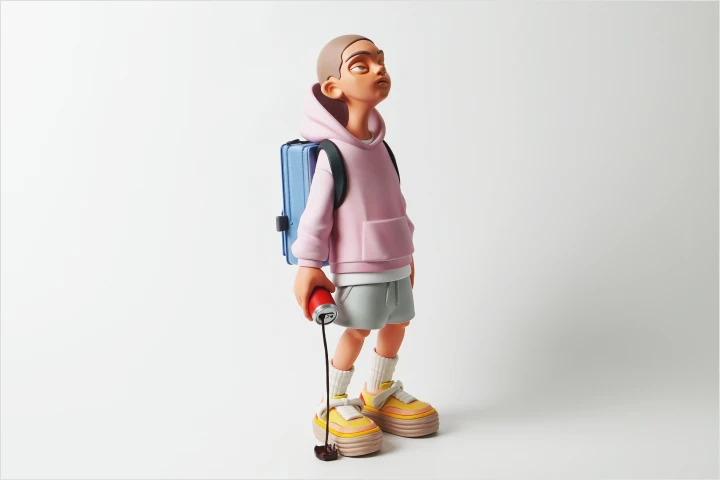
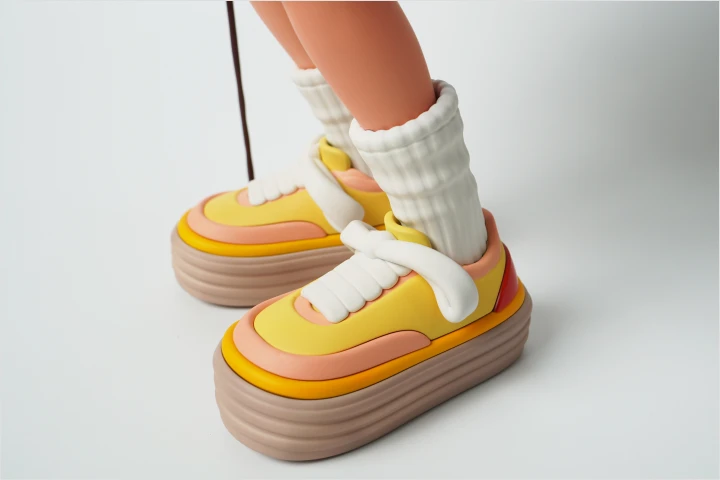
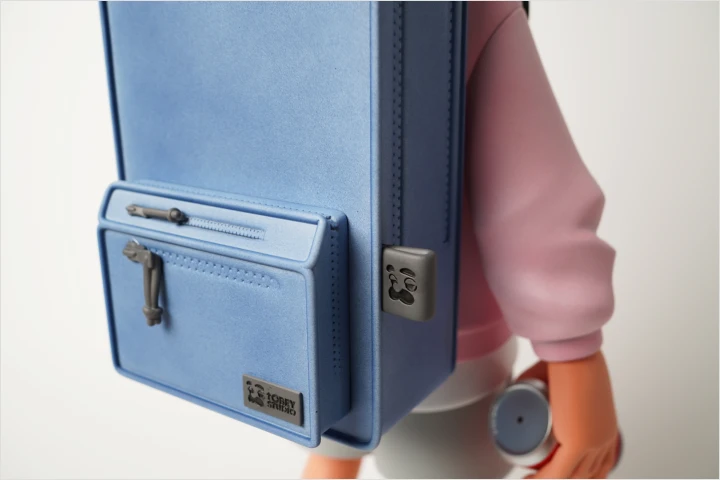
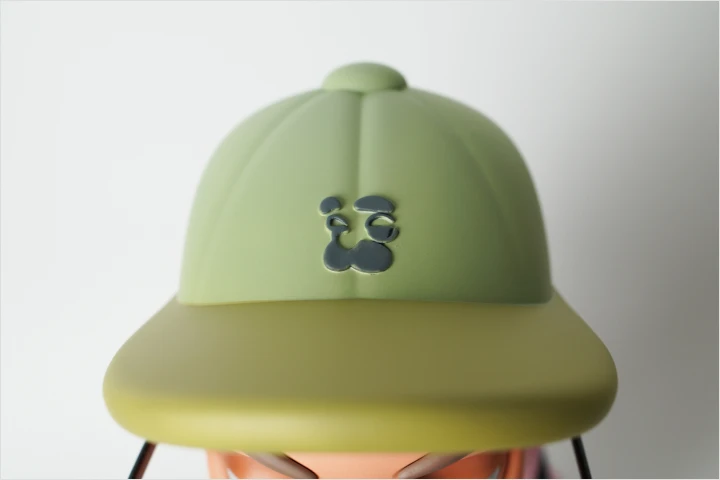
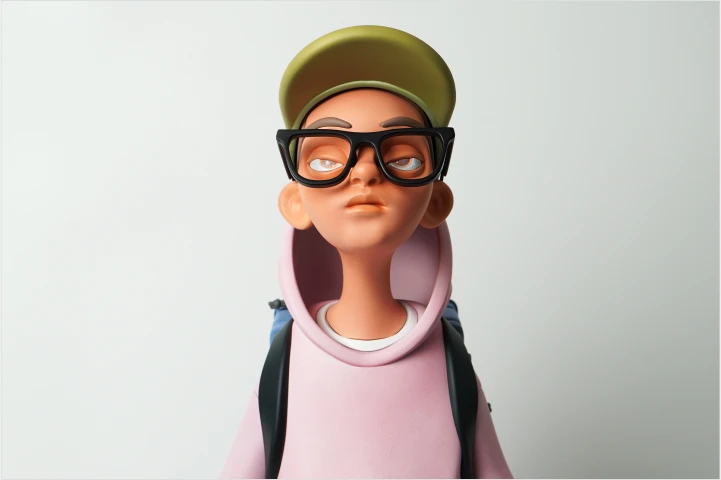
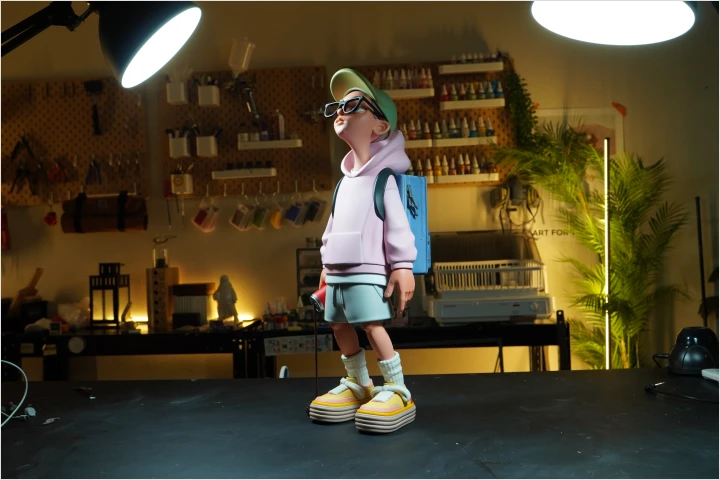
Branding Yourself and Your Work
-
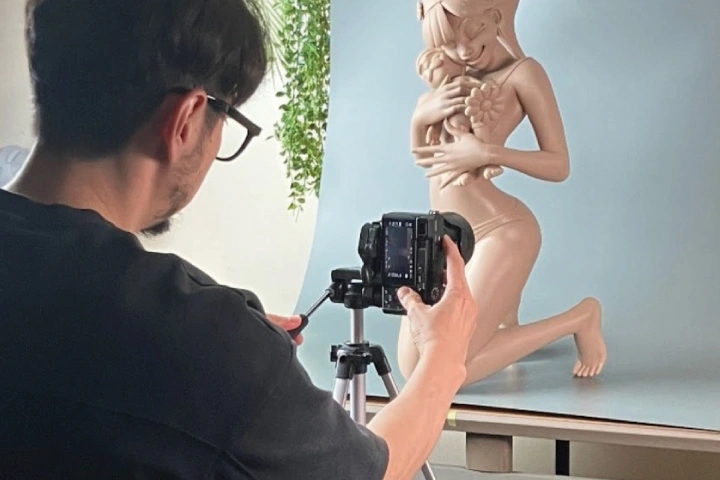 Photography and Retouching Skills for Even Better Results
 -
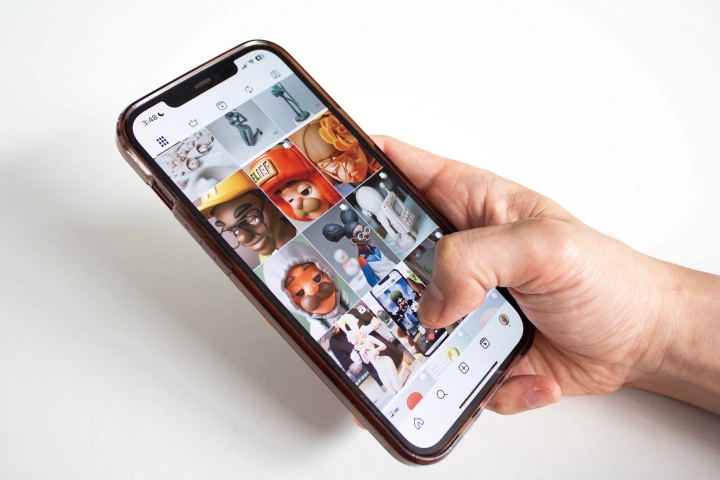 How to Promote Your Work Effectively on Social Media
 -
 A Creator’s Mindset
Instructor
Art Toy Artist
Tobey
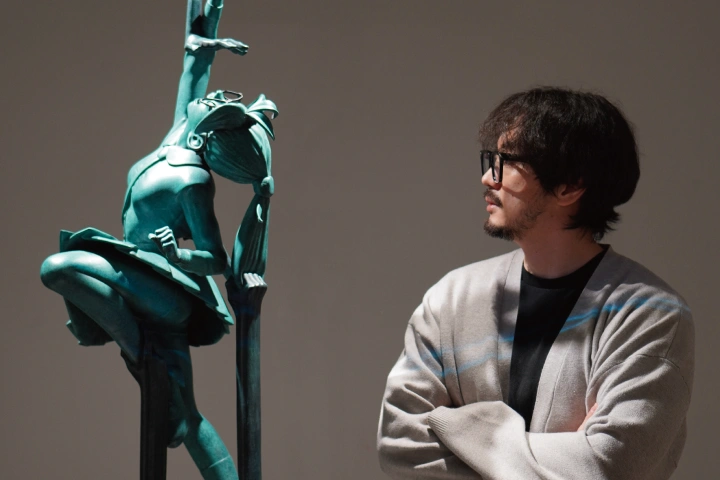
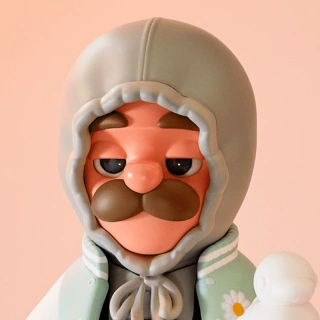
Hi, I’m art toy artist Tobey. I create original characters using 3D modeling technology and give them a range of physical forms, including art toys. I’m also the owner of Tobey Studio, where I create a lot of works and regularly teach in-person art toy classes to share the expertise I learned over my career.
In this class, I share all of the practical insights and expertise I’ve gained by working as an art toy artist and an instructor over the past decade. My goal is to provide reliable guidance for you to bring to life the character you have long envisioned and accompany you through the entire journey.

Art Toy Artist, Tobey
[Current]
Owner of art toy studio Tobey Studio
Projects & Awards
[Solo Exhibits]
“Freedom from Poverty” (Seoul)
“Artful Seoul” (Singapore)
“Breaking the Rules” (Seoul)
“Tobey’s Room” (Seoul)
“Tobey’s Room” (Incheon)
[Group Exhibits]
2024 Taipei Toy Show
2023 Urban Break (main booth)
2022 Art Taipei
2022 Urban Break
QQ Toy Expo
Pop Mart Toy Show, Shanghai
Pop Mart Toy Show, Beijing
Art Toy Culture
2017 Taipei Toy Show
2016 Taipei Toy Show
[Notable Projects]
Exhibit and pop-up store at Supy Inspire Resort, Incheon
Collaborative exhibit with Fujifilm
Collaboration and pop-up event with Seven Eight Under
The 1st and 2nd From the Gray, a group art toy exhibit
Naver Line’s Jaemiro Mural Project
Directed Urban Break’s art toys for Naver Webtoon
Co-created trophies for the 20th Korea Youth Film Festival
Designed characters and art toys in collaboration with Kolon Custom Mellow
Student Review
Student Reviews of Tobey’s Class: High Satisfaction Guaranteed
-
 yido_at
Tobey’s class gives you a deep understanding of the entire process from materializing an idea to ensuring the quality of the work. It provides a lot of guidance in creating your original character, even if you are new to art toys. Plus, he introduces you to various real-world opportunities, such as taking part in exhibits, working with brands, and other creative activities, providing the basis for aspiring artists to make their professional debut.
-
 creamaven_5oo
Tobey’s class allows you to learn not only 3D modeling basics but also all the other stages of the work process, including post-processing and painting, in a systematic way. It provides you with the unique experience of turning your character into a physical work. Since Tobey has taught countless students so far, you can even hold exhibits and build a creative community with other aspiring art toy artists who have taken his class!
-
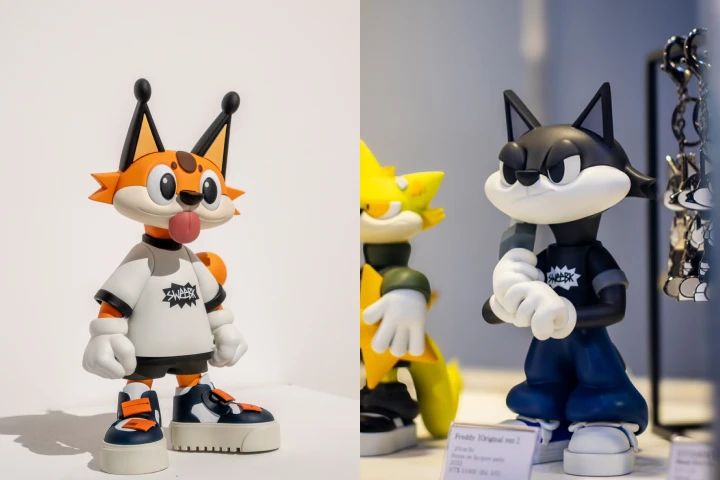 sweebk
I took Tobey’s class to learn about art toys, and I found it very practical and useful for all stages, including character modeling, part separation, printing, and painting. In addition to how to use ZBrush, I learned highly practical techniques based on an understanding of modeling, which is why I found this class extremely satisfying. I recommend it to everyone who wants to create art toys!
-
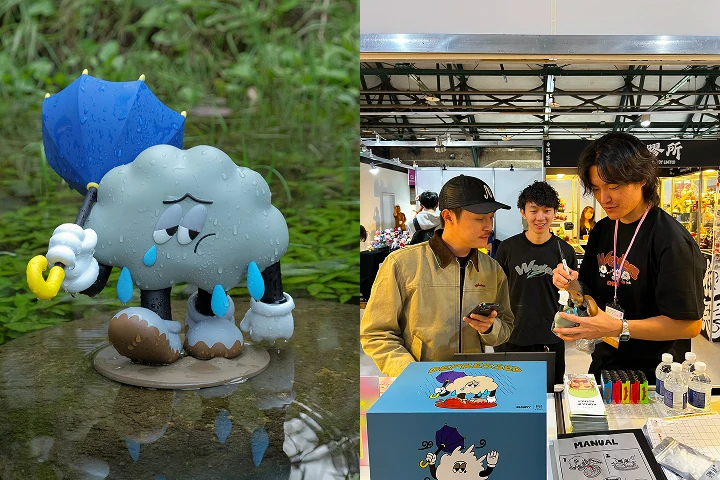 2zakka
Tobey’s class introduced me to the world of art toys, teaching me not just the basic knowledge but also the required mindset and how to stay passionate so I can stay motivated as I continue. Instead of simply sharing techniques, he provides in-depth knowledge based on his professional experience. This meant I could keep improving my skills even after the class because it provides access to various information and creator communities.
-
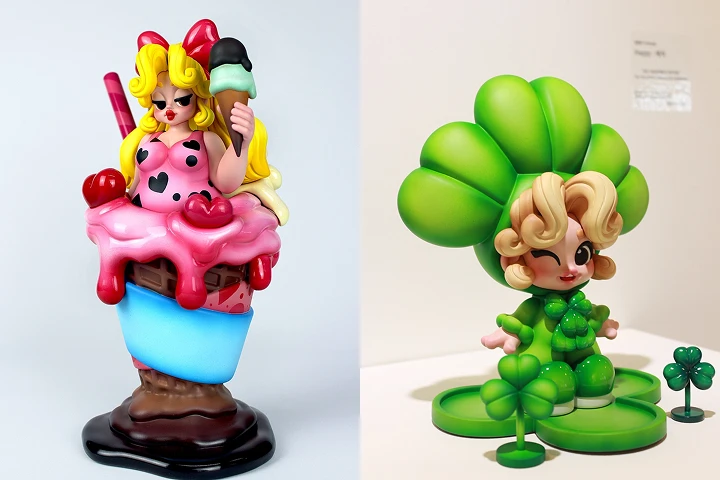 ssimply_artntoy
As a professional artist who took Tobey’s online and in-person classes, I can confidently say that this experience allowed me to become a far better creator. His classes taught me the basics of toy creation, things to note and needed expertise on 3D modeling, what I should keep in mind during post-processing and painting, and many other advanced techniques that helped me grow. I still rely on what I learned back then to create my works, which is why I highly recommend his class to those who are interested in toy creation, but are still unsure how or where they should start. This class is a great way to introduce yourself to the genre of art toys, so I also recommend it to those who want to change their profession or are simply looking for a nice hobby.
-
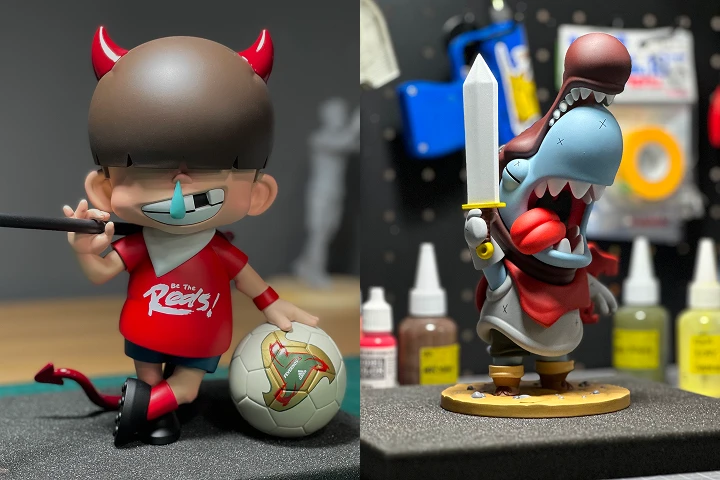 mg__man
Tobey’s class allowed me to build a solid foundation in 3D modeling as a complete beginner. He makes even the most difficult terms feel easy, and you can apply what you learn right away through the class exercises. It is such a great class for beginners!
-
 chorong8_8
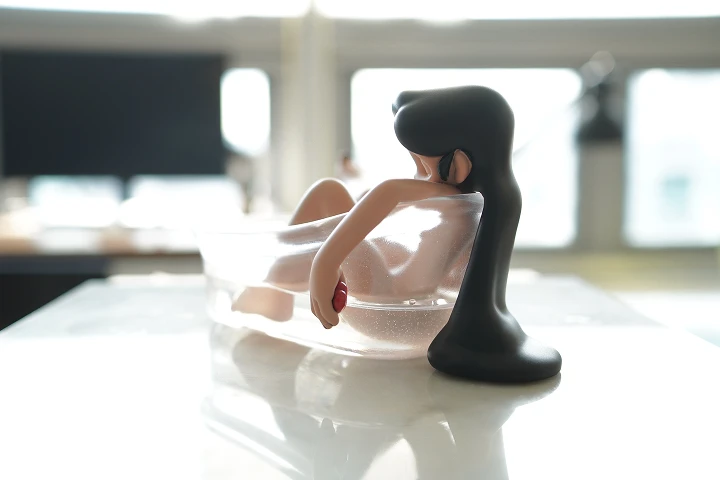
This class offers a great opportunity to learn everything from basic 3D modeling to more artistic techniques and link your creativity to practical skills. Rather than exploring ZBrush in depth, it focuses only on the features actually used by professionals, which made 3D modeling much easier for me. You can also gain a deep understanding of modeling and design principles. Since the class is well-balanced between theory and practice, it allows everyone, including beginners, to improve their confidence and skills. It is an interesting class where art meets technology, and I couldn’t recommend it more!
-
 hoihoi_friends_
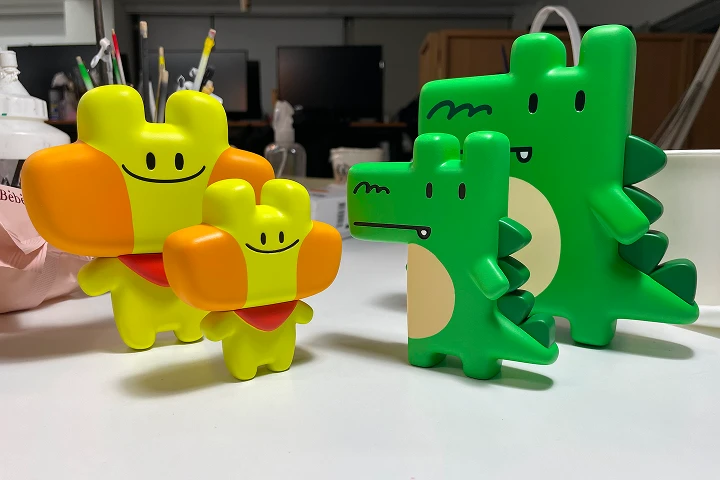
Tobey makes ZBrush so easy to understand, even for beginners without any knowledge about 3D modeling, and guides you through the entire process from ideation to completion in detail. His art toy class was so helpful for creating works! I strongly recommend it to anyone who wants to turn their imagination into reality and create a physical, tangible artwork.
-
 polygongavo
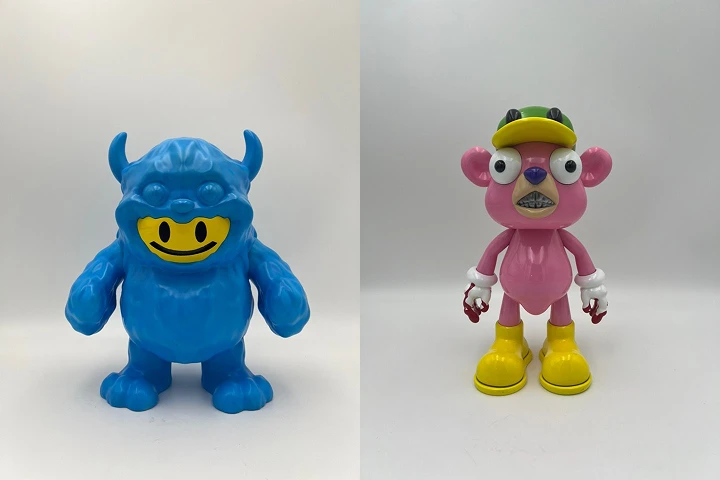
Tobey’s class helps you gain both practical art toy creation skills and the ability to think creatively. The explanations are beginner-friendly, and the instructor provides detailed feedback so the learner can realize their idea. If you are interested in 3D modeling, you won’t regret taking this class.
Highlights
Class Highlights
From Concept to Creation: Full Art Toy Process
Are you tired of modeling classes that only focus on ZBrush? Explore the entire creation process for creating a complete art toy by designing and materializing your own character. From digital modeling to physical printing to branding yourself as an artist, discover the roadmap to becoming a professional art toy artist.
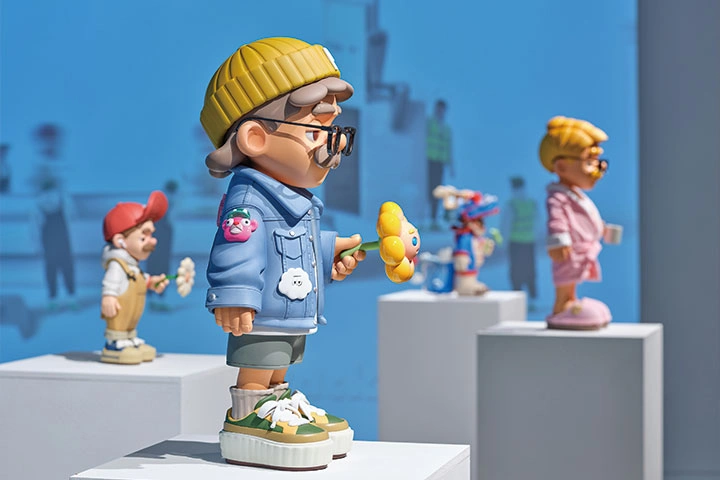
Learn from Korea’s Top Artist with a Decade-Long Career, All Online!
You can now take Tobey’s class, whose quality is backed by students’ satisfaction, online! Delve into a systematic curriculum designed by the instructor based on feedback from countless students, which will take you far beyond theoretical learning. As an online class unrestricted in time and place, this class will provide you with the most up-to-date ZBrush knowledge and skills.
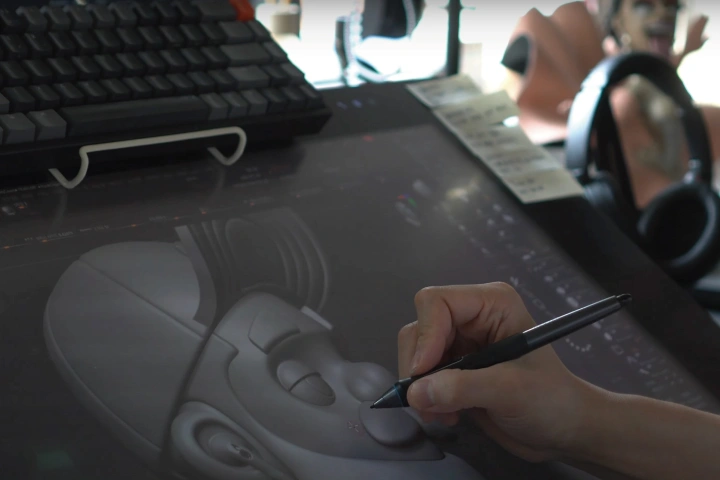
Get Every Detail Right with Tobey’s Practical Tips
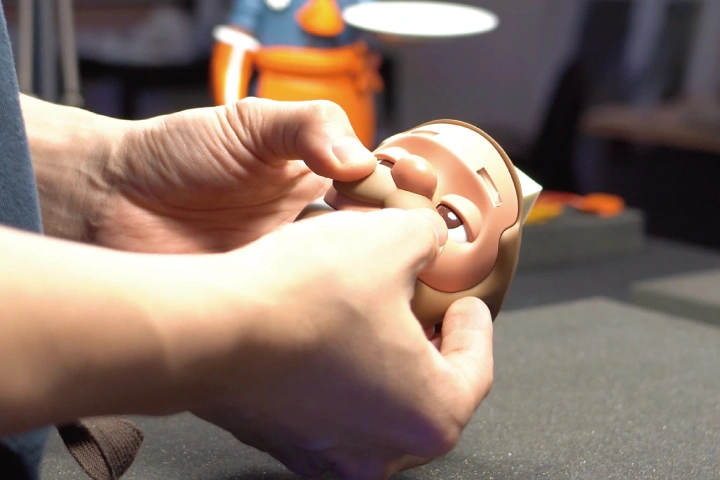
Discover Tobey’s physical printing and branding expertise, exclusively revealed on Coloso! This class offers a rare chance to master practical art toy creation techniques, including printing, post-processing, coloring, and bonding. Plus, learn branding tips and tricks from Tobey, Korea’s top art toy artist, as well as various practical resources that he enjoys using and recommends.
Roadmap
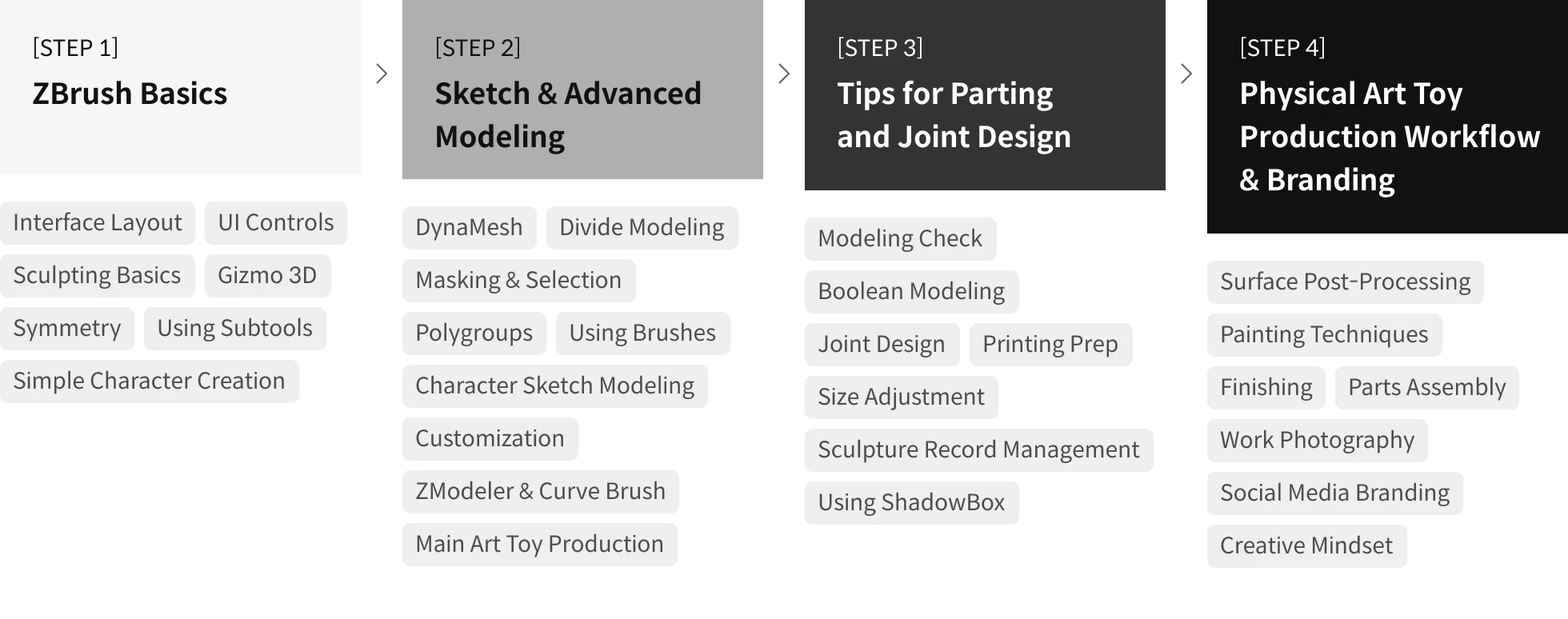
Roadmap to Becoming an Art Toy Artist: From Character Design to Sculpting
Class Details
You'll Learn
-
 Basic to Advanced 3D Modeling Using ZBrushFollow a step-by-step, beginner-friendly curriculum on modeling! Don’t worry even if you are not familiar with ZBrush because this class starts with mastering the basic skills. You’ll also work on Coloso-exclusive character exercises, familiarizing yourself with the structure and flow of character modeling.
 -
 Art Toy-Focused Parting for Assembly & Joint DesignRather than focusing only on how the model looks, design joint systems consisting of arms, legs, and heads that you can actually insert and rotate. Explore the concept of a joint and learn practical art toy creation techniques, including designing parts optimized for printing and painting, as well as connecting multiple parts.
 -
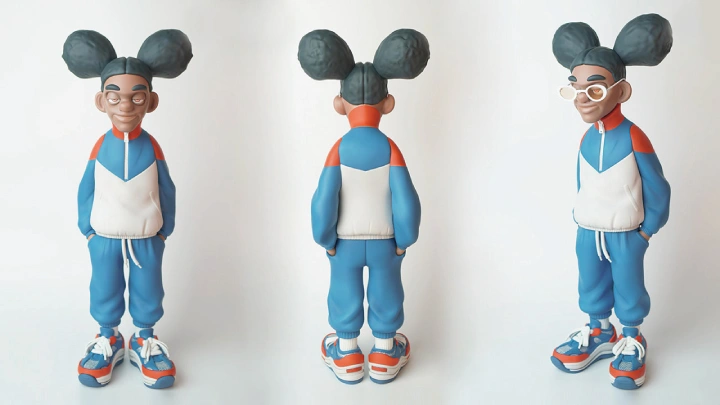
 From Theory to Practical Creation: Modeling a Coloso-Exclusive CharacterMeet a character designed exclusively for Coloso by Tobey, who has created art toys for a decade! Through his guidance, you’ll design the structure, proportions, and joints of the character and divide it into parts, exploring the entire process through exercises and mastering practical and complete modeling techniques.
-
 Truly Practical Expertise, Featuring Tobey’s Equipment and ToolsDelve into Tobey Studio’s real-world work process, alongside practical and professional equipment and tools recommended by the artist. Learn useful tips for saving time and money, as well as the shortcut to mastering job-ready skills.
 -
 The Artist Behind Art Toys: Branding Tips for Increasing Your ValueSimply creating a work is not enough. It needs to be followed by branding strategies, a prerequisite for artists in the increasingly digital era. Dive deep into how to promote your creations to a broader audience and find business opportunities using social media, in addition to tips for photographing your work.
 -
 Not Just Figures, But Artwork: High-Quality Art ToysHow can you create high-quality art toys that are considered as valuable as artwork, not simply as figures? Join Tobey as he discusses in detail the process of making a high-end art toy, from planning to putting the final touches, based on his unique creation experience.
- Unlimited Access
- Best Price
Buy now, get unlimited access.
09/28 (Mon) (UTC-7) Special offer ends soon.
This special offer ends soon.
Buy now and save!
Interview with
Art Toy Artist, Tobey

Question.01
What do you consider your strength when you work?
It’s the combination of digital and analog. I create refined, high-end art toys through a process that starts with digital modeling in ZBrush and organically combines physical elements like post-processing and painting.
Question.02
What is the purpose or key takeaway of this class?
This class is designed to help learners materialize their imagination and emotions as a physical work, instead of simply teaching techniques. Its focus is not on learning to use a 3D modeling tool but on building the foundation for creating your own brand by designing a character with a unique universe and turning it into a tangible figure.
Question.03
What are the unique points of this class?
This class moves beyond just learning techniques and helps you become a real artist. Usually, classes of this kind limit their focus to teaching how to use ZBrush or modeling skills. However, my class is more than just a program-learning class. It allows learners to develop and brand their original characters while building their identity as artists. You’ll also explore post-3D printing steps such as post-processing, painting, and assembly, and even exhibit and sales strategies, gaining practical experience in creating and displaying your work.
Question.04
Please leave a message for learners taking this class.
If you are interested in this class, I believe there is still a part of you that dreams of bringing your own character to life. This class is not just about learning ZBrush or making figures. It is about taking the imagination, emotions, and stories inside you and turning them into real, tangible creations. You don’t need to be skilled or experienced. It’s okay if it’s your first time or if everything feels unfamiliar. I will guide you step by step, helping your unique character come to life. Before you know it, you will see yourself growing into an art toy creator. Even if it feels like just a distant dream right now, I am confident that this class can be the start of something new for you. Let’s create an amazing story together!
Required Programs
This course will use ZBrush 2025.
Please install the latest version of the program before taking the class for an optimal learning experience. You can download the 30-day trial version of ZBrush 2025 from the official website of Maxon for free or, if required, purchase the program.
ZBrush must be used with a drawing tablet. To ensure a smoother work process, it is recommended to use a Wacom or Huion tablet.
*These programs and/or materials will not be provided with the chapter.