animationstudio,pochiscience_포치사이언스KR Details
- Section 01
Worldbuilding and YouTube Strategy
The Start of Pochi Science- Introducing the Pochi Science universe - An overview of the class - The ideation and development process behind the Pochi Science universe - What only YouTube can do
Blend into the World of YouTube!- Key concepts - The importance of meta-directing - How to maintain the tone and manner of a channel
How to Grow Your YouTube Channel- Understanding how a YouTube channel grows - Structural differences between short-form and long-form content - Interpreting subscription statistics to set the direction of your content - What the algorithm hates: Things you shouldn’t do
- Section 02
Illustration with Animate
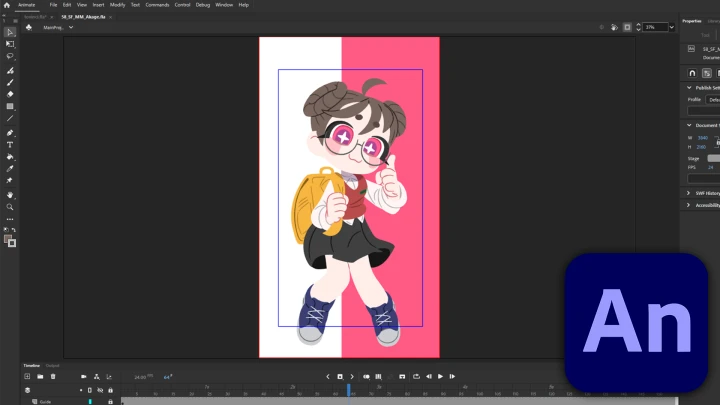
A Work Process Starts with Organizing Files- Why it’s important to organize files and folders - Introducing the folder structure used by Pochi Science - An overview of the overall workflow
Why I Use Animate When There Are Many Other Tools- Vector drawing vs. bitmap drawing - Animate vs. other animation tools - Why I chose Animate over others
Animate Made Easy: Step-by-Step Learning- Frequently used core tools and shortcuts - Creating documents and basic settings - Basic operations in Animate - Drawing with the Classic Brush Tool
Lines vs. Fills & Symbols vs. Tweens- Lines and fills - Merge drawing and object drawing - Symbols and groups
Diving Deeper into Animate!- Advanced use of core functions - Classic Tween and Shape Tween
See How Animation is Made!- Creating a simple animation with the Classic Brush Tool
Pochi’s First Step to Video Planning- Collecting ideas based on trends - Things to consider when choosing music - Designing the symbolization structure for scene separation
See How Video Boards are Made!- Understanding the structure of video boards using Animate - Rough animation timelapse
See How Cleanup Is Done!- Cleanup using lines, fills, symbols, and groups - Pochi Science–style cleanup timelapse
Pre-Rendering Preparations Start with Scene Organization- Separating scenes using the Scene tool - Preparations for SWF rendering - How to separate parts using guide layers
- Section 03
Background Creation with Blender
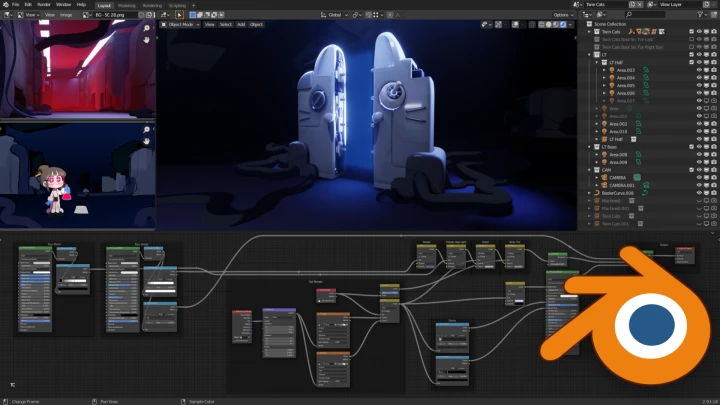
Using 3D for Backgrounds- Background production process at Pochi Science Studio - Advantages of incorporating 3D - Strengths of Blender - Challenges of adopting 3D - Installing Blender
Blender Basics 1- Overview of the Blender workflow - Basic interface - Camera and view controls - Object placement
Blender Basics 2- Mesh editing - Lighting and rendering - Animation - Saving as image/video files
Set Blocking: Laying the Foundation of a Scene- Difference between set blocking and set dressing - Blender units and scale concepts - Do you need to match real-world measurements exactly? - Building the structural framework with basic shapes - Previewing the mood with temporary lighting and camera placement - Determining mood and prop scale
Modeling Facility Equipment- Mesh/texture design - Blocking - Detailed polygon editing
Surfacing Facility Equipment- UV unwrapping - Texturing - Building material node trees
Modeling Twin Cats: Spacetime Breaker- Mesh/texture design - Blocking - Detailed polygon editing
Surfacing Twin Cats: Spacetime Breaker- UV unwrapping - Texturing - Building material node trees
Prop Modeling Done! Let’s Now Decorate the Set- Register props in the Asset Browser - Optimize memory using instances - Arrangement techniques - Check scene density and composition after decorating the set
Turn the Set into a Background with the Optimal Composition- Sets vs. backgrounds - File organization tips - Layout setup - Background staging - Layer separation - Handling repetitive tasks - File cleanup & delivery
- Section 04
Filming with After Effects
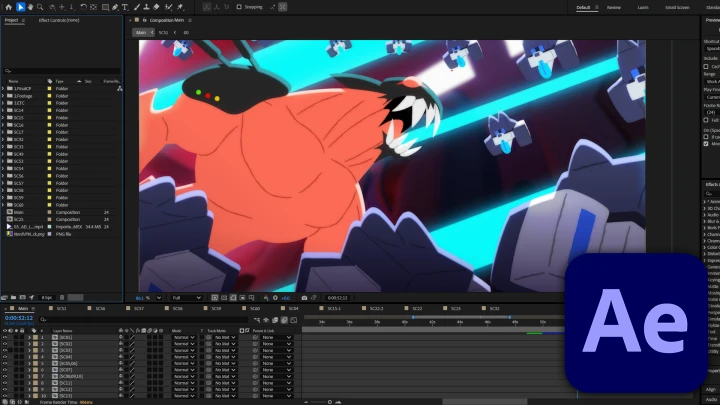
After Effects: Where to Start?- The workspace of After Effects - Composition - Applying and adjusting effects - The composition of source files - Understanding rendering
Preparations for Shooting in After Effects: From Folders to Filters- An overview of shooting in After Effects - Designing folder/label structures to organize scenes, parts and effects - Preparing filter and effect layers used repetitively
Tips for Creating Moods with Effects- Summarizing the flow of cut composition → effect application → rendering - Choosing and setting up effects for the mood of each scene - Comparing various rendering methods
- Section 05
Post-Editing with Premiere Pro
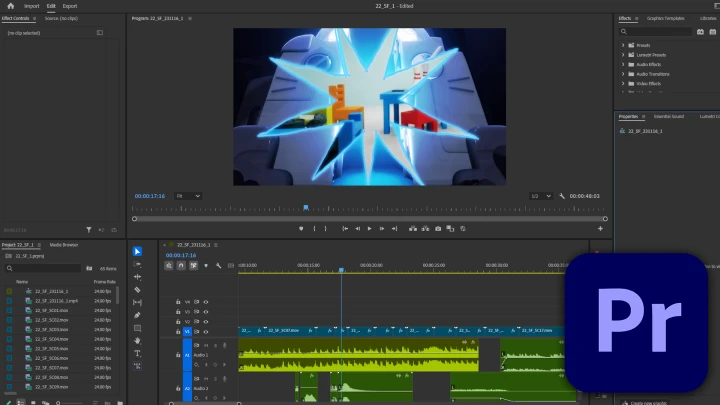
Ease Yourself into Learning Premiere Pro!- Exploring the basic structure and panels of Premiere Pro - Creating sequences and understanding the concept of video/audio tracks - How to use cut editing and basic tools - Inserting text and editing font/style - Adding background music, adjusting volume, audio gain - Rendering and setting up the exporting format
From Cut Editing to Sound Effects: Finish Them at the Same Time!- Designing the structure of a sequence - Preparing sound effects - Nesting composition - Creating a mood using sound effects - Transition and fading for natural audio change - Color adjustment using Lumetri Color
- Section 06
YouTube Uploading and Management
The YouTube Algorithm: Understanding How it Works- Differences between hashtags, tags and descriptions, and how to apply them - Designing an effective thumbnail, and sentence structures that increase CTR - The impact of title words - A summary of YouTube’s community guidelines and copyright policy - Solutions for issues commonly faced by beginners (responding to copyright claims, age restriction, etc.)
Researchers Make Our Channel Even Better!- Strategies for using the Community tab - Improving feedback by pinning and liking comments - Refining content’s direction using Community’s poll feature - Encouraging fans to create fan art and other derivative works through interaction