3dcgartist,izzy Details
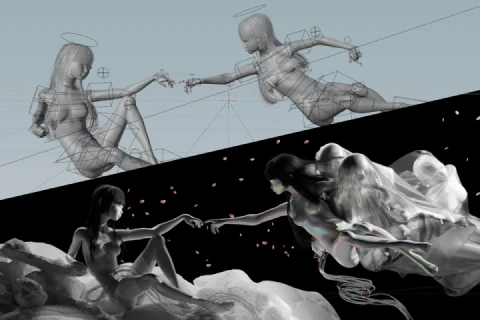
Foundations & Ideation
Set up your workstation and dive into creative thinking. Explore how to gather references, understand visual storytelling, and build moodboards that define the direction of your 3D scenes.
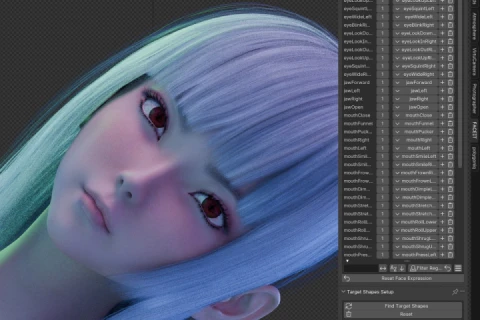
Asset Preparation & Scene Layout
Find or create 3D assets, model key elements, and work with real-world scales. Use Blender to layout scenes, place cameras and lights, and transform ideas into cohesive 3D compositions.
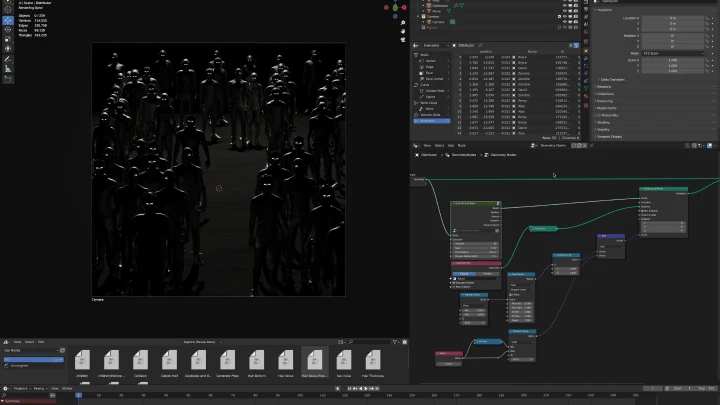
Procedural Design & FX Development
Learn procedural workflows using Geometry Nodes and basic computer science principles. Build effects like particles and simulations to automate and enhance scene complexity efficiently.
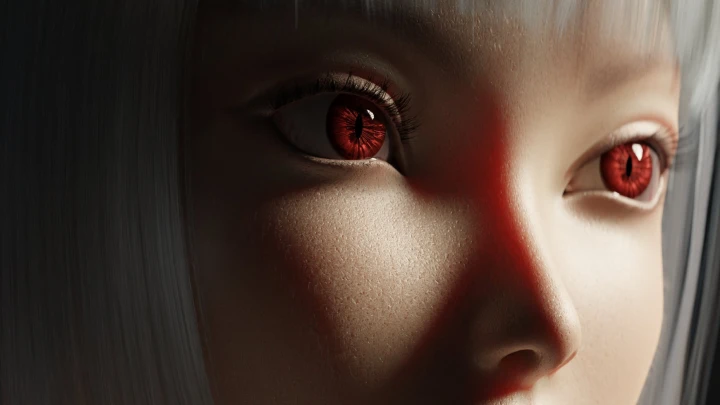
Detailing, Animation & Scene Polish
Focus on realism and visual storytelling. Add textures, refine lighting, integrate animation data, and use shader nodes to bring depth, mood, and polish to every shot.
Rendering & Technical Workflow
Master rendering optimization, compositing setup, and efficient data management. Create playblasts, test renders, and prepare scenes for high-quality, production-ready output.
Post-Production & Compositing
Bring final renders into DaVinci Resolve for compositing and color grading. Combine render layers, apply visual adjustments, and craft the final cinematic look that completes the storytelling process.
- Section 01
OT
01. Orientation + Technical Prep- Meet your instructor and learn about the overview of this class. - Overview of Blender (showcasing what is possible with Blender) - Examining your own workstation (CPU, GPU, OS, etc.) and understanding it - Downloading, installing, and configurating Blender to your workstation - Choosing the right render engine for your workstation and your project
- Section 02
Entire Image Ideation
02. Tastemaker's Tastemaker- The importance of reference - Media consumption as a form of creation - Ideas & references can come from anything - Tracing the DNA of the things you love
03. Lights, Camera, and Lenses- Understanding photography basics - Understanding lights - Understanding camera and lenses - Understanding basic photography flow
04. Collecting References & Putting It Together- Exploring the internet and dismantling yourself from "the algorithm" - Using software to help manage ideas - Seeing it all at once from bird's eye view - Compiling your idea into a single cohesive piece
- Section 03
Materials Procurement
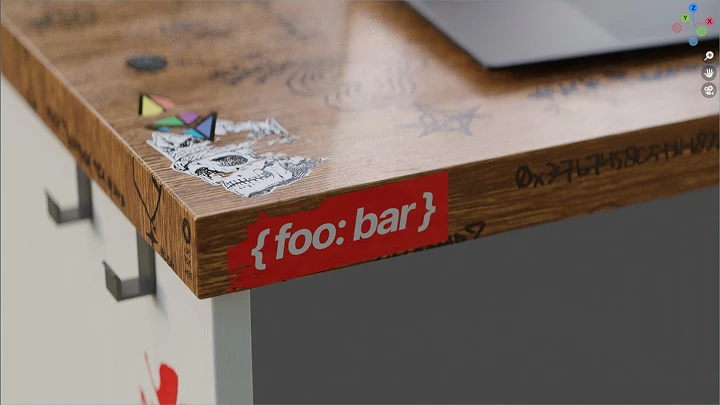
05. Research- Researching the things that will be in your scene
06. Sourcing Materials- Scouring the internet for materials and data that you can use in your scene
07. Rough Modeling- If need be, when in doubt, sometimes you just have to get your hands a little dirty
- Section 04
Layout in Blender
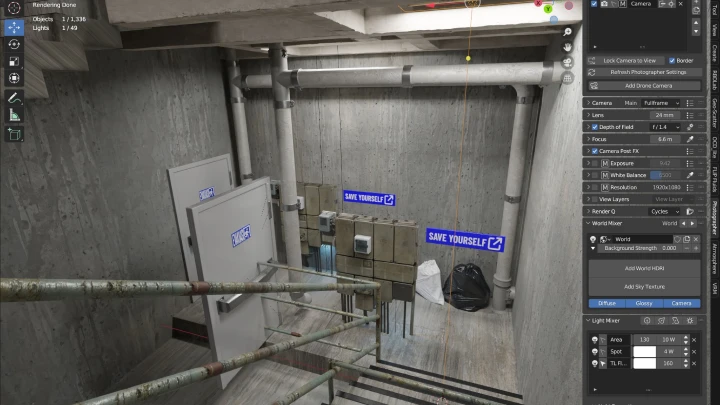
08. Introduction to Set Dressing- The importance of using real-world scale - Scales: big, medium, small - Chaos: our world is never perfect
09. Rough Layout- Layouting the scene based on references collected in section two - Use of materials collected on section three
10. Camera and Lights Layout- Composition (photography basics) - Camera theory (sensor/film size, lenses, common cinema camera settings) - Lights theory (Type of lights, real-world film lights, light cutting tools)
11. Refined Layout- Finalizing the layout - Clay render in Cycles or Eevee to feel the composition - This will be the base of our scene and will be detailed as we go
- Section 05
Overview: Geometry Nodes
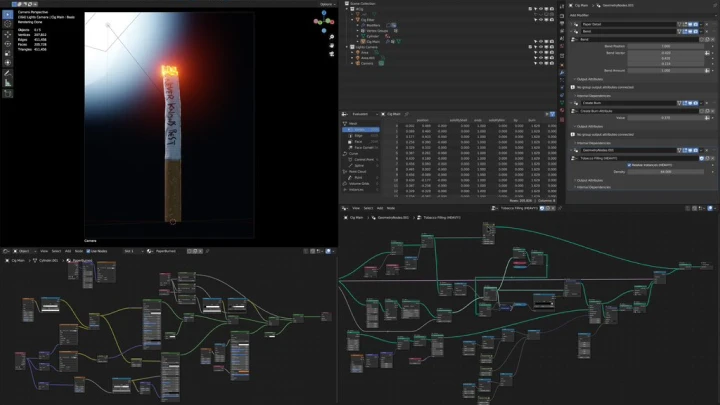
12. Computer Science Basics- Computer science basic: understanding data and information - Computer science basic: relevant concepts (instancing, recursion, processing) - Understanding relevant data types and compsci concepts used in Blender
13. Geometry Nodes- Overview of Geometry Nodes in Blender - Procedural, non-destructive method of geometry manipulation - Manipulating geometry using Geometry Nodes
14. Using Geometry Nodes to Scatter Large Amounts of Objects in the Scene- Scattering a collection of asset in the scene in an optimized manner
- Section 06
FX Development & Setup
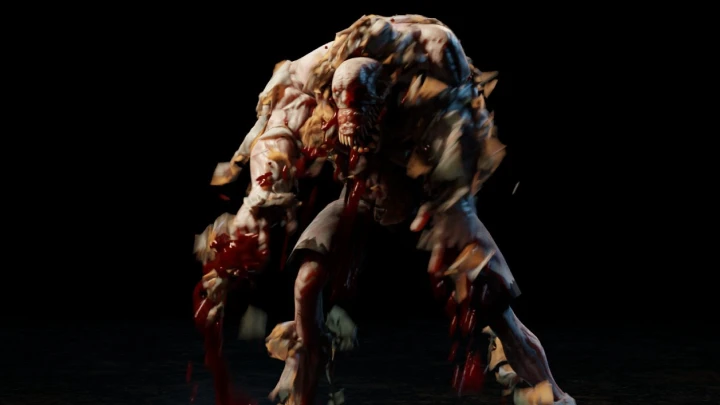
15. FX Development Prep Work- Researching & understanding the FX we want to create based on real-world references - Using a fresh, empty Blender save file to develop the FX
16. FX Development in Geometry Nodes- Generating particles in a volume - Manipulating particle behavior over time using deterministic noise generator - Manipulating particle behavior over time using Simulation Zone
17. Preparing FX for the Pipeline- Exporting attributes to be used in material shader nodes - Previewing the FX in Cycles or Eevee - Reaching minimum viable state and moving on
- Section 07
Scene Detailing & Character Animation
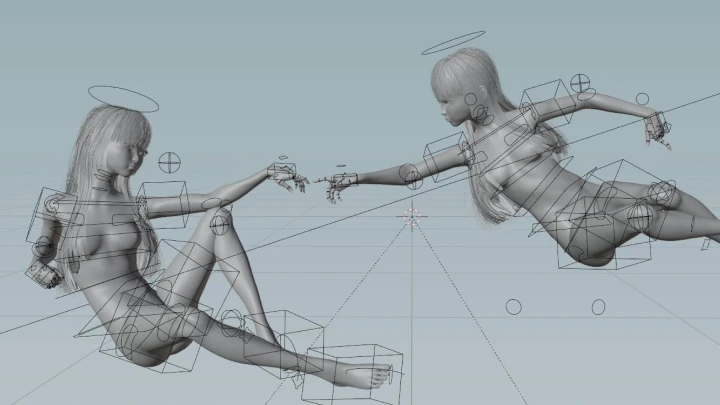
18. Using Pre-Made Animation Data- Browsing Mixamo for animation data - Downloading and using animation data - Using actions in Blender to organize animation data
19. Subtle Details from Photography- Understanding even deeper concept of realistic details found in real photography - Textures - Volumetric lights
20. Adding Details in Materials- Material shader node basics in Blender - How textures add dimensions and depth to an image
21. Lights to Improve Composition- Using additional hidden lights to really polish the image - Using volumetric lights to shape the composition - How to make lightweight volumetric light effects
- Section 08
FX Implementation
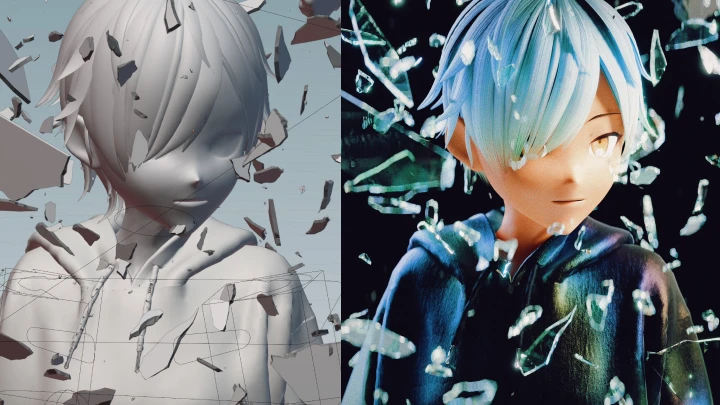
22. Linking vs. Appending- Understanding different methods of "importing" another blend file - The benefit and disadvantages of linking - Using node groups
23. Implementing the FX- Implementing the procedural FX into the scene - Adjusting FX parameters
24. Wrapping Up the Scene with FX- Wrapping up all aspects of the scene: animation, camera works, lights, FX, composition - Tuning and pushing the scene a little further with basic composition concepts
- Section 09
Playblast
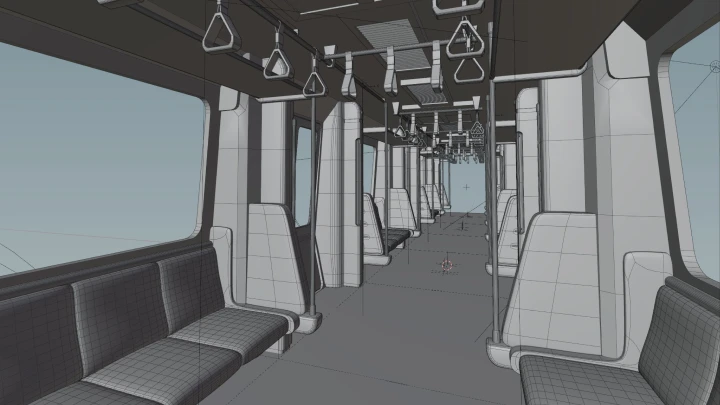
25. Playblast Intro + Setup in Blender- Introduction to playblast - Understanding why playblast is necessary during production - Using dublast and DIY setup to create playblast - Understanding important data to be burned into the playblast image
26. Creating Playblasts and Reviewing Them- Creating playblast using one of the method in previous chapter - What to look for when reviewing a playblast
- Section 10
Rendering Setup
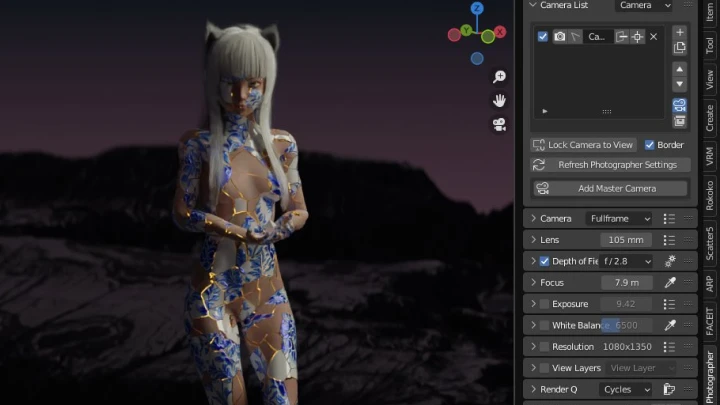
27. Production-Ready Render Method- Understanding every parameters in render settings and what it does to the image - Optimizing render settings - Render layers - Additional data
28. Rendering and Reviewing Still Images- What to look for in a rendered image - How to see additional render layers - The improvement loop: render, preview, fix, and repeat
29. Using Compositor to Extract Different Data from an Image- Understanding Blender compositor and how it'd help us after rendering - Denoising concept in compositor - Understanding the difference between different file formats - Preparing the blend file and workstation for final render
30. Rendering Tips: What I Wish I Knew Before My First Render- Additional tips related to computer software and hardware during render - Memory management, VRAM, out-of-core, etc.
- Section 11
Post-Production
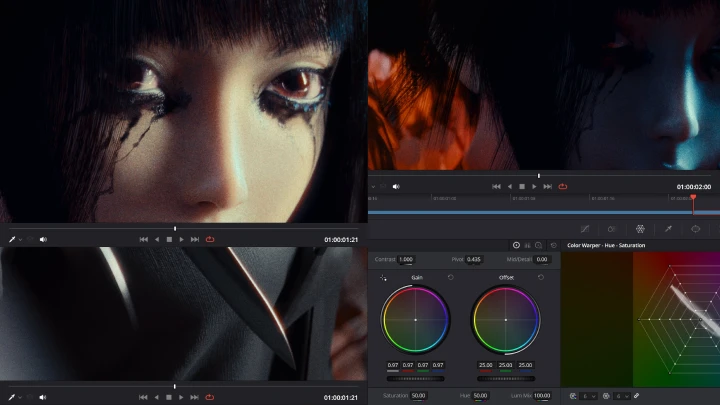
31. Compositing Basics & Color Grading Theory- Understanding compositing a raw rendered image - Compositing concepts in different software - Understanding color grading process - Implementing basic color theory in color grading
32. Importing and Using Render Layers- Importing the image sequence into DaVinci Resolve - Extracting render layers within Fusion in DaVinci Resolve - Re-encoding the render layers to optimize post-production processes
33. Compositing and Color Grading Your Scene- Using render layers to finalize the look of the image - Color grading in DaVinci Resolve - Selective color grading - Achieving realistic look during compositing and color grading
- Section 12
Epilogue
34. My Journey as an Artist- Story time! How i started as an artist, my journey, taking calculated risks, the "everything is a remix" mindset, and learning to love computers
This course will use Blender 5.0 (minimum 4.5, recommended 5.0) and DaVinci Resolve 20 (minimum 19, recommended 20).
Please purchase and install these program(s) for an optimized chapter experience.
*These programs and/or materials will not be provided with the chapter.