3dartist,myungwonchoi_최명원KR Details
- Section 01
Introduction & Foundation
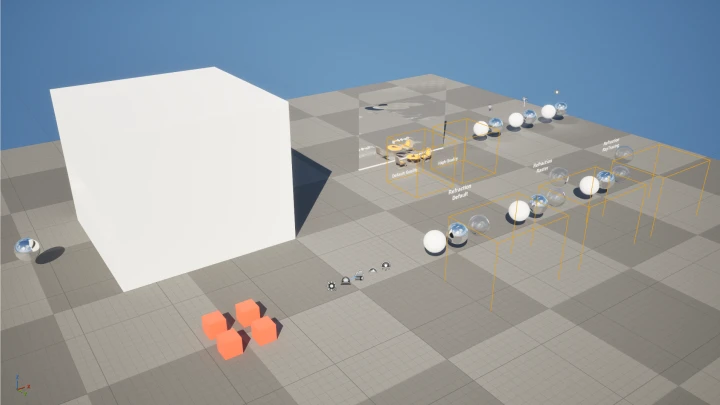
01. Instructor and Course Introduction- An overview of the instructor's background - An introduction to the course structure and the FAB asset management tool
02. Unreal Engine Installation & Pros/Cons- Learn how to install the engine - Understand the advantages and disadvantages of using Unreal Engine - Determine which projects are better suited for Unreal Engine and which are not
03. Controls, UI, and Project Settings- Learn how to set up a new project - An introduction to Unreal Engine's basic user interface and controls - A guide to creating and naming project folders
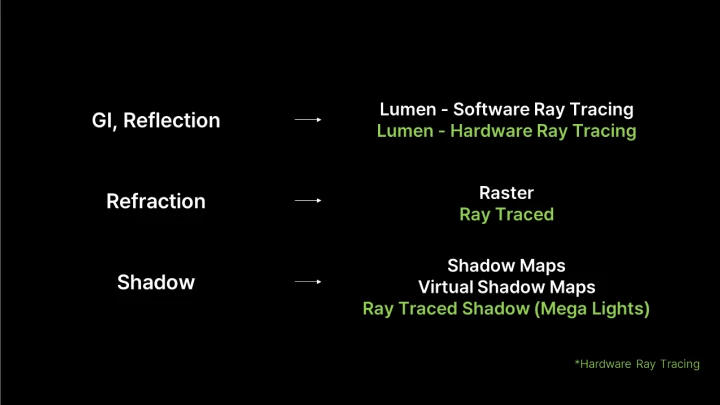
04. Understanding Unreal Engine- Learn the fundamentals of Actors and Components - Introduction to the Actors needed for building a basic environment - Explore concepts like Lumen, Raytracing, and Virtual Shadow Maps, along with different types of lights - An overview of the Post Process Volume
- Section 02
[Exercise 01] Balancing Objects
05. Object Placement- Download Quixel assets from Fa - Place objects in the level - Use the Cine Camera Actor
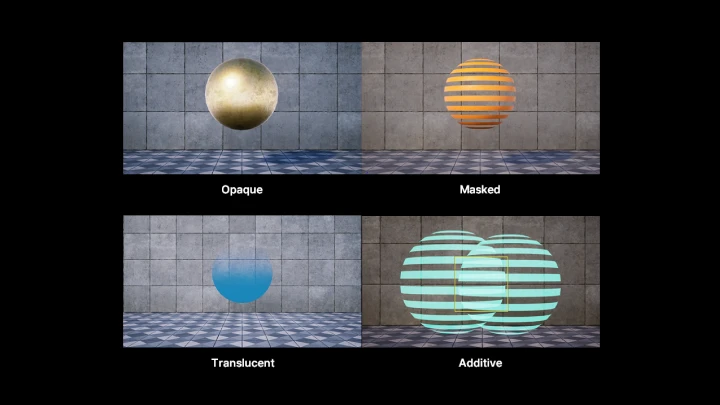
06. Material Basics- The different types of materials - Master Materials vs. Material Instances - How to modify existing materials
07. Shading & Lighting- Lighting using a Spot Light - Post-production and improving rendering quality with a Post Process Volume - Utilizing Planar Reflection
09. Rendering- An introduction to Movie Render Queue - Learn about Anti-aliasing, Temporal samples, and Spatial samples - An overview of Stenciled clip layers
- Section 03
[Exercise 02] Lake Serenity
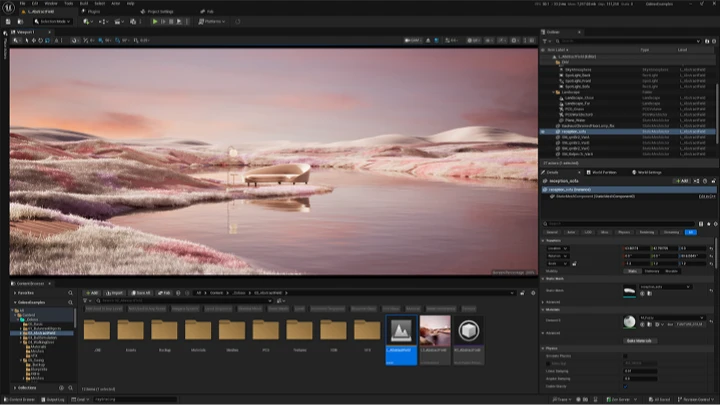
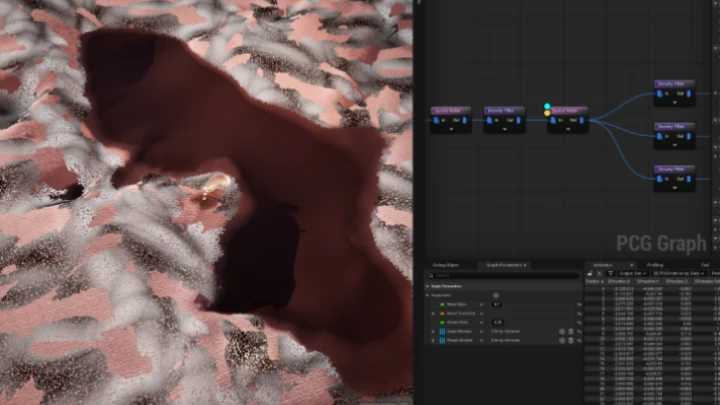
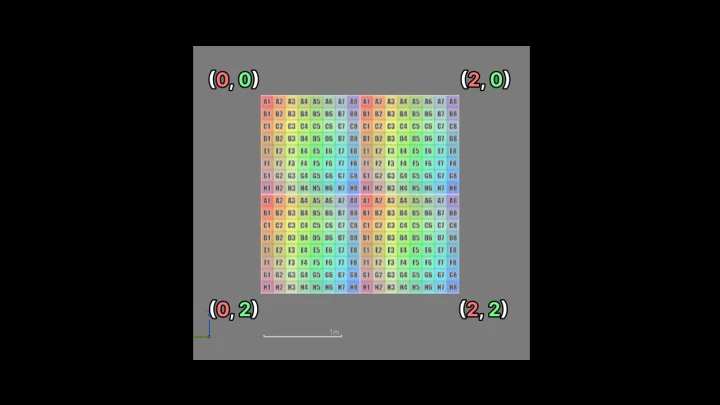
10. Landscape Layout- An introduction to the Landscape tool - How to use the Landscape tool to create your layout
11. Placing Vegetation with Foliage and PCG- How to quickly place vegetation in Foliage mode - How to procedurally place vegetation with PCG
12. Modeling Import, Shading & Lighting- How to import models from Fab and other external sites - An overview of the HDRI Backdrop - Using various lighting functions - Using console commands to increase rendering quality
13. Animation & Rendering- How to animate a camera zoom-in - How to add a blinking animation to a material - Rendering tips for high-quality output
- Section 04
[Exercise 03] Ball Simulation
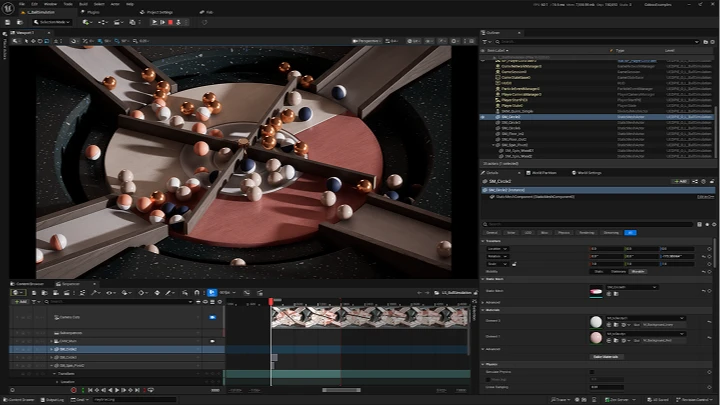
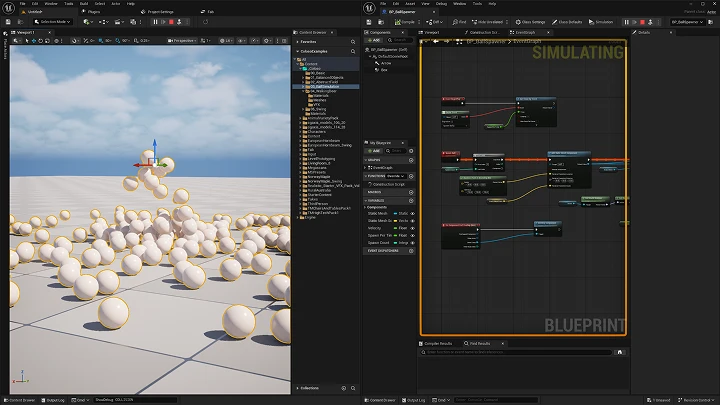
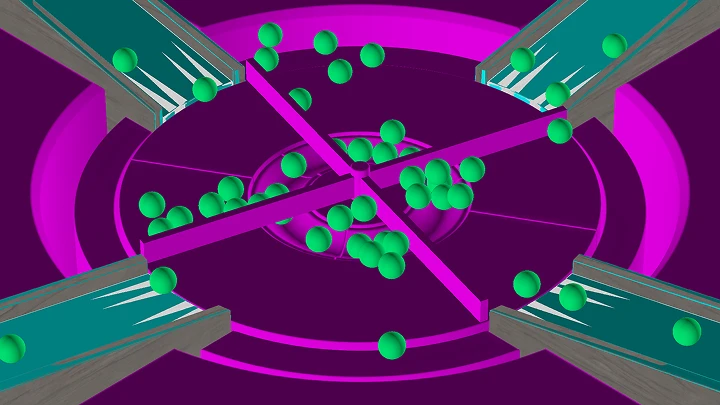
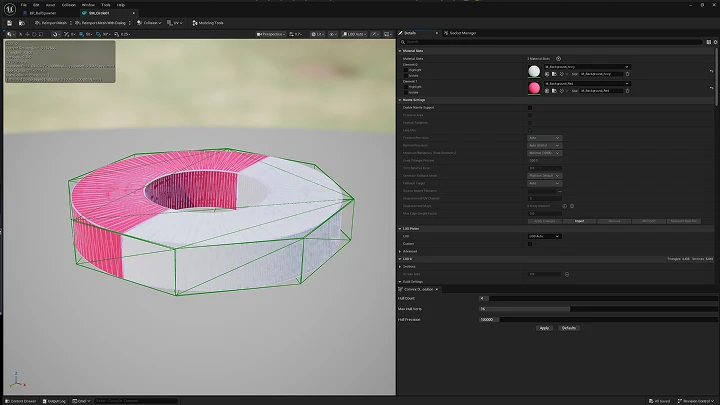
14. FBX File Import and Collision Settings- Learn about FBX import options - Understand and set up Collision - How to import a camera in Sequencer
15. Blueprint Basics- An introduction to Blueprint - Learn about the Construction Script and Event Graph - How to debug your work
16. Creating Blueprint Classes- How to create a Blueprint class that infinitely generates spheres - Setting up the Level Blueprint - How to create a Blueprint class that automatically executes console commands
17. Look Dev, Animation & Rendering- An overview of shading - How to implement randomized animation - Tips for lighting and rendering
- Section 05
[Exercise 04] Spirit of the Woods
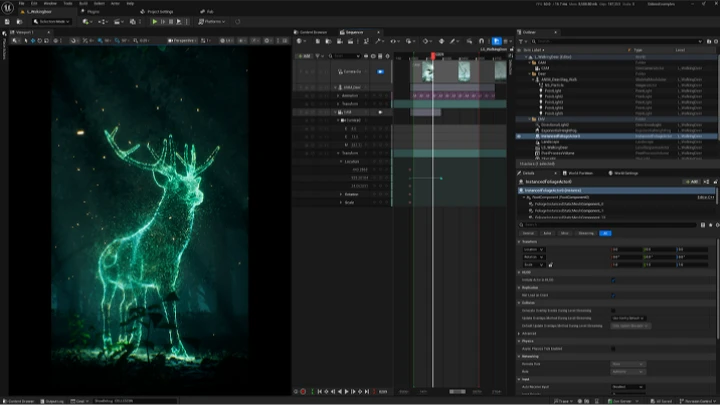
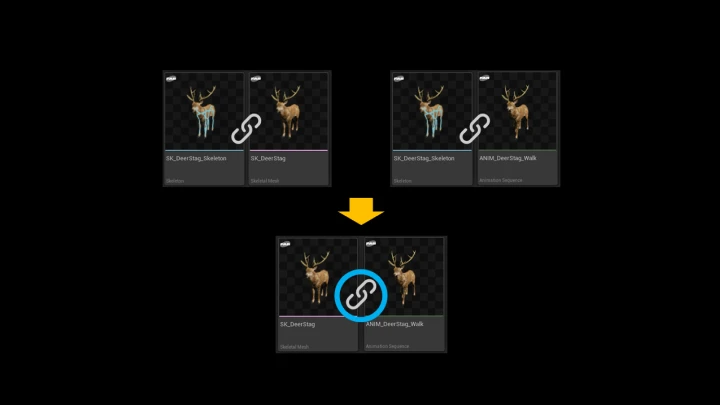
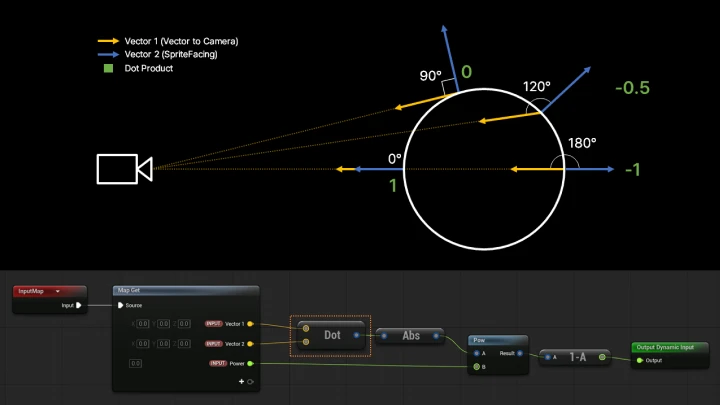
18. Preparing the Deer Asset- Download a free animal asset from Fab - Learn about Skeletal Meshes - Create a material that makes the mesh's outline glow
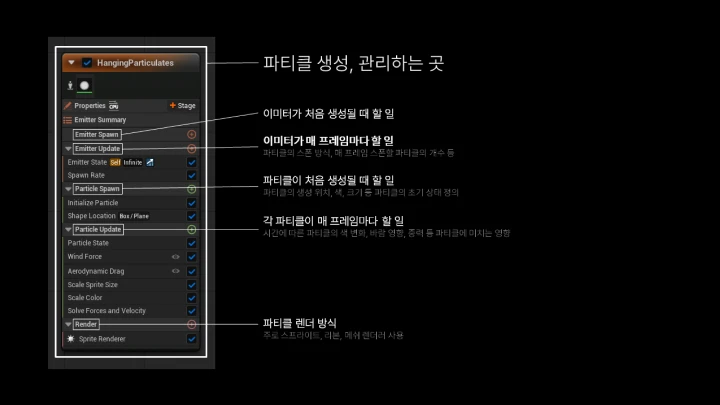
19. Particles from the Deer's Surface- An introduction to Niagara - Create particles that generate on the deer's surface - Create particles that fly away from the deer's surface
20. Particles Exploding from the Deer's Feet- Create particles that burst from the deer's feet - Use Anim Notify to trigger the effect
21. Modifying the Deer's Animation- Blend and loop animations in Sequencer - Learn how to modify animations
22. Scene Composition, Look Dev & Rendering- Use Foliage Mode to compose a forest - Use Volumetric Fog to create a God Ray effect - Learn about Niagara caching - Rendering
- Section 06
[Exercise 05] The Swing (Interactive Art)
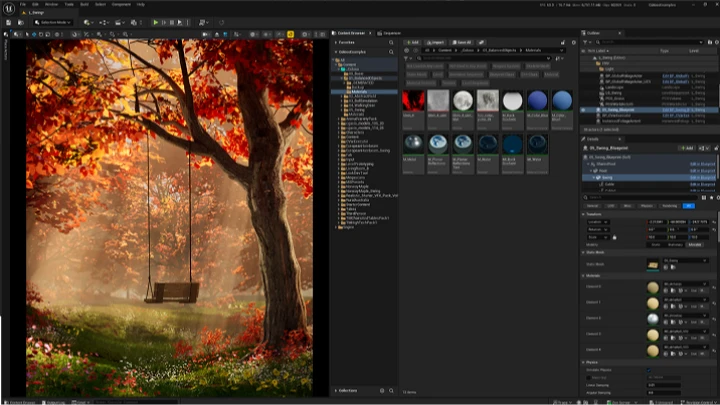
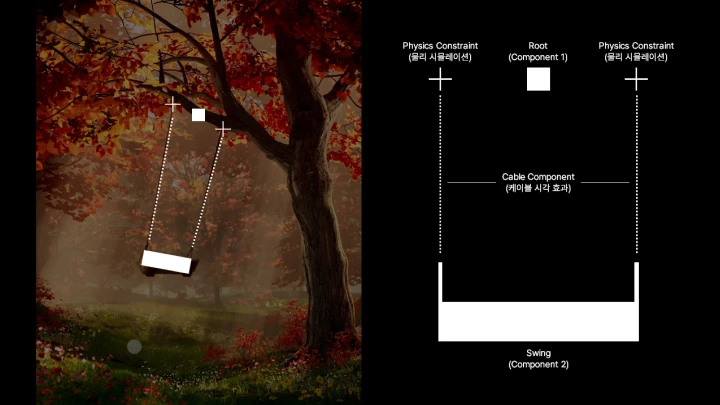
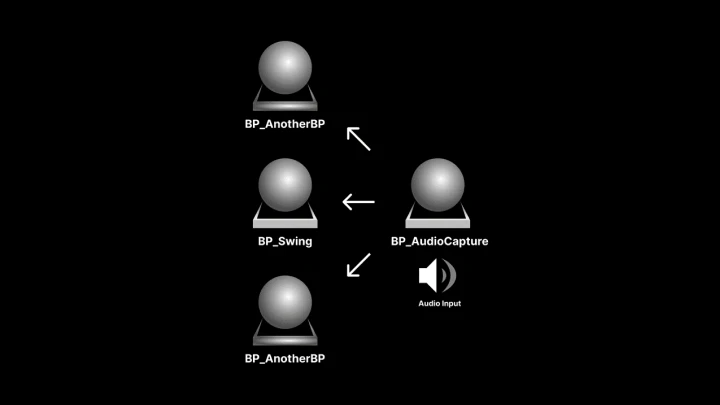
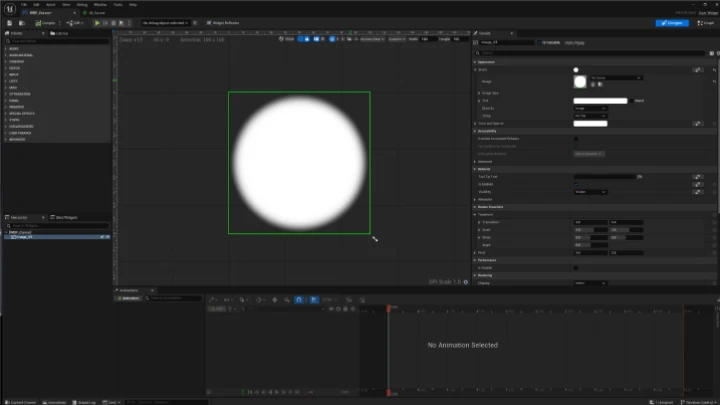
23. Creating the Swing Blueprint Class- Import and process the swing model - Implement the swing's movement with Physics Constraint - Set up the swing's movement using a debug key input - Connect the swing's ropes with a Cable component
24. Adding a Drag-Based Movement Feature- Get the drag distance from the mouse - Apply force to the swing based on the drag distance
25. Creating a Custom Cursor with Widget Blueprint- Create a cursor that reacts to clicks using a Widget Blueprint - Configure the software cursor settings - Set the cursor to be visible during gameplay
26. Scene Composition & Look Development- Lay out the landscape - Sculpt using the Modeling Mode - Place vegetation with PCG and Foliage - Lighting tips
27. Adding a Microphone Volume-Based Movement Feature- Get the microphone's volume value - Connect data between Blueprints - Apply force to the swing based on the volume value
28. Optimization & Packaging- Learn various methods for optimizing frame rates - Package your project for distribution
- Section 07
Outro
29. C4D / Blender to Unreal Engine Workflow- The overall direction of the Unreal Engine workflow - The C4D to Unreal Engine workflow - The Blender to Unreal Engine workflow
30. Conclusion- Recommendations for free and paid Unreal Engine assets for video designers - The potential of Unreal Engine