3dartist,keeki Details
Intro
Class Intro
3D Artist, Keeki
"Make your avatar in that quintessential anime style by carefully painting each part of your model and adding texture for true immersion!"
Take Your First Step into Professional 3D Avatar Creation
Creating a 3D avatar is not just about learning the software. It is about translating your personality, taste, and creative identity into a complete 3D version of yourself. While many people want an avatar that truly represents them, building such a character from scratch, from the very beginning to a polished final result, is a complex process that is difficult to figure out on your own.
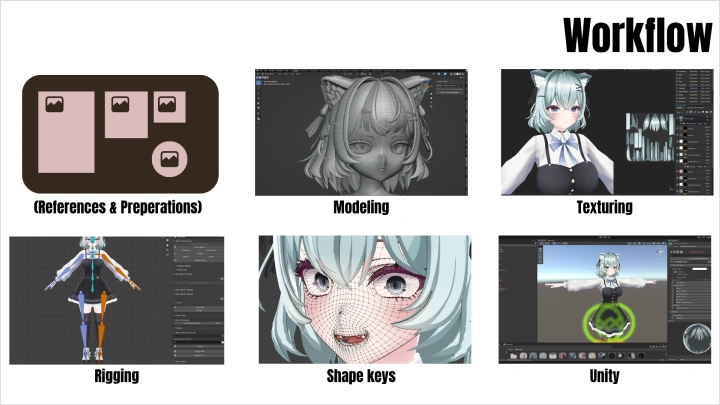
In this course, you’ll learn the complete creation pipeline for anime-style 3D avatars, from modeling and texturing to rigging, shape keys, and final setup for Warudo and VRChat. Rather than relying on publicly sold models that lack individuality, you’ll learn how to create original, high-quality characters built around a clear concept, whether for your own use or for others.
Across 48 structured chapters, we start from scratch in Blender and build a fully functional 3D avatar step by step. By the end, you’ll be ready to use your character across virtual platforms and confident enough to take your first steps into the industry. Start taking on commissions and real projects, with guidance from one of the best.
Across 48 structured chapters, we start from scratch in Blender and build a fully functional 3D avatar step by step. By the end, you’ll be ready to use your character across virtual platforms and confident enough to take your first steps into the industry. Start taking on commissions and real projects, with guidance from one of the best.
Class Preview
Still Not Sure?
Check Out Keeki's Class Preview!
Chapter 20: Texture Preparation in Blender
1. Creating high-poly models
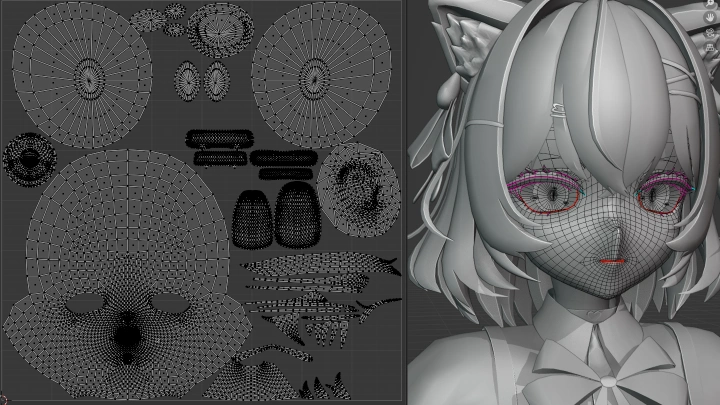
2. UV unwrapping
3. Adding materials
2. UV unwrapping
3. Adding materials
Class Perks
Get These Coloso Exclusives
-
Complete Model Project Files -
Mirror Weights Plugins -
Reference Files
-
Face Tracking ARKit Sheet -
List of Common Mistakes -
Blender Hotkeys and Shortcuts
Class Material Details
-
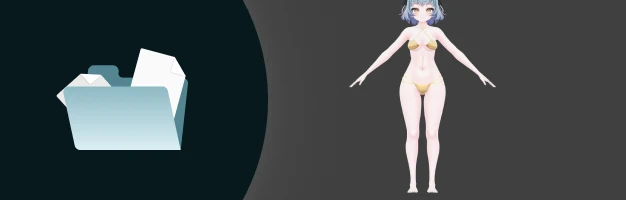 Class Project Files- All project files used in the course
- Textures, .blend files, and Substance Painter projects
- Unity projects and Warudo scene files -
 Custom Plugins- Custom Blender plugins
- Save time on weight painting -
 Helpful Guides- Guide on anatomy and proportions
-
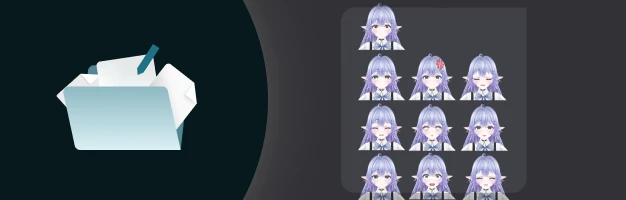 ARKit Guide- List of all 52 ARKit blendshapes with explanations
- Setup tips for expressive face tracking -
 Avoid Common Errors- Overview of common modeling, rigging, and texturing mistakes
 -
 Blender Cheat Sheet- Useful Blender shortcuts and functions
Recommendation
Who should take this class?
Entry-level artists who want to improve their skills and start earning income through commissions or by creating 3D VRChat avatars
Experienced artists who are already offering their services in the industry and are interested exploring different workflows
VTubers and VRChat users who want to create or modify their own 3D avatars for personal use
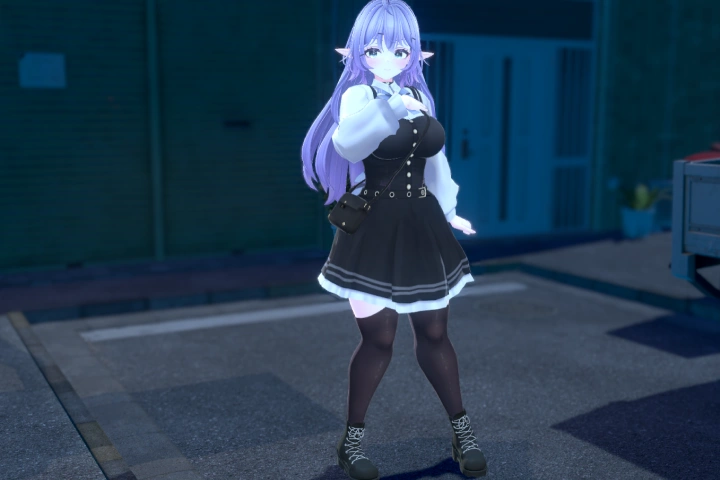
Expert 3D Artist Keeki's Portfolio

Why Take This Class?
As VTubers and virtual platforms like VRChat continue to grow, the demand for personal 3D avatars is higher than ever. Creators want more than avatars that simply function. While creating a basic 3D model is relatively achievable, shaping a character that truly reflects personality and creative intent is far more complex, and requires clear direction and guidance.
This course gives you a clear and structured introduction to 3D VTuber avatar creation, guiding you through the entire workflow from start to finish. With Keeki’s guidance, you’ll learn how to experiment, play around with your ideas, and create attractive, original characters that people genuinely connect with. By the end, you’ll have the confidence and foundation to keep creating, develop your own style, and bring unique VTuber avatars to life without relying on shared or generic models.
Get Ready for the Real-World
34 Class Exercises
-
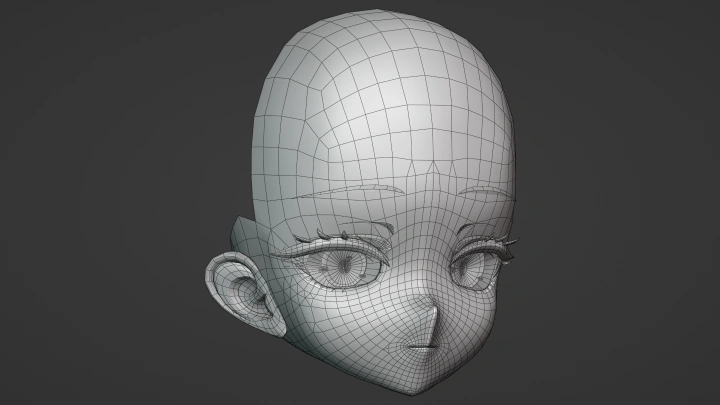
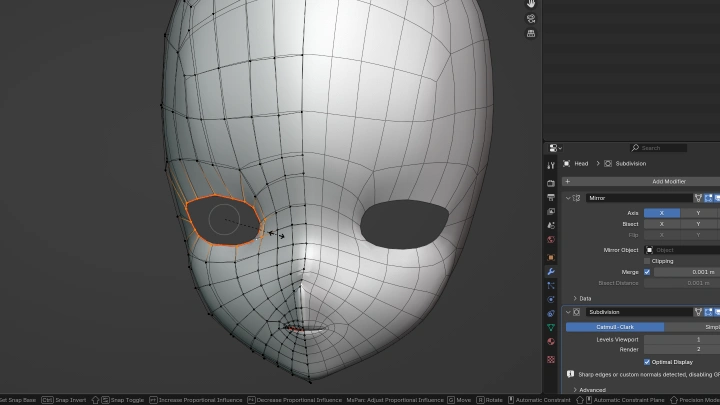
Basic Head Modeling
-
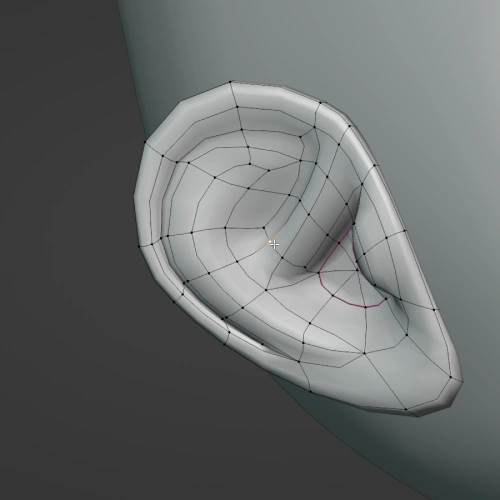 Modeling the Ears and Inside of the Mouth
 -
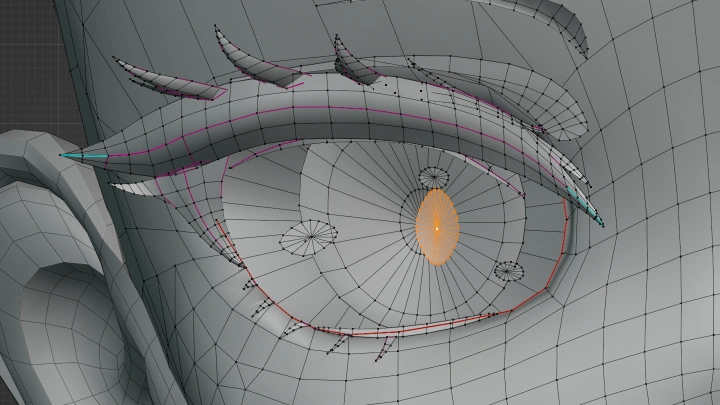
Modeling the Eyes and Eyelashes
-
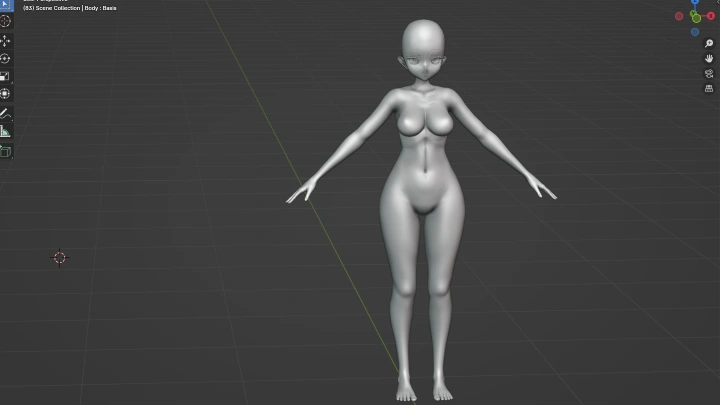
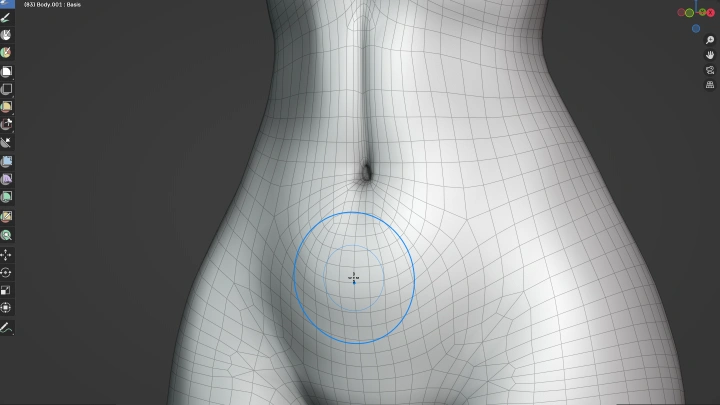
Base Body Modeling
-
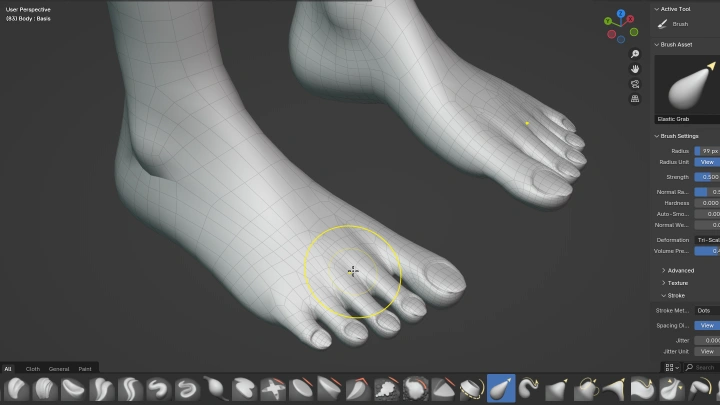
Refining the Feet
-
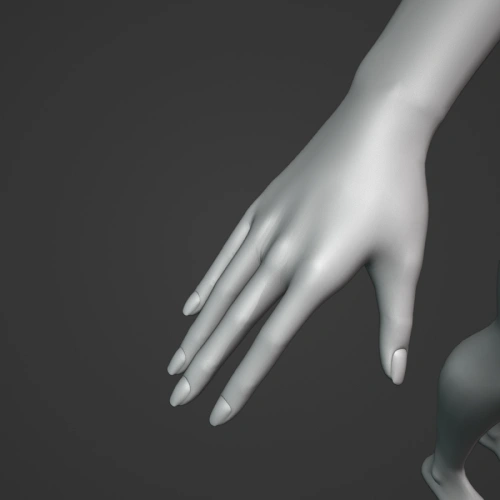 Refining the Hands
 -
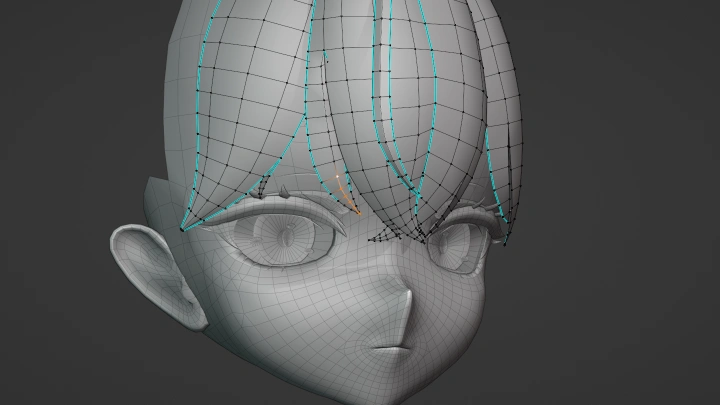
Front Hair Modeling
-
Side & Back Hair Modeling
-
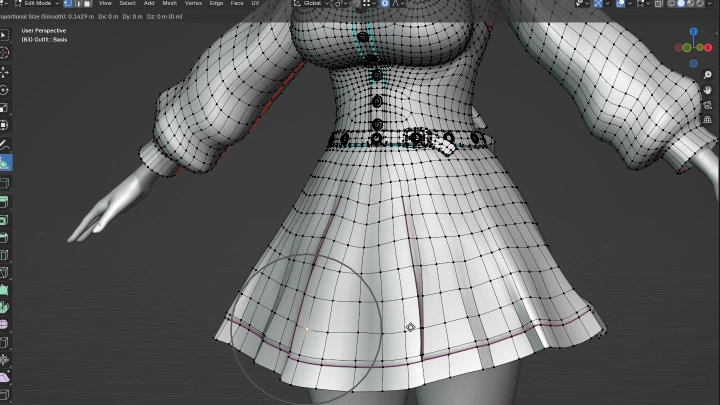
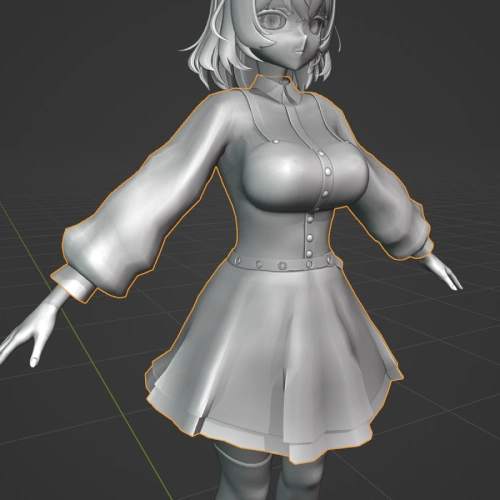 Creating the Main Clothing Pieces
 -
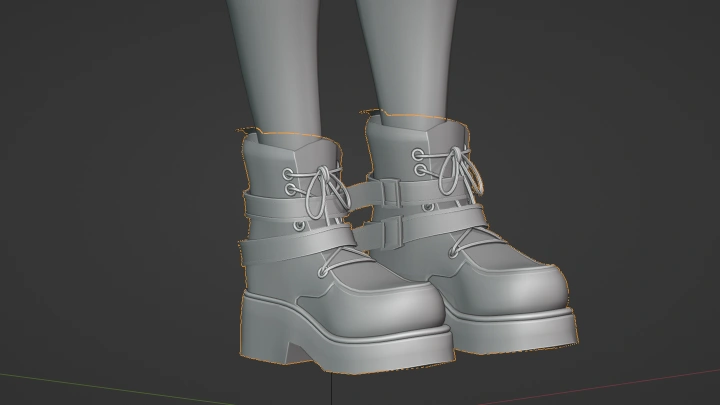
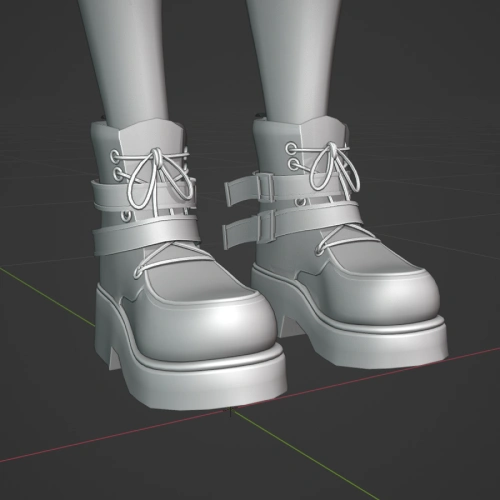 Modeling the Shoes
 -
Creating Accessories
-
Checking the Final Model Before Texturing
-
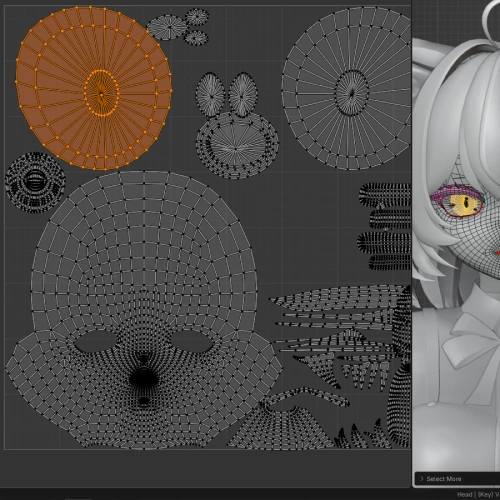 UV-Unwrapping & Adding Materials
 -
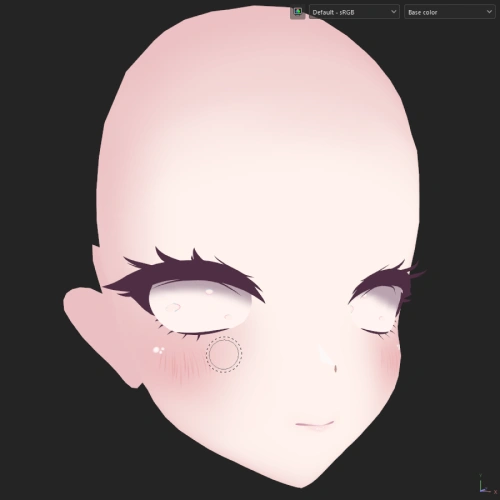 Creating the Face Texture
 -
Painting the Eyes
-
Painting Secondary Face Parts
-
Using Generators and Filters to Create Basic Skin
-
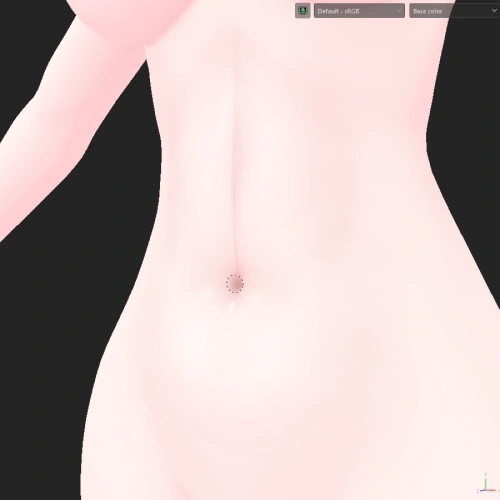 Hand Painting the Skin Details
 -
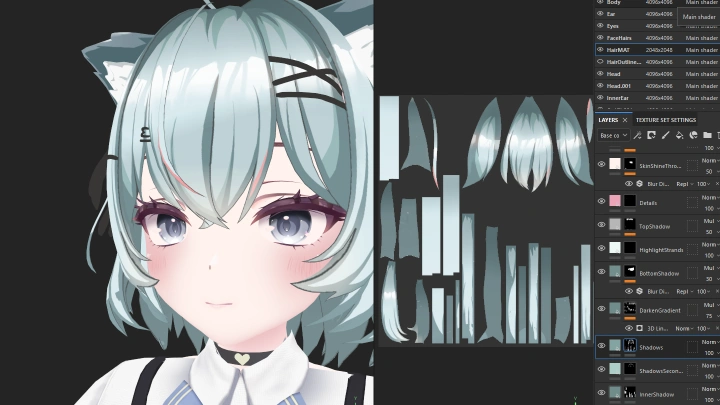
Hair Texture Setup and Front Hair Texturing
-
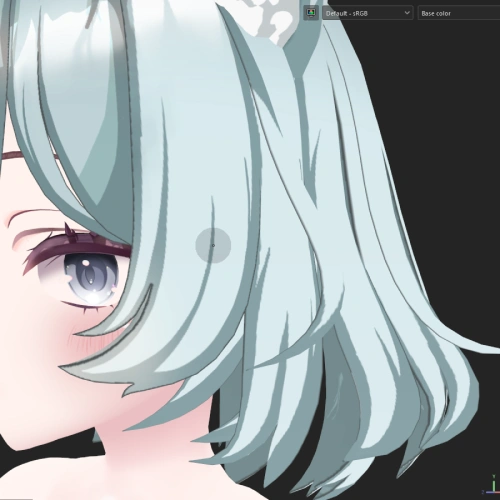 Side & Back Hair Texturing
-
Cloth Texturing
-
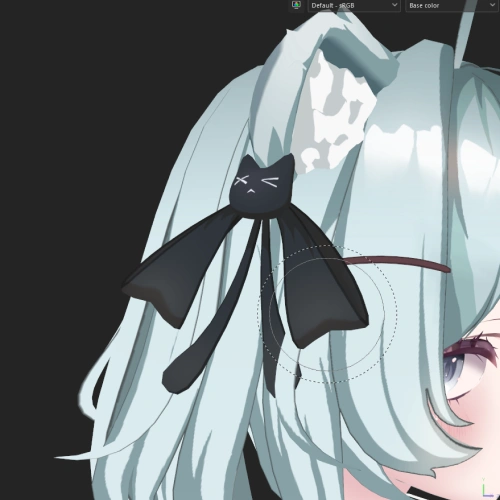 Accessory Texturing
 -
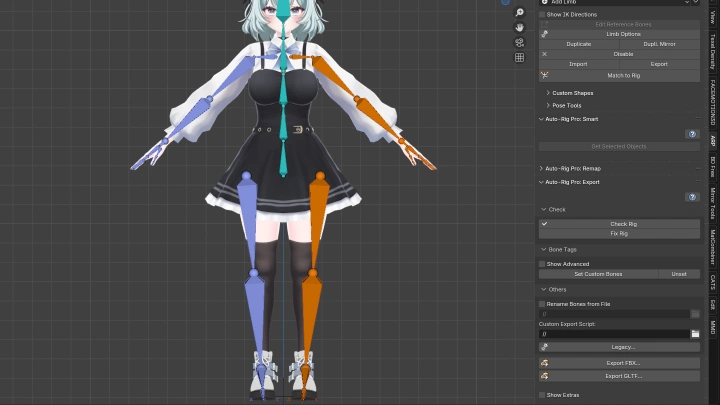
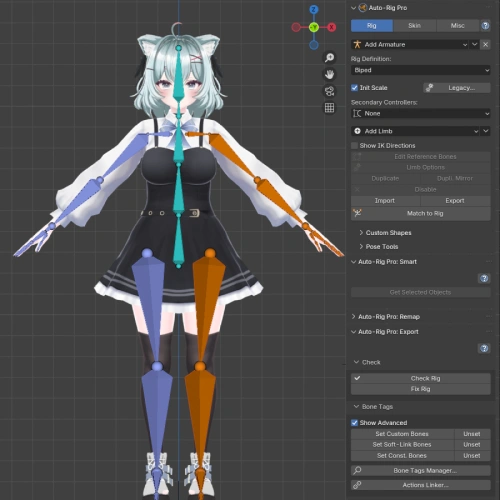 Creating the Base Rig
 -
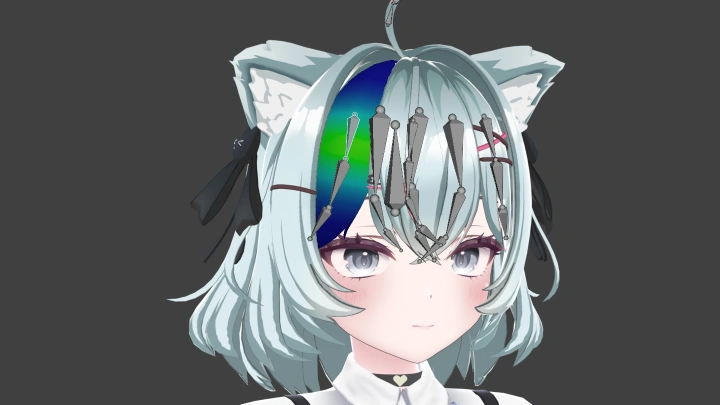
Adding Clothes & Hair to the Rig
-
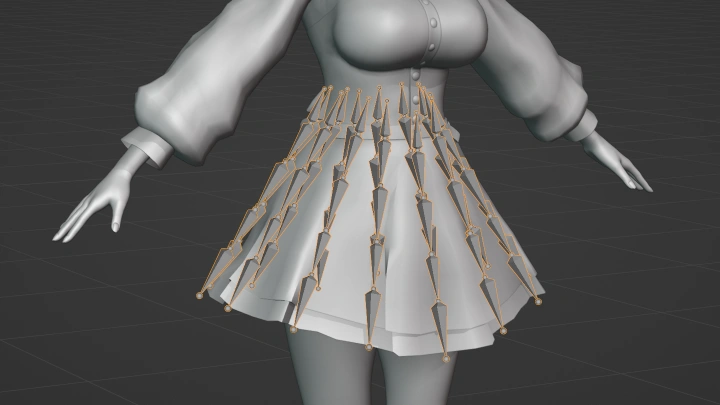
Creating the Skirt Rig
-
Creating Simple Shape Keys
-
Creating Facial Expressions
-
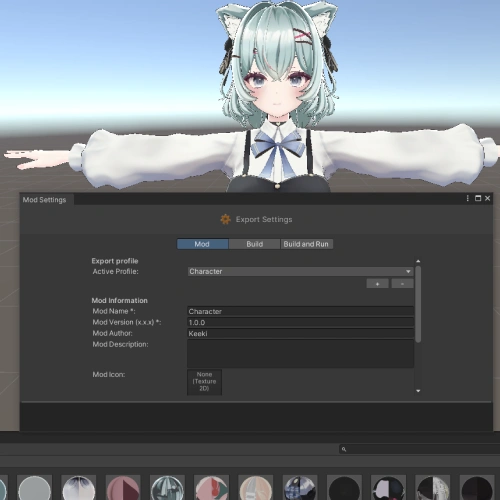 Unity Scene Setup for Warudo
-
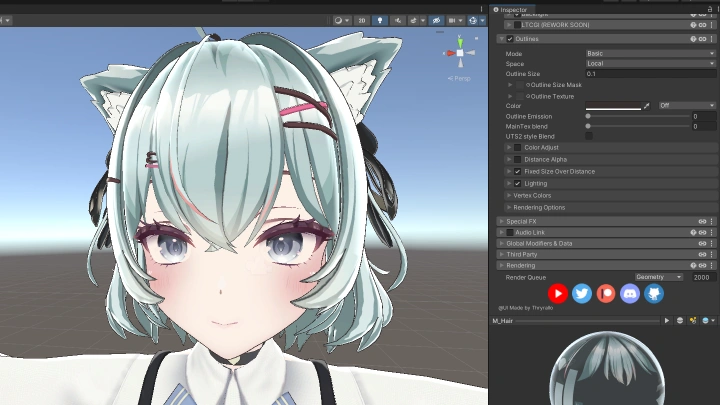
Creating Materials with Poiyomi Shaders
-
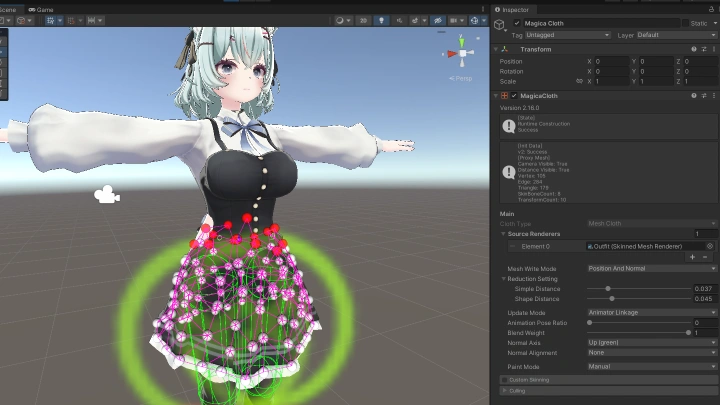
MagicaCloth Physics
-
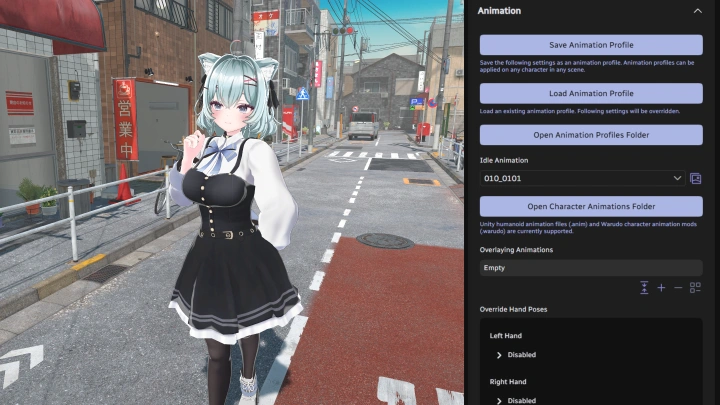
Character Setup in Warudo
-
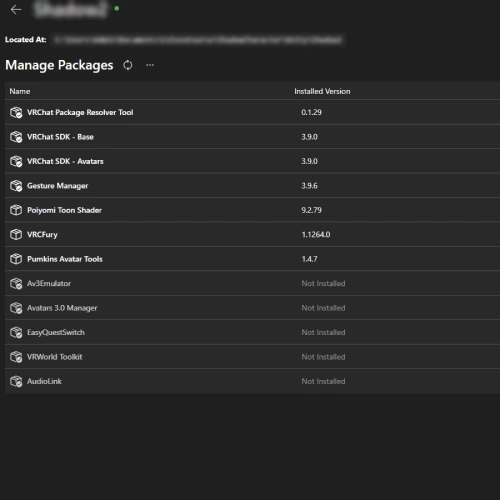 Unity Scene Setup for VRChat
-
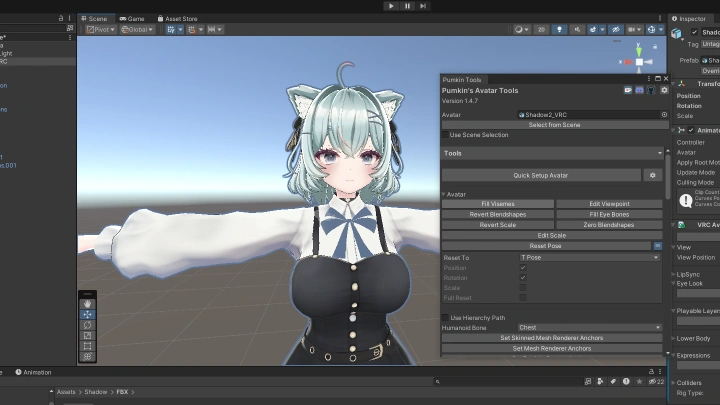
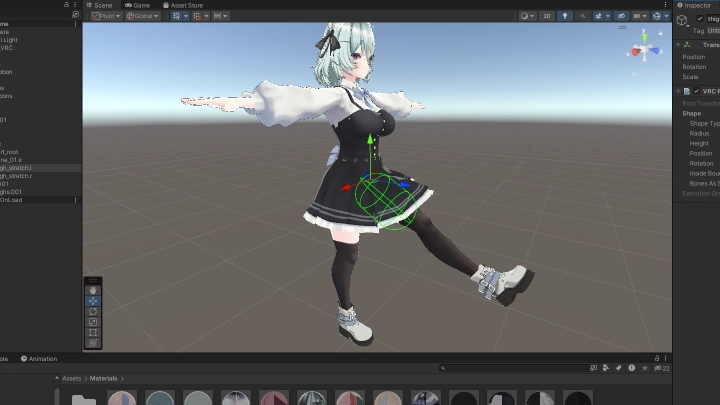
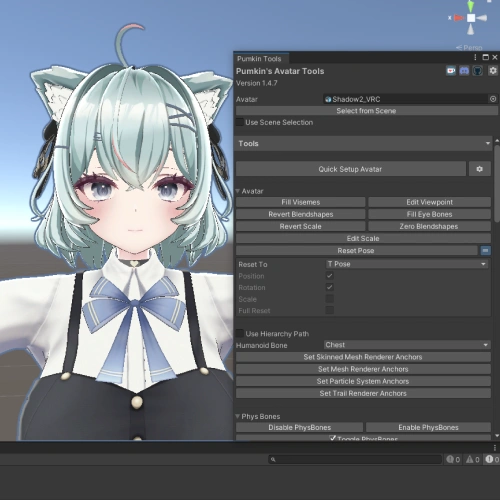 VRChat Character Setup in Unity
 -
Setting Up VRChat Physics
Final Product Example(s)
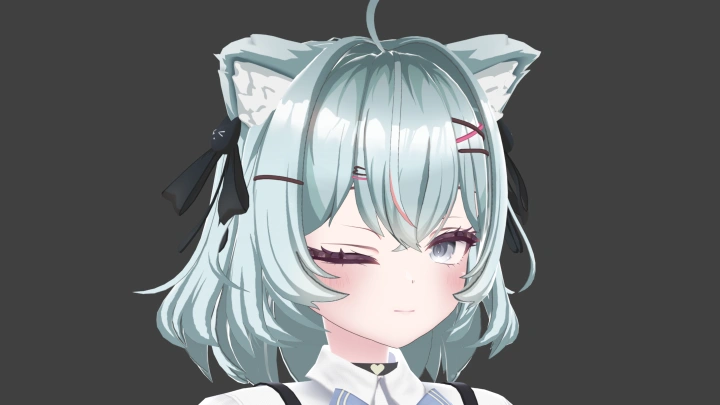
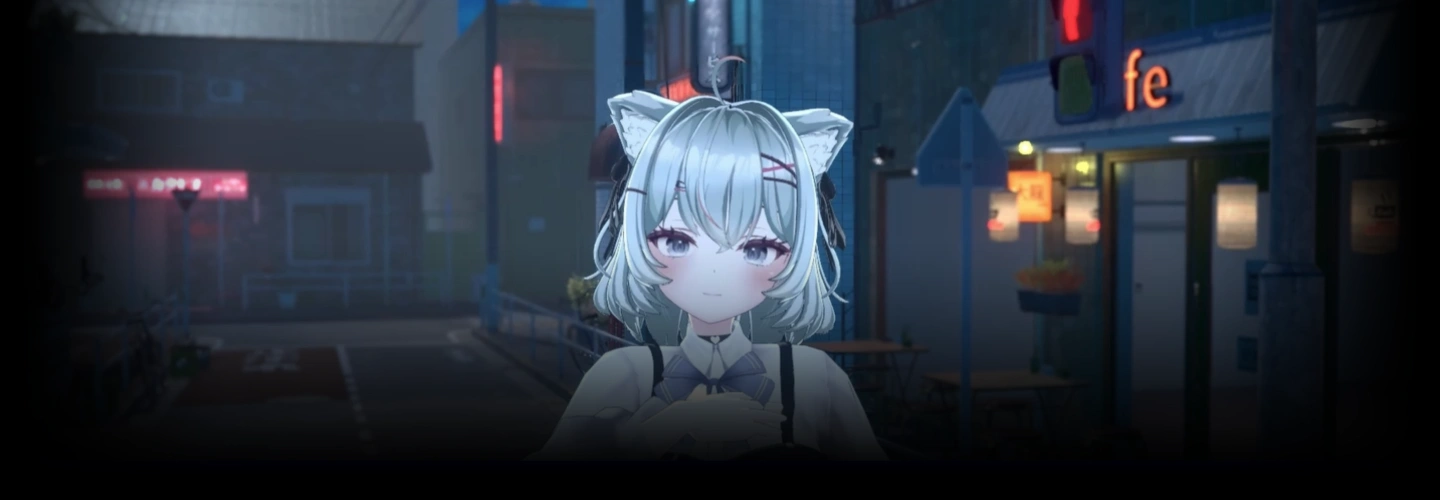
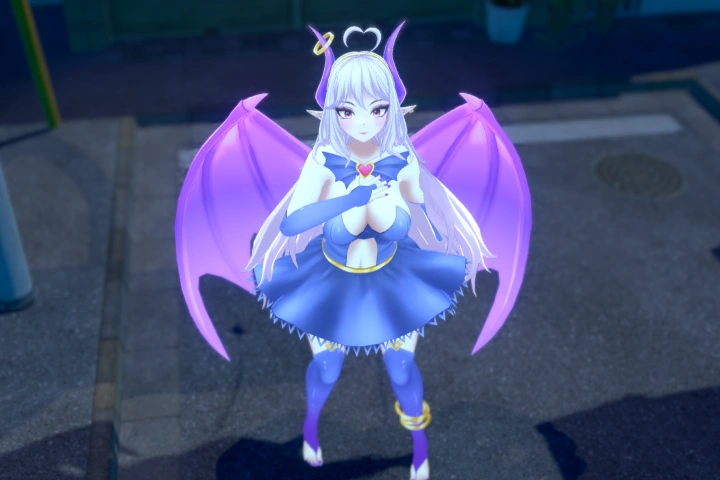
Finished 3D Avatar
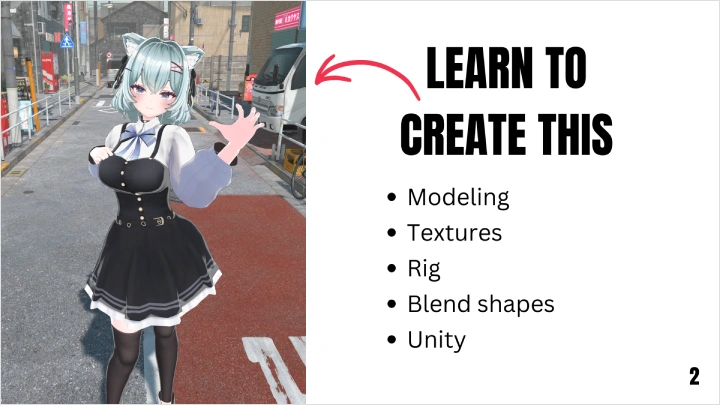
A fully finished 3D Anime Avatar ready to be used in Warudo and VRChat
Highlights
Class Highlights
From a Single Vertex to a Completed Model
We’ll go over each step of the character modeling process from scratch. Learn about anatomy, proportions, the secrets behind appealing hair, and cloth modeling.
Efficient Texturing with Substance Painter
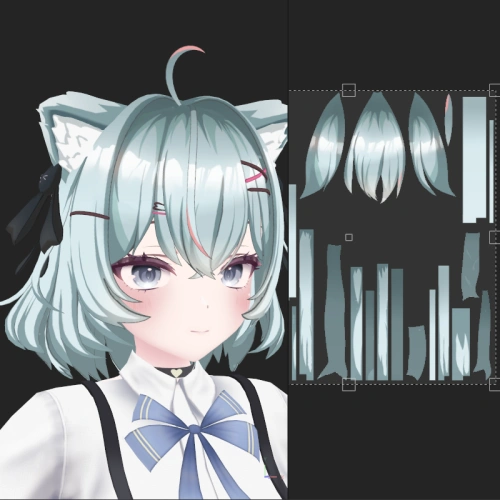
Turn anime-style characters from imagination into reality! After learning how to get the most out of Substance Painter, you'll learn how to paint the different parts of a character. Even with little experience in texturing!
Breathe Life Into Your Character
A rig combined with blend shapes can breathe personality into a static character. You’ll learn how to create a solid humanoid rig in Blender, as well as how to rig physics parts like hair and skirts.