2danimator,jin Details
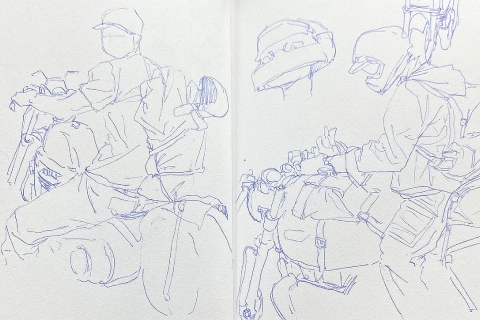
Reference
Study appropriate references and break them down to better understand movement
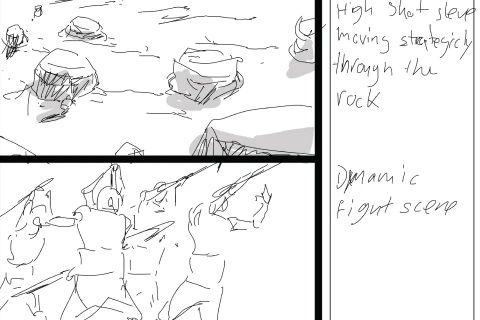
Storyboard
Prepare your animation with a storyboard to structure your workflow
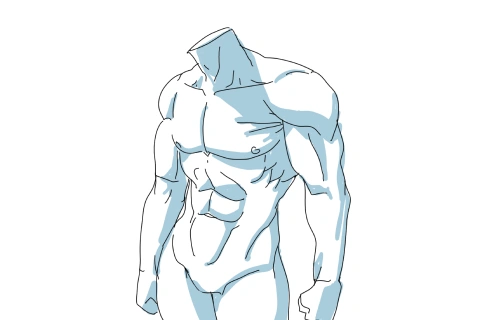
Body Mechanics
Learn how joints and body parts move to create intricate animation sequences
Key Animation
Learn how to speed up your animation workflow by focusing on the most important frames of your animation
2D Effects
Learn how to draw 2D effects clearly and efficiently
Coloring
Learn how to color your animation efficiently according to your preferred style
**Class release dates and content are subject to change without prior notice.
- Section 01
OT
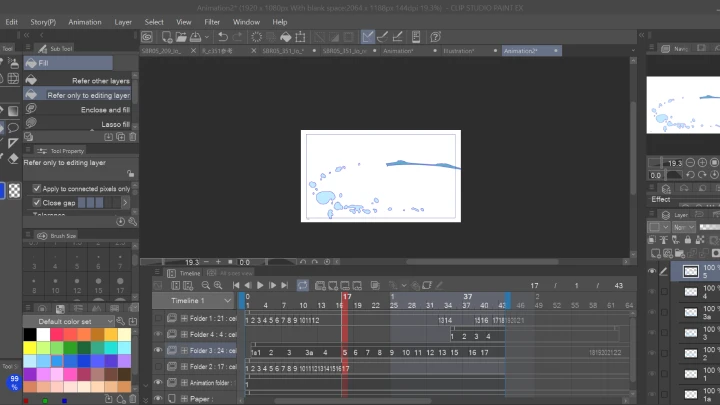
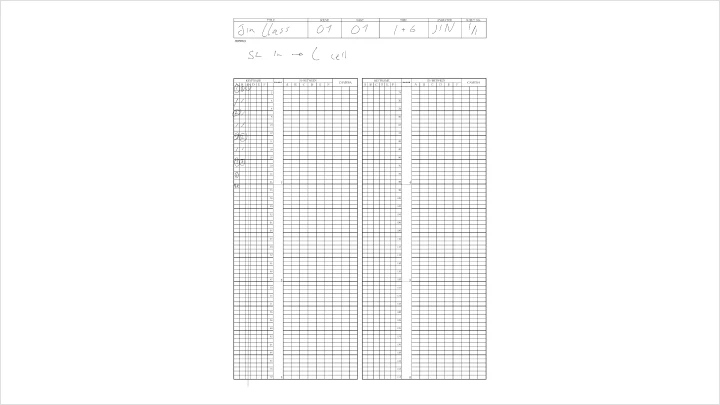
01. Orientation- Meet your instructor and learn about the overview of this class - Learn about the software (OpenToonz, Clip Studio)
- Section 02
Inspiration Through References
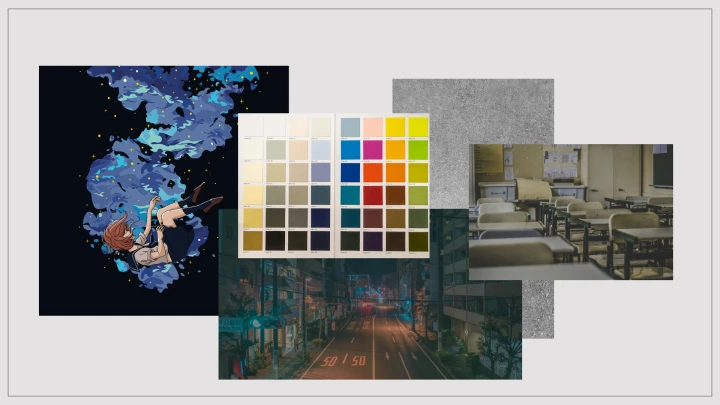
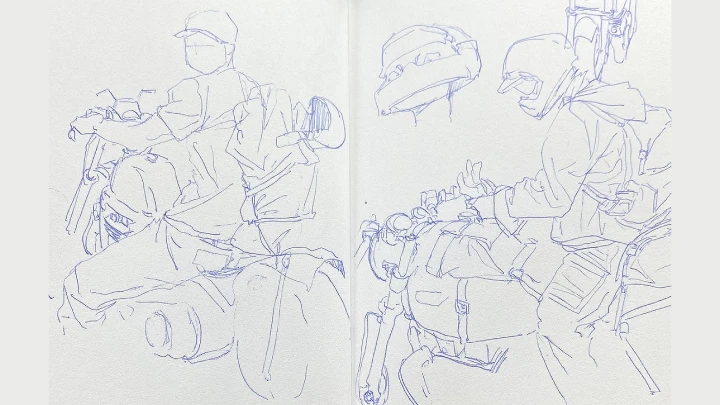
02. How to Find Ideas- Emphasis on how daily life and activities can spark ideas - What to think about, what you want to share, express, or portray through animation - How to use image and video references
03. Where to Find References- Outlets and websites for gathering references - References can spark creativity and initiate new ideas (free stock websites, copyright-free)
04. Create a Moodboard- Gather all the references in one place to clarify artistic direction - Art style, style of animation, type of shading, etc. (mention in the credits, ask permission, use free stock websites, copyright-free)
- Section 03
Storyboarding
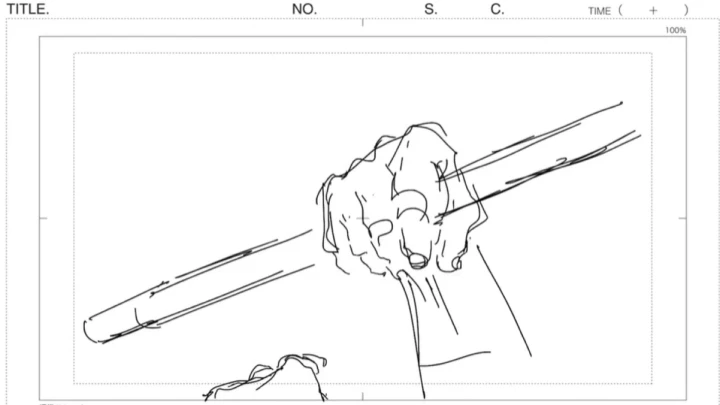
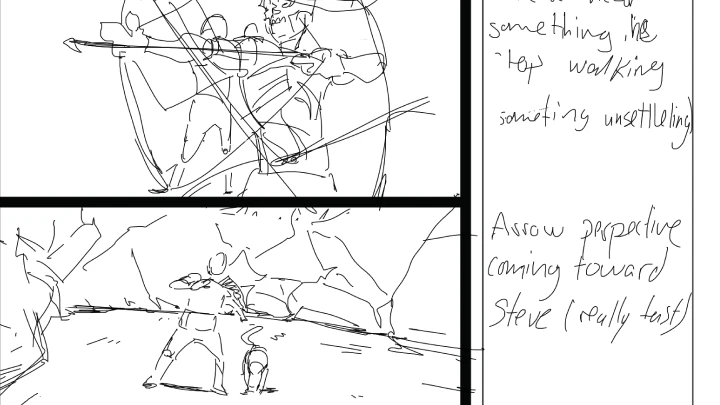
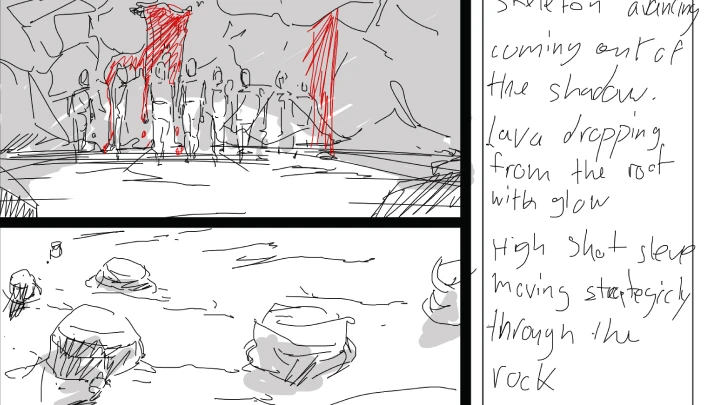
05. What Is a Storyboard- The basics of a storyboard and its purpose - Examples of different storyboards
06. Compositions for Storyboarding- How to panel a storyboard for animation (basics) - Understand how to compose a scene (perspective, camera angles, etc.)
07. Timing in Storyboarding- The most common timing techniques in animation - Time your own animation for storyboarding
08. How to Build an Animatic- The process of making a quick animatic that gives an overview of what your animation will be like
- Section 04
Anatomy
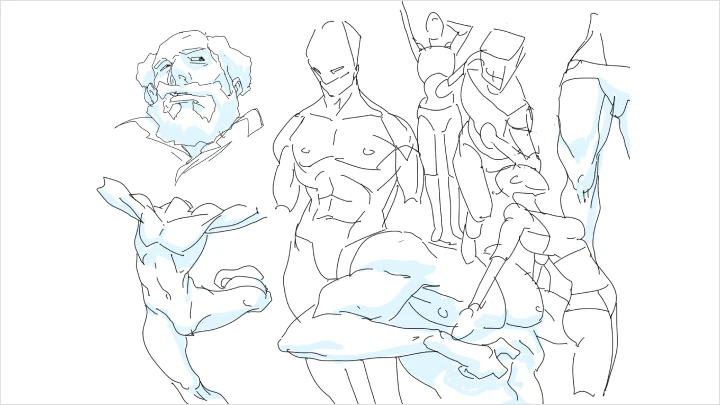
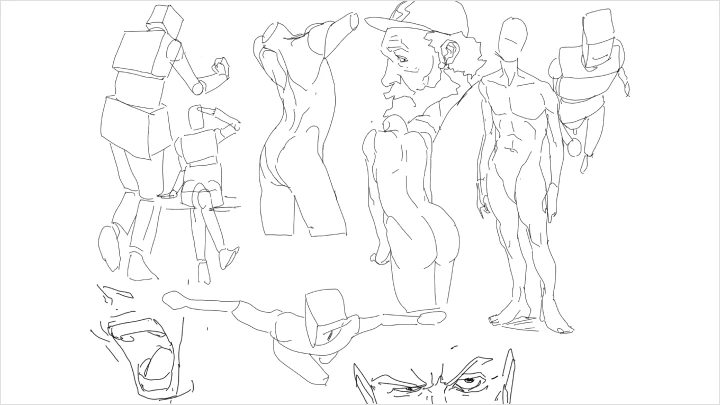
09. Basics of Anatomy- The anatomy of the body in a semi-realistic form using references - Important bones, muscles, and structures of the body
10. Build Anatomy for Animation- Anime characters and real-life human references (original sketches, copyright-free image bank) - Break down the shape of the body - Figure drawing for animation - How anatomy can be simplified to facilitate animation
11. Create Original Characters- Apply previous lessons to create original characters for your animation
- Section 05
Body Mechanics
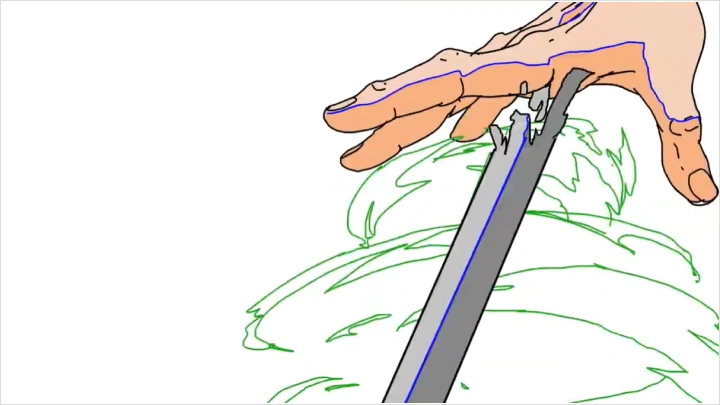
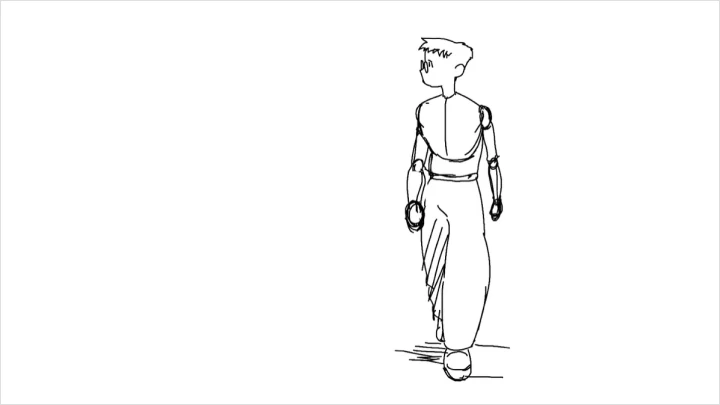
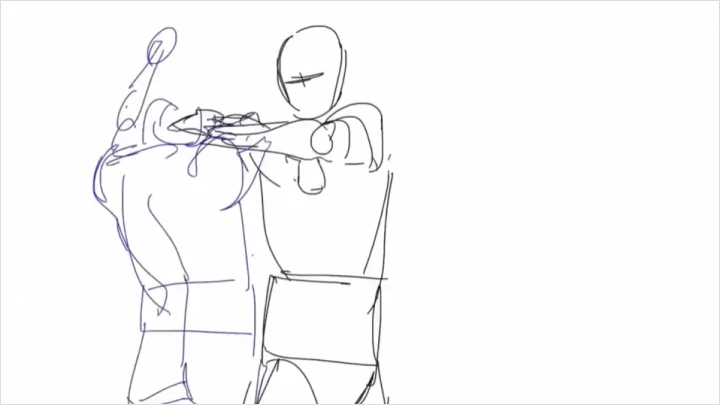
12. Principles of Physics in Animation- Weight, spacing, ease-in and ease-out - Animation principles that are considered the most important - Real-life physics principles and how they transfer to animation
13. Spacing- The space between drawings can impact your animation
14. Arc- The value of using arcs to portray realistic movement
15. Walk Cycle- The walk cycle and body mechanics - Different types of walk cycles
16. Hand Mechanics- Overview of hand mechanics
- Section 06
Key Animation
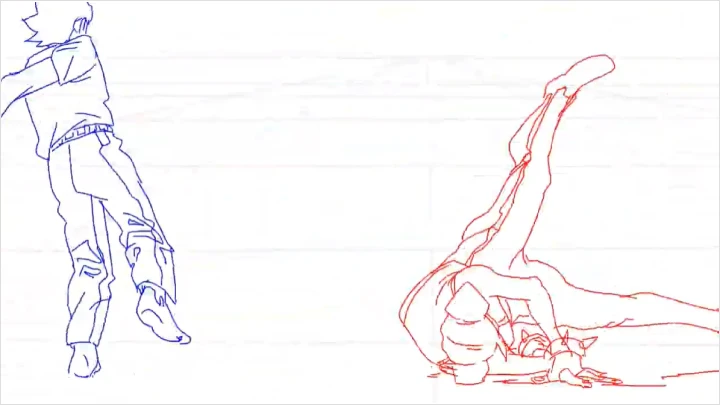
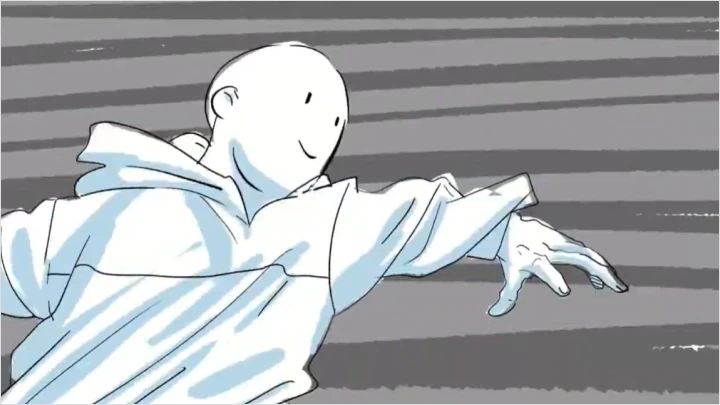
17. Introduction to Keyframes- What a keyframe is and how it is used - How to plan your animation pose to pose with keyframes
18. Inbetweening- How inbetweening can change depending on what is to be animated - How the inbetween process happens in the industry with a few examples
19. Keyframing - Layout- Draw layout, rough animations of the scene - Explanation of the layout process while drawing a few frames (the remaining process will be shown in a time-lapse)
20. Keyframing - Clean Up- How to clean up your keyframes - Step-by-step explanation of the process (the remaining process will be shown in a time-lapse)
- Section 07
2D FX Mechanics
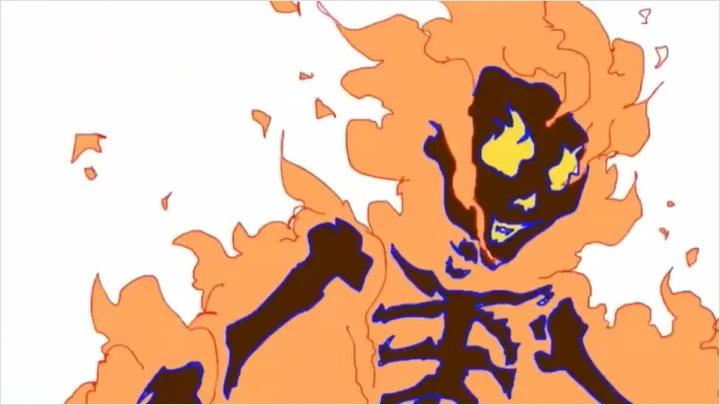
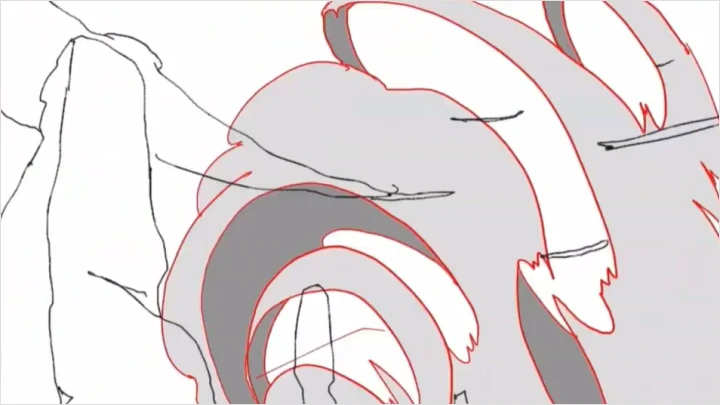

21. Global Form of FX- Showcase effects and overall analysis - The principles of effects movement and how they are perceived
22. Smoke FX- Smoke FX mechanics - Demonstration of how to animate smoke - Breakdown, tips and tricks
23. Fire FX- Fire FX mechanics - Demonstration of how to animate fire - Break down, tips and tricks
24. Liquid FX- Liquid FX mechanics
- Section 08
Shading
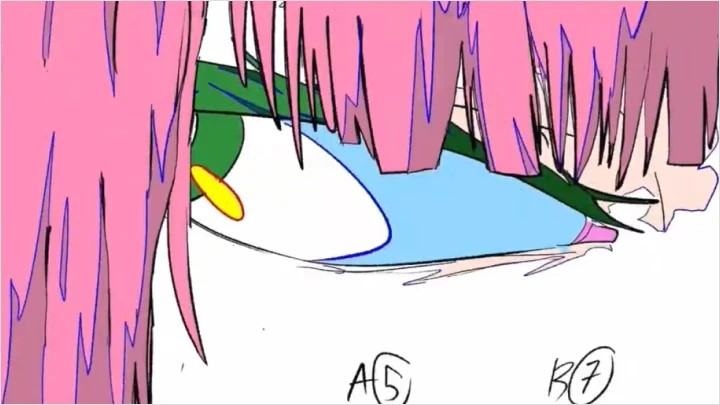
25. Shading - Animation- Demonstration of how to approach shading, lighting, and other factors in animation to keep consistency - Anime shading methods - Timelapse of the shading process
- Section 09
Coloring
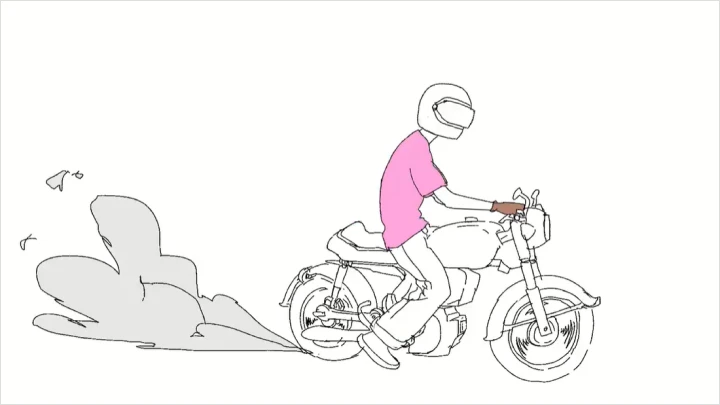
26. Coloring in Animation- What to keep in mind when coloring
- Section 10
Outro
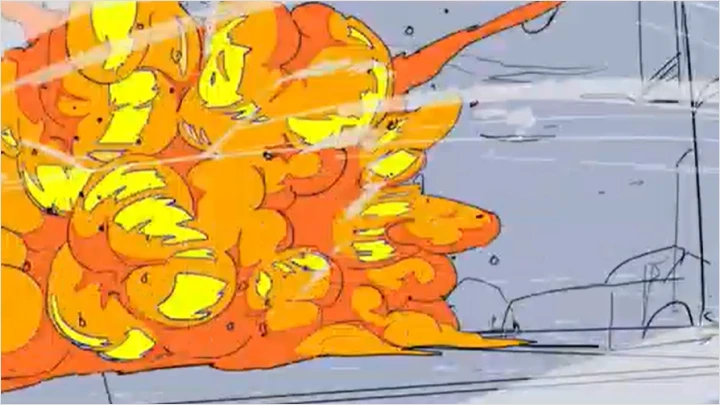
27. My Journey as an Artist- Personal milestones and challenges in becoming a professional artist - Reflection on the growth and lessons learned throughout the journey - Advice for aspiring artists based on real-world experience
28. Final Words- Career advice for learning artists - The steps you can take to establish yourself in the industry
This course will use OpenToonz and Clipstudio Paint EX.
Please purchase and install these program(s) for an optimized chapter experience.
*These programs and/or materials will not be provided with the chapter.