Coloso.

Search Input

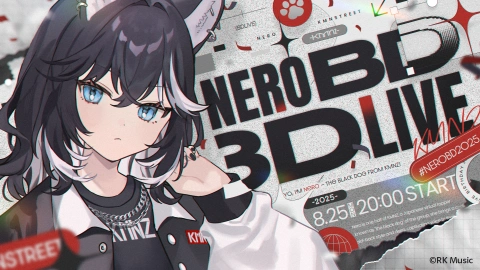
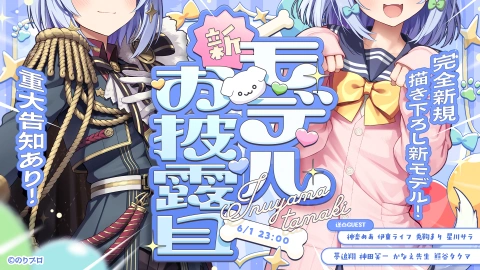
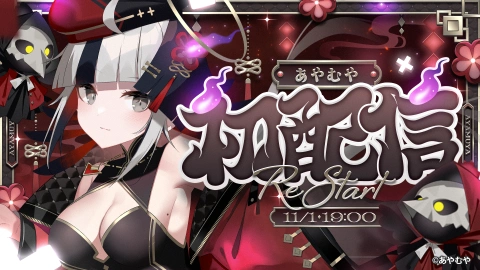
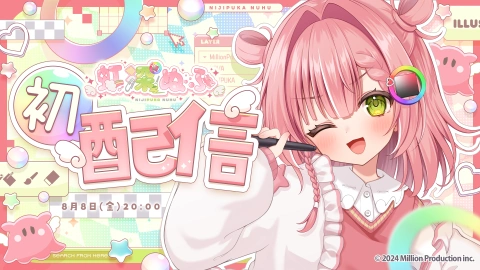
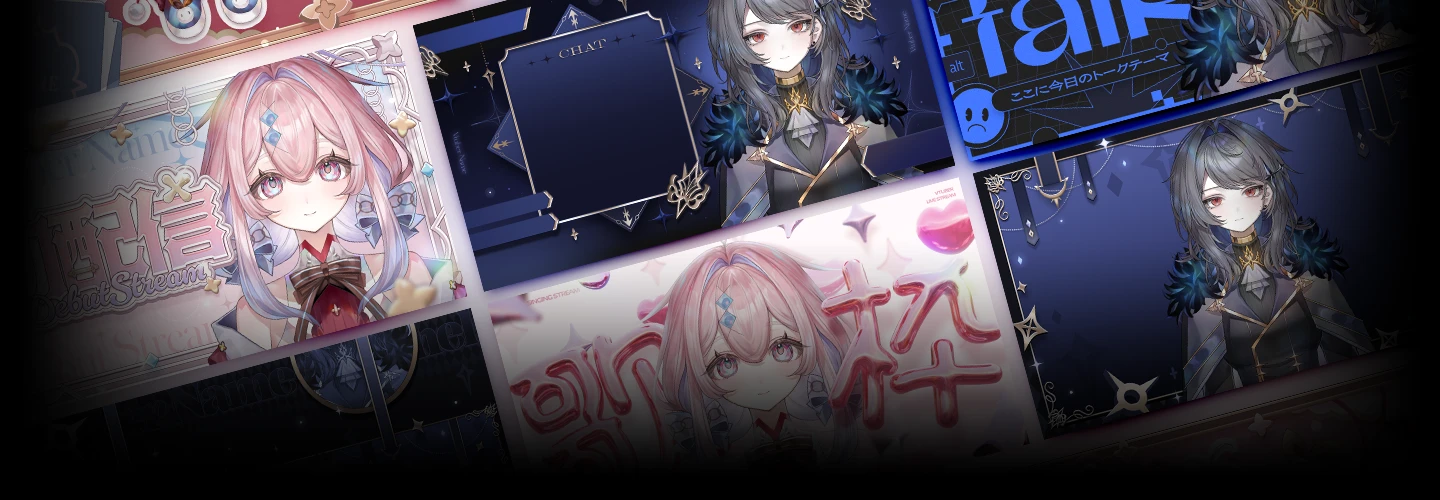
From Design to Production, Creative VTuber Streaming Strategies

VTuberKyoshi Paa
  • Now Available


Detalles de la clase

  • Now Available
  • Básico~Avanzado
  • Videos totales: 30, 11Horas 10Minutos
  • Japonés
  • Inglés [Auto], Chino tradicional
  • Material de clase incluido


ZH-vtuber,kyoshipaa_쿄우시파아JP Details

Instructor(a)
Kyoshi Paa
VTuber

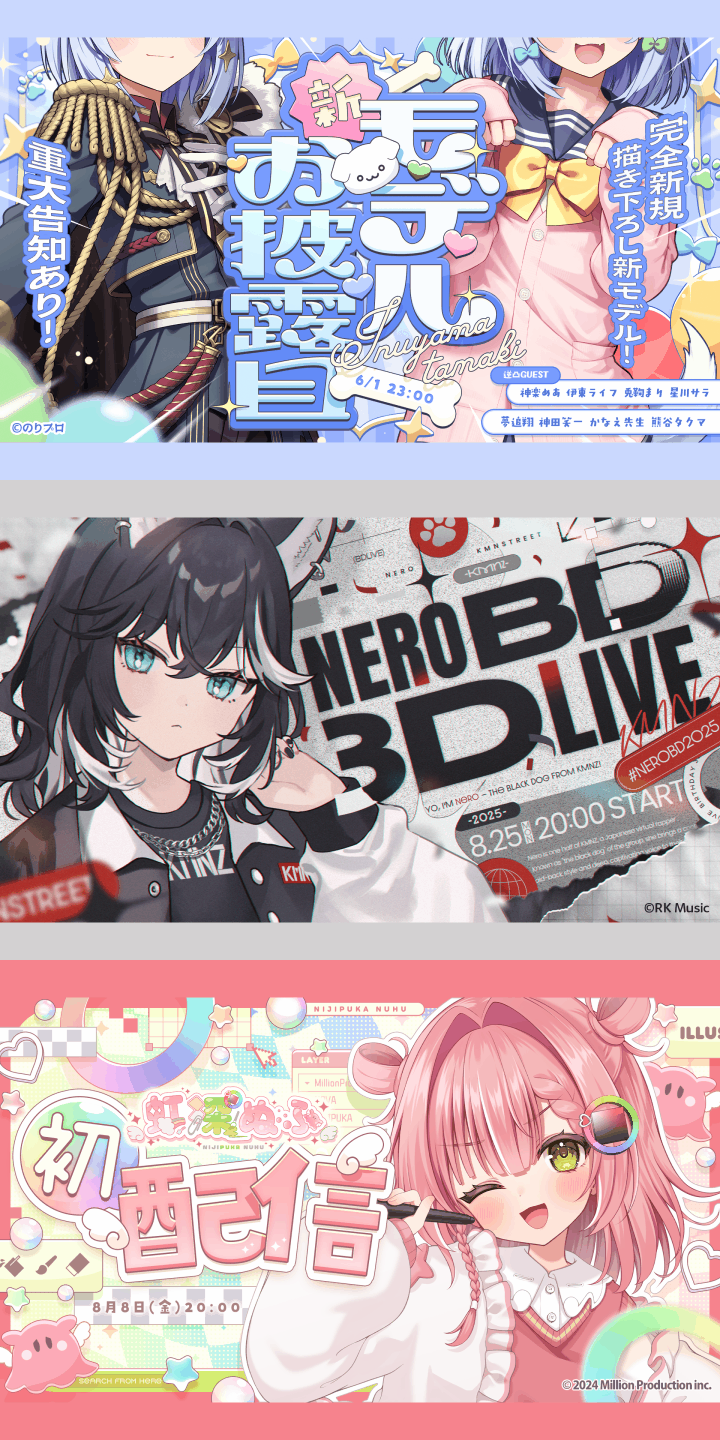
Hello, I’m VTuber Kyoshi Paa. I previously worked at an application development company, and since 2022, I have been active as a VTuber while also handling design production for multiple VTubers, collaborating with major agencies such as Hololive Production, Nijisanji, and VSPO!. My experience covers a wide range of production, both online and offline, including stream assets, logos, and merchandise.

Through my past experience, I have often seen creators aspire to “visually striking design” while struggling to explain what makes it appealing, which often leads to creative blocks during ideation. This course goes beyond imitation and guides you in understanding how to maximize a VTuber’s personality and worldbuilding through design thinking and production workflow. I hope this course helps you develop the ability to create high-quality design yourself and produce work that attracts fans while directly contributing to the success of VTuber activities.

Kyoshi Paa

Kyoshi Paa

VTuber
Perfil

[Experience] After graduating from a vocational school majoring in graphic design, worked as a game graphic designer for approximately 10 years. Later continued professional activities as a freelance illustrator. Since around 2010, has focused on illustration work through exhibition events such as PIXIV FESTA, COMITIA, and Design Festa. Since 2020, has continued commission-based illustration work while also running a YouTube channel. [Selected Works] - Promotional illustration for Omega Strikers Asher - Comic cover illustration for Kamen America - Background design, character design, and overall illustration production for Fighting EX Layer - Card illustration for Sangokushi Taisen TCG - Social game illustrations including Dragon's Dogma Quest, Sengoku Enbu -KIZNA-, and Sengoku Saga [Other Activities] - YouTube channel with over 70,000 subscribers - Featured on Pixivision - Produced review videos for illustration-related equipment such as drawing tablets

Entrevista
Conoce al/la instructor(a)
Pregunta 01

What do people usually find most difficult before taking this course, and how does this course help overcome that?

As the number of creators involved in VTuber-related work continues to grow, many aspire to create visually striking and appealing designs, yet struggle to explain why certain designs feel so attractive. Simply imitating visual styles often does not lead to original ideas, which becomes a source of frustration. This course goes beyond technical instruction by carefully explaining the reasoning and thought process behind design, helping learners understand how to select and combine design elements so they can create work confidently from scratch without hesitation.

Pregunta 02

What led you to start creating design assets specifically for VTubers?

When I debuted as a VTuber, there were almost no creators specializing in thumbnail production. Even among those taking design commissions, very few focused specifically on thumbnails. At the time, neither companies nor individual creators had really established the idea of having thumbnails custom-designed by a designer to match each VTuber’s personal style, and I felt that was a missed opportunity. In my previous job, I had experience working on character asset decoration and merchandise-related projects, which led me to want to promote a way of creating thumbnails by utilizing character illustrations. That became the starting point for the work I do now.

Pregunta 03

What do you focus on most when creating design assets for VTubers, and what skills help you express that?

What I value most is whether the VTuber’s image and the design are presented in a unified way. A sense of visual consistency can be created through color choices and thematic elements, but I believe truly appealing design also requires typography and an overall visual theme that allow fans to feel the VTuber’s unique character. If I cannot find a font that fits a particular VTuber, I design the title lettering myself, and when necessary, I also create elements in 3D. I believe the most important things are having the skills needed to produce exactly what the project requires and maintaining the attitude to keep learning new techniques.

Pregunta 04

What is your view on the market potential and future of the VTuber industry?

The VTuber industry will continue to expand in the future, and demand is growing rapidly not only for model production but also for graphic design fields such as thumbnails, logos, stream visuals, and merchandise. Since every VTuber operates as a brand, designers who can understand that worldview and translate it into concrete visual form are highly valuable. Opportunities are increasing for both freelancers and in-house designers. As VTuber activities continue expanding overseas and into new areas, the market is expected to grow even further, making this a field with significant potential for creators.

Detalles del curso
Lo que aprenderás
<p><strong>Deepen Tool Knowledge to Freely Create Theme Elements and Backgrounds</strong></p>

Deepen Tool Knowledge to Freely Create Theme Elements and Backgrounds

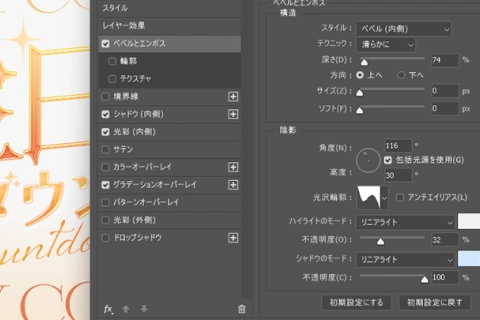
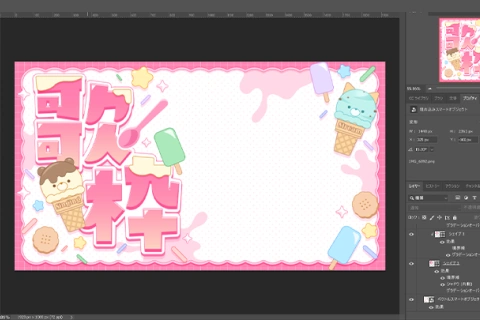
You will explore advanced features in Adobe Photoshop and Adobe Illustrator while learning methods for creating design elements and backgrounds that directly influence the quality of your work. By gaining a deeper understanding of each tool’s characteristics, you will develop the ability to design refined elements with precision, essential for expressing a VTuber’s worldview, and ultimately create valuable design work that directly supports client activities.

<p><strong>Strategic Thumbnail Design That Condenses a VTuber’s Appeal</strong></p>

Strategic Thumbnail Design That Condenses a VTuber’s Appeal

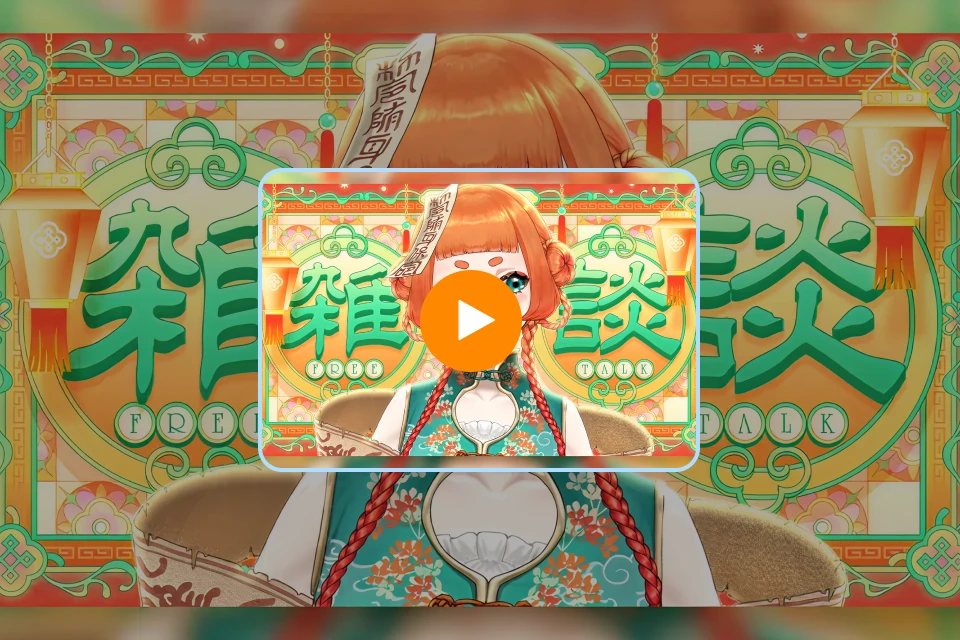
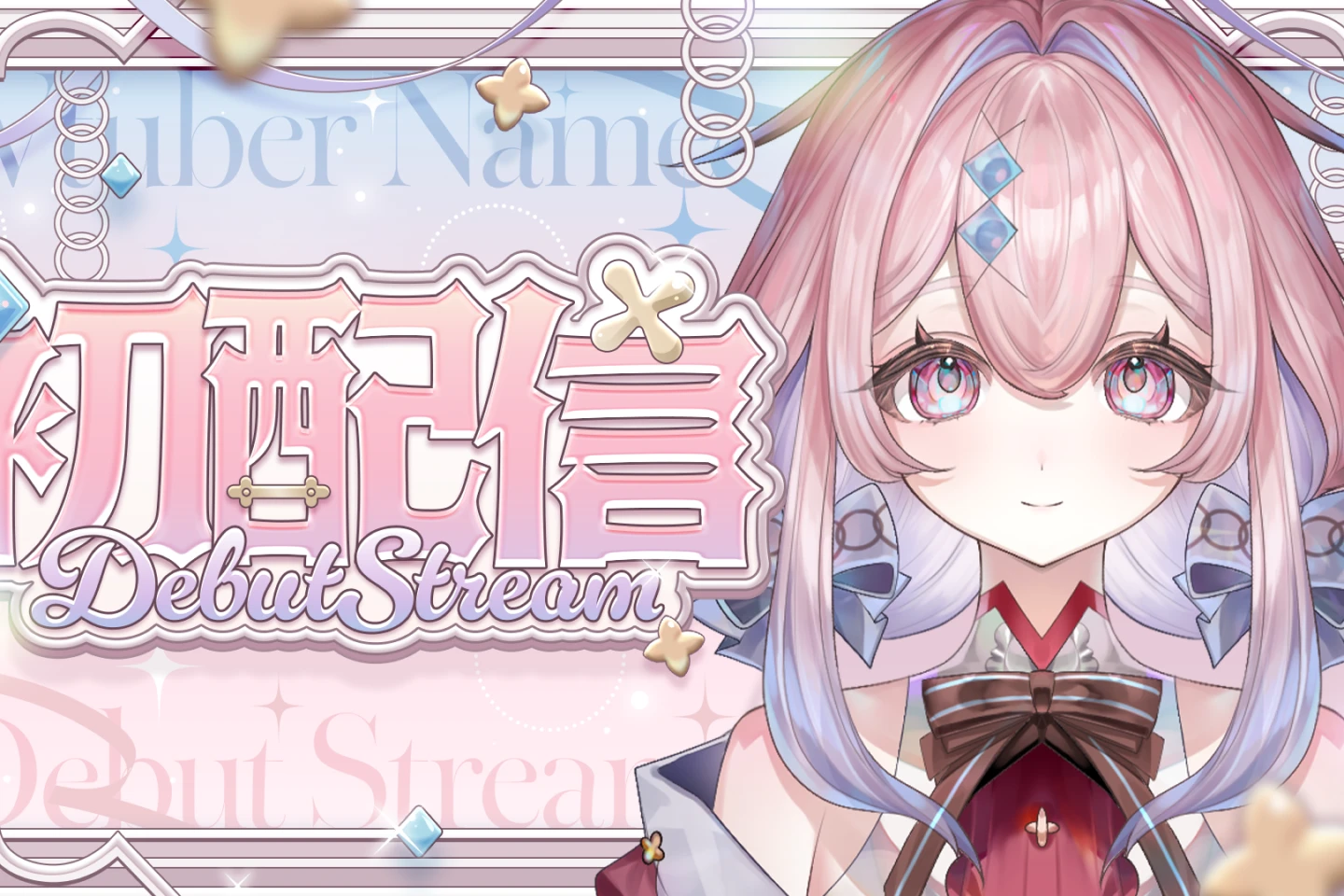
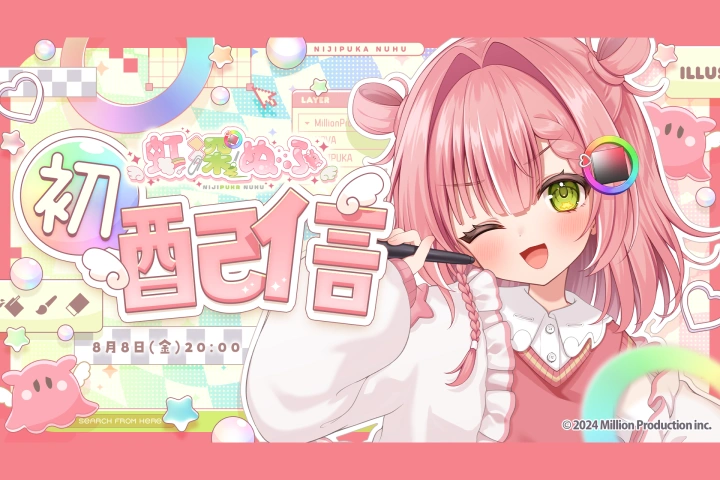
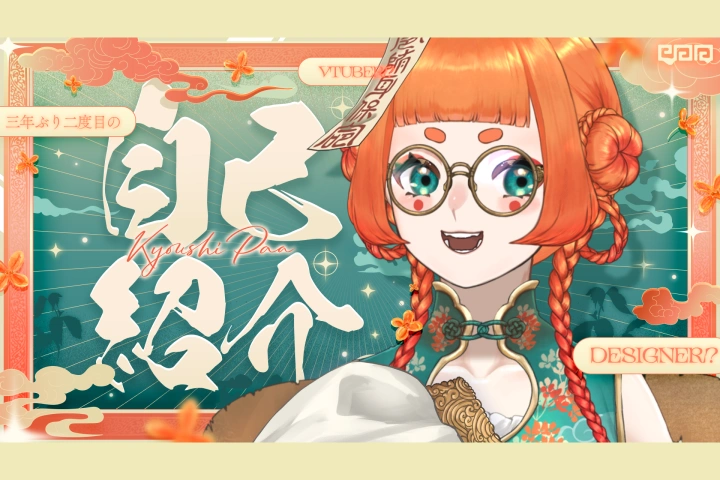
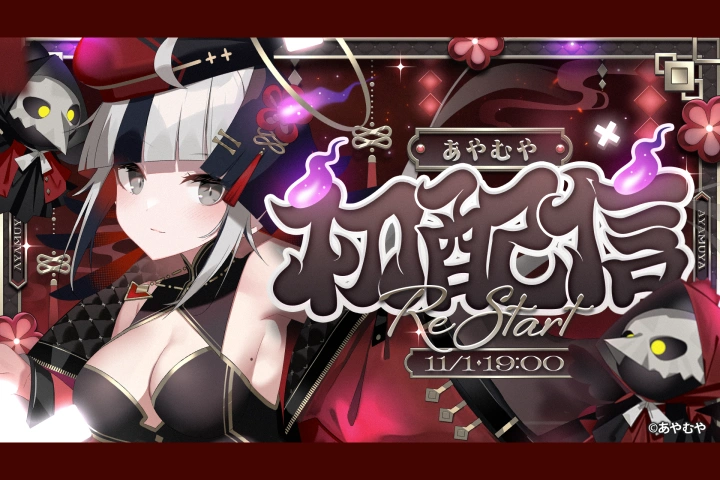
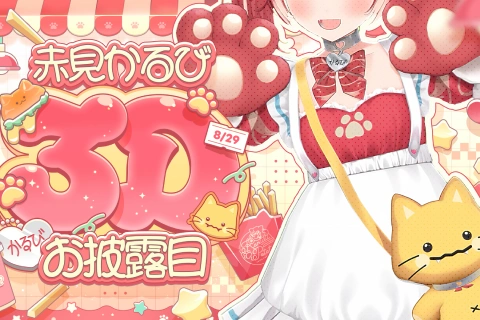
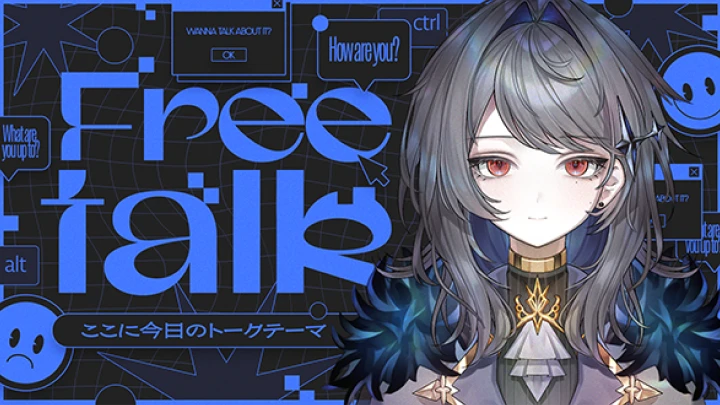
You will learn how to create thumbnails that attract fans while fully expressing a VTuber’s personality. Beyond simply producing eye-catching visuals, the course focuses on design thinking that shapes first impressions. The instructor explains techniques for designing thumbnails that become an ideal visual entrance for both VTubers and their audiences.

<p><strong>Build a VTuber Brand Through Integrated Creative Design</strong></p>

Build a VTuber Brand Through Integrated Creative Design

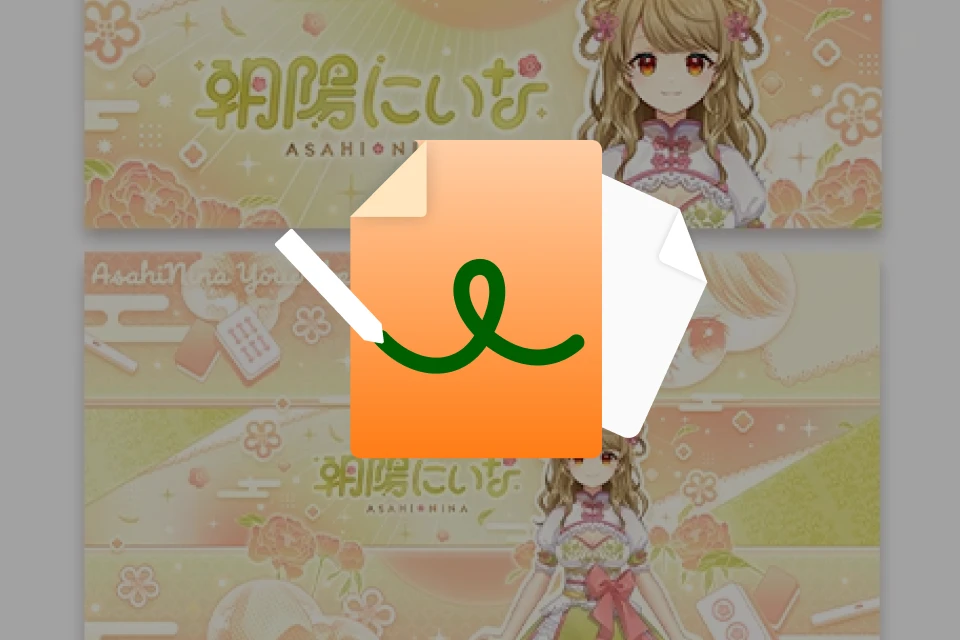
Across creative assets such as thumbnails, profile icons, banners, and stream overlays, you will learn design thinking that maximizes the appeal of each character. By mastering techniques that capture attention at first glance and leave a lasting impression on fans, you will establish a unified VTuber brand identity and ultimately create valuable design work that directly supports client activities.

<p><strong>Use Typography Not Only as Information but as a Flexible Design Element</strong></p>

Use Typography Not Only as Information but as a Flexible Design Element

You will learn typography techniques that treat text—an essential part of design—not simply as information, but as a visual element enhanced through decoration and styling. From font selection and decorative design that matches a VTuber’s worldview to shaping letterforms themselves, the course explains each step in detail to help strengthen the impact of titles and promotional phrases.

<p><strong>Refinement Techniques for Higher Quality and Greater Completion</strong></p>

Refinement Techniques for Higher Quality and Greater Completion

You will learn strategic methods for applying color tone, brightness, and contrast, which determine the overall impression of a design. While maintaining visibility and readability, you will also develop finishing techniques that organize information effectively and elevate the overall completion of your work to a higher level.

<p><strong>Practical Knowledge Combining a Designer’s Perspective and a VTuber’s Perspective</strong></p>

Practical Knowledge Combining a Designer’s Perspective and a VTuber’s Perspective

In addition to professional design techniques, you will also gain practical knowledge drawn from Kyoshi Paa’s experience as an active VTuber. By understanding functional requirements in actual streaming environments and the design direction truly needed from an operational perspective, you will be able to create valuable design work that directly supports client activities.

Plan de estudios
Mirada en profundidad

**Class release dates and content are subject to change without prior notice.

**This course is available in Traditional Chinese with auto-generated English subtitles.

**All course materials are available in Traditional Chinese only.

  • Section 01
    Self-introduction
    curriculum-vtuber-kyoshipaa-jp-section01.webp
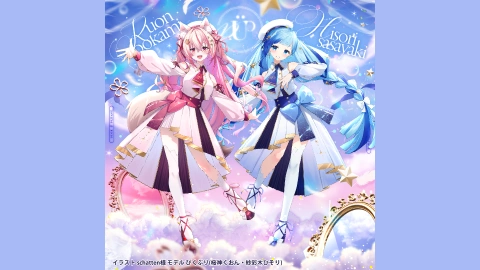
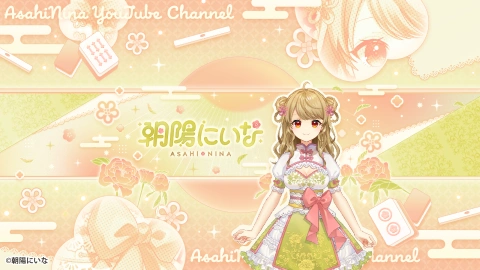
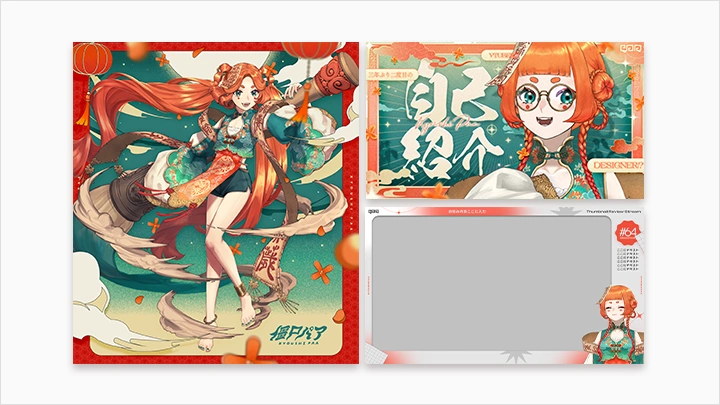
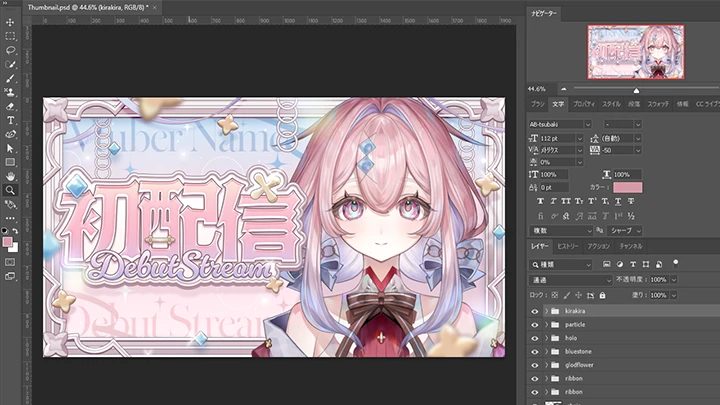
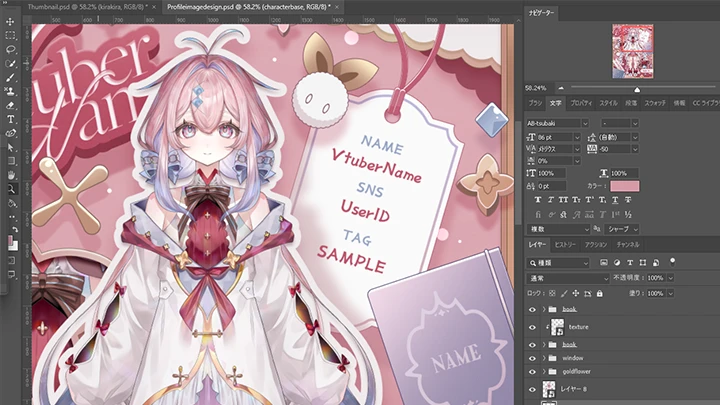
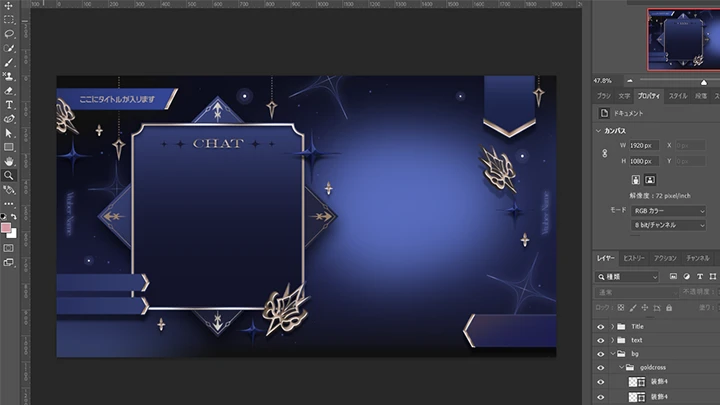
    • 01. Personal Profile & Work Achievements Introduction • Course Description- Experience and Achievements - Skills You Will Learn in This Course - Overview of the 4 Works You Will Be Creating (Thumbnail/Portrait/Live Overlay/Banner) - Explanation of Software Used (Photoshop/Illustrator/Blender)

  • Section 02
    Design concept for creating VTuber thumbnails
    curriculum-vtuber-kyoshipaa-jp-section02.webp
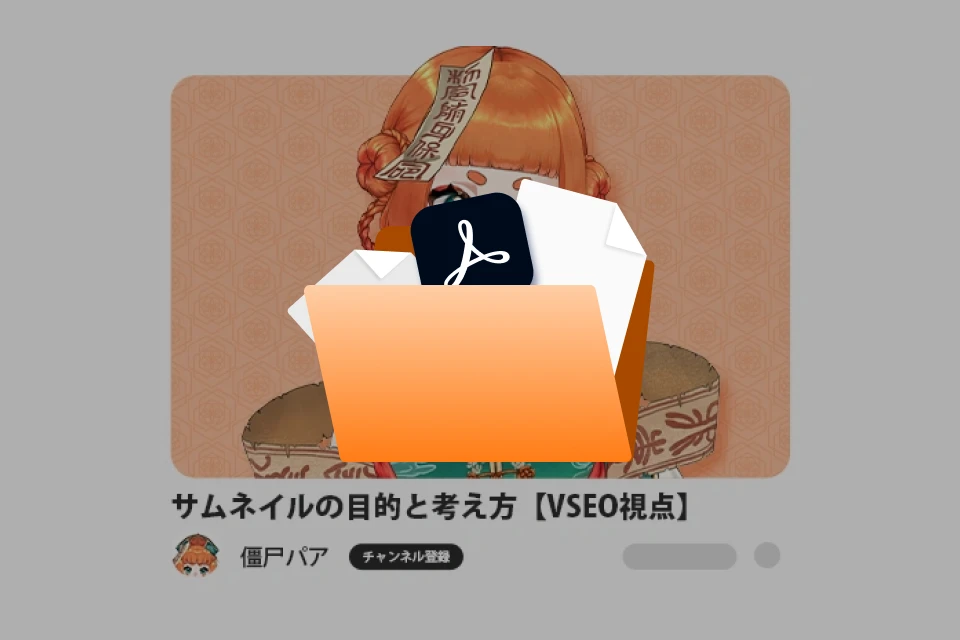
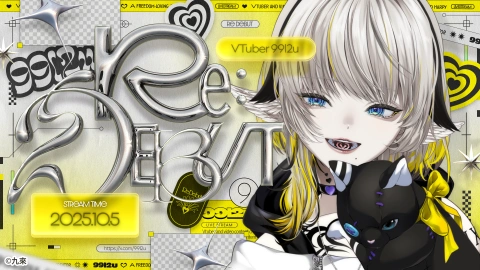
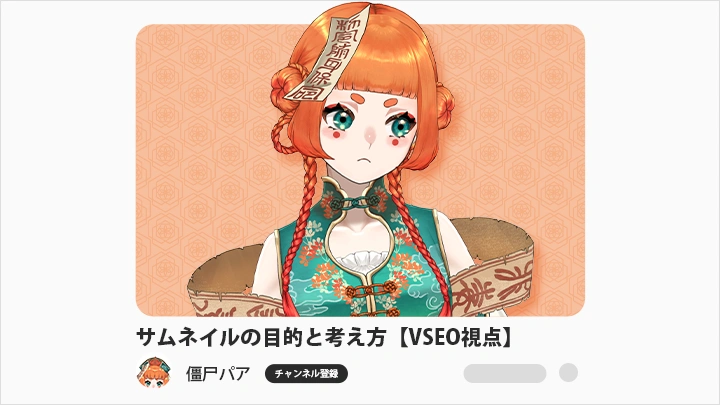
    • 02. The Purpose and Design Concept of Thumbnail Design (VSEO Perspective)- Design methodology for "Who to target, what to convey, and what impression to create" - Fundamentals of VSEO (Video Search Engine Optimization) - Analysis of VTuber's unique high-reach thumbnail structure

    • 03. Text Design and Material Processing Methods in Thumbnails- Composition basics and eye guidance; Typography basics and readability

  • Section 03
    Creating thumbnails (practical exercise)
    curriculum-vtuber-kyoshipaa-jp-section03.webp
    • 04. A method for conceiving sketches by starting with illustrations and text.- Important Notes When Creating Thumbnails for VTubers - Regarding Theme Setting and Selection of Creative Elements

    • 05. Creating thumbnails that fit the theme 1 (background part)- How to create a background when starting from a theme that complements the illustration?

    • 06. Creating thumbnails that fit the theme, part 2 (title section)- Creating the title section for the thumbnail (using Illustrator)

    • 07. Creating thumbnails that fit the theme (Assignment to improve quality)- Creation and final processing methods of creative elements

  • Section 04
    Creating a personal image design (practical exercise)
    curriculum-vtuber-kyoshipaa-jp-section04.webp
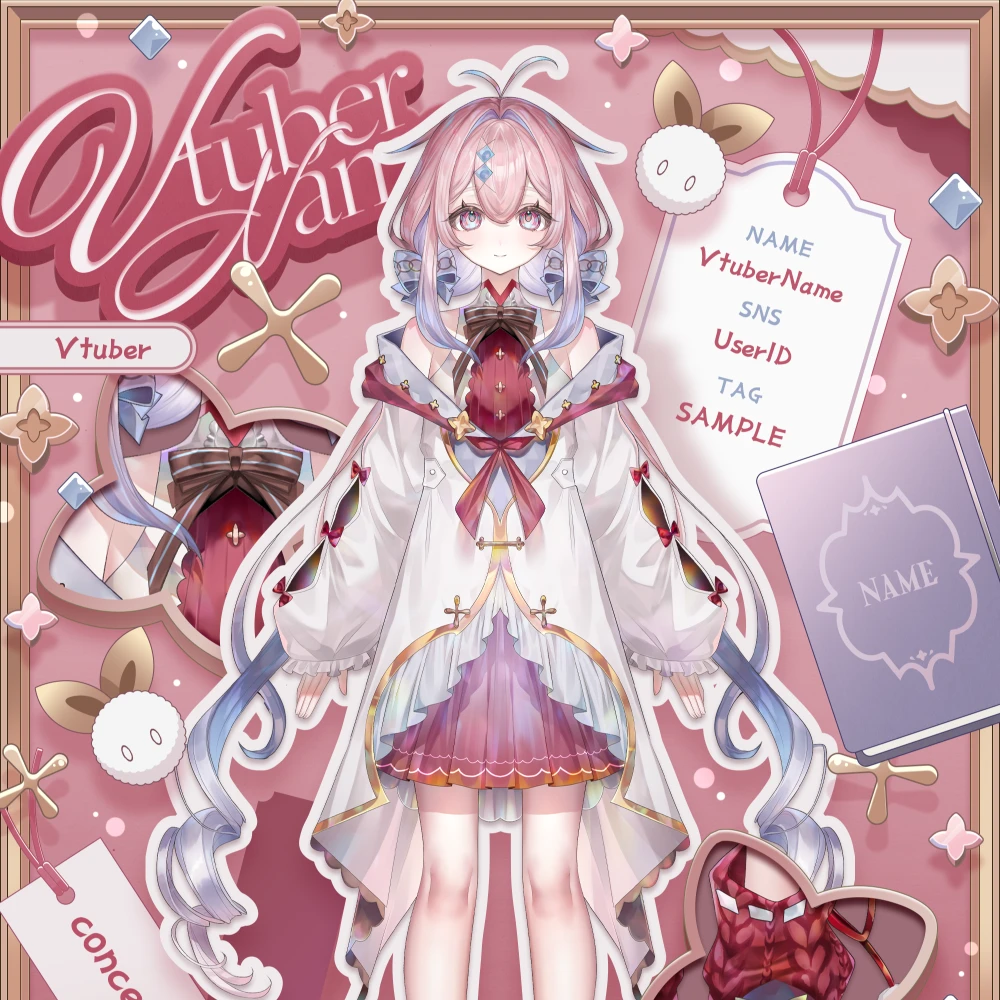
    • 08. Character and Impression Design in Illustration- Creating sketches and outline designs

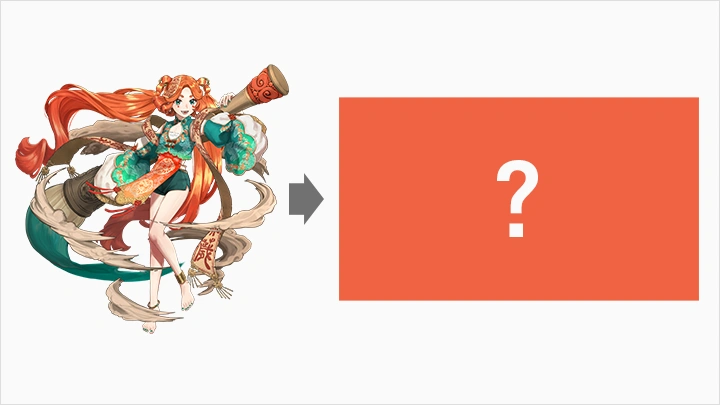
    • 09. Personal Image Design and Creation to Enhance the Charm of Illustrations 1- Background of production, main creative elements, etc.

    • 10. Personal Image Design and Creation to Enhance the Charm of Illustrations (Part 2)- Design methods and final assignments based on role positioning

  • Section 05
    Create a live overlay (practical exercise)
    curriculum-vtuber-kyoshipaa-jp-section05.webp
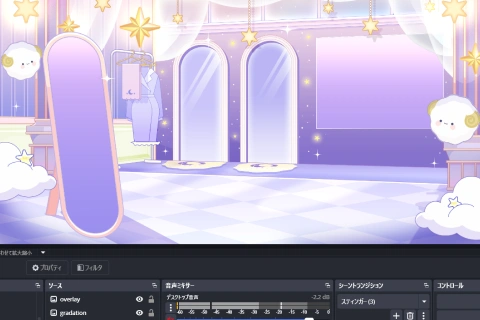
    • 11. The basis and function of the live overlay layer- Why Game Streaming Needs It - Information Design, Design and Production Methods Considering OBS Specifications

    • 12. Page Layout Construction- The Golden Ratio in Live-Action Footage - Techniques for Information Organization - Methods for Building a Worldview

    • 13. Creating a Live Overlay 1 (Background Part)- Creating a single-themed live stream overlay from scratch - Illustration creation techniques that don't obstruct the game screen

    • 14. Live Overlay Creation 2 (Creative Elements, Final Draft, and Deliverable File Creation)- Tasks to improve overall completion rate; instructions regarding delivery documents.

    • 15. Consider the application methods of OBS in different usage scenarios.- Methods for creating more engaging live streaming overlays by leveraging external tools and OBS's built-in features.

  • Section 06
    Creating YouTube/Social Media Banners (Practical Demonstration)
    curriculum-vtuber-kyoshipaa-jp-section06.webp
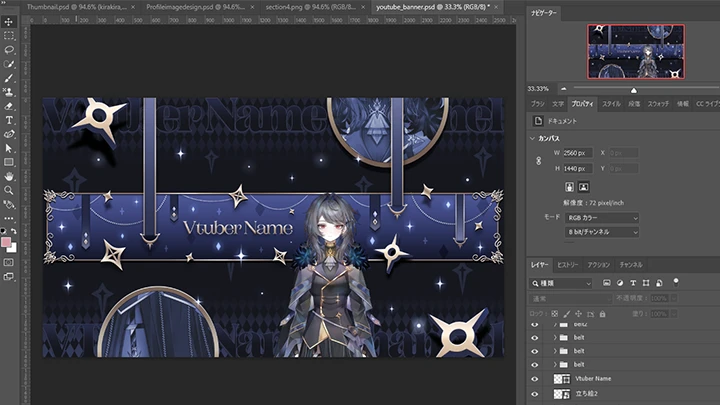
    • 16. The basics of banner design and the function of banners in the Vtuber field- This banner was created to create a consistent brand design.

    • 17. YouTube Channel Banner Creation 1 (Layout and Background Design)- Size, safe zone, and layout theory - Color scheme, composition, material direction, and practical Photoshop operation - Character illustration configuration and processing techniques

    • 18. YouTube Channel Banner Creation 2 (Layout and Background Design)- Text layout, color scheme, decorations, and adjustments for display testing on YouTube - Tone adjustments, image quality adjustments, and the final draft designed to enhance visual appeal.

    • 19. VTuber-specific banner expansion and usage techniques- Expansion strategies aimed at brand consistency - Resizing for social media use and application as a universal background

  • Section 07
    Creating flexible thumbnail templates (practical demonstration)
    curriculum-vtuber-kyoshipaa-jp-section07.webp
    • 20. The mindset for creating thumbnail templates- Template definition and template decomposition thinking methods

    • 21. Create thumbnail template 1 (background design considering color changes)- Learn background design that won't break down no matter what color you change it to.

    • 22. Create thumbnail template 2 (considering the creation of titles and design elements with color variations)- Learn design techniques that ensure the title remains the focal point regardless of color changes. - Understand methods for templated representation of visual elements (illustrations, decorations).

  • Section 08
    Summarize
    curriculum-vtuber-kyoshipaa-jp-section09.webp
    • 23. Summary of VTuber-related design aspects- The essence of VTuber design: What message do you want to convey?

  • Section 09
    Creating thumbnails with 3D elements using Illustrator (hands-on demonstration)
    curriculum-vtuber-kyoshipaa-jp-section08.webp
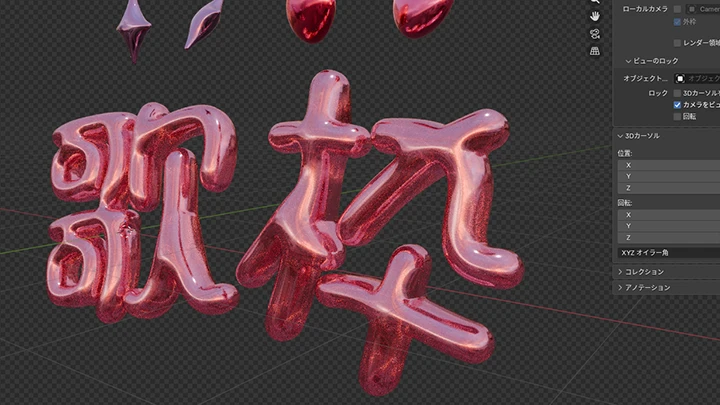
    • 24. Examples of using 3D components: Creating 3D components using Illustrator.- Methods and precautions for creating thumbnails with 3D effects

    • 25. Methods for creating thumbnails with 3D elements using Illustrator and transferring data to Blender.- A method to transfer data from Illustrator and integrate it into the thumbnail after exporting in Blender.

Herramientas necesarias

This course will use
[Main]
- Photoshop (2024 or above)
- Illustrator (2024 or above)

[Others]
-Blender

Please purchase and install these program(s) for an optimized chapter experience.

*These programs and/or materials will not be provided with the chapter.

program-vtuber-kyoshipaa-jp-photoshop.webp
Clases recomendadas

Aviso Importante

- This product provides access to the video lectures online (Excluding products categorized as Assets). - Under certain circumstances, discounts may end early or be extended without prior notice. - For pre-ordered courses, the content and the lecture videos will be released sequentially according to the schedule. The Course Start Date will be set to the release date of the first lecture video. - You will gain immediate access to the course through My Page upon completing registration and payment. Total Course Duration: - The Standard Access (Paid access) period lasts for the first 15 days and Unlimited Free Access period will begin from the 16th day. Both the Standard and Unlimited Free Access periods offer the equal viewing experience to the content. - Course Start Date: The estimation of the Course Start Date will be based on the completion date of the payment. Immediate access to the lecture videos will be granted through My Page. (For pre-ordered courses, the start date will be the release date of the first lecture video.) - In case the course start date is postponed due to extenuating circumstances on Coloso’s end, the start date will be adjusted accordingly.
*Please note that certain aspects of this course, including the release date, curriculum images, and associated content, are subject to change without prior notification.
*Would you like to learn more about our refund policy? Please check ▶ here
*Please check our ▶ FAQ for Copyright and Proprietary Rights, User-Generated Content, Security, and Violation information.
*保留未事前告知而更改本網頁資訊的權利
*欲進一步瞭解退款政策的細節,請由 ▶ 此處確認。
*請至 ▶FAQ頁面查看有關版權及所有權、使用者製作內容、資料安全及違反等相關資訊。
*Tenga en cuenta que la información de esta página está sujeta a cambios sin previo aviso.
* ¿Le gustaría saber más sobre nuestra política de reembolso? Por favor, compruebe ▶ aquí
*Por favor, compruebe nuestras ▶ FAQ para los derechos de autor y derechos de propiedad, contenido generado por el usuario, seguridad e información de violación.
- This product is strictly prohibited to resell, redistribute, steal, or transfer. - The original images and simple edited images of this product cannot be transferred, distributed, or sold. - This product can be refunded only before the class video is released. - You can find this product on [My Class] > [Class Materials]