Revealing essential SketchUp skills, including efficient processes to eliminate tight deadlines and creating your own resources.
Webtoonist,Yongsa_웹툰작가 용사 Details
Class introduction
Class Intro
Webtoonist, Yongsa
“Are you curious about a more efficient way to create backgrounds?
I found the answer in the 3D tool SketchUp.”
After submitting the manuscript, it is the fate of a webtoonist to draw the next episode without a break!
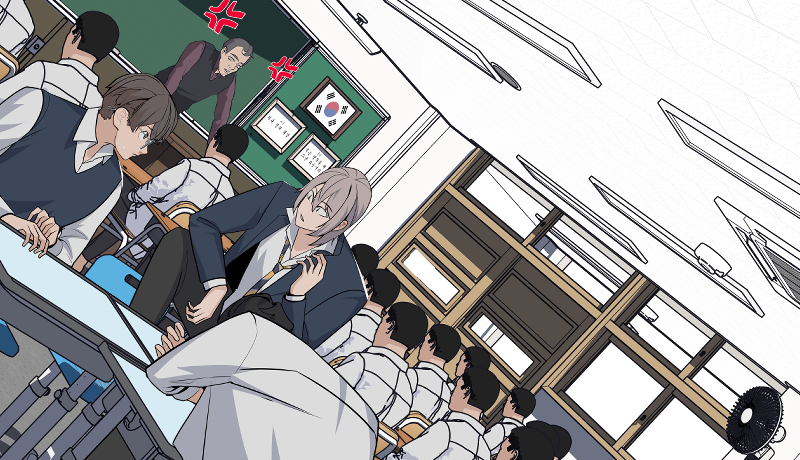
SketchUp has now become an essential part of the webtoon production process to manage tight schedules and work efficiently.
Instead of spending a lot of time drawing backgrounds one by one, use the highly productive SketchUp function to create resources suitable for your work and implement various backgrounds.
Instead of spending a lot of time drawing backgrounds one by one, use the highly productive SketchUp function to create resources suitable for your work and implement various backgrounds.
Yongsa, a current webtoon Yongsa who has proven his teaching skills not only by serializing the Naver webtoon <King of Horses> but also by teaching at Chungkang University of Culture and Industry, the mecca of comics, will teach you how to work in SketchUp, which produces the highest quality in the least amount of time.
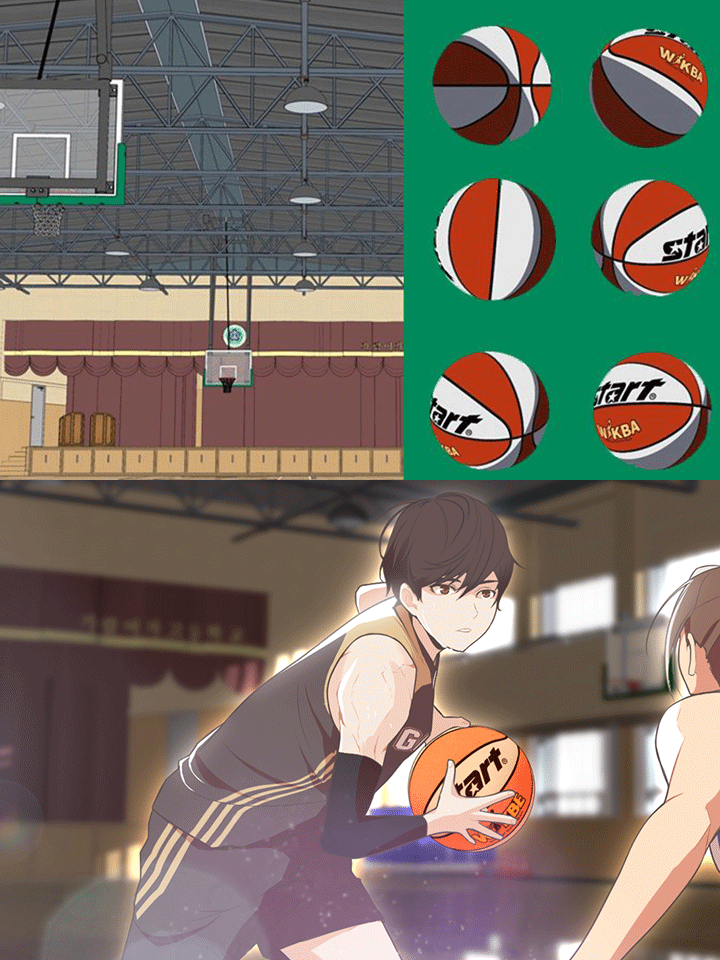
*The second image is a partial scene from the Naver webtoon <Green Apple Academy at the End of the Century>, and webtoonist Yongsa participated in creating the background.
*The second image is a partial scene from the Naver webtoon <Green Apple Academy at the End of the Century>, and webtoonist Yongsa participated in creating the background.
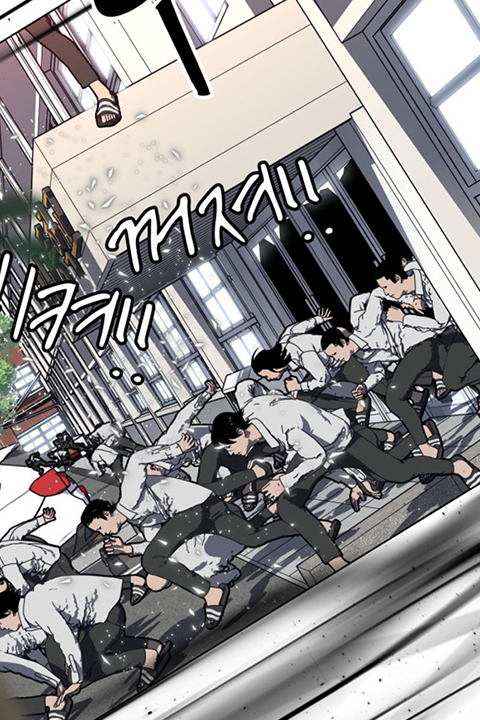
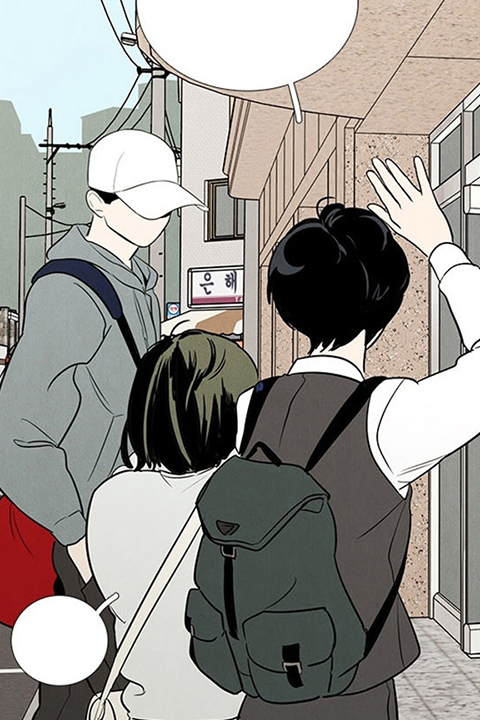
Expert Webtoonist Yongsa's Portfolio

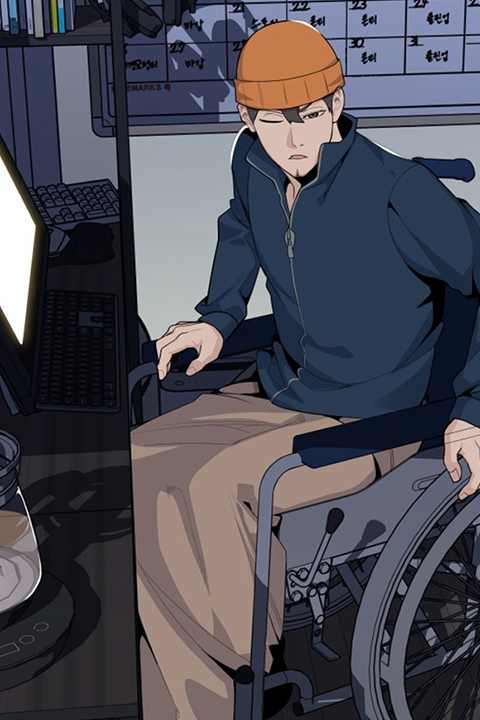
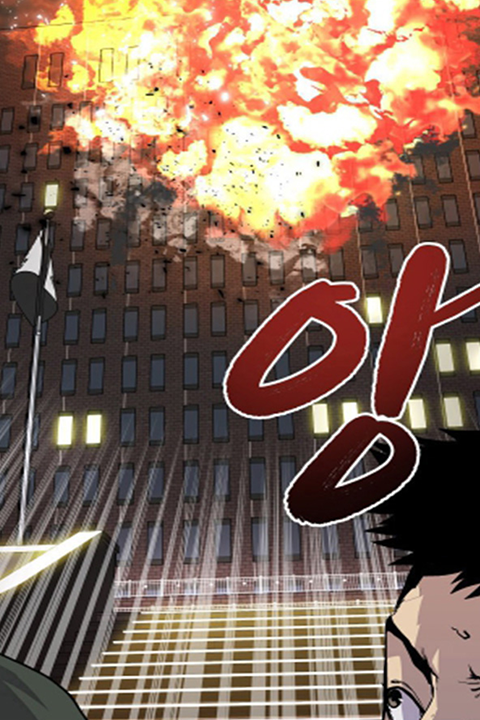
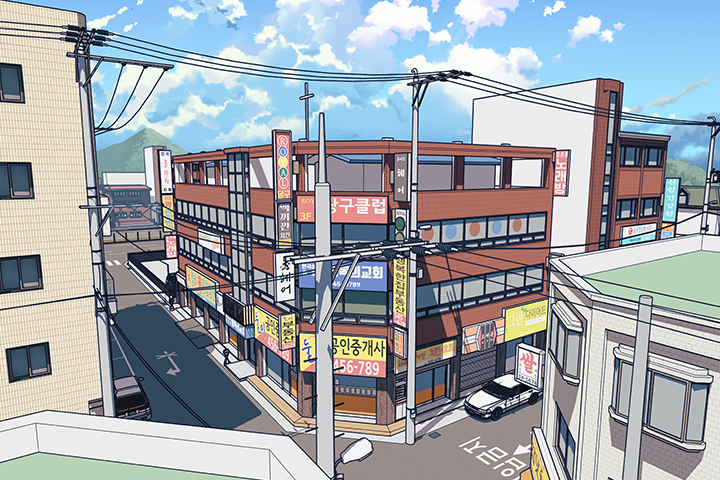
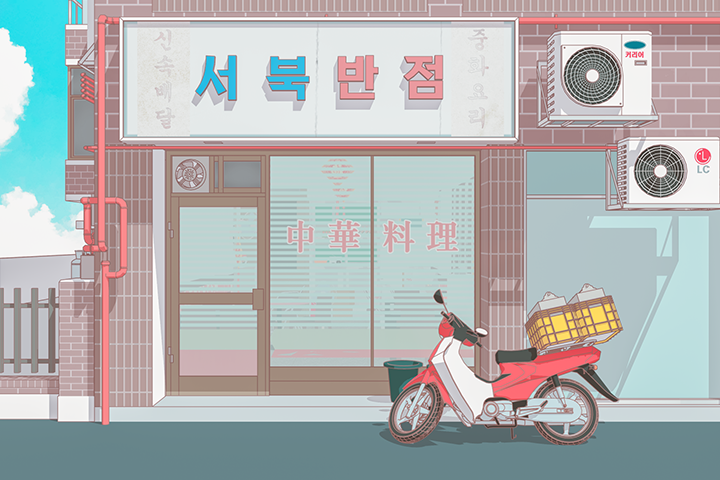
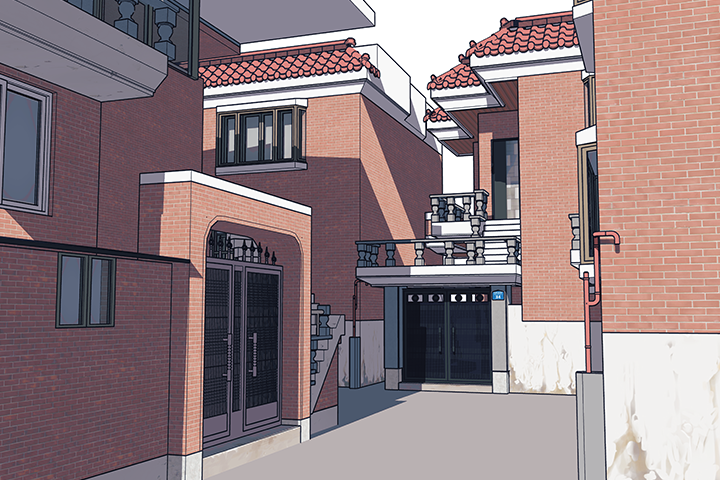
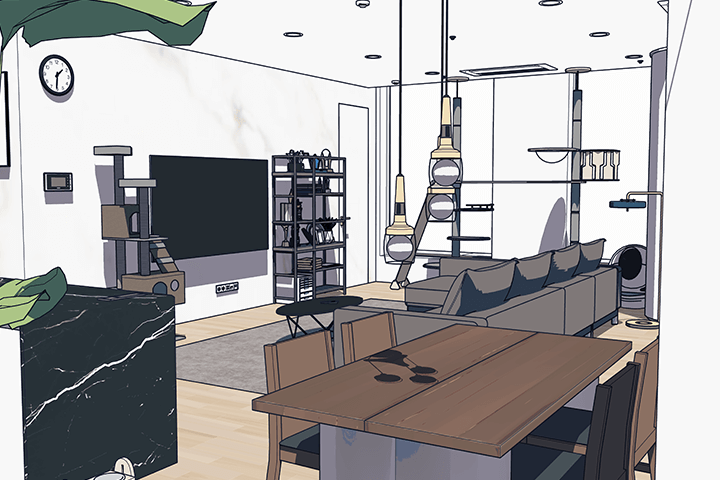
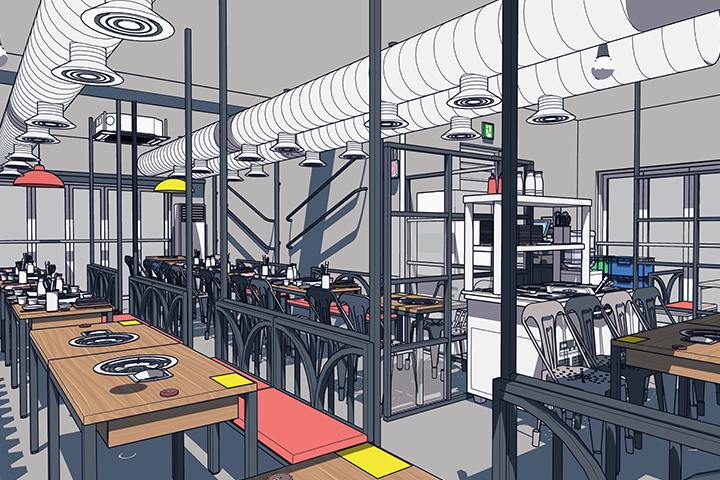
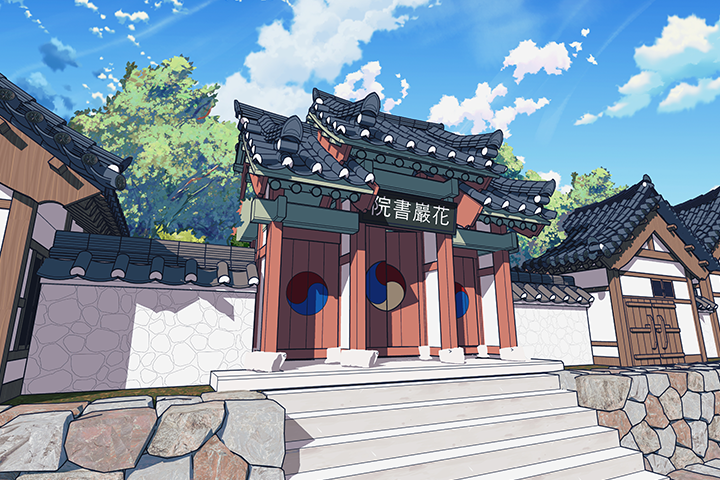
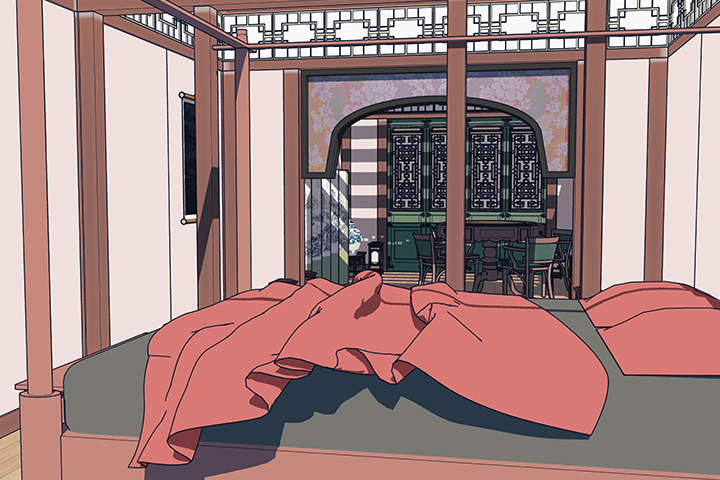
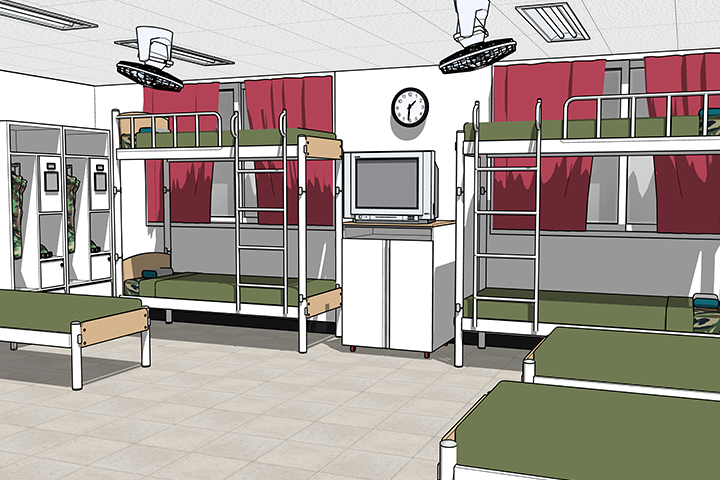
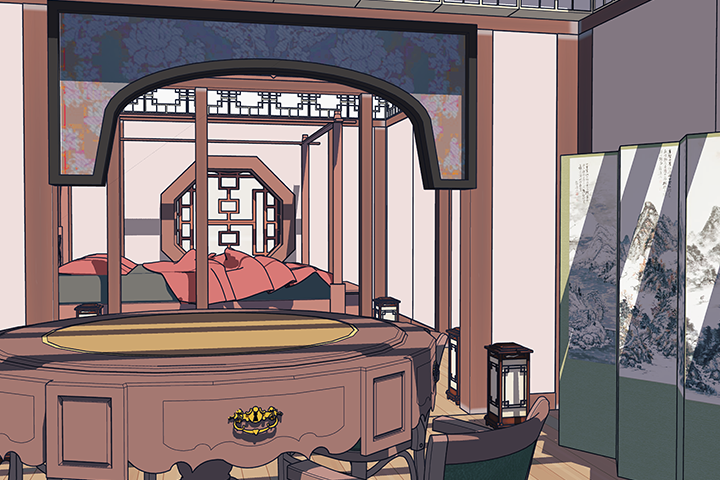
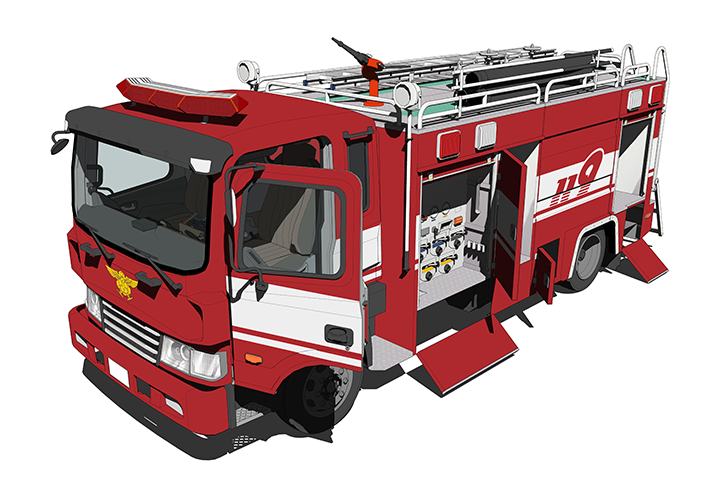
Why Take This Class?
Although the use of SketchUp is increasing in the webtoon market, did you know that there are not many SketchUp courses on the market that focus on webtoon creation?
In this class, we plan to cover all step-by-step processes, including SketchUp basic functions and theory, modeling, texture creation, curved modeling, extraction and correction, and application to works, through an actual webtoon manuscript demonstration process.
Take on the challenge of creating rich scenes and highlighting the uniqueness of webtoons through the highly efficient SketchUp practical process of a veteran Yongsa with 6 years of experience.
6 Class Exercises
-
spatial modeling -
Creating objects with curved surfaces -
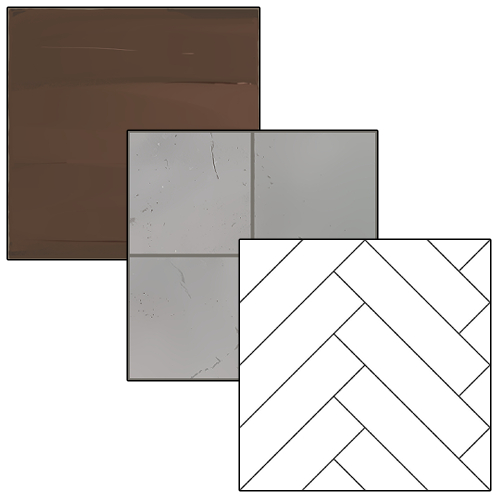
Create your own texture
-
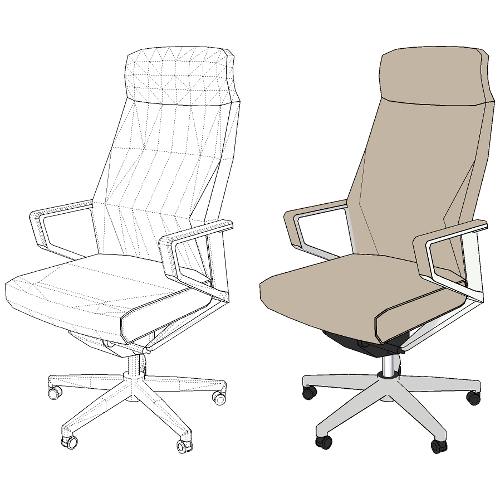
A taste of high-difficulty modeling -
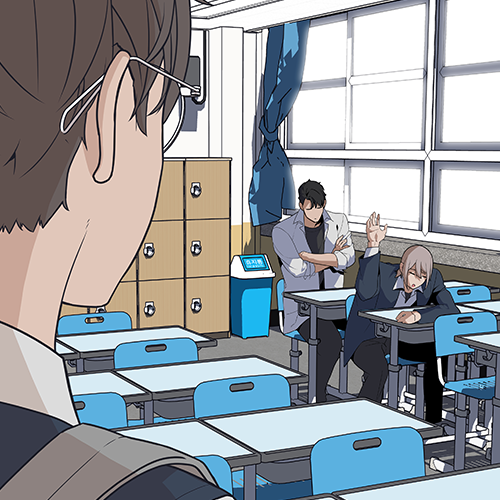
Natural manuscript application method -
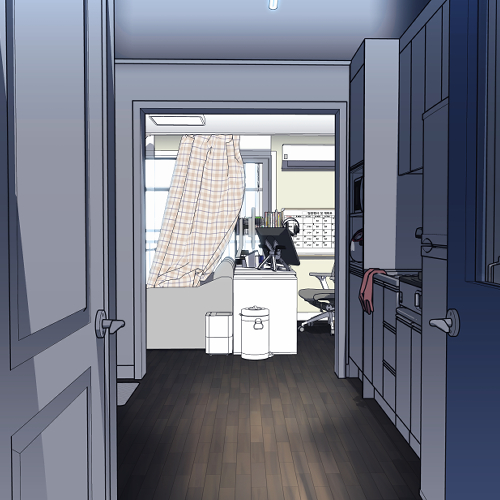
Efficient background correction method
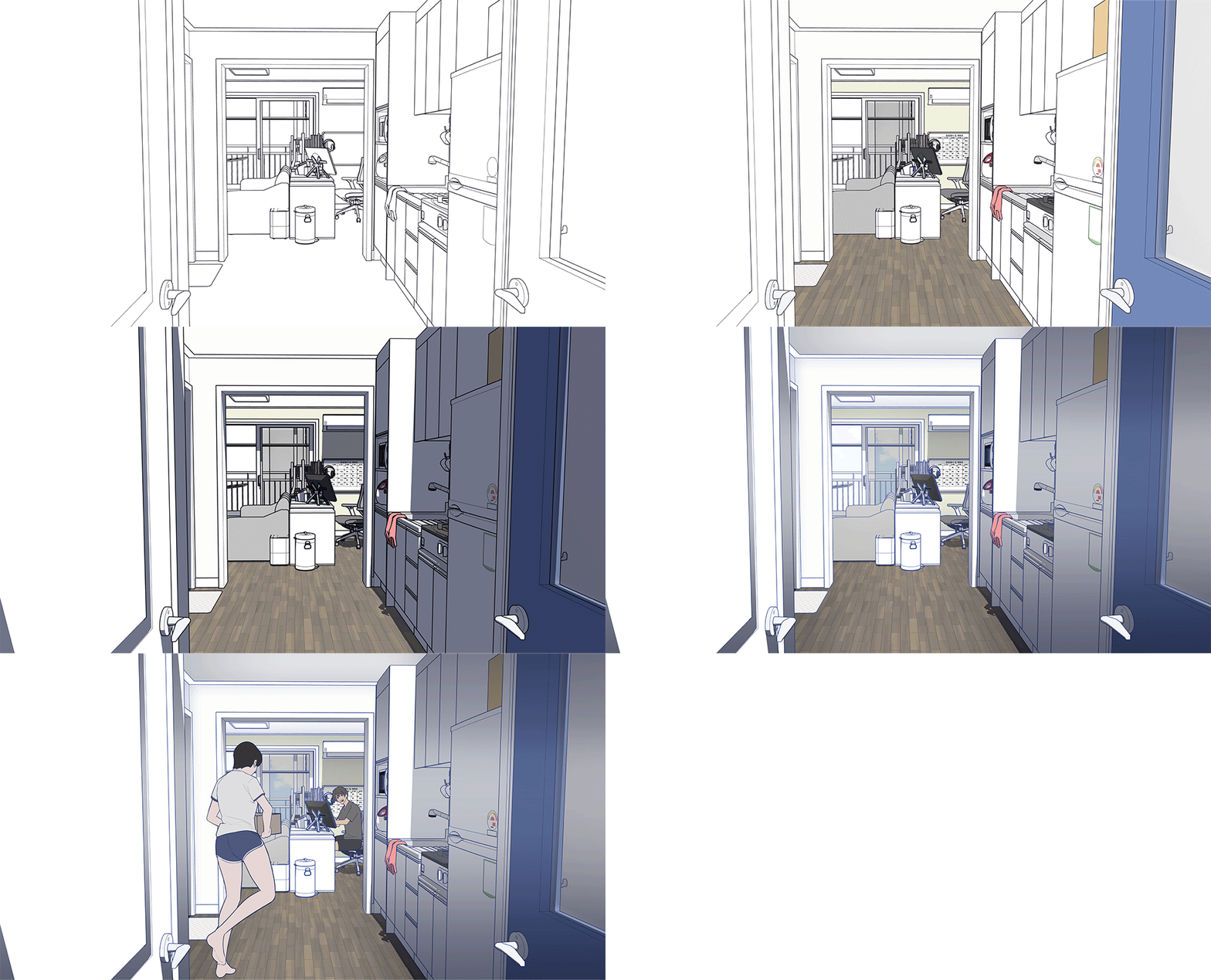
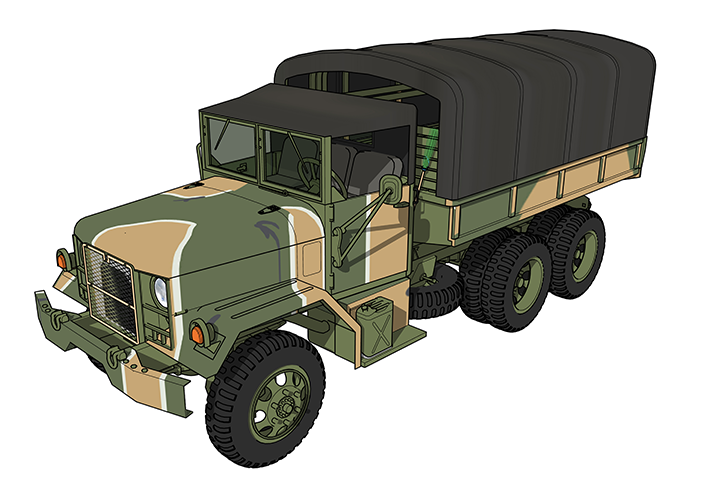
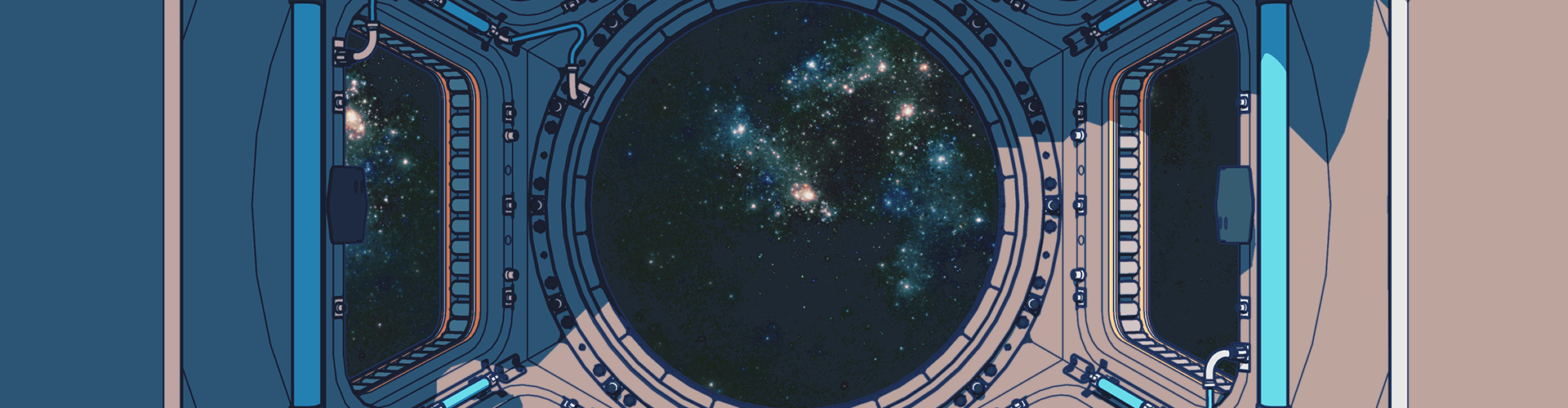
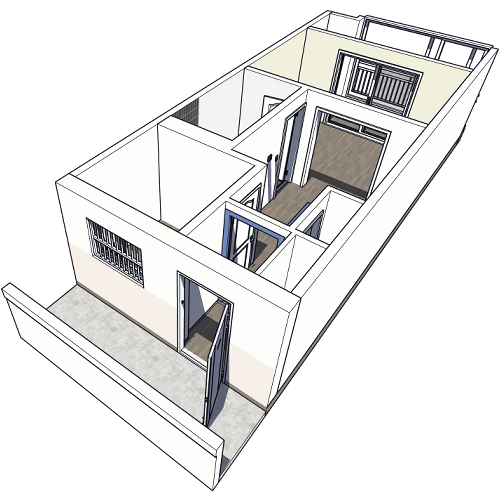
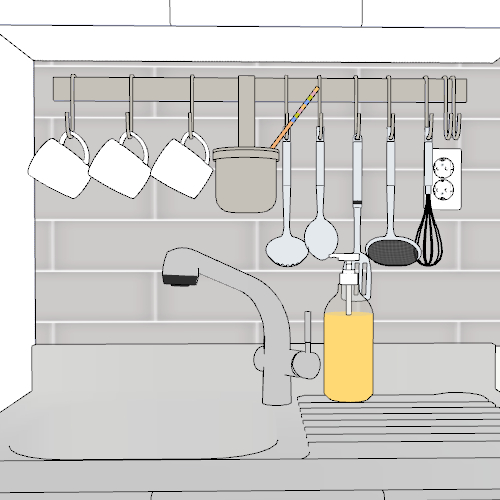
* This image is an example image to help you understand the class.
Speaker introduction
Webtoonist
Yongsa
Hello, I am Yongsa, a webtoonist who is currently serializing the Naver webtoon <The King of Horses>.
I worked as an optician until just a few years ago. Since I never majored in either comics or art, and I started working on webtoons late, I had to break away from existing methods and always research what was the most efficient and quick way to produce quality.
Thanks to that, I am currently busy continuing my career by publishing webtoons, assisting backgrounds and props, and teaching various tool classes at Chungkang University of Cultural Industries.
In this course, I will help many aspiring webtoonists complete high-quality webtoons more conveniently based on the various practical experiences I have gained over the past 6 years.


Webtoonist, Yongsa
Current)
Webtoonist
2022 Naver Webtoon King of Horses serialized
Chungkang College of Culture and Industry Webtoon production course in progress
Projects & Awards
Previous)
2020 Naver World’s Largest Contest 1st Excellence Award
2020 Naver Webtoon Human Temperature Background Responsible
2020 Chungkang University of Cultural Industries SketchUp, Photoshop,
Clip Studio, digital manuscript creation course.
2018 Crowdfunding <Capturing the charm of characters
SketchUp Prop Series> All Success
2016 Lezhin Comics webtoon Backcourt series completed
class features
Class Highlights
Essential introductory know-how on SketchUp, an essential tool for working webtoon artists
A veteran instructor and webtoonist who taught more than hundreds of students at Chungkang University of Culture and Industry, which produced many famous webtoonists! Learn the basics of SketchUp, which is useful for current professionals, with your own know-how.
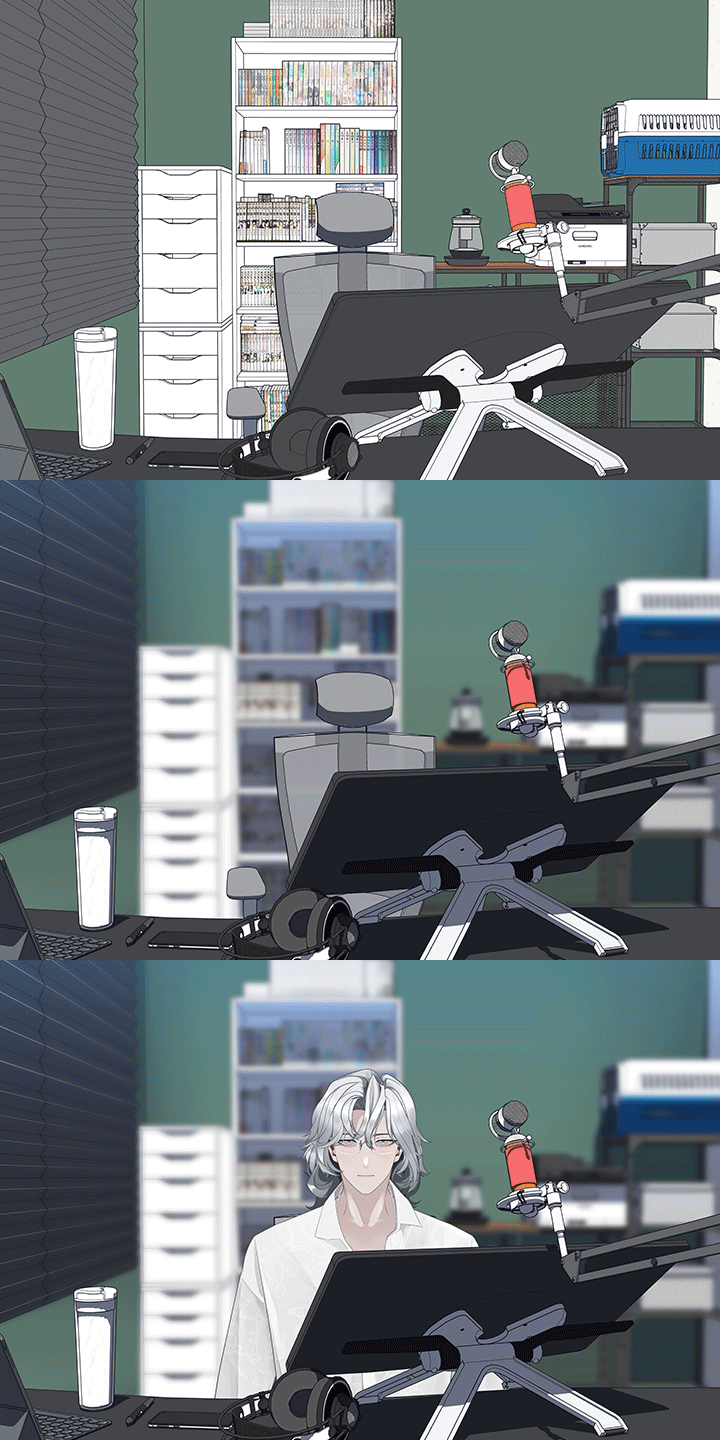
Create your own space and props, the only one in the world
Depending on what space and what objects are around, it has a huge impact on setting up the character's image. I will teach you how to create resources suitable for those who want to complete a webtoon with unique materials that cannot be found anywhere else. Also, try modifying the resources you purchase on the market to suit your tastes to bring out your individuality.
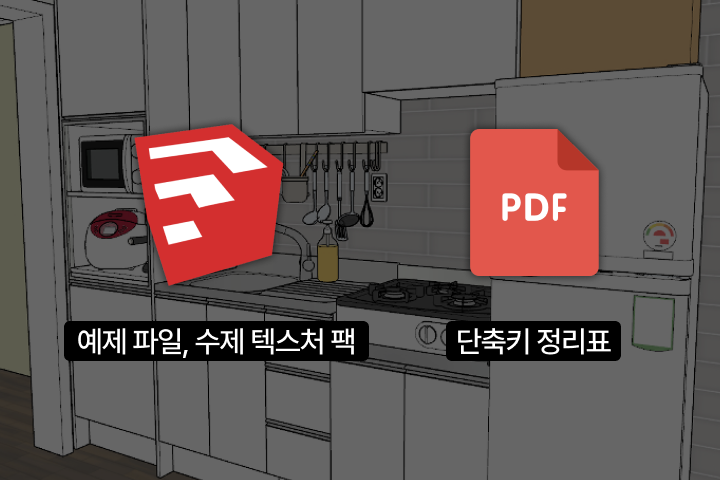
Provides example files for the entire process that you can easily follow step by step
Do you feel like SketchUp is difficult and overwhelming? To ensure that even beginners who are new to 3D can easily understand, we provide generously packed sample files, handmade texture packs, and shortcut key tables for each episode!
Class Details
You'll Learn
-
 SketchUp basic settings that you can use once and for allLearn the essential settings for getting started with SketchUp, from installing SketchUp to setting up a workspace, basic operations, and useful shortcuts.
 -
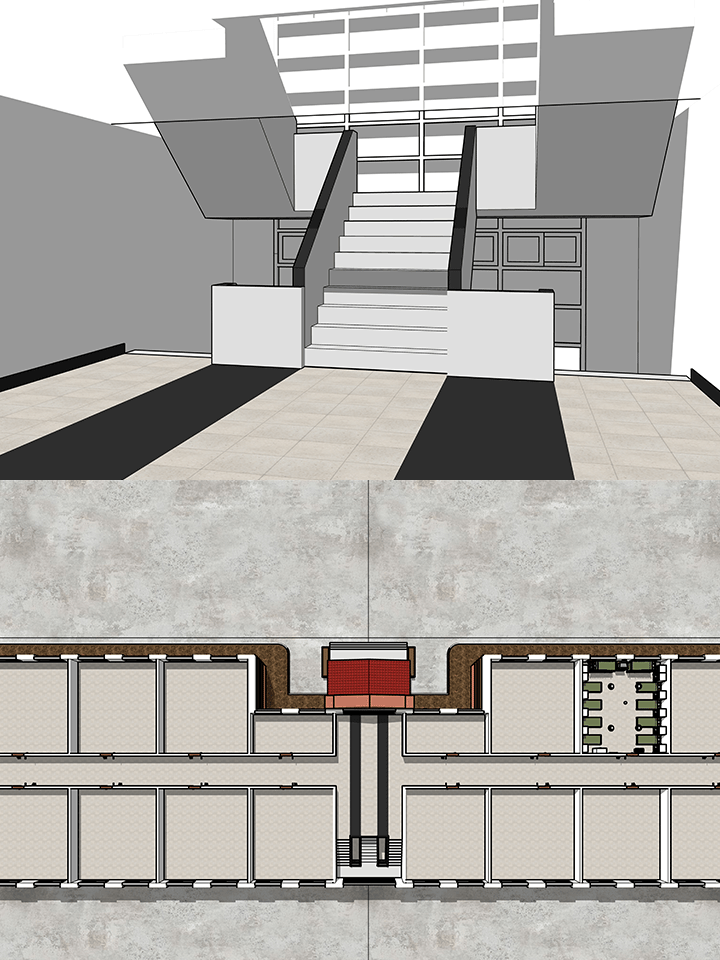
 Learning essential SketchUp functions that are intuitive and highly usableAfter making a house with basic tools, you will learn how to move, copy, and combine using a rotation tool to create the components needed to complete a building.
 -
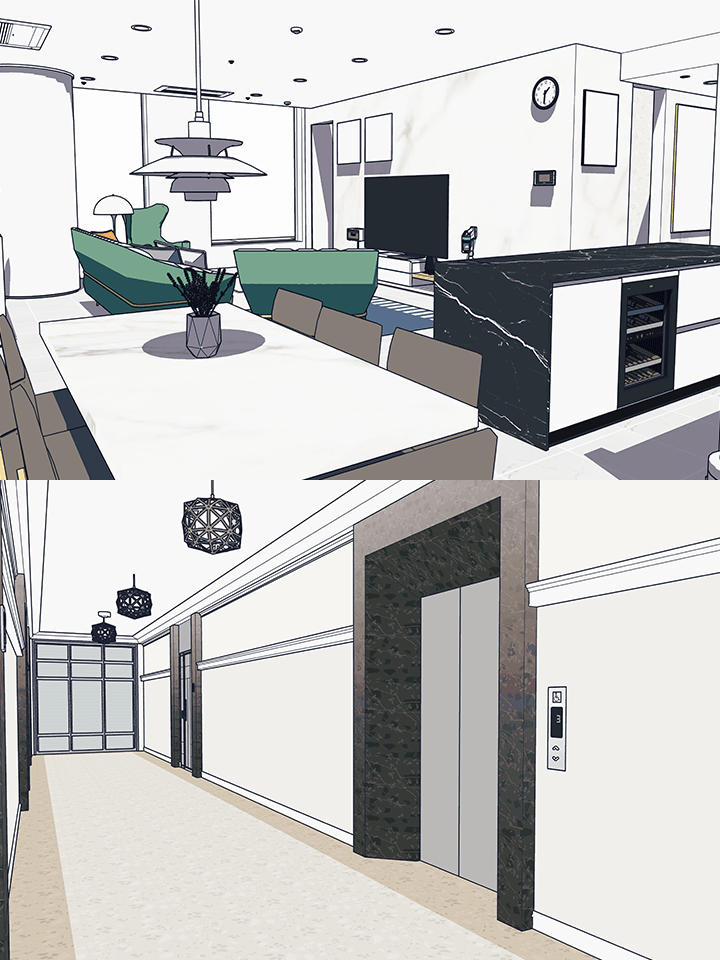
 Applying color and texture through a mapping mechanismStarting with setting up colors, you will learn mapping skills through activities such as coloring simple houses, applying materials to props, and creating your own materials.
-
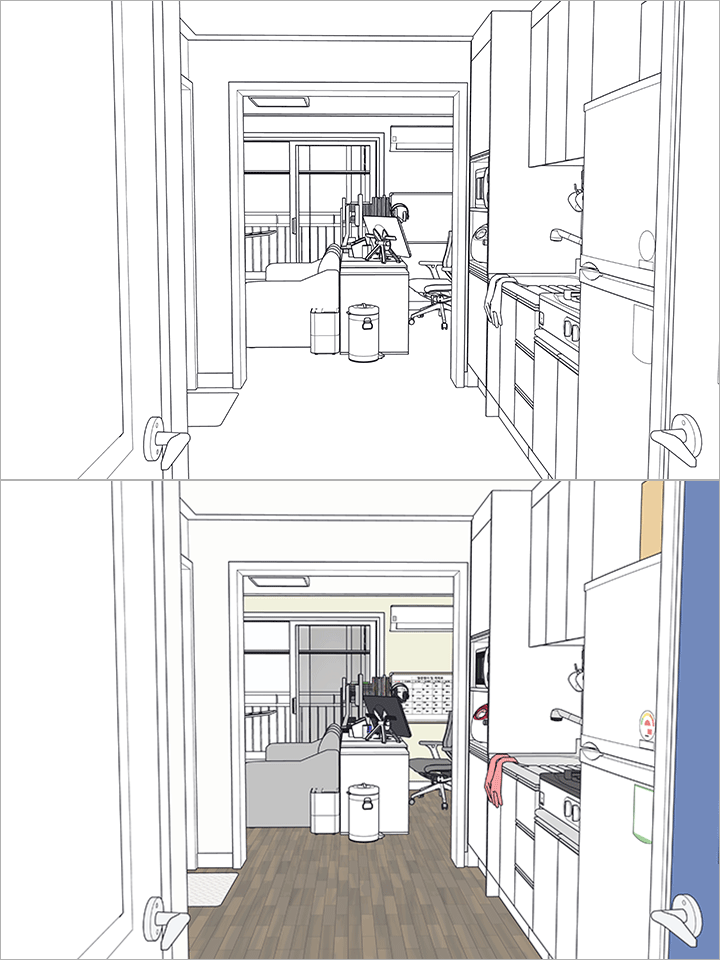
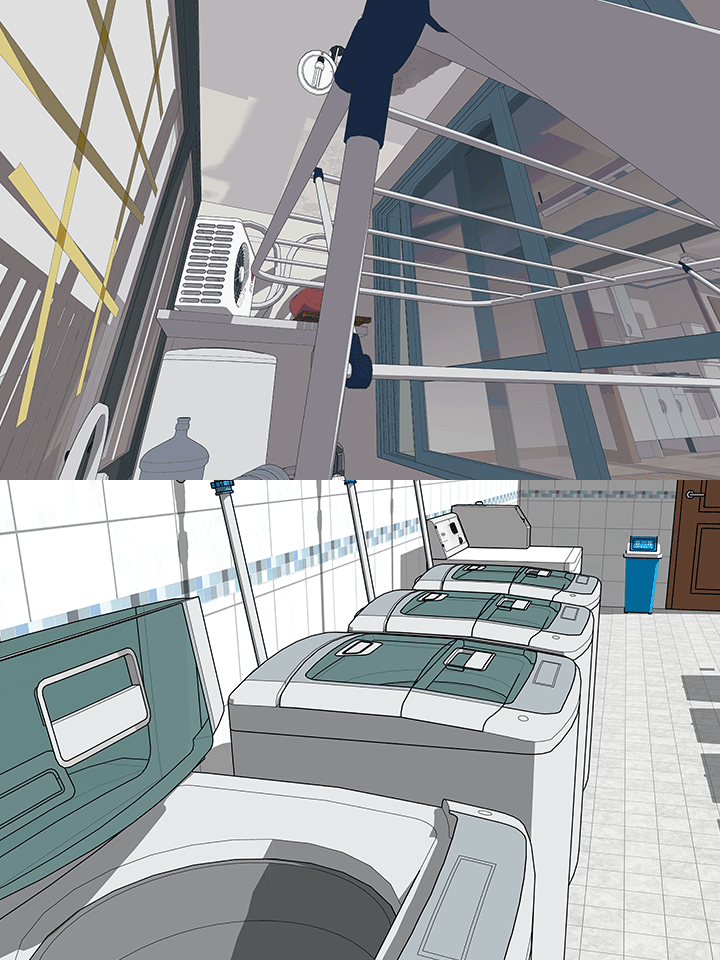 Create resources for backgrounds such as furniture, props, and natural objectsUsing drawings and photos, you will make your own furniture and props, such as sinks, tables, and chairs, and try curved surface modeling and high-difficulty props that are difficult for beginners.
 -
 Add a character to the extracted background image and create a sceneExtract a 2D image from SketchUp's 3D result, add a character you drew yourself to the background, and then make appropriate corrections to create the scene you want.
 -
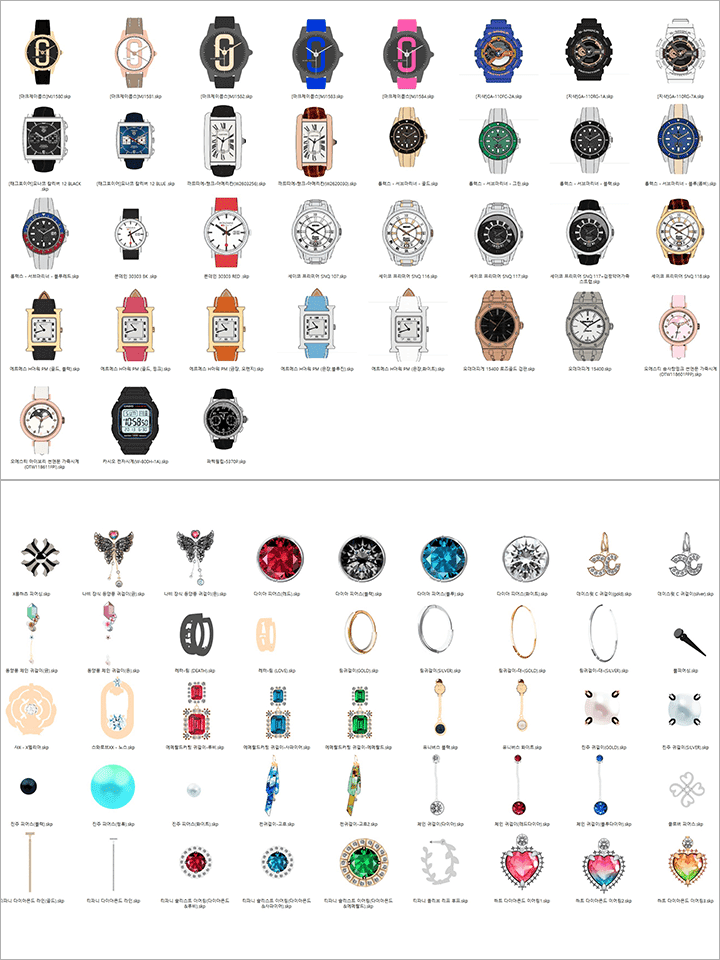 How to make a fixed income with your own resourcesWe will learn about the current status of the 3D resource market and sales methods, as well as the Yongsa's unique know-how to create additional fixed income as a resource producer.
* The curriculum has changed from apartment modeling to house modeling.
(House interior and exterior modeling / Additional apartment interior modeling planned)
curriculum
Curriculum
In-Depth Look
SECTION 01. Groundwork: Introduction to SketchUp
01. SketchUp, the beginning
- introduction
- Current situation in the SketchUp market
- lesson plan
02. SketchUp setting method that you can use until the end once you do it once
- SketchUp license and version
- Install SketchUp
- SketchUp workspace settings
- Shortcut key settings
03. How to see and move freely
- SketchUp operation method
- SketchUp basic tools
SECTION 02. Building a house: Learning essential SketchUp functions
04. Create space
- Build a house with basic tools
- making windows
- making a door
05. How to move, rotate, copy, and merge
- View and create drawings
- Master the rotary tool
- installing windows and doors
06. Groups/Layers and Components
- Concept of groups and components
- Utilizing the layer (tag) function
- Building railings and stairs
07. Complete the building
- Creating the first floor
- building a roof
- Building modeling finalization
SECTION 03. Wallpaper and flooring: Let’s paint your own color and texture
08. Color and material
- Setting for color
- Simple coloring
- How to apply texture
09. My wallpaper I made
- Create your own material
- Creating natural materials
10. You can do it too. self wallpapering
- default mapping mechanism
- Neat texture placement
- Completion and cleanup of the first building
SECTION 04. Housekeeping: Making your own props
11. Understanding the follow function
- Follow tool
- Create a mug with the tracing tool
- Making a luxurious wine bottle
12. Creating the main character’s room
- Setting and data investigation
- space settings
- Creating the protagonist's room
- building a ceiling
13. Making furniture
- making lights
- Making skirting boards and moldings
- building a desk
- building a sink
14. SketchUp curved modeling
- cross-plane function
- making a faucet
- Making a Smartphone
15. Extension program that allows you to eat SketchUp on a daily basis
- Essential Ruby for Modeling
- Essential Ruby for Mapping
16. Experience high-difficulty modeling that others are not good at
- Building an Office Chair: Wheels and Base
- Building an office chair: seat and backrest
- Making an Office Chair: Coloring
SECTION 05.Interior: SketchUp tips to complete details
17. Add natural objects
- Create a 2D tree
- Create 3D flowers and flower pots
- How to add a background like the sky
18. The process of creating your own style
- Style Preferences
- style builder
- Setting that changes the mood
SECTION 06. Move-in: The moment when the character and the background meet
19. Image Extraction
- How to use the scene function
- 2D image export
- Essential Ruby for manuscript production
20. Webtoon artist’s background work process 01
- How to modify existing resources to your taste
- Extracting the Background
21. Webtoon artist’s background work process 02
- Efficient background correction method
- Natural manuscript application method
SECTION 07. Resource Investment: Monetization through SketchUp
22. Sell 3D resources
- About the 3D resource market
- How to Sell 3D Resources
23. Create fixed income with SketchUp
- Webtoon artist's secret additional income
- How to make a fixed income as a resource creator
SECTION 08. What I want to say to you all
24. There is still room for further growth.
- How to study SketchUp on your own after taking the course
25. SketchUp is the best. 'Not yet'
- Introduction to 3D programs other than SketchUp
- About industry trends
26. Conclusion
- A message to those who listened to the course to the end
Interview with
Webtoonist Yongsa

Question.01
What are the goals for this course?
What are the goals for this course?
In the art industry such as webtoons and illustrations , there are plenty of courses for 'art', but there are still not enough courses for 'industry'. As a person who makes art as a profession, I believe that it is possible to produce higher-quality results only when productivity is supported by efficient use of the commodity called time. We have planned this SketchUp course to create productive, high-quality webtoons .
Question.02
What are the unique points of this course?
What are the unique points of this course?
As I am an active webtoonist and have been teaching university courses for many years, I know the most up-to-date techniques and how to conduct courses so that you can fully acquire the skills, so I can convey the key points. We will show you our know-how, both large and small, as we have experience in all artwork fields where SketchUp is used, including resource production, funding progress, custom outsourcing, assistant, illustration production, and webtoon artist.
Question.03
What do you think students will gain from the course?
What do you think students will gain from the course?
Any aversion to SketchUp will disappear as it covers everything from the basic operation of the program to the steps that can be used for professional work in one place . In addition, as we go beyond simply listing how to use tools, we start with a solid understanding of why this function exists and how to apply it from the basics, so students can develop the ability to study independently even after the course is over.
Required Programs
This course is conducted using the programs below. To ensure smooth participation, please purchase and install the latest version of the program separately.
SketchUp 2022
SketchUp Ruby (add-on program)
Clip Studio ver. 1. 11. 14
Photoshop CC (optional)
*Programs and materials are not provided separately.
*You can also take the course with SketchUp 2017 Make (free version).
*The version does not really matter, but the course will be conducted using the latest version.
(The tool names and icons have changed in the latest version, but both names will be covered in the course.)
*Most SketchUp Ruby is free, and you can watch courses without paying Ruby. (Choose the use of ruby depending on the direction you pursue)