webdesigner,kitagawataiga_키타가와타이가JP Details
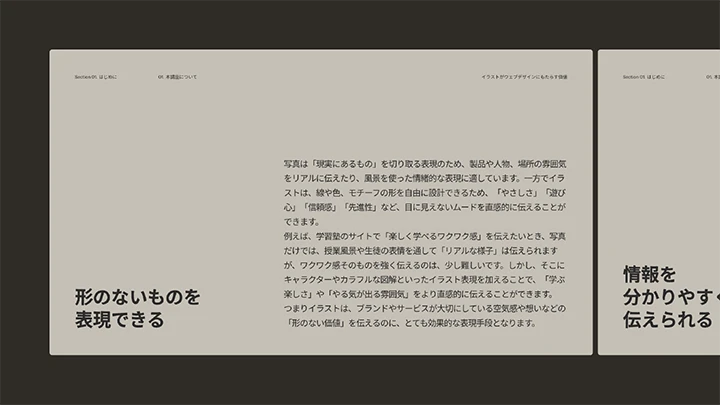
The Value That Illustrations Bring to Web Design
This course explains the value and role of illustrations, such as turning abstract ideas into visuals, organizing information, and expressing visual identity, which are essential to understand before creating web designs that effectively leverage illustration.
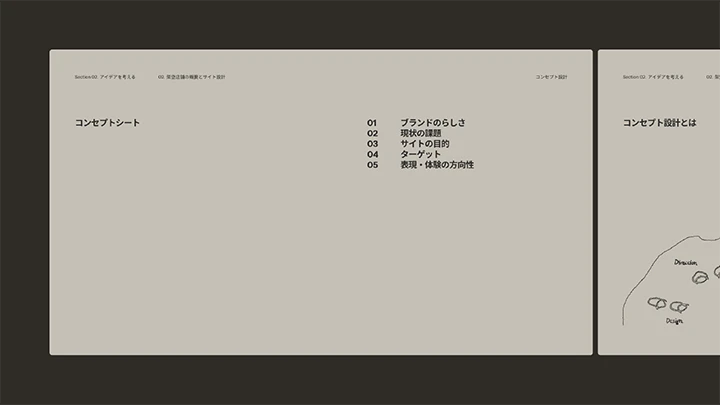
Concept Design as the Core of Design
Through practical exercises, you will learn how to design concept words and tone and manner tailored to the purpose and role of a site.

Idea Generation Methods for Leveraging Illustrations
Through practical exercises, we will teach you idea generation methods that bring out the essence of a brand by leveraging the 'freedom of expression' unique to illustrations.
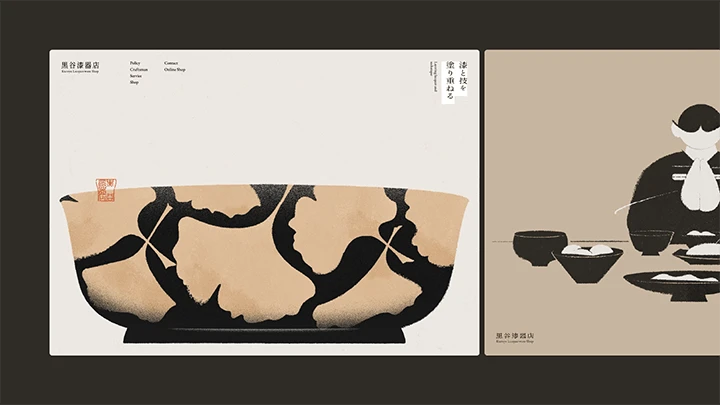
Visual Designs for Expressing a Brand Through Illustrations
You will learn the step-by-step process of visual design centered on illustrations, which will include layout verification, color design, clarifying illustration images, and font selection.
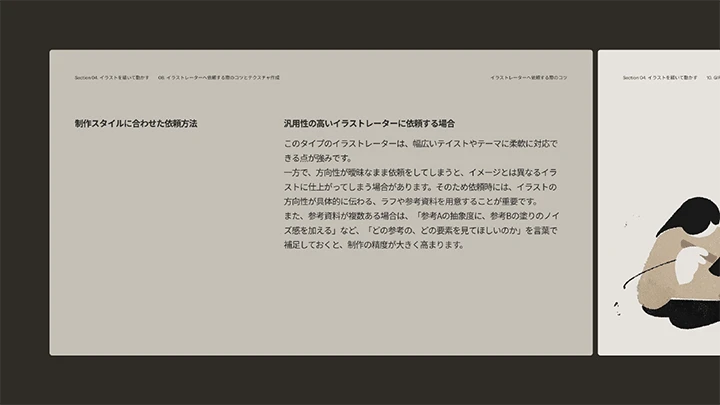
Illustration Production and Methods for Commissioning Illustrators
This course explains multiple production processes tailored to illustration styles and production conditions, as well as the key points to consider when commissioning an illustrator.
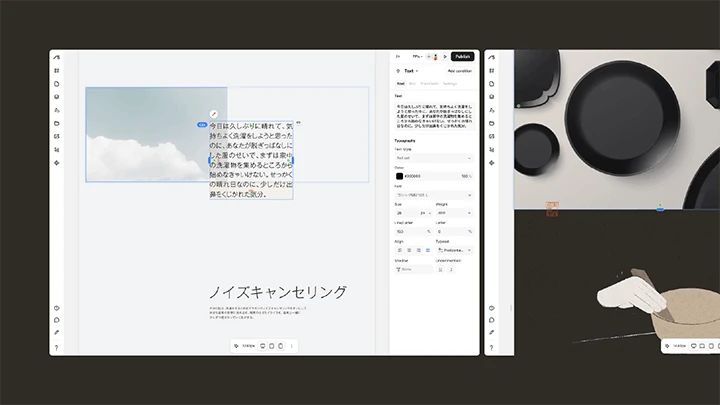
From Basic Studio Implementation to Applications
To ensure that even those using Studio for the first time can learn with confidence, you will learn through step-by-step exercises that cover everything from basic operations to applied implementation methods for accurately reproducing designs.
**Class release dates and content are subject to change without prior notice.
- Section 01
Introduction
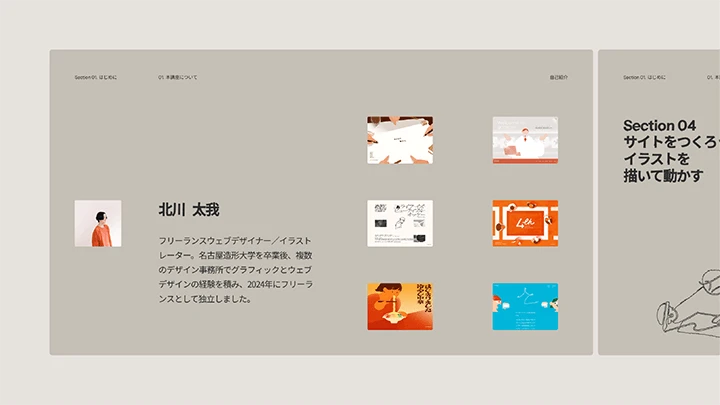
01. About This Class- Self-introduction - Achievements - Core values in design - Class overview - What you will learn - The value illustrations bring to web design
- Section 02
Building a Website / Ideation
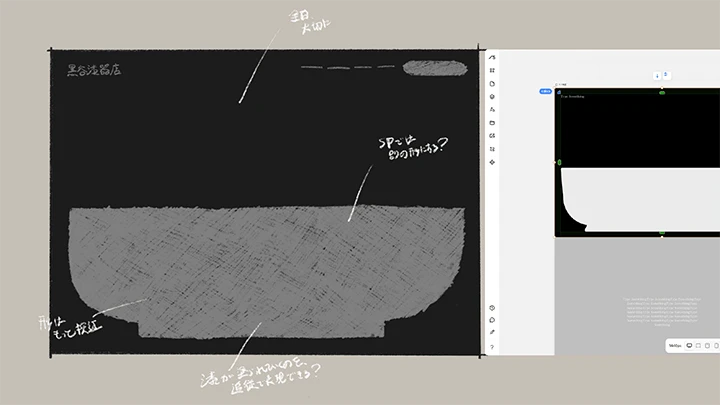
02. Overview of the Fictional Store and Site Design- Store details and project brief - Concept design - Wireframe creation
03. Generating Ideas- Ideation methods using illustration - Main visual ideation - Main visual rough sketch - Testing feasibility in Studio
- Section 03
Building a Website / Designing

04. Main Visual Design (1)- Layout testing - Color planning - Clarifying the illustration concept - Font selection
05. Main Visual Design (2)- Polishing
06. Section Design- Policy section design - Craftsman section design - Services section design - Shop section design - Footer design
07. Responsive Design- Responsive implementation and key points
- Section 04
Building a Website / Illustrating and Animating
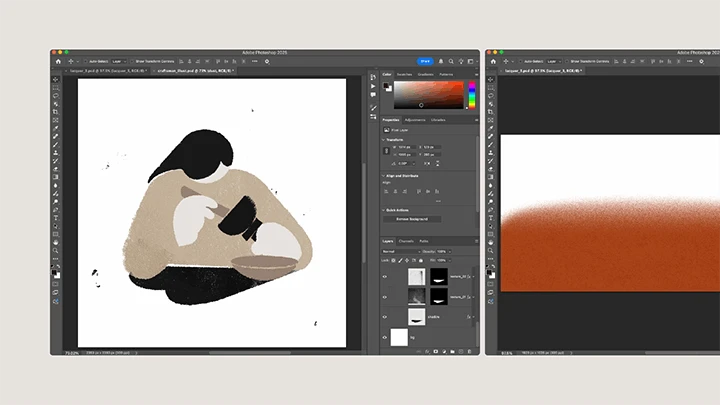
08. Tips for Commissioning Illustrators and Creating Textures- Tips for commissioning illustrators - Creating Textures
09. Creating Illustrations- Sketching - Final Rendering / Illustrator only - Final Rendering / Illustrator + Photoshop - Final Rendering / Tablet + Illustrator or Photoshop
10. Creating GIF Animations- Differences between Photoshop and After Effects - Creating GIF animation with After Effects - Creating GIF animation with Photoshop
- Section 05
Building a Website / Implementation in Studio
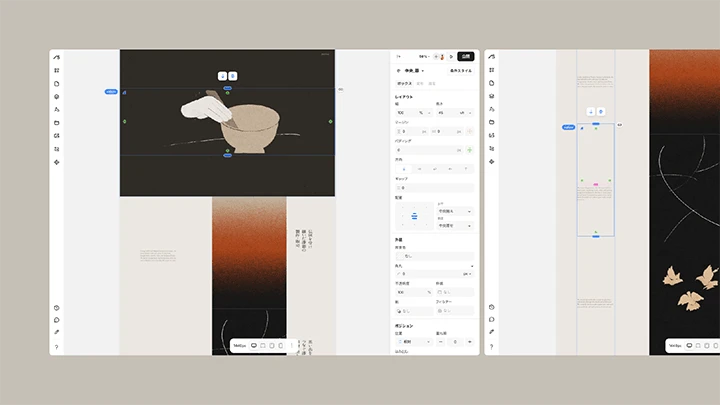
11. Studio Basics (1)- Introduction to Studio - Interface overview
12. Studio Basics (2)- Layout - Margins & Spacing - Units
13. Studio Basics (3)- Styling - Text - Images - Links
14. Studio Basics (4)- Responsive settings - Animations - Tags / alt text / metadata - AI features
15. Implementing the Fictional Store Website (1)- Implementing the main visual - Implementing the policy section
16. Implementing the Fictional Store Website (2)- Implementing the craftsman section - Implementing the service section
17. Implementing the Fictional Store Website (3)- Implementing the shop section - Implementing the footer
18. Implementing the Fictional Store Website (4)- Responsive Settings
19. Implementing the Fictional Store Website (5)- Animation Settings - alt text / metadata settings - Publishing settings
- Section 06
Conclusion
20. A Message to Students- Class recap - Bonus talk
This course will use:
・Illustrator CC or later
・Photoshop C or later
・After Effects CC or later
・Studio
Please purchase and install these program(s) for an optimized chapter experience.
*These programs and/or materials will not be provided with the chapter.