vfxartist,heyyo_JP Details
Intro

Now in Your Language, Only on Coloso!
Learn from Korea's Top Master Creatives
-
 Advanced Niagara & Materials
 -
 Understand Core VFX Logic
 -
 Lead Artist Production Workflow
Class Intro
VFX Artist, HeyYo
Dive into advanced VFX and learn how Niagara and Materials work together from the ground up.
Advanced VFX Techniques Using Only Unreal Engine
Originally an engineer, HeyYo made a career switch to VFX and now leads large-scale console game projects as a lead VFX artist.
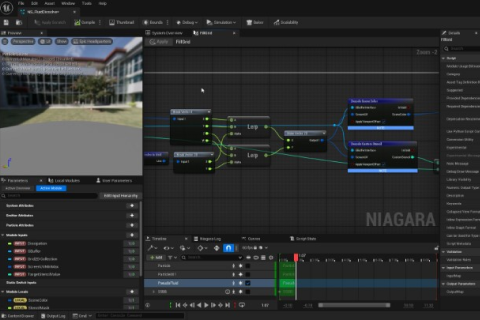
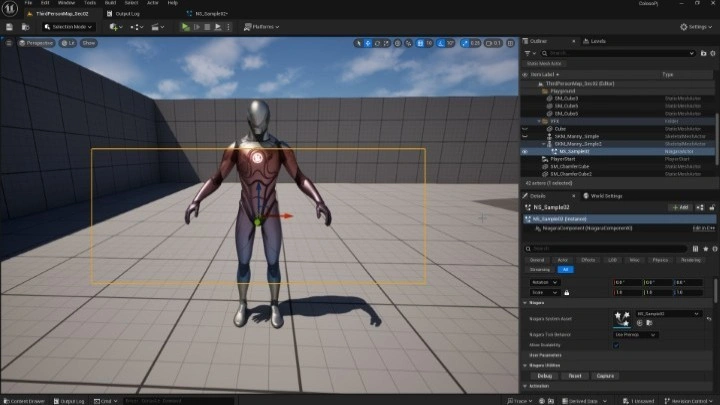
In this class, you’ll explore advanced features of Niagara and Materials chosen by HeyYo while working on nine hands-on exercises.
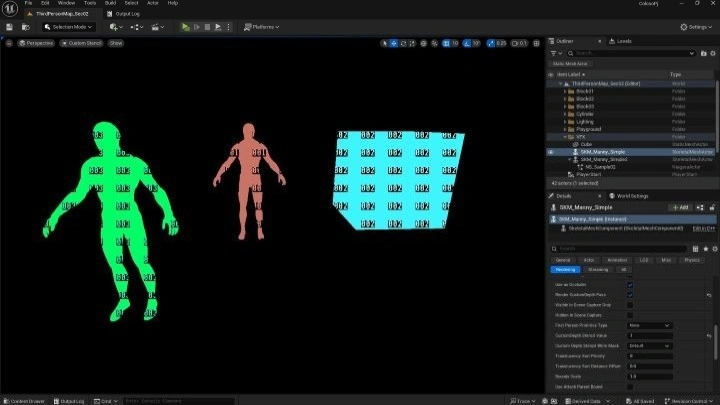
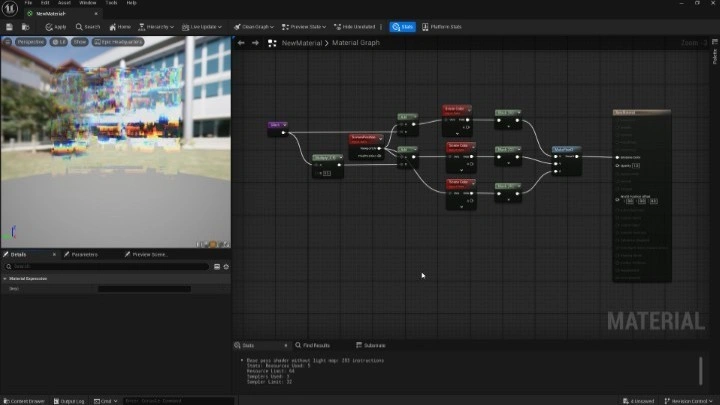
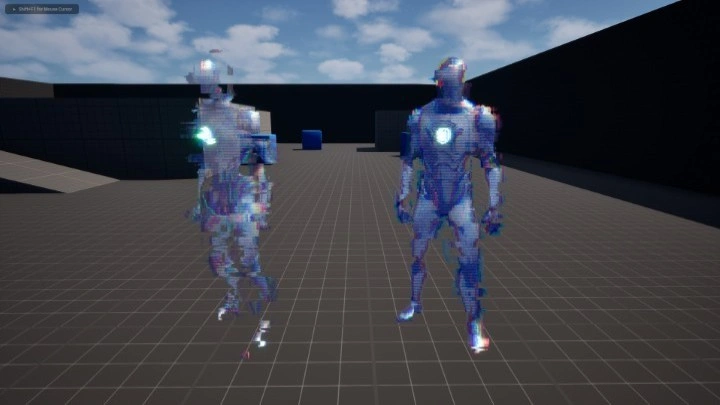
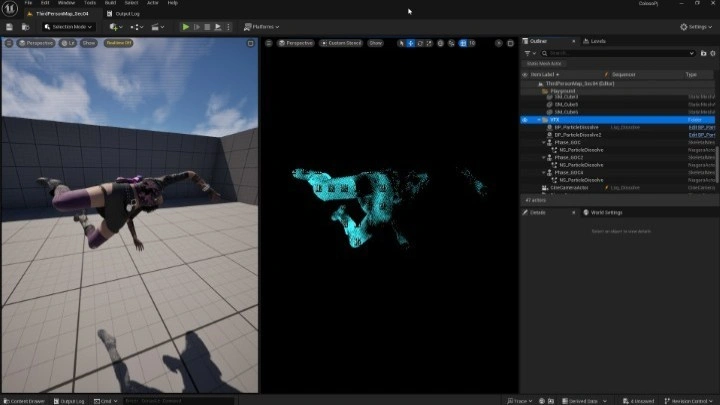
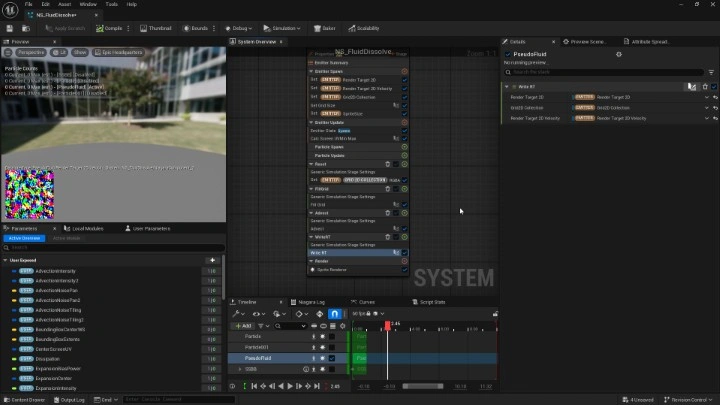
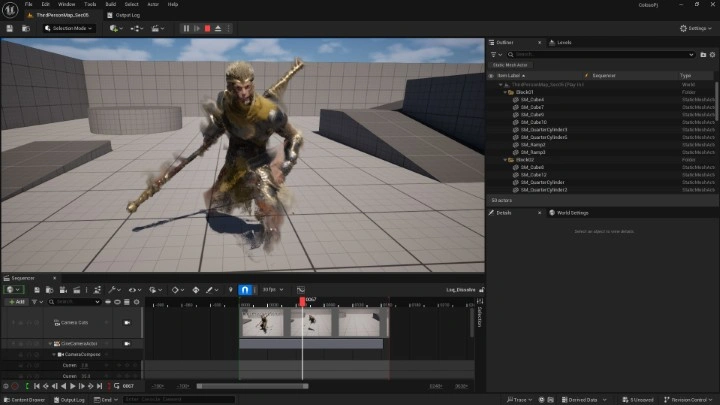
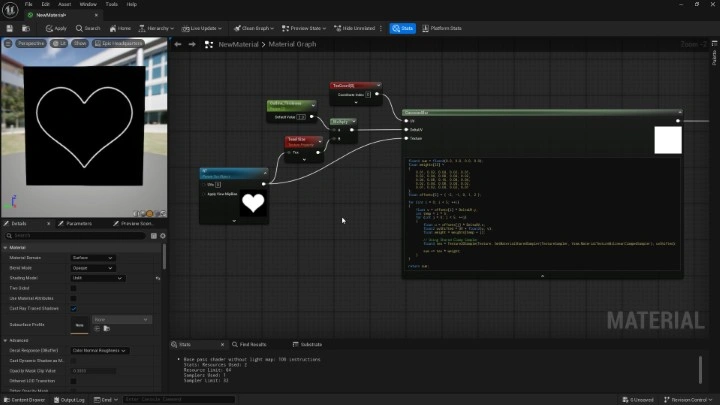
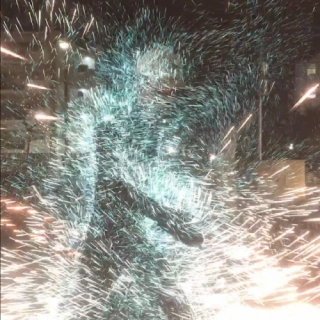
First, you’ll master a range of advanced VFX techniques, including using Stencil Mask and partial post-processing effects to create holograms, Screen Space’s Dissolve, pseudo-fluid systems based on Simulation Stage, and afterimages of optical camouflage.
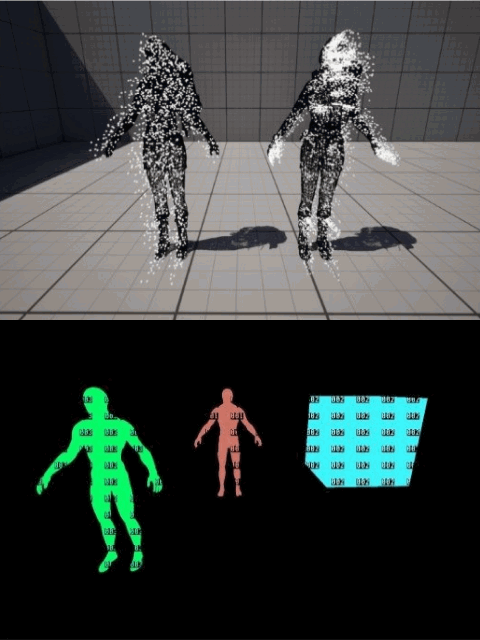
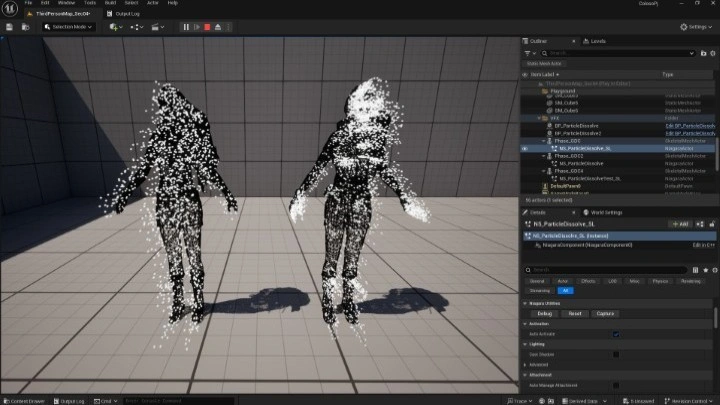
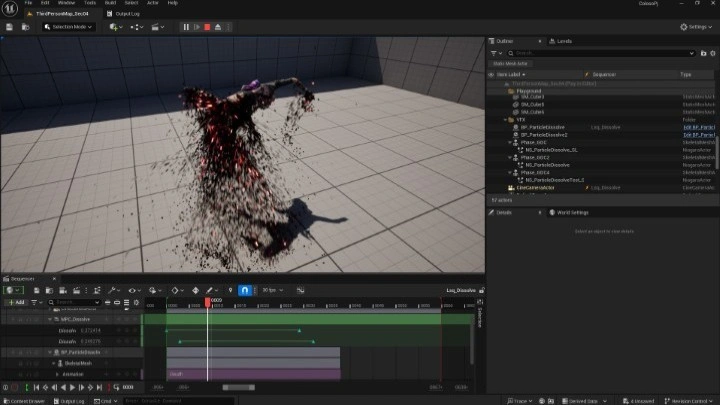
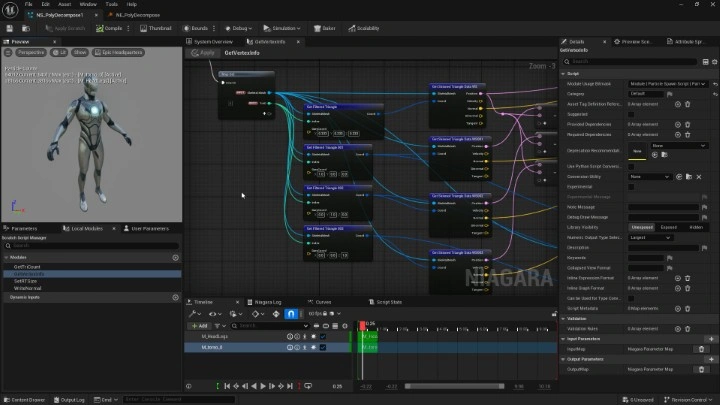
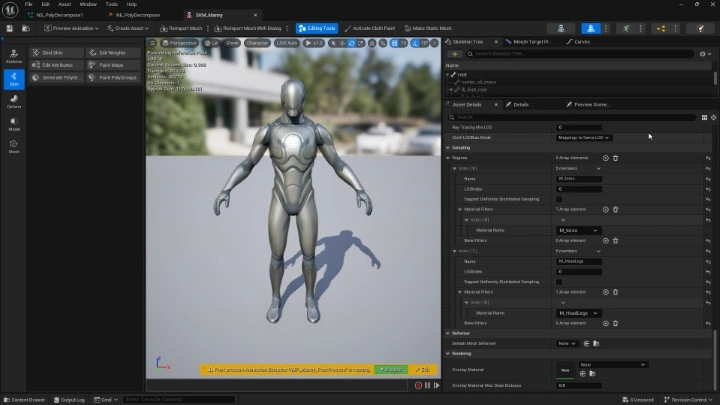
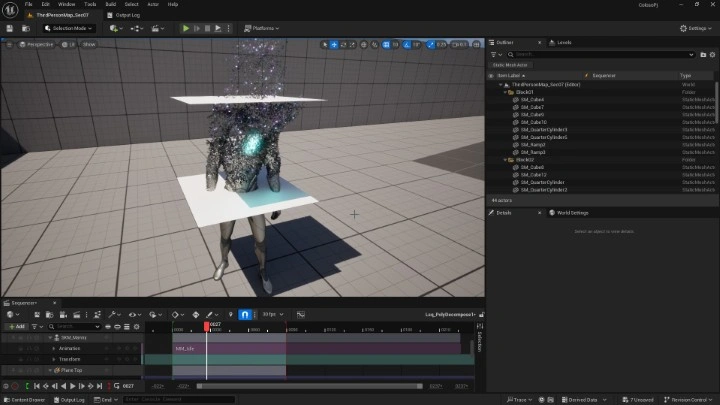
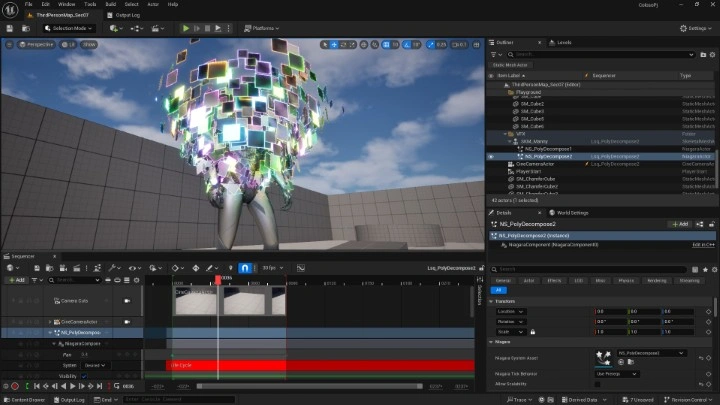

After that, you’ll work on two exercises to create polygon separation effects, turning the polygons of skeletal meshes into particles to apply the properties of different materials. Plus, get hands-on with making various effects, including separation, rotation and light emission, to level up your practical skills.

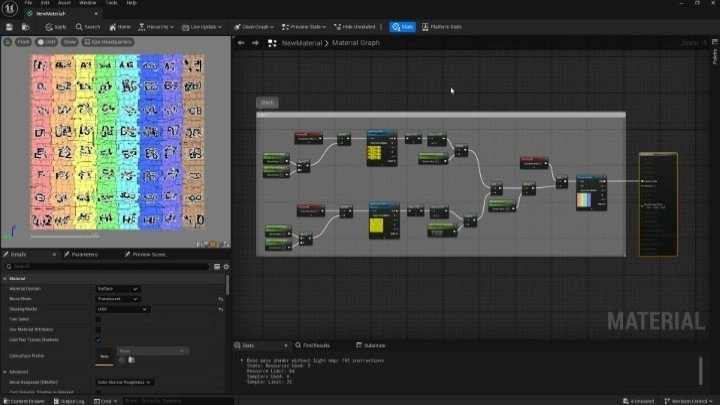
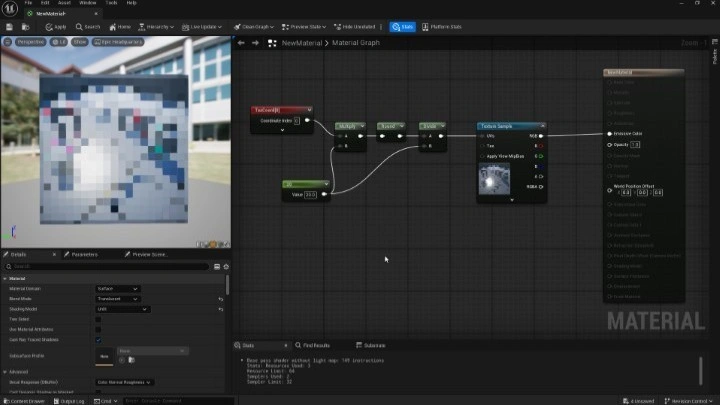
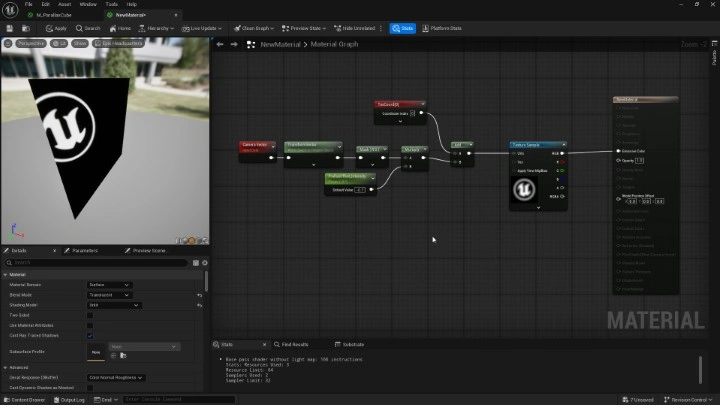
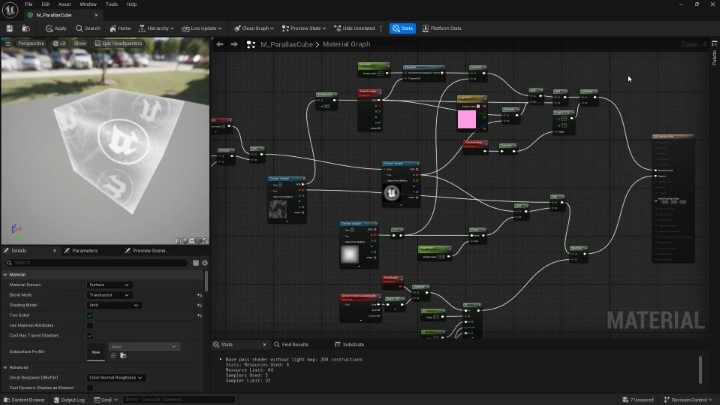
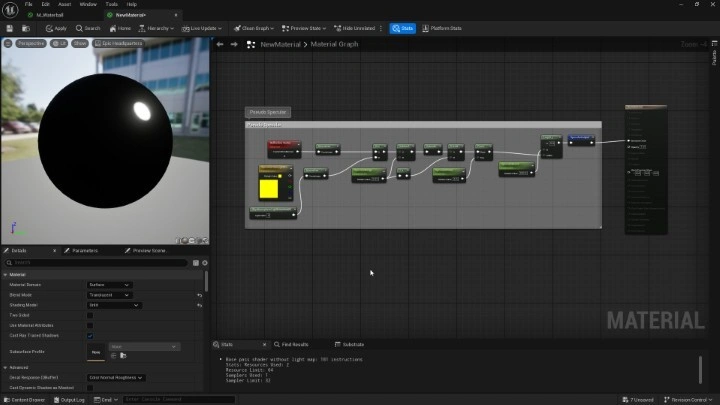
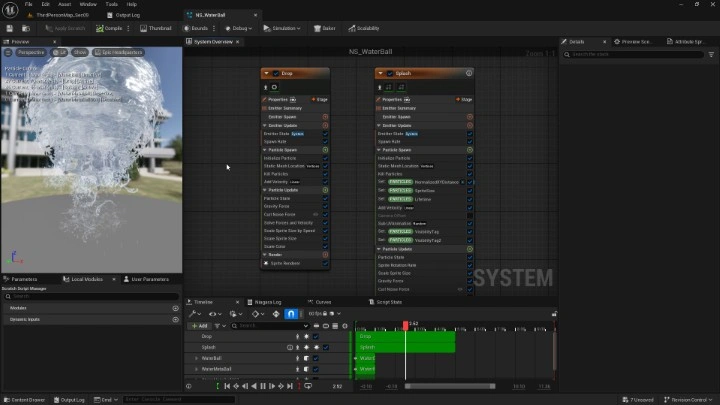
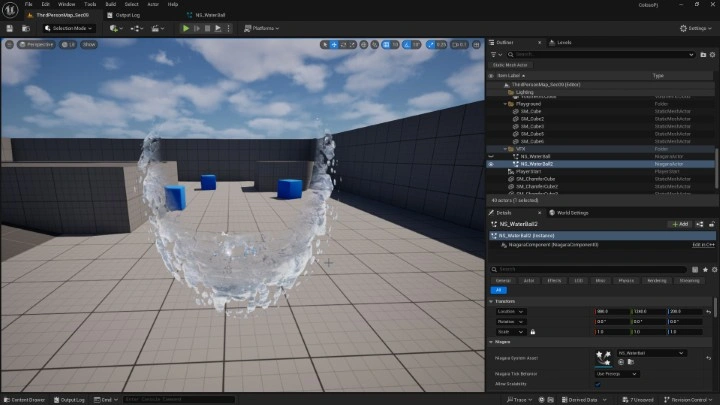
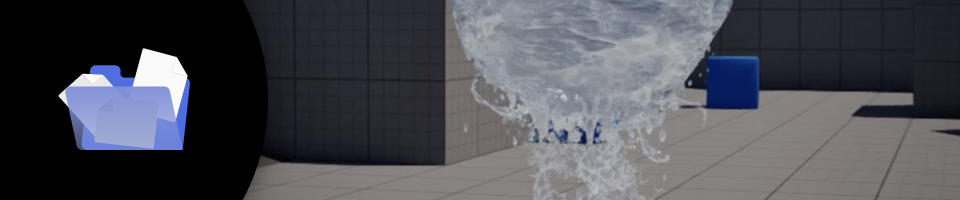
Lastly, master materials techniques such as creating depth varying by point of view using Parallax Offset, in addition to making realistic water sphere effects. By playing around with reflection, ripples, water splashes and droplets, you’ll develop the ability to add a unique sense of movement using custom shaders.
Learn advanced VFX techniques that will allow you to stay one step ahead of the competition at Coloso now.
Class Perks
Special Gift from HeyYo
-
 Unlimited Access to 31 Chapters Exploring HeyYo’s VFX Expertise
 -
 Complete 9 Projects Through the Course
 -
 Class Materials and UE Files Included
Class Material Details
-
 Full List of Class Materials- Class materials (PDF, PPTX)
 -
 UE Files for Exercises- 9 UE files for exercises (ZIP files)
- Instructional materials for exercise files (PDF)
Recommendation
Who Should Take This Class?
Aspiring VFX artists who want to create advanced visual effects using Unreal Engine only, without relying on external tools
Artists aiming to build a practical VFX portfolio by completing multiple finished works through hands-on projects
Creators who want to move beyond presets and learn how to design, control, and optimize VFX effects from the ground up



Expert VFX Artist HeyYo's Portfolio

Why Take This Class?
Move beyond surface-level effects and learn how to create powerful, professional VFX using Unreal Engine alone. Instead of relying on multiple tools or presets, this class helps you understand the core principles of real-time VFX, focusing on how effects are structured, controlled, and optimized within Unreal Engine to achieve visually compelling results.
From building effects from scratch to refining them for different environments, angles, and lighting conditions, you will develop the technical foundation that defines high-quality VFX. By completing nine finished works and working directly with the provided Unreal Engine project files, you will gain practical, production-ready experience and elevate your skills to a level suitable for real-world projects and professional portfolios.

Get Ready for the Real-World
Master Advanced Unreal Engine VFX Through Hands-On Exercises
-
 Hologram
 -
 Screen Space Particle Dissolve
 -
 Pseudo-Fluid Dissolve
-
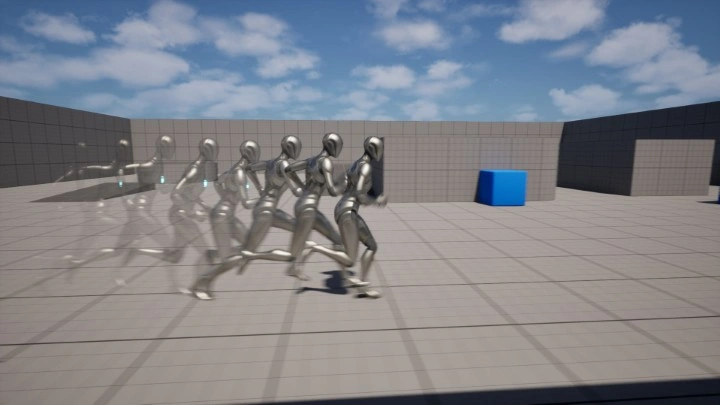
 Outline Afterimage
 -
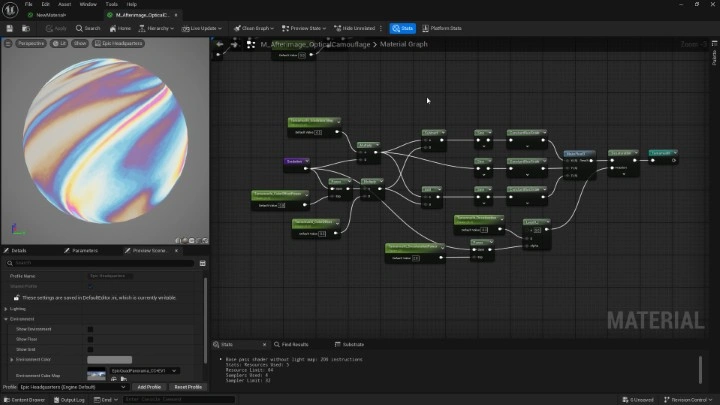
 Optical Camouflage Afterimage
 -
 Polygon Separation 1
-
 Polygon Separation 2
 -
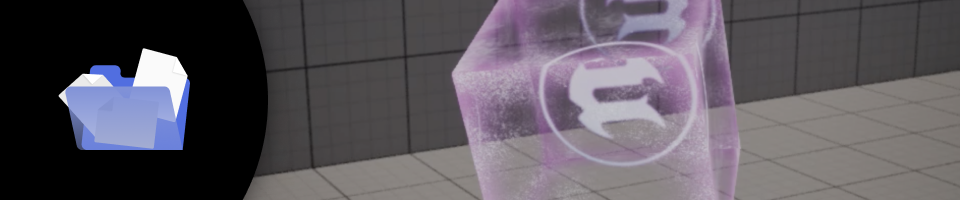
 Parallax Cube
 -
 Realistic Water Sphere Effects
*The above images are sample images for a better understanding.
Highlights
Class Highlights
Advanced Niagara & Materials Techniques, Starting from Structure
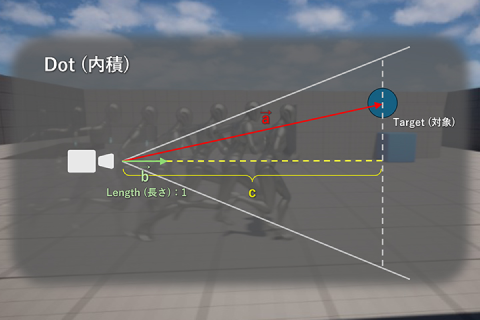
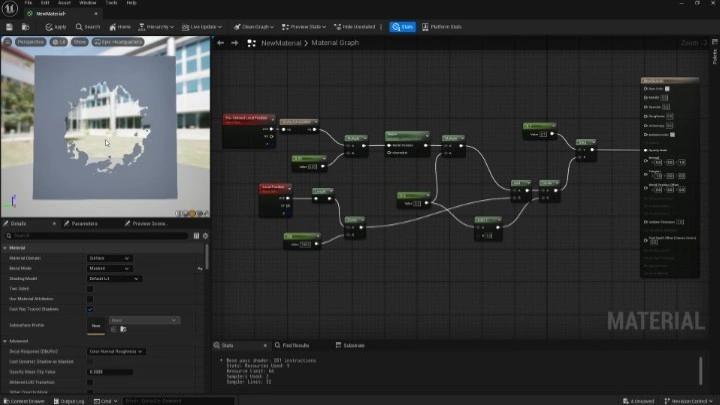
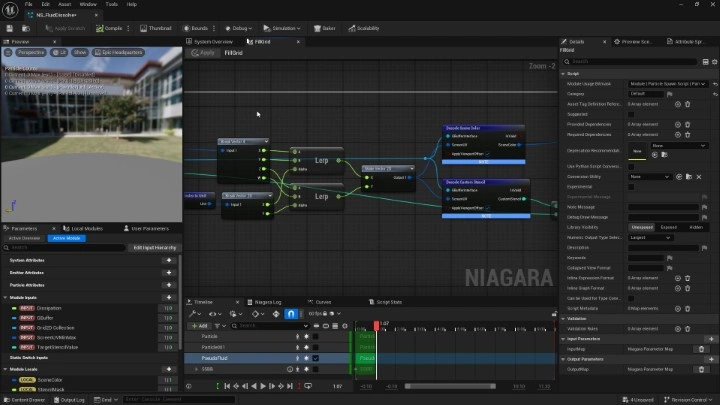
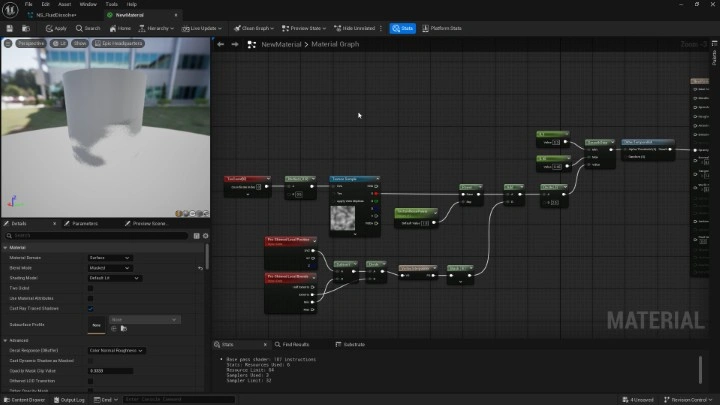
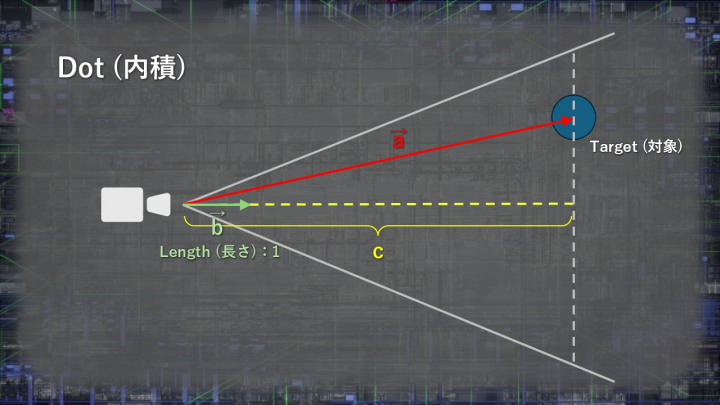
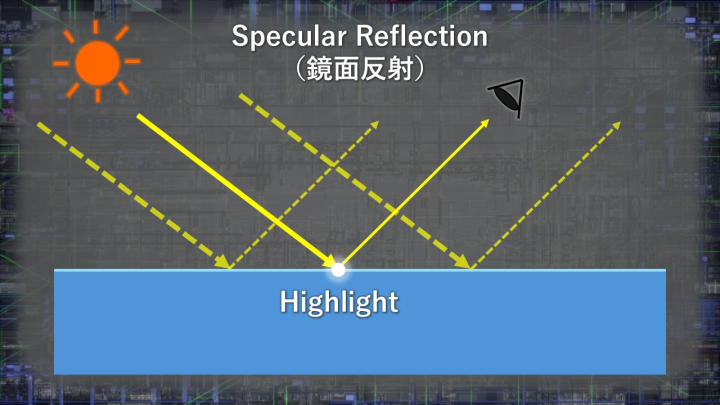
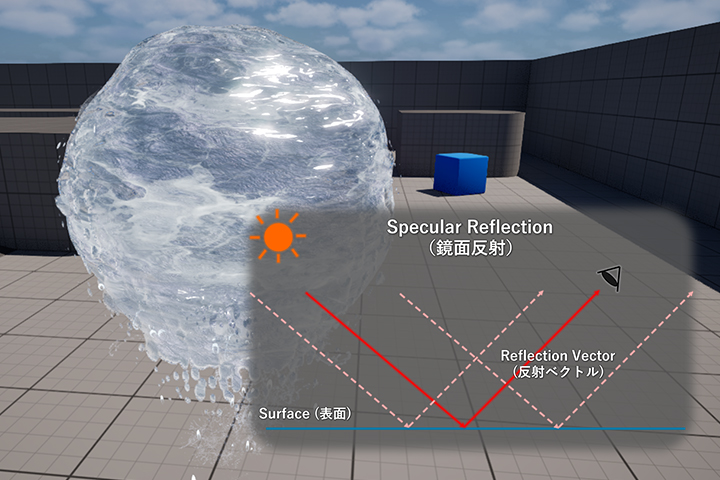
Learn how to create advanced visual effects by leveraging Unreal Engine’s Niagara and Material systems. Rather than simply following step-by-step instructions, this course explains the underlying mechanisms and concepts behind each technique using clear diagrams and visual examples. This approach allows you not only to recreate the sample effects, but also to freely apply what you learn to your own VFX projects.
Get Exclusive Access to HeyYo’s Techniques
This course introduces a carefully selected set of rare and highly specialized techniques that are seldom covered in standard tutorials. Many of these methods are original approaches developed by HeyYo through years of experimentation, offering you deeply practical and professional-level knowledge that goes beyond common workflows.
Tips for Boosting Quality, Beyond Applying Techniques
Advanced techniques alone have no value unless they result in compelling visual expression. Through real-world examples, you’ll learn how to transform technical skills into visually engaging effects, including specific design choices and implementation methods. You’ll also develop an optimization mindset essential for game VFX, ensuring your effects perform smoothly in real-time environments.