live2danimator,chaosvermillion Details
Intro
Class Intro
Live2D Animator, Chaos Vermillion
"I'm here to show you how to bring your art to life
by animating characters & backgrounds."
Static to Motion: Animate Your 2D VTuber Model
Master the techniques to rig a trackable illustration and animate it for maximum appeal. Chaos Vermillion shares his tips and tricks to overcome common challenges and help create a captivating VTuber model.

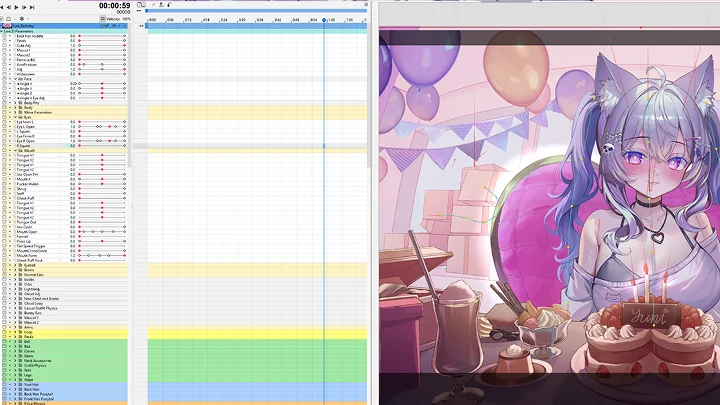
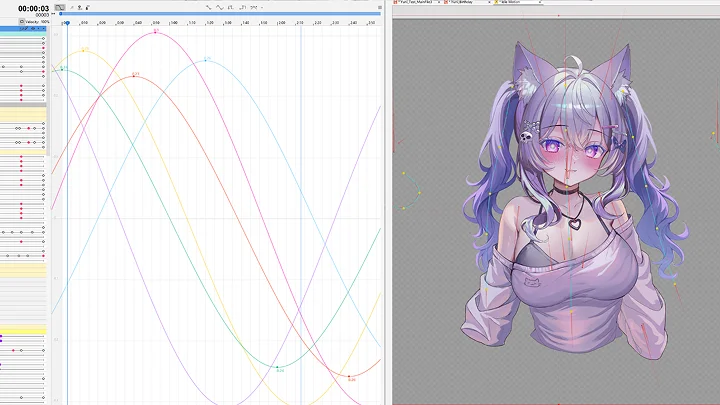
From artwork preparation, expressive movement rigs, and dynamic physics to background animation for immersive scenes, this course will cover the entire pipeline.
In addition, you will work on hands-on exercises and a course project to bring your own illustration to life. Learn to not only connect but also mesmerize your audience with your vibrant final outcome!
In addition, you will work on hands-on exercises and a course project to bring your own illustration to life. Learn to not only connect but also mesmerize your audience with your vibrant final outcome!
Class Preview
Still Not Sure?
Check Out Chaos Vermillion's Class Preview!
14. Advanced Mouth Rigging and Facial Expression
1. Add additional mouth parameters and VBridger add-ons
2. Mouth X, lip press, cheekpuff, mouth shrug, mouth pucker and more
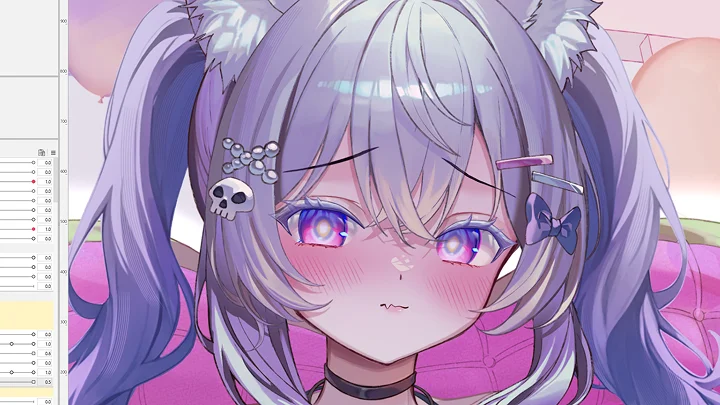
3. Making the face cute and squishy
2. Mouth X, lip press, cheekpuff, mouth shrug, mouth pucker and more
3. Making the face cute and squishy
Class Perks
Special Gift from Chaos Vermillion
-
 2Sham Illustration File
 -
 Ye_jji Illustration File
 -
 Fully Rigged Models
 -
 Parameter & Physics Templates
 -
 Full Separation Timeplapse
Recommendation
Who should take this class?
Aspiring VTubers looking to create their own models for streaming.
Experienced 2D illustration artists who want to expand their skills into animation and rigging.
Animators who are interested in learning 2D rigging and animation techniques.



Expert Live2D Animator Chaos Vermillion's Portfolio










Why Take This Class?
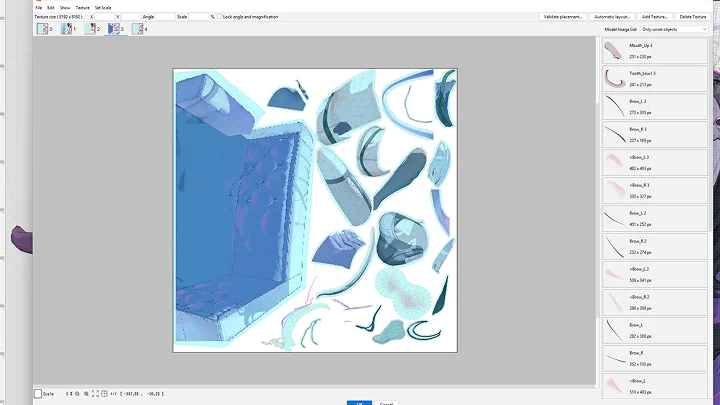
This course provides a complete, step-by-step guide to Live2D rigging and animation, perfect for illustrators, animators, and aspiring VTubers. Starting with art preparation, layering, and separating head, body, and background assets, it ensures that you build a solid foundation for creating professional-quality models efficiently.
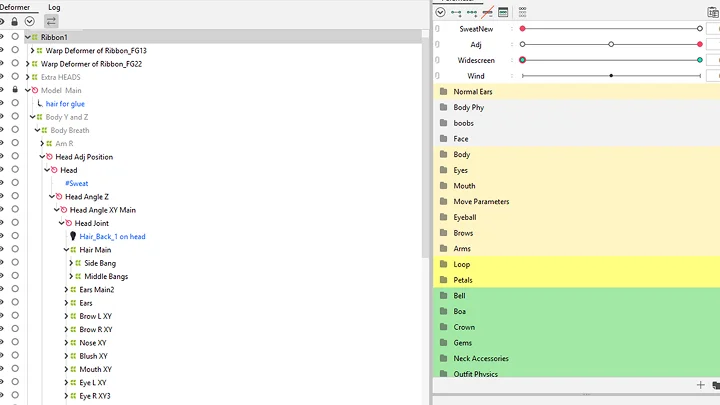
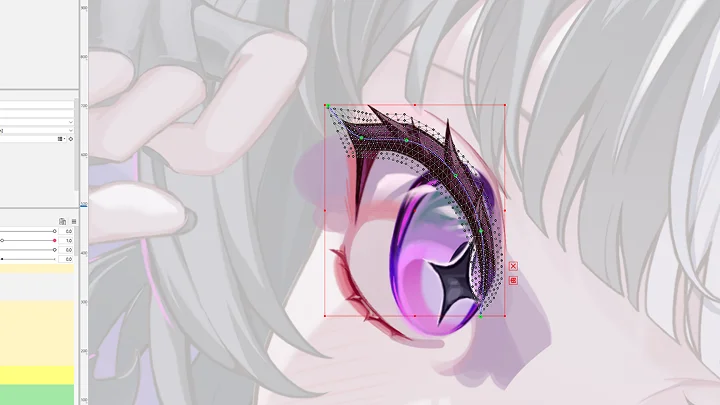
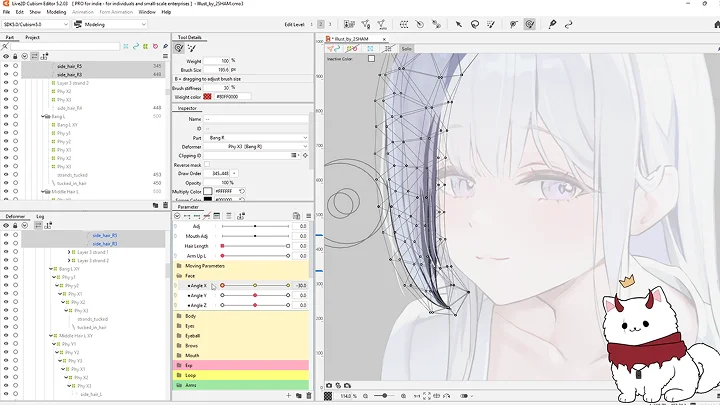
You will then dive into Live2D Cubism in depth, including pre-rigging setups, deformer hierarchies, and rigging expressive facial features, hair, and body movement. The curriculum covers advanced techniques for eyes, mouths, head angles, and physics, giving you the skills to create dynamic, visually appealing, and highly expressive characters.
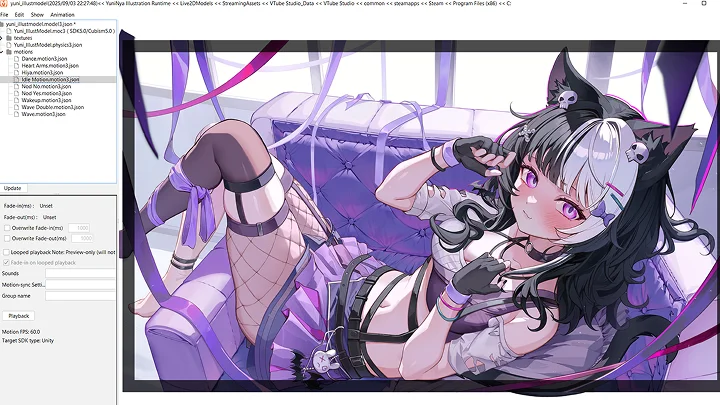
Finally, the course will guide you through animation, scene building, and integration with VTube Studio and VBridger. From simple loops to complex sequences, you will gain practical experience, technical proficiency, and creative confidence, leaving you fully prepared to bring your illustrations to life.
Get Ready for the Real-World
15 Class Exercises
-
 Art Separation
 -
 Advanced Layers
 -
 Creating Meshes
 -
 Parameter Manipulation
 -
 Rigging Face
-
 Expressive Face
 -
 Asymetrical Head
 -
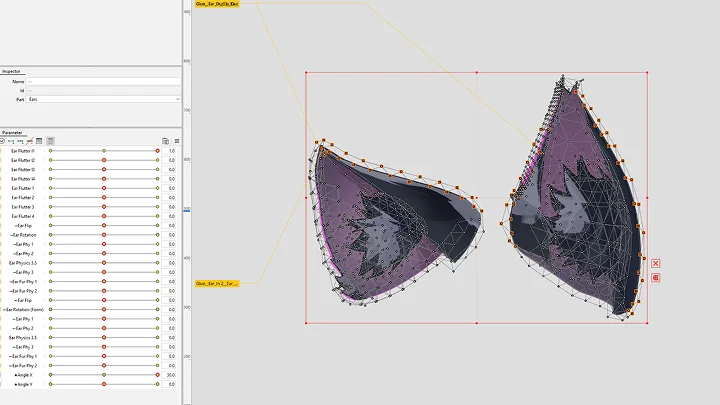
 Rigging Ears
 -
 Hair Physics
 -
 Rigging Posed Body
-
 Body Physics
 -
 Sleeping Animation
 -
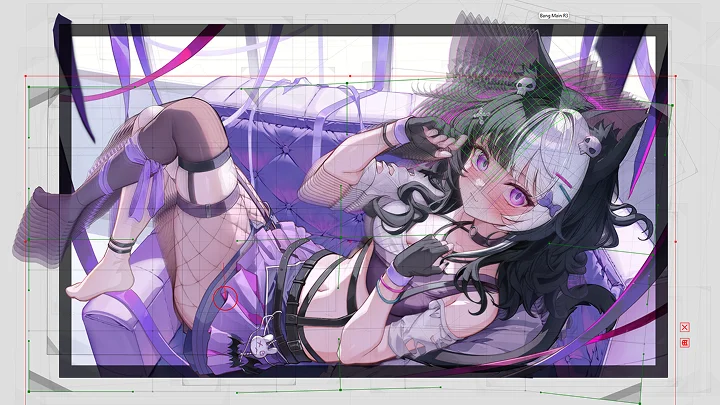
 Rigging Background
 -
 VTube Studio
 -
 Final Animation
Final Products
-
Final Animation 1
-
Final Animation 2
Instructor
Live2D Animator
Chaos Vermillion
Hello everyone, I am Chaos Vermillion. It is a pleasure to meet you! I have been a freelance Live2D animator for 5 years now. During this time, I have had the honor of working on over 200 unique projects, with many more on the way. I can say that nothing is as captivating as seeing an illustration slowly come to life as you rig it step by step.
However, every illustration has its own unique challenges when it comes to rigging. In this class, I will help you navigate through those challenges by sharing the many tips and tricks I learned over the years.
Whether you are just looking to animate your own art or to work professionally in this field, I hope that my knowledge can help you create the most expressive and captivating models and animations.


Live2D Animator,
Chaos Vermillion
[Current]
Freelance Live2D Animator
Projects & Awards
- Live2D Buzz Creator Program Award
- Worked with over 150 Indie VTubers
- Worked on over 200 Live2D Projects
Highlights
Class Highlights
Prepping an Illustration
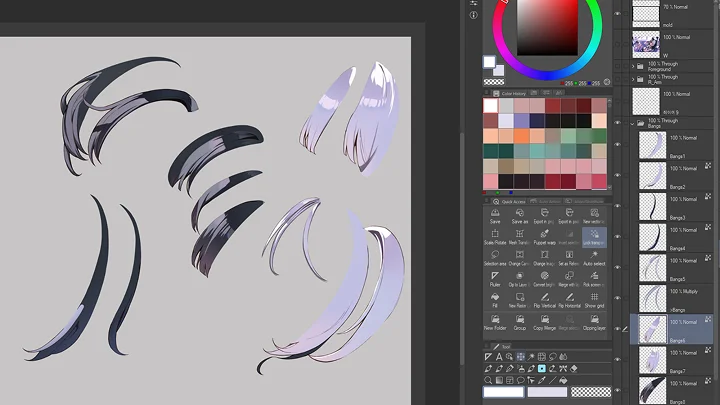
Illustration preparation is key! Clean and accurate layering setup will drastically affect the final outcome. Learn to separate intricate layers for optimal rigging and animation.
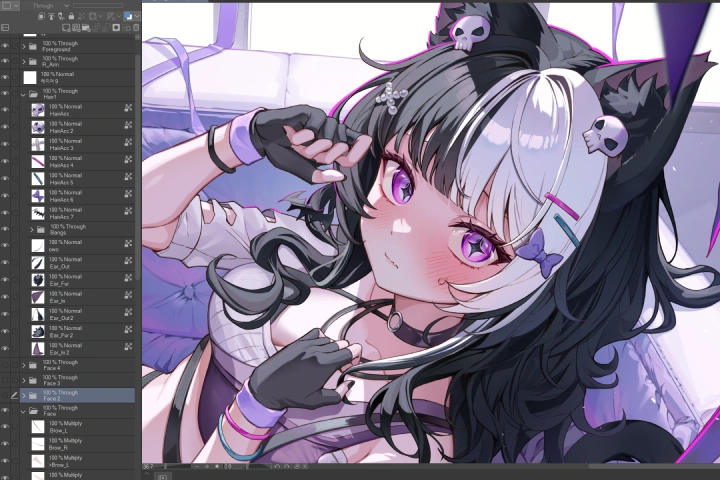
Adding Charm with Expressive Facial Movement
Customization is everything! Adding custom expressions will help the audience to connect with the model. Make it original, personal, and emotional.

Create a Complete and Captivating Scene
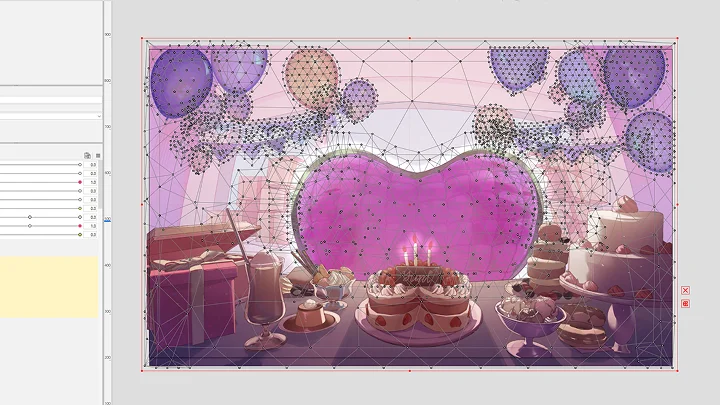
Animate the illustration background as well! Learn how to amplify your model's liveliness by creating a living world around it.

Class Details
You'll Learn
-
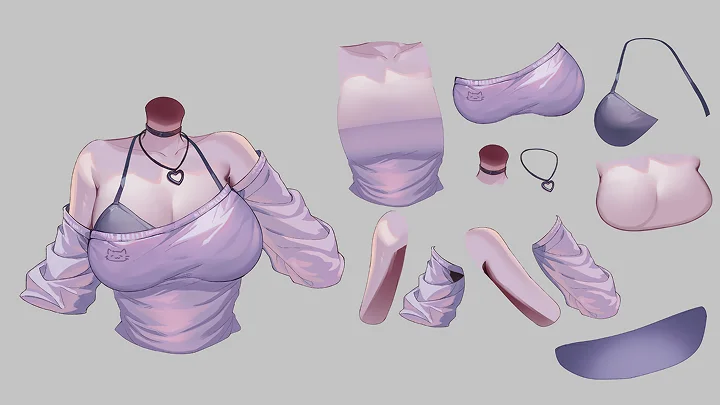
 Preparing Artwork for RiggingLive2D VTuber models require special cutting and layering techniques for smooth rigging and animation. Layer separation is crucial for achieving a wide range of motion.
 -
 Introduction to Live2D CubismLearn the basics of Live2D with this fun, beginner-friendly section! Discover the tools and put them to use with hands-on exercises.
 -
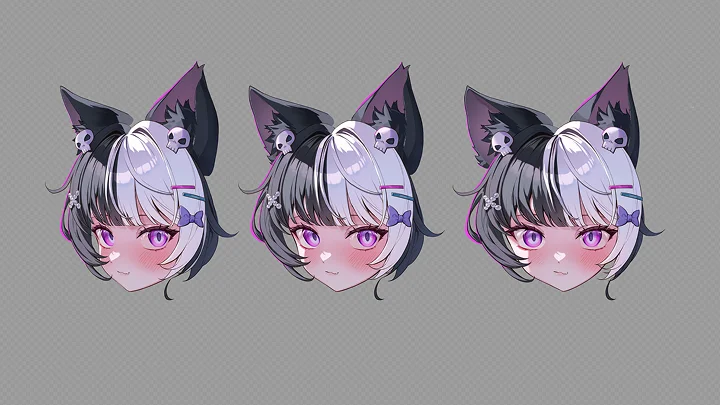
 Creating Expressive Facial MovementThe face is the most important part of the model. Learn the secrets to make it as expressive and reactive as possible to captivate your audience.
-
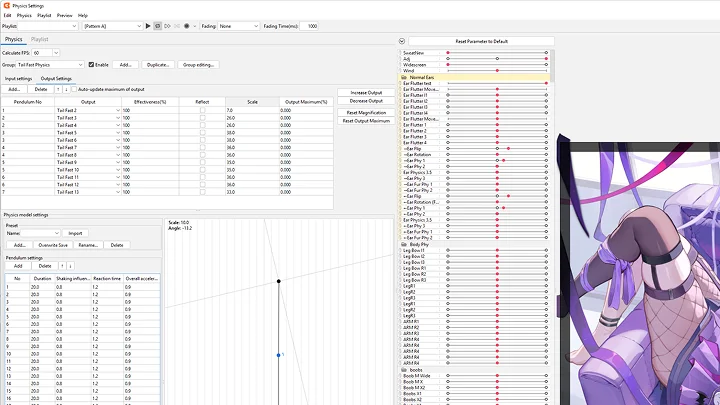
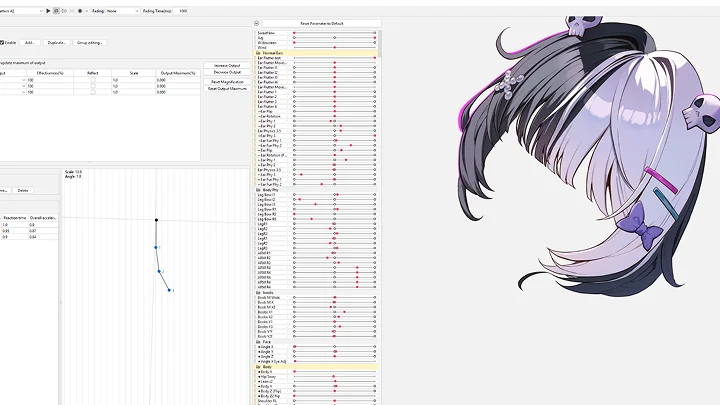
 Enhancing the Model with PhysicsAdd life to your model with lively physics. Learn how to manipulate pendulums in the physics engine.
 -
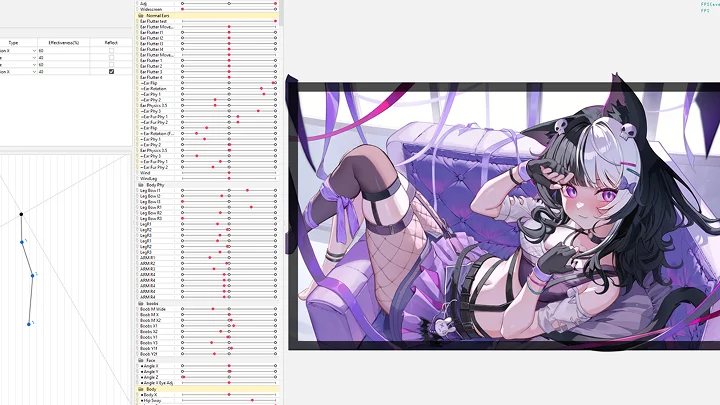
 Animating Background ElementsMany illustrations have unique background elements. Learn how to animate them according to the scene.
 -
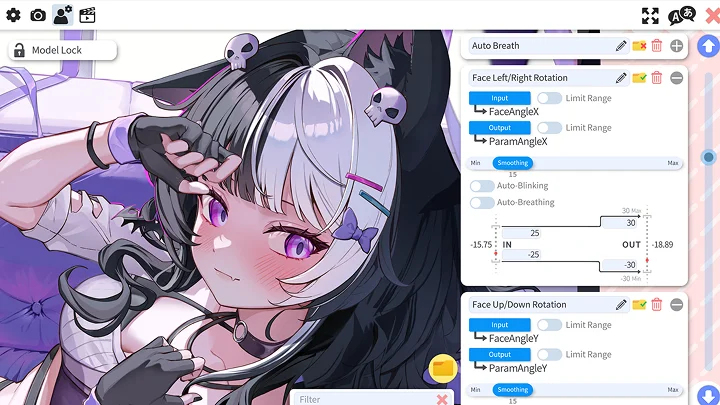
 Fine Tuning the ModelCreating an expressive model in Live2D is not the end. For best results, learn to fine tune your model in VTube Studio.
Interview with
Live2D Animator Chaos Vermillion

Question.01
Is there a specific reason why you chose this specific topic/themes?
I chose to teach Live2D on Coloso because I am deeply passionate about the unique art of animating illustrations, which stand out even in the VTuber community. Thanks to their expressive backgrounds, dynamic poses, and vivid facial expressions, animated illustrations can convey a sense of closeness that standard A-posed models often lack. I have always wanted to share my knowledge, and this course is an exciting opportunity for me to do so and inspire others.
Question.02
What makes your class different from other classes?
This course dives into the full process of transforming illustrations into dynamic VTuber models, an area rarely covered in detail. It focuses on bringing illustrations to life through highly expressive facial movement, dynamic body physics, and animated backgrounds. In addition, the course offers a hands-on learning experience that will equip students with the necessary skills to turn any illustration into a VTuber model by going through all the essential steps of separating, layering, and rigging.
Question.03
What do you think is the most important trait(s) for success in your industry?
I believe the most important traits for success in the Live2D industry are being efficient, having fun, enjoying the process of experimenting with new rigging and animation methods, having clear communication with clients, respecting deadlines, and having a good work ethic.
Required Programs
This course will use:
- Clip Studio Paint
- Live2D Cubism
- VTube Studio
- VBridger
Please purchase and install these program(s) for an optimized chapter experience.
*These programs and/or materials will not be provided with the chapter.