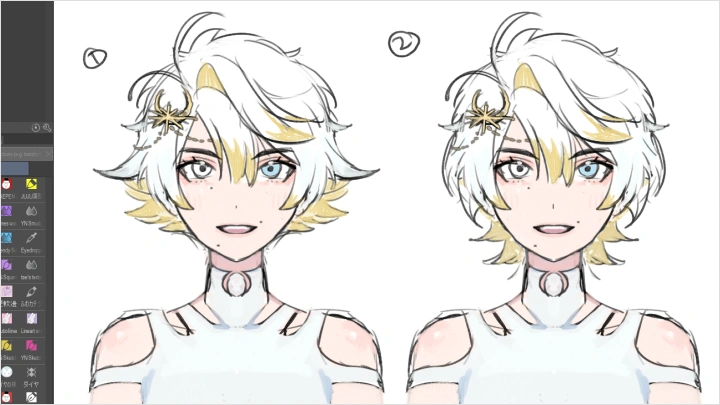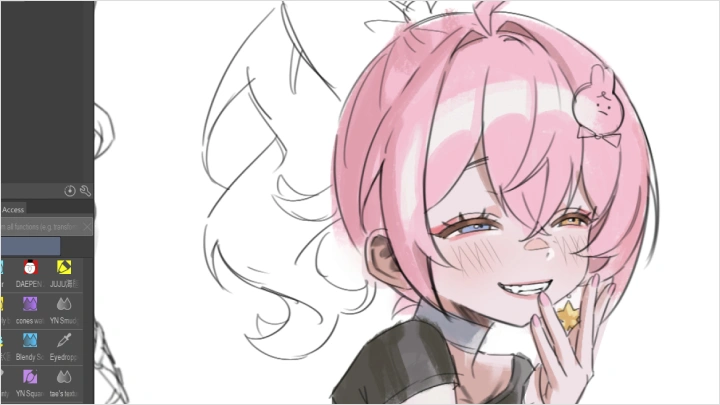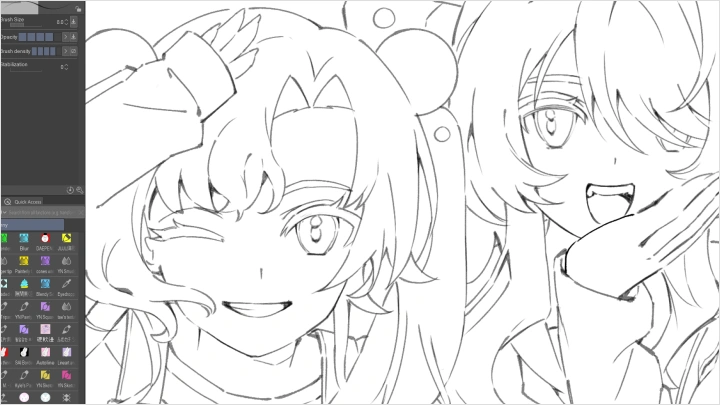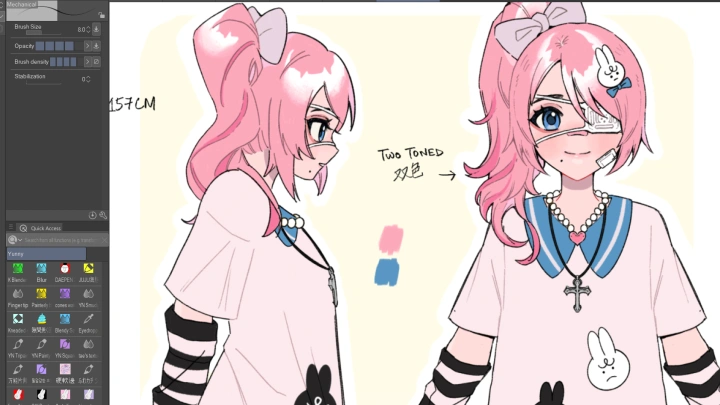
illustrator,yunny Details
Intro
Class Intro
Illustrator, Yunny
Let's create narrative-driven illustrations that exude personality & balance!
Turn Ideas into Characters People Will Remember
Are you struggling to turn your ideas into actual characters? Even after hours of sketching or studying other artists, do your designs still feel flat? Yunny understands the frustration of having amazing ideas but not knowing how to bring them to life and really being able to create your very own character. Now you can discover the methods that helped her turn ideas into characters that stand out.

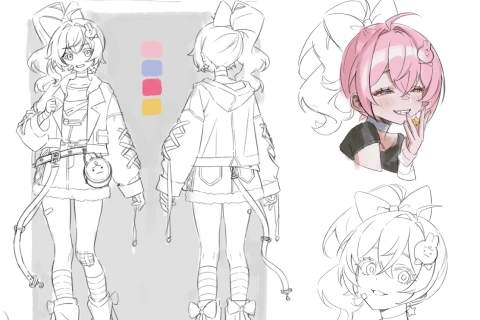
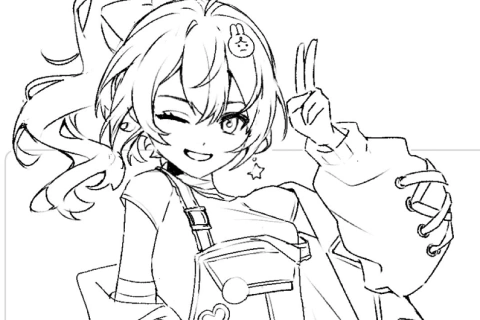
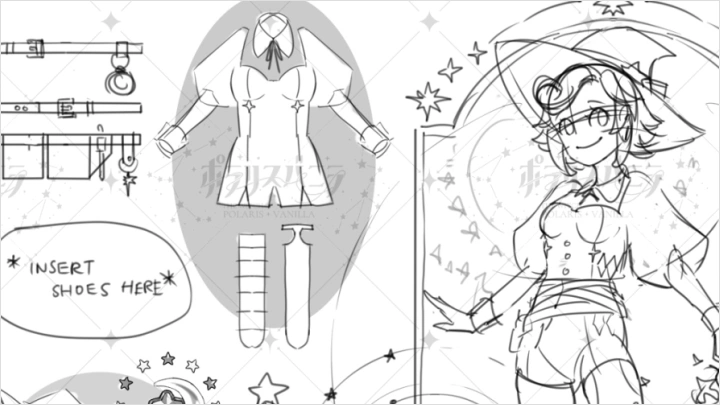
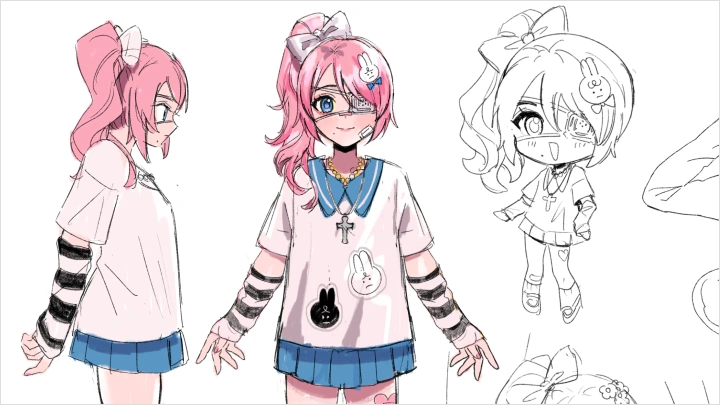
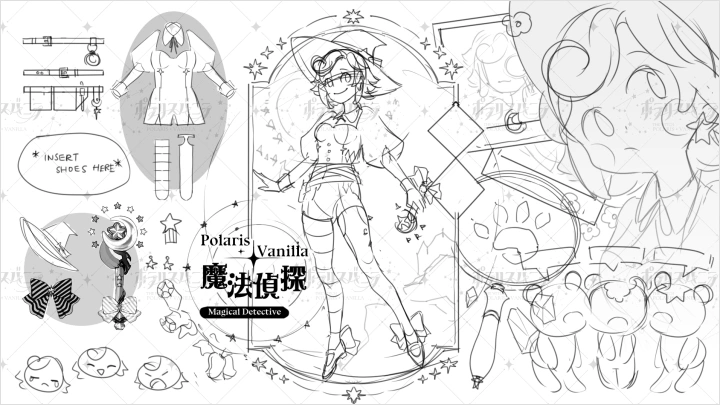
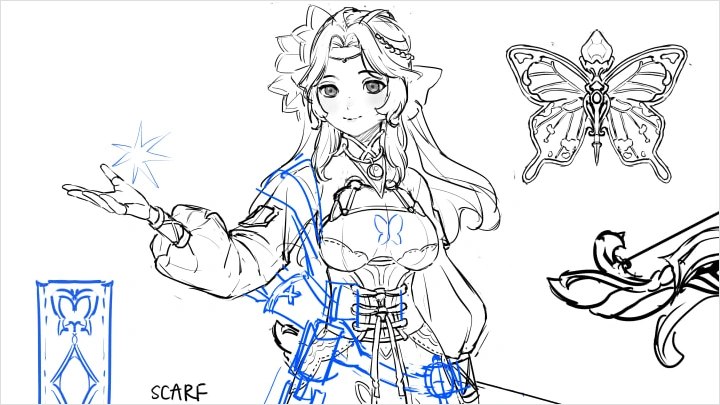
Guided by Yunny, an experienced character designer, you’ll learn to create detailed character sheets that showcase every aspect of your ideas. Through 27 lessons, Yunny guides you step by step through her character creation process, from gathering references and defining key ideas to refining silhouettes, faces, and props that express personality.
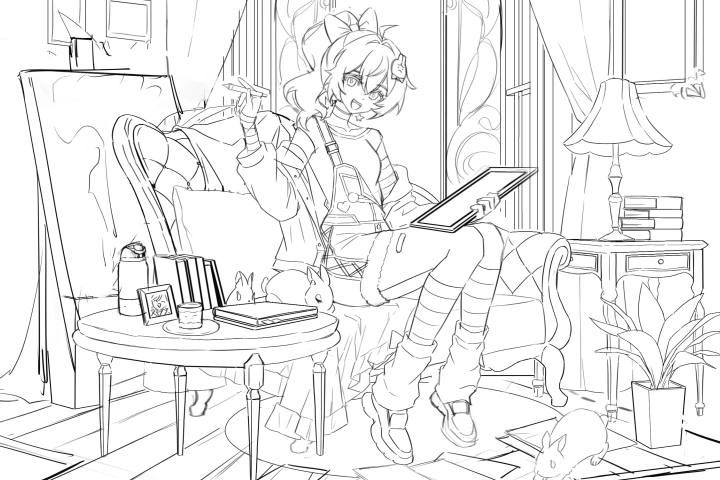
By the end, you’ll understand character design principles and develop a sustainable workflow for future projects. You’ll also complete a full character sheet and a final illustration ready for your portfolio, demonstrating your ability to create distinct characters and backgrounds.
By the end, you’ll understand character design principles and develop a sustainable workflow for future projects. You’ll also complete a full character sheet and a final illustration ready for your portfolio, demonstrating your ability to create distinct characters and backgrounds.
Class Preview
Still Not Sure?
Check Out Yunny's Class Preview!
Chapter 6: What Makes a Character Appealing
1. Look at trends and select elements that can boost character appeal in your designs
Class Perks
Special Gift from Yunny
-
 Working Files
 -
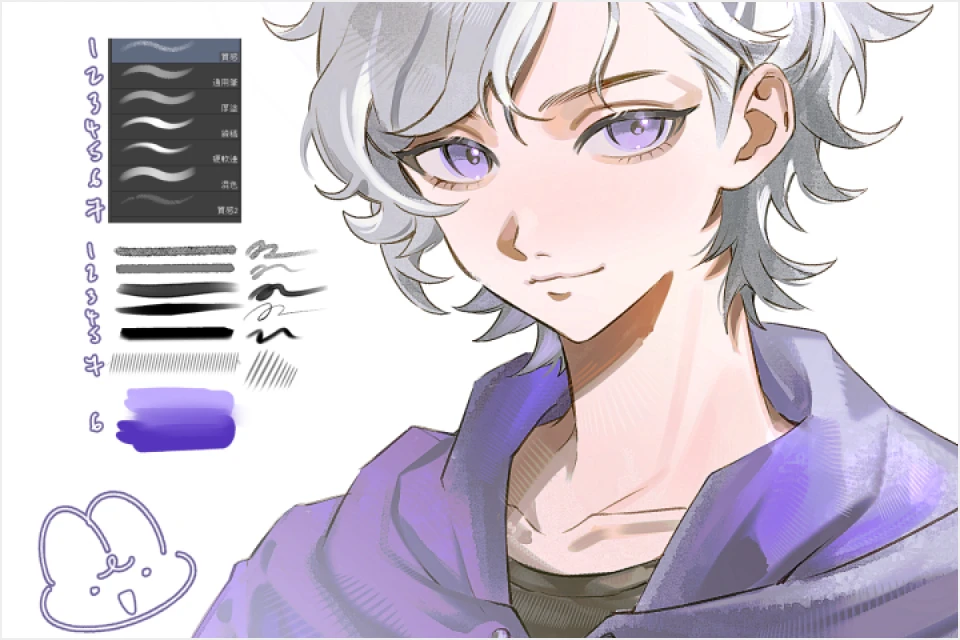 Brushes
 -
 Templates
Class Material Details
-
 Full-Resolution Class Materials- Full-resolution files for student reference, including all finished illustrations for the class
- Includes sketches, layer modes, and adjustments used in class -
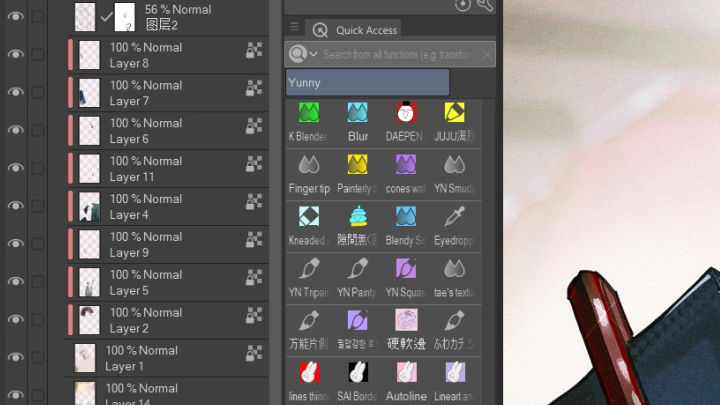
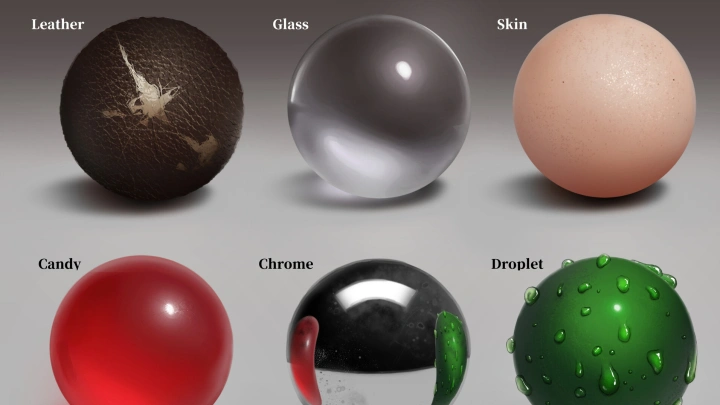
 Custom Tools for Sketching and Rendering- Brushes Yunny uses for sketching, linework, and coloring
- Includes various textures for rendering -
 Character Profile Sheets- Character profile templates to help with brainstorming
Recommendation
Who should take this class?
Beginner artists who want to learn how to design and illustrate original characters with strong personality.
Intermediate artists who want to elevate their character design and illustration skills to the next level.
Aspiring character concept artists who want to create unique and appealing characters for various media.
Expert Illustrator Yunny's Portfolio

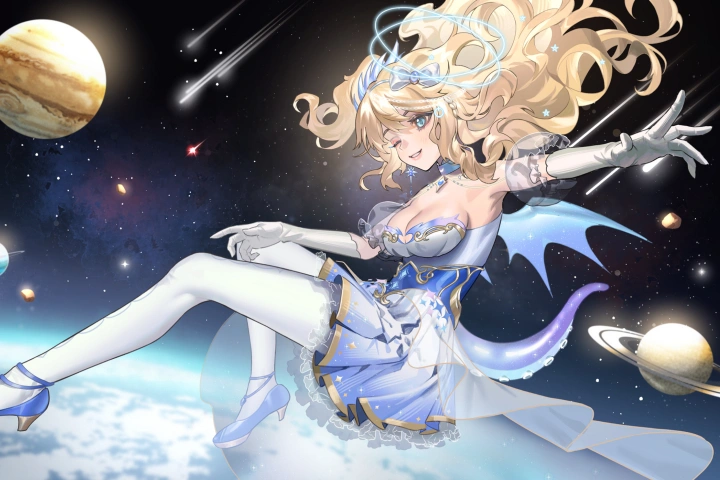

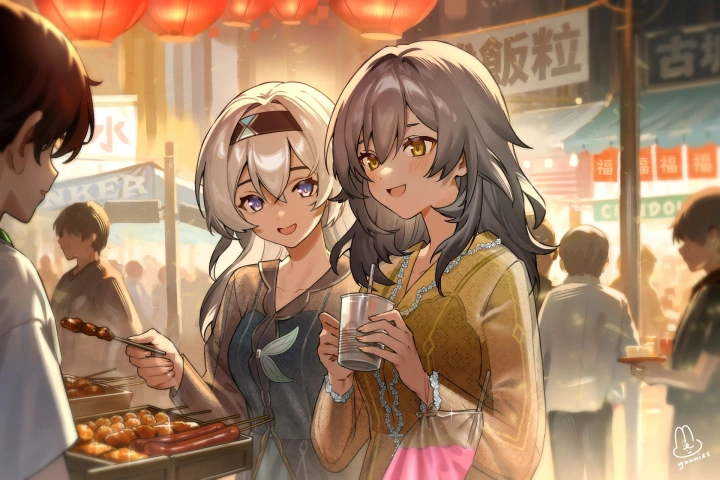
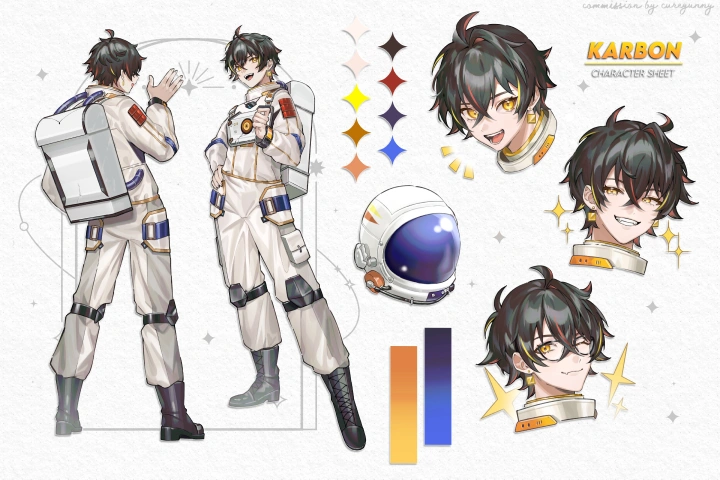
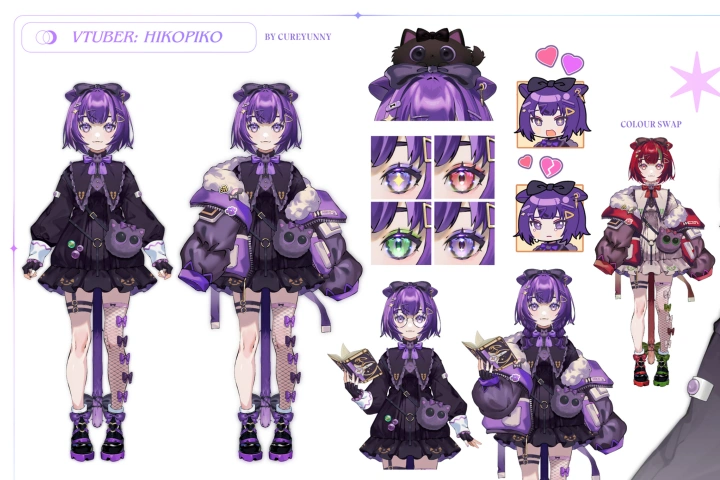
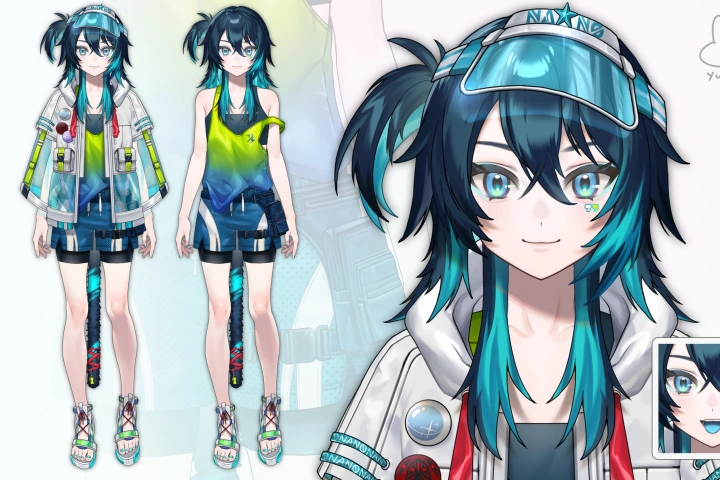
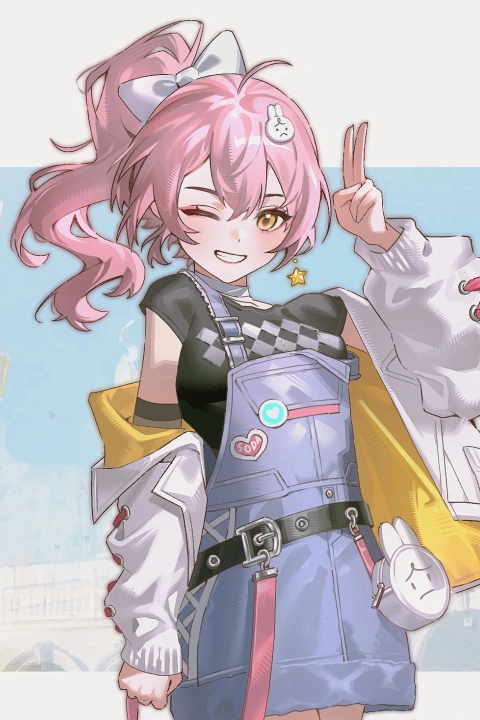

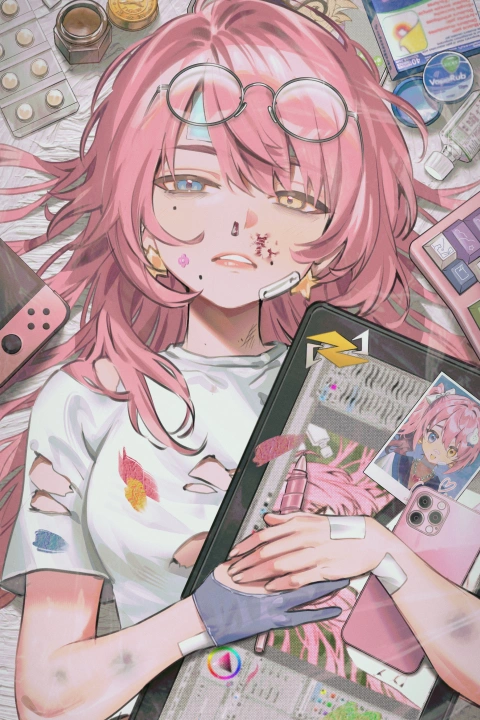
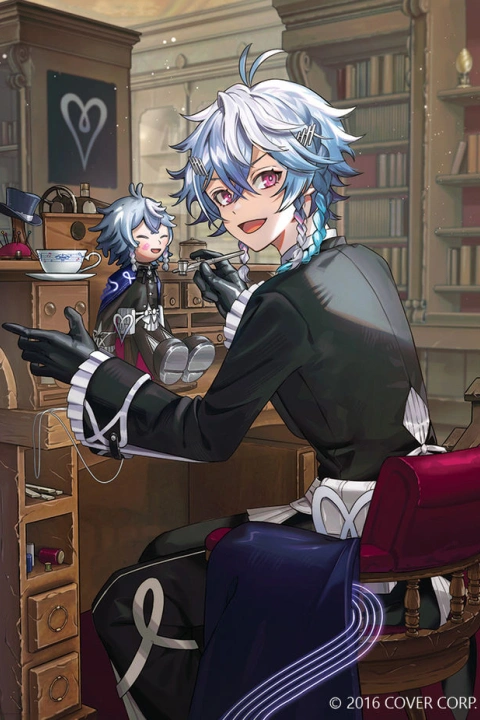
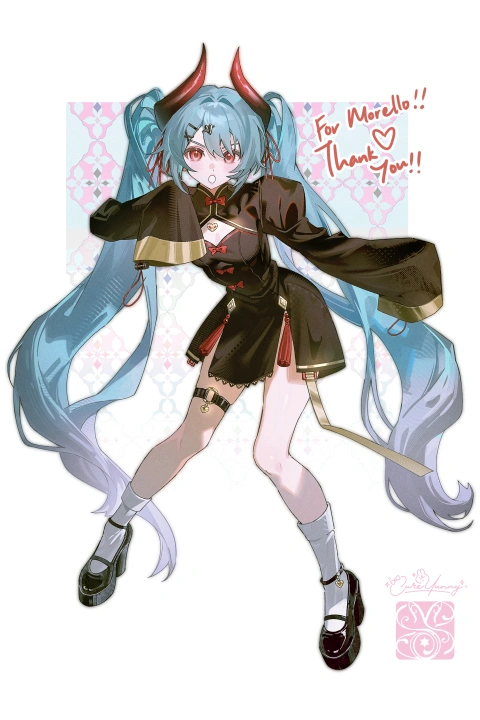


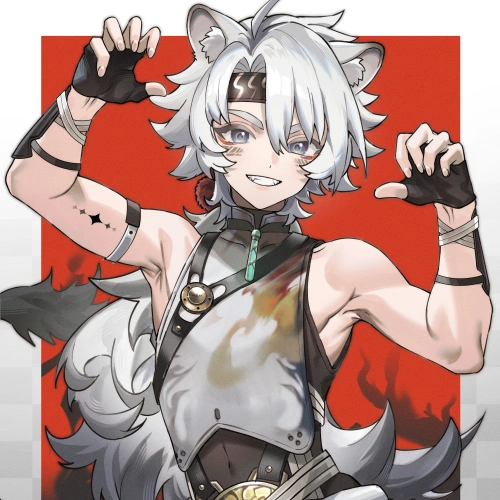

* This Portfolio includes fanart and client works.
Why Take This Class?
Every character begins as an idea, a spark that can either quickly die out or explode into something unforgettable. Yunny’s guidance helps you take simple but strong steps to bring that spark to life. You’ll explore the foundations of creating a complete character sheet and learn how to expand each design with storytelling, making every character distinct and full of personality.
With years of self-guided practice and a deep passion for storytelling and character creation, Yunny is here to share her insights with aspiring artists. She delivers step-by-step lessons designed to help you overcome common creative challenges. Her classes combine technical skill with sustainable drawing habits, teaching you how to work effectively even on long projects. By following Yunny's curriculum, you’ll learn to create full character sheets and illustrations that integrate props, backgrounds, and personality. The result will be a portfolio of characters that are diverse, original, and a reflection of your imagination.

Get Ready for the Real-World
17 Class Exercises
-
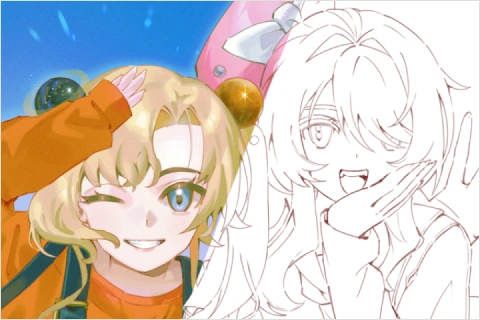 Constructing a WorkflowConstruct a workflow to aid with designing and drawing process
 -
 Making a MoodboardMake a moodboard specific to your character using references
 -
 Creating a Profile SheetCreate a profile sheet for your character with important elements (template provided)
-
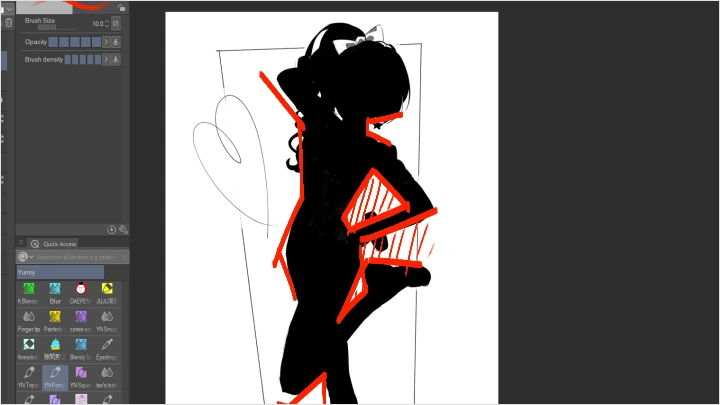
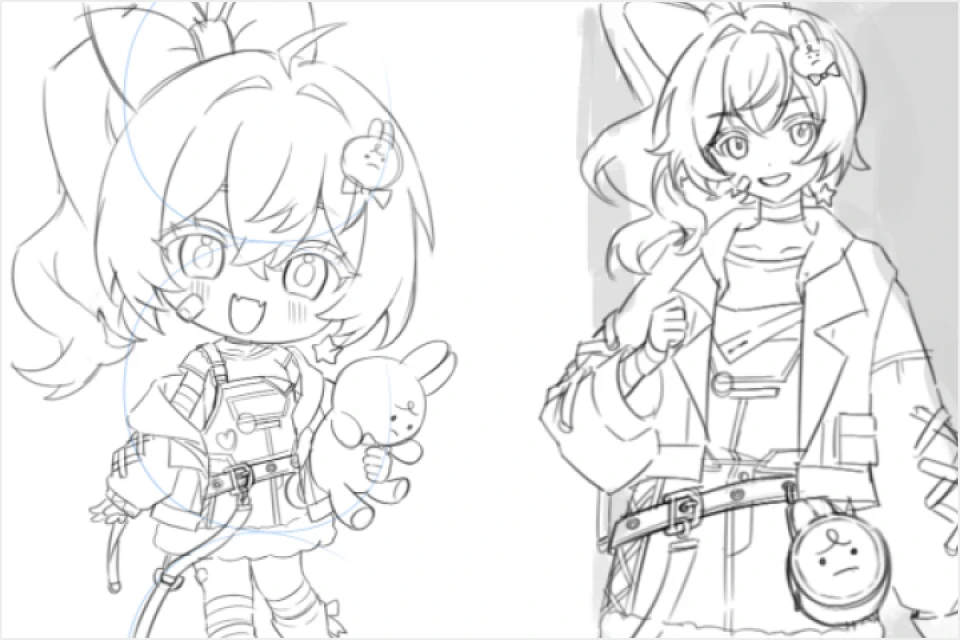
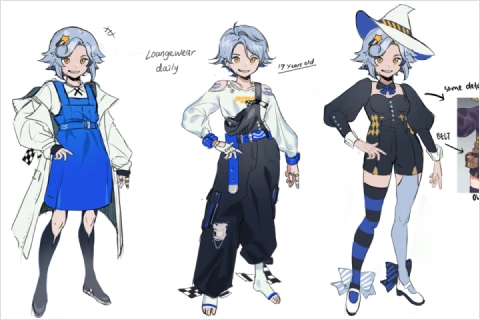 Thumbnailing CharactersThumbnail characters to plan the character design through silhouettes
 -
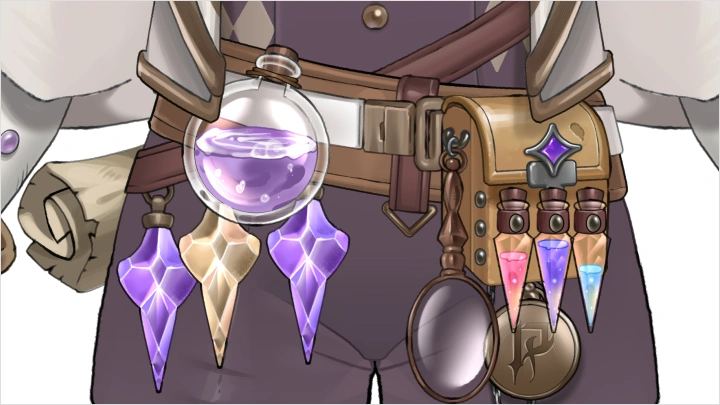
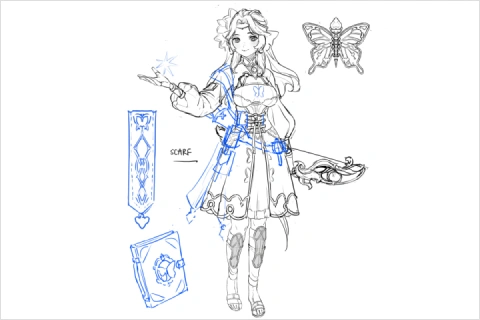 Sketching Unique PropsDesign unique props that suit and enhance your character
 -
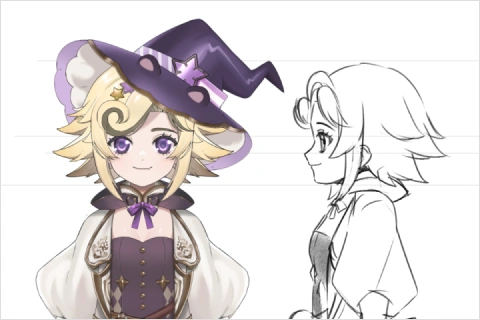 Sketching Face Shapes & HairstyleExperiment with various face shapes and hairstyles
-
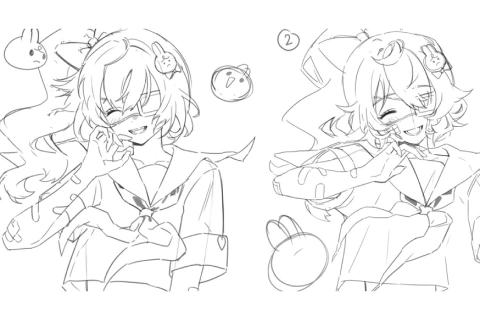
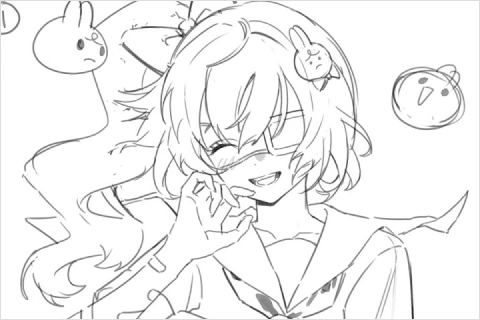 Sketching ExpressionsSketch multiple facial expressions to showcase character personality
 -
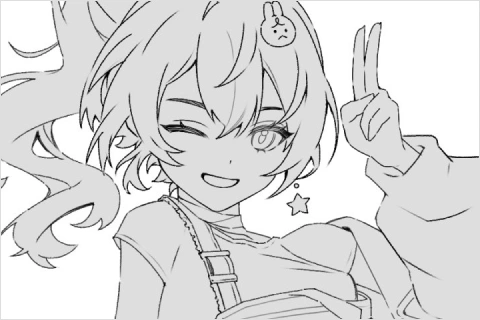 Lining CharactersRefine sketches into clean linework
 -
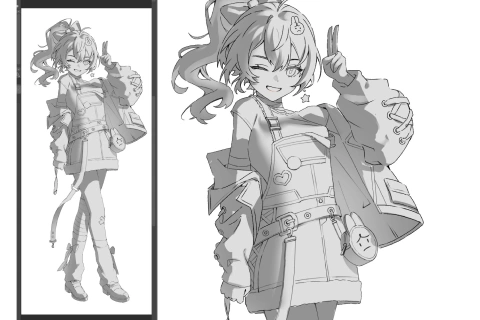
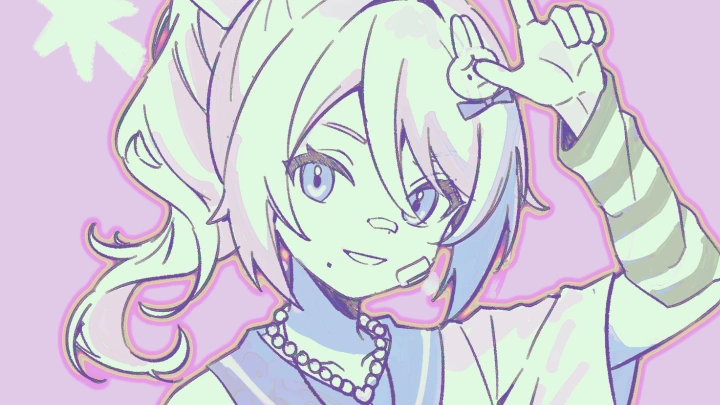
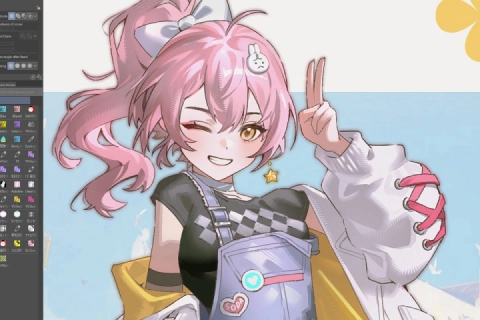 Rendering CharactersRender characters with colors, textures, and patterns to bring them to life
-
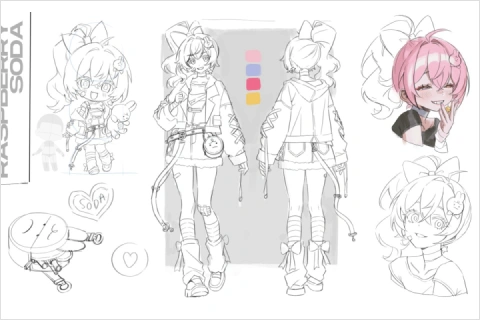 Creating a Full Character SheetCreate your own fully rendered character sheet
 -
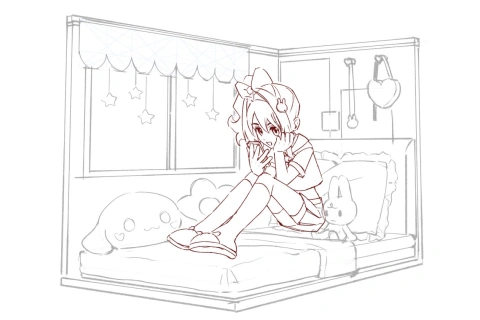
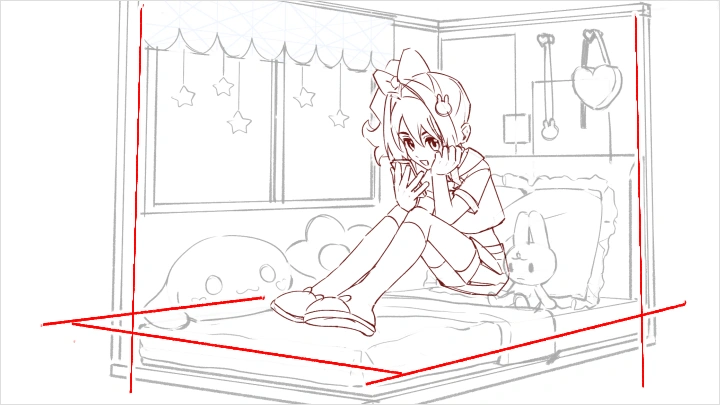
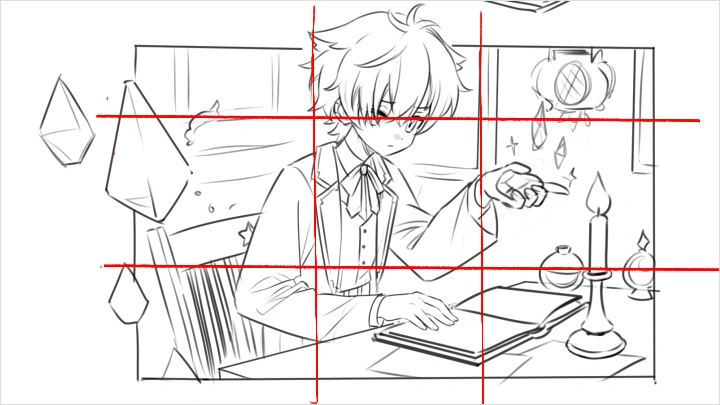
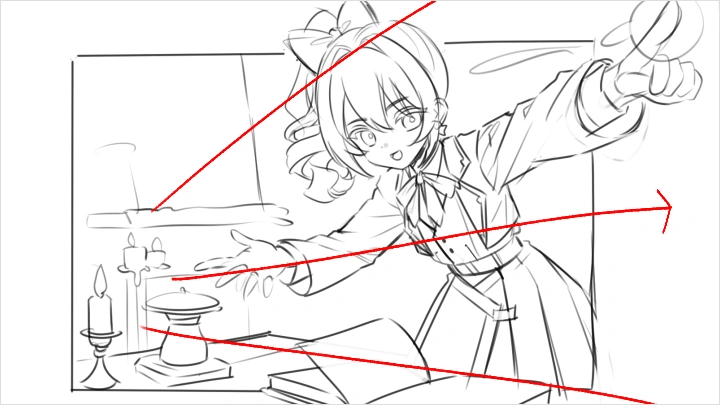
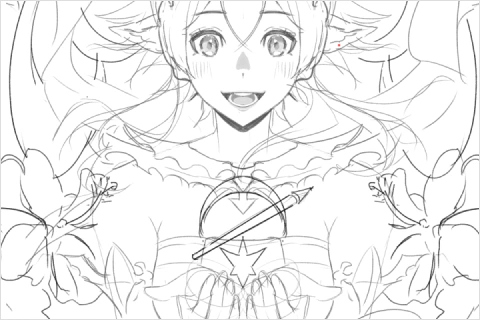 Thumbnailing IllustrationsUse perspective in thumbnailing your illustrations
 -
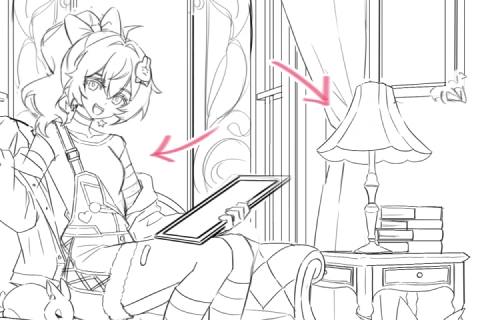
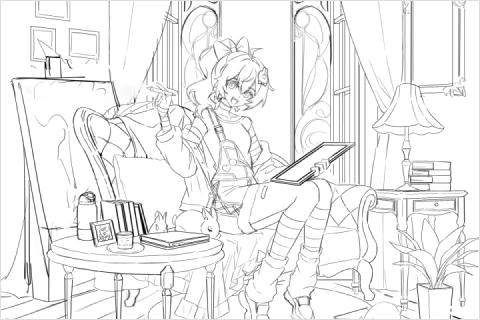 Sketching Characters in BackgroundPractice character placement and perspective within a background
 -
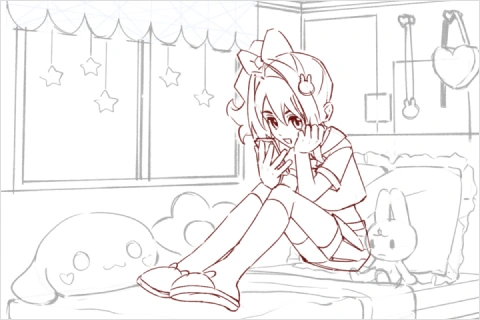 Sketching Props & FurniturePlace props and furniture to guide the eye and balance the scene
-
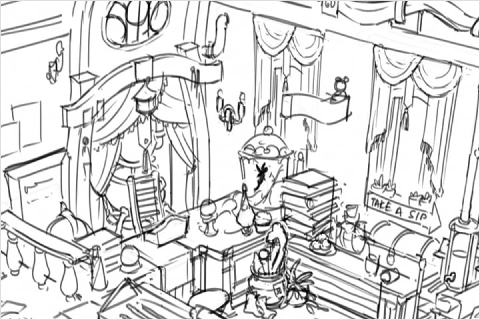 Detailing BackgroundsDetail backgrounds with architectural and storytelling elements
 -
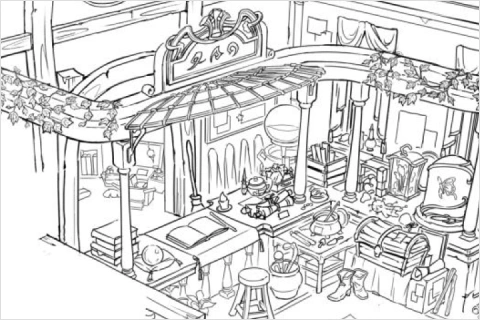 Linearting BackgroundsConvert background sketches into clean linework
 -
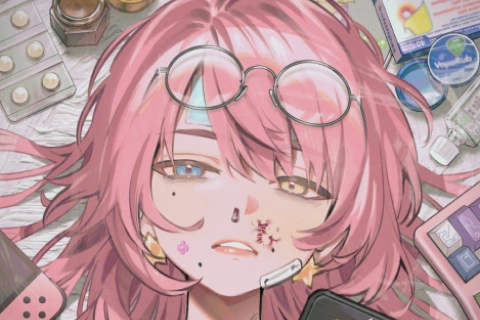 Illustrating Splash-Style SceneIllustrate your character in a splash-style scene with props and details
 -
 Planning for the FuturePlan future projects and think of ways to develop a unique style
Final Products
-
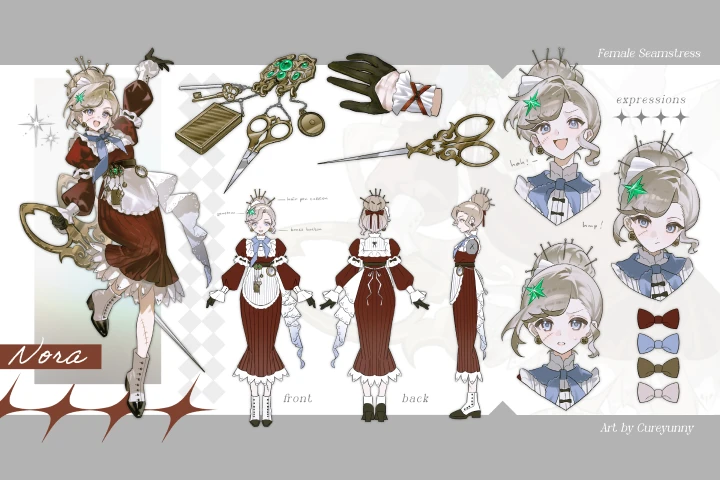 Character Sheet
 -
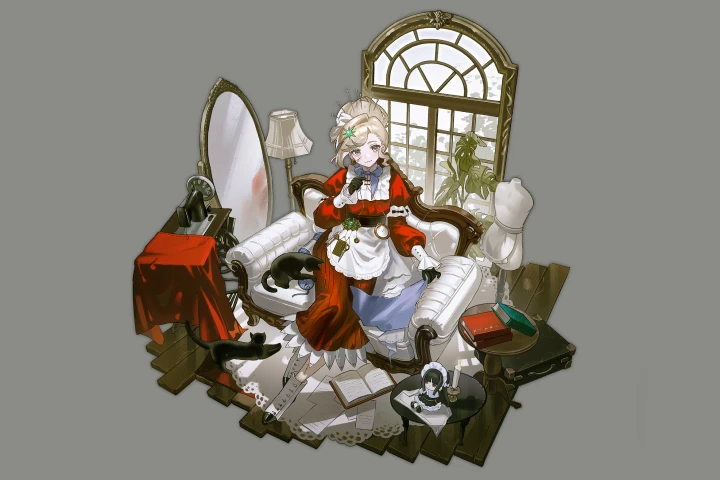 Character + Background
Highlights
Class Highlights
Storytelling Through Visuals
Learn how to convey a character’s story through visual elements in their design. In this course, you’ll explore how every design choice—from costume and props to posture and expression—can reveal a character’s personality and backstory. You’ll also learn how to use world-building and cultural details to add depth and context, making your designs feel more authentic and believable. By the end of this section, you’ll be able to create characters that communicate their stories at a glance and leave a lasting impression on viewers.
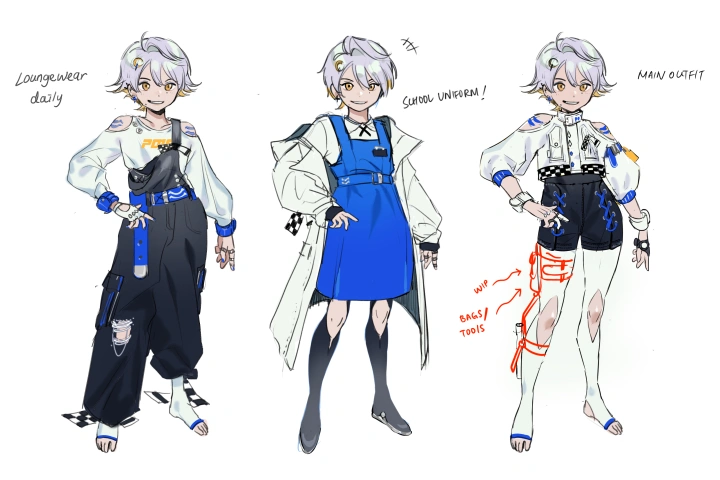
Optimizing Your Process
Learn each individual step of creating character designs and illustrations in detail, such as research, thumbnailing, lining, and rendering. This course guides you through a structured and efficient workflow that helps you stay organized from start to finish. You’ll discover how to gather and analyze references effectively, extract meaningful insights, and turn them into strong design concepts. With practical tips on maintaining consistency, managing your time, and improving your technical skills, you’ll be able to develop a professional process that supports both creativity and productivity.
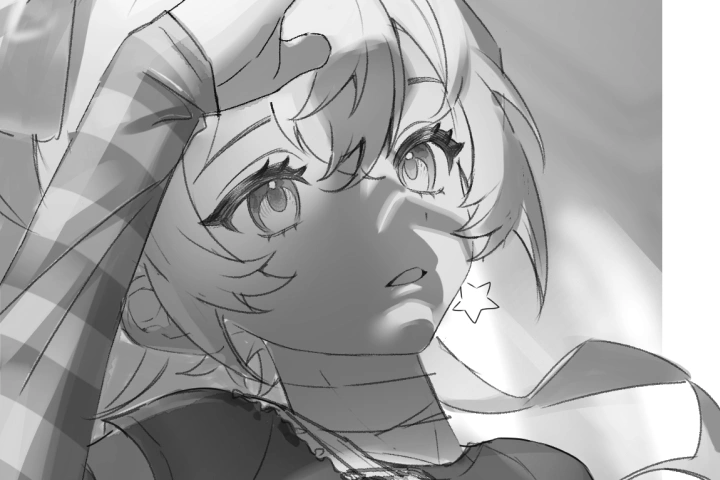
Elevate Your Illustrations
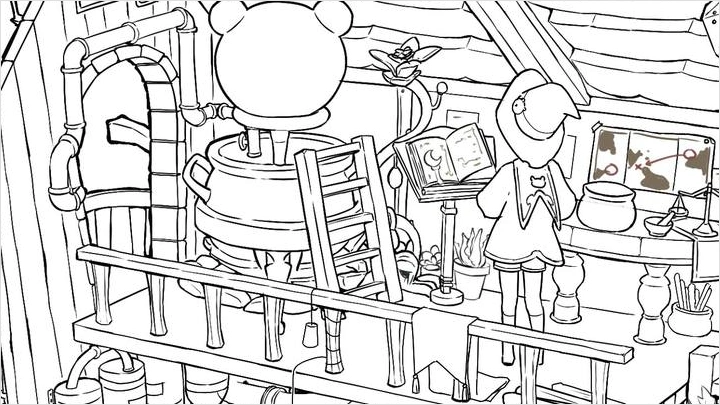
Learn how to bring your character illustrations to the next level through the use of composition techniques, backgrounds, and props. You’ll dive into the visual principles that make an illustration truly stand out, such as silhouette balance, perspective, and composition. This section also covers how to integrate backgrounds, lighting, and props to enhance storytelling and make your characters feel alive in their environment. Finally, you’ll learn how to polish and present your artwork in an aesthetically compelling way, making it ready for your portfolio or professional showcase.