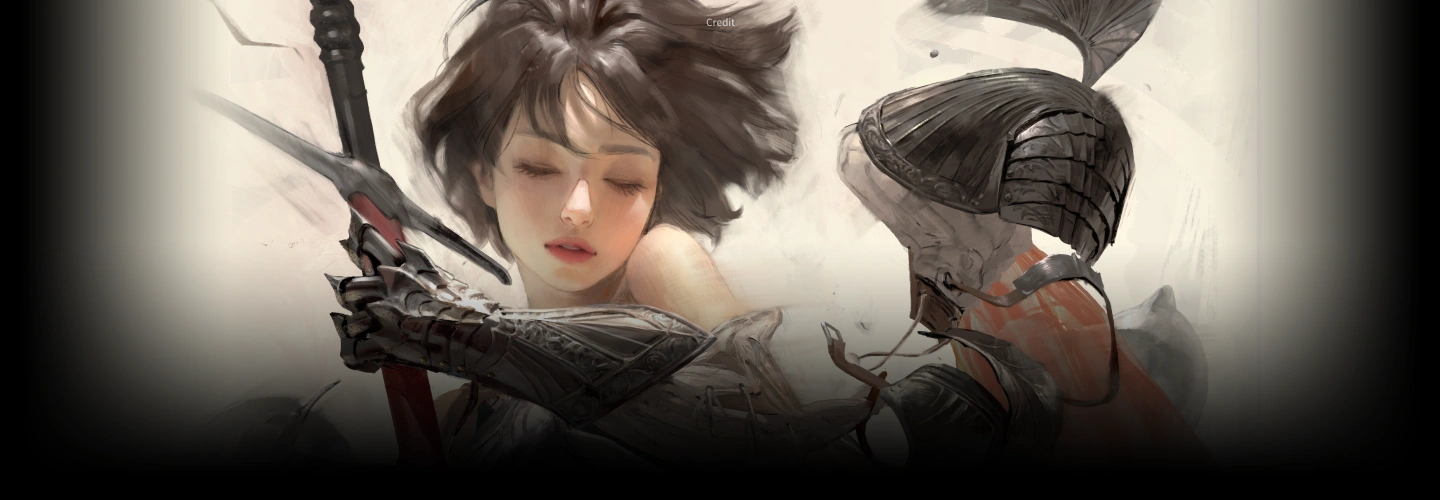
illustrator,sangsoojeong_정상수KR Details
Class Intro
Illustrator, Sangsoo Jeong
Intro

Now in Your Language, Only on Coloso!
Learn from Korea's Top Master Creatives
-
 Industry-Proven Workflow & Techniques
 -
 Master Light, Color, and Composition
 -
 Develop Your Own Artistic Judgment and Precision
Master Real-World Project Techniques with 14-Year Veteran Artist Sangsoo Jeong
Full Reveal of 14-Year Veteran Illustrator Sangsoo Jeong's Professional Workflow!
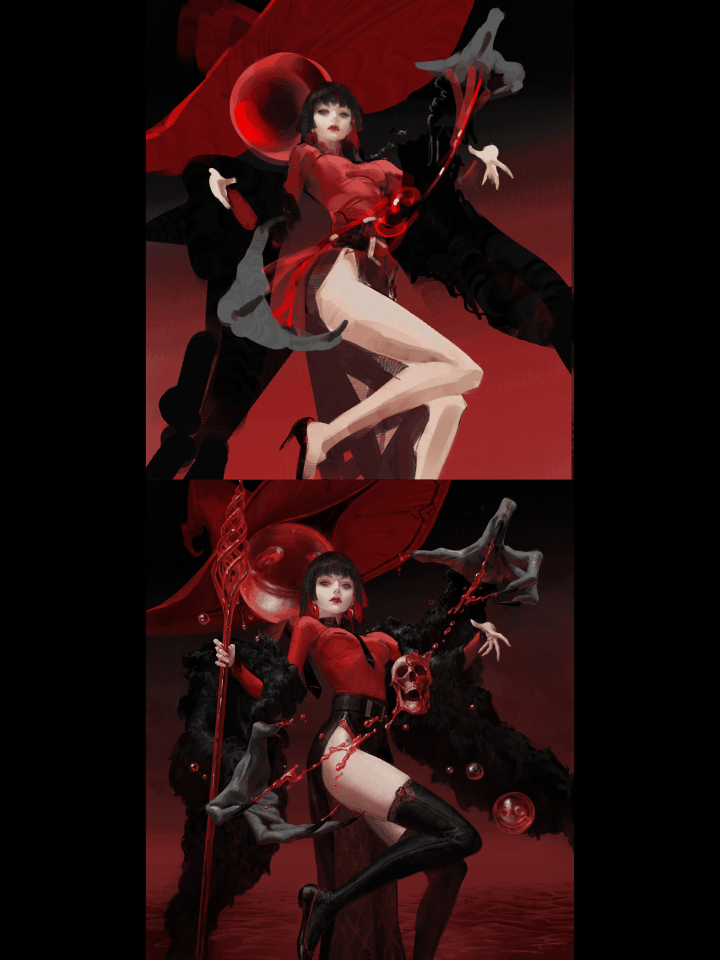
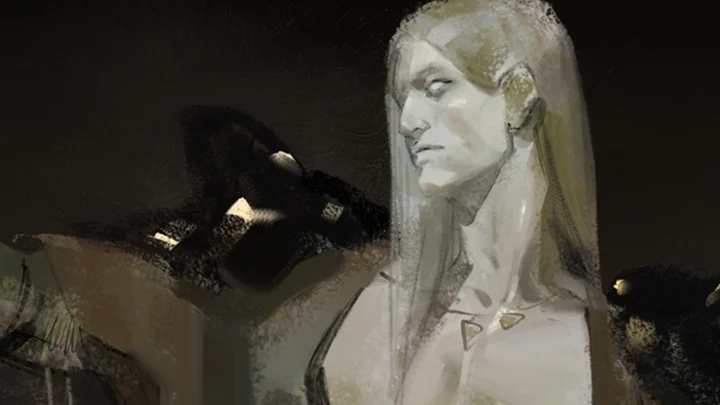
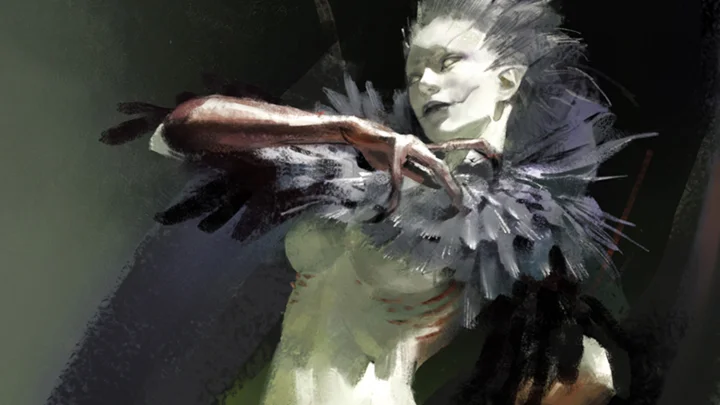
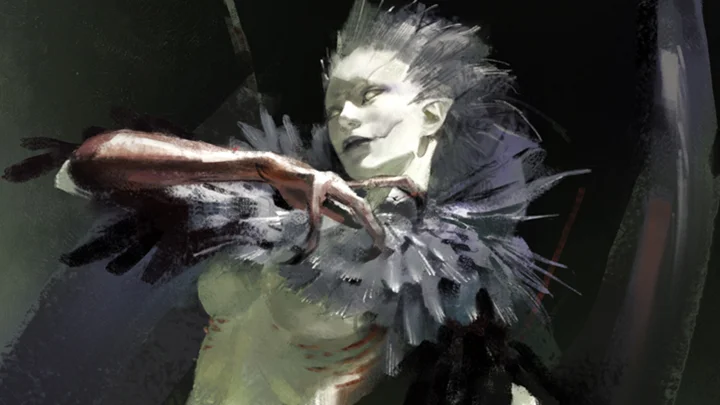
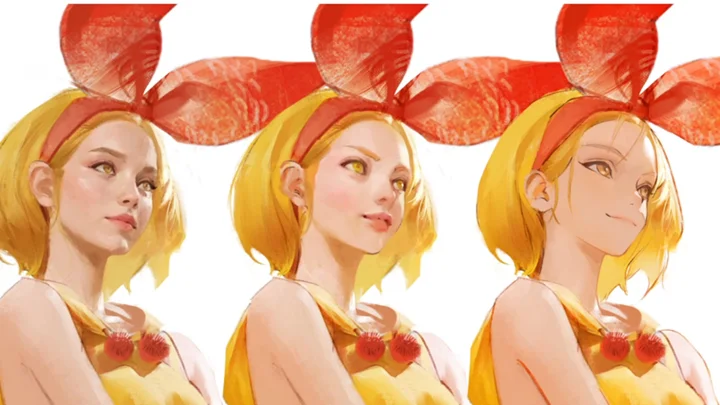
Learn the complete process and hands-on techniques of Sangsoo Jeong, the lead artist behind League of Legends’ ‘Shadow Evelynn.’ Go beyond theory and experience a professional’s daily routine and coloring methods by working through final game illustrations and concept art projects.
Learn the complete process and hands-on techniques of Sangsoo Jeong, the lead artist behind League of Legends’ ‘Shadow Evelynn.’ Go beyond theory and experience a professional’s daily routine and coloring methods by working through final game illustrations and concept art projects.
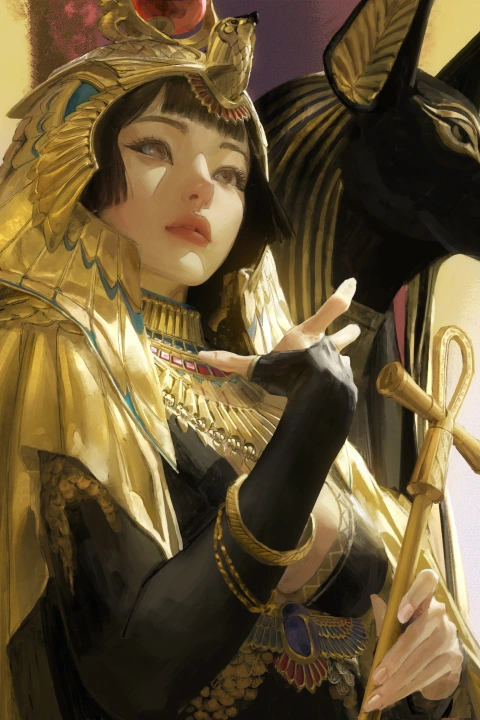
A Collection of Sangsoo Jeong’s Workflow Secrets, Directly Applicable to Professional Work!
Master the essentials that make your illustrations stand out: coloring that highlights light and shadow, semi-realistic character rendering, and the relativity of visuals according to environment and context. Learn step by step the key elements that capture attention, and discover the secrets behind the industry’s most sought-after artwork. Build a solid foundation in game illustration with Sangsoo Jeong now at Coloso.
Master the essentials that make your illustrations stand out: coloring that highlights light and shadow, semi-realistic character rendering, and the relativity of visuals according to environment and context. Learn step by step the key elements that capture attention, and discover the secrets behind the industry’s most sought-after artwork. Build a solid foundation in game illustration with Sangsoo Jeong now at Coloso.
Thai subtitles and Thai-translated class materials will be available starting Aug 7, 2026.
Class Preview
Still Not Sure?
Check Out Sangsoo Jeong's Class Preview!
Class Perks
Special Gift from Sangsoo Jeong
-
 Sangsoo Jeong’s Full Workflow RevealUnlimited Access to 30 Chapters
 -
 Complete Semi-Realistic Illustrations16 Practice Examples and Demo Files Included
 -
 5 Essential Brushesfor Maximum Efficiency
Recommendation
Who should take this class?
Those who want to learn Sangsoo Jeong’s semi-realistic coloring techniques and illustration workflow
Aspiring freelance illustrators who want to build a highly efficient coloring process
Those curious about professional-level use of light and shadow to achieve polished results
Expert Illustrator Sangsoo Jeong's Portfolio
-
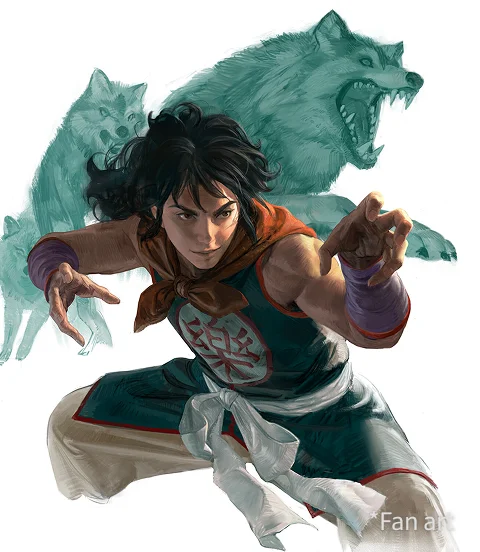 yamcha
 -
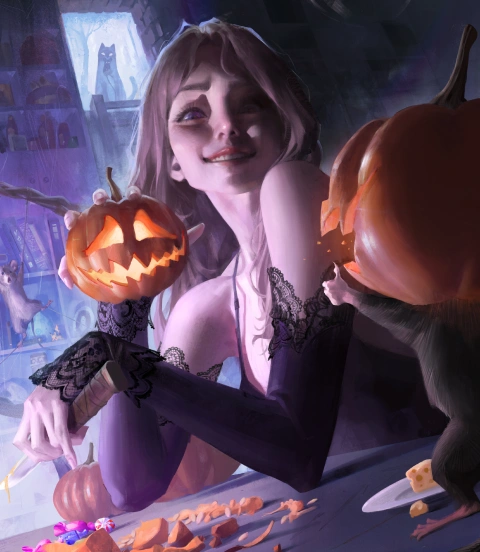 "How about this?"
-
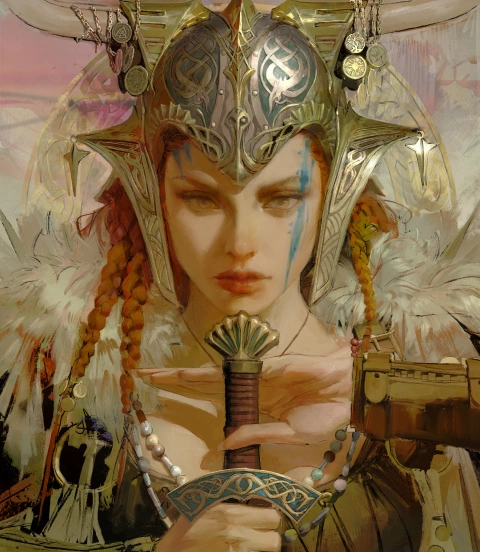 Tara
Tara -
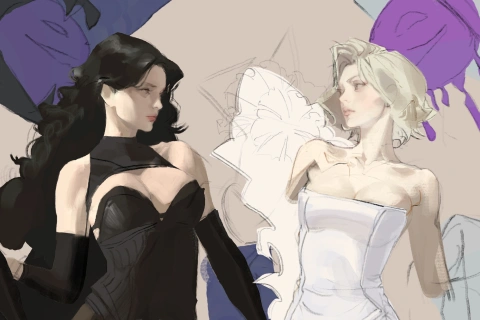
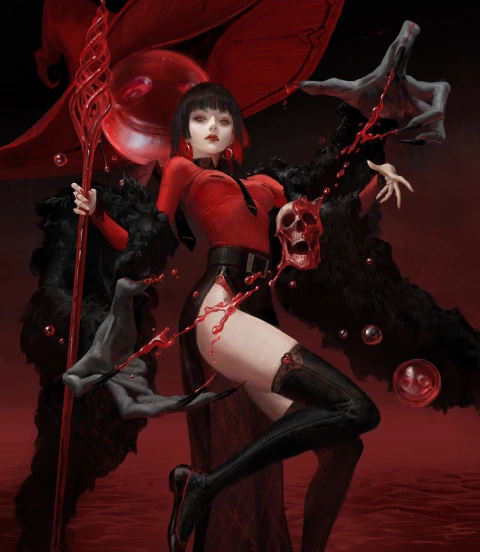 Red witch
-
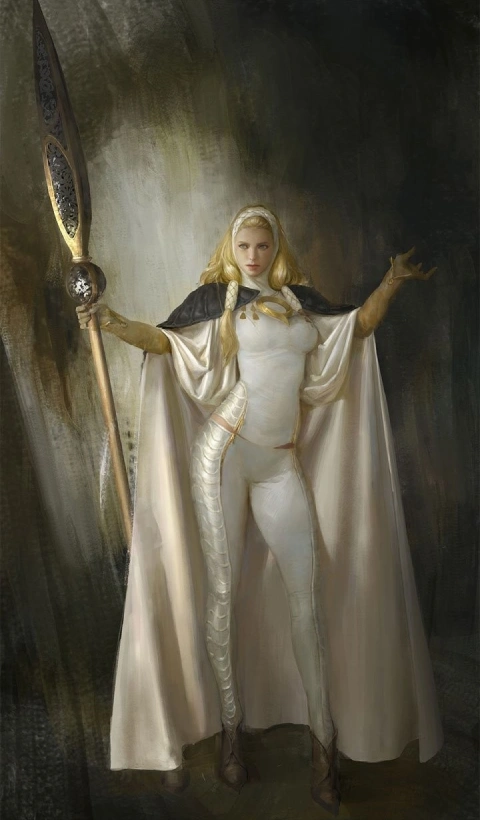 White witch
 -
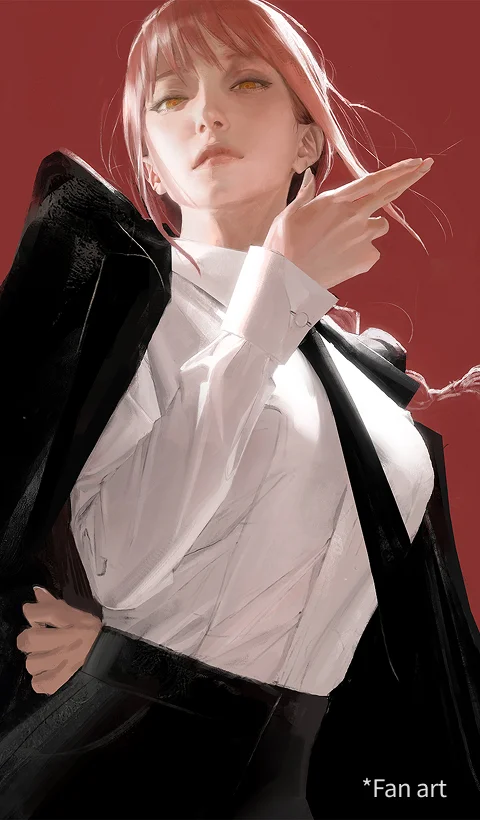 makima
-
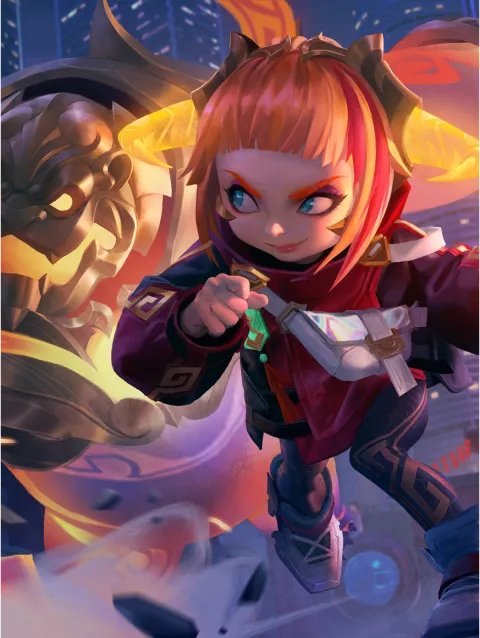 Lunar Anni
 -
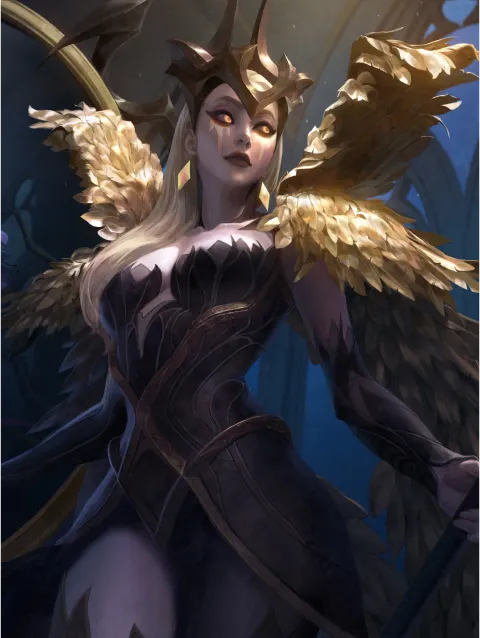 Coven Leblanc
Why Take This Class?
Professional Semi-Realistic Illustration Techniques That Work in the Freelance Market
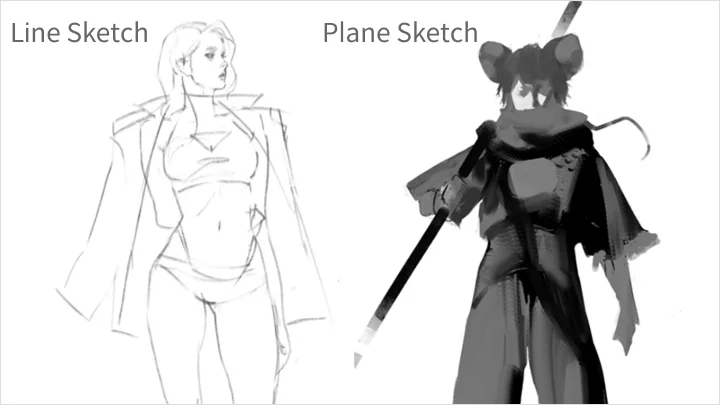
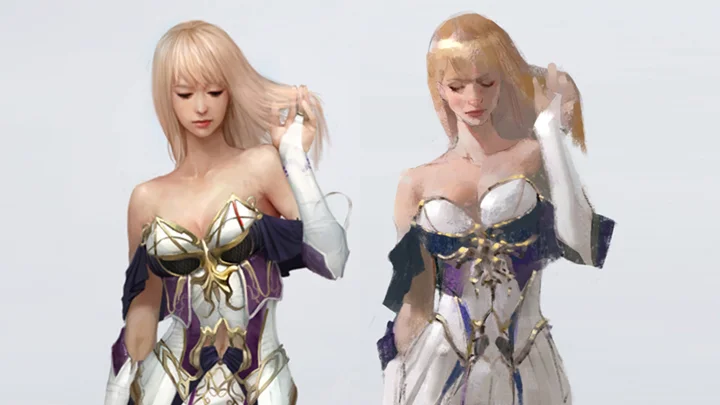
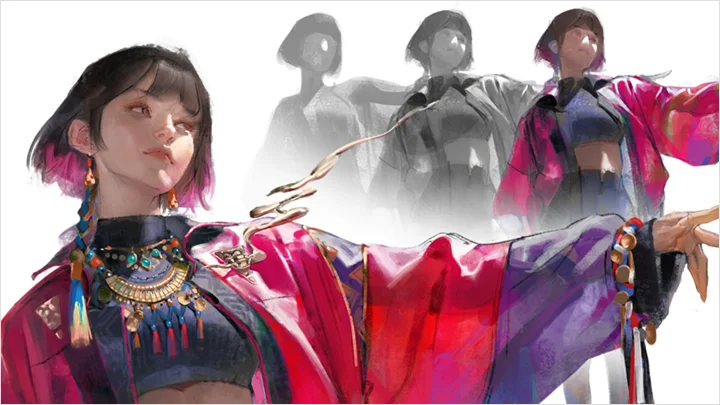
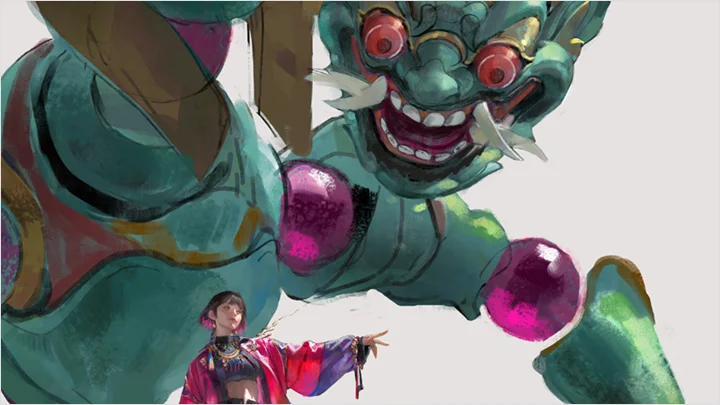
Go beyond basic theory and learn Sangsoo Jeong’s proven workflow for character deformation, semi-realistic rendering, and oil-textured coloring used in real projects. From sketches using planes and lines to detailed light and shadow management, this course delivers methods directly tested and applied in professional work.
Sangsoo Jeong’s Exclusive Workflow That Brings a Flood of Freelance Game Industry Requests
Capture the depth and dimensionality unique to semi-realistic illustrations and the texture of oil painting in your portfolio. Develop your own coloring routine that harmonizes light, shadow, and color, and experience a professional-focused workflow for coloring and rendering that builds competitiveness in the global market, now at Coloso.

Master Semi-Realistic Game Illustration with Real-World Techniques
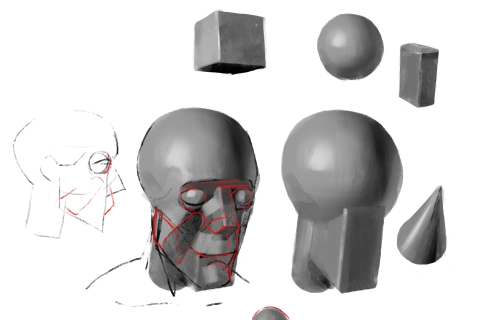
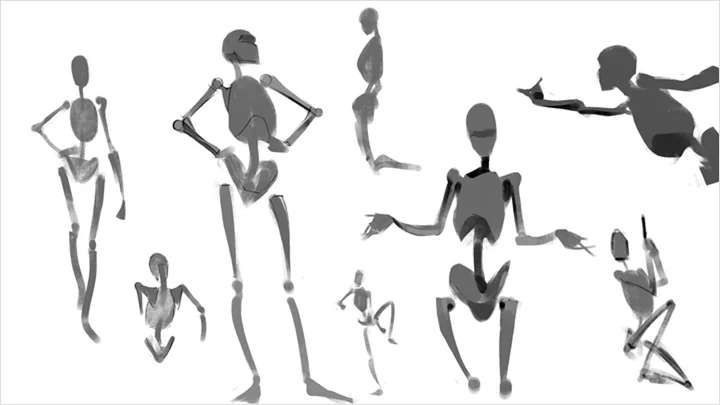
Part 1. Efficient Line & Plane Sketching
-
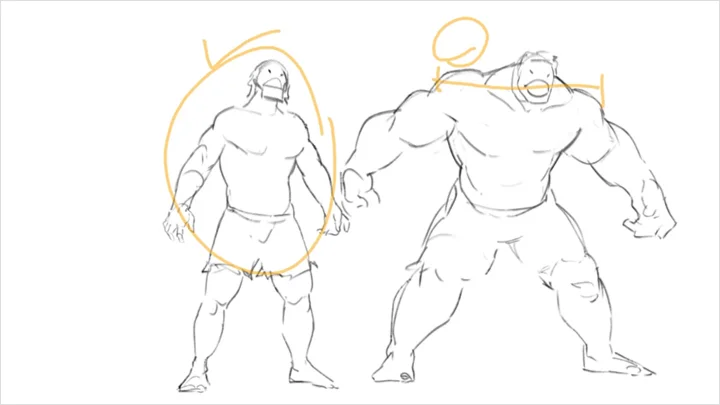
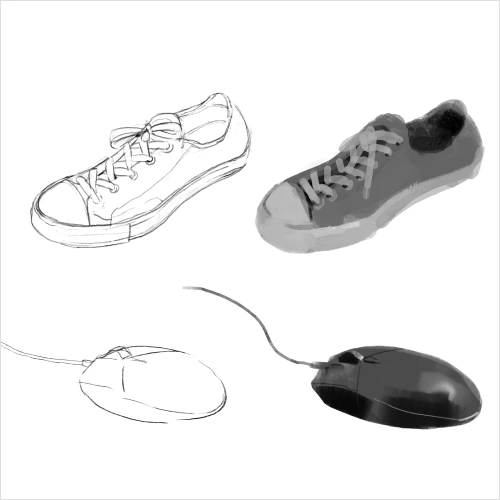 Difference Between Lines and Planes, and the Advantages of Plane Sketching
 -
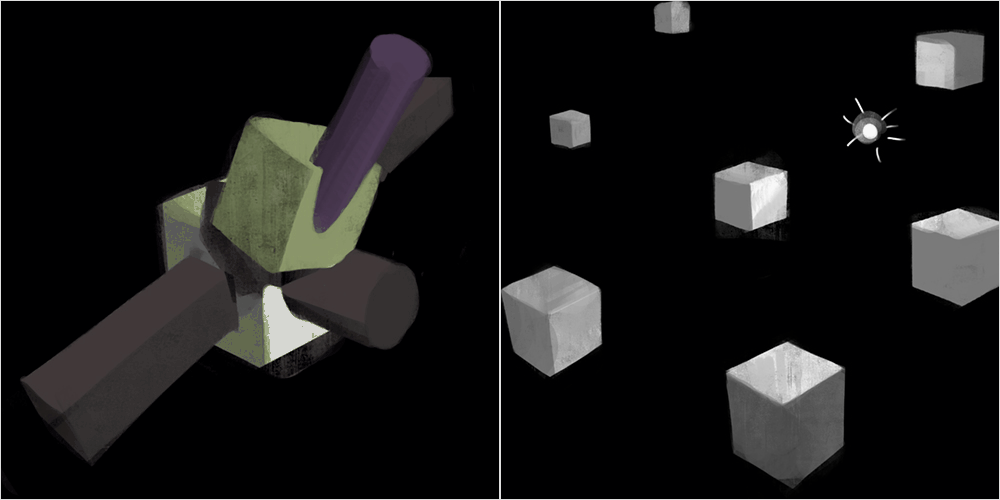 [Practice] Understanding Plane Sketching and Drawing Shapes
 -
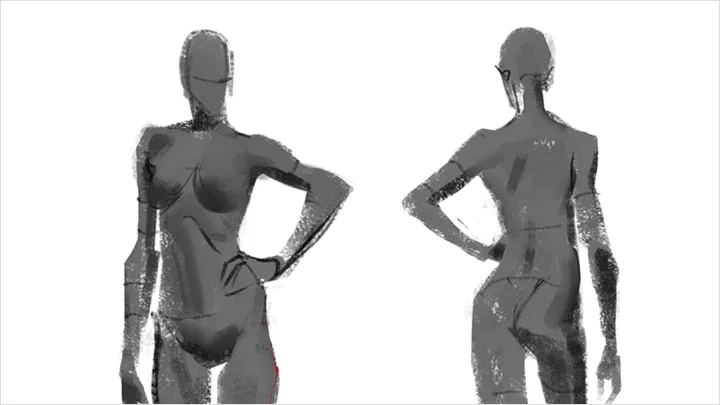
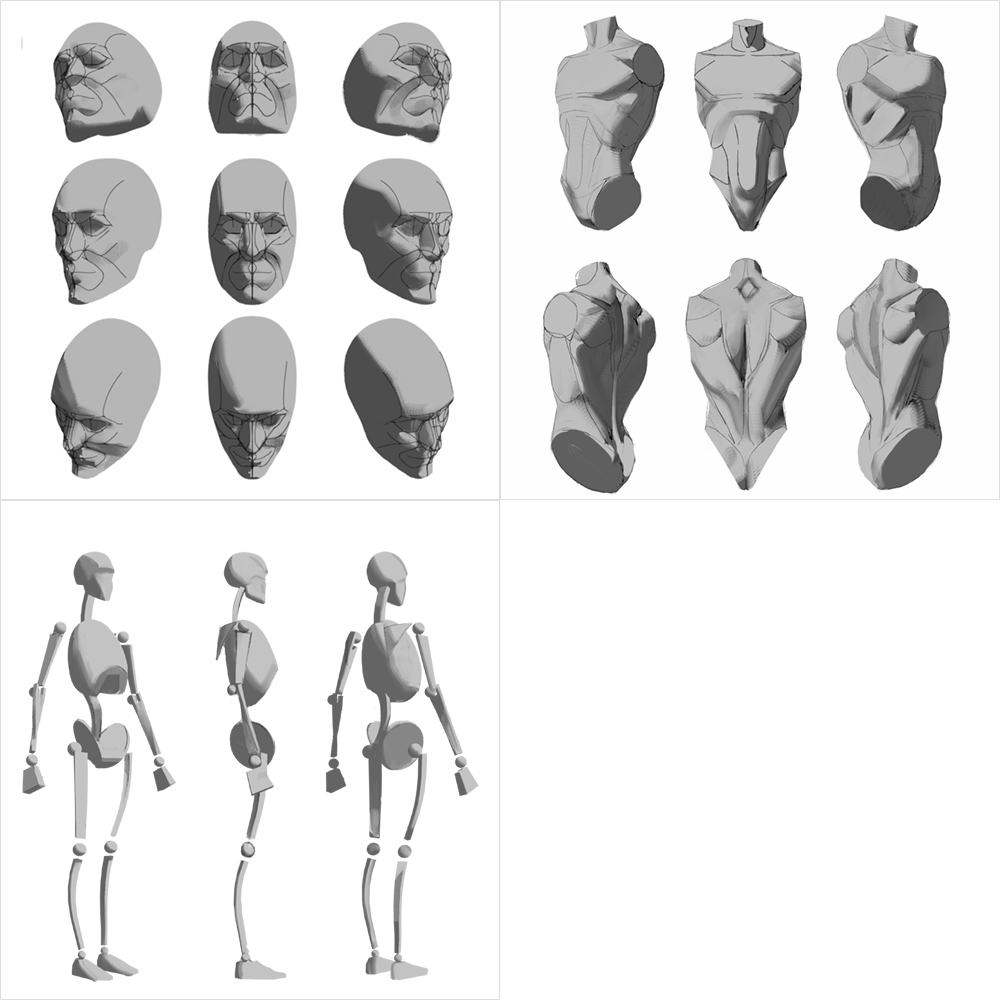 Intuitive Human Figure Construction Using Both Lines and Planes
Part 2. Applying Light and Shadow in Practice
-
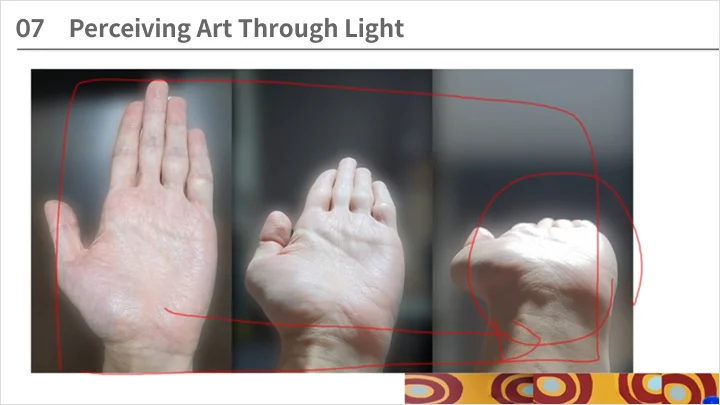
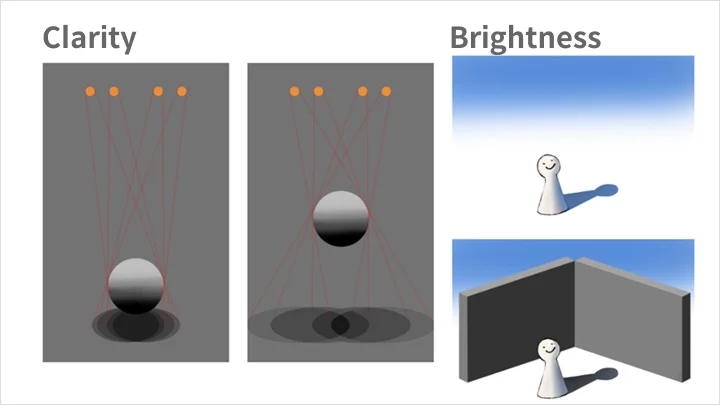
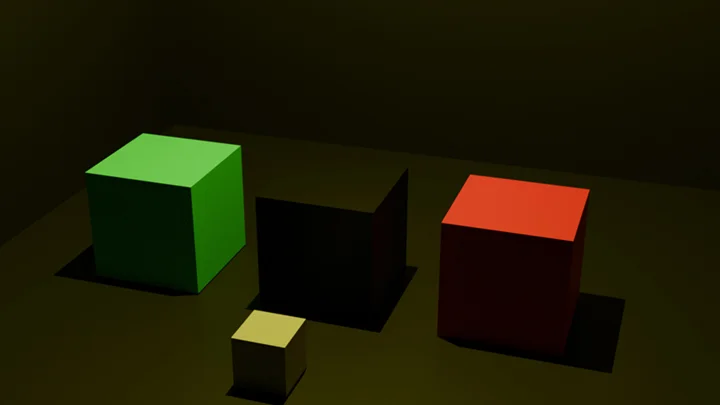
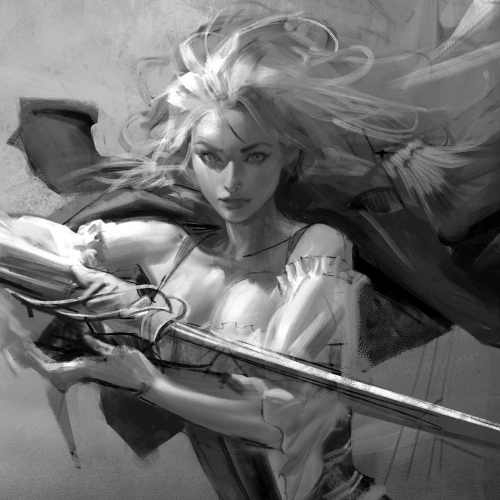 Key Principles of Efficient Lighting Setup
 -
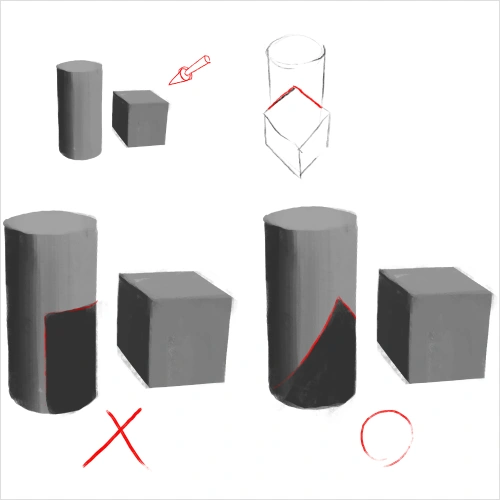 How to Draw Shadows Correctly
 -
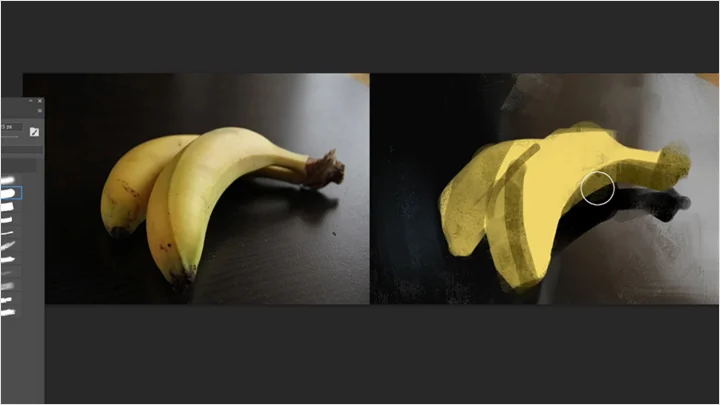
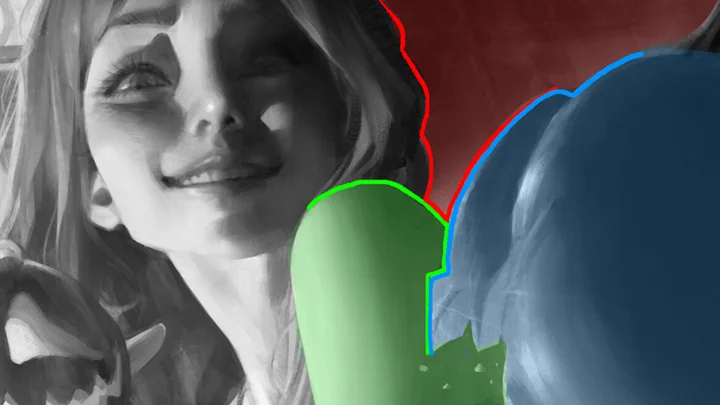
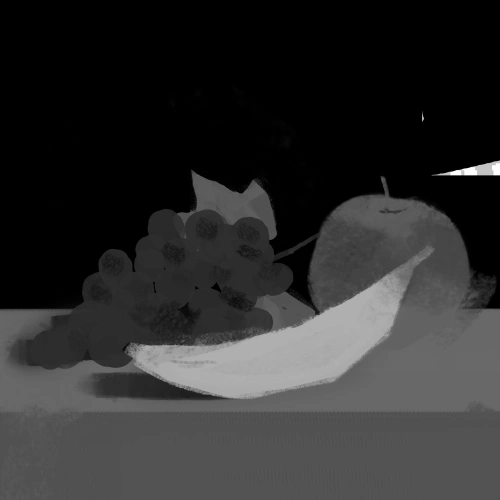 What is Local Value?
-
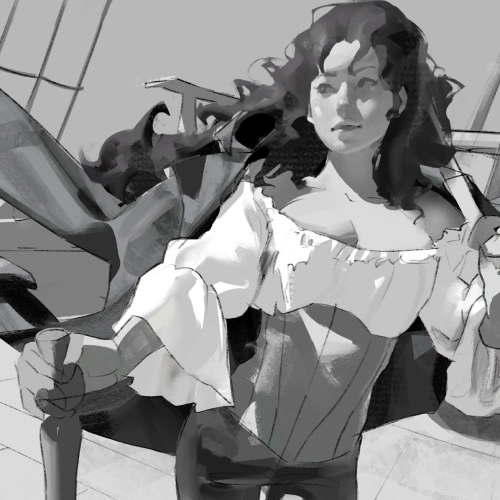 [Image] Coloring Examples Considering Local Value
 -
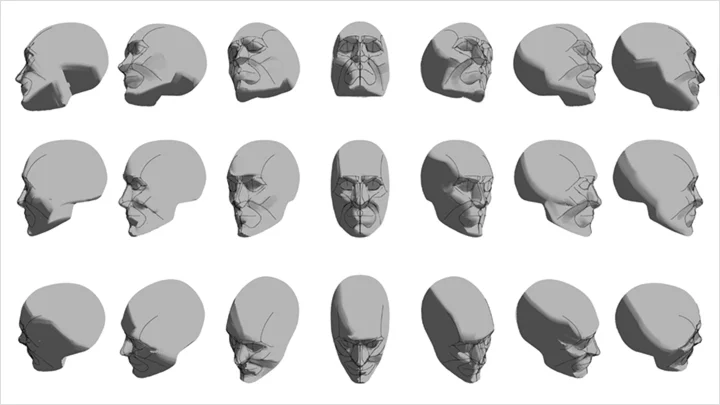
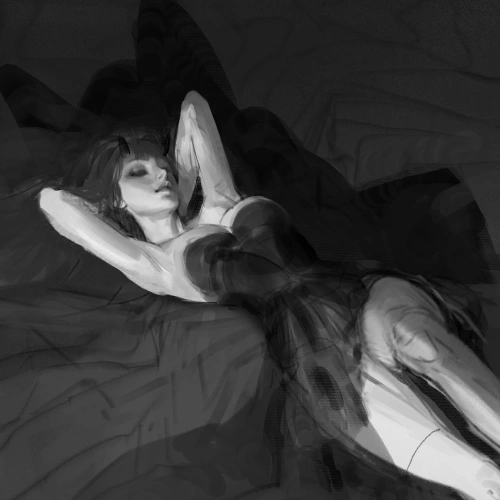 Using Light and Shadow to Enhance Volume and Depth
Part 3. Relativity in Illustration
-
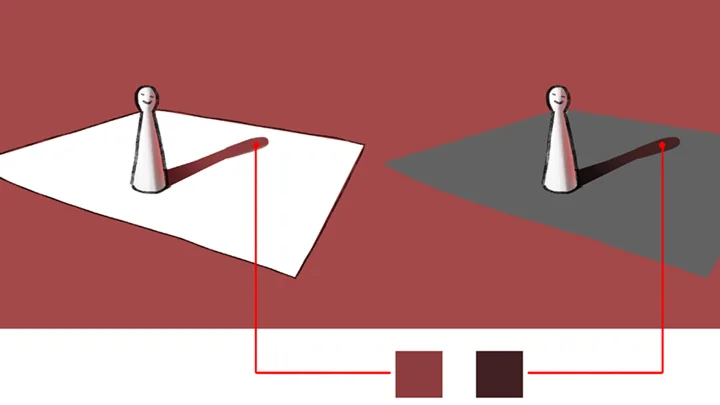
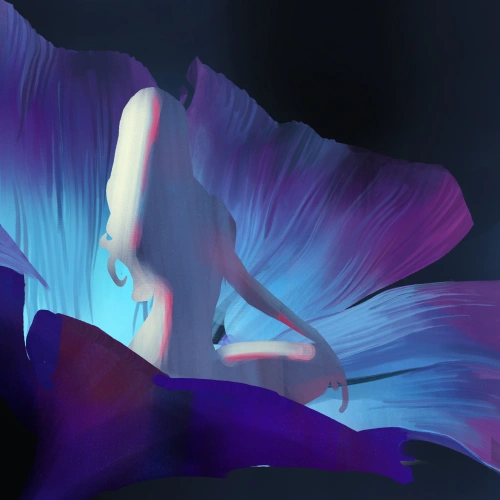 Color Relativity: Relationship with Surrounding Colors
 -
 Color Relativity: Complementary Contrast and Optical Illusions
 -
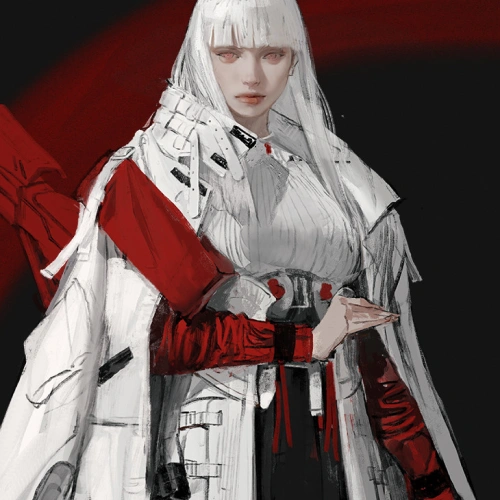 Color Relativity: Visual Weight According to Area
-
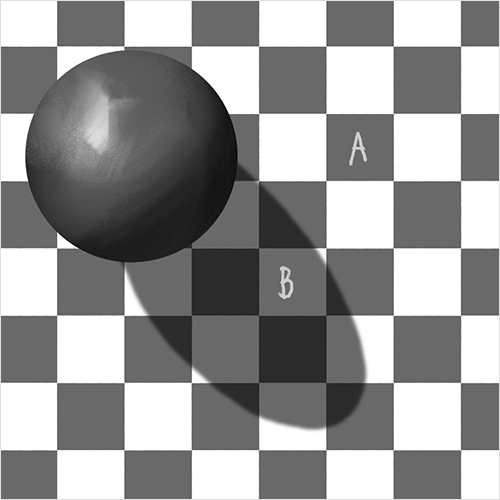 Value Relativity: Optical Illusions of Value
 -
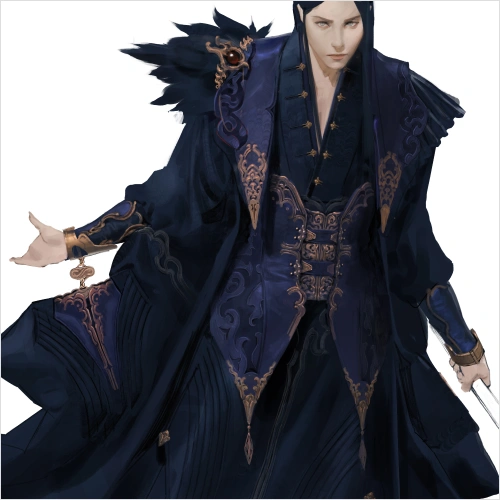 Balancing Detail and Simplification in Illustrations
 -
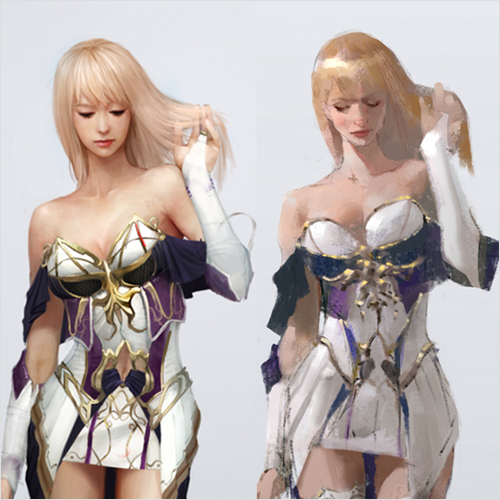 Correcting Your Artwork by Considering Relationships
Part 4. Secrets to Drawing That Captures Attention
-
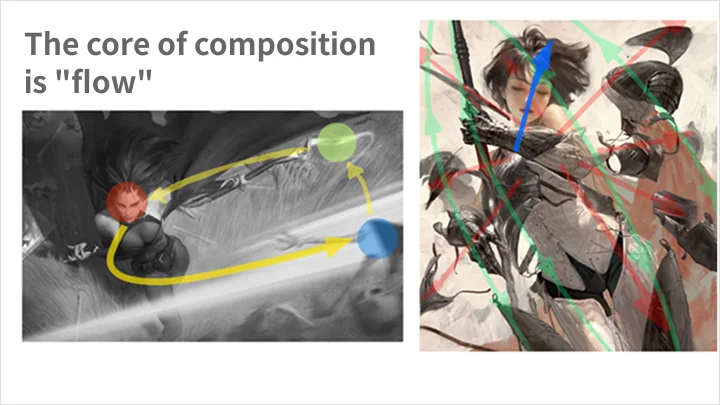
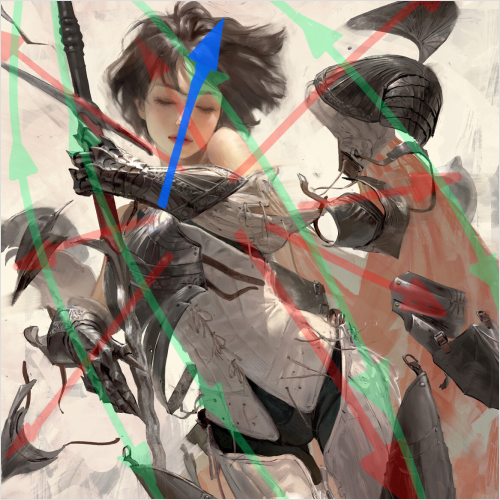 Dramatic Layouts and Composition
 -
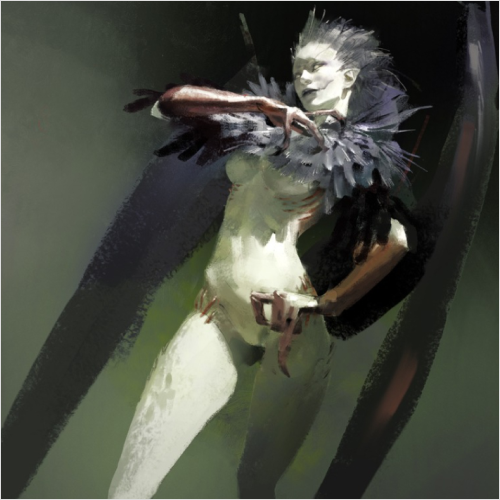 Focusing the Viewer’s Eye Using Contrast
 -
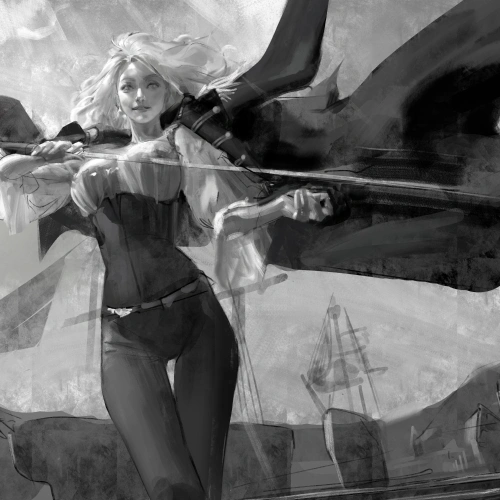 Creating Spatial Balance with Negative Space
Part 5. Sangsoo Jeong’s Semi-Realistic Character Practice
-
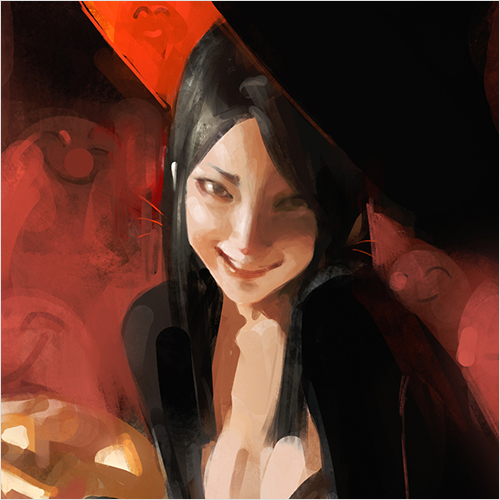 Flexibility of Semi-Realistic Style
 -
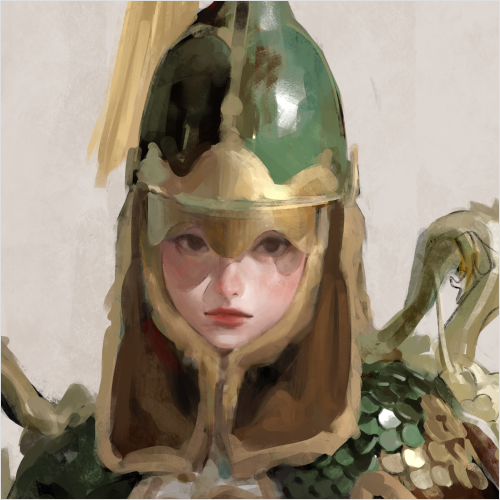 What It Means to Follow Trends in Semi-Realistic Art
*Concept art and game illustration images will be updated before the course release.
Highlights
Class Highlights
Secrets of Trendy Illustrations from a 14-Year Professional Artist
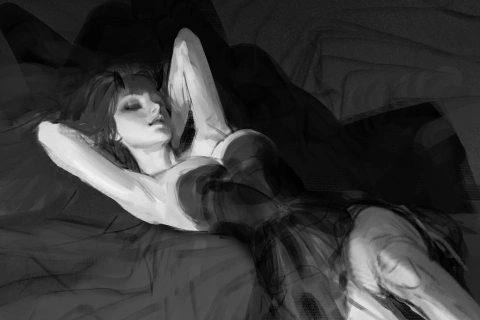
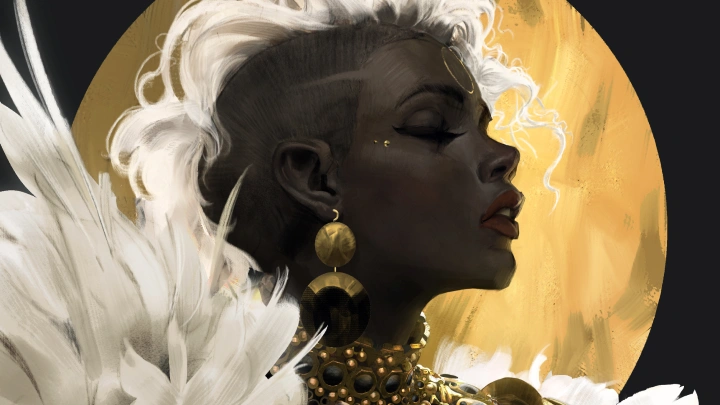
Learn practical techniques for creating trendy illustrations directly applicable to professional work! Build on the extensive experience of Sangsoo Jeong, a 14-year veteran illustrator and concept artist, to master coloring and character rendering. Discover how to infuse your artwork with unique personality and charm while elevating your personal work quality.
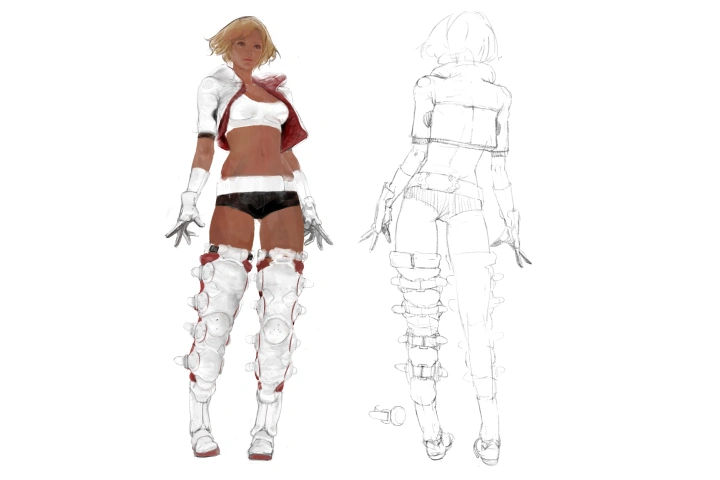
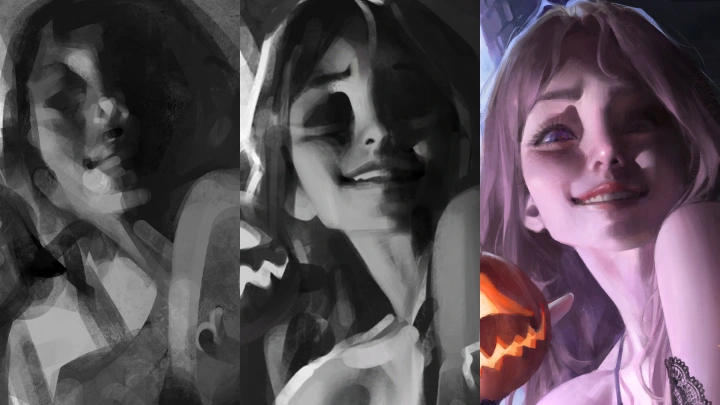
Using Light and Shadow to Add Depth in Illustrations
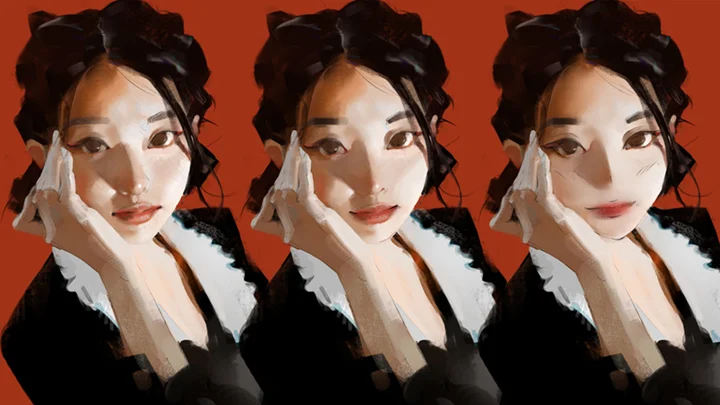
Confident in your drawing skills but struggling with coloring? Learn the essentials of light and shadow in semi-realistic coloring and create illustrations with strong dimensionality. Master character coloring techniques that can be immediately applied in professional projects and find the solutions to the challenges of rendering semi-realistic characters.
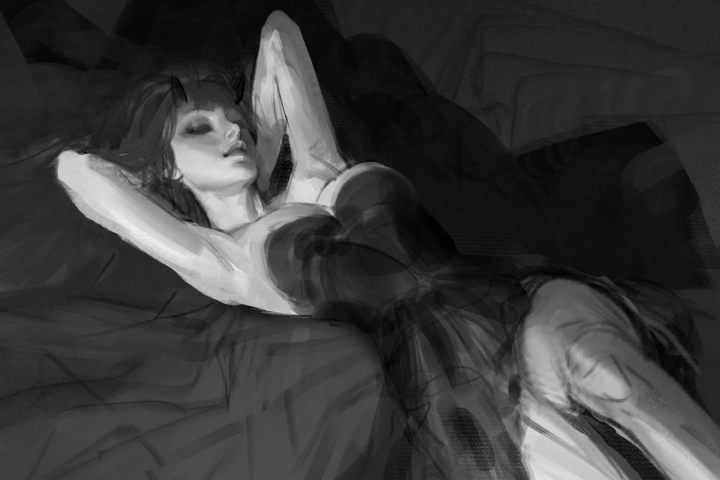
Practical Coloring Workflow for Both Efficiency and Quality
If your illustrations feel repetitive and inconsistent in speed or quality, refine your workflow with Sangsoo Jeong’s efficient coloring process. Achieve higher-quality illustrations faster using a coloring routine that harmonizes light, shadow, and color for professional-grade results.