illustrator,qrbits Details
Intro
Class Intro
Illustrator, Qrbits
"Turn flat characters into living scenes. Master clean visual storytelling through 33 step-by-step exercises."
Demystifying Complex Multi-Character Illustration
This course by Qrbits is a practical guide for artists who want to create illustrations with clear structure and narrative substance, without feeling lost along the way.
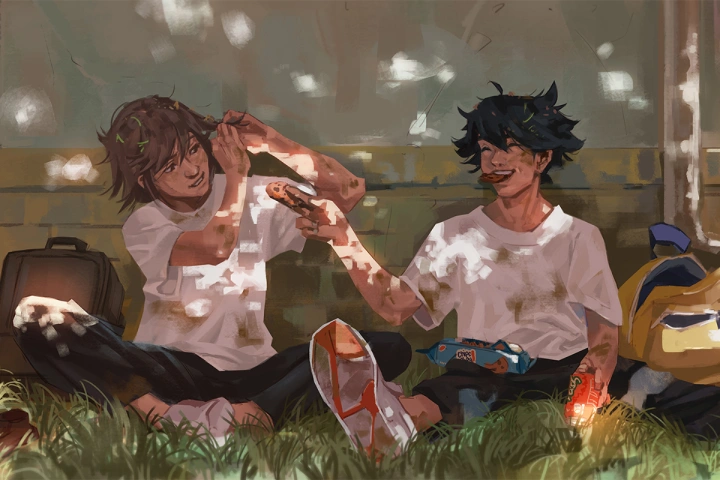
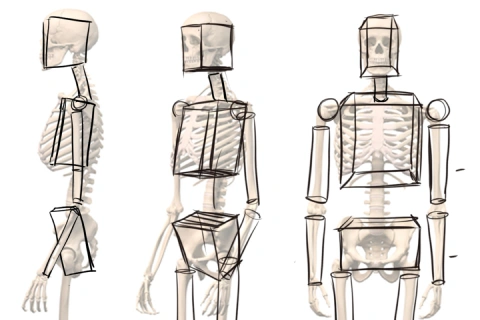
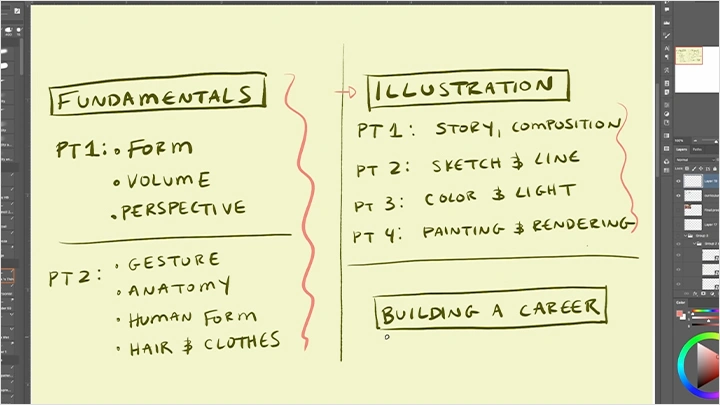
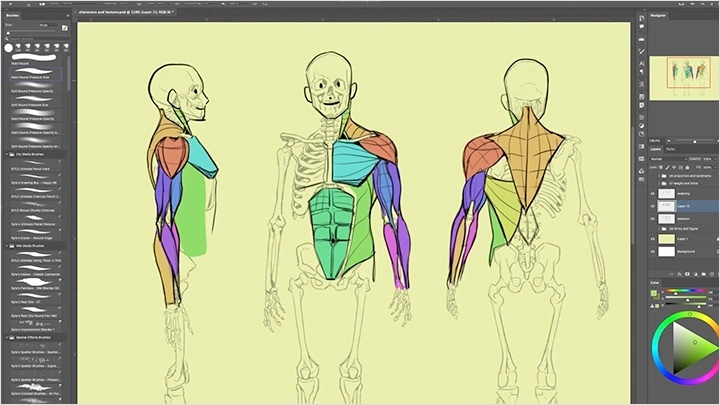
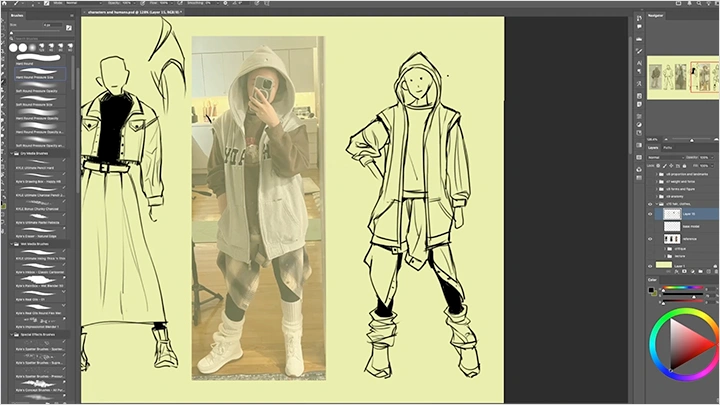
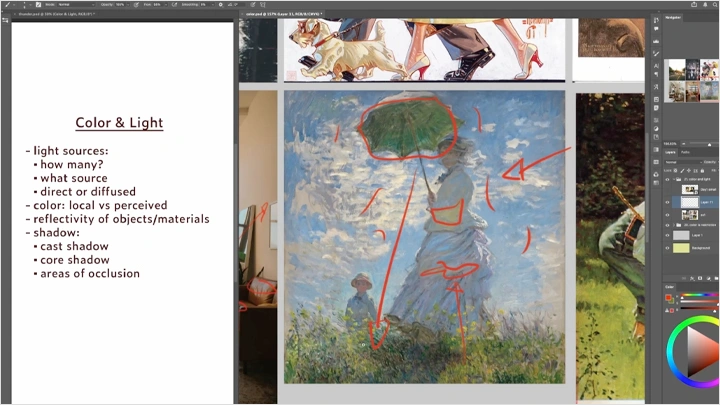
The class starts by reinforcing essential fundamentals for building believable characters and spaces, including form, figure drawing, and perspective. From there, it walks through the full illustration process, covering composition, line, color, and painting. Each topic is paired with structured exercises and demonstrations, along with guidance on developing sustainable practice routines and self-study methods so you can continue improving beyond the class itself.
By the end of the course, you’ll complete a full illustration featuring multiple characters within an environment designed specifically for them. If complex scenes once felt intimidating or unapproachable, this class shows how breaking the process into clear, manageable building blocks can make complexity feel far more achievable.
By the end of the course, you’ll complete a full illustration featuring multiple characters within an environment designed specifically for them. If complex scenes once felt intimidating or unapproachable, this class shows how breaking the process into clear, manageable building blocks can make complexity feel far more achievable.
Class Preview
Still Not Sure?
Check Out Qrbits's Class Preview!
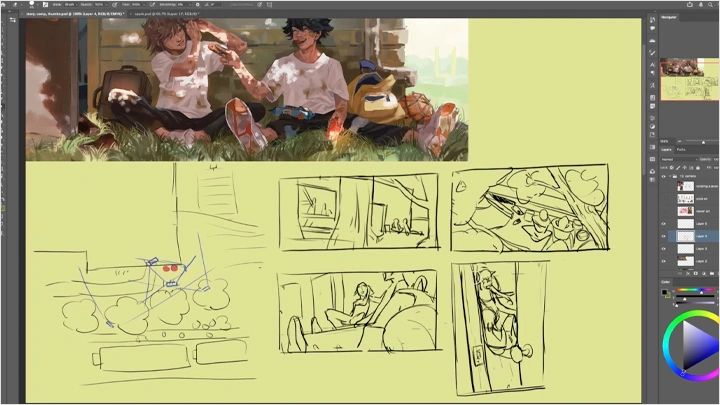
Chapter 13: Camera Placement & Framing
- Drawing references from different angles
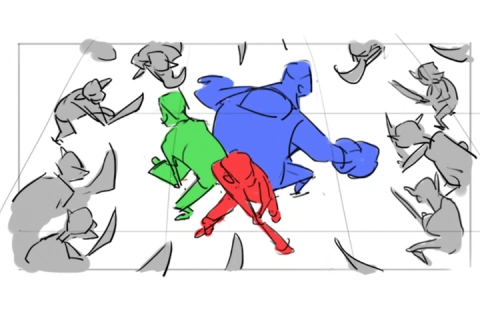
- Creating tension and intrigue in composition
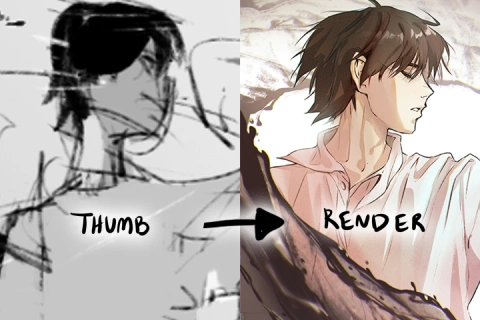
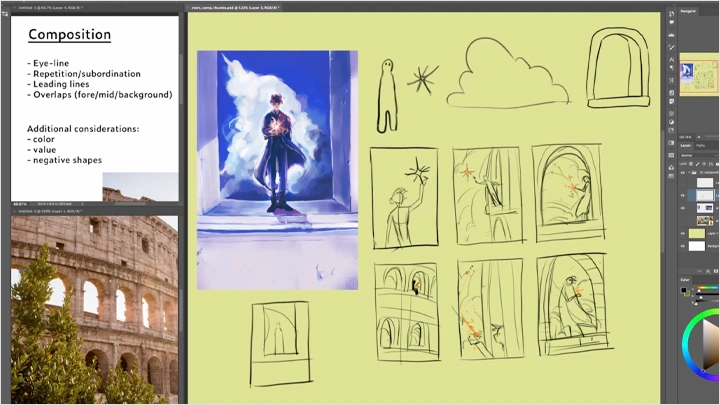
- Exercise demo: find a location reference and sketch 5 different thumbnails from different angles to evoke different stories with composition
- Creating tension and intrigue in composition
- Exercise demo: find a location reference and sketch 5 different thumbnails from different angles to evoke different stories with composition
Class Perks
Special Gift from Qrbits
-
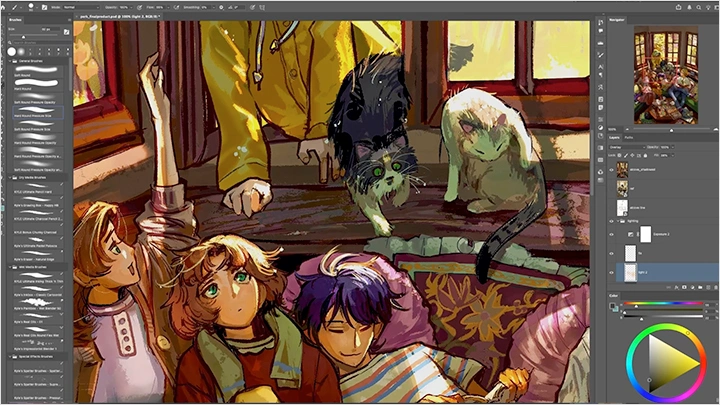
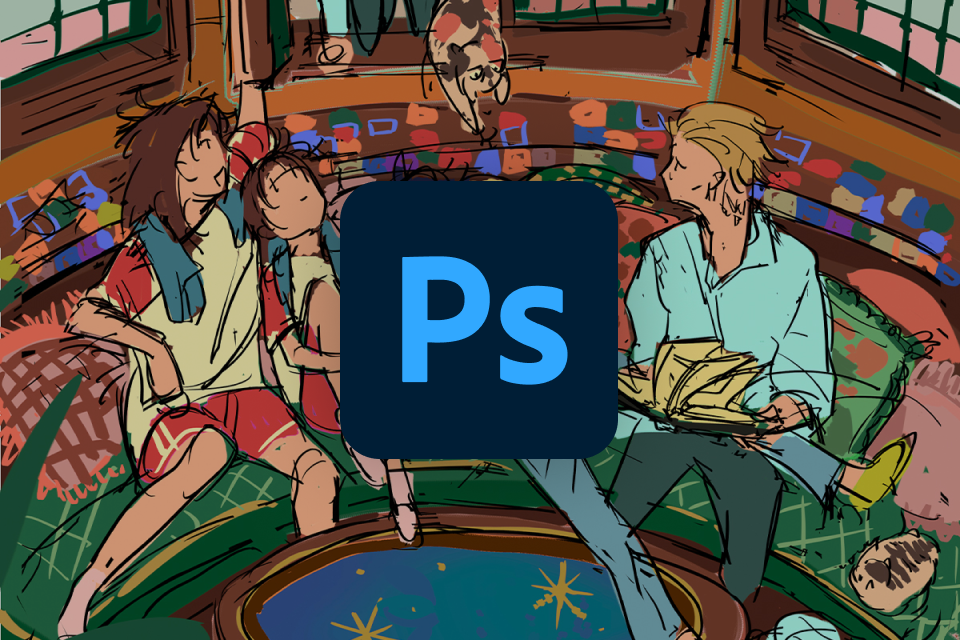 Final Product PSD & Timelapse- Access the fully layered PSD file of the final illustration to study structure, organization, and key details in depth
- Watch an uninterrupted, sped-up timelapse of the entire illustration process to see how the piece evolves from start to finish and better understand decision-making -
 Class Files- Download files from all in-class exercises and demonstrations
- Review lesson examples to gain a clearer understanding of the techniques and workflows covered throughout the class -
 My Favorite Brushes- Receive a curated set of 5+ favorite brushes used by the artist
- Compatible with Clip Studio Paint and Photoshop, so you can follow along using the same tools and textures
Recommendation
Who should take this class?
Beginner to intermediate artists who feel stuck at their current level or has experienced long periods of creative or technical stagnation, and is looking for the “aha” moments that help you break through that plateau
Overthinkers who understand concepts in theory but struggles to apply them in practice, and is ready to move beyond passive learning by actively putting ideas to work
Fan and OC artists who want to create richer, more complex scenes for characters to live in, and if you’ve been avoiding backgrounds or environments, this class is for you
Expert Illustrator Qrbits's Portfolio
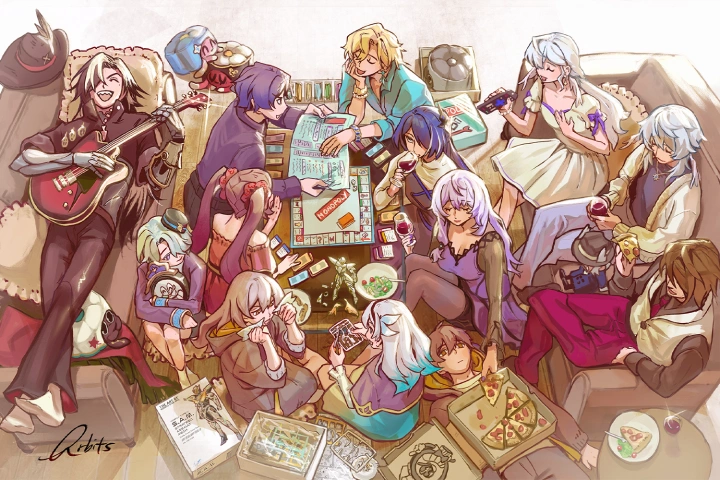
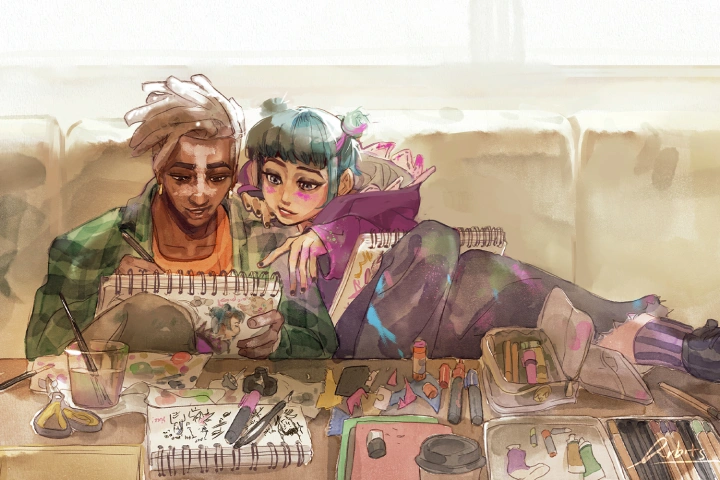
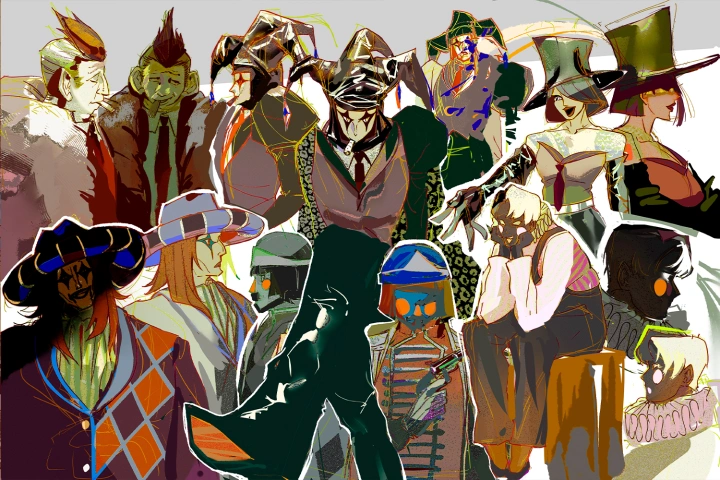
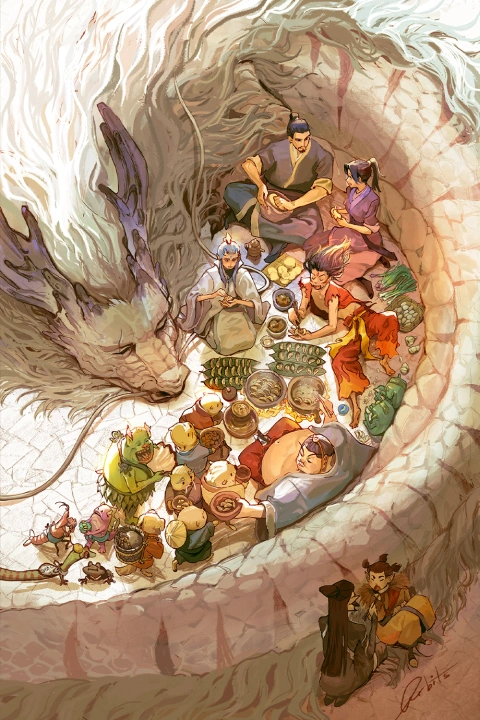
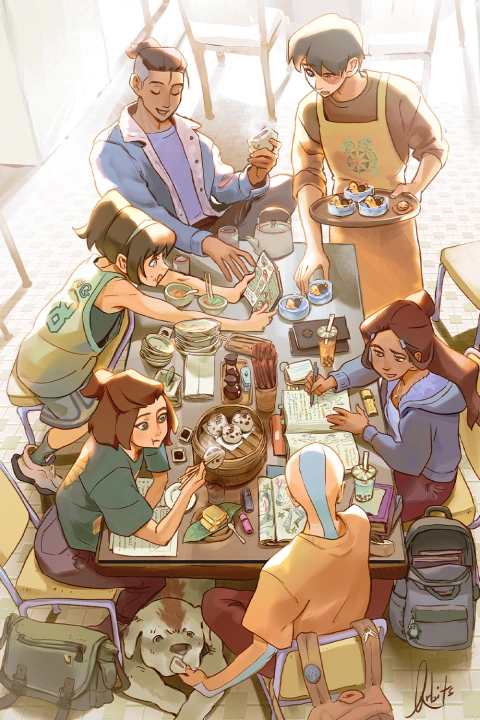

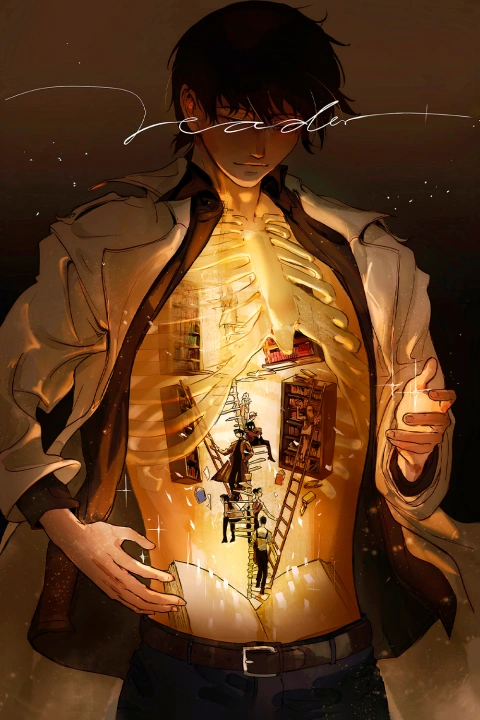
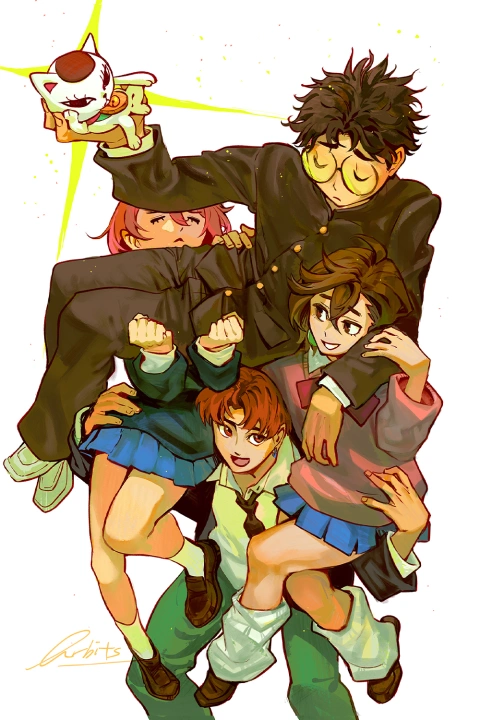
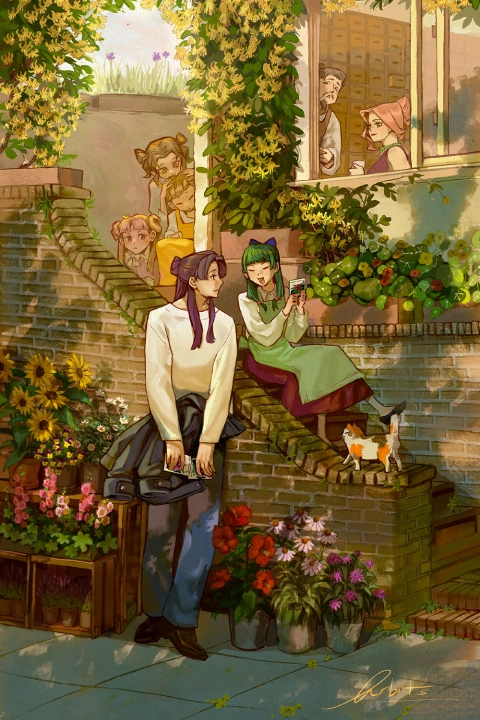


* This Portfolio includes fanart.
Why Take This Class?
From Flat Characters to Living Scenes
This class is designed for artists whose character illustrations feel flat or lack impact, especially when placed against empty or underdeveloped backgrounds. Rather than treating environments as an afterthought, this course focuses on how to place characters within scenes that invite viewers to pause, explore, and engage. You’ll learn how to ground characters in space and surround them with objects and environments that support a clear visual and narrative purpose.
Art improvement is a marathon, not a sprint, and trying to push forward without the right framework can quickly become overwhelming. Drawing from her own experience, Qrbits understands how easily artists can get stuck in cycles of overthinking or passive learning. This class is structured to challenge those habits through clear guidance, intentional exercises, and practical decision-making.
If you feel stuck at your current level and are searching for the push—or the “aha” moment—that helps everything click, this course is designed to help you move forward with greater confidence and clarity.

Get Ready for the Real-World
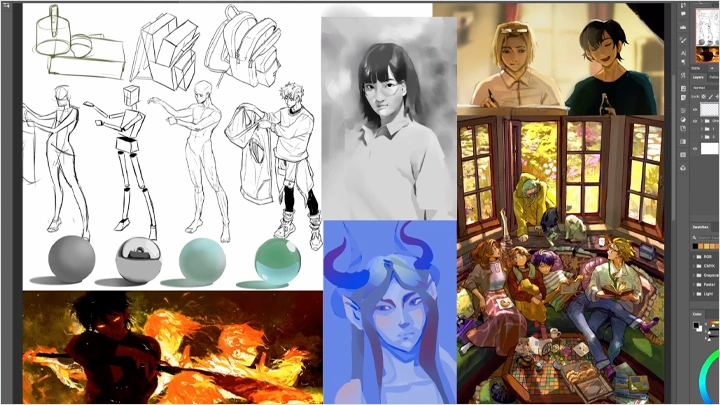
33 Class Exercises
-
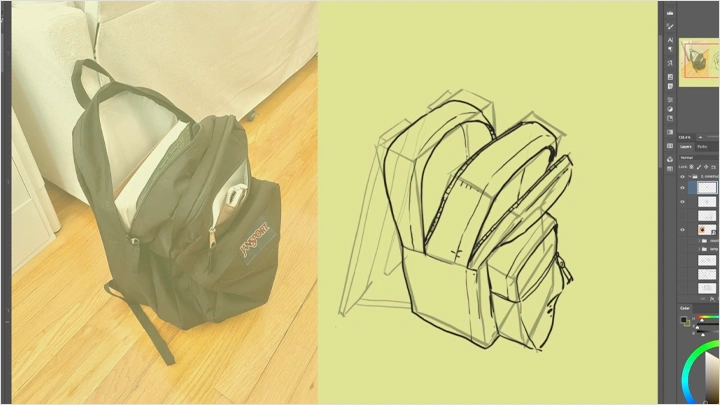
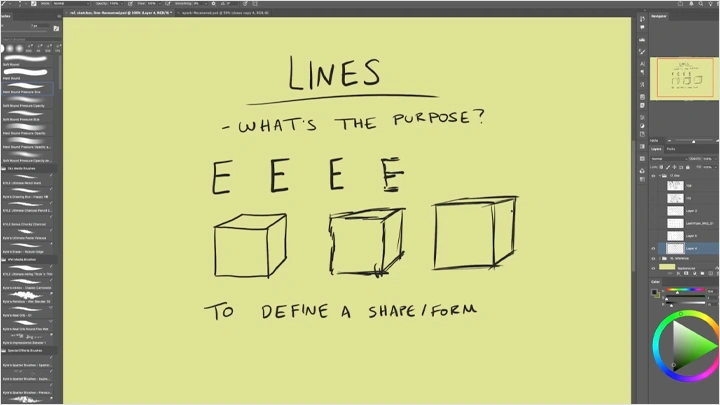
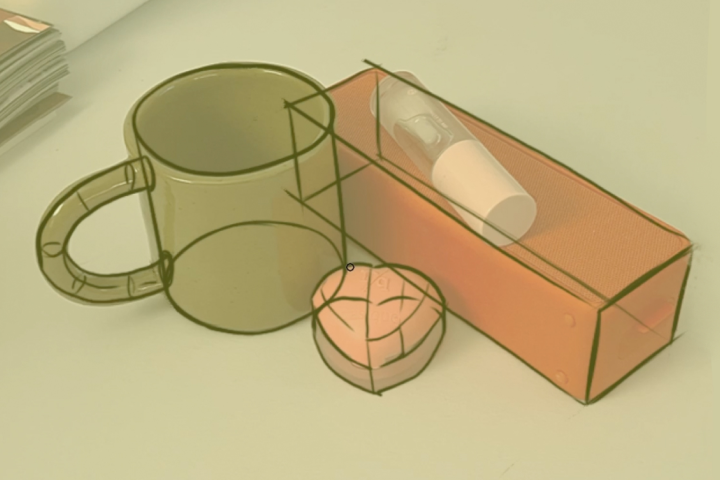 Breaking Objects into Basic Shapes
 -
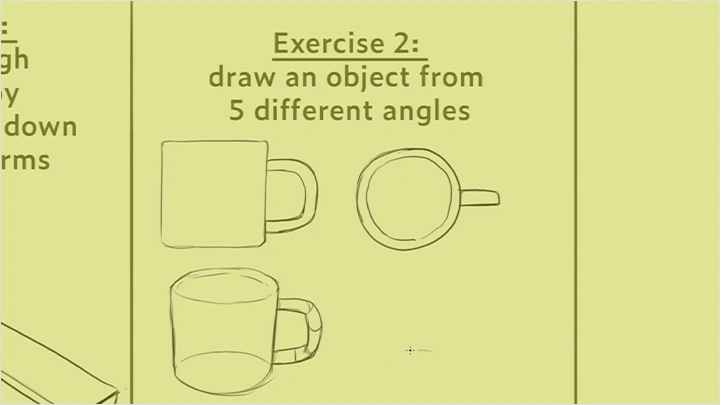
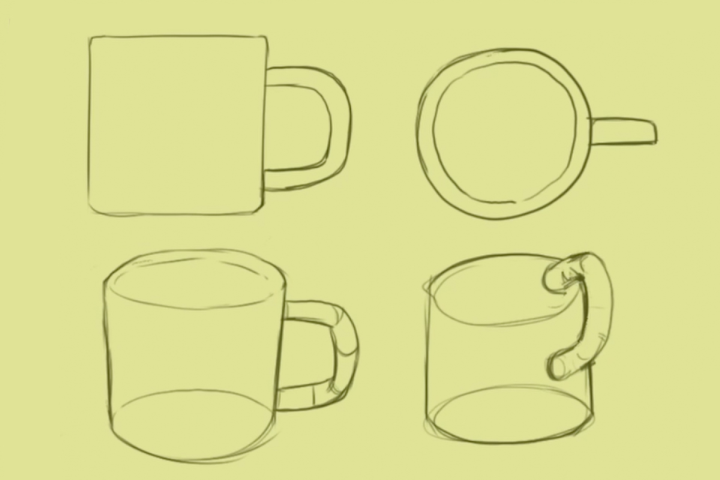 Drawing an Object from Multiple Angles
 -
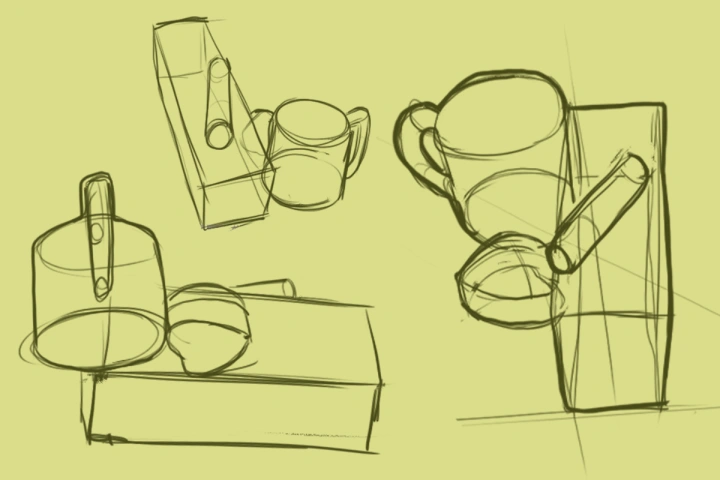 Drawing Object Groups from Multiple Angles
 -
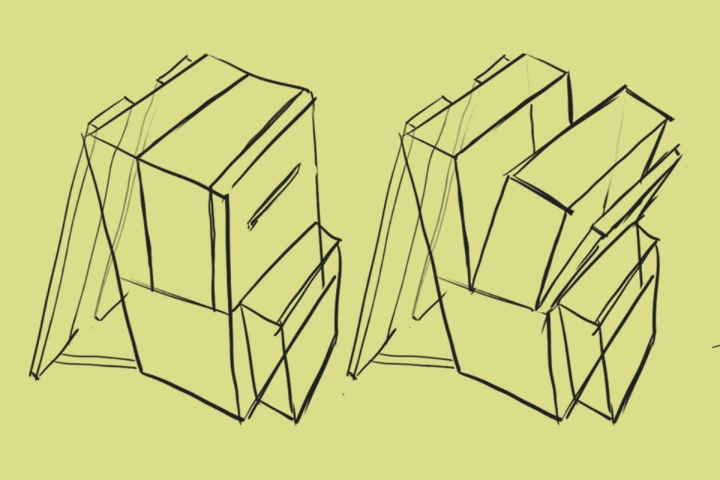 Deconstructing Objects in Different States
 -
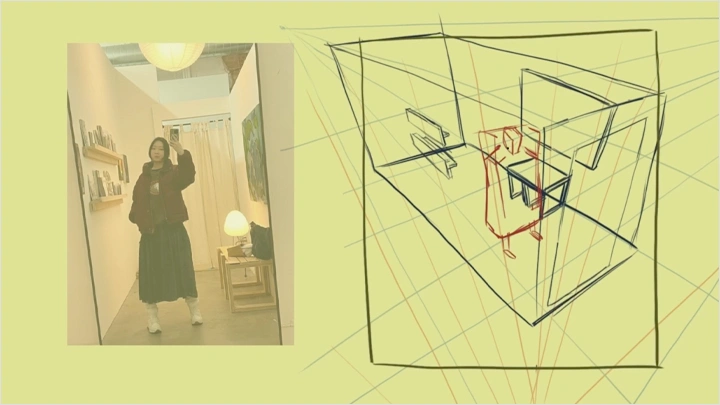
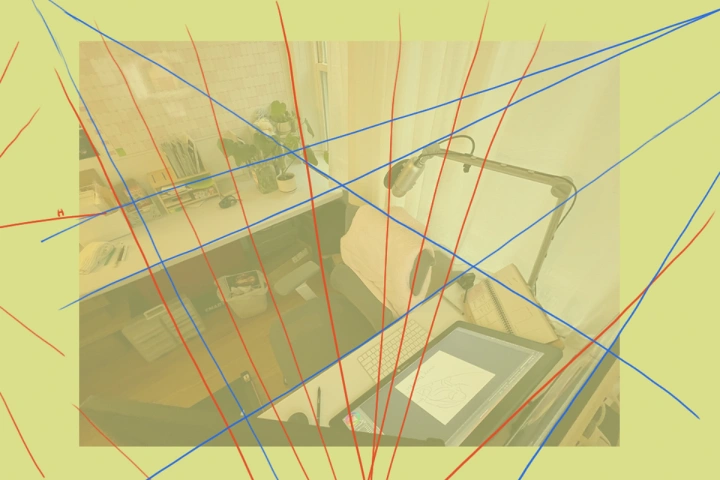 Analyzing Vanishing Points and Perspective from a Photo
-
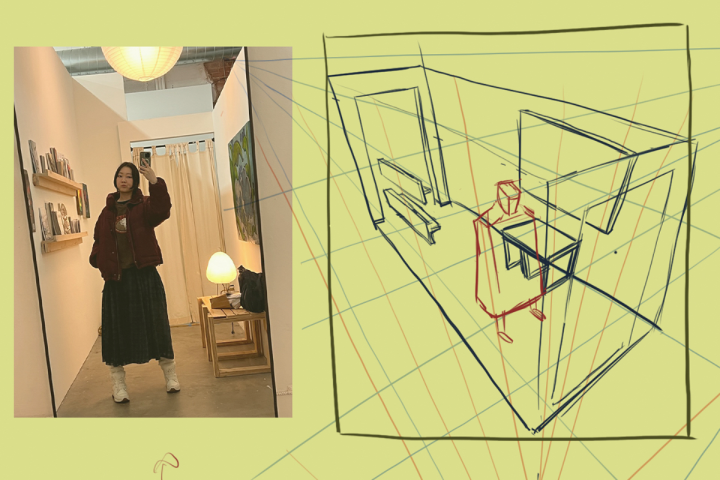 Creating Your Own Perspective Lines and Drawing from a New Angle
 -
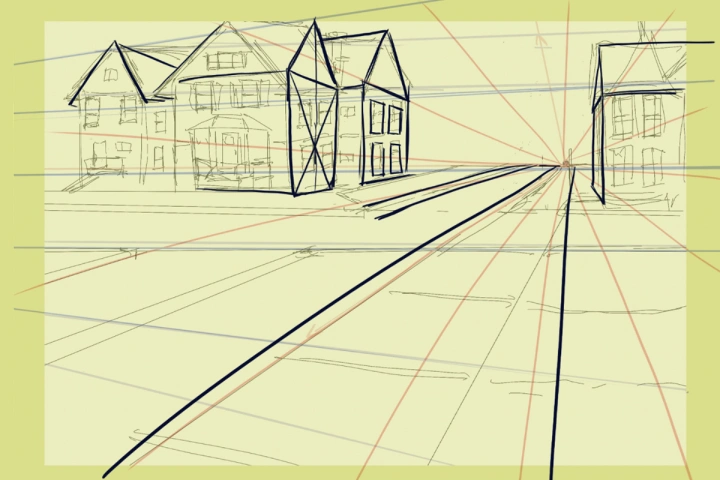 Correcting Mistakes in Old Artwork
 -
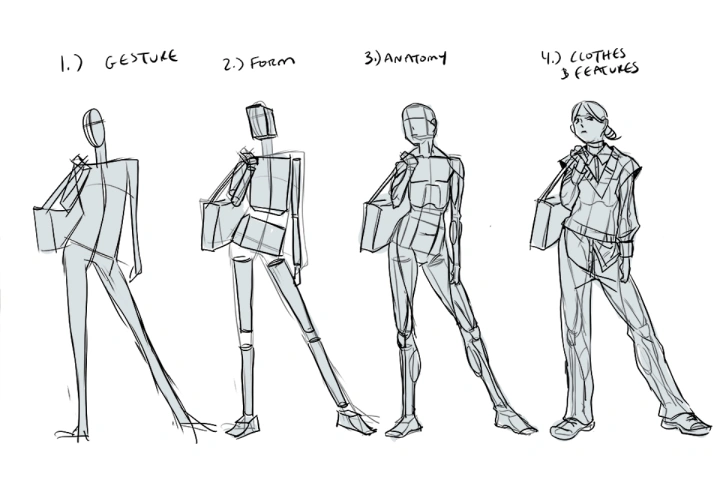
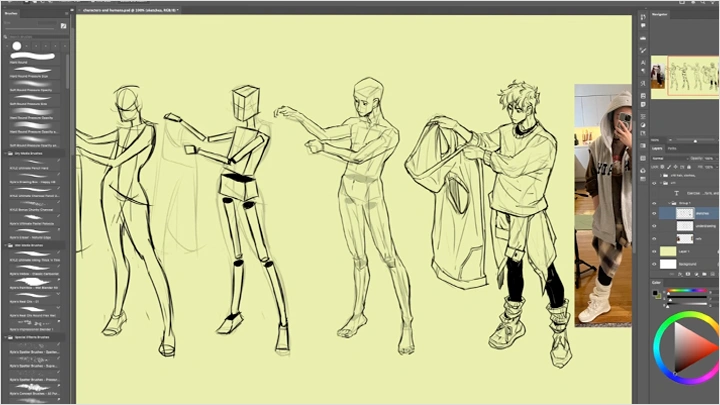
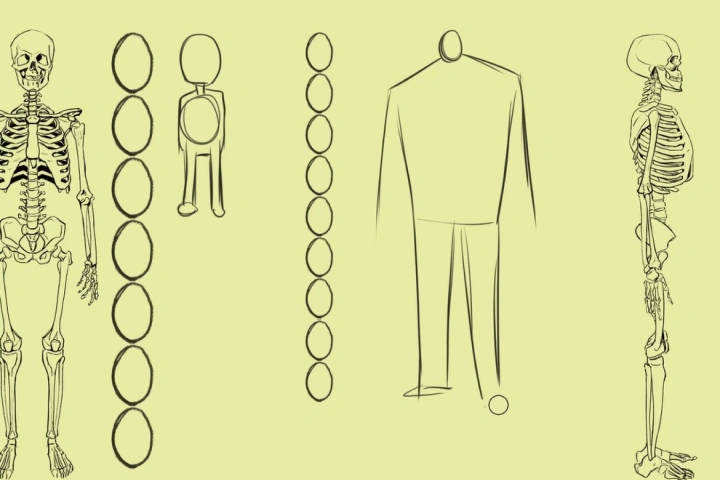 Gesture Sketching with Components
 -
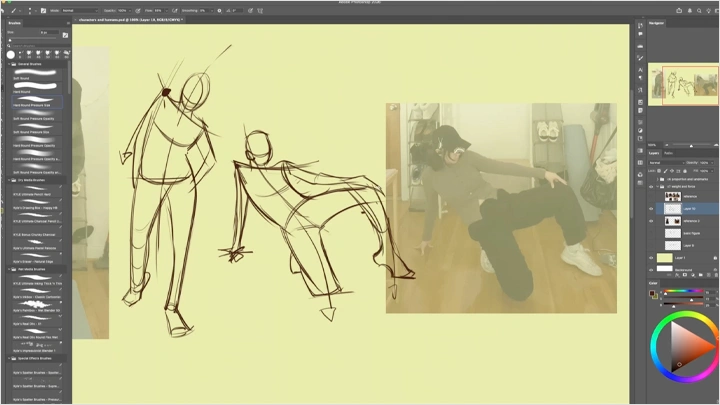
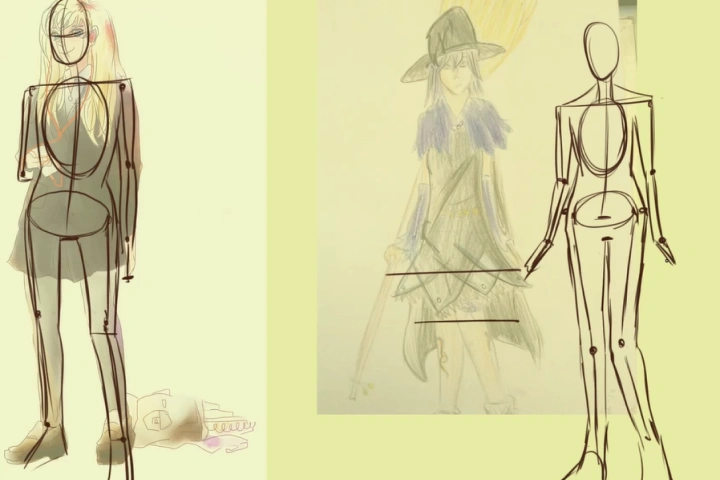 Breaking Down Poses Using Components
 -
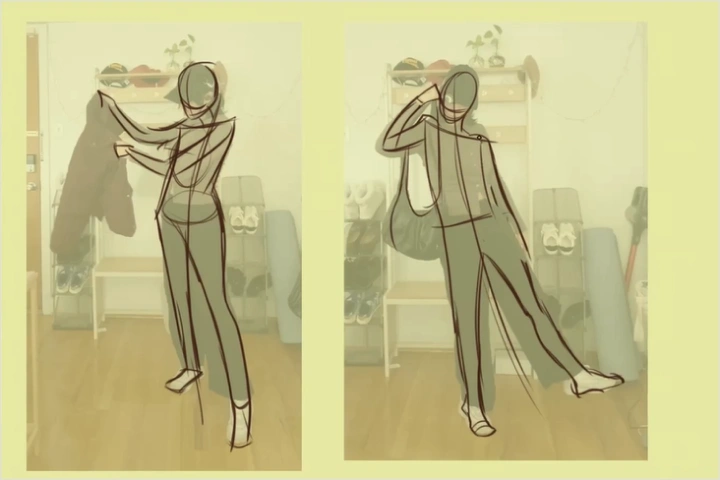 Breaking Down Poses by Analyzing Energy and Weight Flow
-
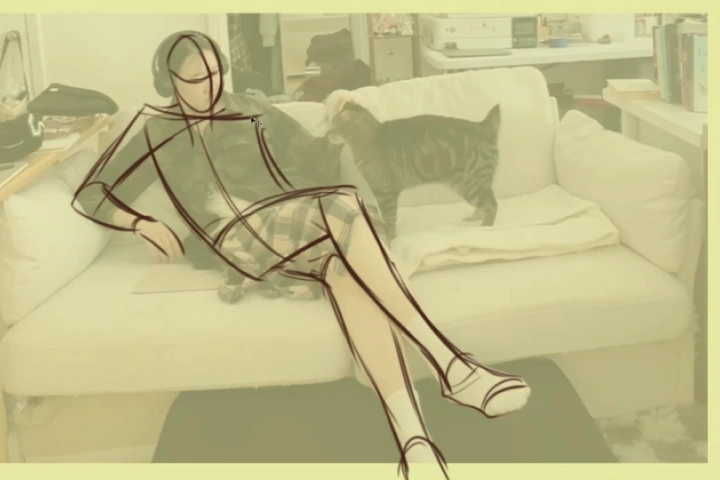 Sketching Figures in Soft vs. Hard Sitting Poses
 -
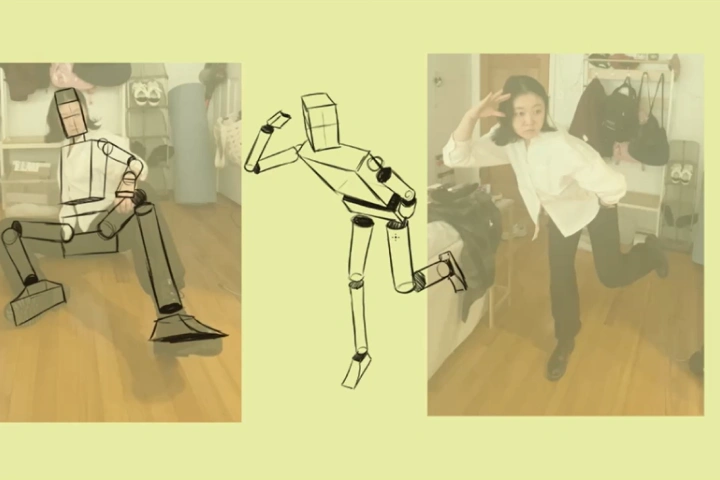 Simplifying the Human Body into Basic Forms
 -
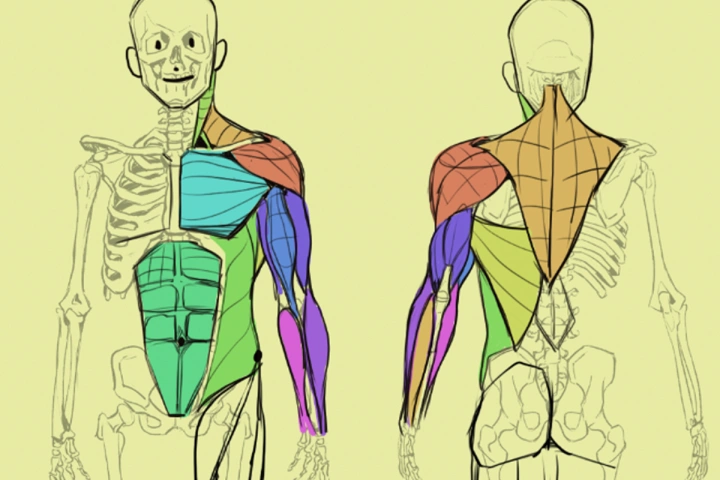 Timed Body Part Practice Drills
 -
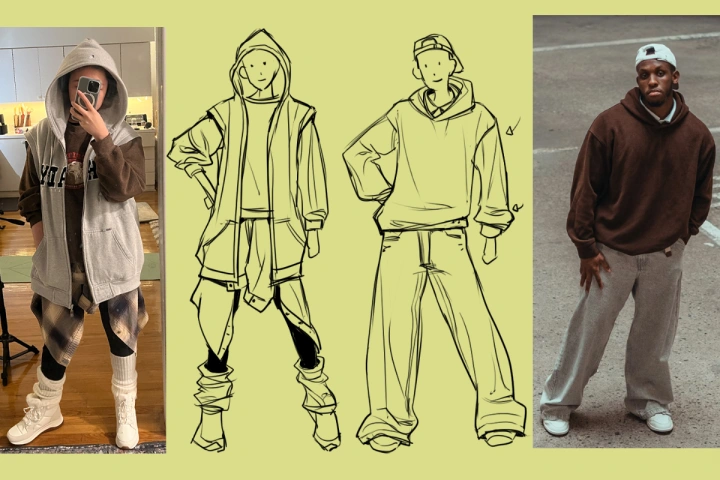 Drawing Clothing in Different States
 -
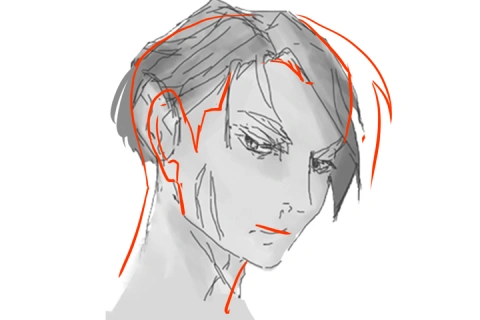
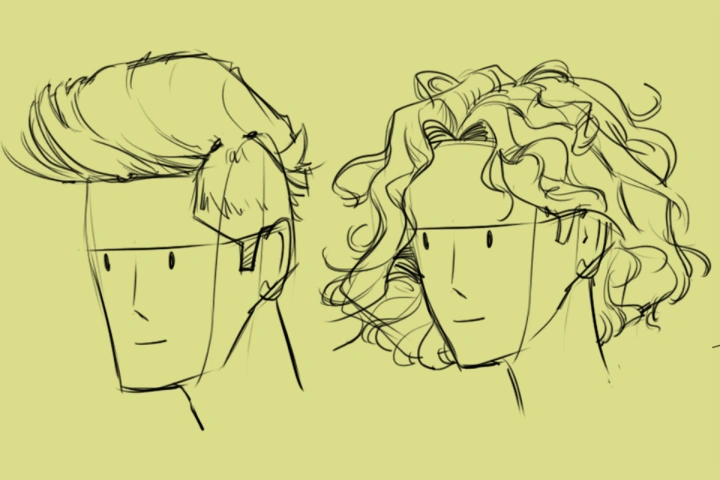 Drawing Hair in Different States
-
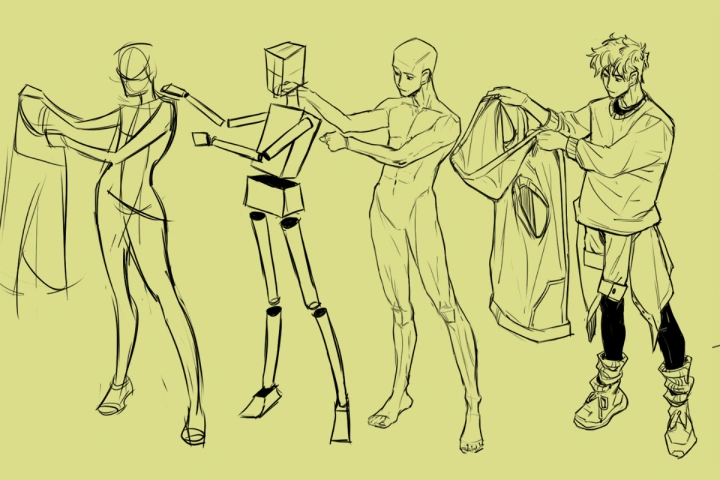 Drawing a Character From the Inside Out
 -
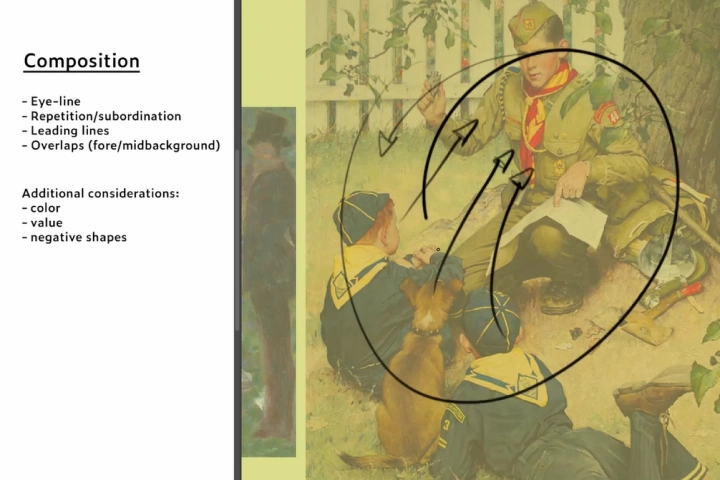 Analyzing Composition in Different Artworks
 -
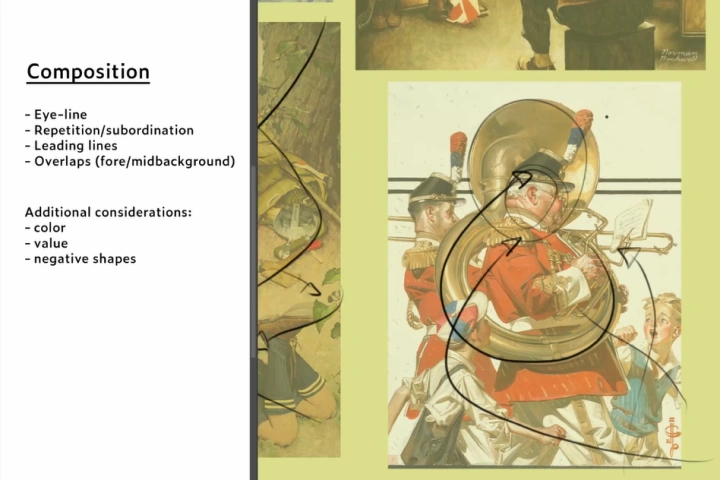 Exploring Composition with Simple Circles
 -
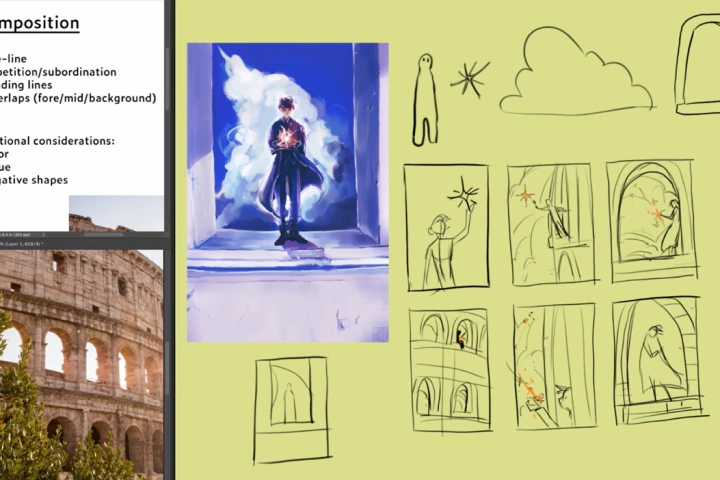 Practicing Multiple Composition Methods
 -
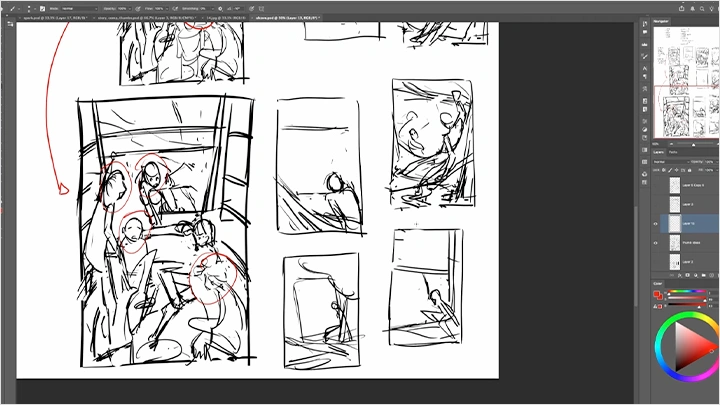
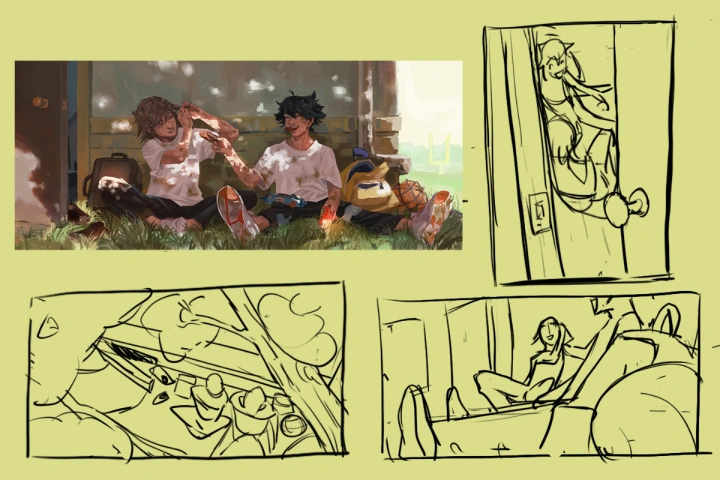 Thumbnail Sketching from One Location to Explore Different Stories
-
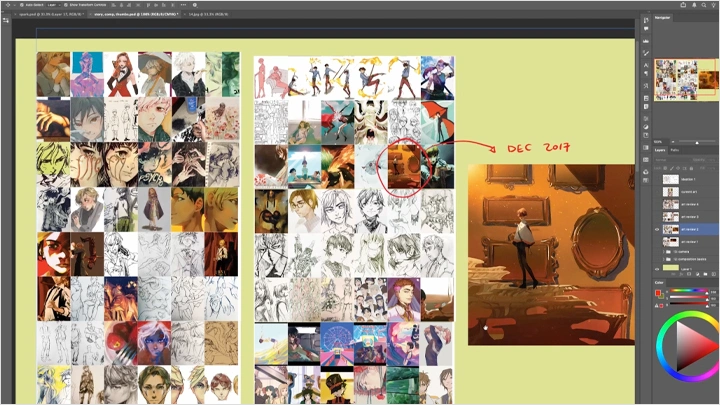
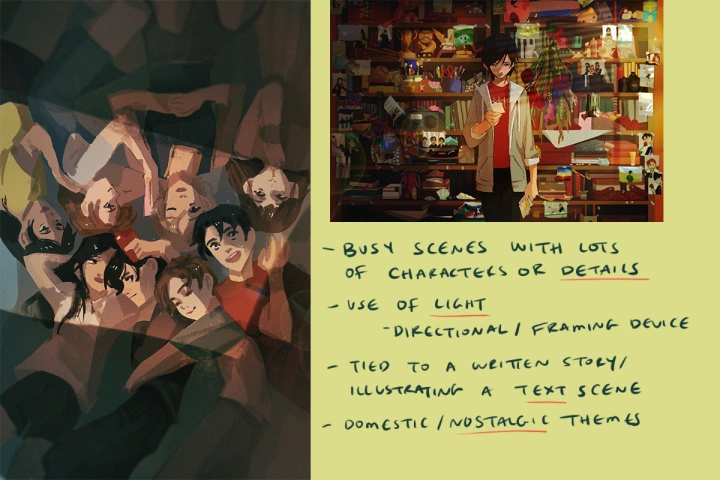 Identifying Themes in Your Past Work
 -
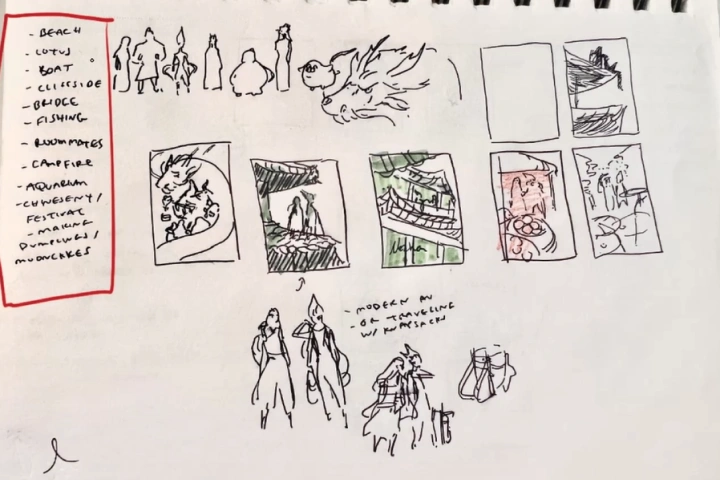 Analyzing Themes in Favorite Artists and Media
 -
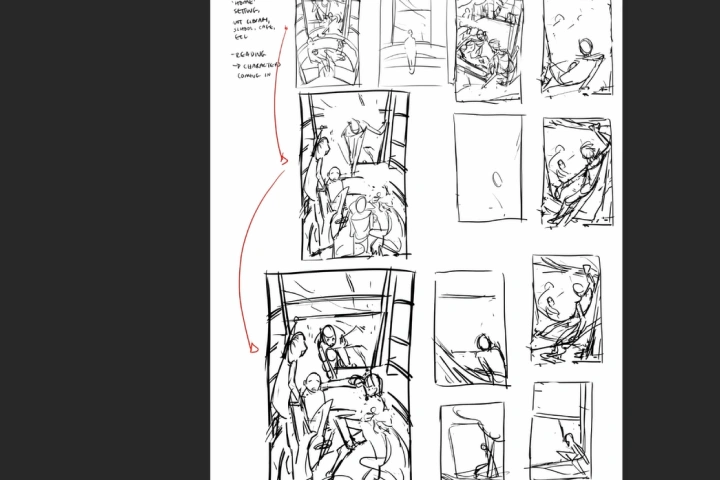 Thumbnail Sketching for a Practice Piece
 -
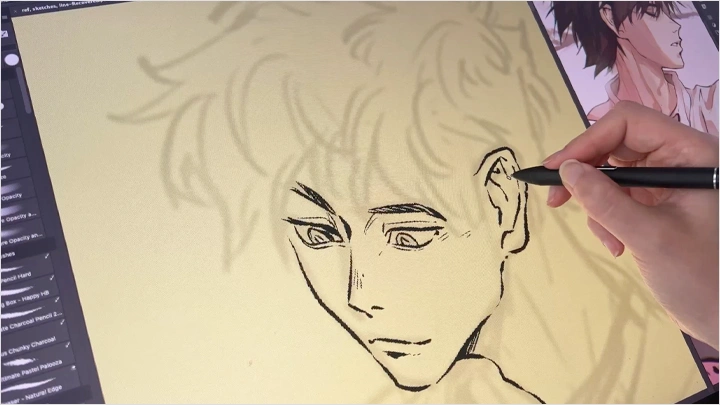
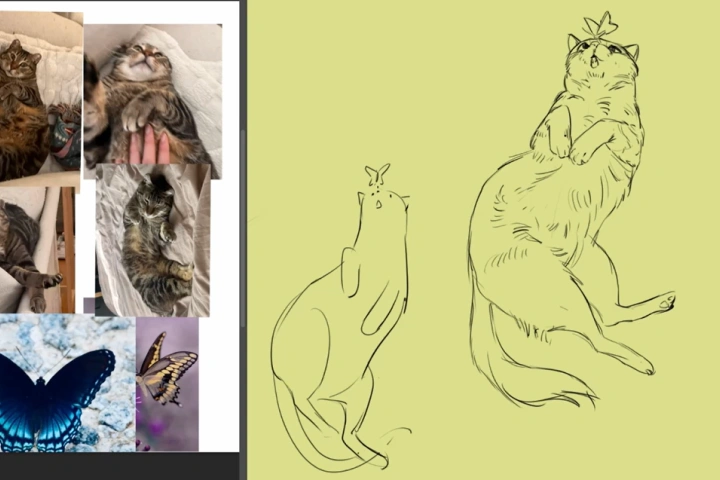 Fundamental Draftsmanship Exercises
 -
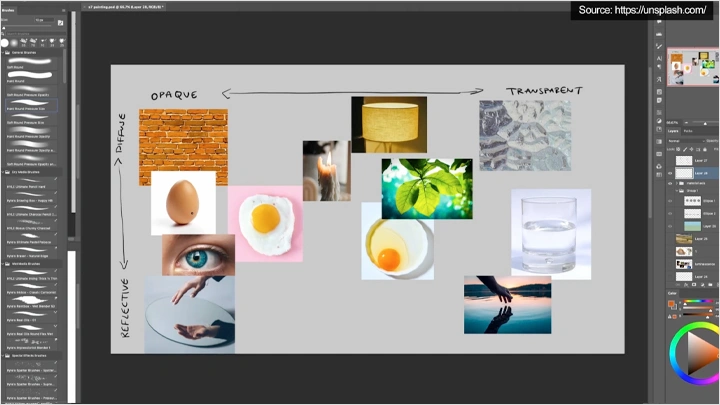
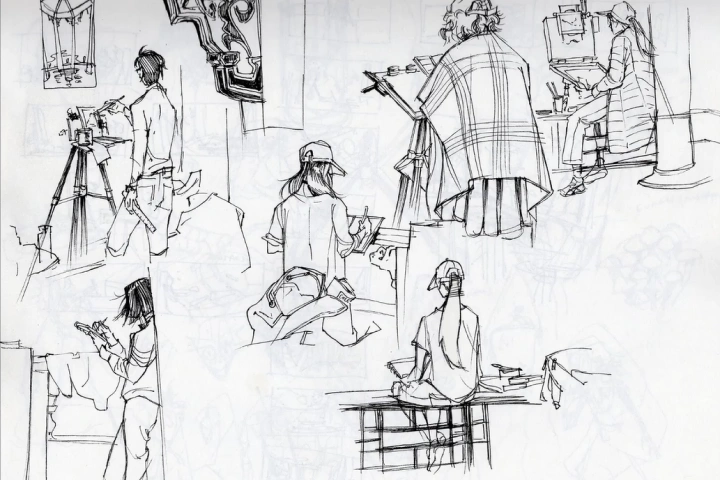 Sketching and Lining Objects with Varying Texture, Form, and Material
-
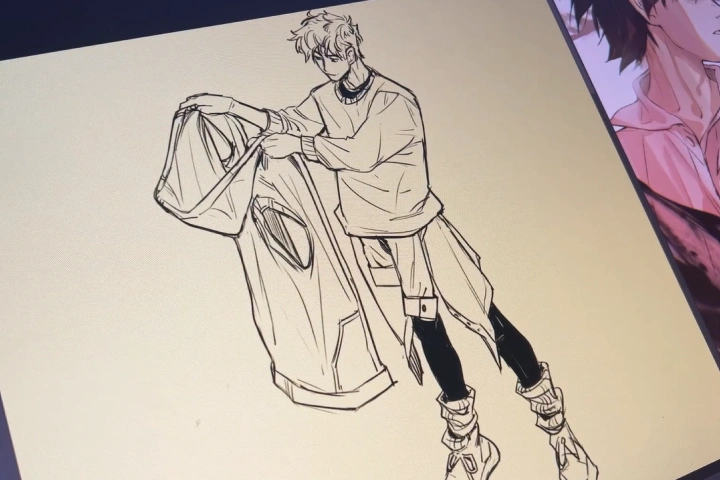 Sketching and Lining 5 Objects from Reference to Memory (Simple to Complex)
 -
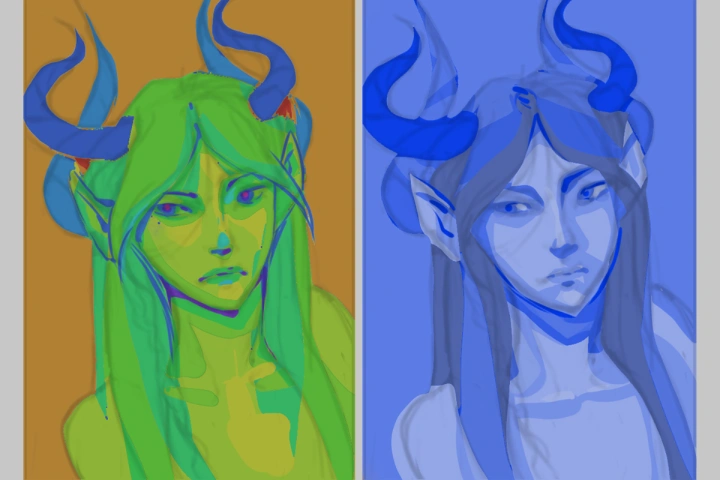 Restricted Color Studies Using Hue, Saturation, or Value
 -
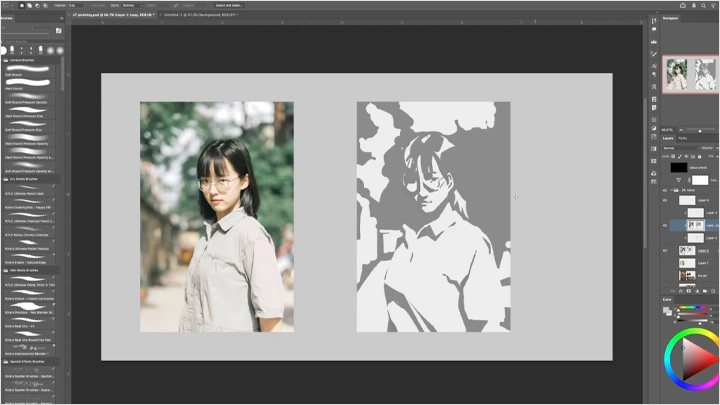
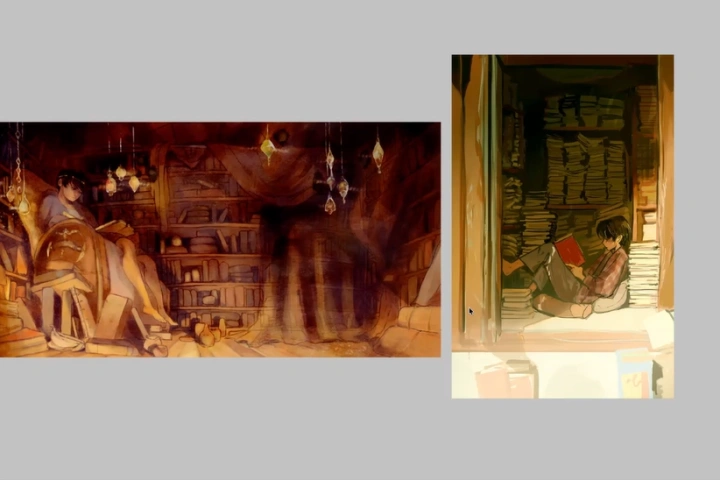 Analyzing Color Structure and Rebuilding Color Compositions
 -
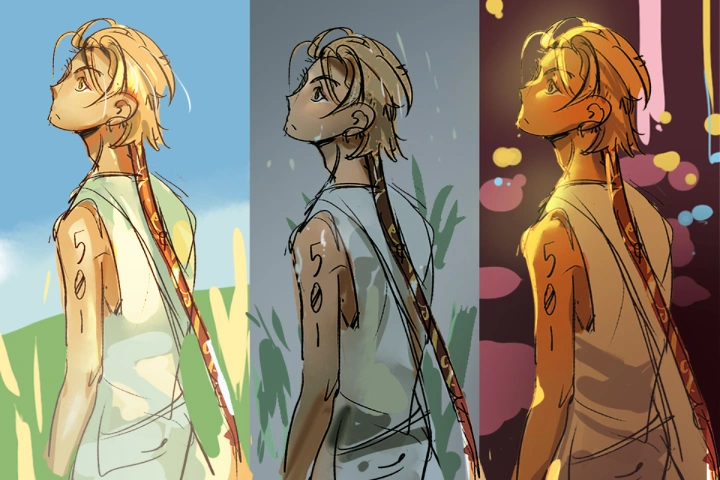 Applying Environmental Lighting Scenarios to a Character Sketch
 -
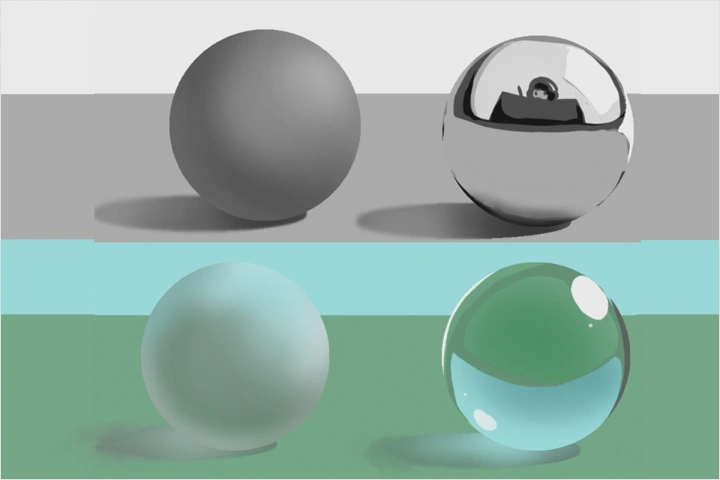 Rendering a Cube in Natural and Artificial Materials
-
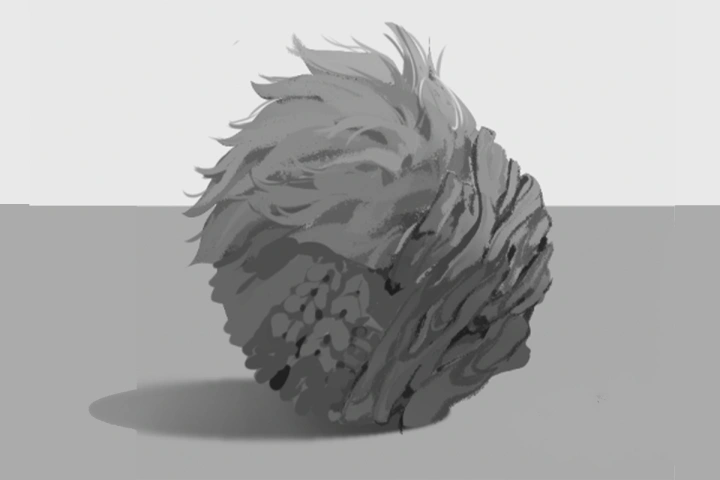 Creating Mini Paintings Using Repetitive Elements
 -
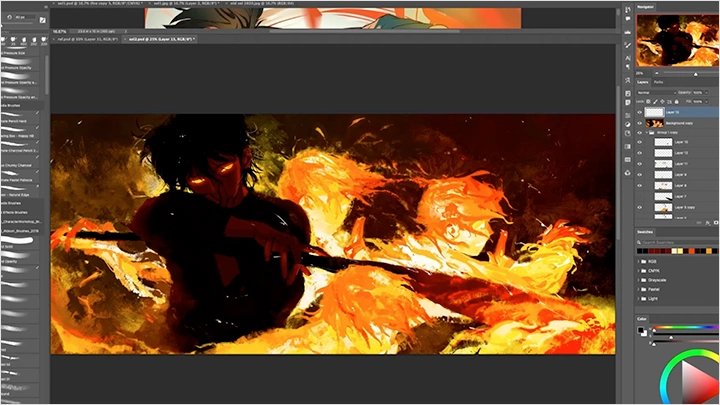
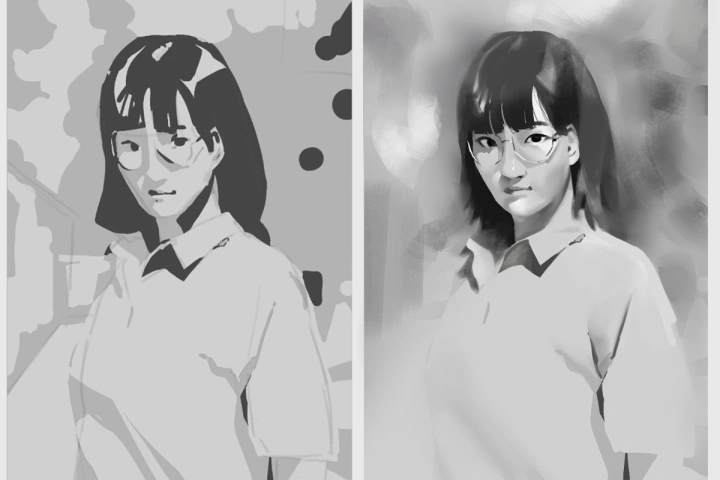 Painting the Same Scene with Different Perceived Edges
 -
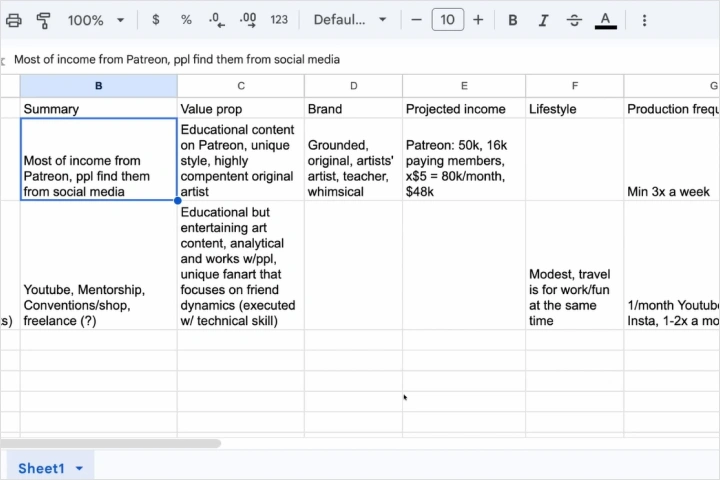 Analyzing Art Careers: Quantifying Growth Paths and Personal Inspiration
Final Product
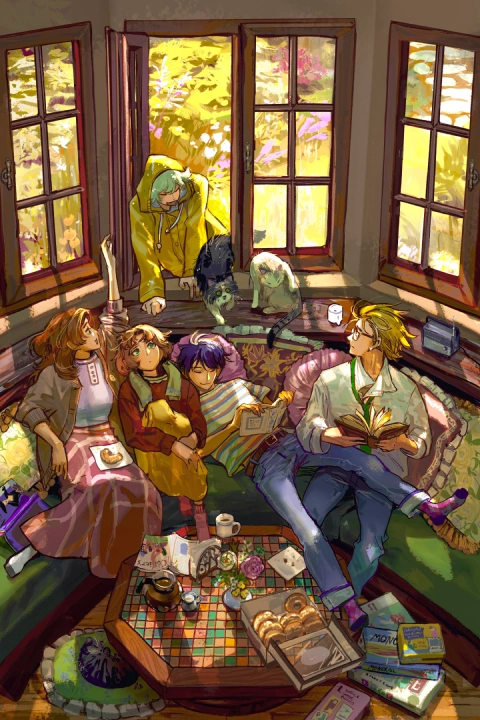
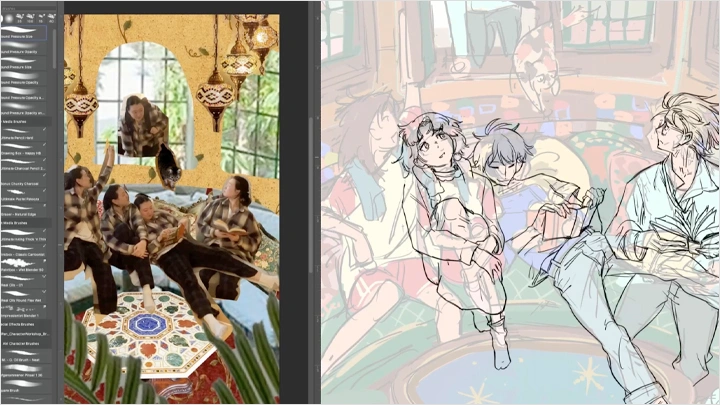
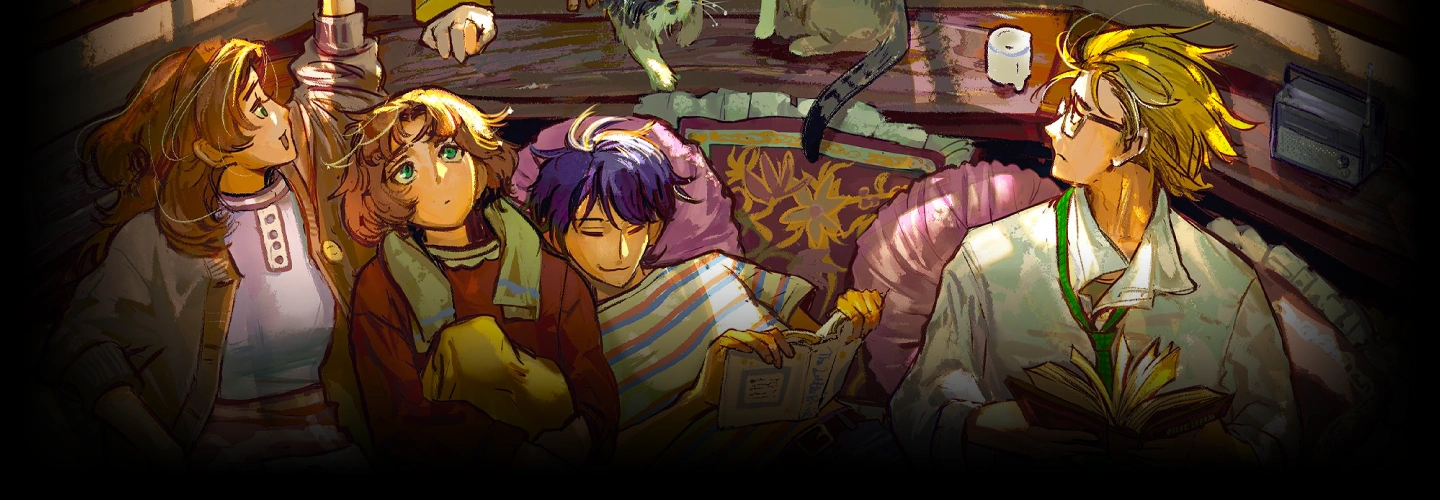
Multi-Character Illustration with Background
Highlights
Class Highlights
Placing Characters in Space
Do your characters feel like they’re floating in empty space or awkwardly intersecting with their surroundings? This class breaks down form and perspective from the ground up, helping you understand how characters relate to objects and environments so they feel grounded and believable within a scene.
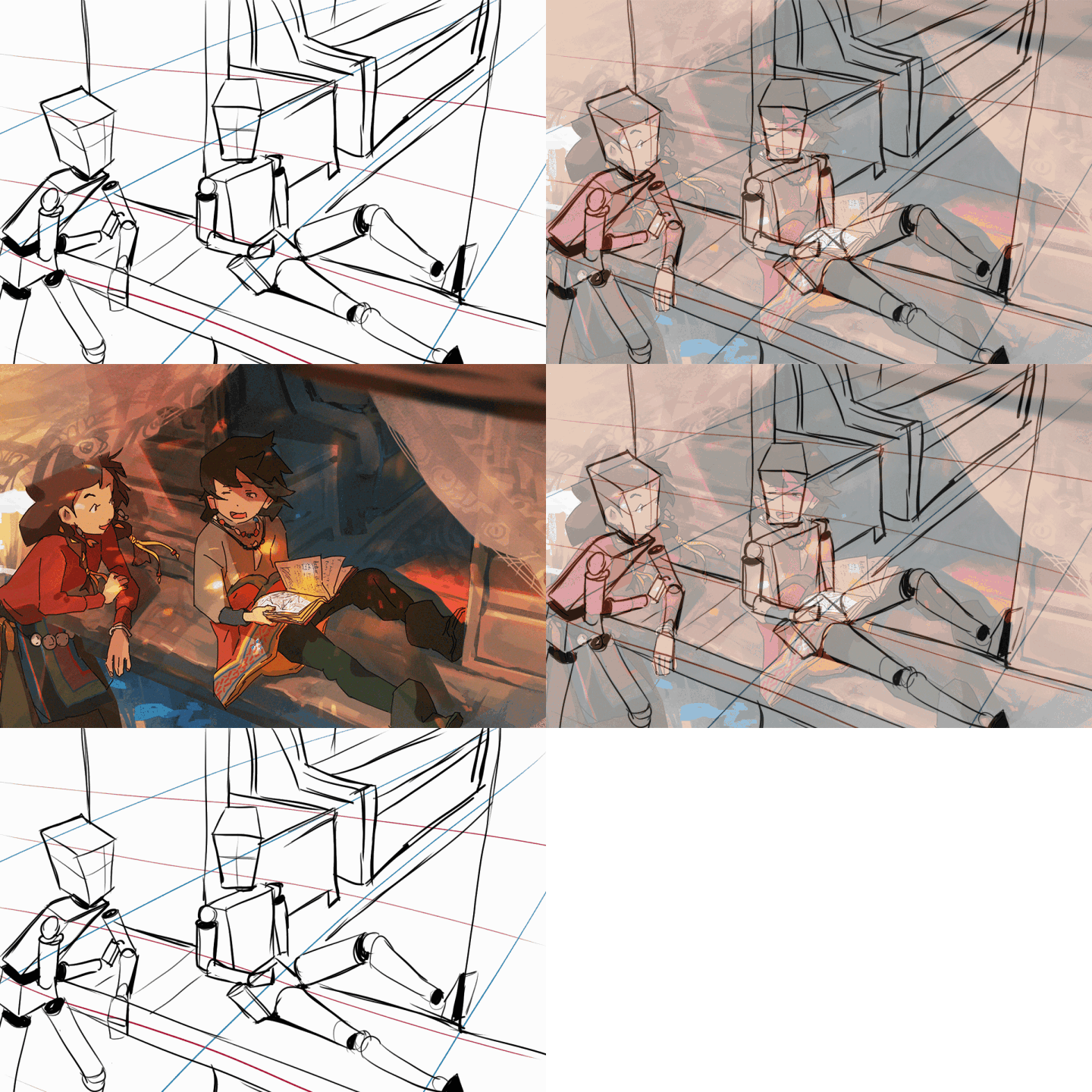
Digital Rendering Techniques
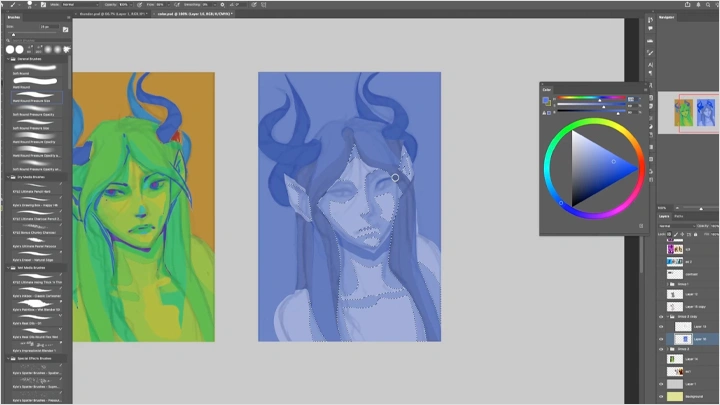
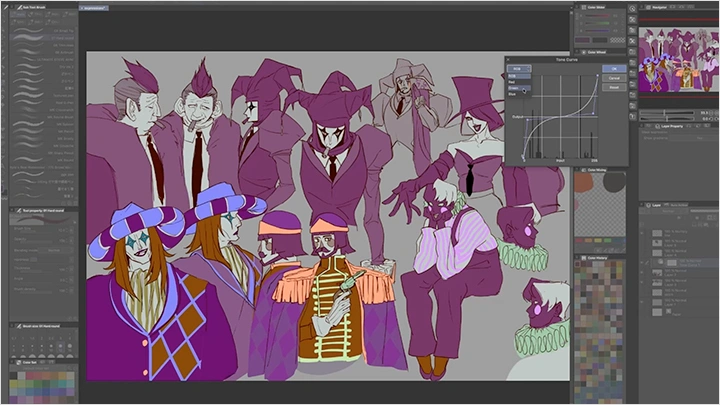
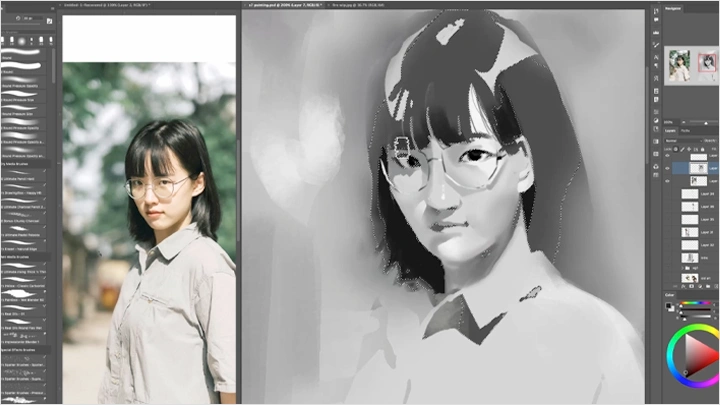
Layer modes, clipping masks, and adjustment layers are essential tools in digital painting, yet they’re often misunderstood or used as shortcuts without intent. In this class, you’ll learn how to use these tools deliberately, treating them as practical methods to support clarity, structure, and your overall visual goals.
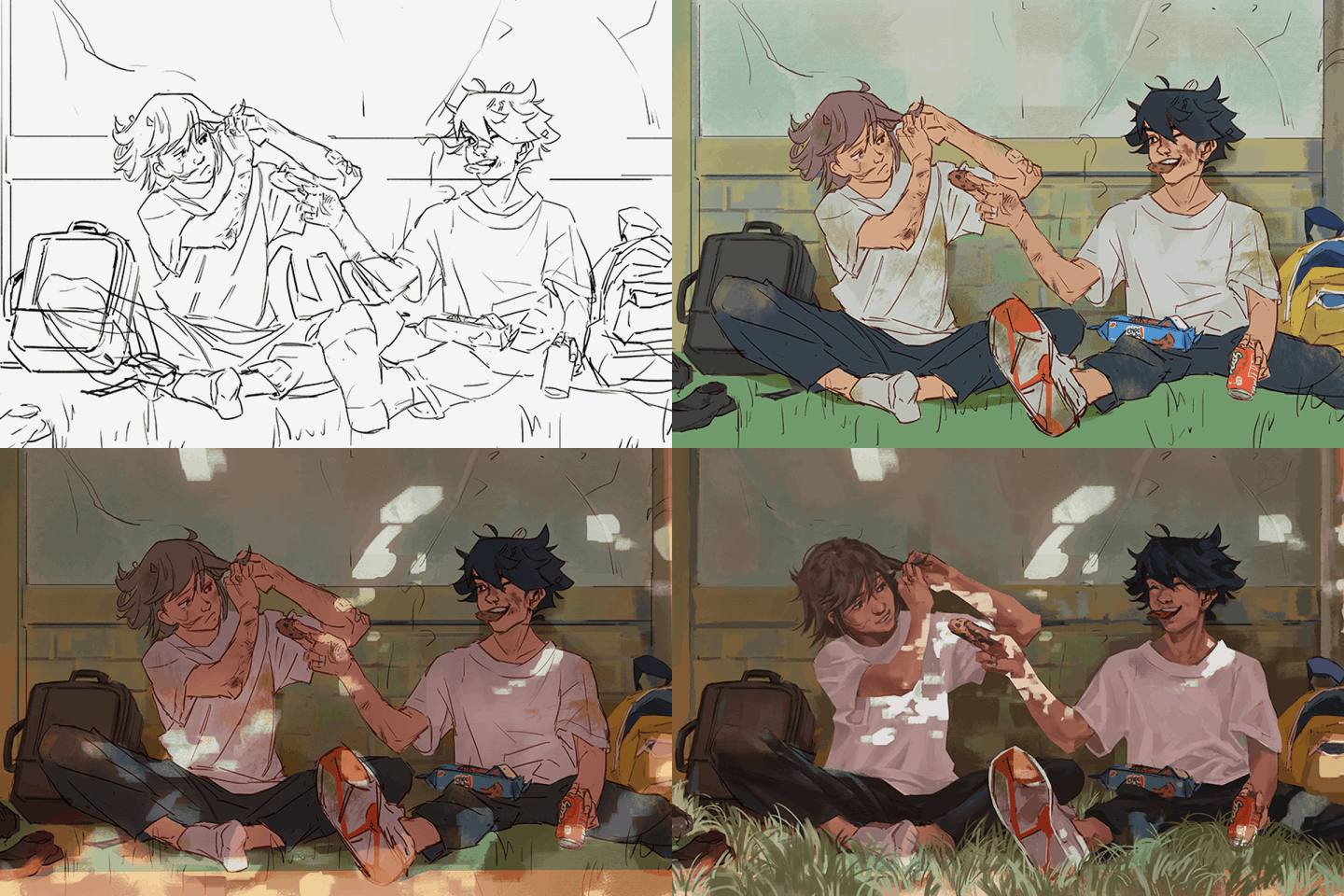
Put Theory to the Test
This class is built around exercises that actively challenge your understanding of each concept. Rather than passively watching demonstrations, you’ll be encouraged to apply what you learn through hands-on practice, helping ideas stick and turning theory into usable skills.