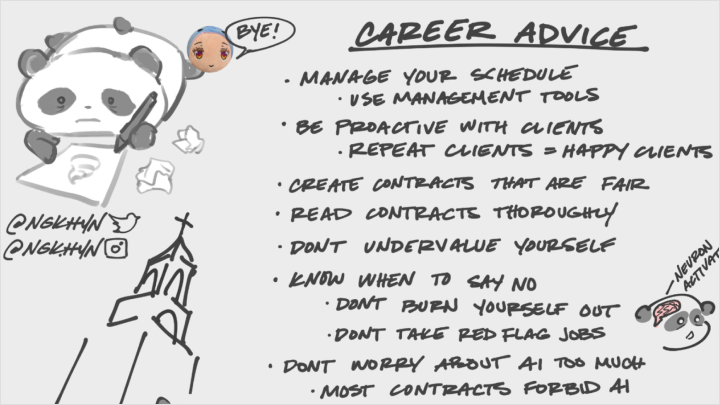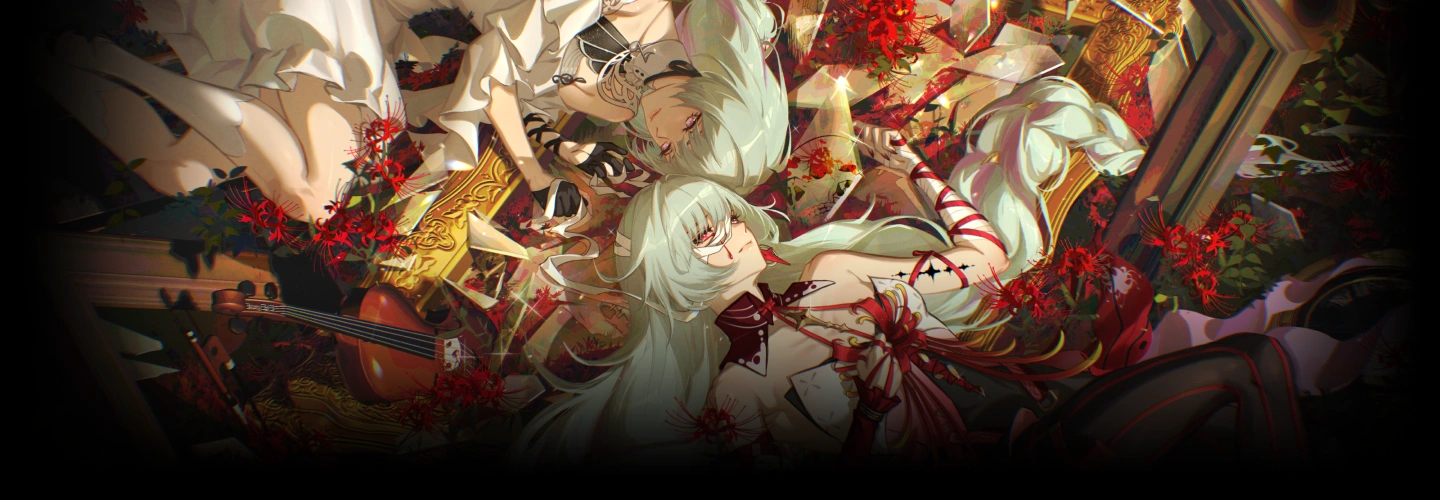
illustrator,ngkhyn Details
Intro
Class Intro
Illustrator, NGKHYN
"Illustrations like these aren't as complicated as you think! We'll get through the process together, step by step..."
Draw Faster, Create Better: Build Strong Skills Without Sacrificing Quality
Improving the quality of your illustrations without slowing down your workflow is one of the biggest challenges for beginner and early-stage illustrators. This course is designed to be the perfect starting point for building a strong foundation while developing your own unique art style.

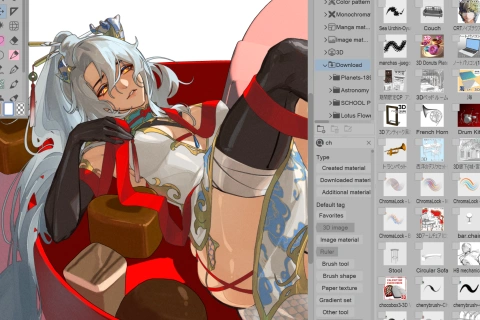
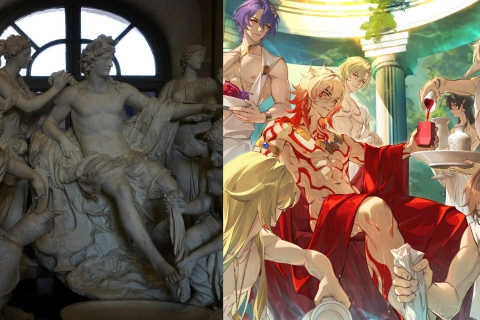
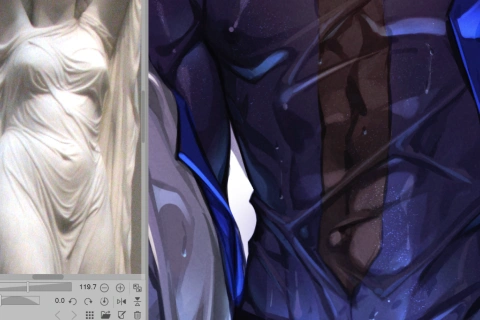
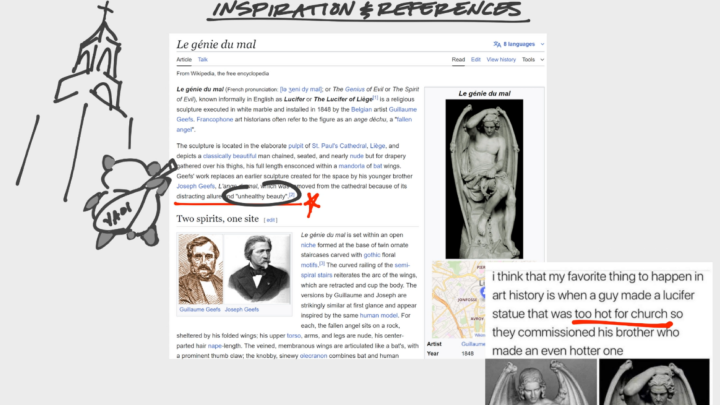
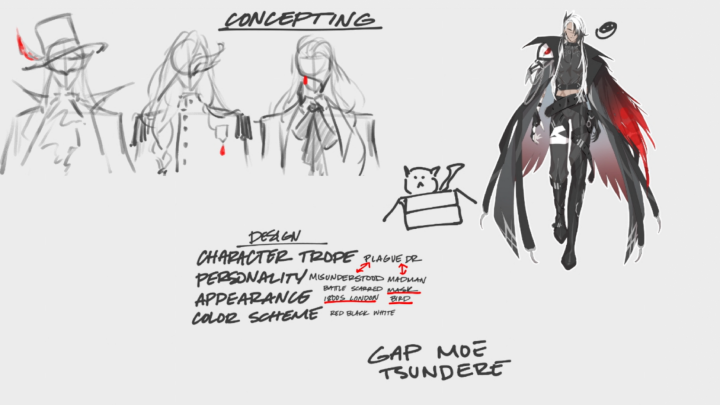
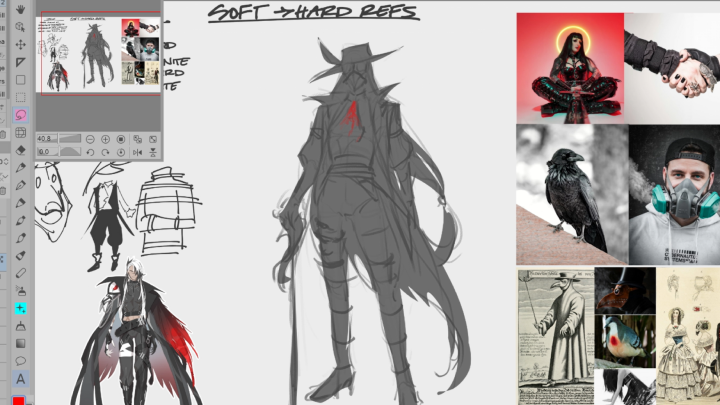
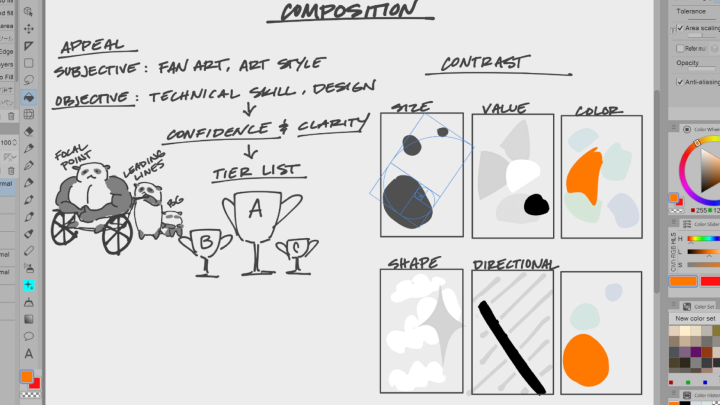
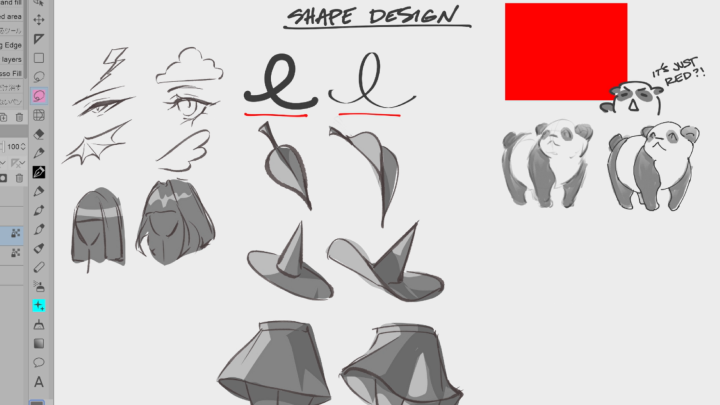
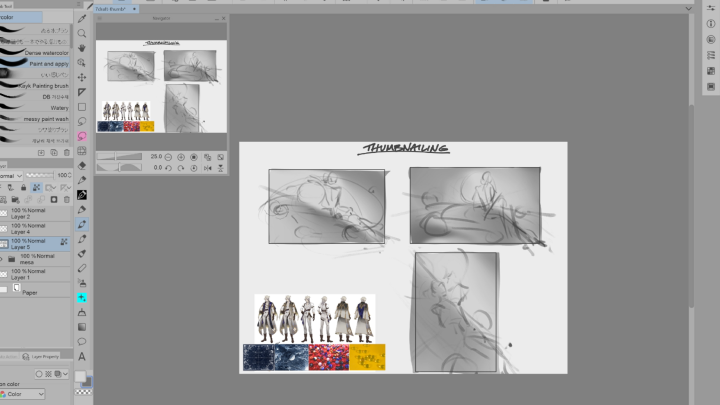
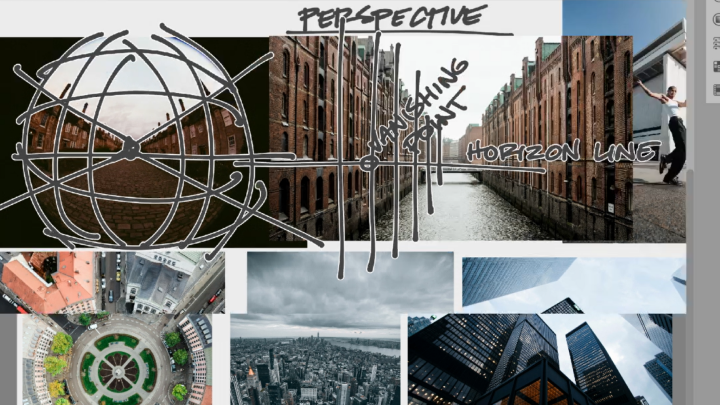
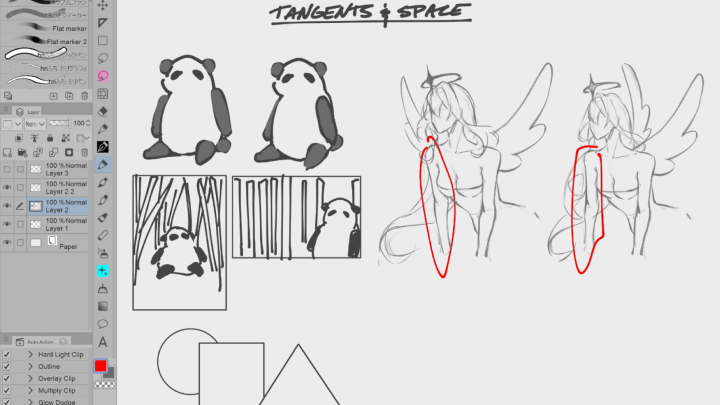
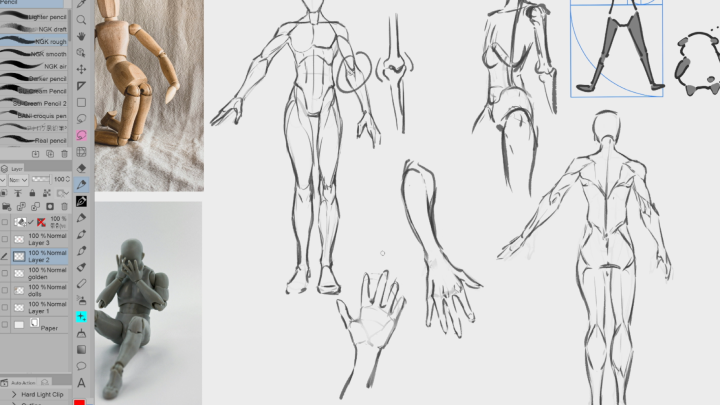
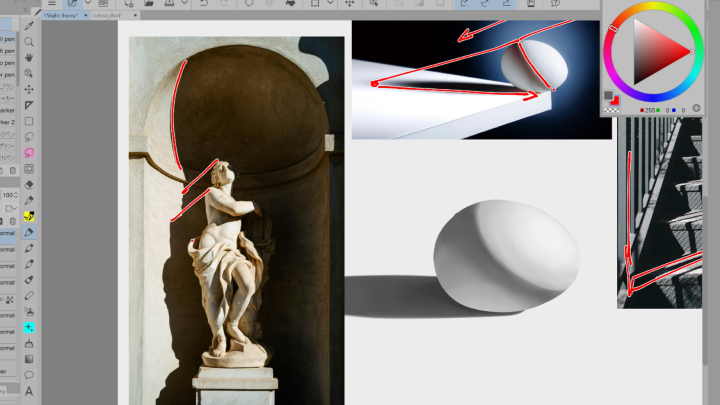
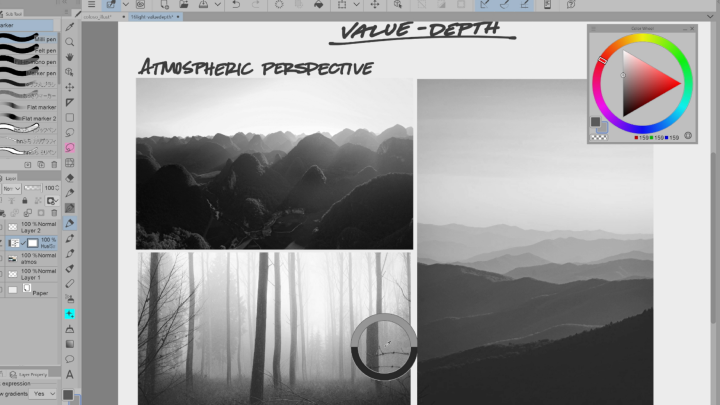
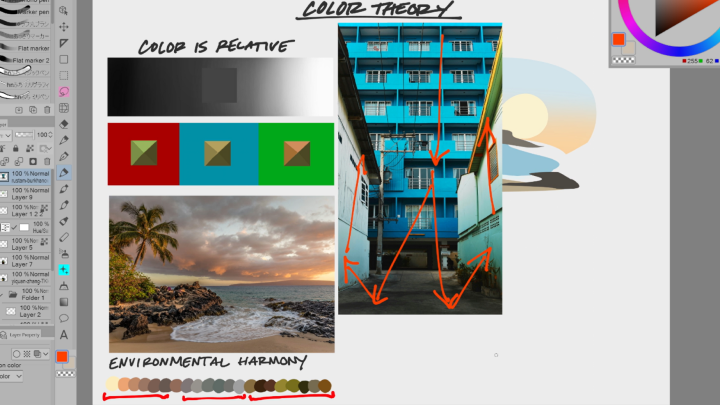
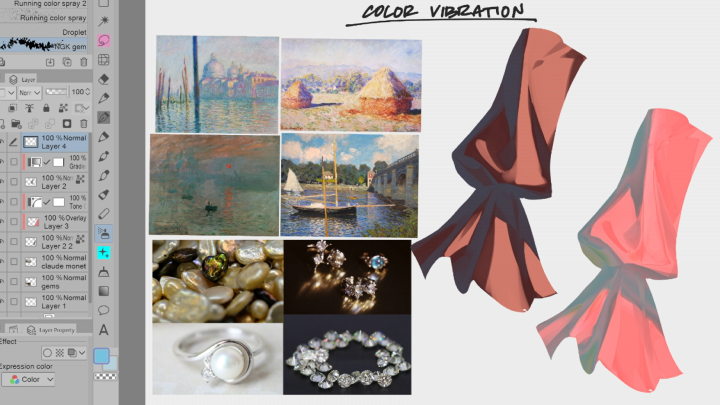
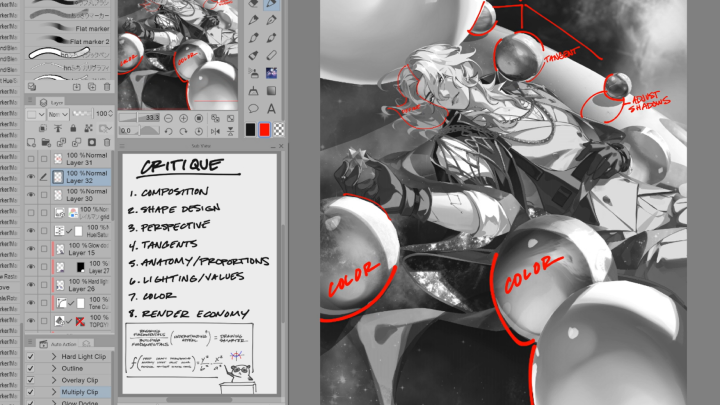
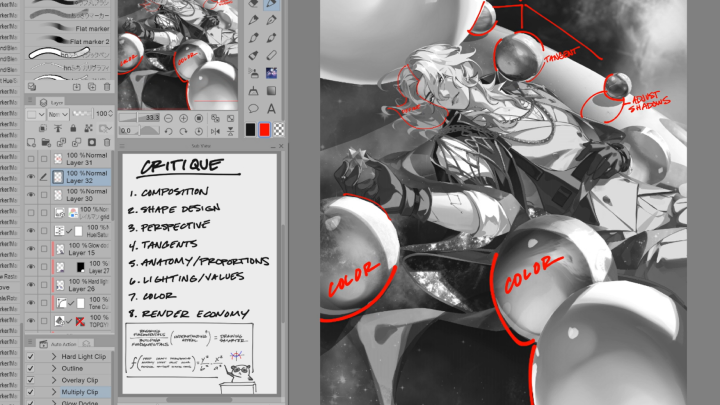
You’ll start by gathering inspiration and references, then learn how to combine them and apply them to your own work. Through hands-on exercises in composition, perspective, anatomy, lighting, and color, you’ll actively turn each lesson into practical skills.
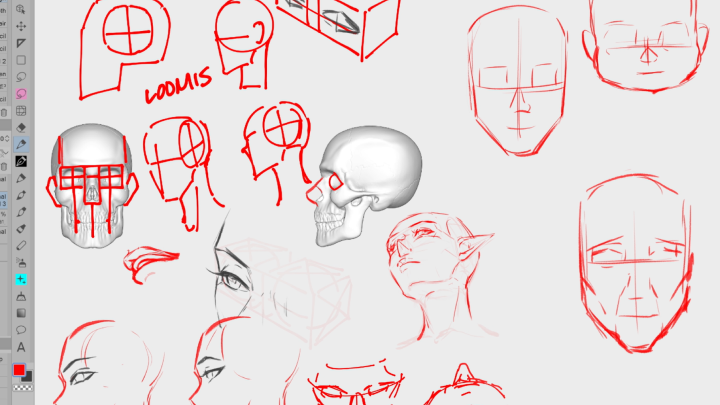
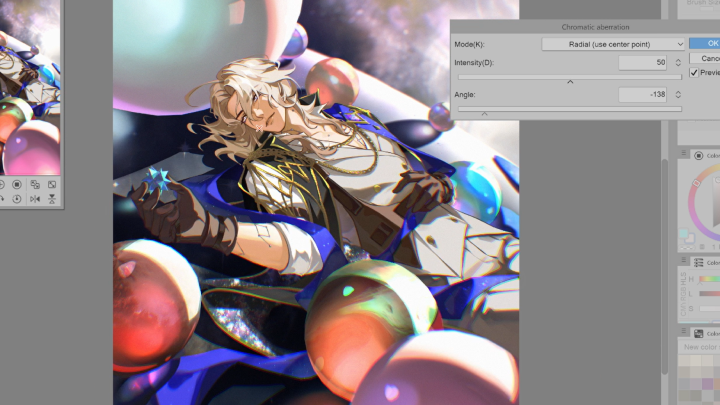
From croquis and skull studies to grayscale painting and thumbnails, every exercise is designed to strengthen your workflow and confidence. By the end of the course, you’ll complete a polished character illustration as your final project. You’ll also gain the experience and confidence to produce work you can proudly share, using the same methods I used to enter the professional art world.
From croquis and skull studies to grayscale painting and thumbnails, every exercise is designed to strengthen your workflow and confidence. By the end of the course, you’ll complete a polished character illustration as your final project. You’ll also gain the experience and confidence to produce work you can proudly share, using the same methods I used to enter the professional art world.
Class Preview
Still Not Sure?
Check Out NGKHYN's Class Preview!
Chapter 2: Gathering Inspiration and References
1. Gather concepts and ideas effectively
Class Perks
Special Gift from NGKHYN
-
 Learning Materials
 -
 Learn Through Practice
 -
 Brushes, Grids & Textures
 -
 Bonus Layered CSP File
Class Material Details
-
 Original Files- Original CSP files with all layers
- A complete timelapse of the illustration process
- Useful for reviewing and self-studying step-by-step digital illustration techniques -
 Exercises- Tutorials covering basic to advanced techniques
- Study notes summarizing key concepts
- Practice exercises for hands-on learning -
 Assets Used In-Class- Brushes suitable for different illustration styles
- Guide grids to assist with composition and perspective
- Textures and images for reference and creative use
Recommendation
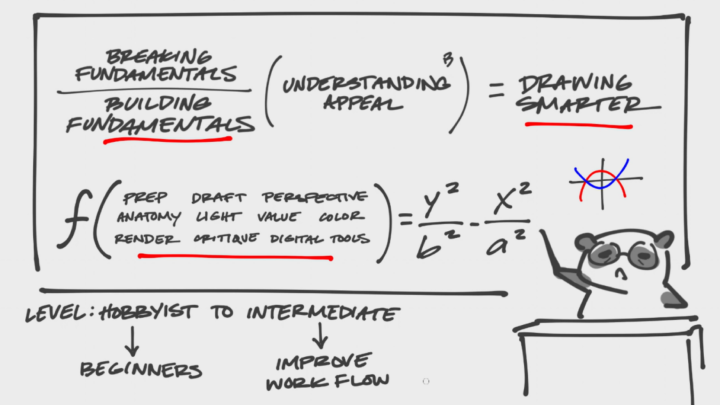
Who should take this class?
Hobbyists who are curious about drawing and want to learn quick, easy techniques to create illustrations in their free time.
Beginner artists who are eager to build a strong foundation in drawing. Learn to master the essential tools and techniques needed to develop your skills.
Intermediate artists who are looking to gain deeper insights and practical tips to refine their workflows, improve efficiency, and take their illustrations to the next professional level.
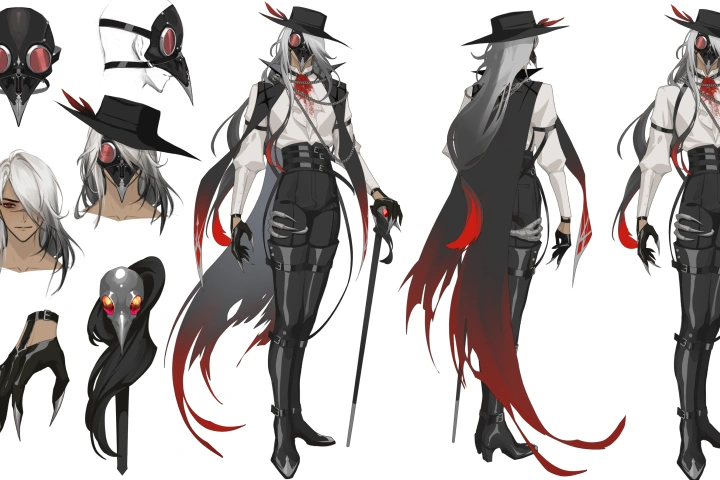
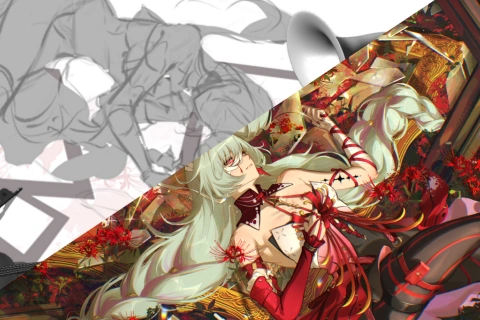
Expert Illustrator NGKHYN's Portfolio

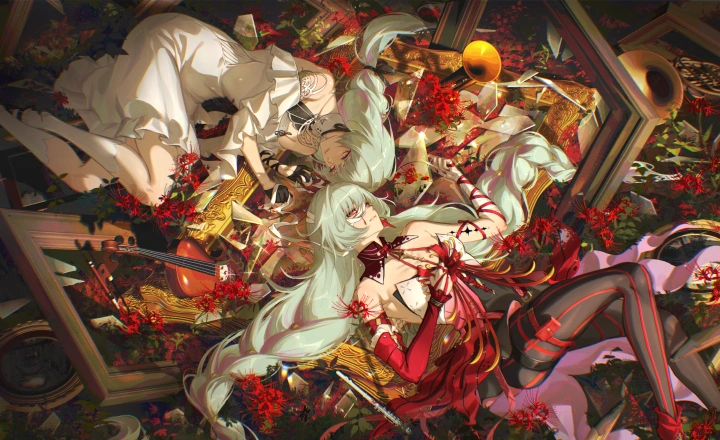
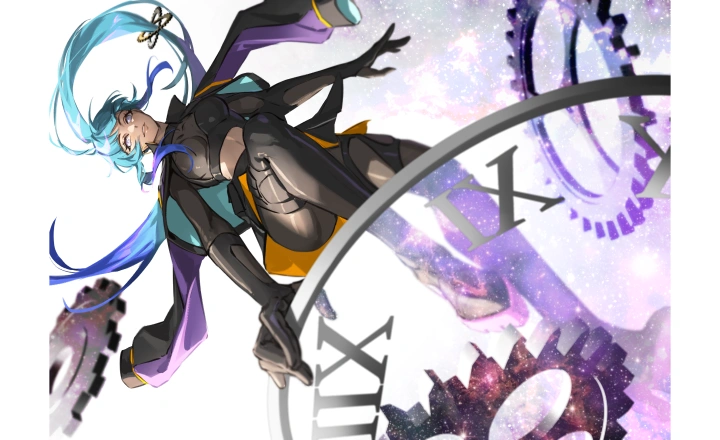

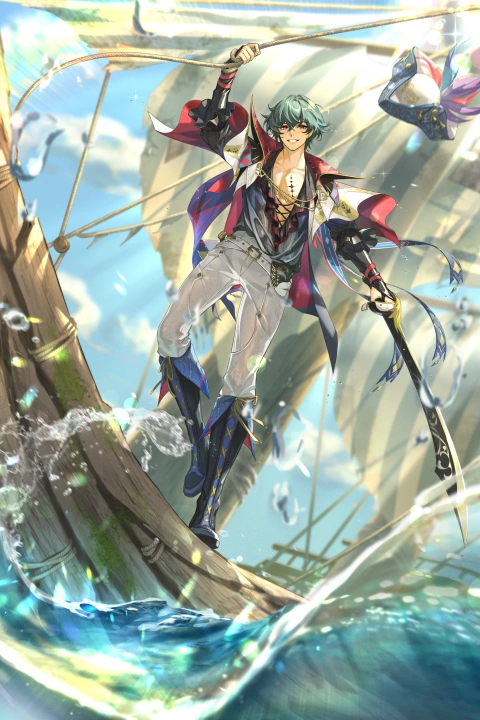
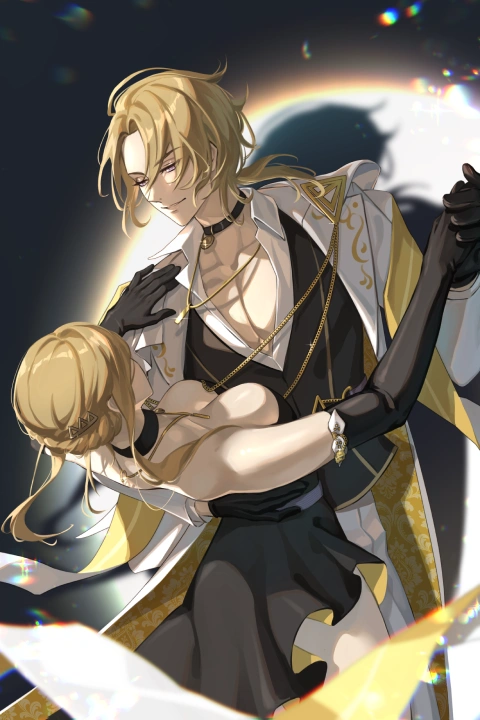







* This Portfolio includes fan art and client works.
Why Take This Class?
This course shares the exact techniques I developed through years of self-directed learning and trial-and-error, with almost no formal art education. You’ll learn how to turn ideas into polished illustrations efficiently, using digital tools, composition grids, and reference materials. From gathering inspiration and combining references, to mastering anatomy, perspective, color, and lighting, every lesson is designed to give you practical skills you can apply immediately.
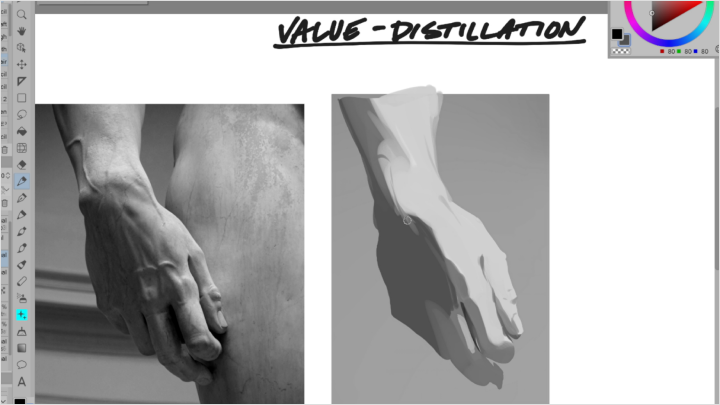
Through 16 carefully designed exercises such as perspective studies, croquis and skull drawing, value studies, and transforming grayscale paintings into full-color artwork, you’ll gain the confidence to work faster without sacrificing quality. These are the real-world methods that allowed me to break into the professional art world and sustain a career doing what I love. As you complete the course, you’ll have the skills and workflow to create professional-level illustrations on your own.

Get Ready for the Real-World
16 Class Exercises
-
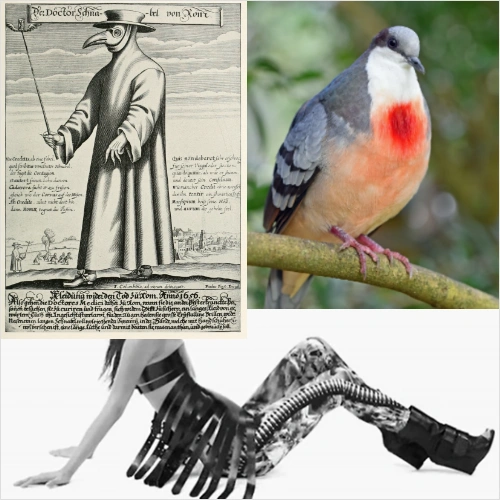 Redraw References From Imagination
 -
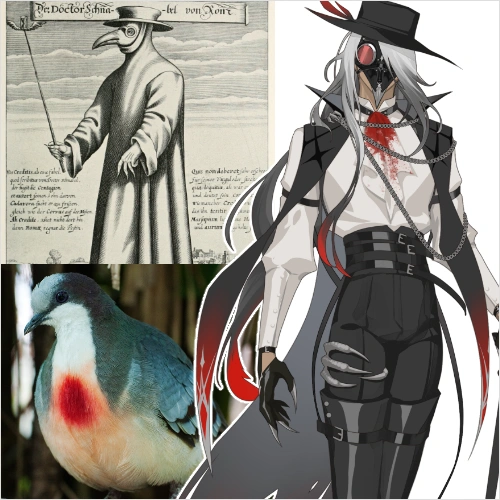 Combine References
 -
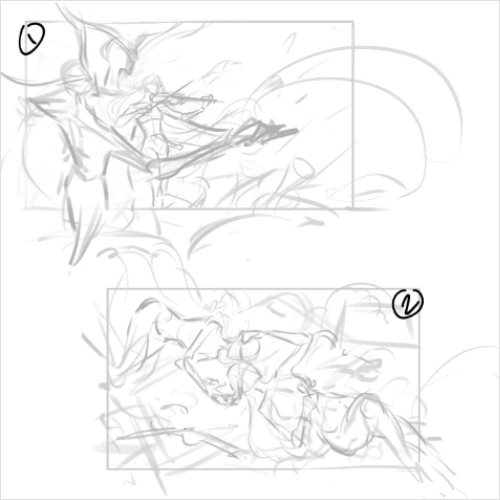 Build a Thumbnail Around Character Trait
 -
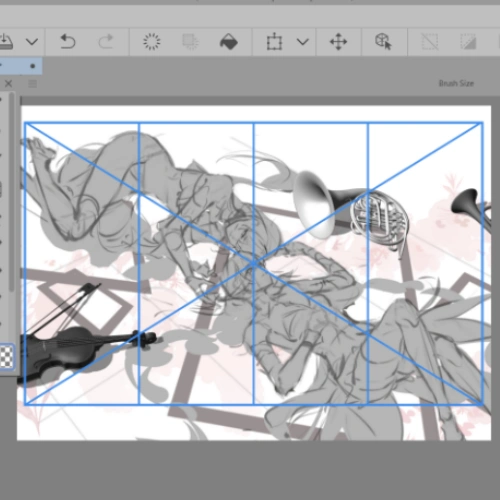 Thumbnail With Composition Grids
-
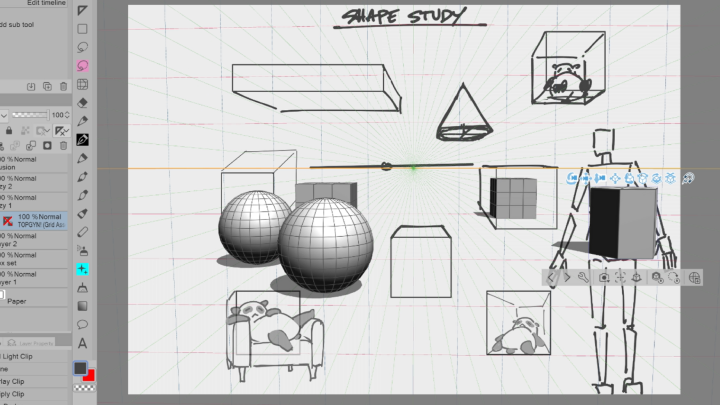
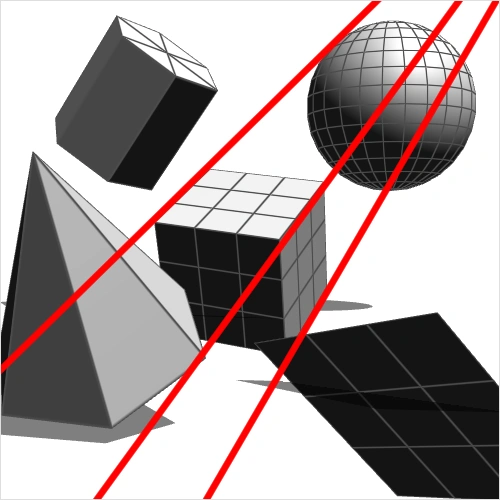 Sketch Geometric Shapes in Perspective
 -
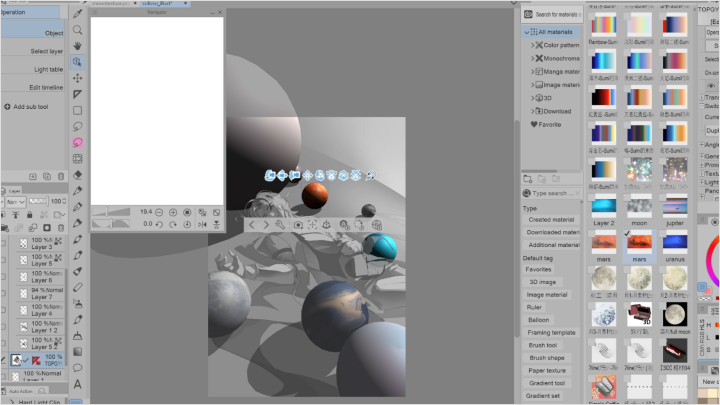
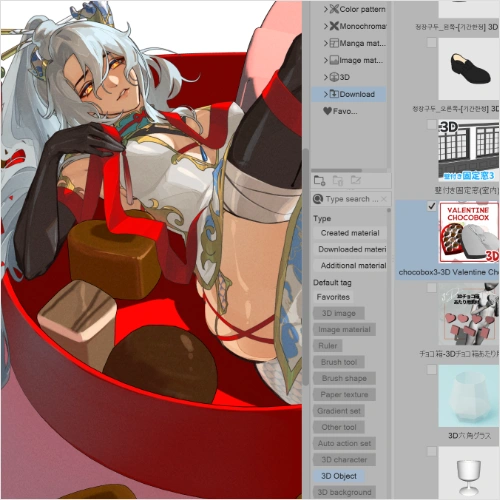 Use Rulers and Place 3D Objects
 -
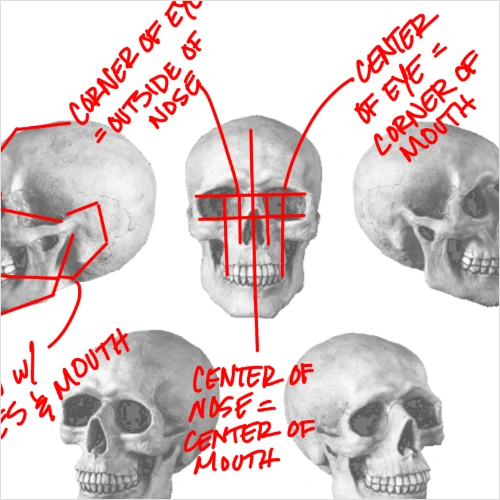 Skull Study
 -
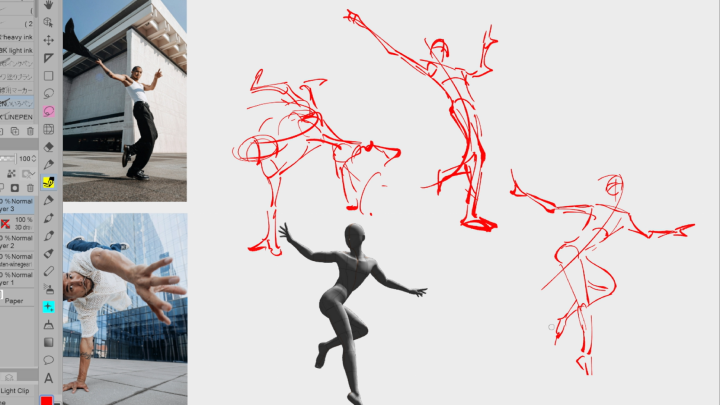
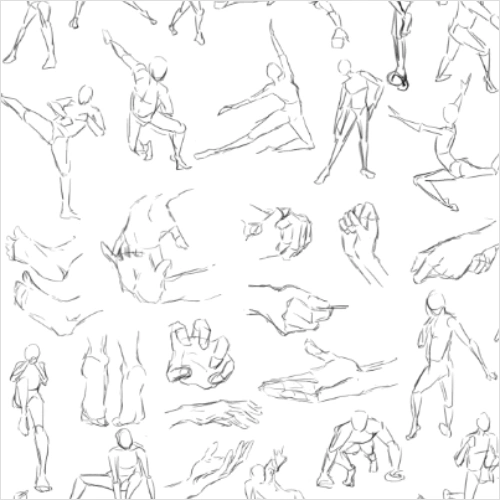 Croquis Study
-
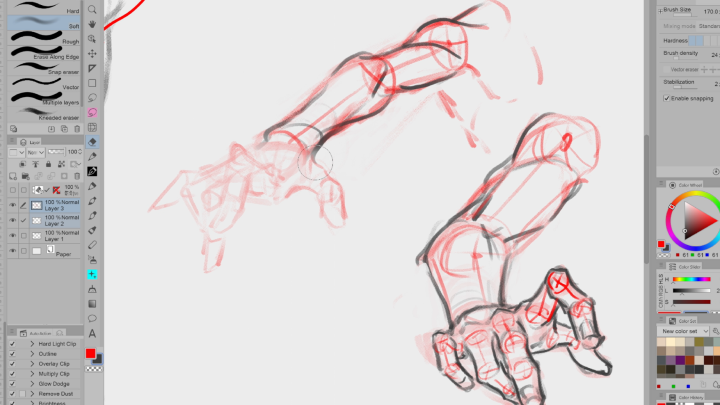
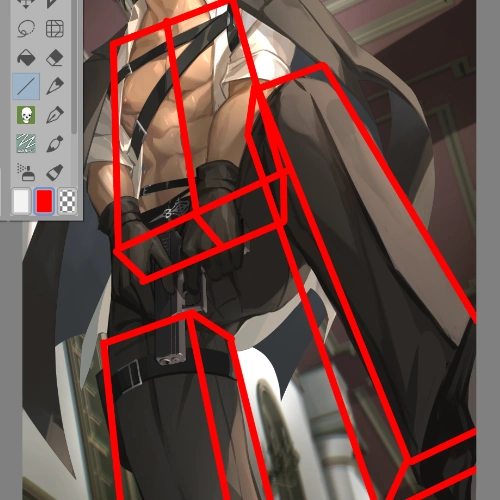 Perspective Anatomy Study
 -
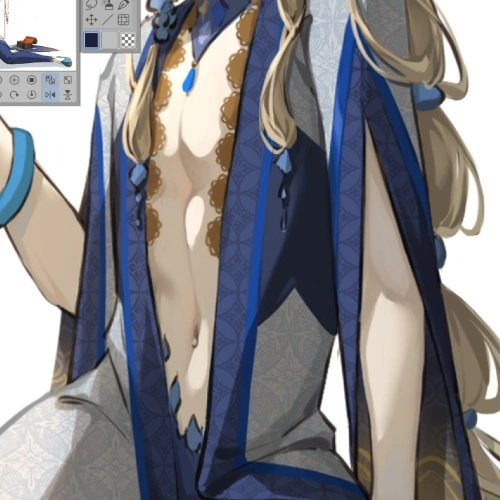 Apply Light to a Draft
 -
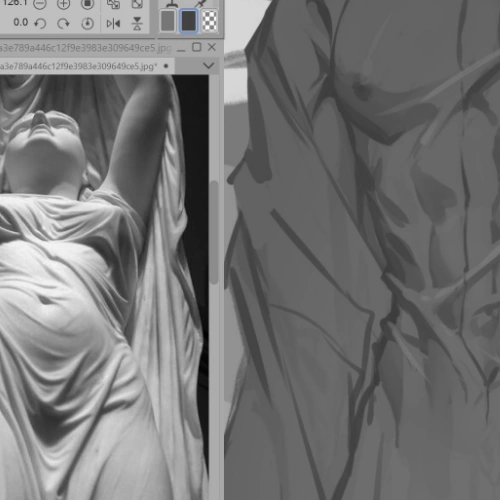 Apply Values to a Draft
 -
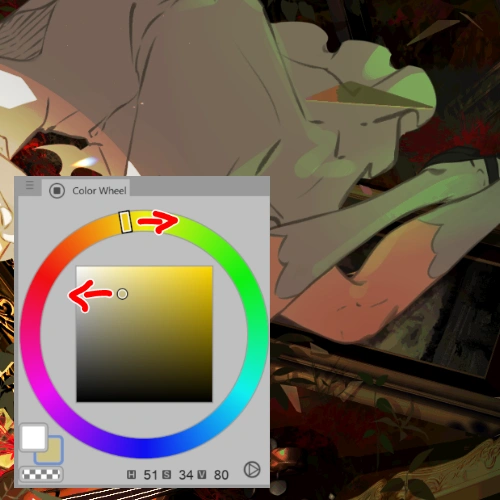 Apply Color to a Greyscale Painting
-
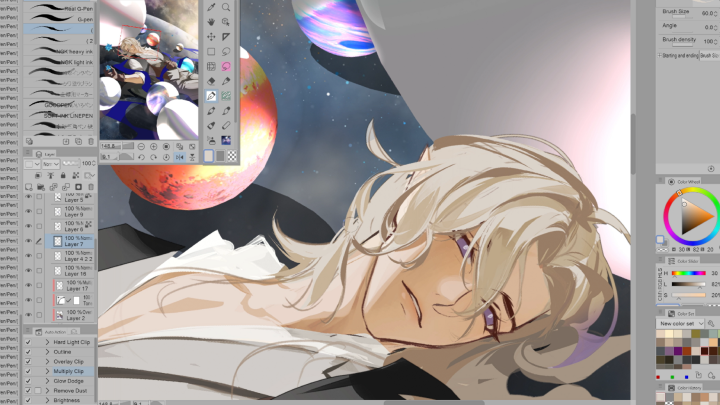
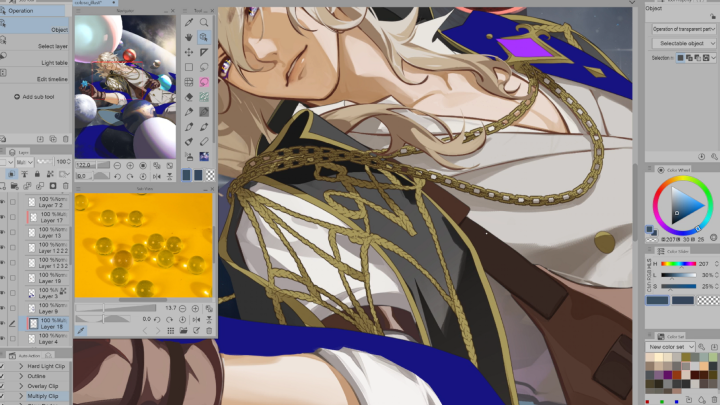
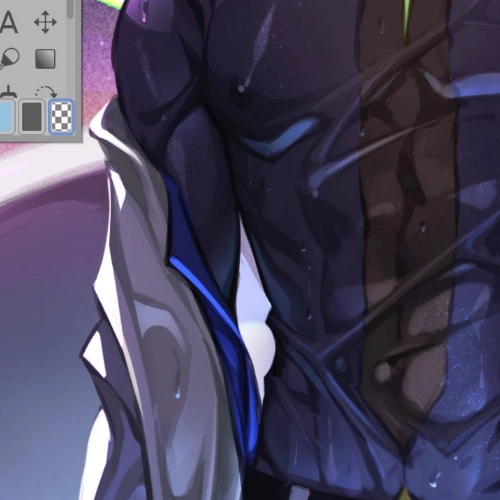 Painting
 -
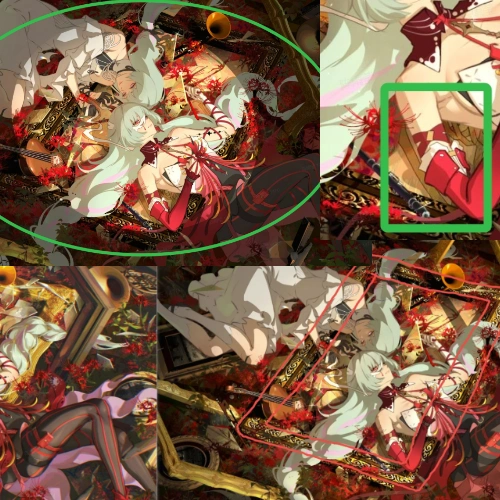 More Painting
 -
 Check Final Image
 -
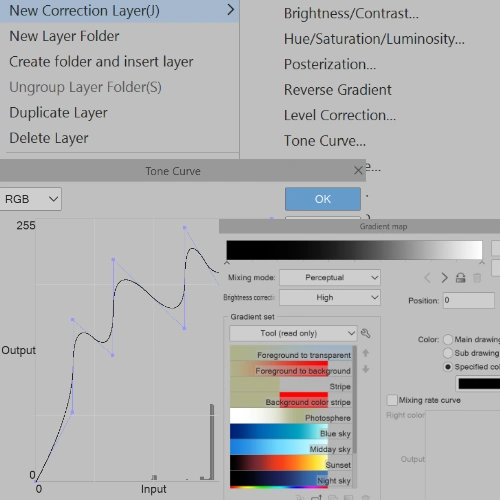 Apply Correction Layers
Final Product
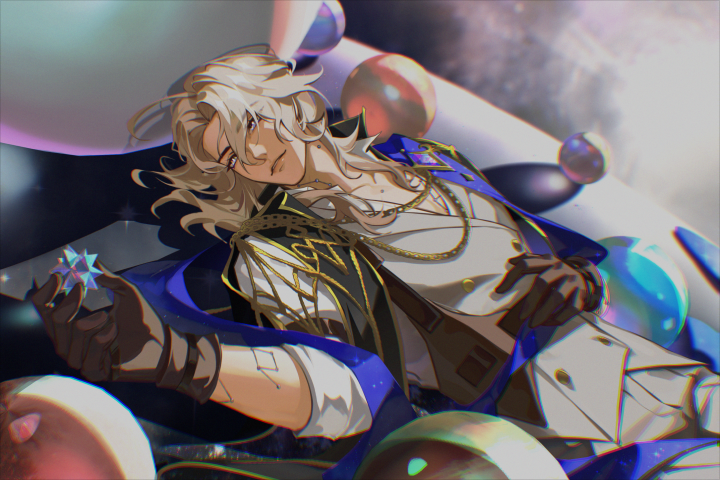
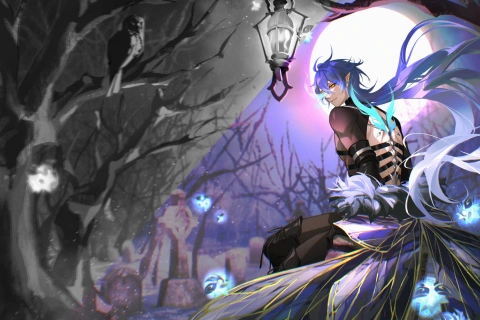
Character Illustration
Highlights
Class Highlights
Simplifying the Process
Making large-scale illustrations less intimidating by breaking down complex steps into manageable, easy-to-follow techniques. Perfect for artists who want to create impressive work without feeling overwhelmed.
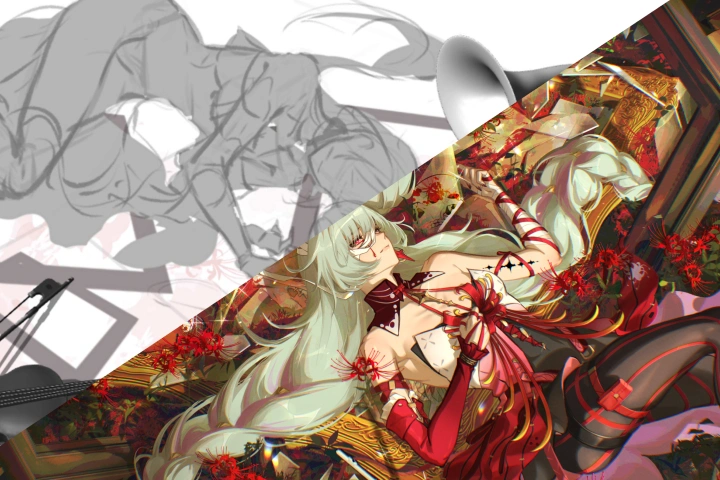
Strong Foundation
Building essential skills and knowledge that serve as the foundation for drawing anything from imagination. Gain confidence in fundamentals so you can tackle more complex illustrations with ease.
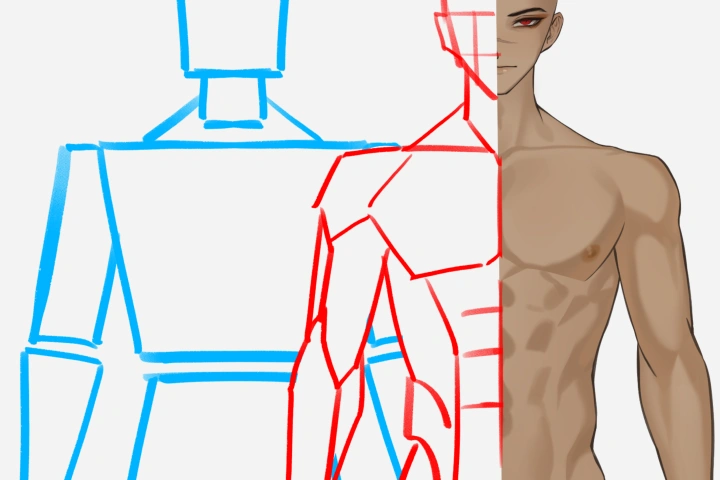
Design & Referencing
Learn how to draw inspiration from existing ideas and transform them into something unique. Master the techniques to combine references and creativity to produce original, professional-quality designs.