illustrator,kironfan Details
Intro
Class Intro
Illustrator, Kiron Fan
"We'll learn the essentials of both human and animal anatomy for more believable mecha characters!"
How to Create Mechs from Imagination to Reality
Imagine robots and mechs soaring through space or towering over cities, and feel the thrill of turning your sci-fi imagination to life, creating vivid and immersive visual moments.
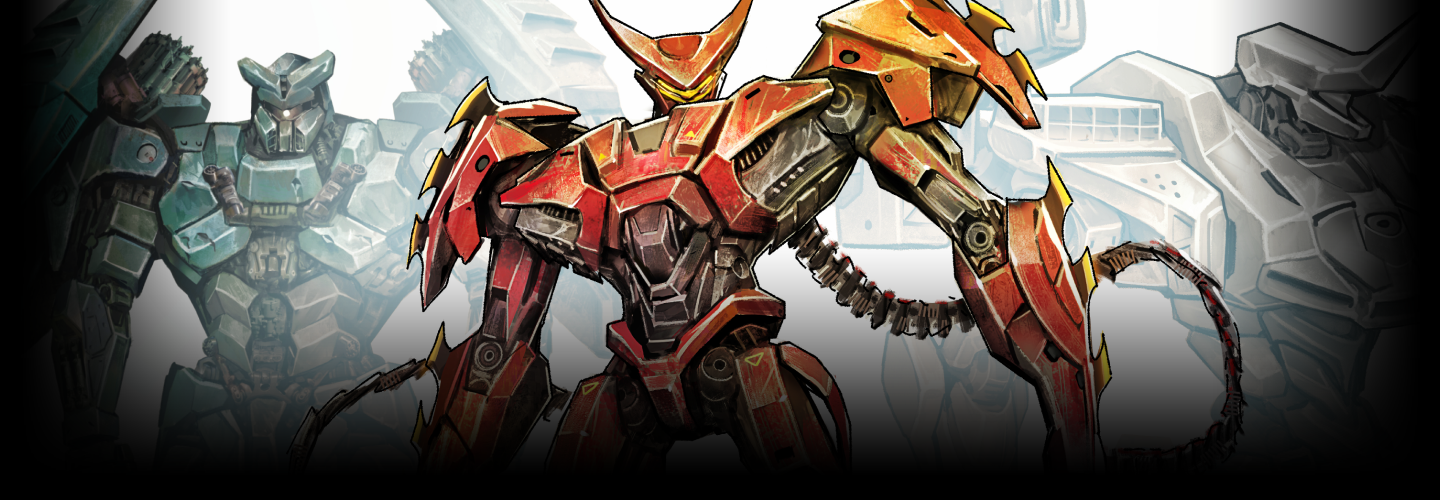
Mechs are more than just machines. They function as dynamic characters that capture attention and tell stories through design, structure, and motion. Yet mech illustration often feels abstract or intimidating, since it relies on principles closer to industrial design, engineering, and geometry than traditional illustration.
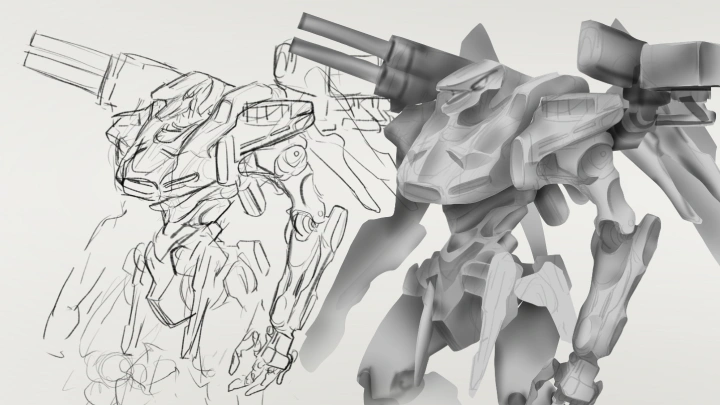
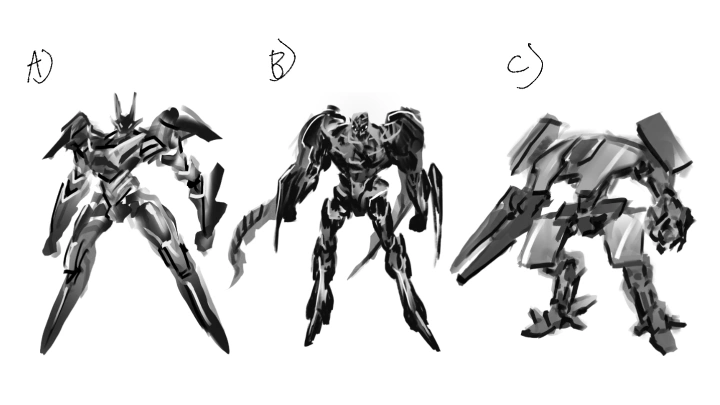
Kiron’s class breaks this process down through anatomy, structure, and rendering, guiding you toward a personal approach grounded in clear theory and hands-on experience. You’ll design striking robots from imagination while building practical skills that translate across concept art, fine art, and industrial design fields.
Kiron’s class breaks this process down through anatomy, structure, and rendering, guiding you toward a personal approach grounded in clear theory and hands-on experience. You’ll design striking robots from imagination while building practical skills that translate across concept art, fine art, and industrial design fields.
Class Preview
Still Not Sure?
Check Out Kiron Fan's Class Preview!
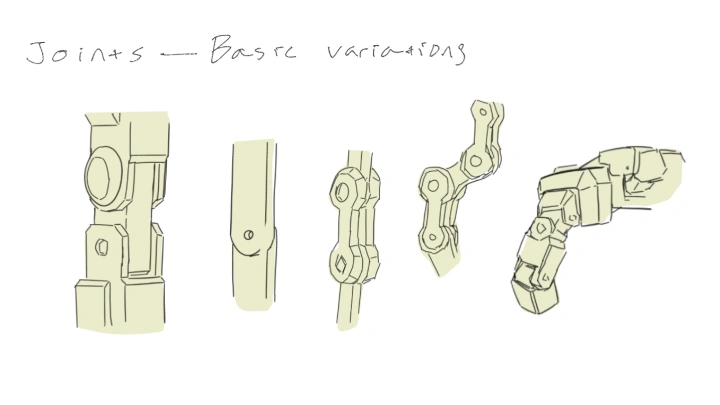
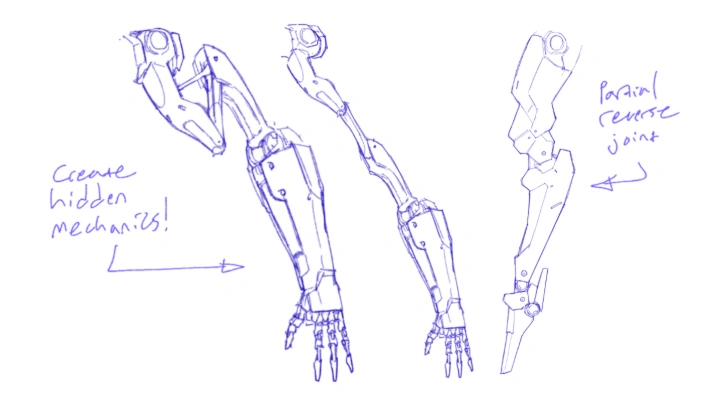
Chapter 16: Joints and Articulation
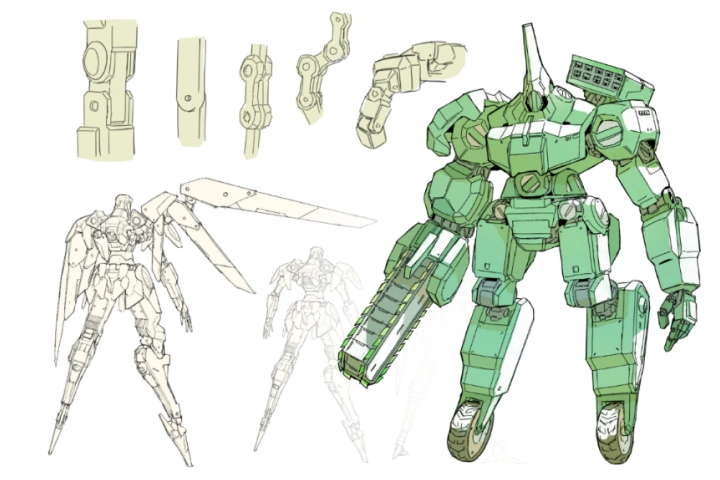
1. Demonstrate when to use different types of mechanical joints and how to recreate them
Class Perks
Special Gift from Kiron Fan
-
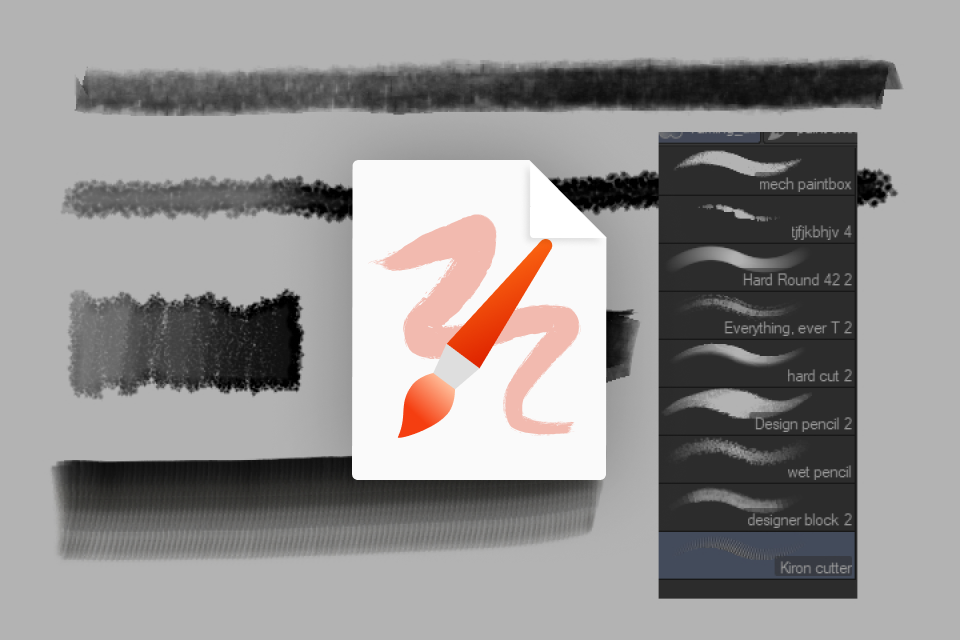 Instructor's Personal Brush SetAccess to the exact brushes the instructor uses in their professional workflow, including a curated selection of custom brushes.
 -
 Complete Class Guide, Workfiles, and Learning MaterialsA complete collection of class support materials, including the fully layered project file of the final artwork, detailed class slides with notes and annotations, hands-on guided exercises, and a glossary of key terms organized by chapter to help you follow the class more easily from start to finish.
 -
 Kitbashing & Texturing AssetsA rich library of high resolution reference photos, including complex and simple machinery captured from multiple angles, ideal for kitbashing and surface detailing
-
 Portfolio Feedback via DiscordAccess to an exclusive Discord community for peer discussion and interaction. As an additional perk, the first 20 students receive portfolio feedback from the instructor via Discord.
 -
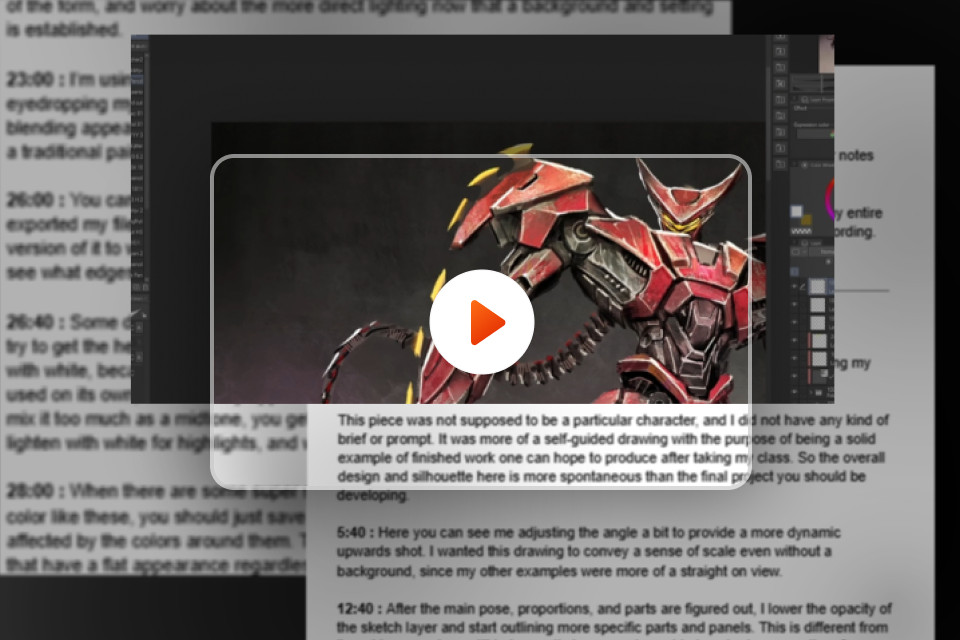 Uncut Video Process and Follow Along TranscriptFull start-to-finish walkthrough of the mecha drawing process and transcript with timestamps of the uncut video process
 -
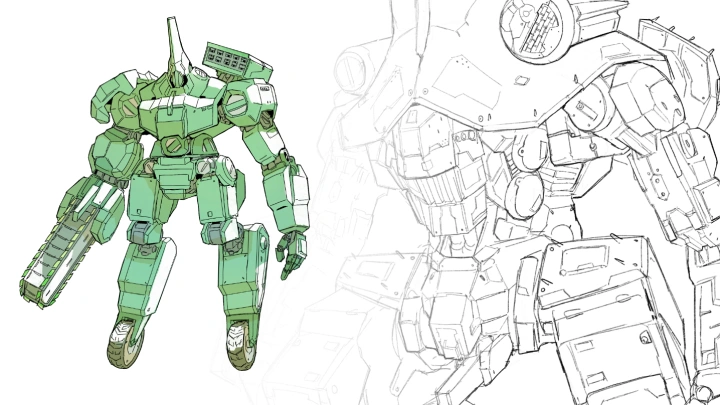
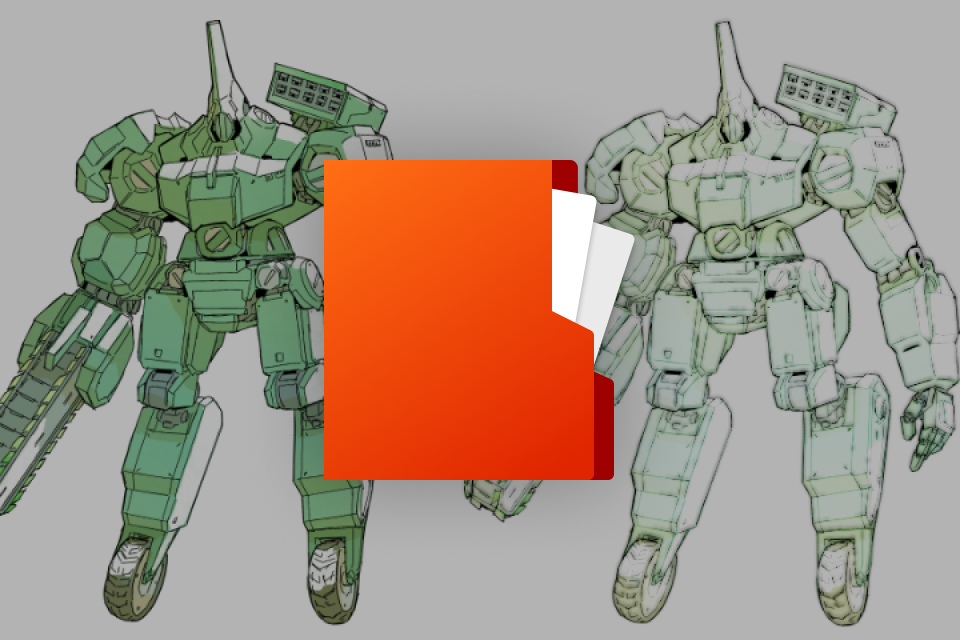 Practice LineartPre-drawn lineart provided for focused rendering practice, allowing you to concentrate on materials, lighting, and finish without starting from scratch
Recommendation
Who should take this class?
Beginners who want to approach mecha illustration with confidence by learning essential introductory concepts and developing the ability to think in 3D.
Experienced artists who aspire to achieve goals such as creating complex fan art designs and incorporating advanced mechanical detail into their portfolios.
Industrial designers and other creatives who want to gain a deep understanding of mechanical structures in order to fully illustrate and render their products.
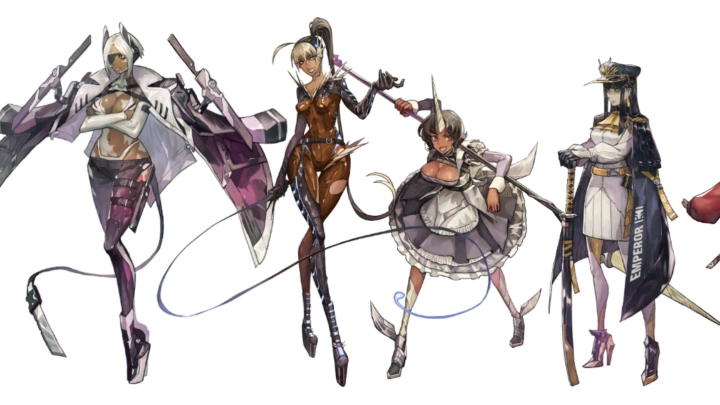
Expert Illustrator Kiron Fan's Portfolio
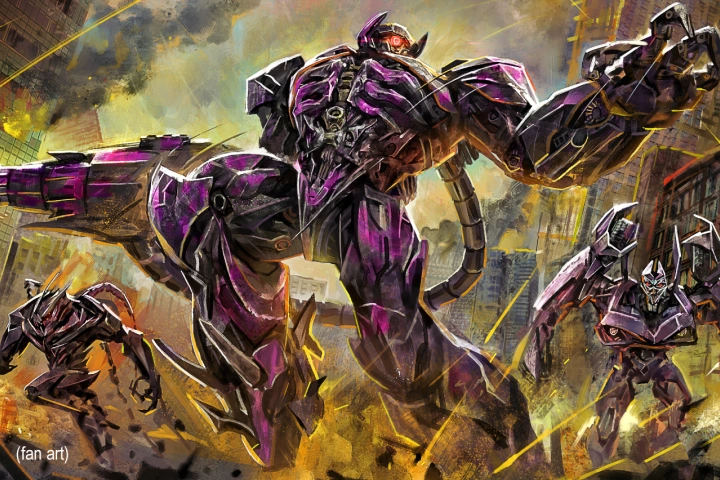
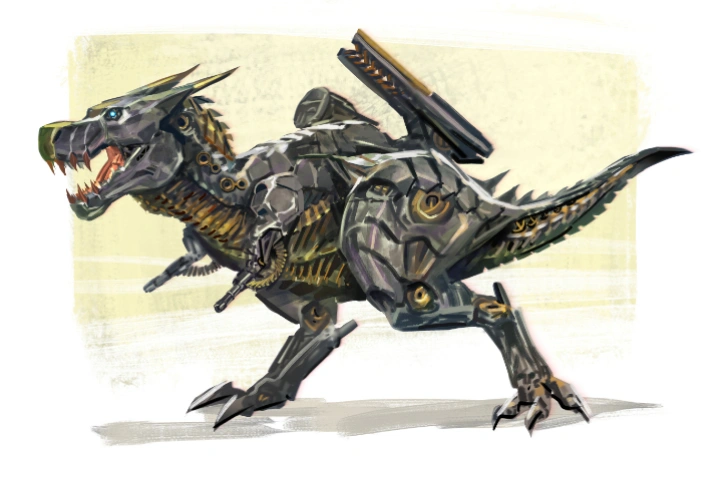
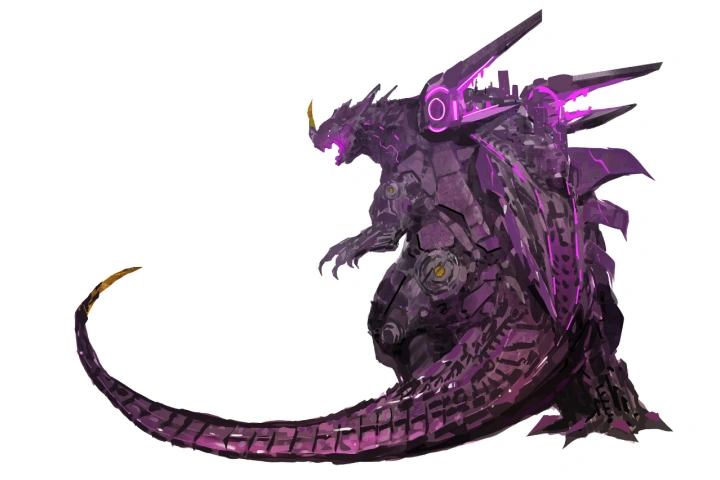
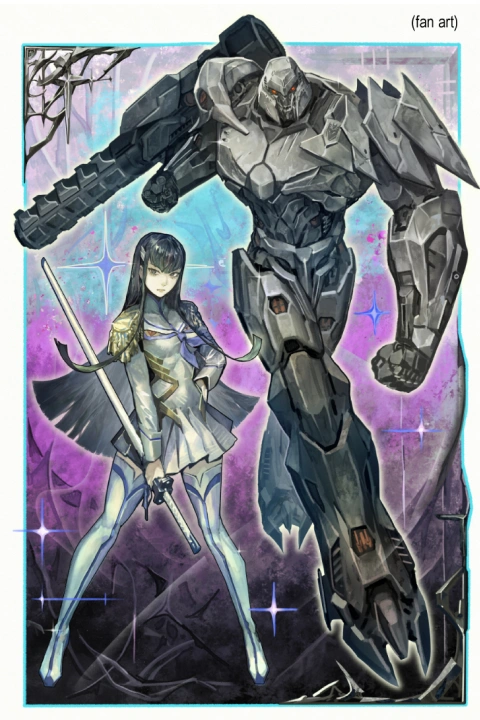
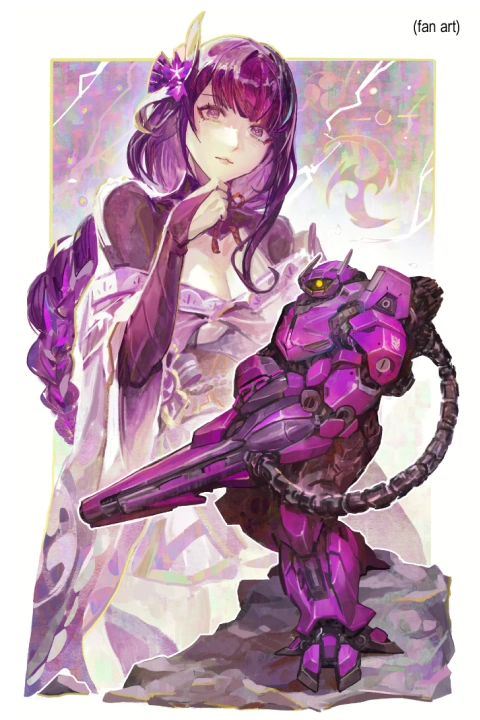
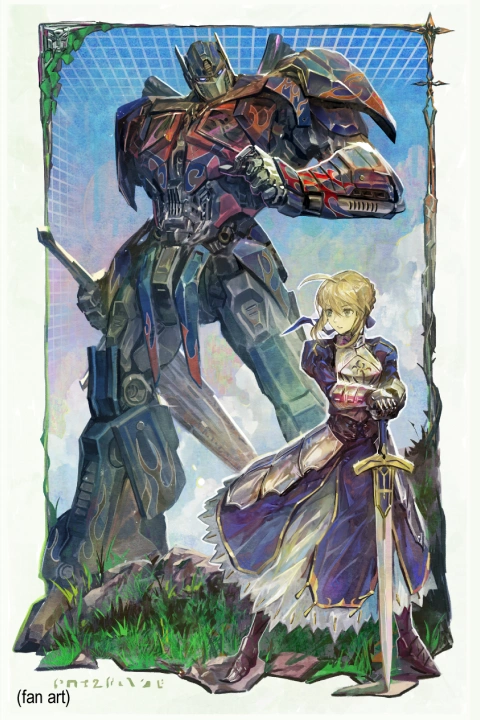
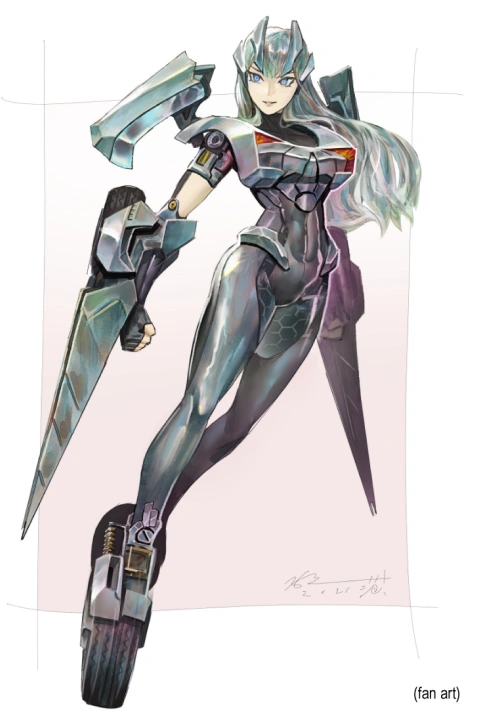
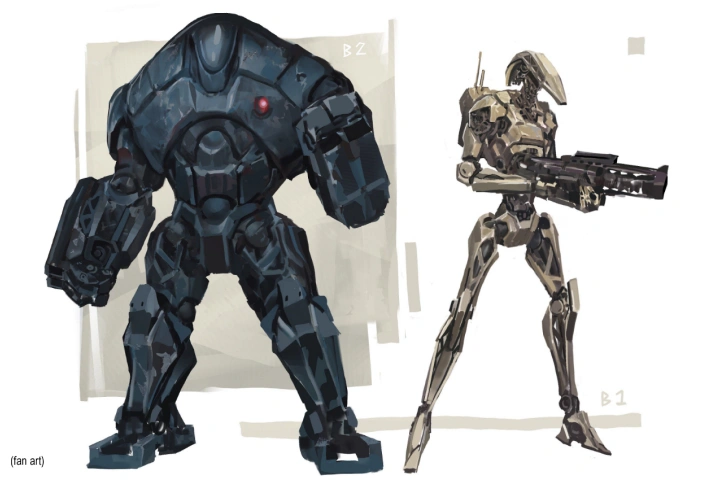
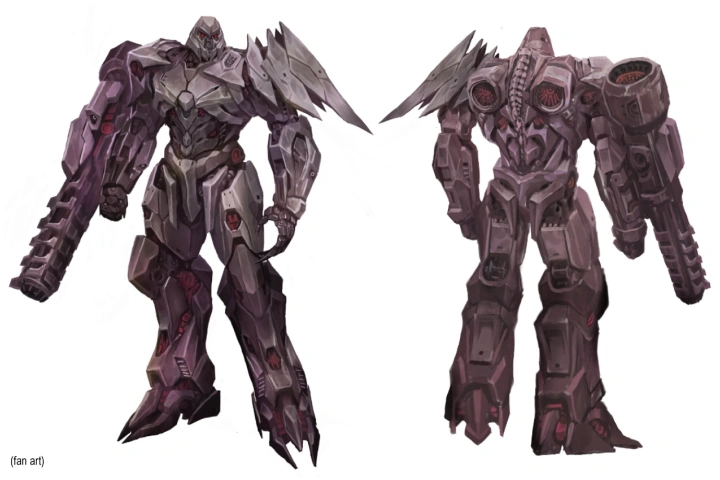
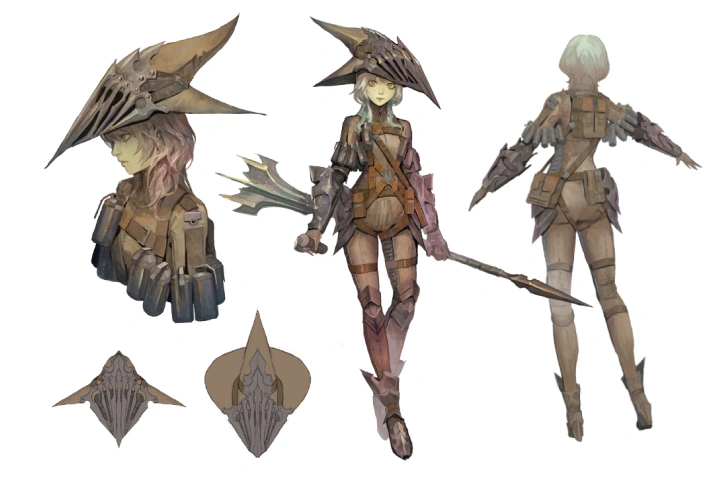
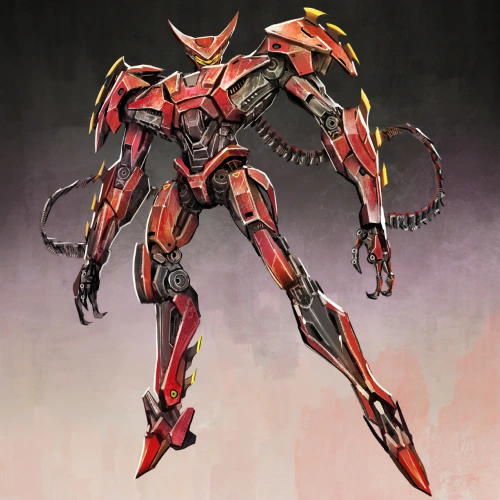
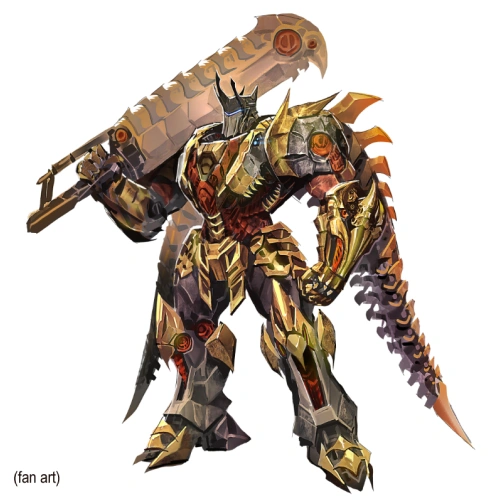
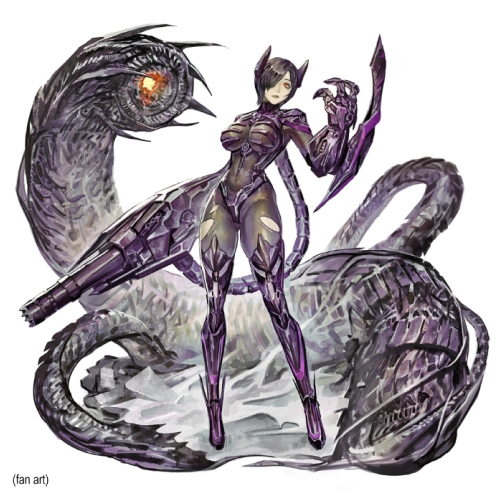
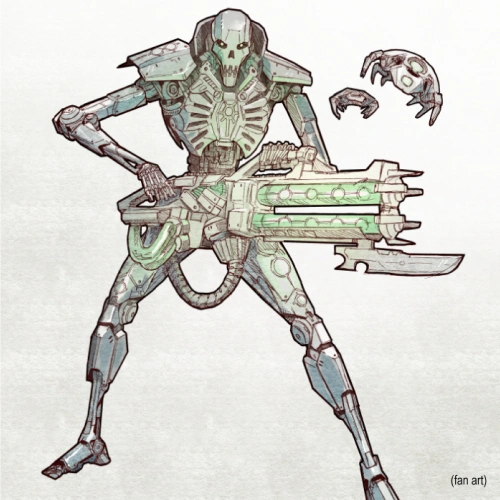
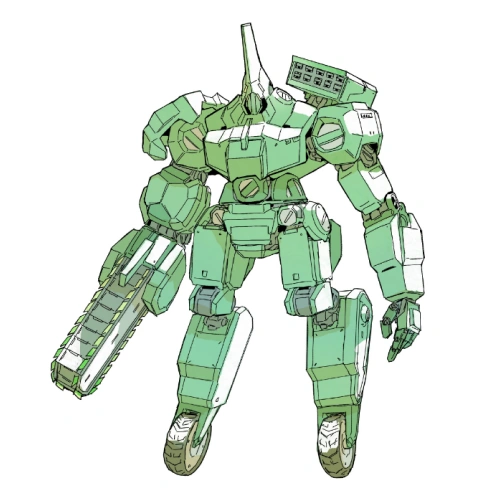
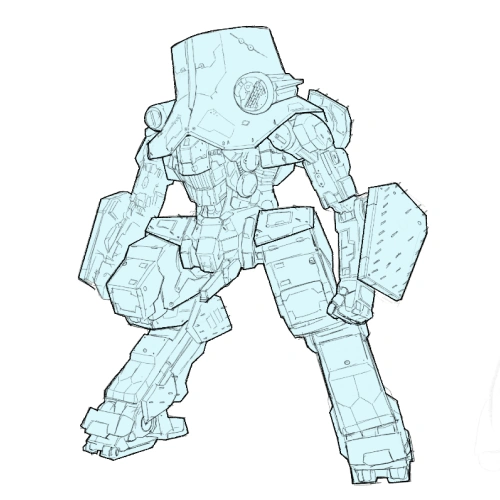
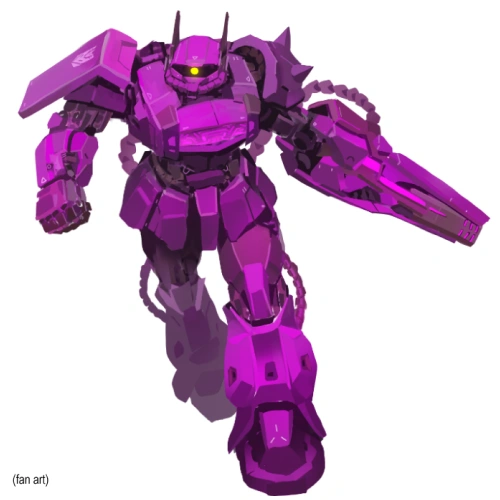
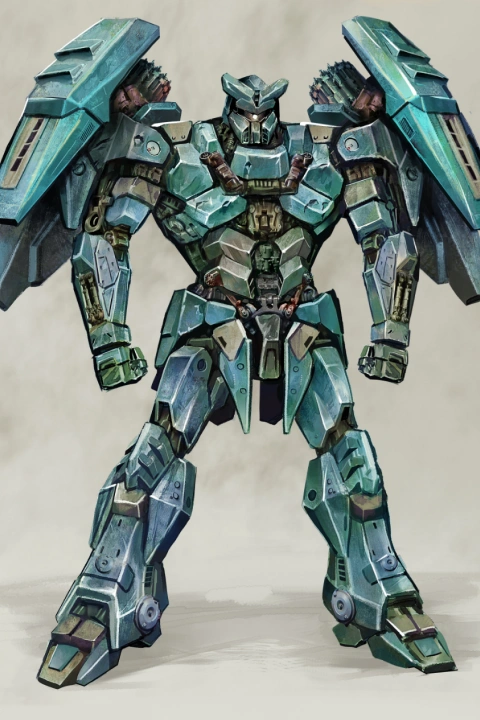
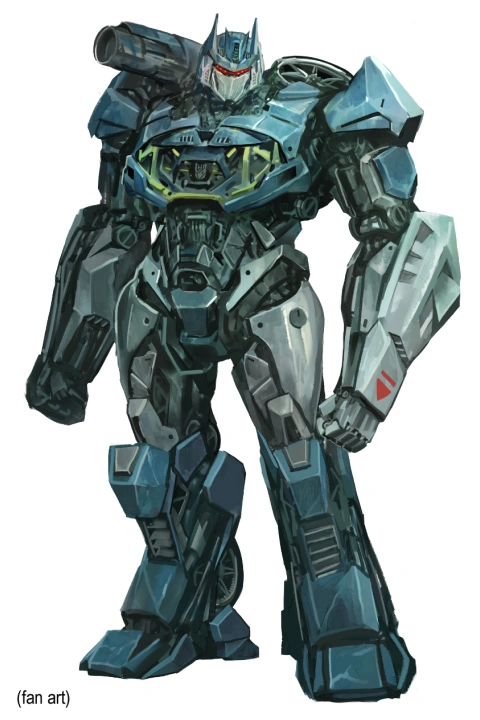
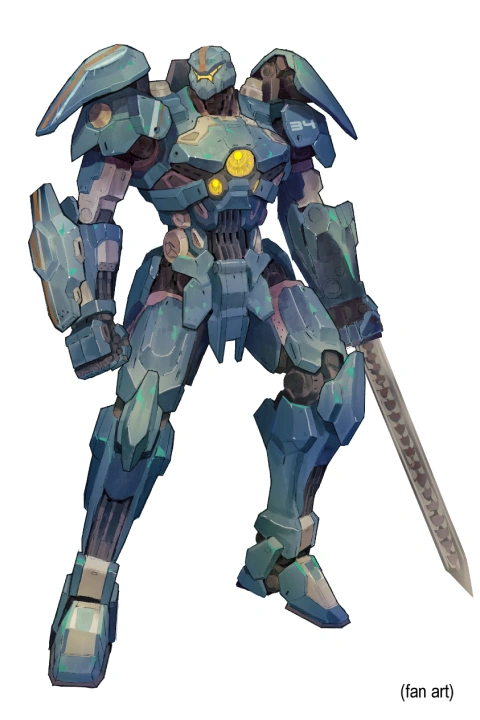
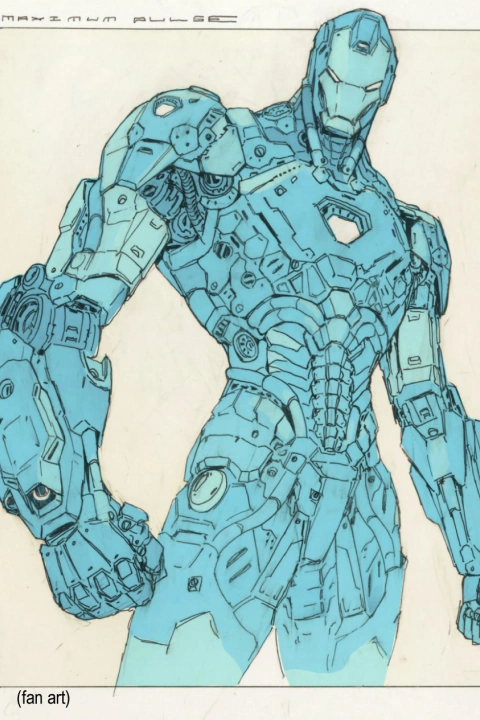

* This Portfolio includes fanart and client works.
Why Take This Class?
Have you ever wanted to learn how to draw complicated machines like the ones seen in anime, games, and movies? Maybe you’ve always been drawn to mecha design, but never quite knew where to begin.
Approaching mech design can feel abstract and intimidating, especially since it often leans more toward industrial design and geometry than traditional illustration. But it doesn’t have to be that way.
By learning the theory and techniques behind drawing mecha, you’ll not only gain confidence in approaching complex machinery, but also build valuable skills that translate across many areas of art and design.
This course explores a bold, impressionistic, and dynamic approach to mecha illustration. You’ll be introduced to industry-ready techniques, both fundamental and unconventional, that help refine your workflow and elevate your mech design skills.
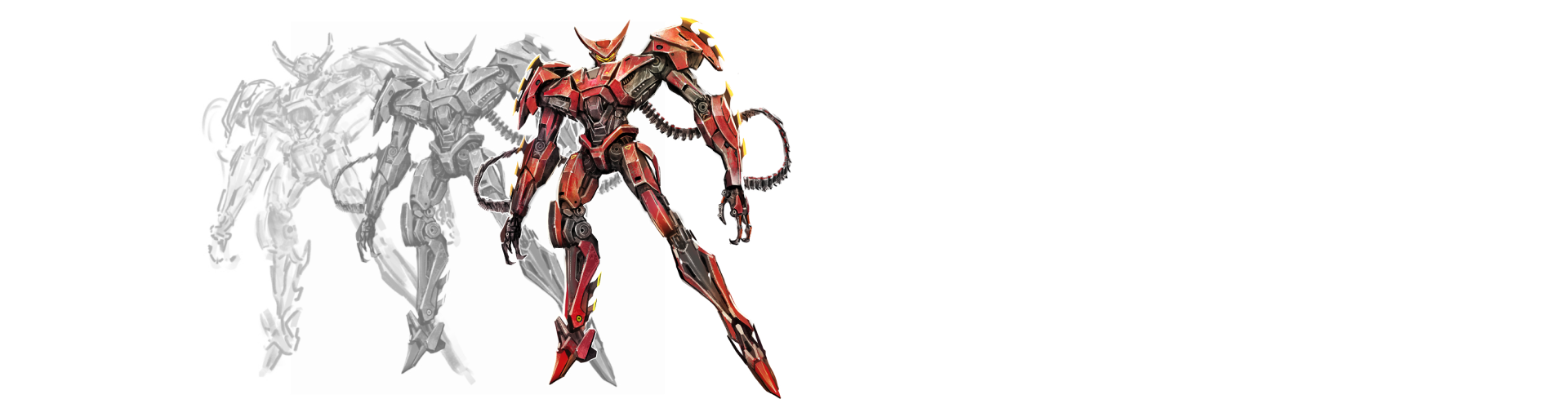
Get Ready for the Real-World
21 Class Exercises
-
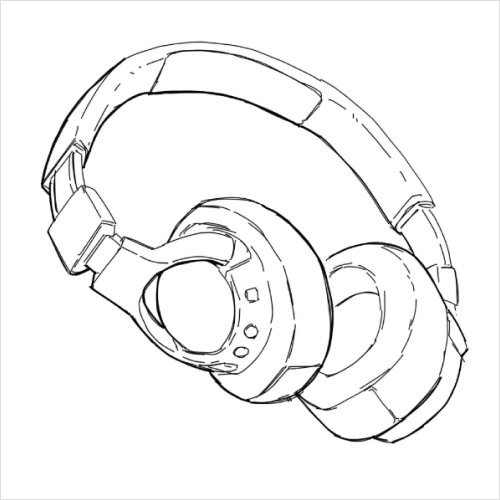 2D Line Drawing StudiesDraw everyday household objects using lines only to sharpen observation skills and improve structural clarity.
 -
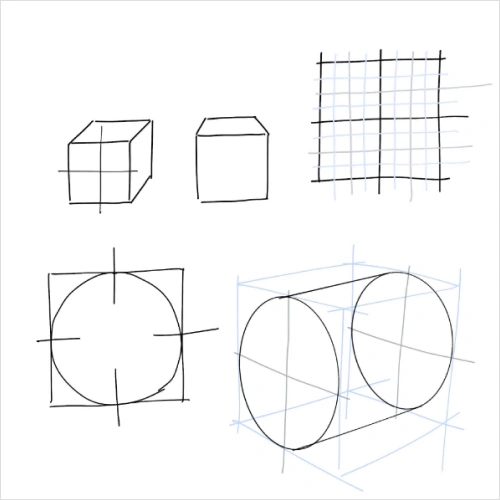 3D Primitive ConstructionPractice drawing basic 3D primitives from imagination, without reference, to strengthen spatial awareness and form control.
 -
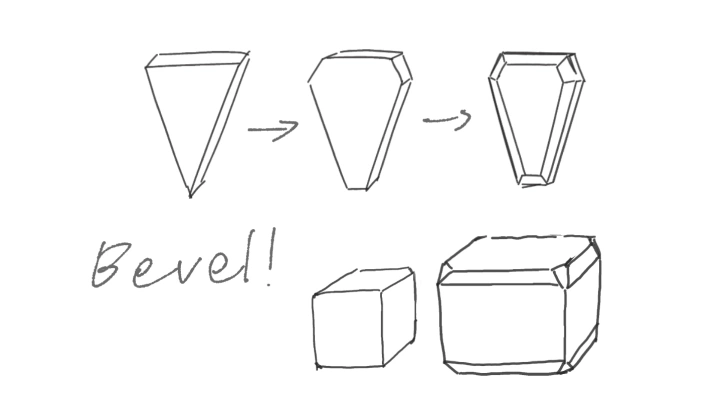
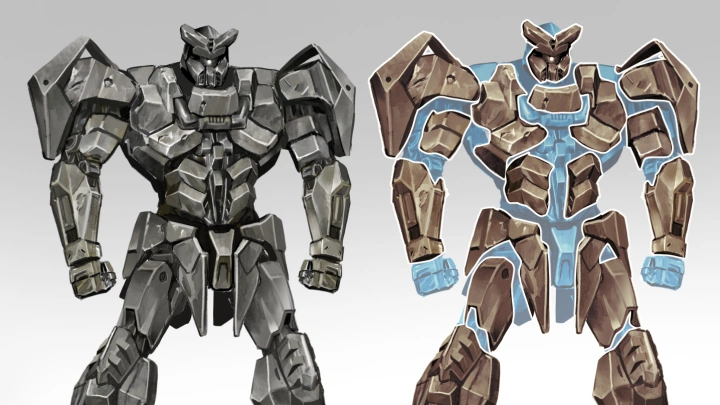
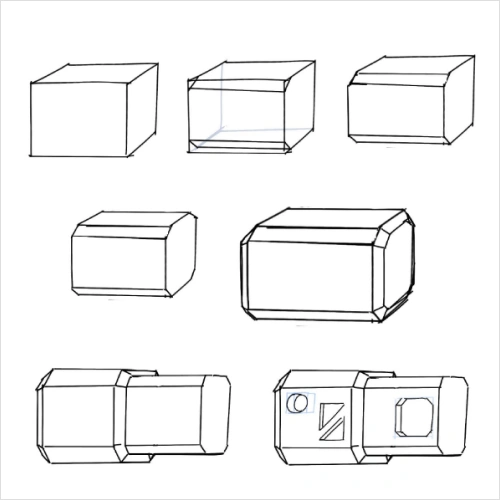 Form Simplification ExercisesBreak down complex objects into simple components, then rebuild them using basic primitives to better understand structure and volume.
-
 Applying Mechanical Object StudiesRecreate a variety of mechanical objects using different drawing and painting techniques to apply what you’ve learned in practical contexts.
 -
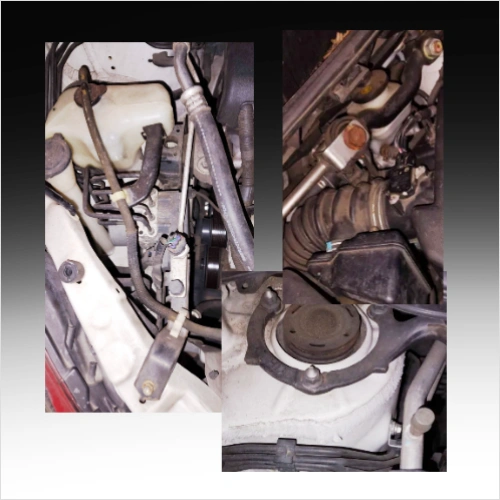 Understanding and Researching ReferencesLearn how to research and analyze references effectively to support your final designs and decision making.
 -
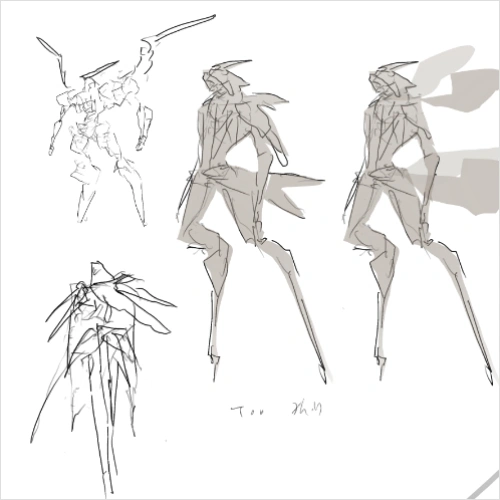 Combining Writing and Visual ComponentsIdeate a simple story and character concept, using written descriptions to guide and strengthen your design choices later on.
-
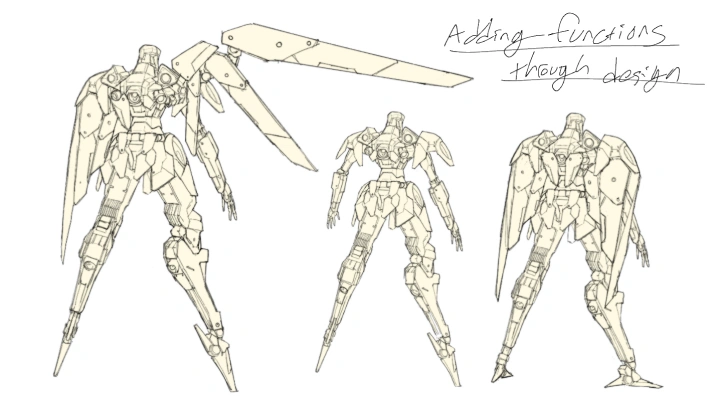
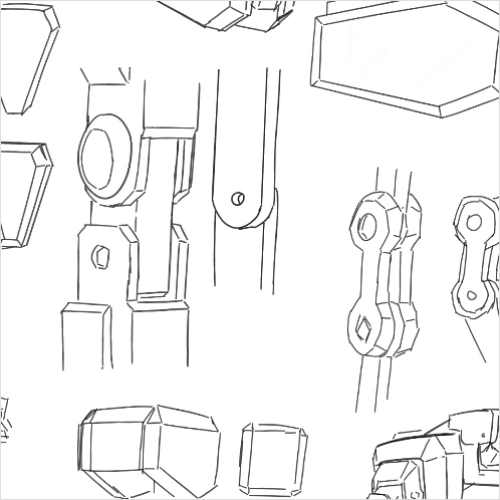 Demonstration of Mechanical JointsStudy different types of mechanical joints, when to use them, and how to recreate their movement from multiple angles
 -
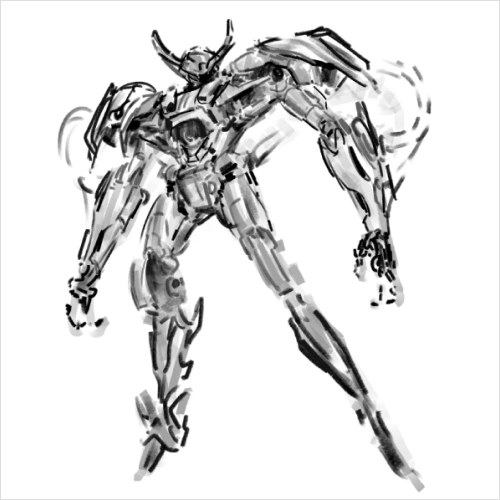 Drawing Parallels from Animal AnatomyDevelop a mecha silhouette inspired by animal anatomy, translating natural structures into mechanical forms.
 -
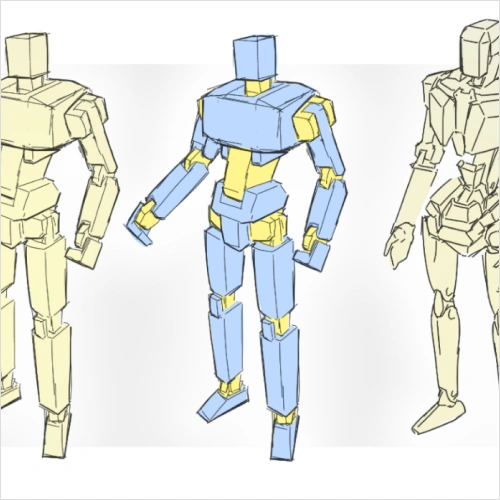 Working Toward the Final PiecePaint the structural skeleton of your final artwork to establish form, balance, and motion.
-
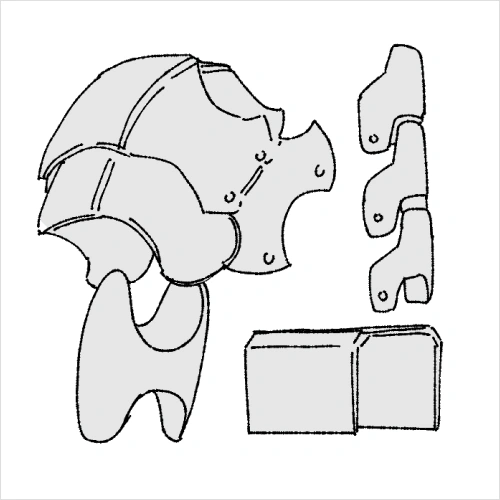
 Exploring Armor DesignCreate line-based studies of armor to explore shape language, segmentation, and protection logic.
 -
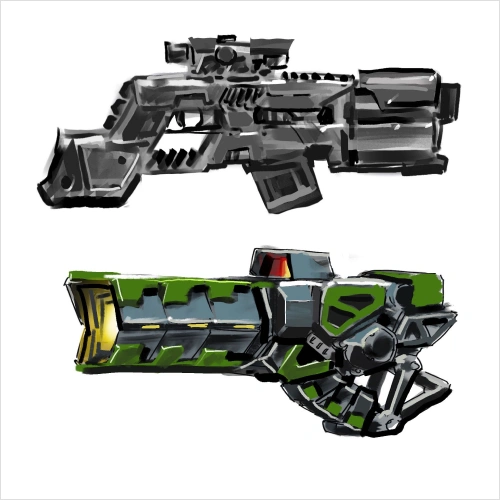
 Examining Weapons and MachineryDraw mecha accessories alongside real-world weapons and machines to study function, proportion, and detail.
 -
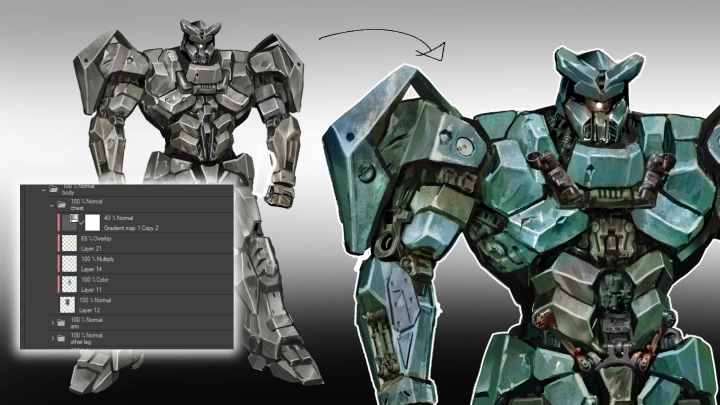
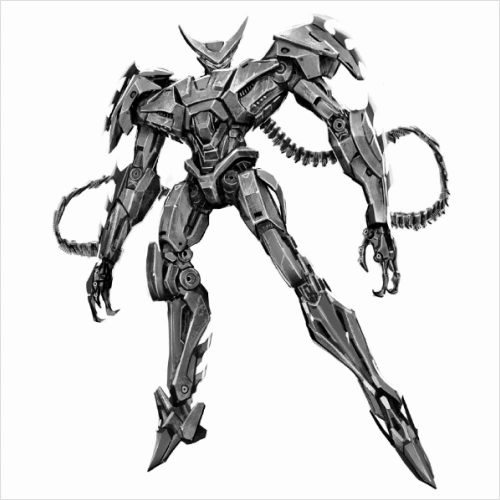 Understanding the Armor Process: BodyPaint the main body armor for the final piece, focusing on structure, layering, and visual cohesion.
-
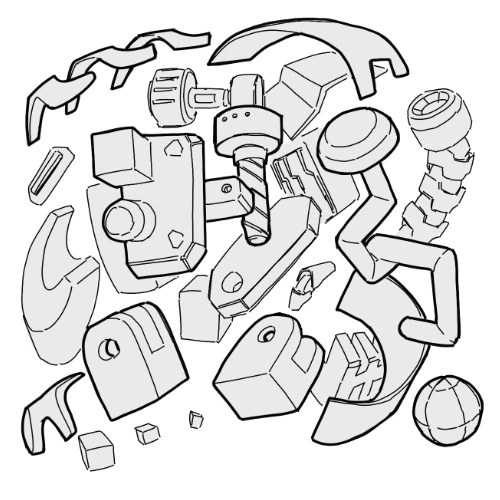
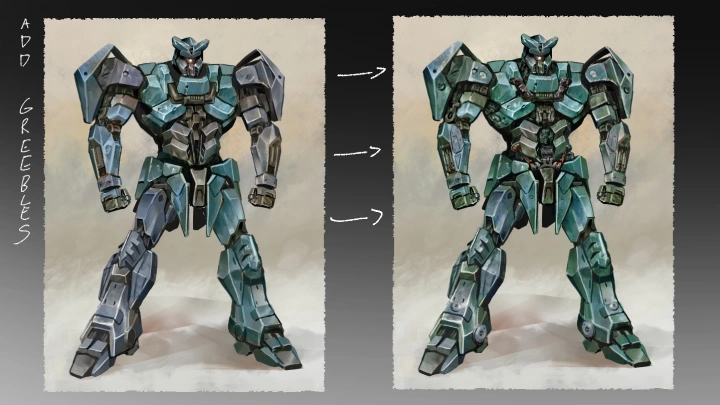
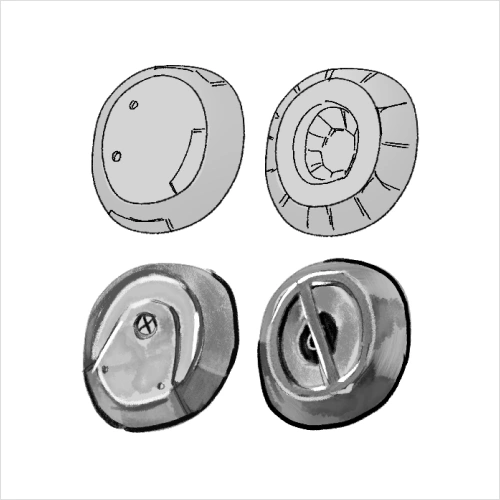 The Concept of GreeblingDesign greebles across different classifications and develop variations to enrich surface detail and visual complexity.
 -
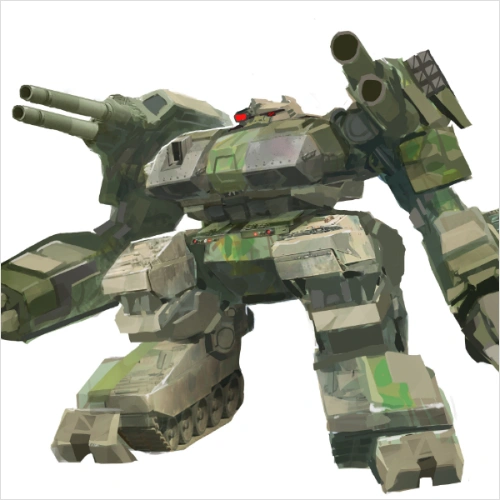 Photobashing TechniquesCreate rough compositions using photobashing and painting techniques to develop concepts efficiently.
 -
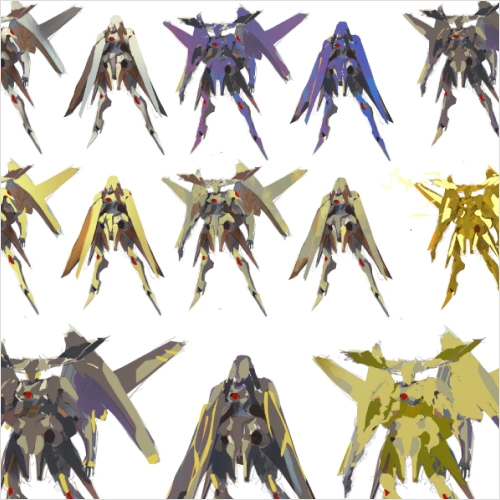 Detailing the Final PieceRefine and enhance details across the artwork, bringing clarity and depth to the design.
-
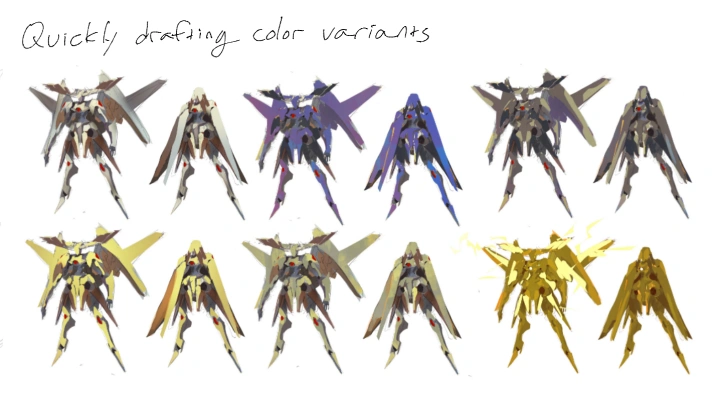
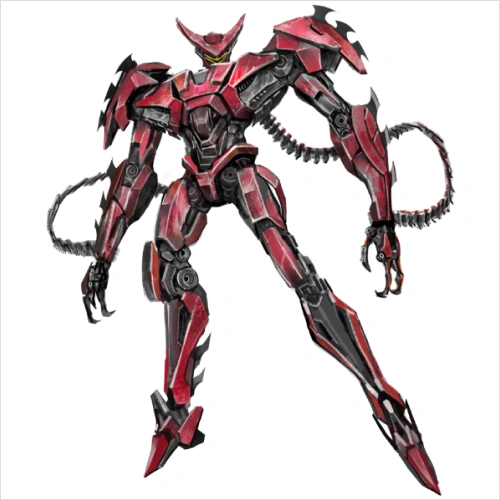 Exploring Local Color SchemesLearn how local color and value work together, and how color choices influence material appearance and mood.
 -
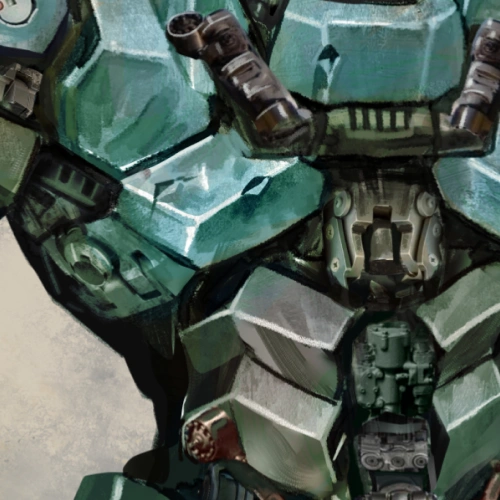 Coloring the Final PieceApply color to the final artwork, building harmony and material distinction.
 -
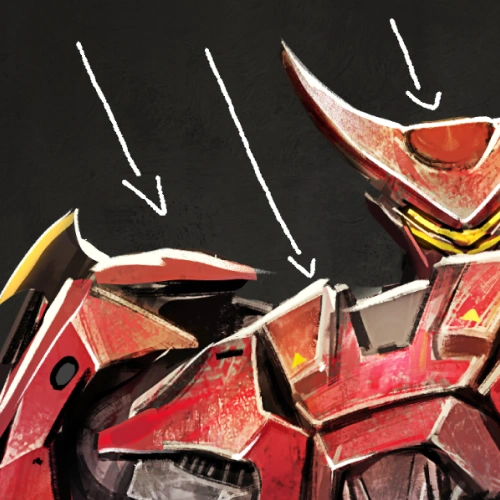 Lighting the SceneUse lighting to establish mood, then apply it procedurally to the final artwork.
-
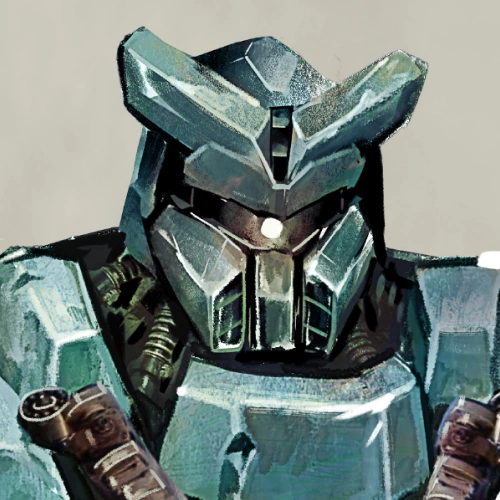 Incorporating TexturesIncorporating Textures
 -
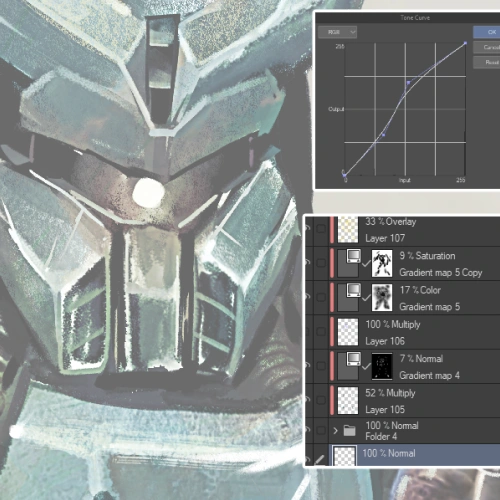 Rendering and EffectsAdjust layers and effects to refine the rendering and unify the final image.
 -
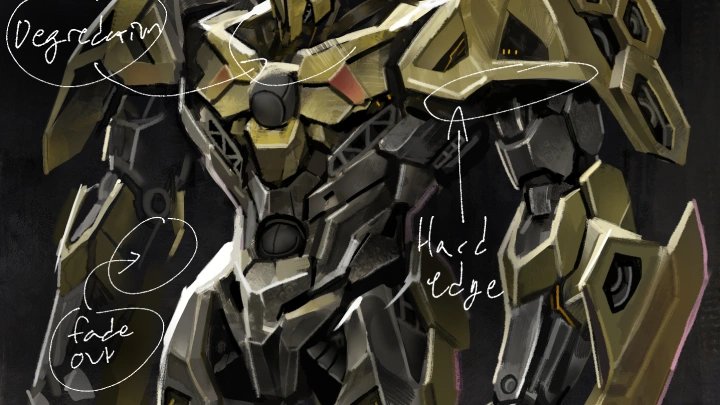
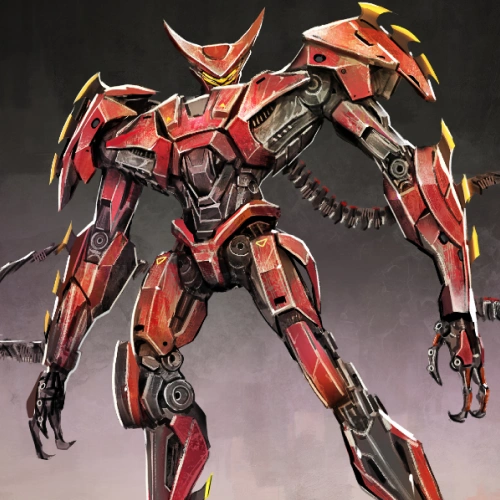 Overpainting TechniquesUse overpainting to push polish, correct forms, and bring the final artwork to a professional finish.
Final Product Examples
-
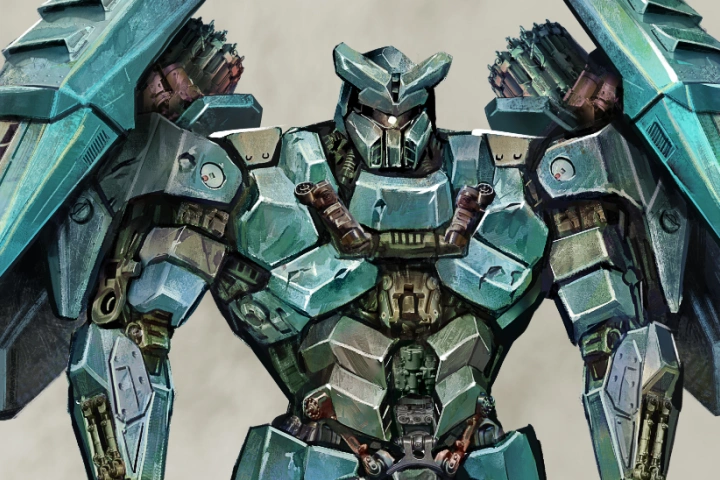
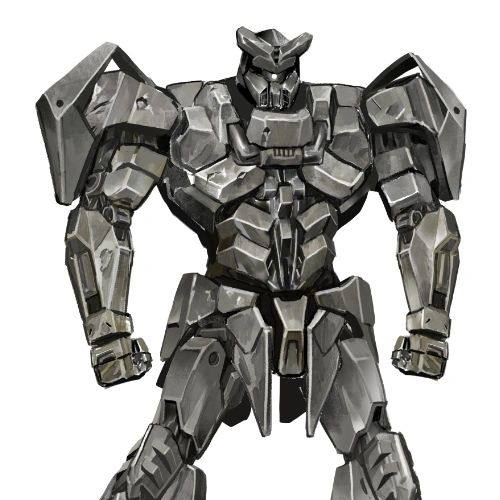
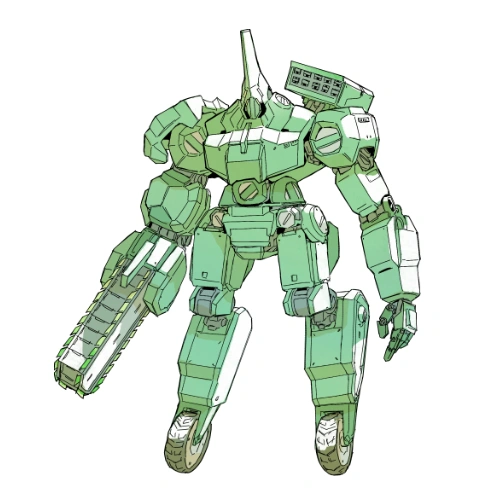
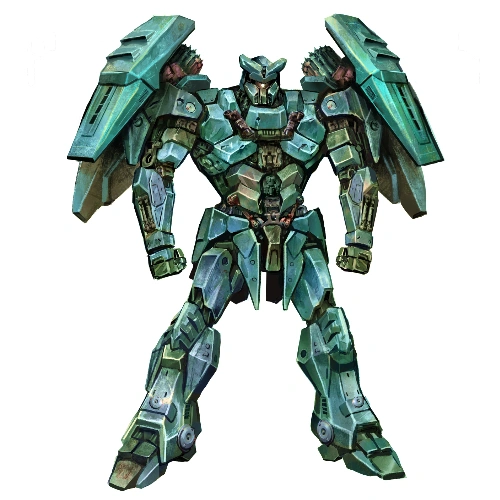
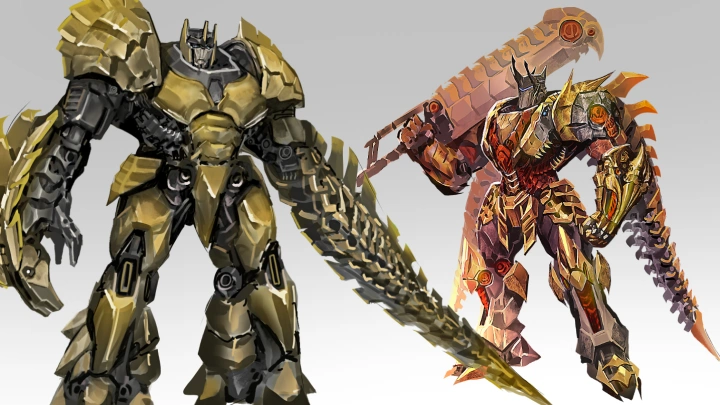
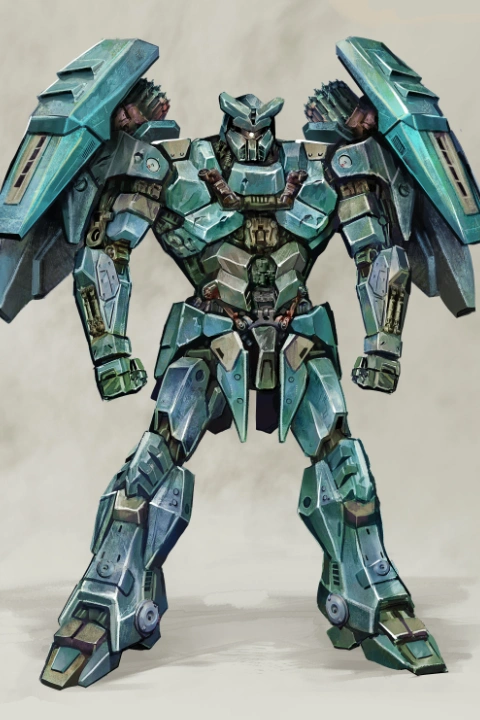 Mecha Character Illustration
 -
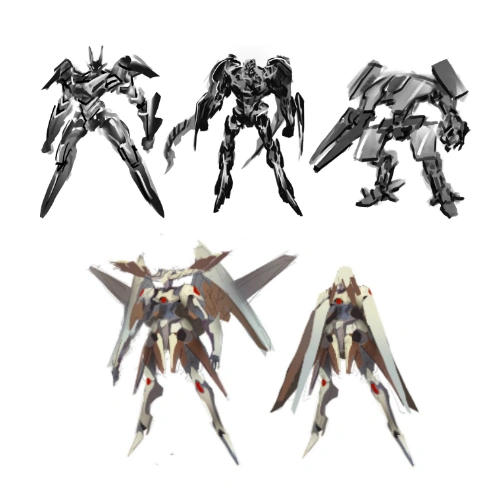
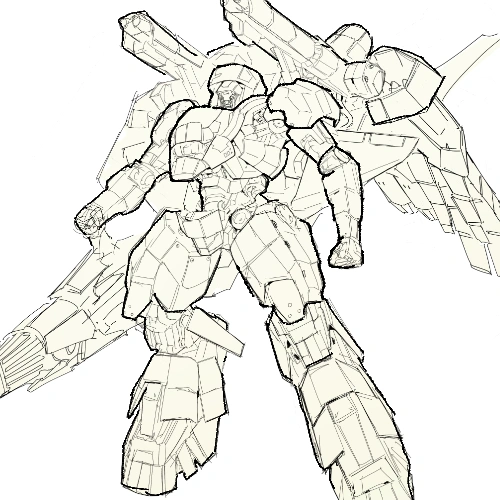
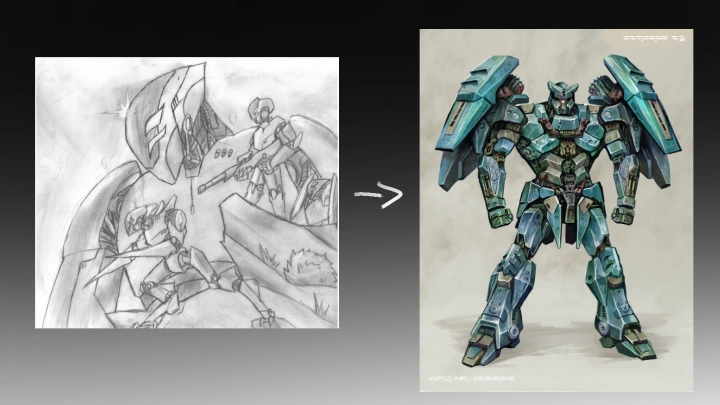
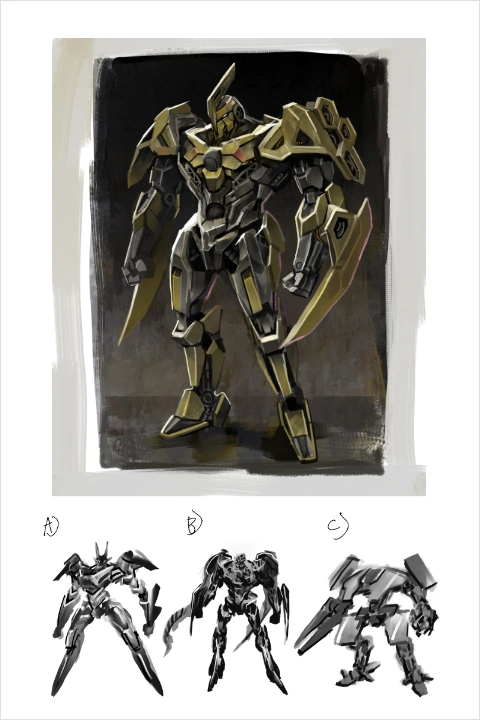 Mecha Concept Art Sketching
*The above images are sample images for a better understanding.
Highlights
Class Highlights
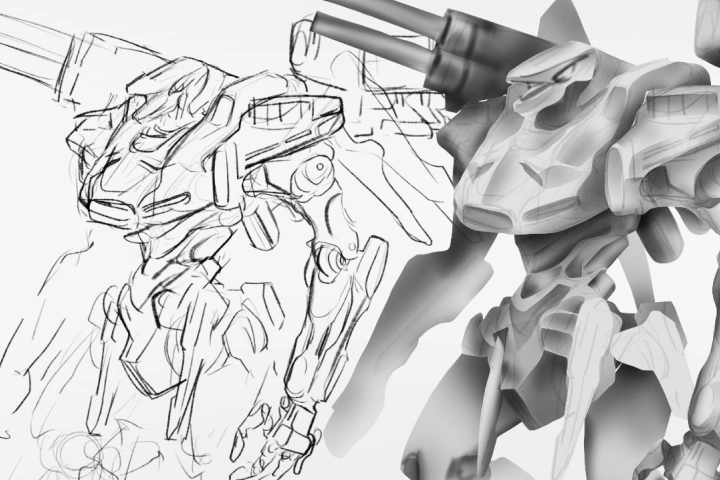
Illustrating Hard Body Forms with Line and Value
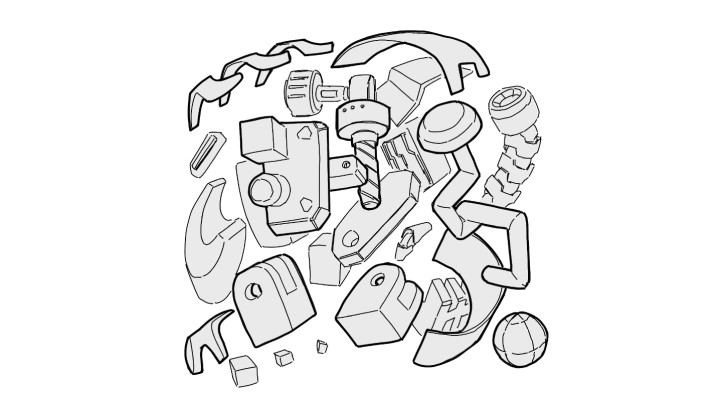
Drawing machinery may seem difficult at first, but even the most complex forms can be broken down into clear, digestible components for recreation and design. By learning how to depict three-dimensional forms through drawing and painting, you’ll be able to create complex objects directly from your imagination.
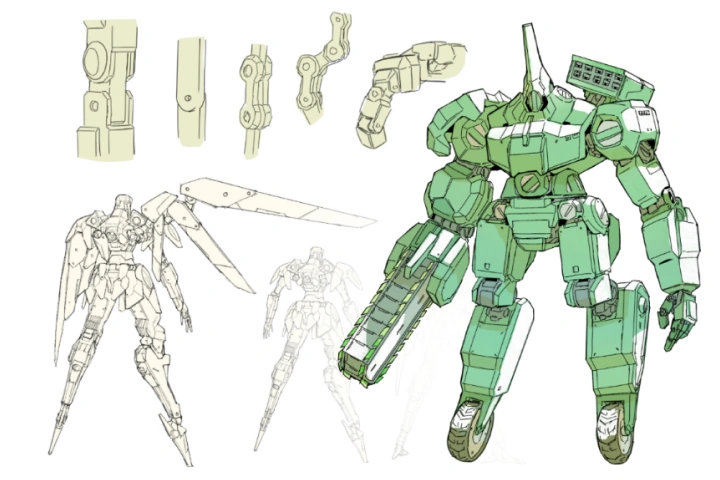
Designing Believable and Dynamic Mechanical Anatomy
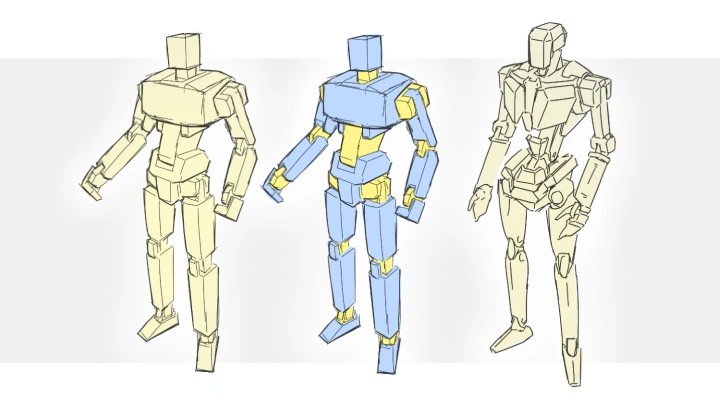
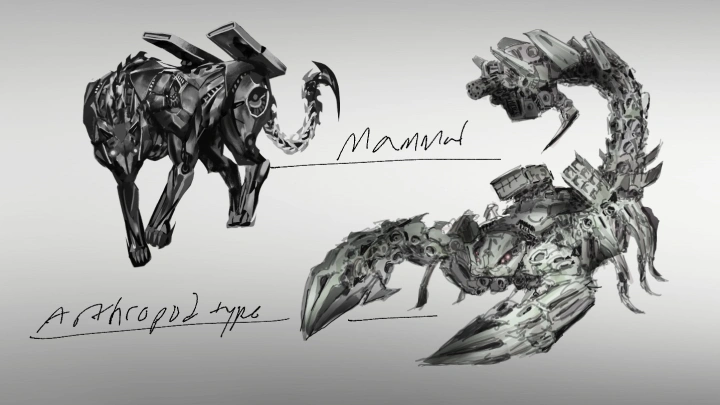
You will learn the essentials of human and animal anatomy, and how to replicate and represent these structures as believable machinery. You will also learn how to draw and design key mechanical forms, including joints, surface details, and greebles that are present in all mecha designs.
Rendering for Depth, Weight, and Story
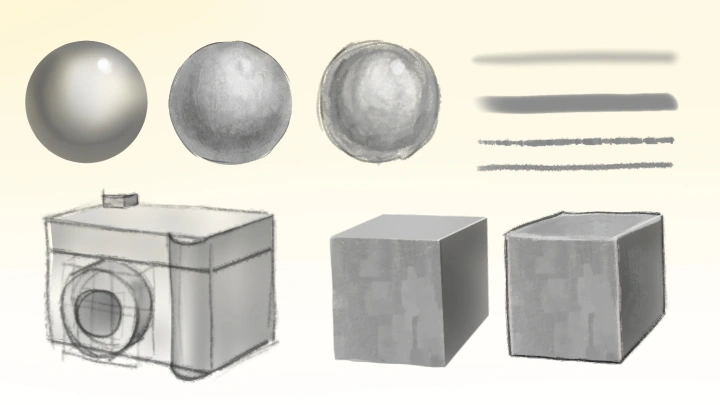
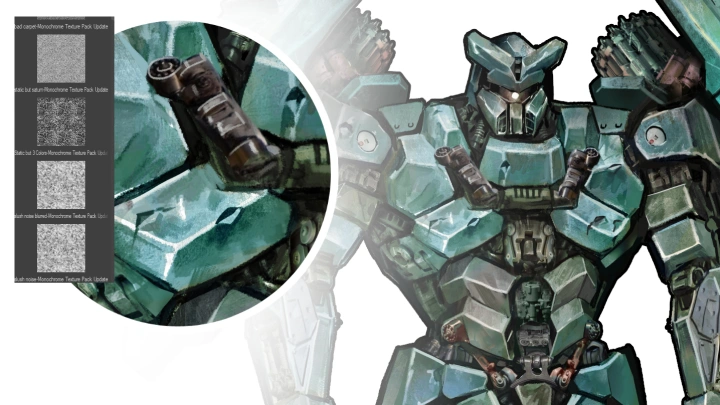
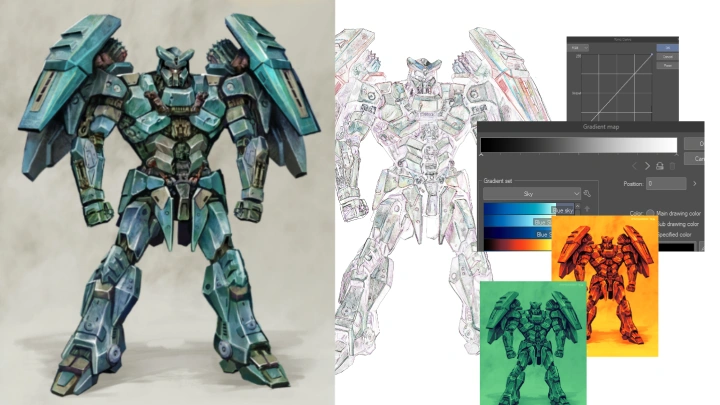
Learning to render enable you to give your designs weight and realism through lighting, color, and texture. You’ll explore how surface materials, tone, and color choices contribute to storytelling, while learning practical, production-ready techniques for digital rendering.