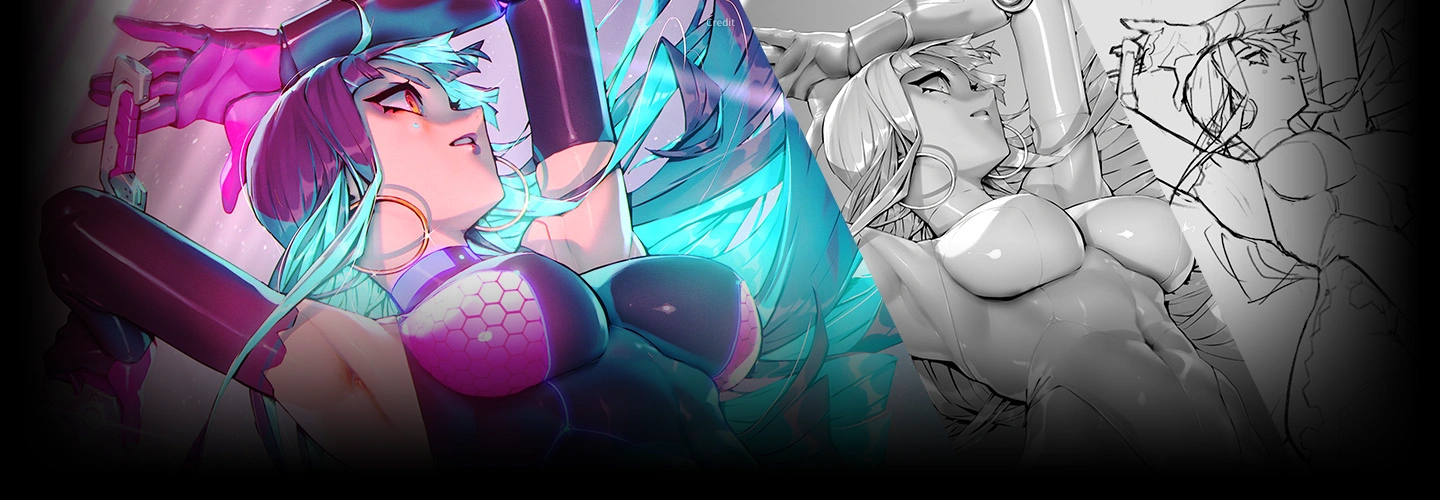
illustrator,kionaoki_키오나오키JP Details
Intro

Now in Your Language, Only on Coloso!
Learn from Top Creative Experts Worldwide
-
 Master Professional Lighting and Color Theory
 -
 Turn Sketches into Vibrant Illustrations
 -
 Create Professional-Grade Digital Art
Class Intro
Illustrator, Kionaoki
Create Movement with Composition and Impact with Shadows! Kionaoki’s Grisaille Painting Techniques
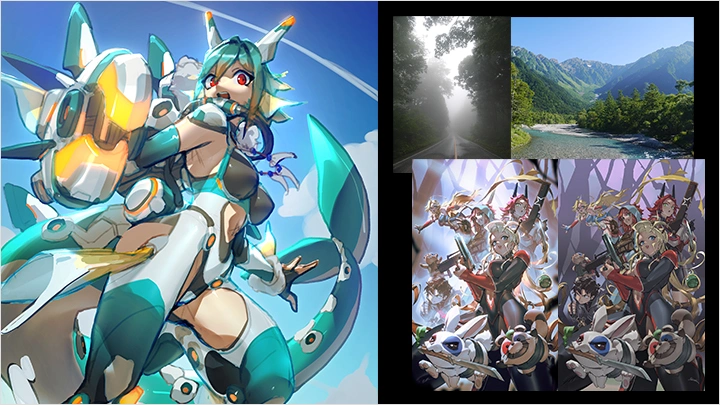
Illustrator Kionaoki has created a number of commissioned illustrations for games and comics, including commercial illustrations for Omega Strikers.
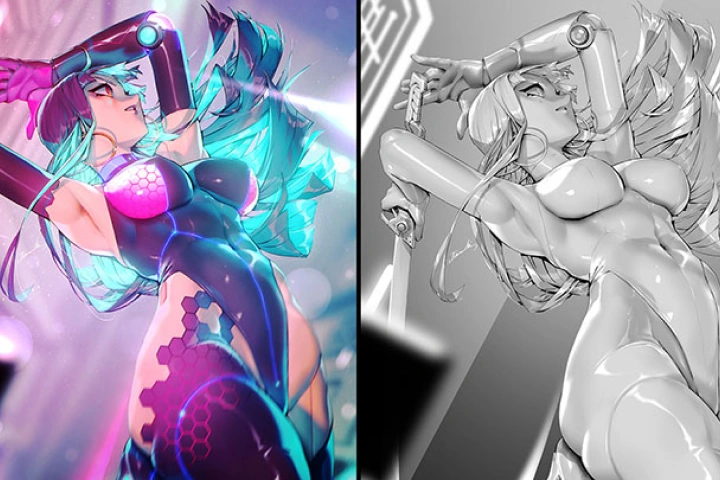
Explore a coherent process for creating lucid color and texture with digital grisaille techniques, guided by a comprehensive curriculum encompassing composition, shading, coloring, and completion.
Explore a coherent process for creating lucid color and texture with digital grisaille techniques, guided by a comprehensive curriculum encompassing composition, shading, coloring, and completion.
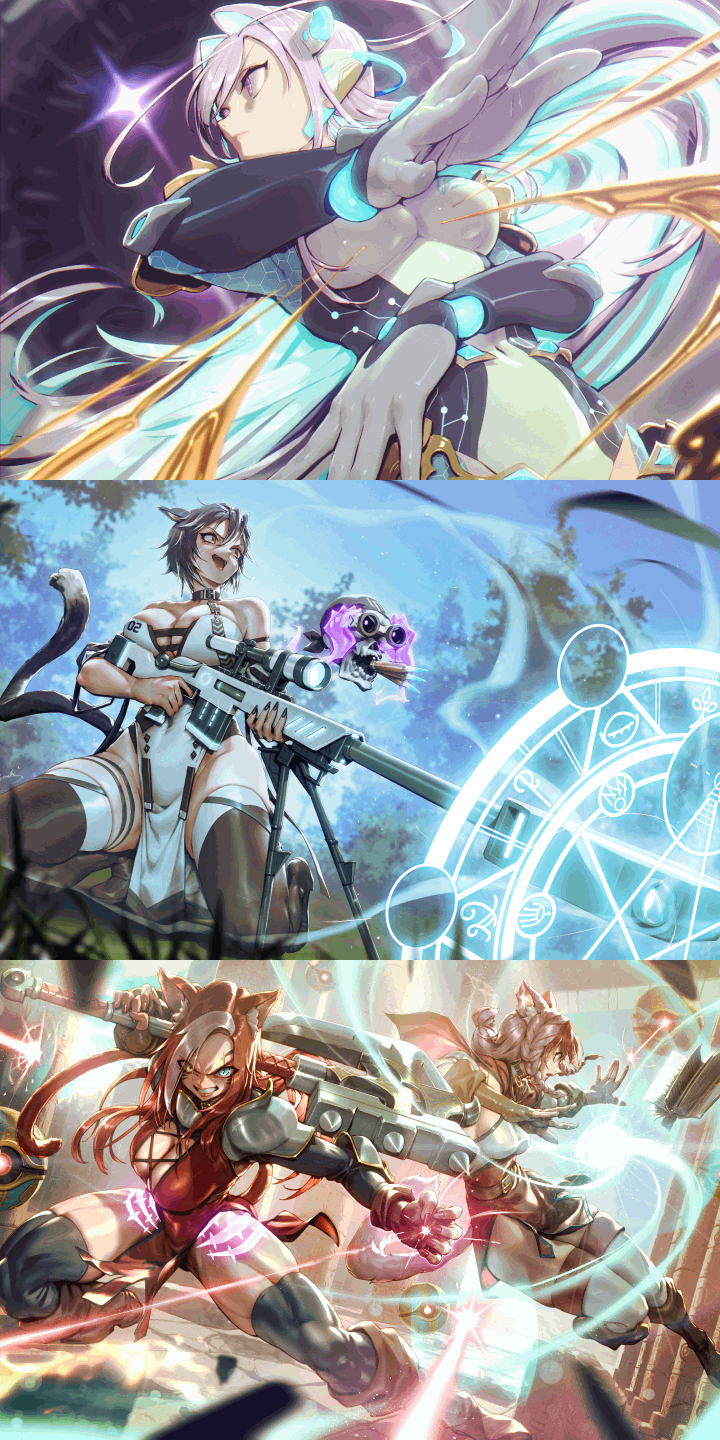
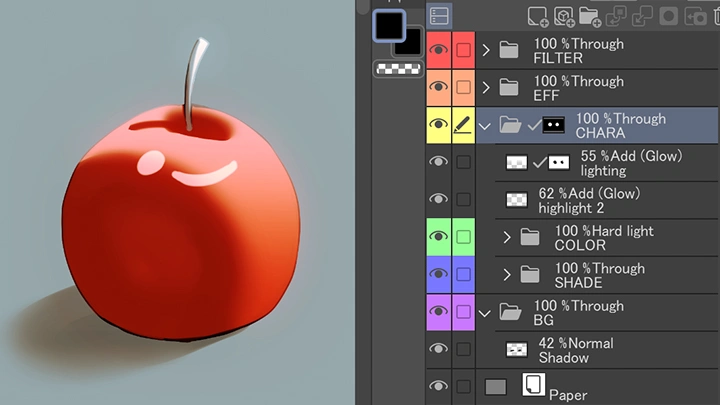
First, you will learn the fundamentals of grisaille, including digital color schemes and drawing with Hard Light. This will allow you to build a solid foundation for lucid coloring and familiarize yourself with efficient tools and layer structure.
Next, you’ll study approaches to rough sketching and rules of composition, creating shadows in grayscale. Build a stronger structure for your illustrations with visibility-enhancing design and persuasive lighting!
The final part of this class focuses on coloring shadows to breathe life into characters. From coloring techniques for creating the texture of skin and metals to background design and finishing touches, explore the final stages of illustration creation step by step.
Join Kionaoki on Coloso now to master grisaille techniques for creating texture through composition and lighting.
Next, you’ll study approaches to rough sketching and rules of composition, creating shadows in grayscale. Build a stronger structure for your illustrations with visibility-enhancing design and persuasive lighting!
The final part of this class focuses on coloring shadows to breathe life into characters. From coloring techniques for creating the texture of skin and metals to background design and finishing touches, explore the final stages of illustration creation step by step.
Join Kionaoki on Coloso now to master grisaille techniques for creating texture through composition and lighting.
Class Preview
Still Not Sure?
Check Out Kionaoki's Class Preview!
12. Ideation and Design
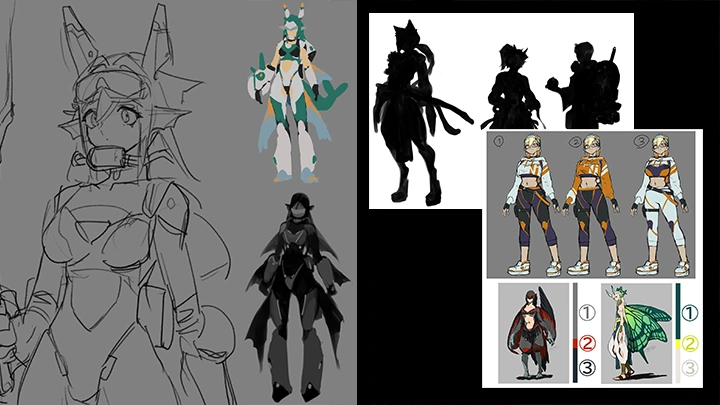
- Thinking of elements as lines
- Thinking of elements as silhouettes
- Thinking of elements as color
- If you can’t think of anything to draw
- Thinking of elements as silhouettes
- Thinking of elements as color
- If you can’t think of anything to draw
Class Perks
Special Gift from Kionaoki
-
 Unlimited Access to 31 Chapters Exploring Kionaoki’s Grisaille Coloring Expertise
 -
 Create 1 Full Work in Class
 -
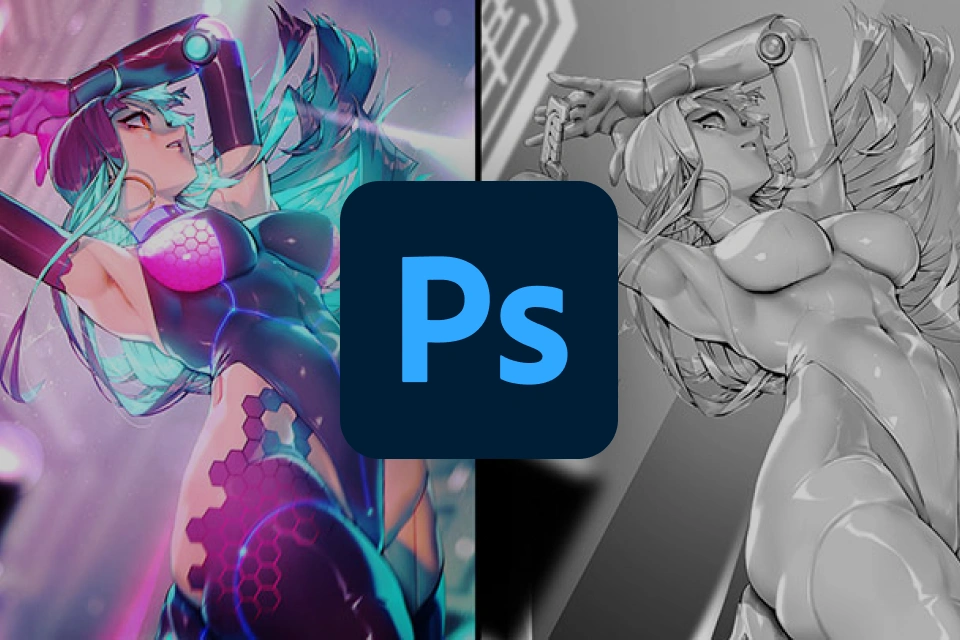 Includes the Final Character Illustration, Assets Used in Class, and Other Resources
Class Material Details
-
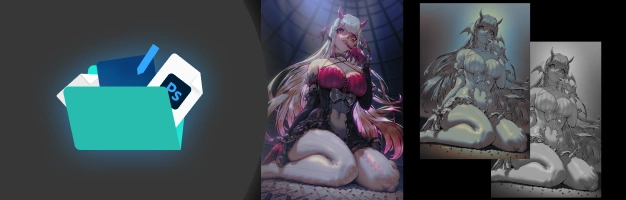 Files for the Final Character Illustration- Time-lapse video of the final illustration
- Demonstration materials
- Character idea demonstration materials
- Rough sketching demonstration materials
- Rough coloring demonstration materials
- Shading and lighting demonstration materials
- Coloring demonstration materials
- Background demonstration materials
- Completion and variation demonstration materials -
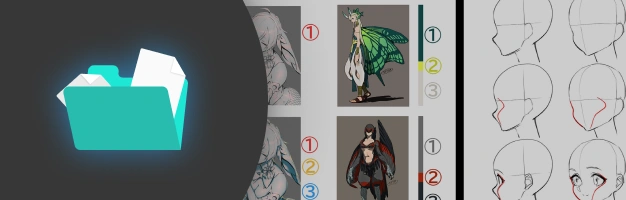 Class Materials- Slides and pre-exercise explanations
- Exercise on turning value and brightness grayscale
- HSV and HLS color wheel test
- Exercise on linear and sRGB spaces
- Exercise on applying Hard Light and Overlay in grayscale and color
- Exercise on reducing banding
- Exercise on creating seamless textures
- Exercise on creating grisaille layers -
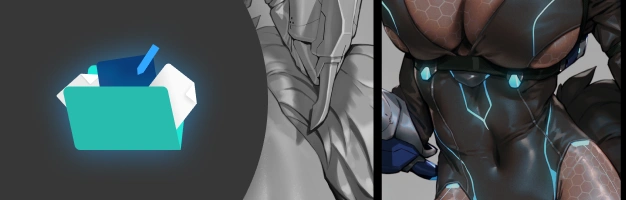 Assets Used in Class- Texture, auto action, gradients, etc.
Recommendation
Who should take this class?
Illustrators who want to master cinematic lighting and atmosphere to evoke specific emotions
Concept artists and background designers looking to bridge the gap between character and environment
Digital painters seeking to refine their professional workflow through advanced post-processing and composition
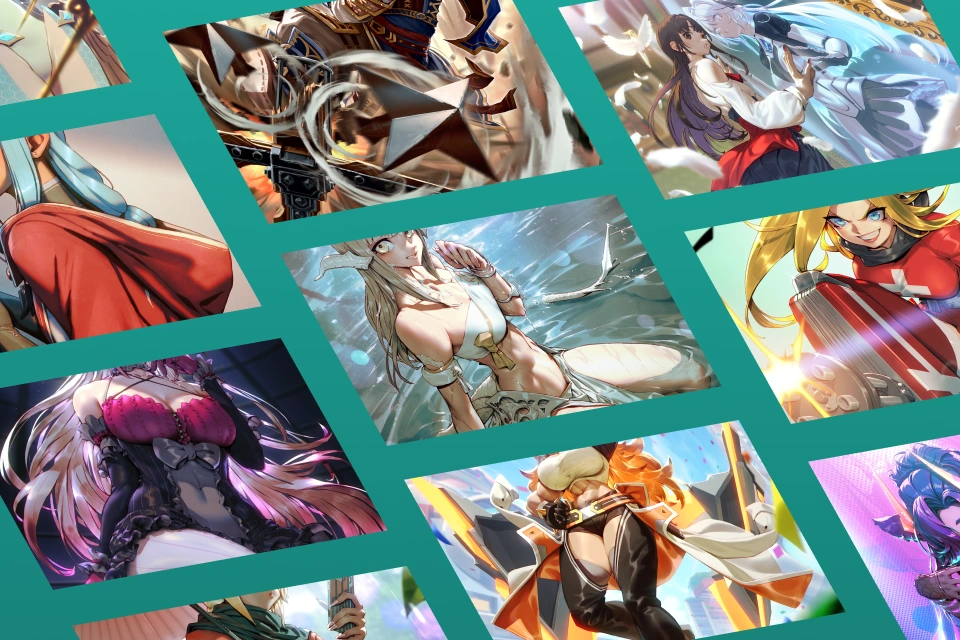
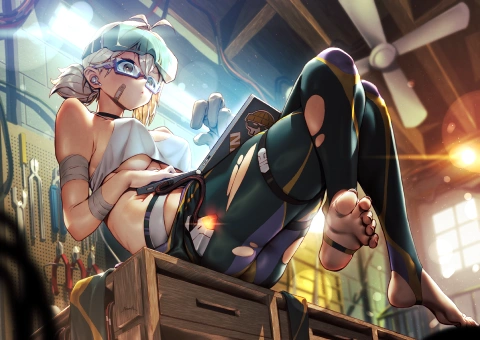
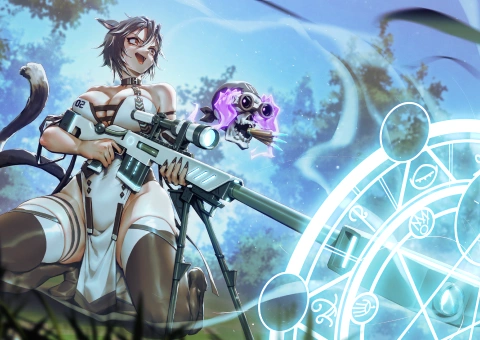
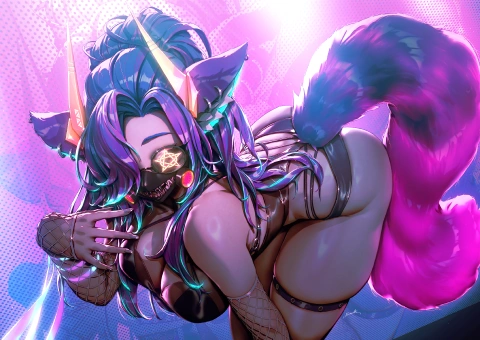
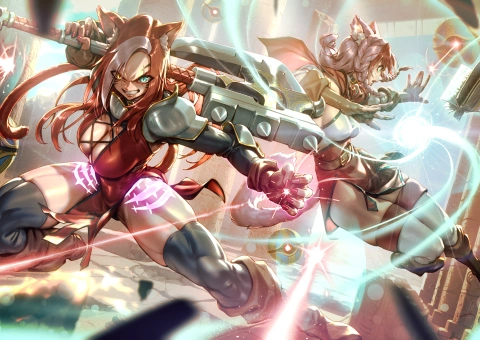
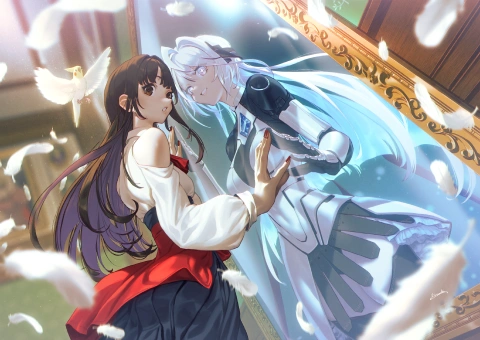
Expert Illustrator Kionaoki's Portfolio
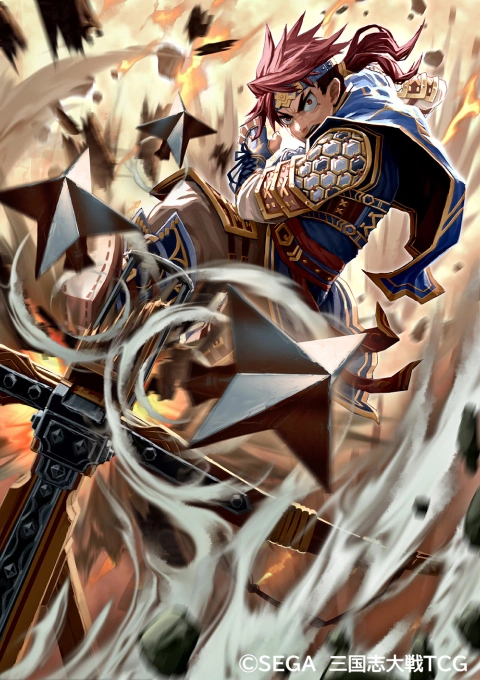
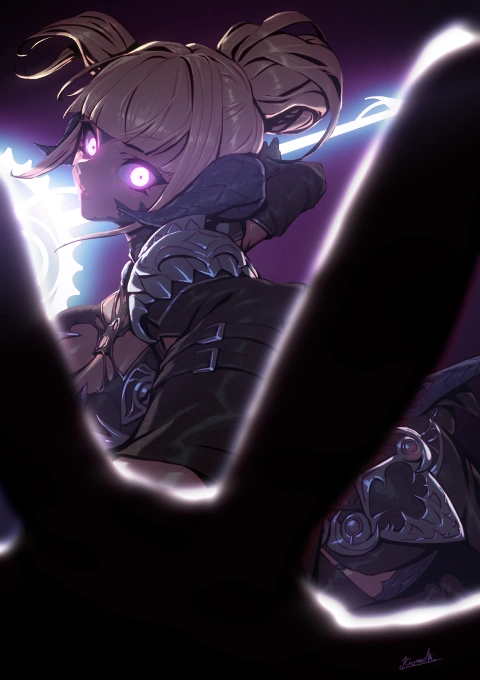
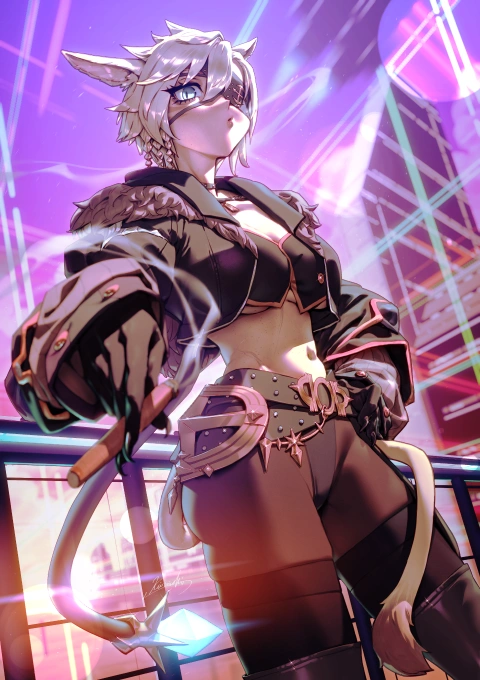
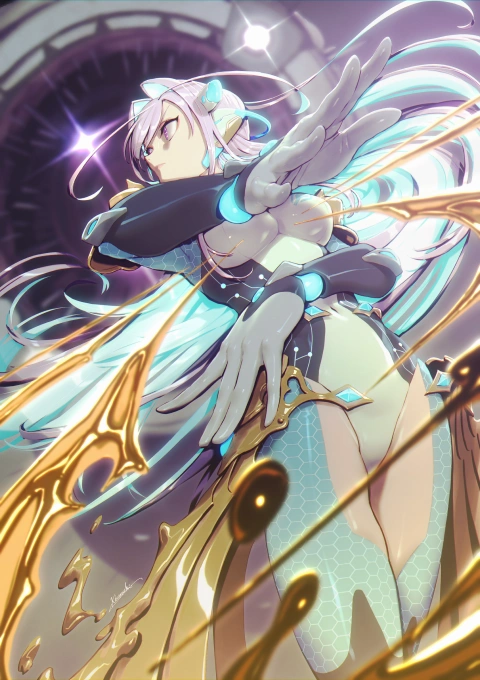
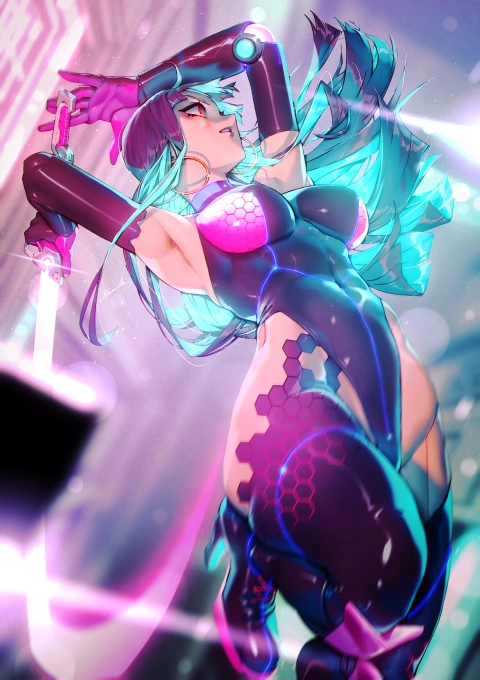
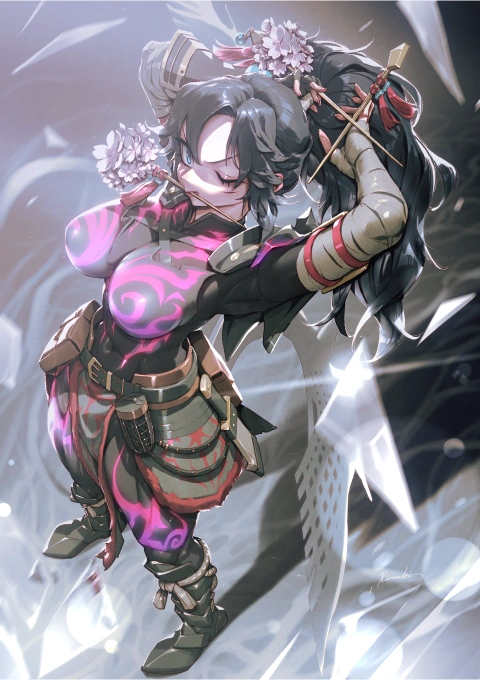
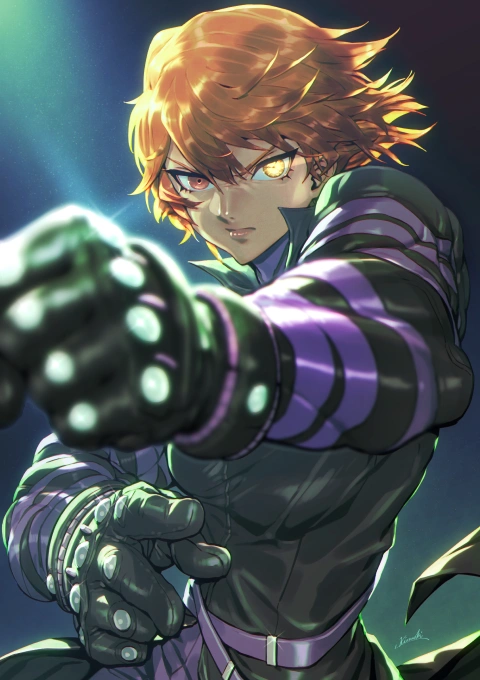
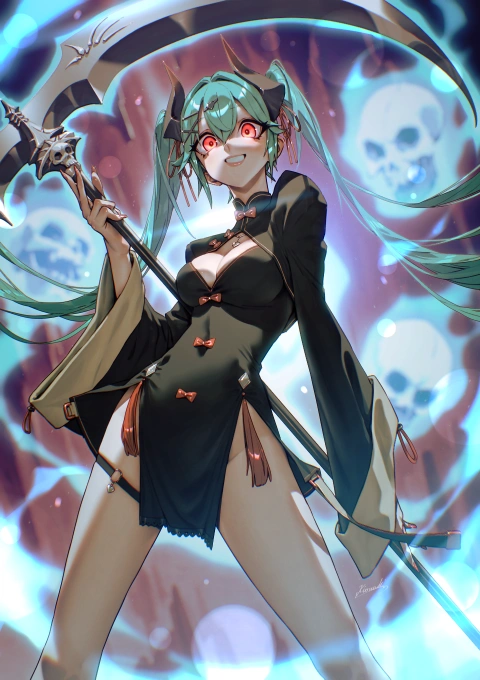
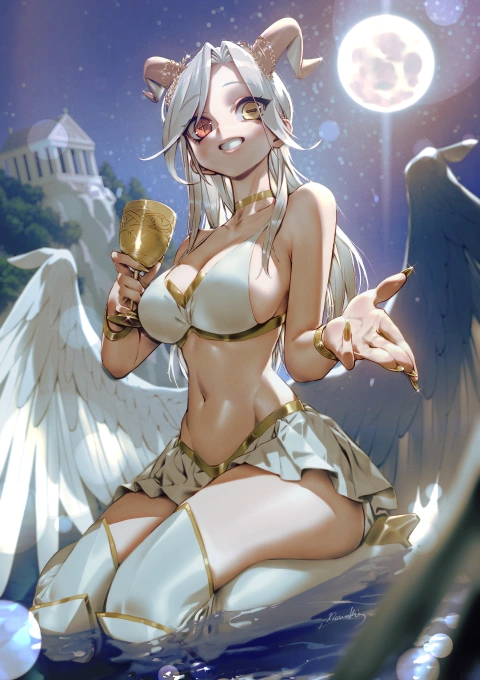
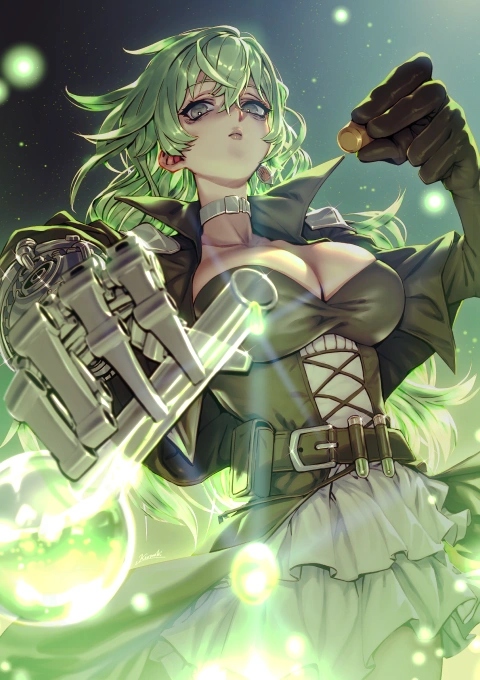
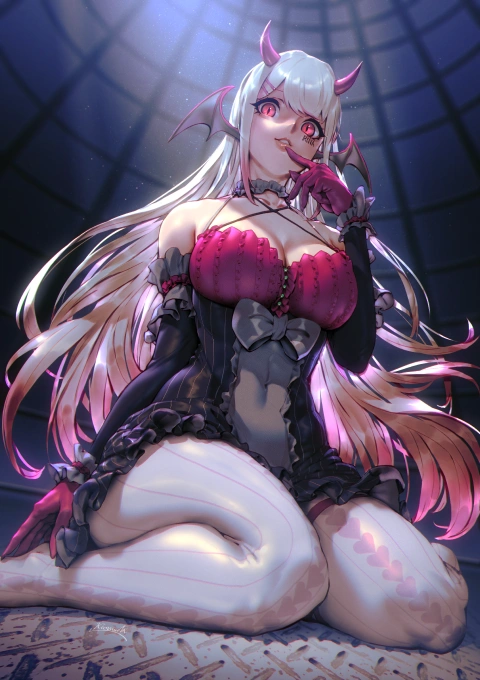
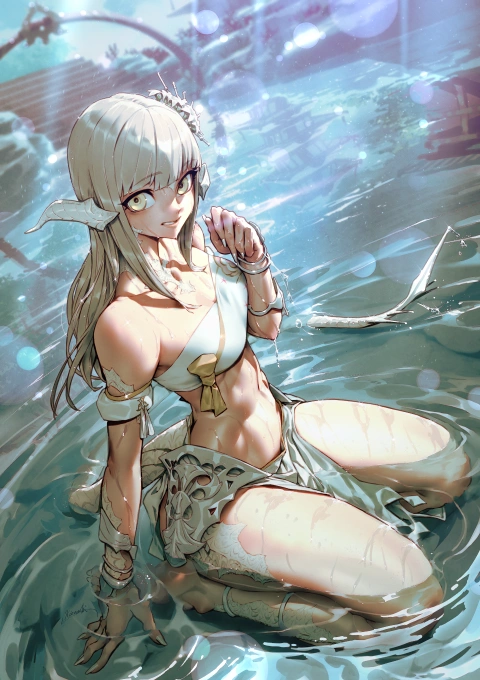
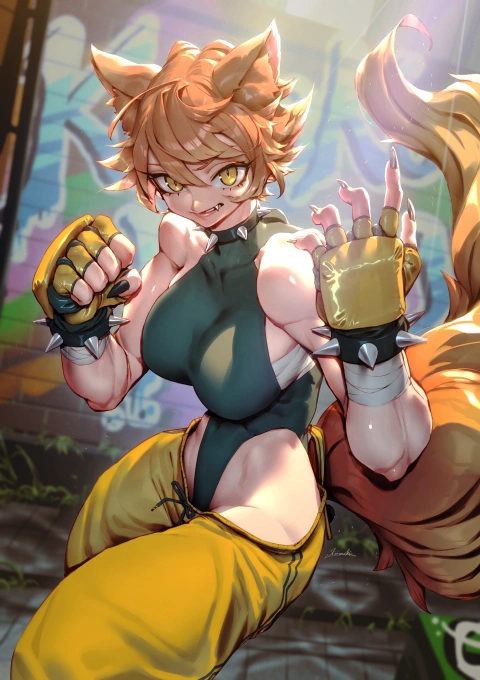
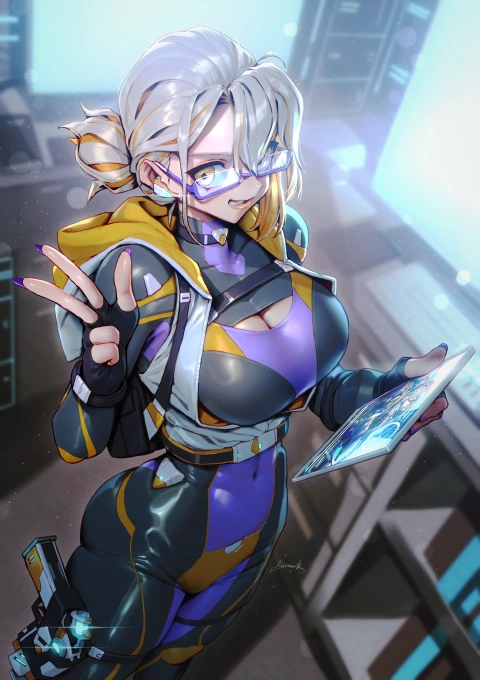
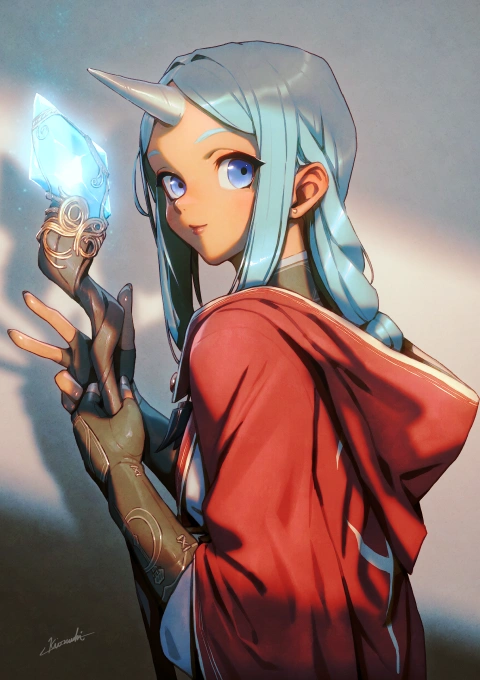
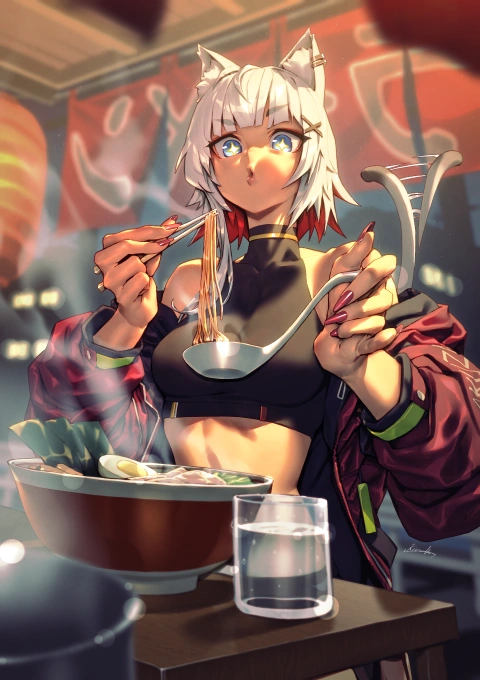
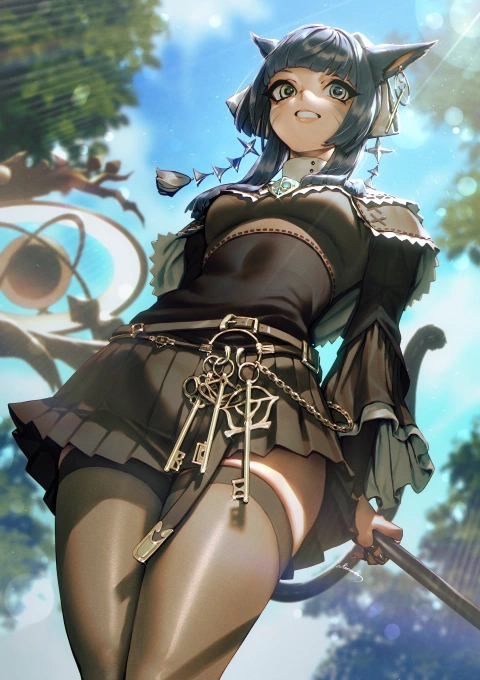
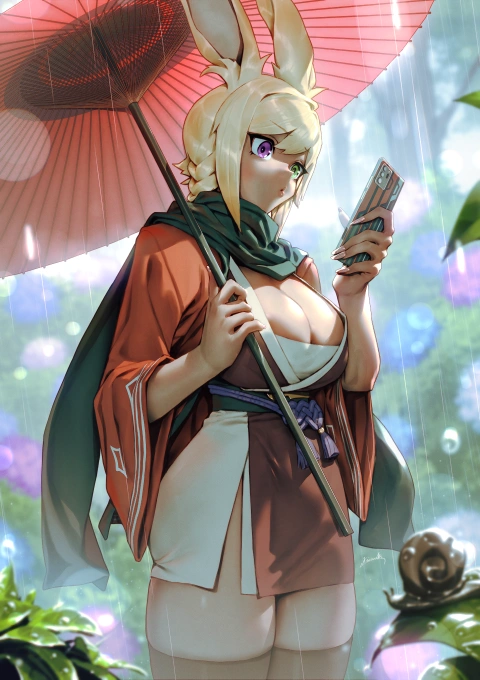
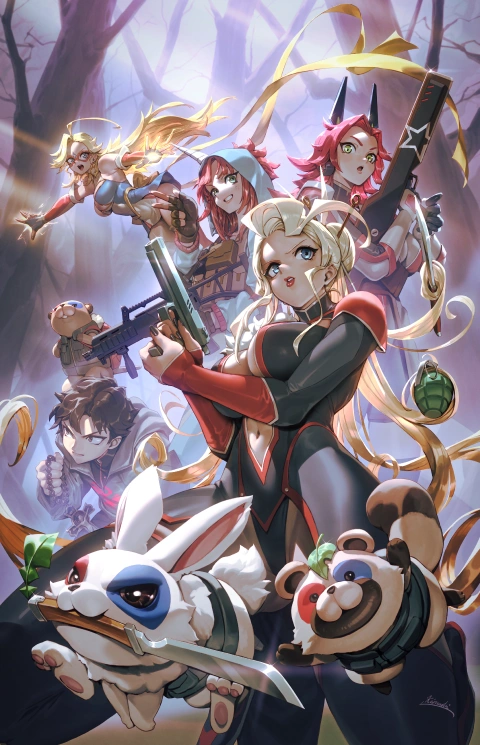
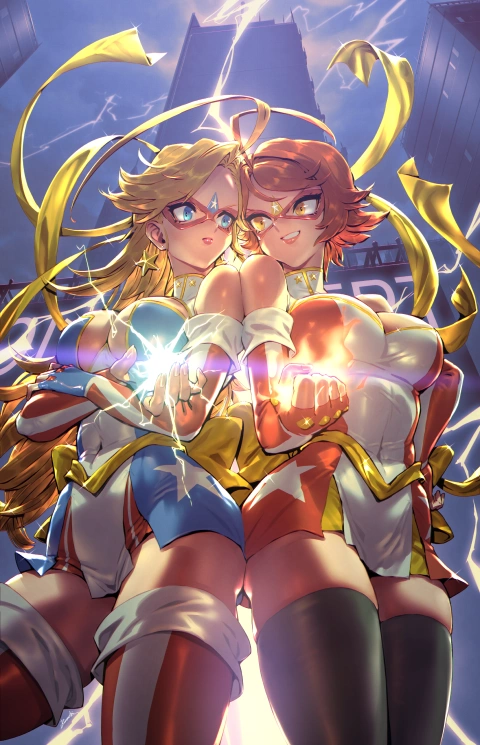
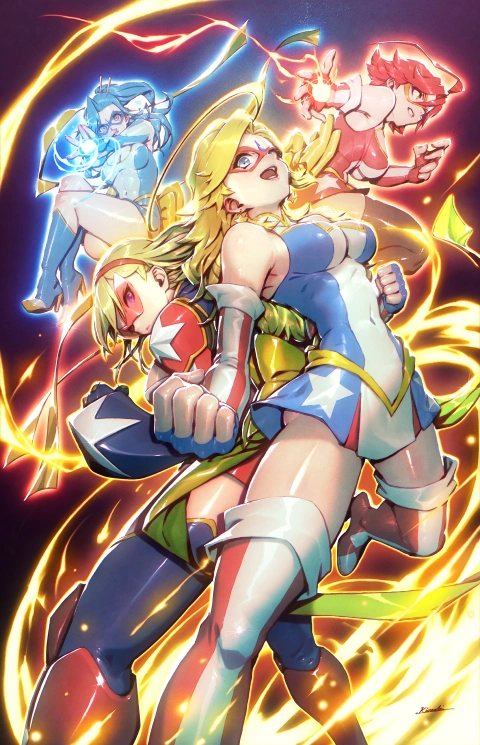
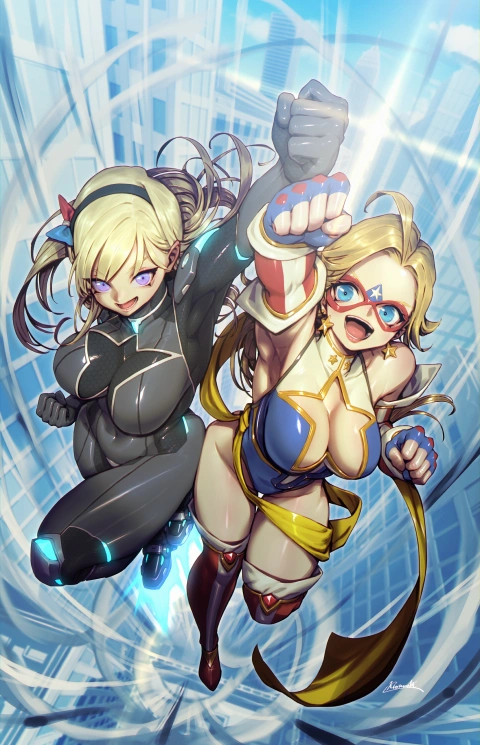
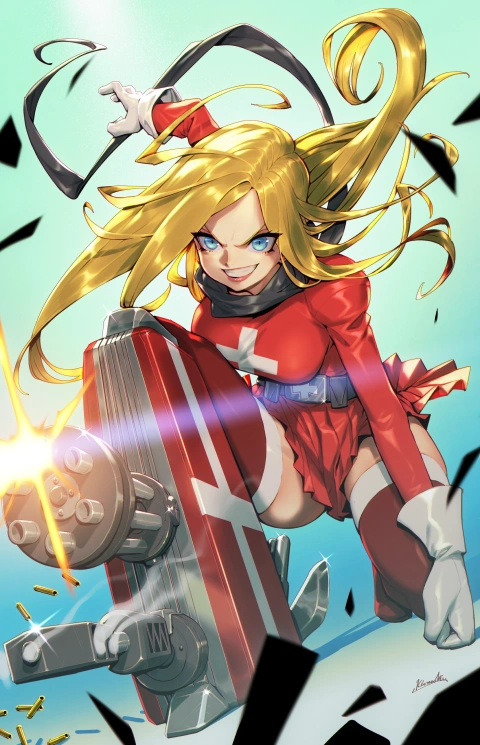
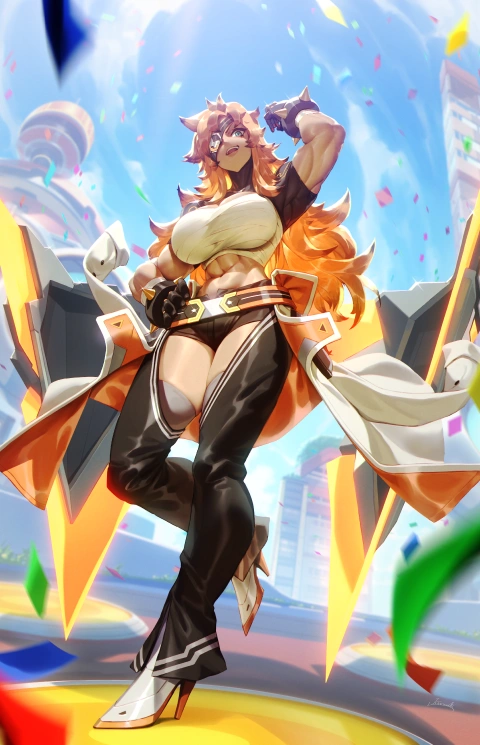
Why Take This Class?
This course teaches you how to create powerful, atmospheric illustrations through a professional workflow guided by illustrator Kionaoki. From building strong compositions to designing lighting and values with a grisaille-based approach, you’ll learn how to construct images that feel immersive and visually impactful.
Throughout the course, you’ll explore practical techniques for controlling light, depth, and mood to elevate the overall quality of your work. By following the full illustration process—from rough concept and value planning to refined rendering—you’ll gain a clear understanding of how professional artists develop polished illustrations with strong visual storytelling.
Get Ready for the Real-World
Creating Polished Illustrations Through Composition and Grisaille
-
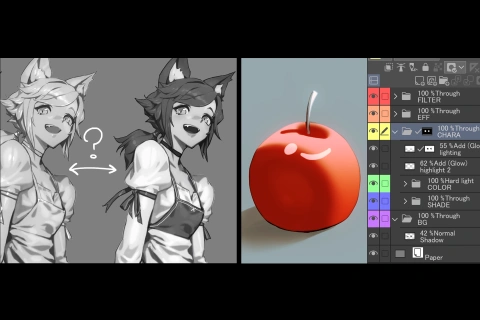 Grayscale and Layer Structure
 -
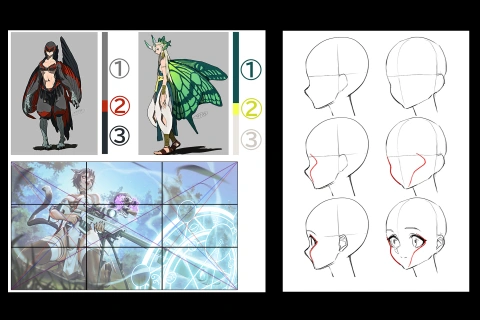 Rules for Preventing Amateur-Looking Illustrations
 -
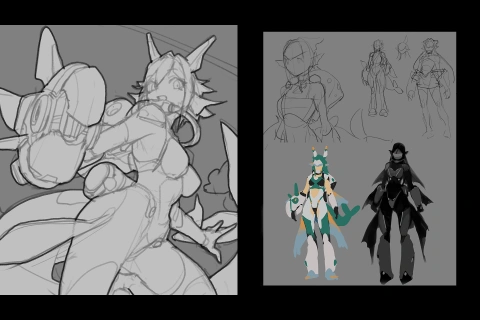 Approaches to Composition and Rough Sketching
-
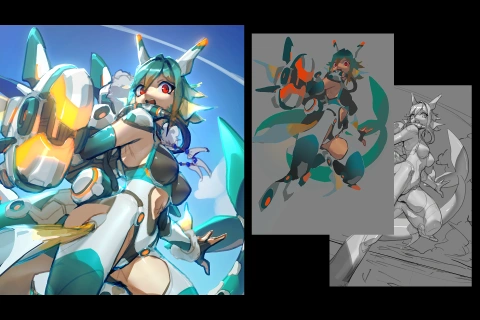 Rough Coloring in the Grisaille Style
 -
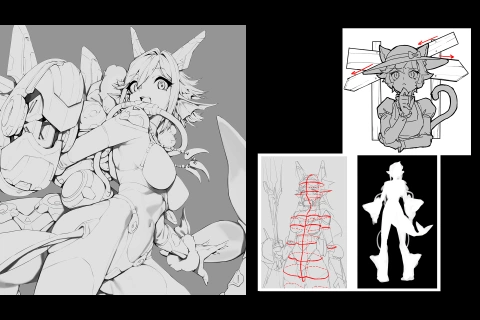 Drawing Silhouettes and Lines
 -
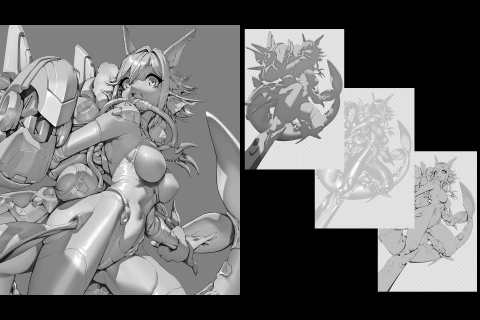 Shading and Lighting
-
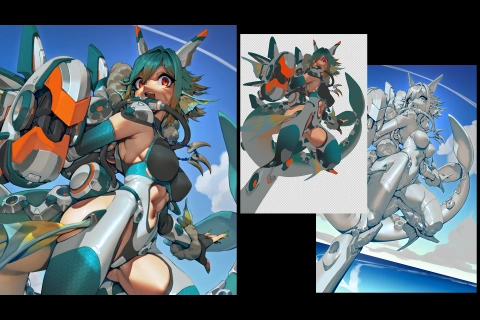 Grisaille-Style Coloring
 -
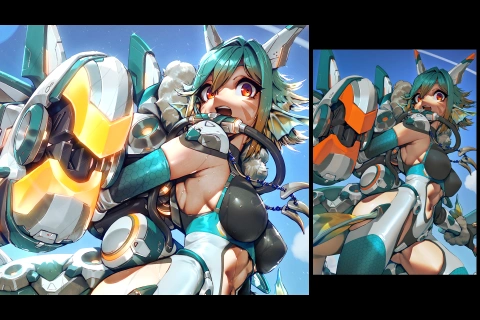 Creating Texture
 -
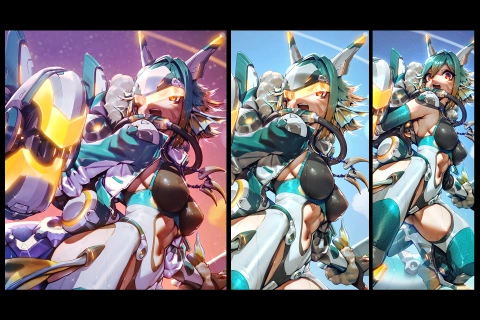 Approaches to Composition and Rough Sketching
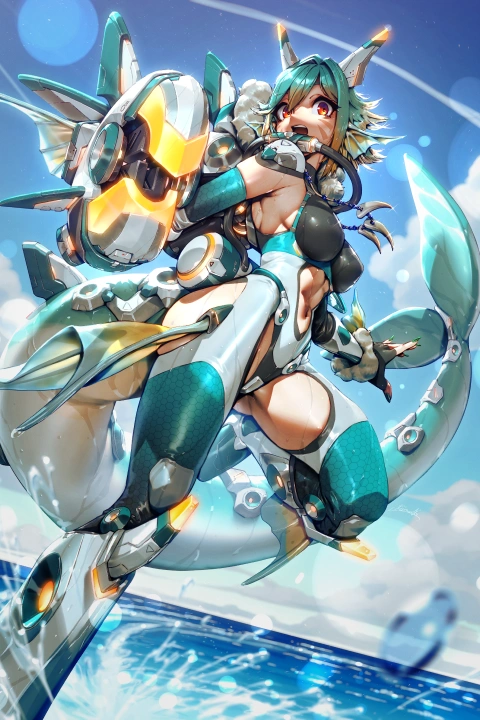
Final Product Title
*The above images are sample images for a better understanding.
Highlights
Class Highlights
Digital Color and Grayscale for Grisaille
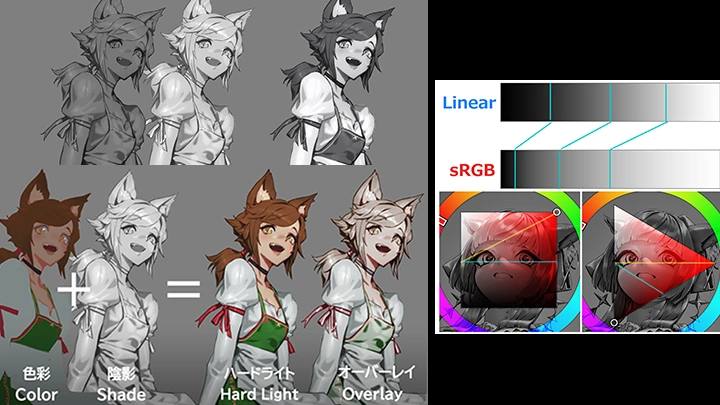
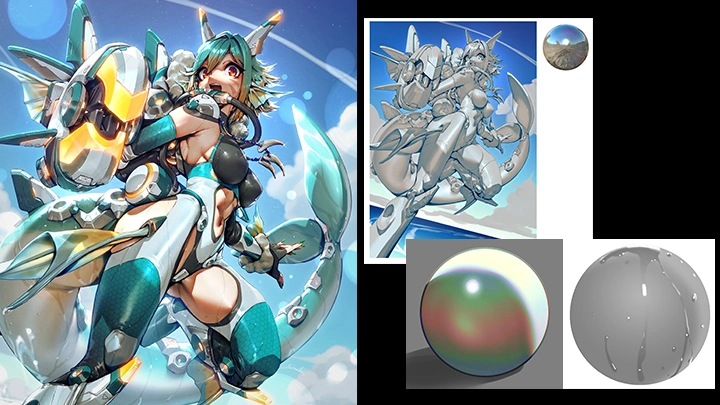
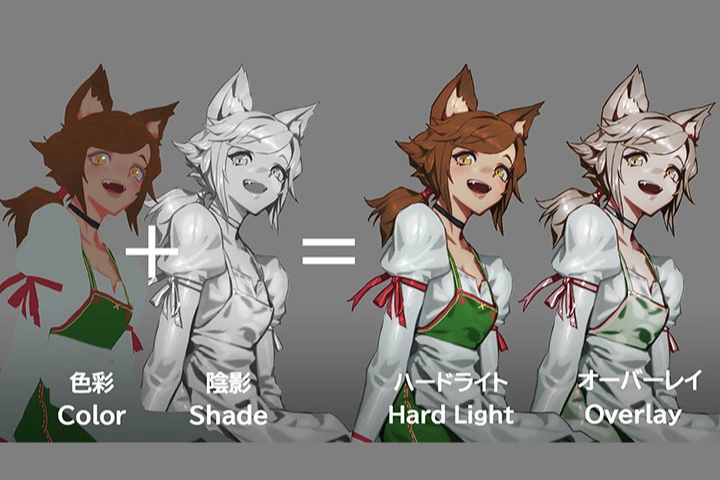
Discover Kionaoki’s unique grayscale design techniques optimized for drawing with Hard Light. He explains what makes color look dull, how Hard Light differs from Overlay, and other drawing settings, all from his own experiences. You’ll be able to develop the ability to logically utilize digital color structure instead of relying on your senses.
Flexible Composition to Avoid Amateur-Looking Illustrations, and Resolving Visibility Issues
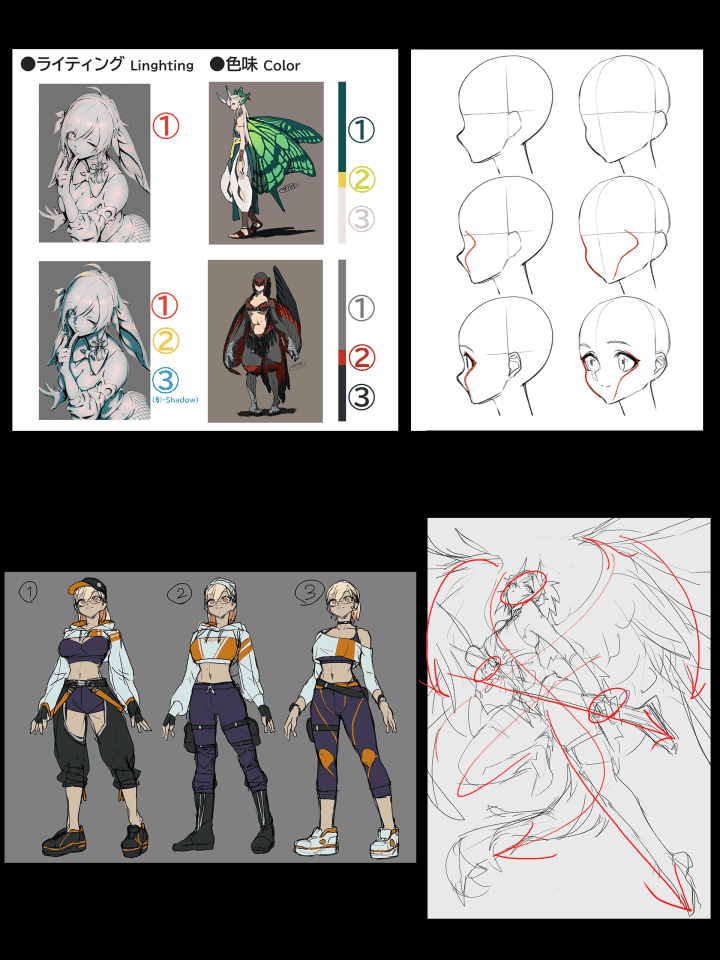
With Kionaoki’s guidance, learn practical composition techniques to prevent errors while prioritizing “feel” over proficiency. By understanding what to avoid, you will be able to overcome common challenges in drawing flexible, dynamic poses and create a composition with high visibility.
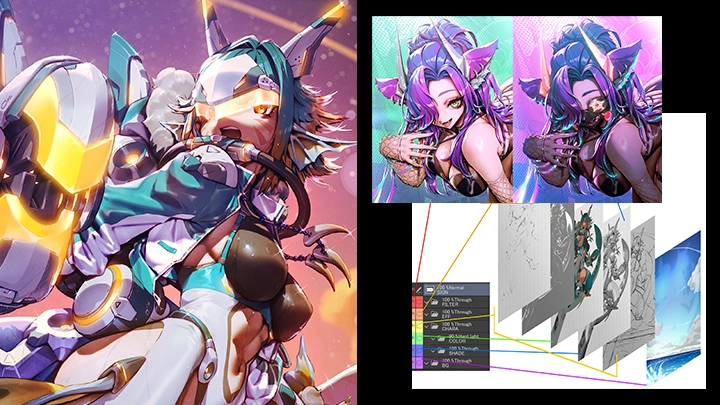
Adding Texture to Characters in Grisaille and Distinguishing Between Processes
In addition to conceptualizing a character from scratch, learn efficient ways to create illustrations by organizing the required textures and elements and categorizing layers and processes.