illustrator,ikki2_이끼2KR Details
Intro

Now in Your Language, Only on Coloso!
Learn from Korea's Top Master Creatives
-
 Edit with Purpose, Not Guesswork
 -
 Pro-Quality Cuts, Every Time
 -
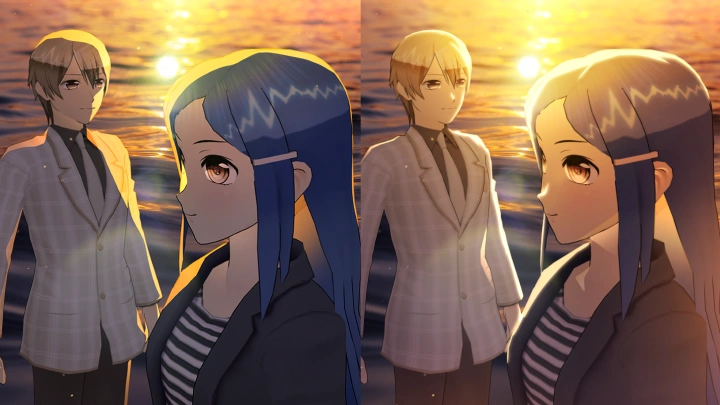
 Real-World Webtoon Retouching
Class Intro
Illustrator, Ikki
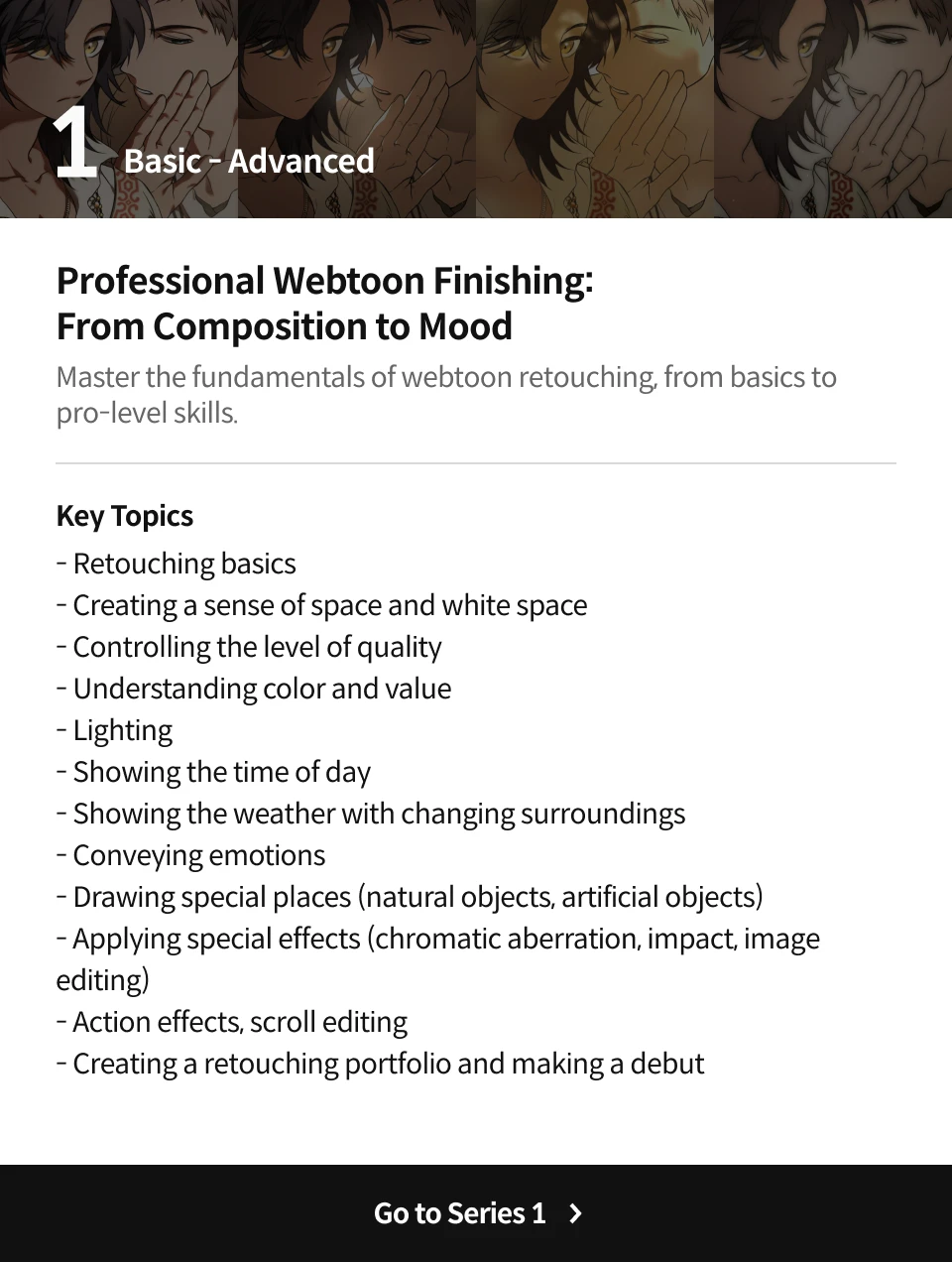
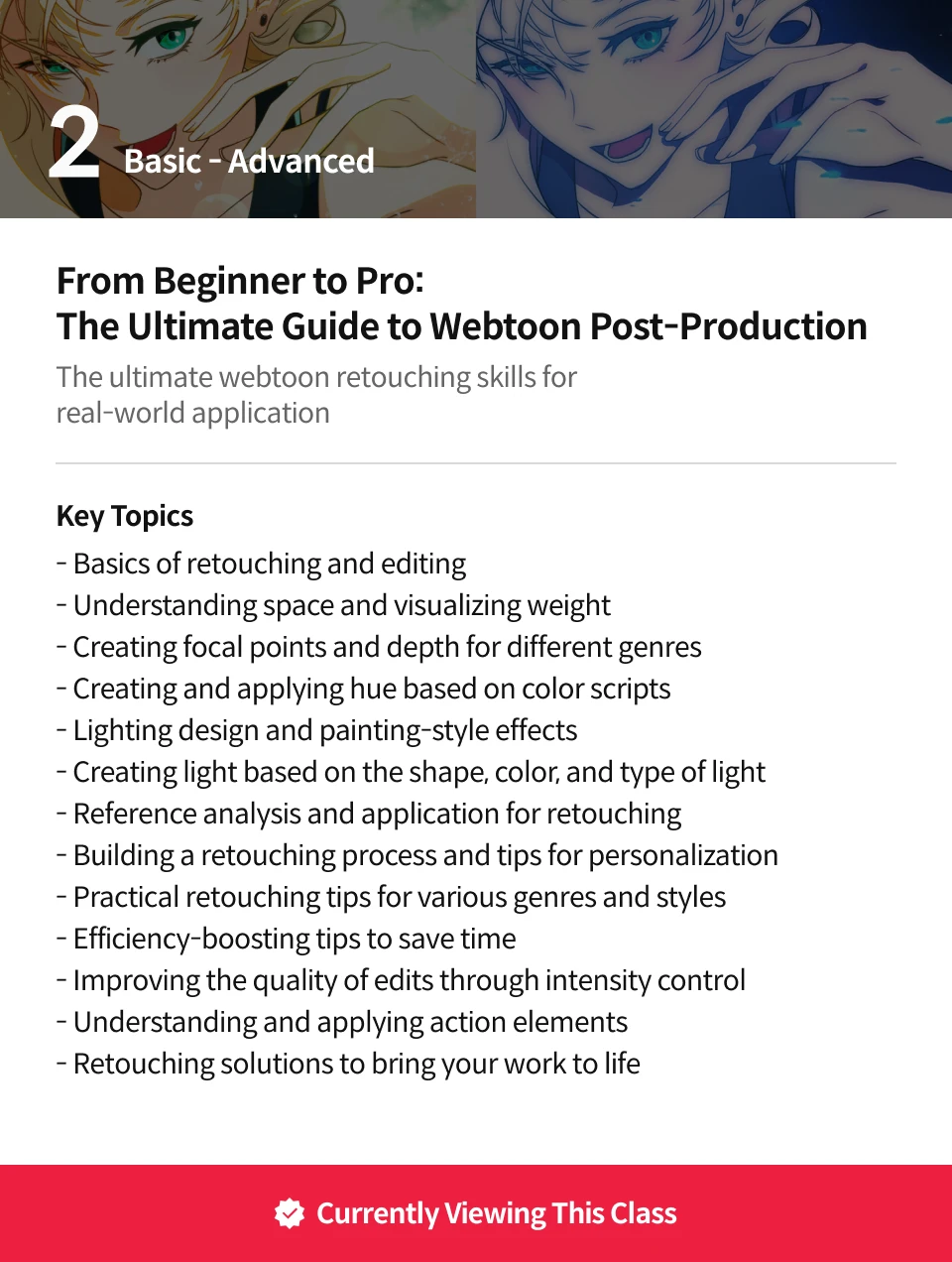
Tired of memorizing post-processing formulas? Learn the real core of webtoon post-processing that boosts quality, only on Coloso.
100% Applicable to the Real World! Advanced Retouching Techniques for Practical Webtoon Creation
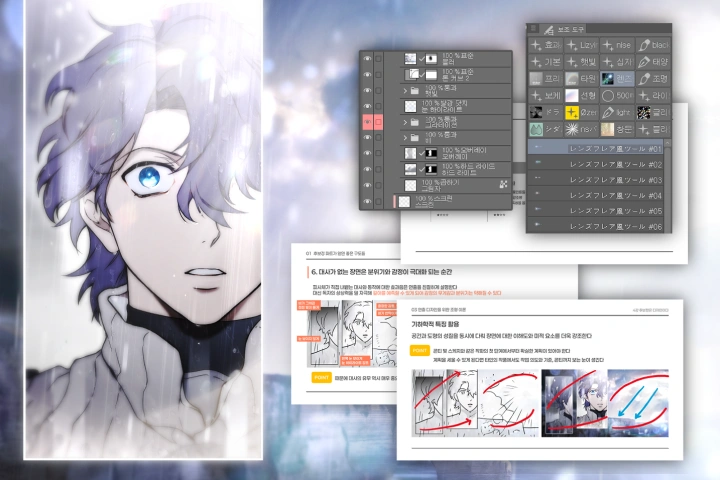
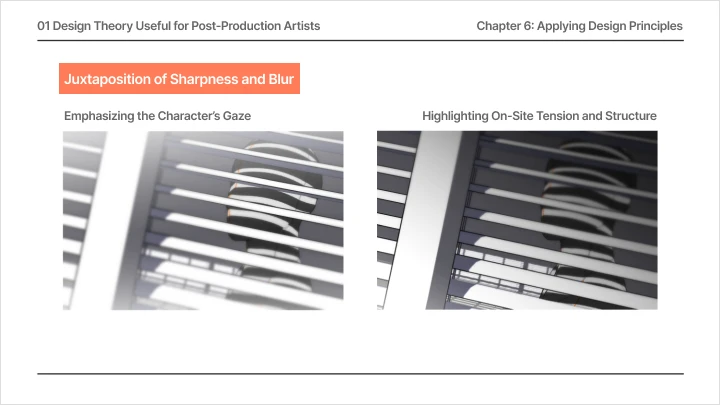
Meet a practical guide to webtoon retouching that allows you to explore the principles and logics behind retouching processes, instead of blindly memorizing them! Find the ideal balance between coloring and editing, learning how to convey the intended emotion through scenes. Rather than simply learning retouching skills, you’ll master the fundamentals of webtoon editing that make each shot more sophisticated and eye-catching.
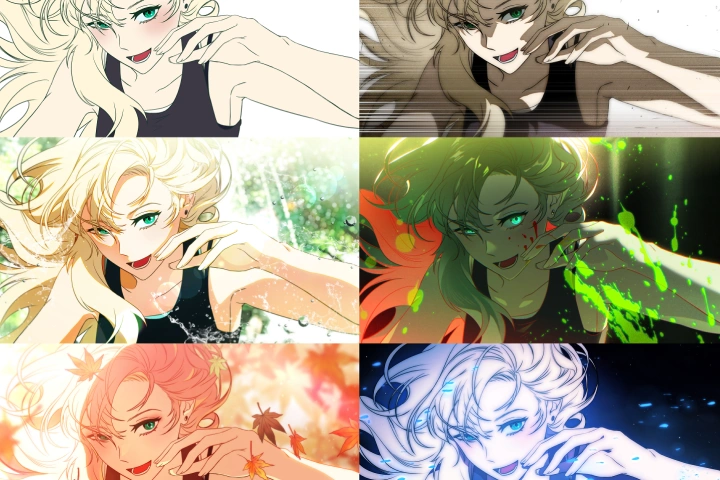
Explore 100% practical retouching skills with the instructor Ikki, who has taught over a thousand students! Understand and apply the entire retouching process from arranging colors through balanced editing to evaluation with a logical approach. Join Ikki as she shares her webtoon retouching routines through detailed demonstrations, exclusively on Coloso!
Class Perks
Special Gift from Ikki
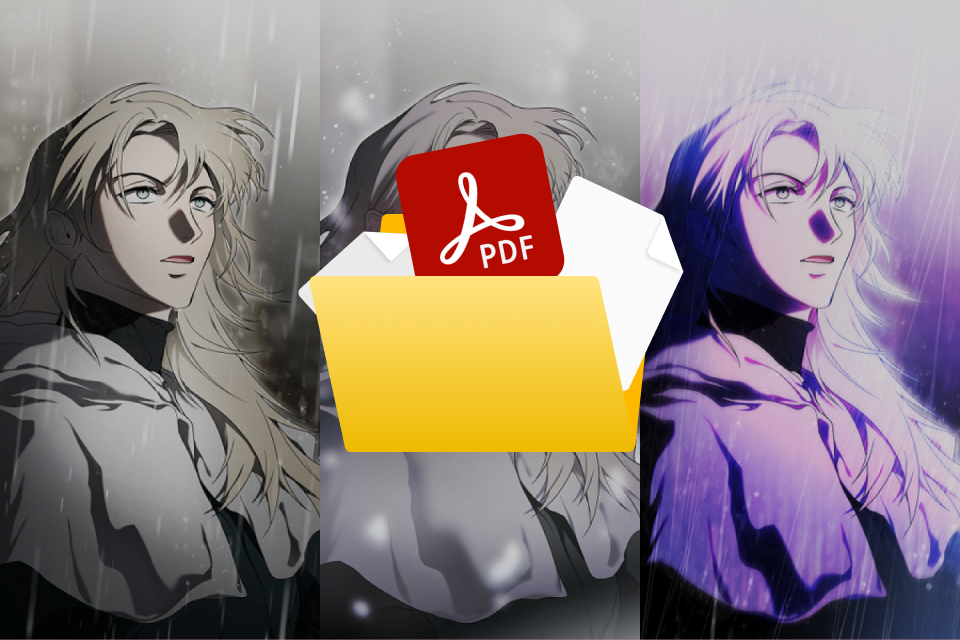
Guide and Inspire Your Webtoon Creation
Reference Recommedations & Comments (.pdf)
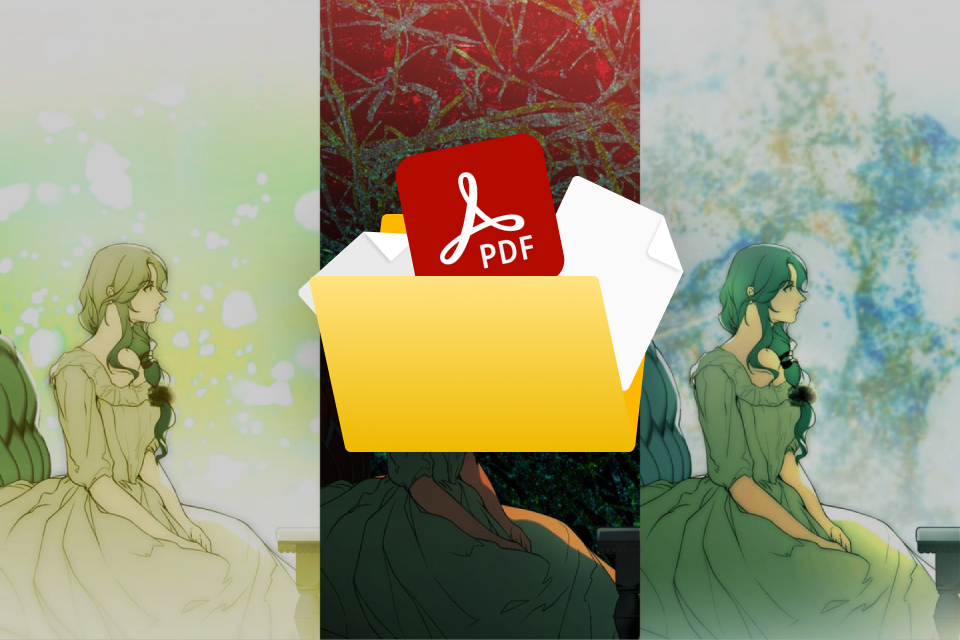
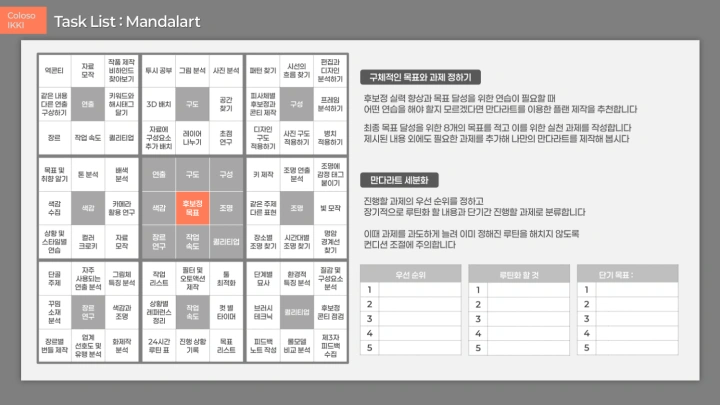
Repetitive Practice & Application of Basic Skills
10+ Original Files for Hands-On Exercises (.pdf)
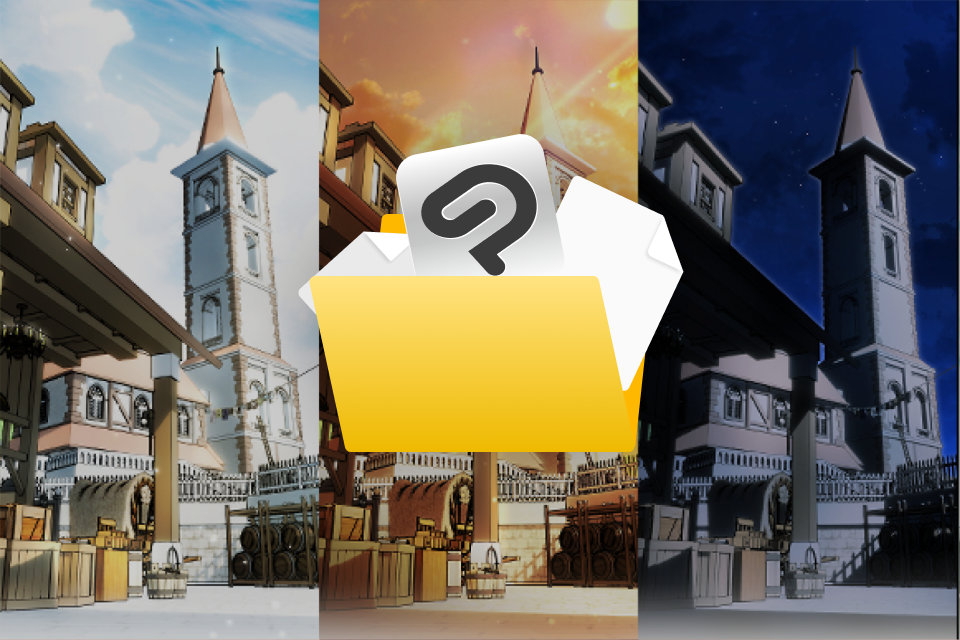
10+ Original Files for Hands-on Exercises (.pdf)
for Repetitive Practice & Application of Basic Skills
Style Research and Practical Creation
Key Assignments & Routines (.pdf)
Class Material Details
-
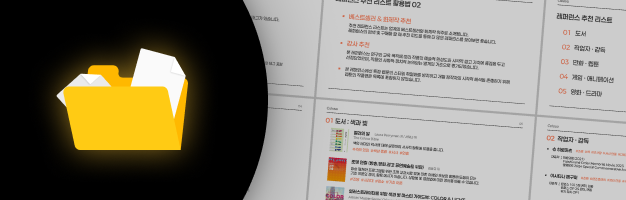 Reference Recommendations & Comments (.pdf)- Keyword-specific list
- Medium-specific list
- Recommended websites for collecting references -
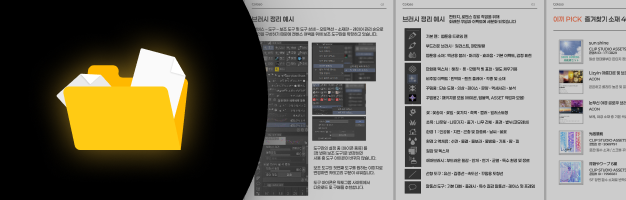 Asset Recommendation List (.pdf)- Professionals’ favorite assets: Top 10
- Recommended assets by genre
- Light creation assets
- Textures for different situations
- Auto-actions and filters for retouching -
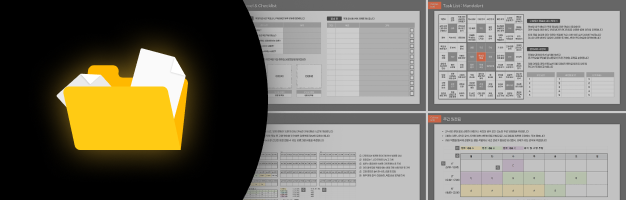 Key Assignments & Routines (.pdf)- Recommended study routine
- Assignment guidelines by genre
- Work item checklist
Recommendation
Who should take this class?
Learners struggling with applying basic retouching theory or reference analysis
Learners who want to achieve the highest work efficiency with a systematic webtoon retouching process
Learners who want to boost the quality of their work based on objective feedback
Illustrator
Ikki's Class Series
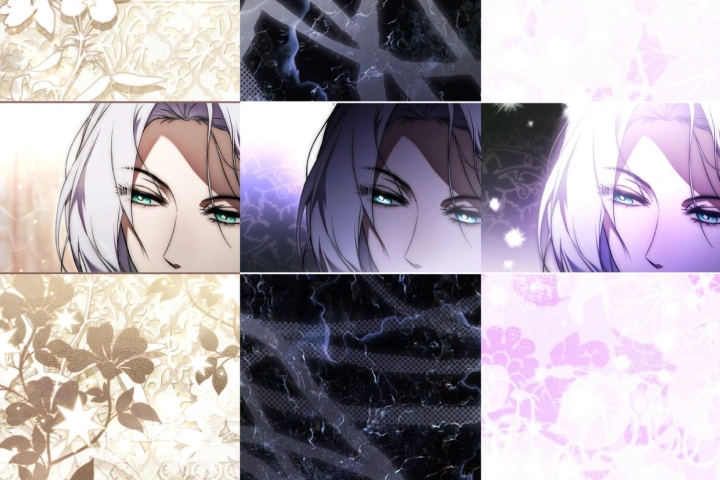
Expert Illustrator Ikki's Portfolio
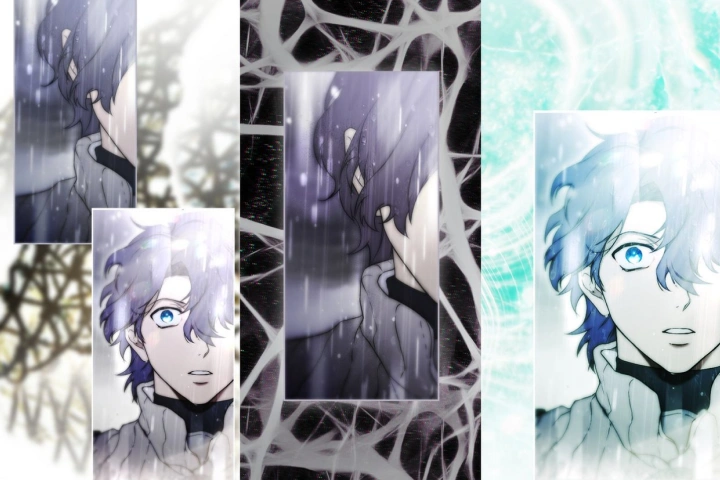
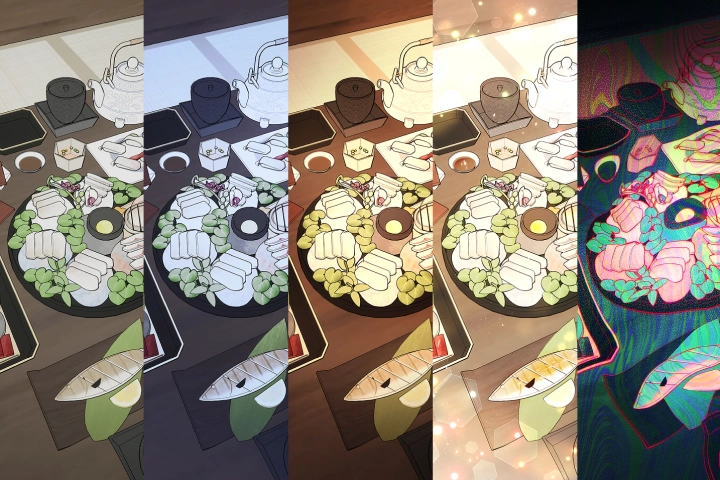
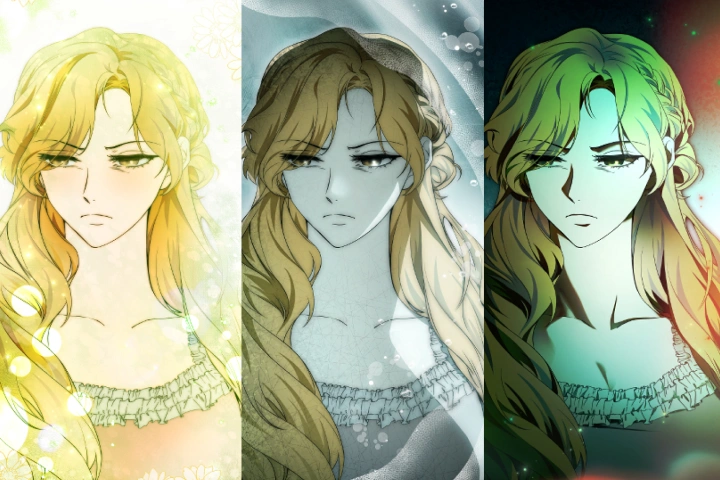
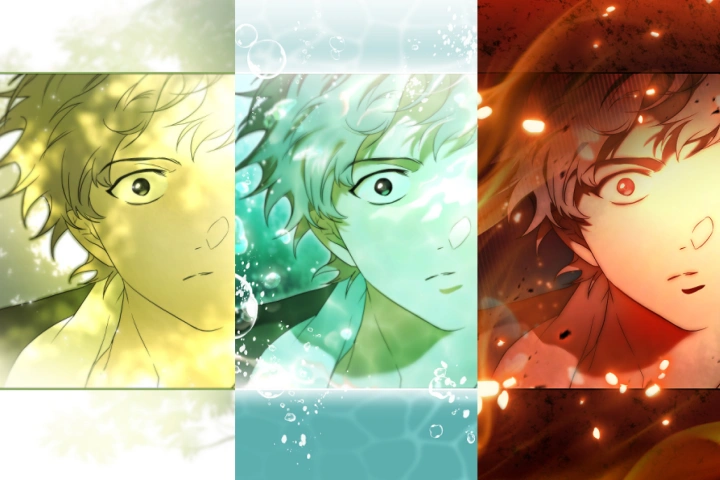
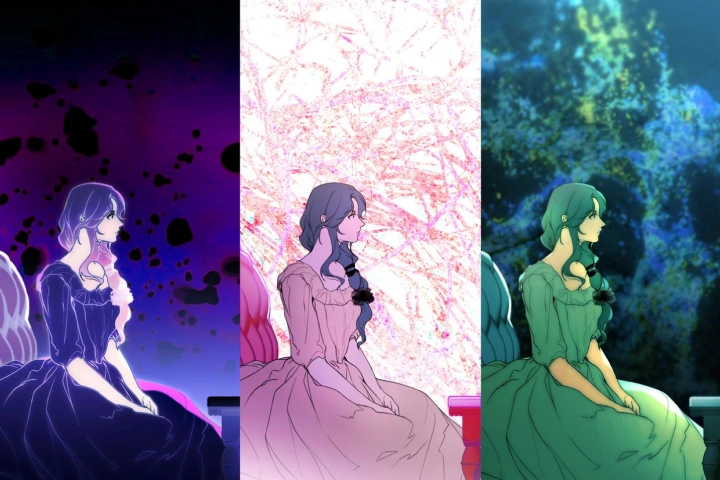
Why Take This Class?
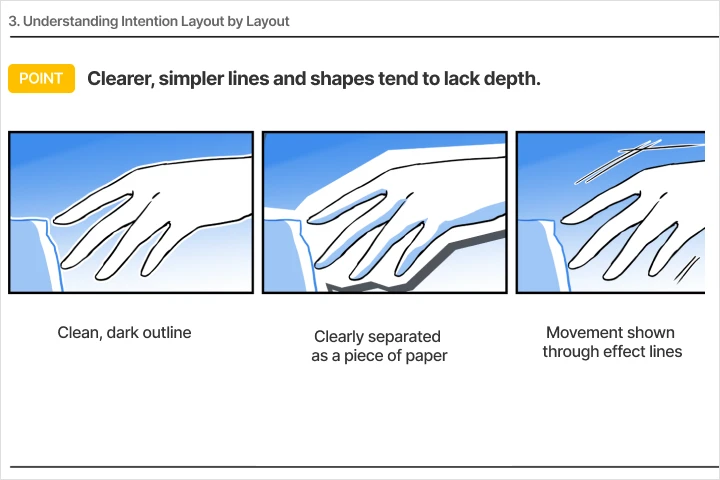
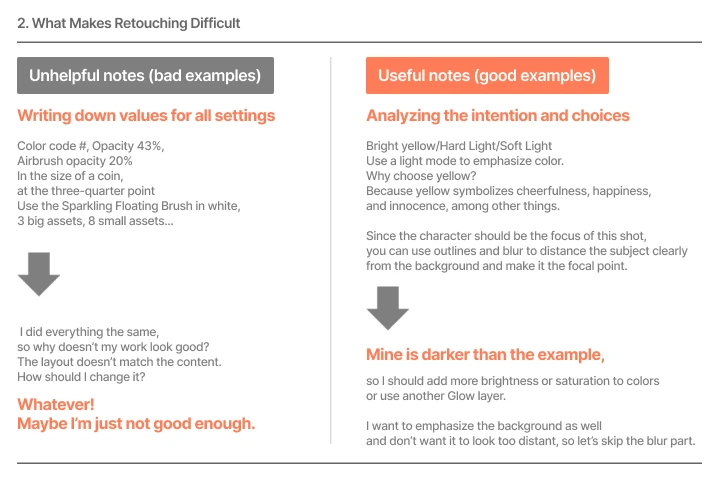
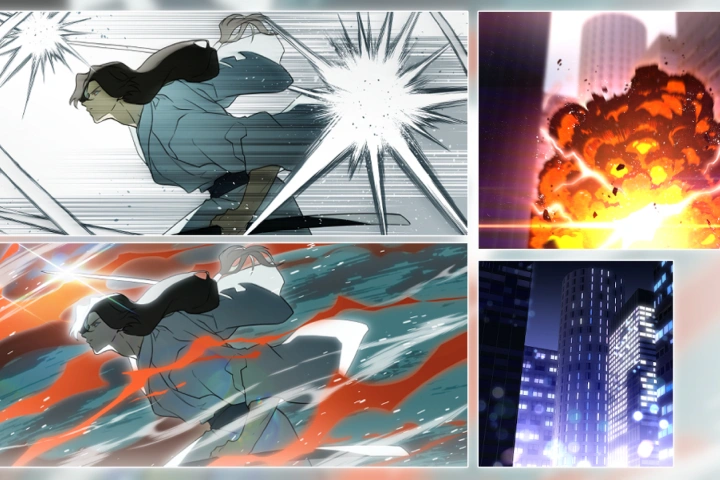
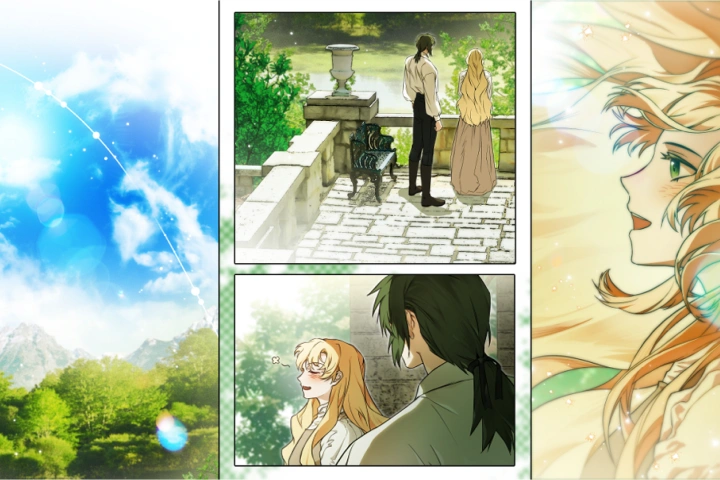
Discover an all-in-one webtoon retouching class to master everything from basics through practical application to real-world skills! In addition to learning the features of Clip Studio Paint, you’ll explore the good and bad examples of webtoon retouching in the real world, step by step. Acquire sophisticated editing skills and the ability to create balanced-looking colors with a logical approach so you can retouch any work of any genre with ease.
Design your own retouching process that is not only fast but also guarantees superb quality! Based on a well-designed checklist and step-by-step exercises, create a detailed retouching guide just for you. With Ikki’s guidance, you’ll increase your work efficiency while giving a more harmonious look to webtoons by following a practical retouching roadmap.
Get Ready for the Real-World
10+ Class Exercises
Part 1. Basic Comic Editing for Retouching
-
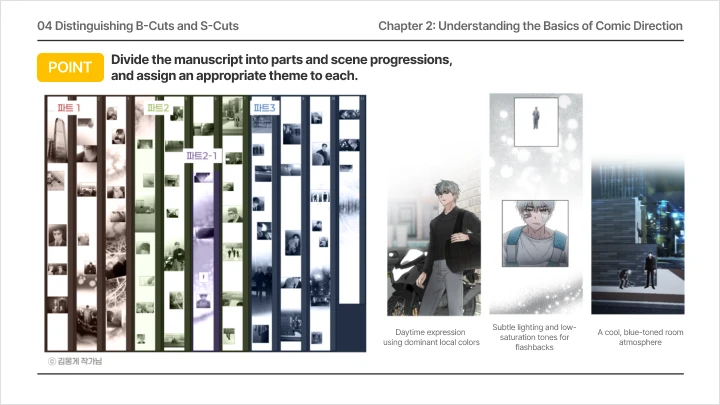
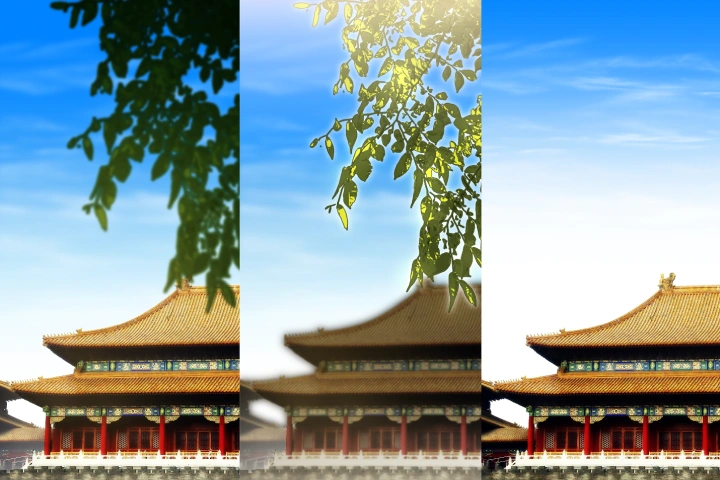 Space and Weight: Demonstration of Planning Based on Time and Space
 -
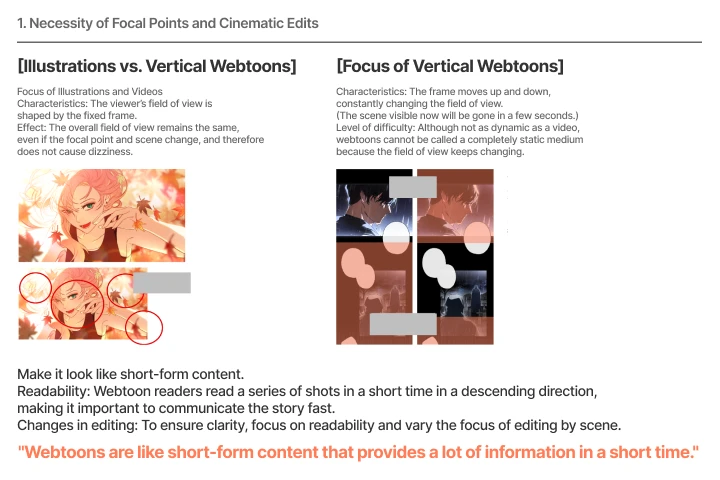
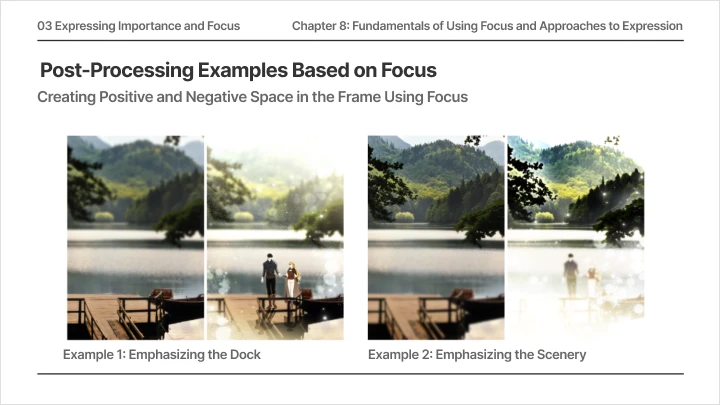
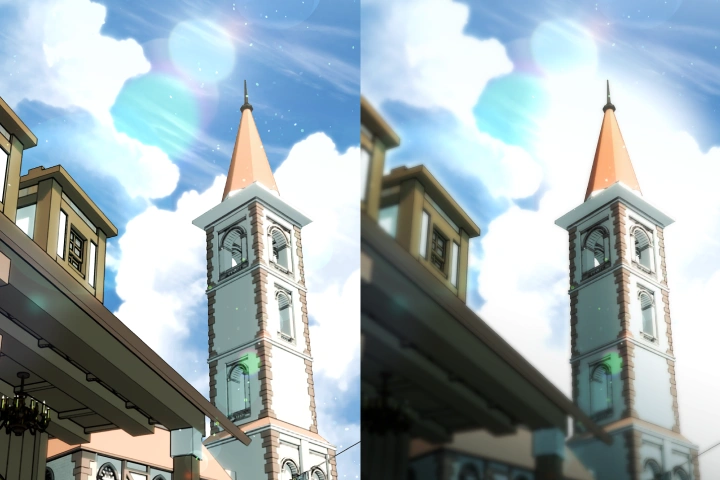 Understanding and Utilizing Focal Points: Creating Focal Points for Subjects
 -
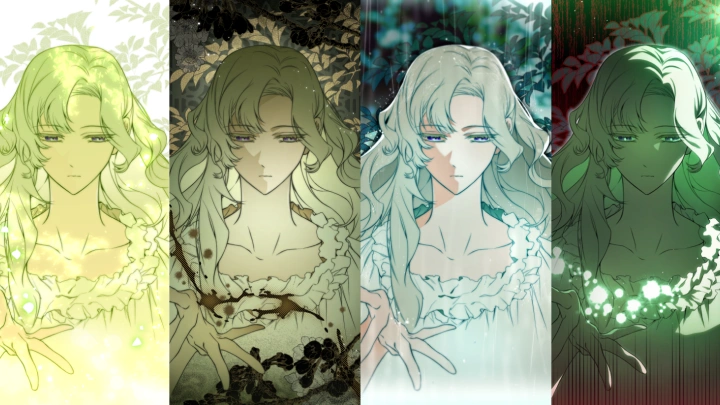
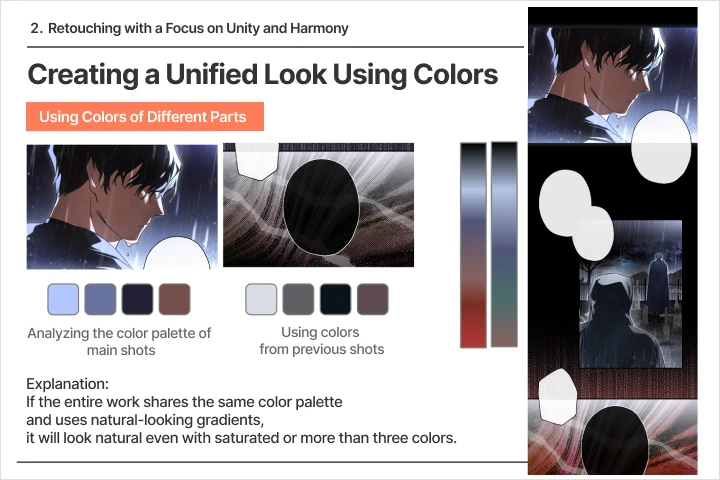 Hue Design for Comics: Creating Color Keys and Scripts
-
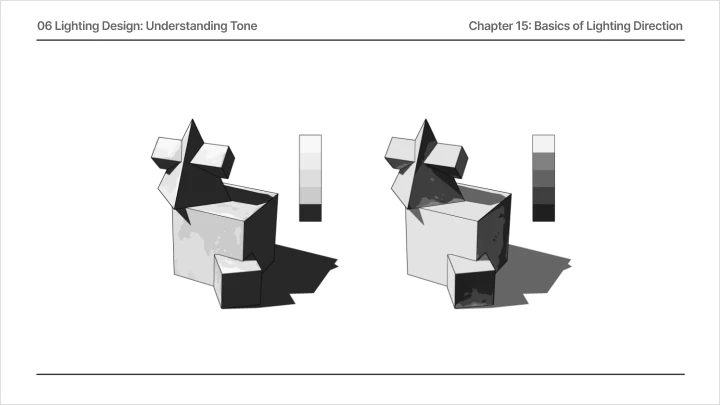
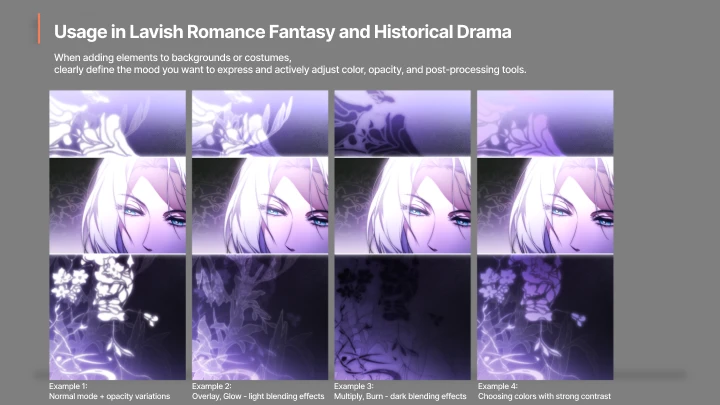
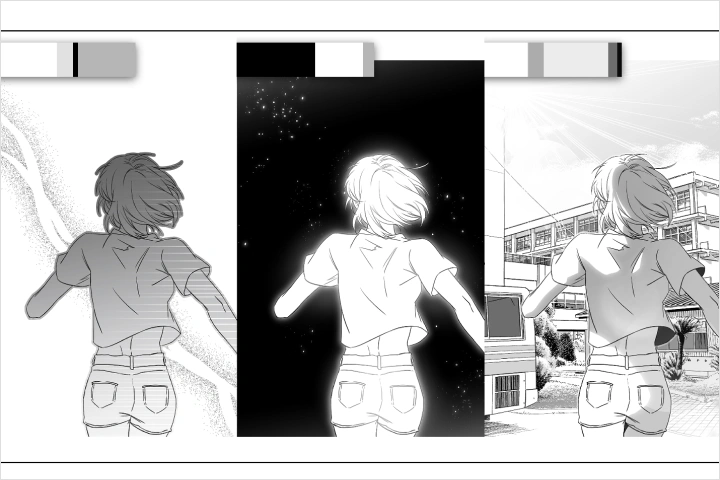 Lighting Design for Comics: Tone Creation Practice
 -
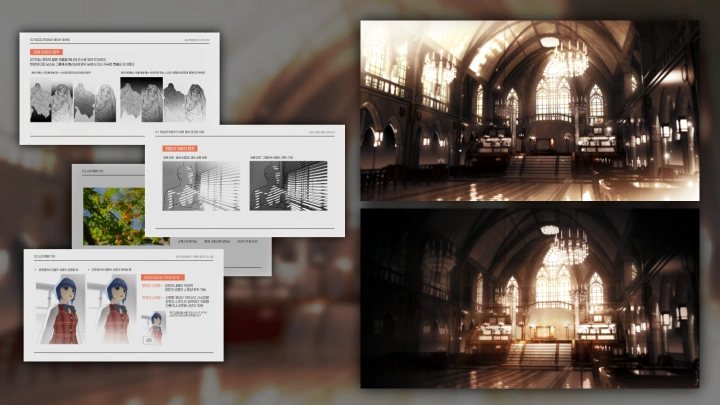
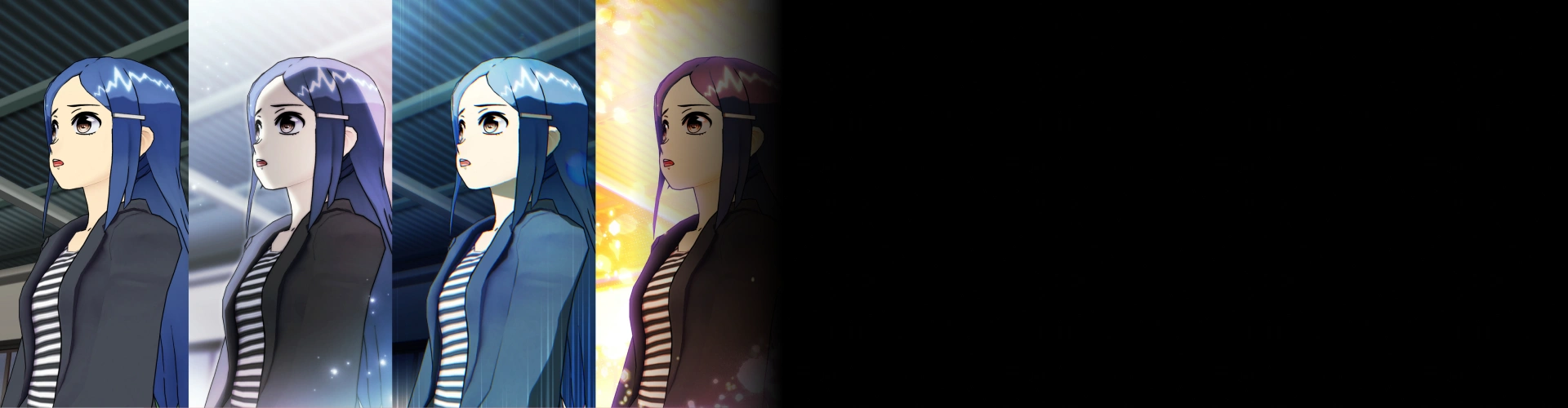
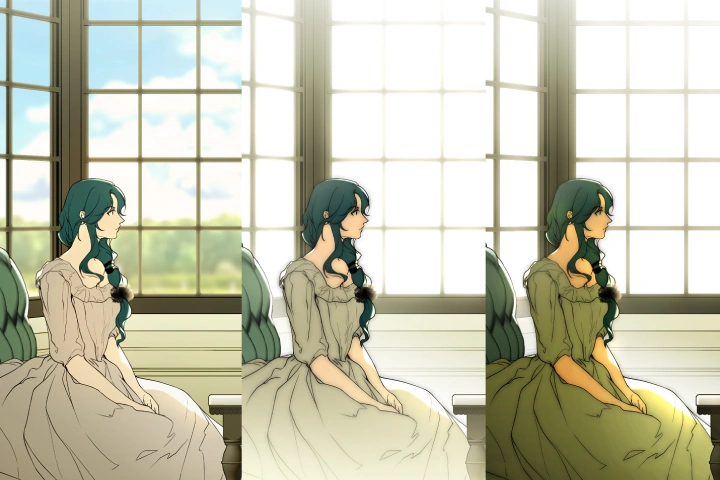 Lighting Design for Comics: High-Key & Low-Key
 -
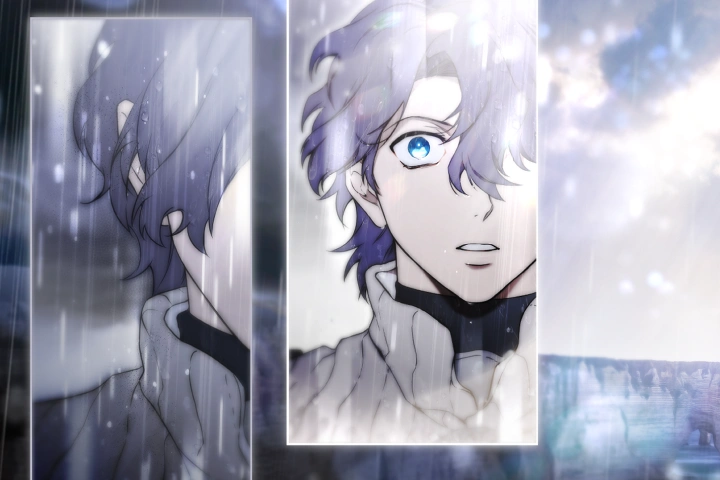 Lighting Design for Comics: Abstract Lighting
Part 2. Lights Commonly Used in Webtoons
-
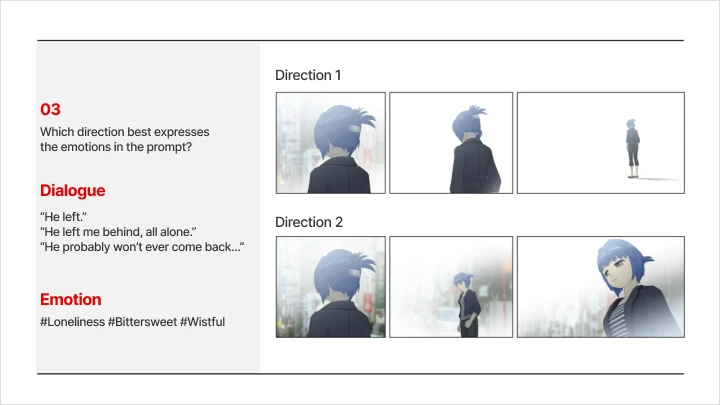
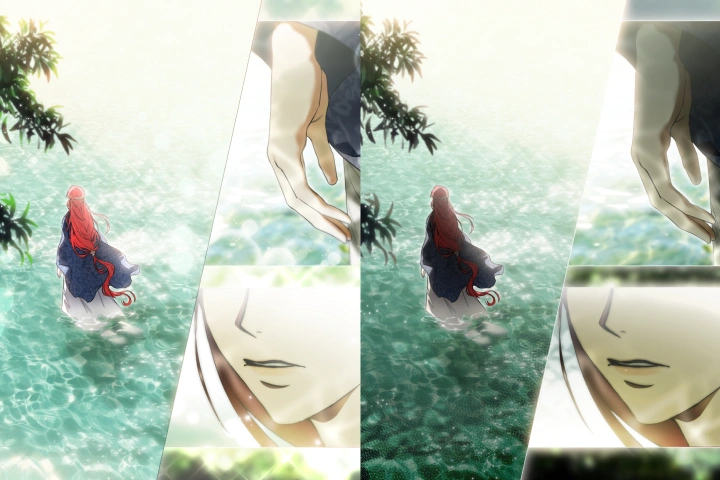 Lights That Suit the Intention of Editing
 -
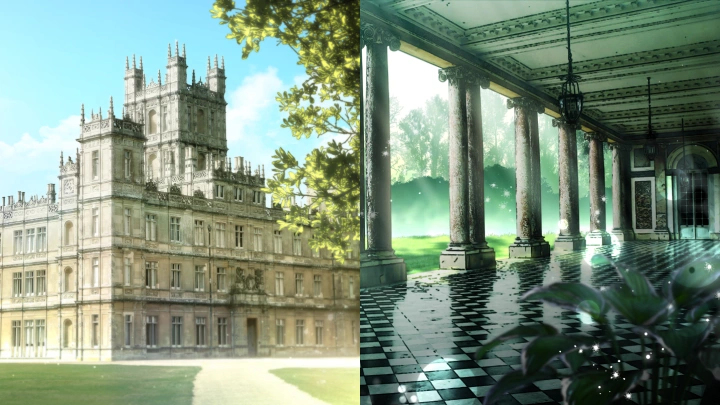
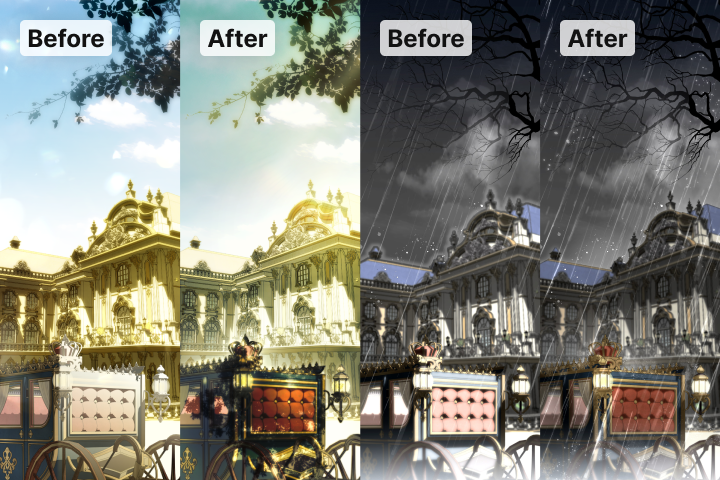
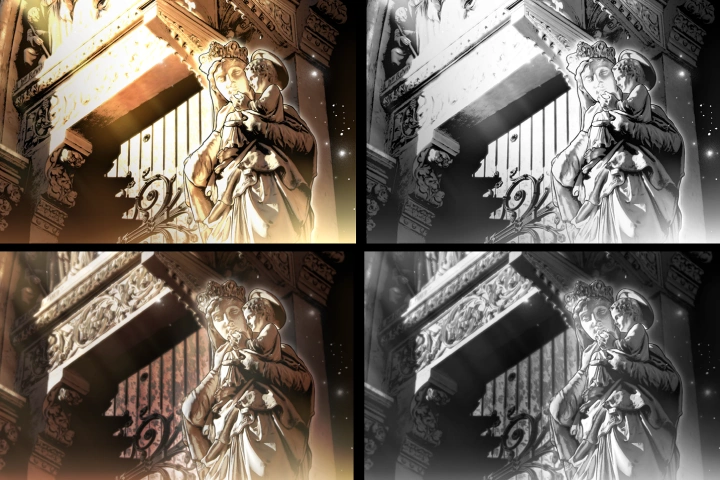 Examples of Improving Color and Light
 -
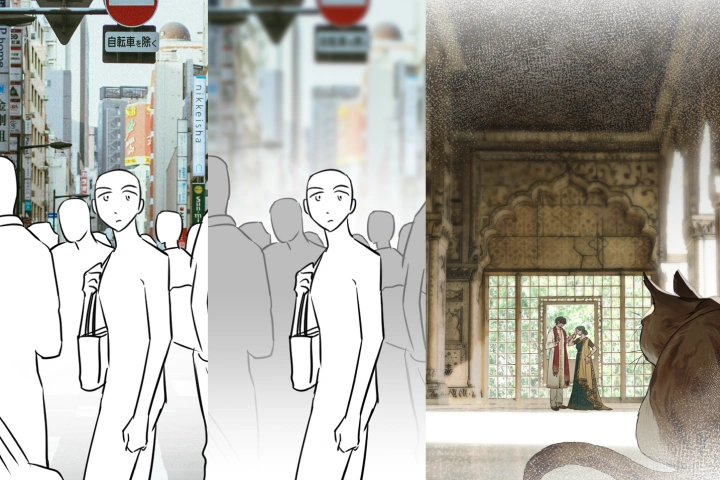 Grouping Considering Scrolling and Scenes
Part 3. Retouching Process for All Genres and Styles
-
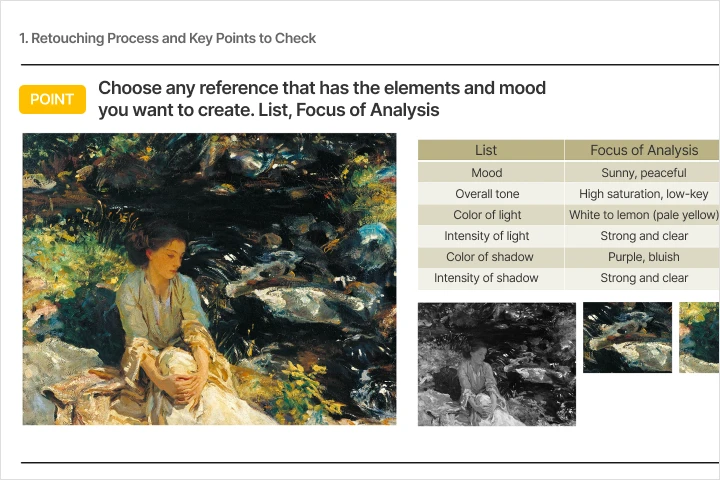 Retouching Checklist
 -
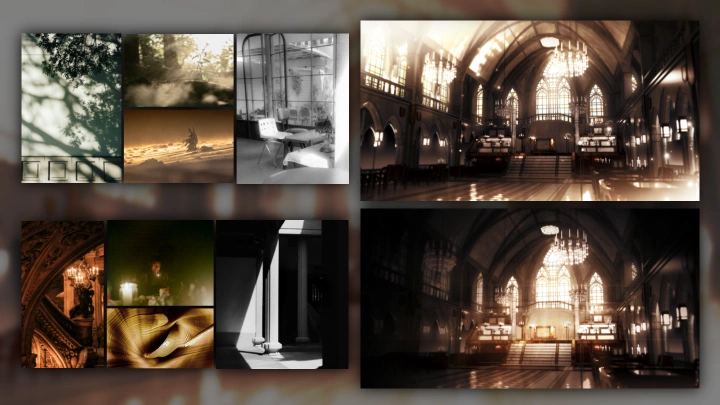
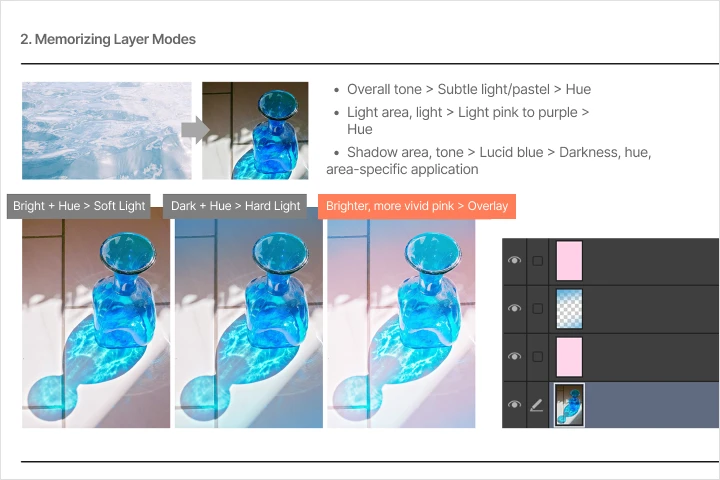 Using References and the Work Process
-
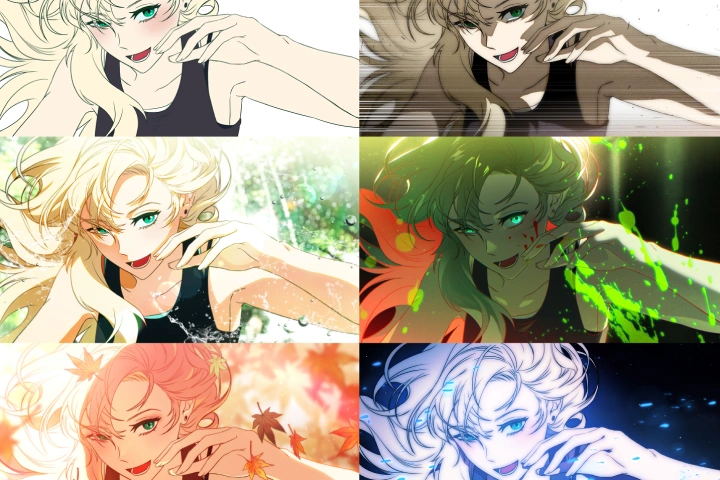 Expanding Your Artistic Taste and Style(creating variations of retouches)
 -
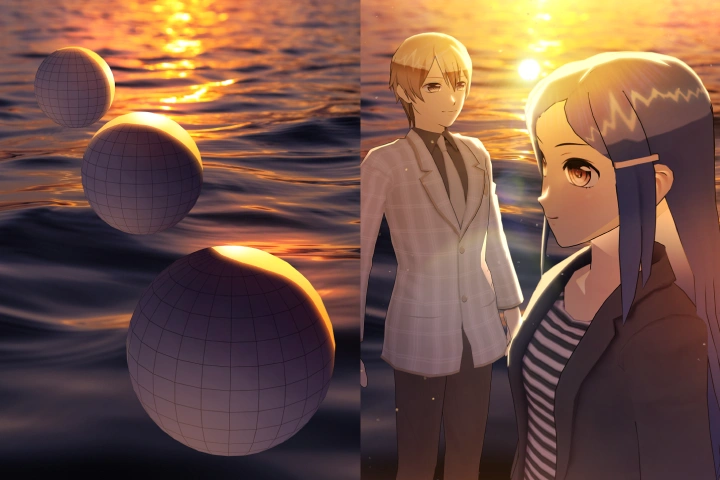 Working with a List(boosting quality based on styles, intention, and approaches)
Part 4. Practical Retouching to Double Work Efficiency, Speed, and Quality
-
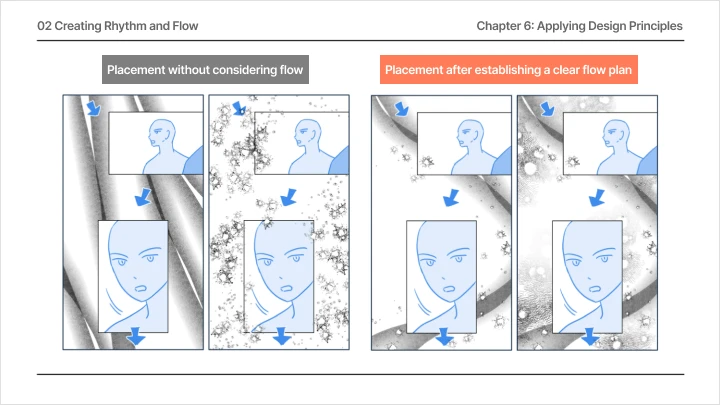
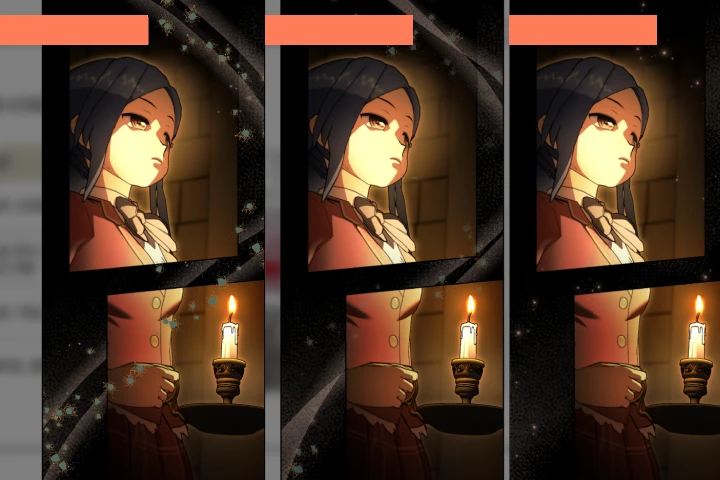 Feedback on Flows and Intensity Control
 -
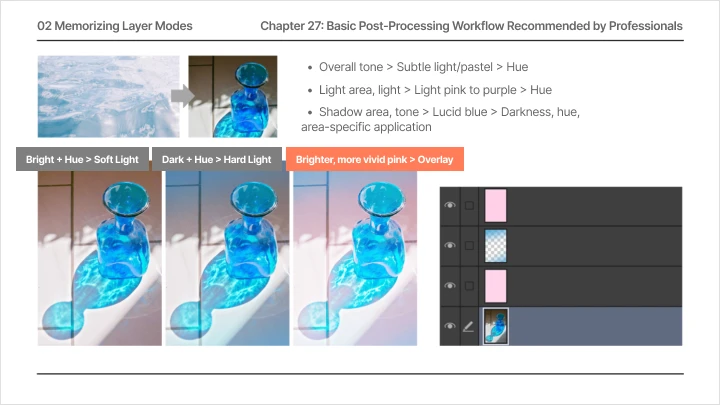
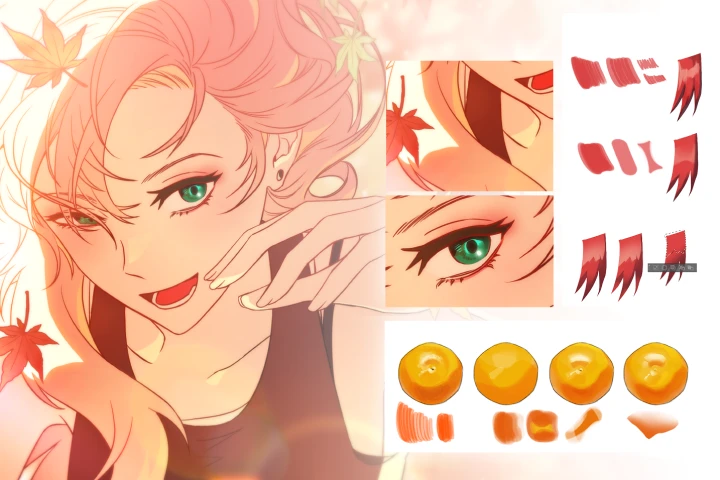 Useful Retouching Skills and Combinations(utilizing pen strokes and the Lasso tool)
 -
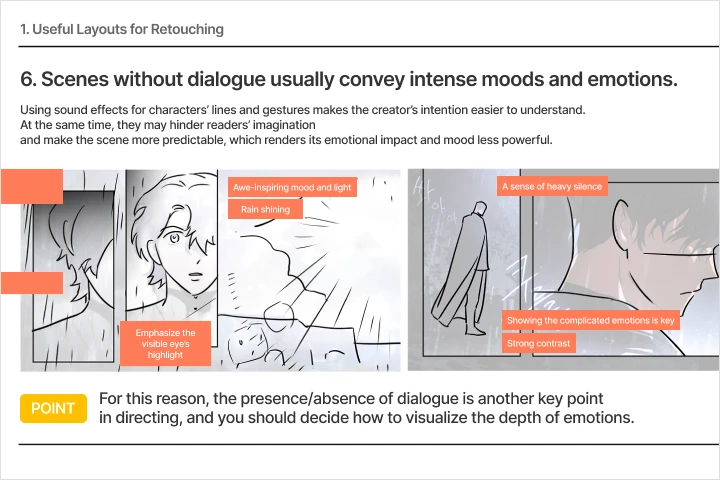 Drawing Editing Storyboards for Different Themes of the Work(creating retouching instructions/plans and editing/lighting storyboards)
-
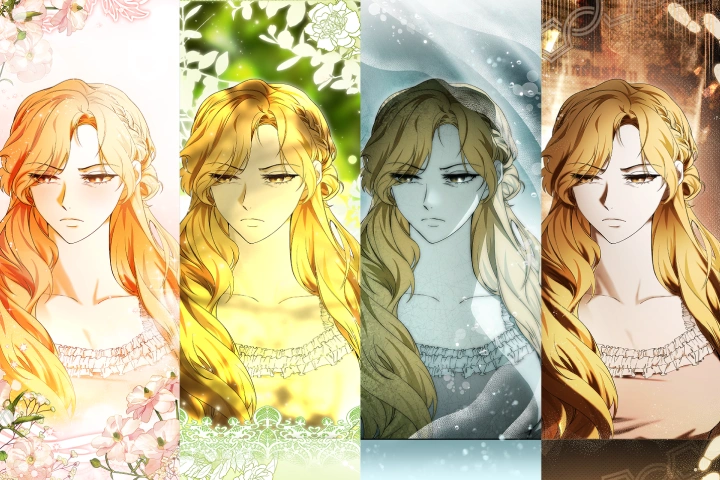 Edits Varying by Theme(editing assets and correcting shots)
 -
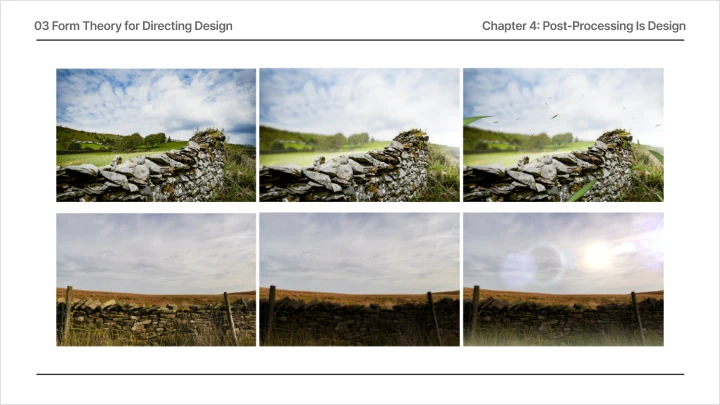
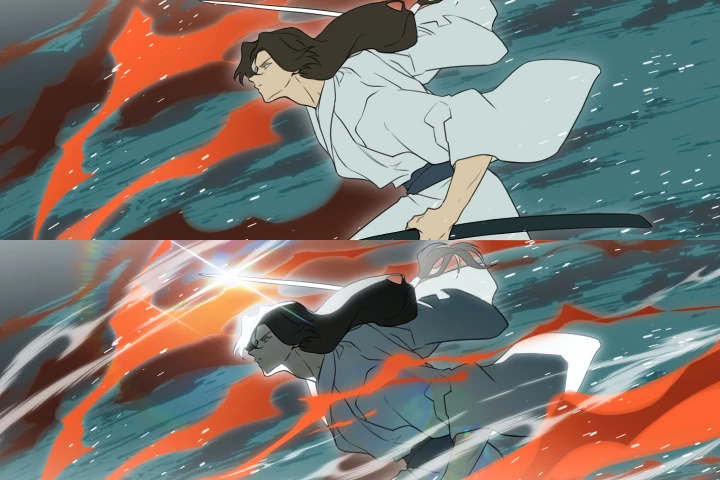 Effect Creation Practice
 -
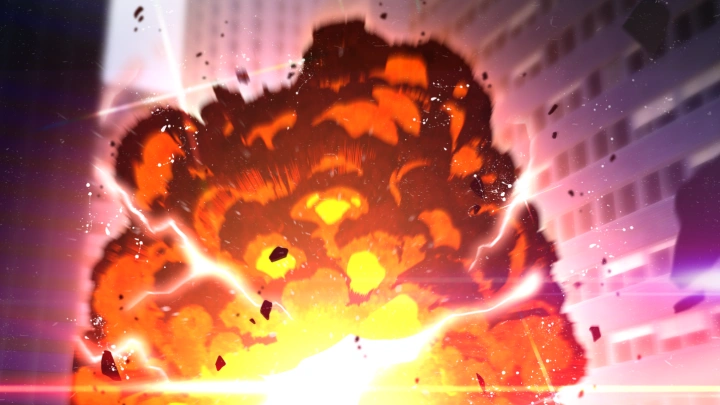
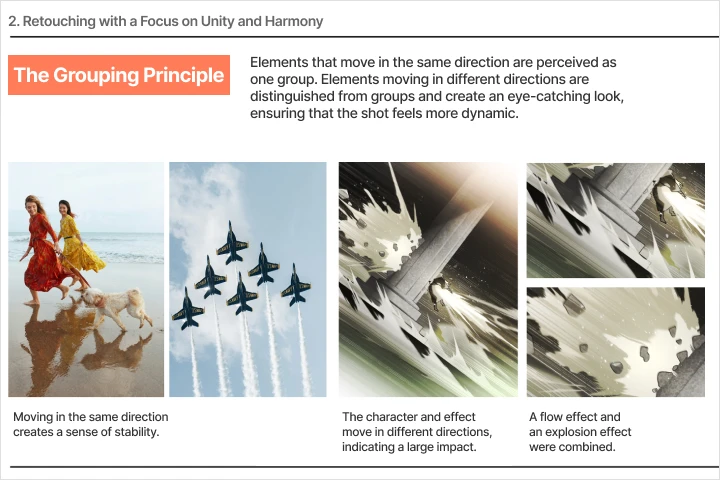 Feedback on Action Retouching
Student Review
Class Recommended By Ikki's Students
-
 Student A: ***young Park
Working as a background artist at a webtoon company, I needed to do retouching work as well but didn’t have sufficient basic skills. By taking Ikki’s class, I could learn an array of retouching techniques using only the basic features of Clip Studio Paint and could finish 30 shots in just three months. As a result, I now even take commissions for retouching. I believe it is the only class that specifically focuses on webtoon retouching, and the well-planned curriculum is extremely easy to follow."
-
 Student B: ***hyeon Han
Despite my long professional career in coloring and retouching, I’d somehow always felt lost with the latter. I knew that my retouching skills lacked something but didn’t know how to fill that void. Ikki’s class, however, taught me the criteria and approach I needed to improve the quality of my work and portfolio. Her detailed yet clear explanations allowed me to discover more effective ways to emphasize the subject matter and guide the viewer’s eye using familiar retouching techniques, as well as how to achieve a more detailed look while preserving readability. If you want to master the fundamentals of webtoon retouching truly, you won’t regret taking this class. I especially recommend it to those who have some experience with webtoon creation but not with retouching, or those who simply want to boost the quality of their retouches.
Highlights
Class Highlights
Optimized for Retouching: A Guide to Basic Theory & Using References
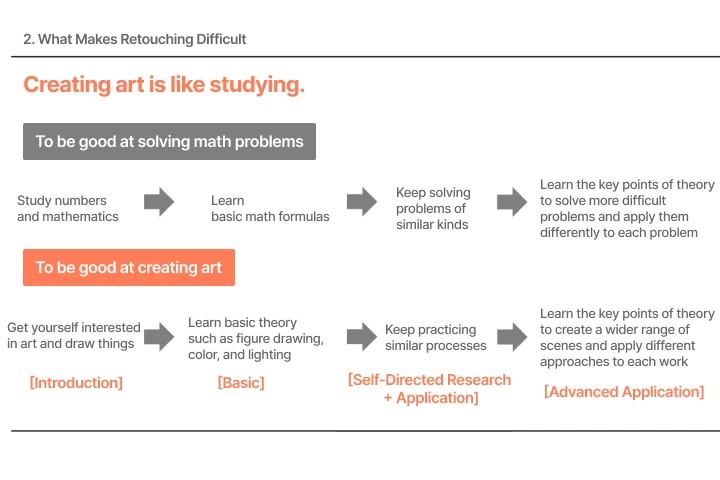
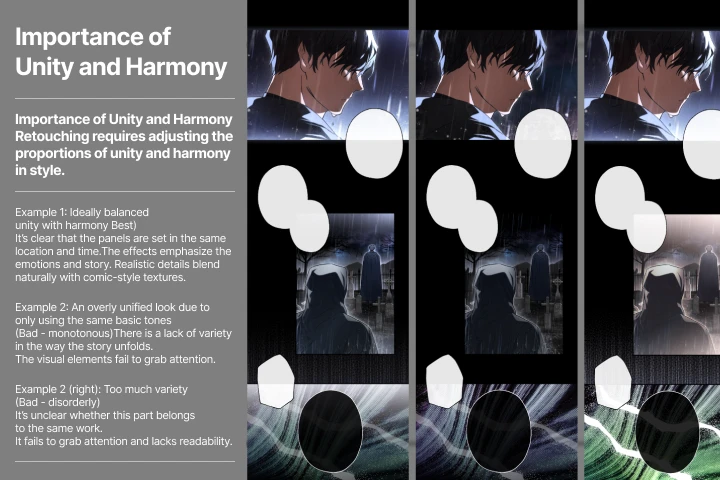
Do you struggle with applying basic theory in practice, even after studying and practicing it multiple times? Develop skills in optimizing your knowledge of basic retouching theory and utilizing references, discovering the shortcut to refining your artistic taste and capabilities. Guided by a systematic curriculum, explore key theoretical concepts and how to apply them from a retouching professional‘s perspective.
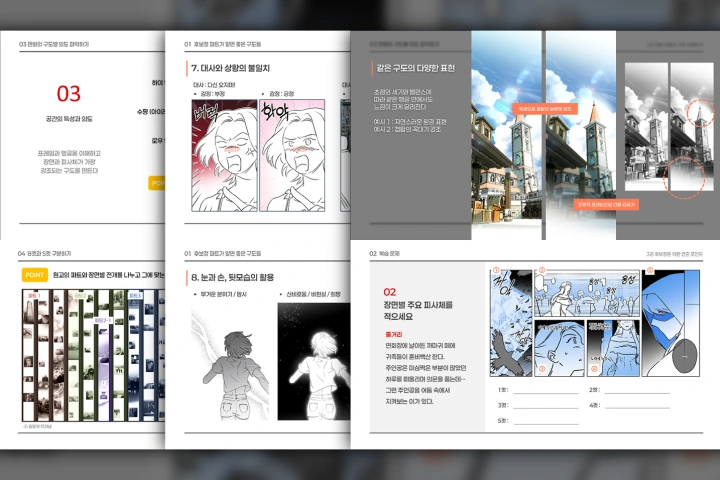
A Systematic Retouching Process for Professional Assistants
At first, the retouching process may feel like a gigantic maze, which is why this class focuses on discovering faster, more efficient methods! Find out the basic skills used by retouching professionals, as well as their actual work process. By exploring real-world workflows and a range of approaches, you’ll be able to build a retouching routine optimized for yourself.
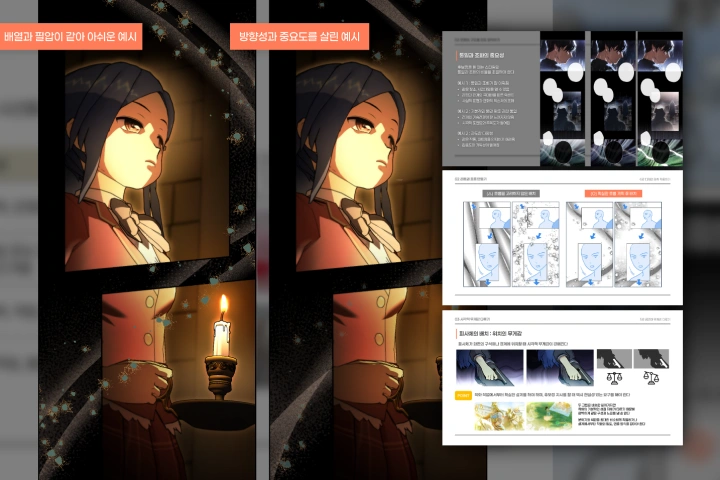
Visualizing Senses & Job-Ready Skills Based on Planning
Join Ikki as she shares the easiest ways to create beautiful lights and colors, as well as an array of effects! Combine basic theory with more detailed approaches to visualize senses, then develop practical plans for faster completion of retouching jobs. By the time you finish this class, you’ll have become a skilled retoucher with unique retouching know-how and techniques.