ZH-illustrator,gyoukan_교칸JP Details
Intro

Now in Your Language, Only on Coloso!
Learn from Japan's Top Master Creatives
-
 Highly Immersive 3D Illustration Techniques
 -
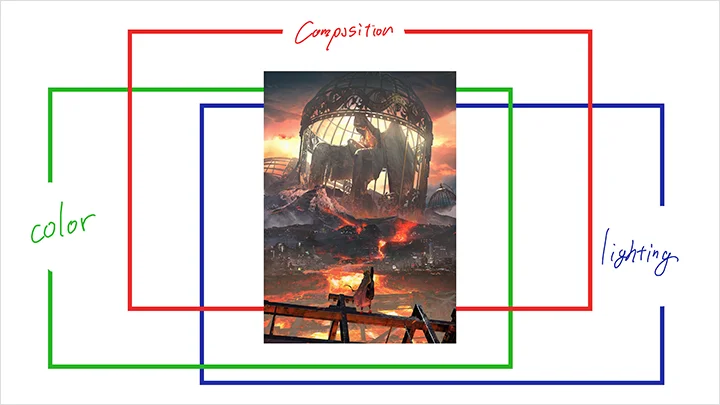
 Three Elements of Efficient Composition Methods
 -
 Expressing the Mood and Atmosphere
Class Intro
Illustrator, Gyoukan
“From composition and lighting to color, flexibly harness 3D CG techniques to create illustrations rich in warmth and atmospheric depth!”
Bring It to Life With 3D Tools and Composition
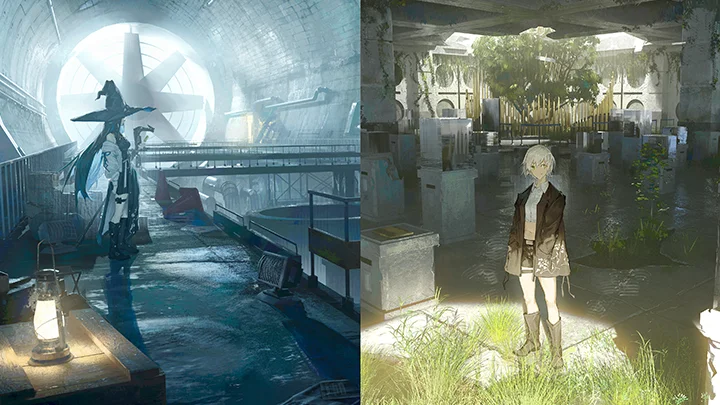
Create Illustrations With a Sense of Atmosphere
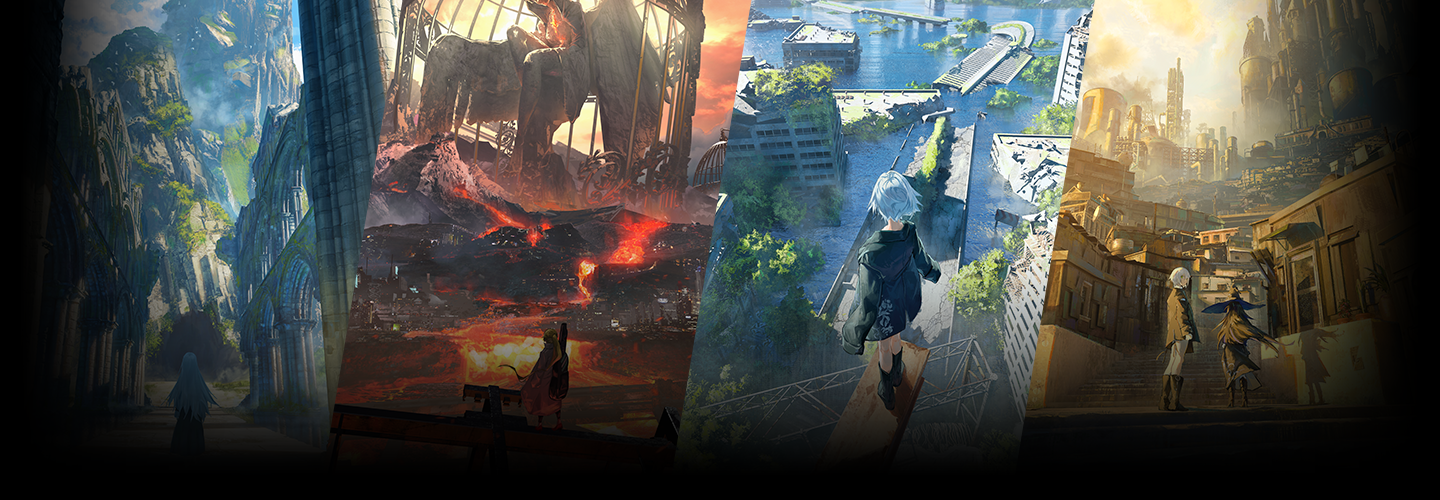
Gyoukan quickly established himself as a professional illustrator and is now actively working in the commercial illustration field, primarily on IP-driven projects such as game-related artwork.
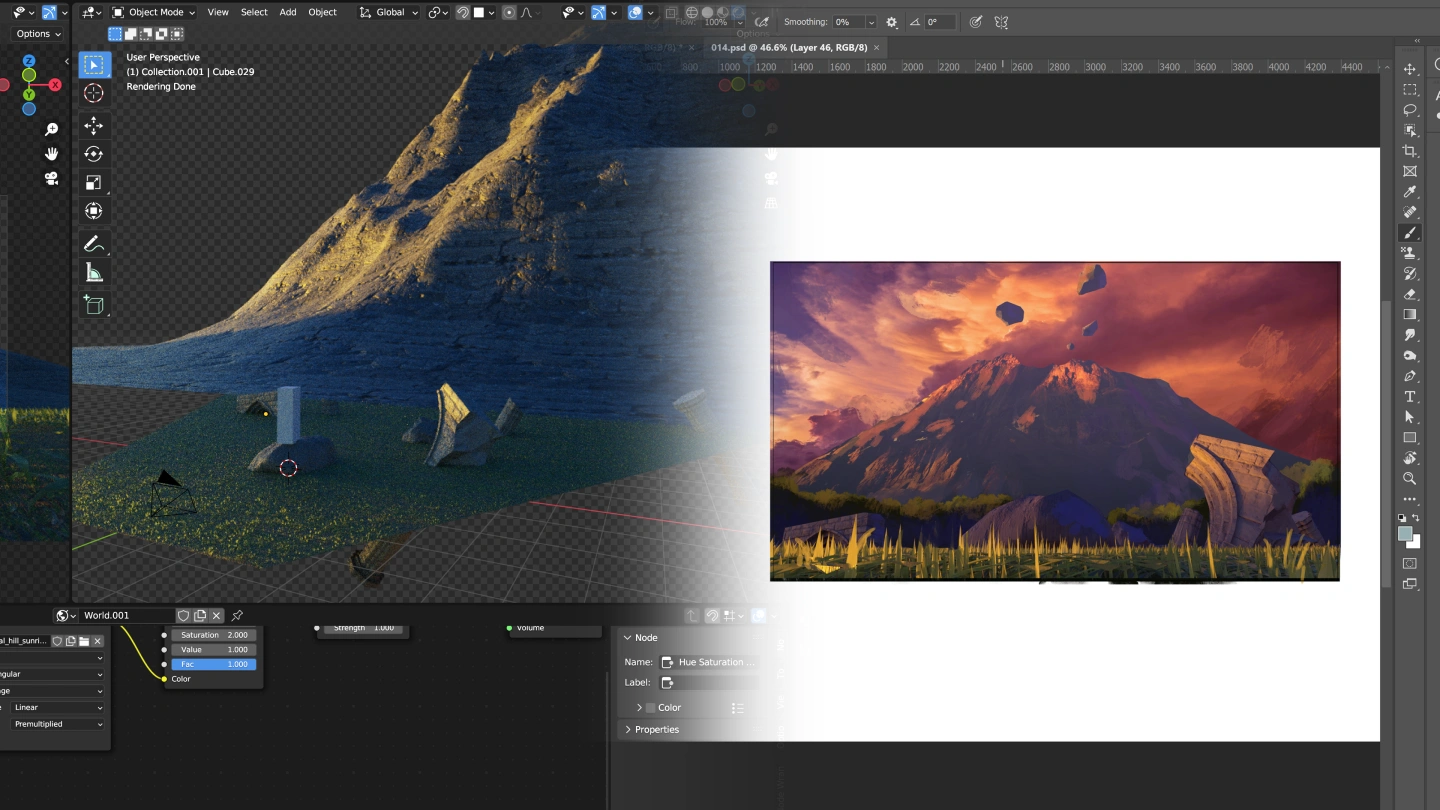
In this course, he teaches illustration techniques using the 3DCG tool Blender combined with the three core elements of composition. Through this approach, you’ll learn how to create illustrations that convey warmth, emotion, and a strong sense of presence.
In this course, he teaches illustration techniques using the 3DCG tool Blender combined with the three core elements of composition. Through this approach, you’ll learn how to create illustrations that convey warmth, emotion, and a strong sense of presence.

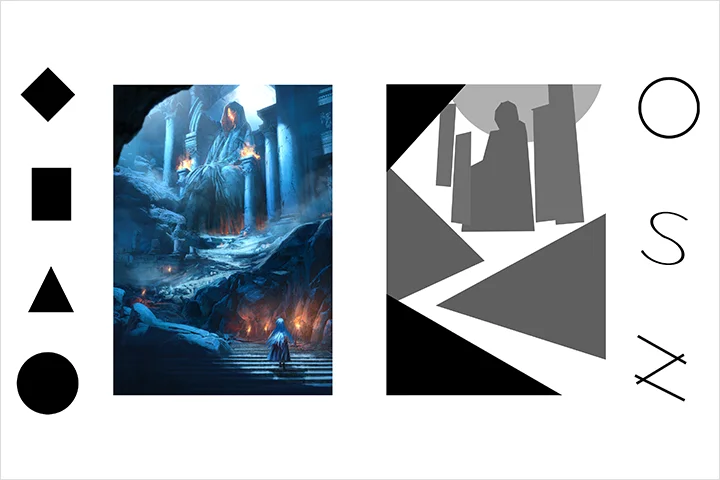
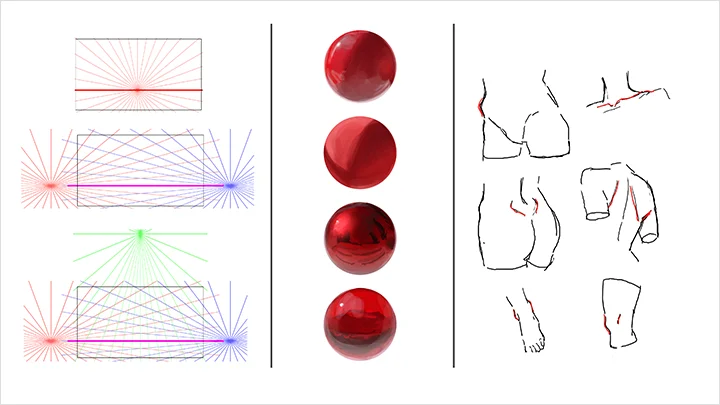
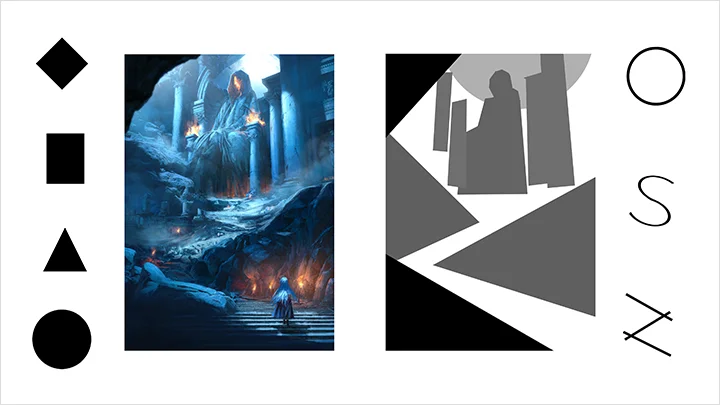
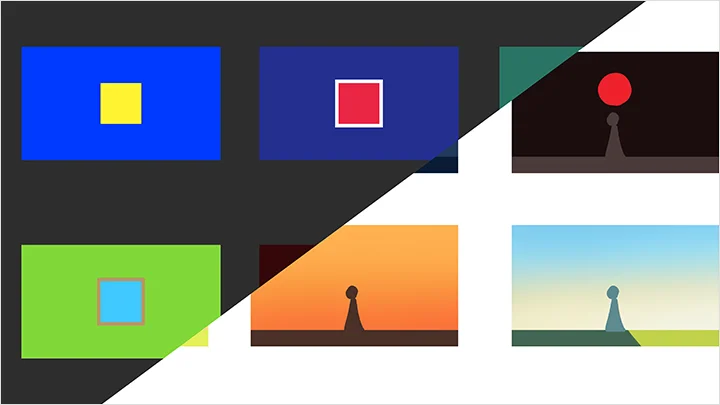
First, the course covers the essential elements behind compelling compositions, including composition structure, lighting and shadow, and color design.

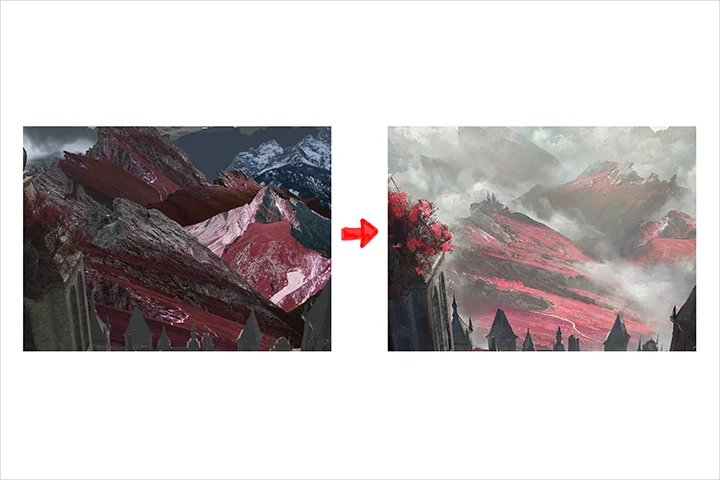
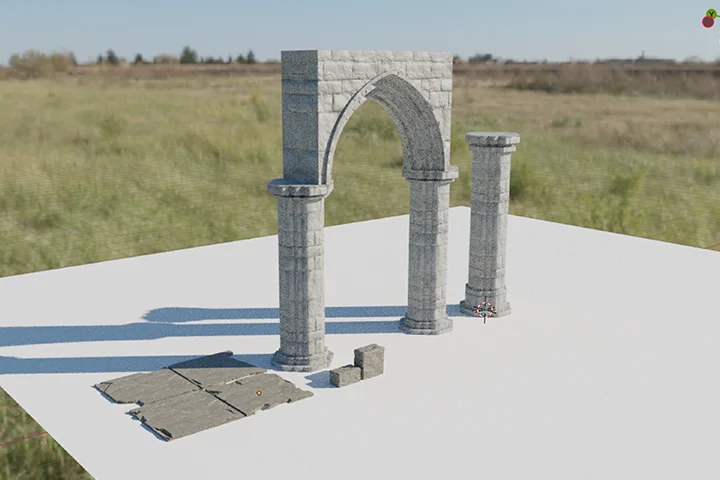
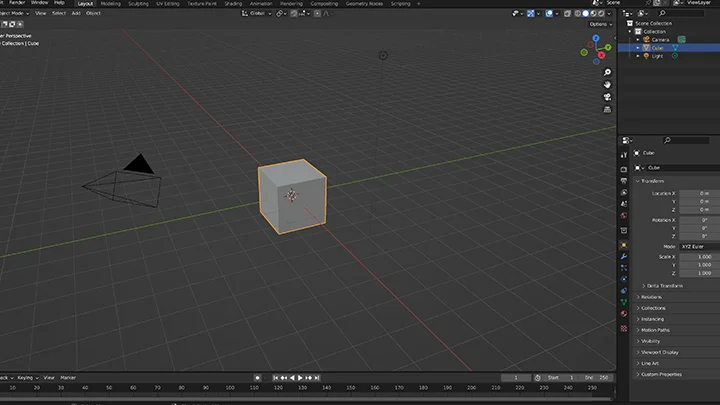
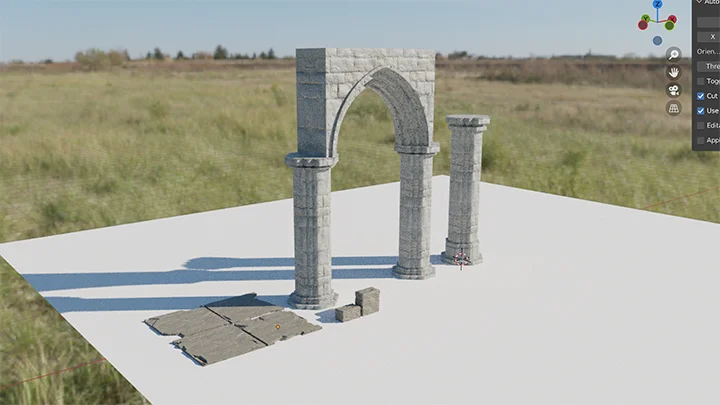
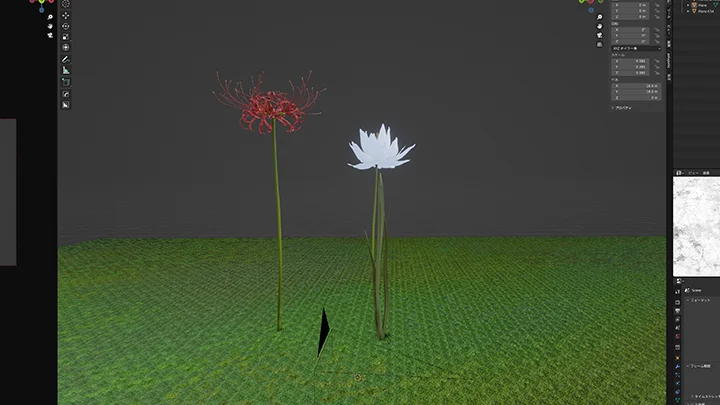
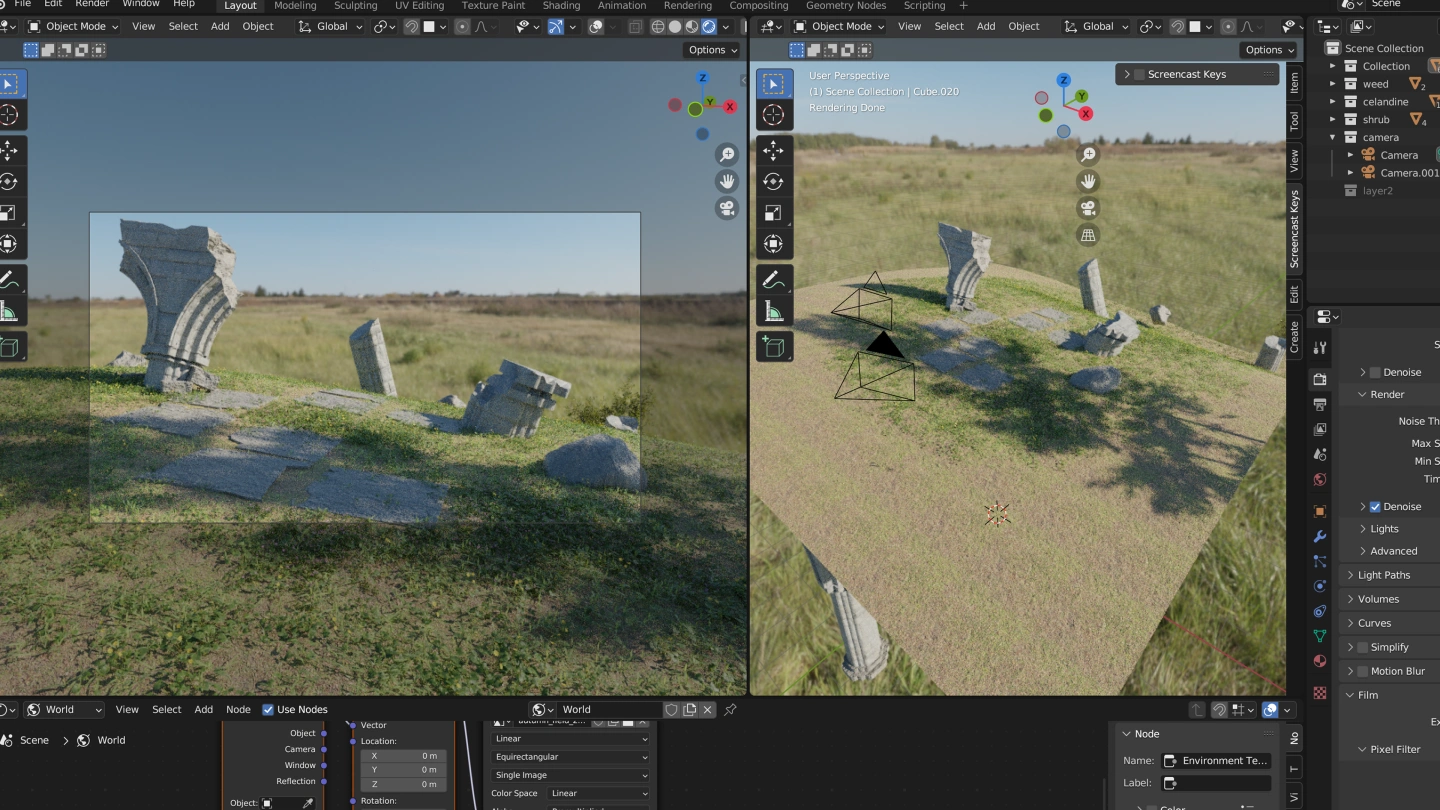

Next, you’ll learn how to work with Blender, basic modeling techniques, and photobashing, building a practical and efficient workflow you can apply to real projects.
Finally, by following a complete, hands-on demonstration, you’ll put everything together—from generating ideas and designing characters to 3D production and blending backgrounds with characters—culminating in a finished illustration of your own.
Join Coloso and experience Gyoukan’s unique approach to creating immersive, highly atmospheric illustrations.
Next, you’ll learn how to work with Blender, basic modeling techniques, and photobashing, building a practical and efficient workflow you can apply to real projects.
Finally, by following a complete, hands-on demonstration, you’ll put everything together—from generating ideas and designing characters to 3D production and blending backgrounds with characters—culminating in a finished illustration of your own.
Join Coloso and experience Gyoukan’s unique approach to creating immersive, highly atmospheric illustrations.
Class Preview
Still Not Sure?
Check Out Gyoukan's Class Preview!
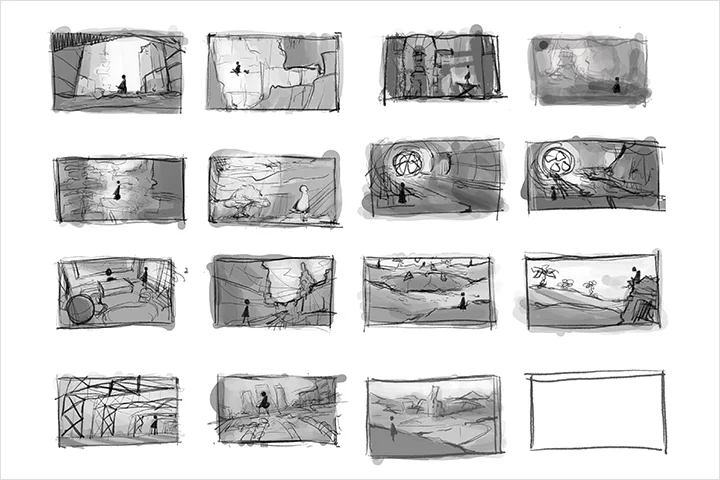
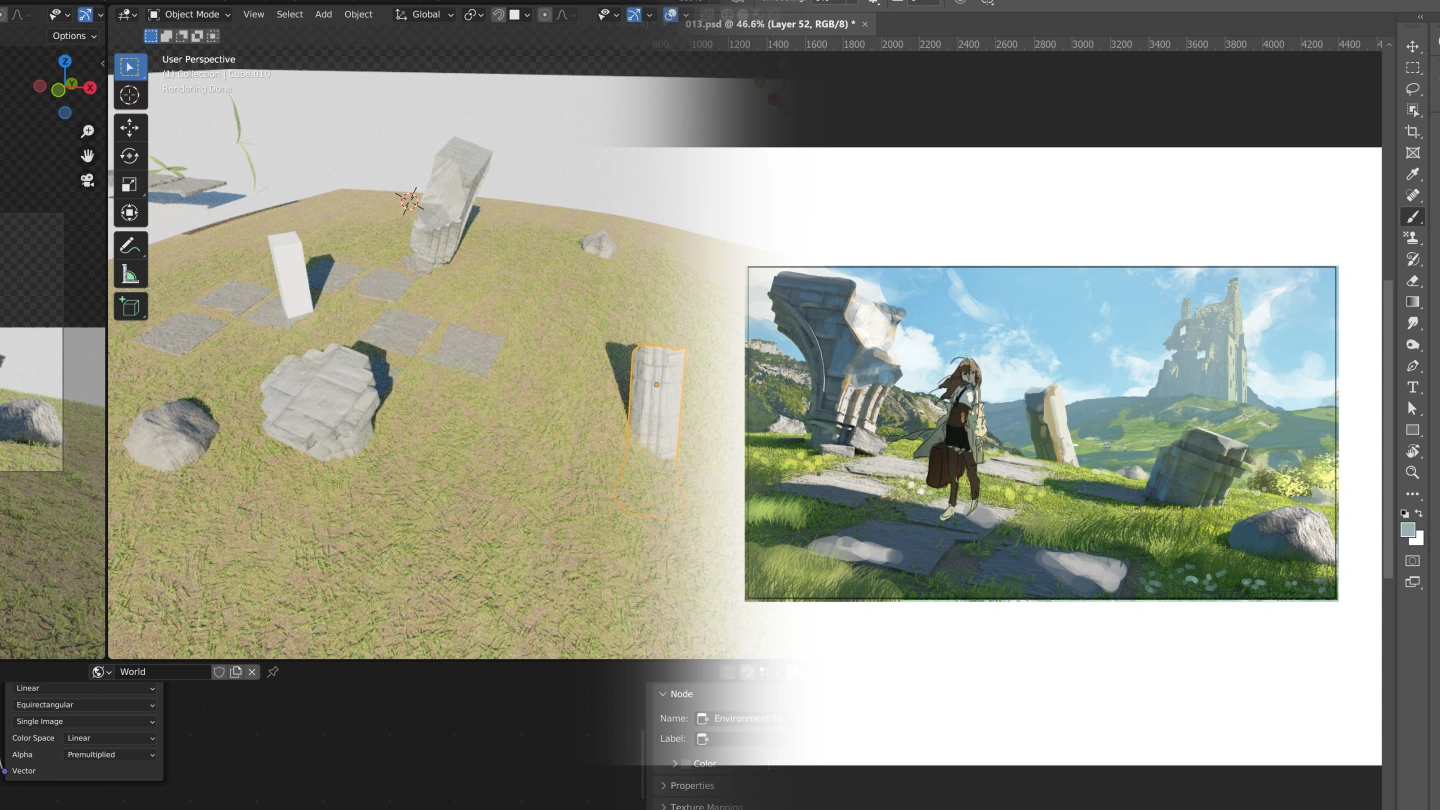
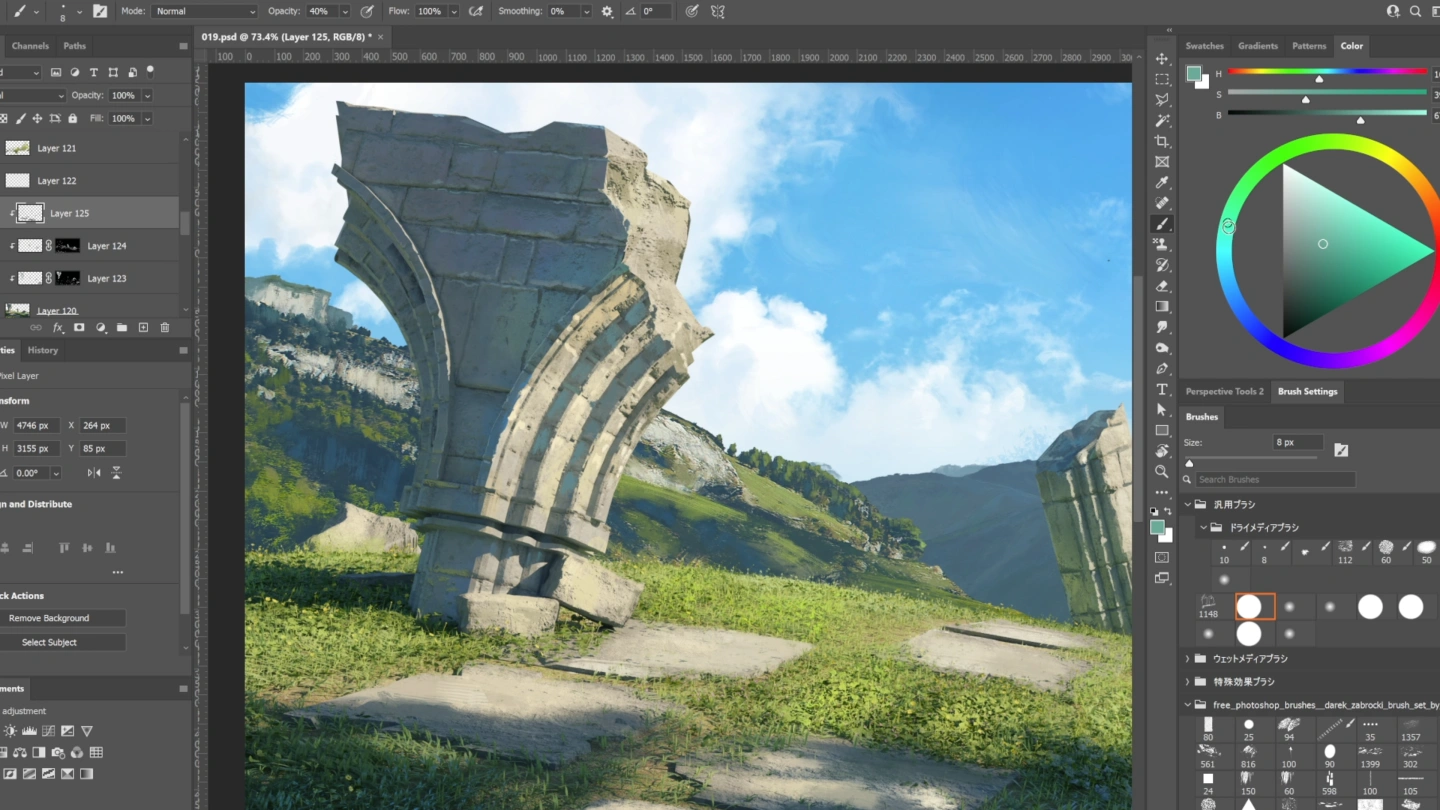
13. Sketch: A grand, open scene
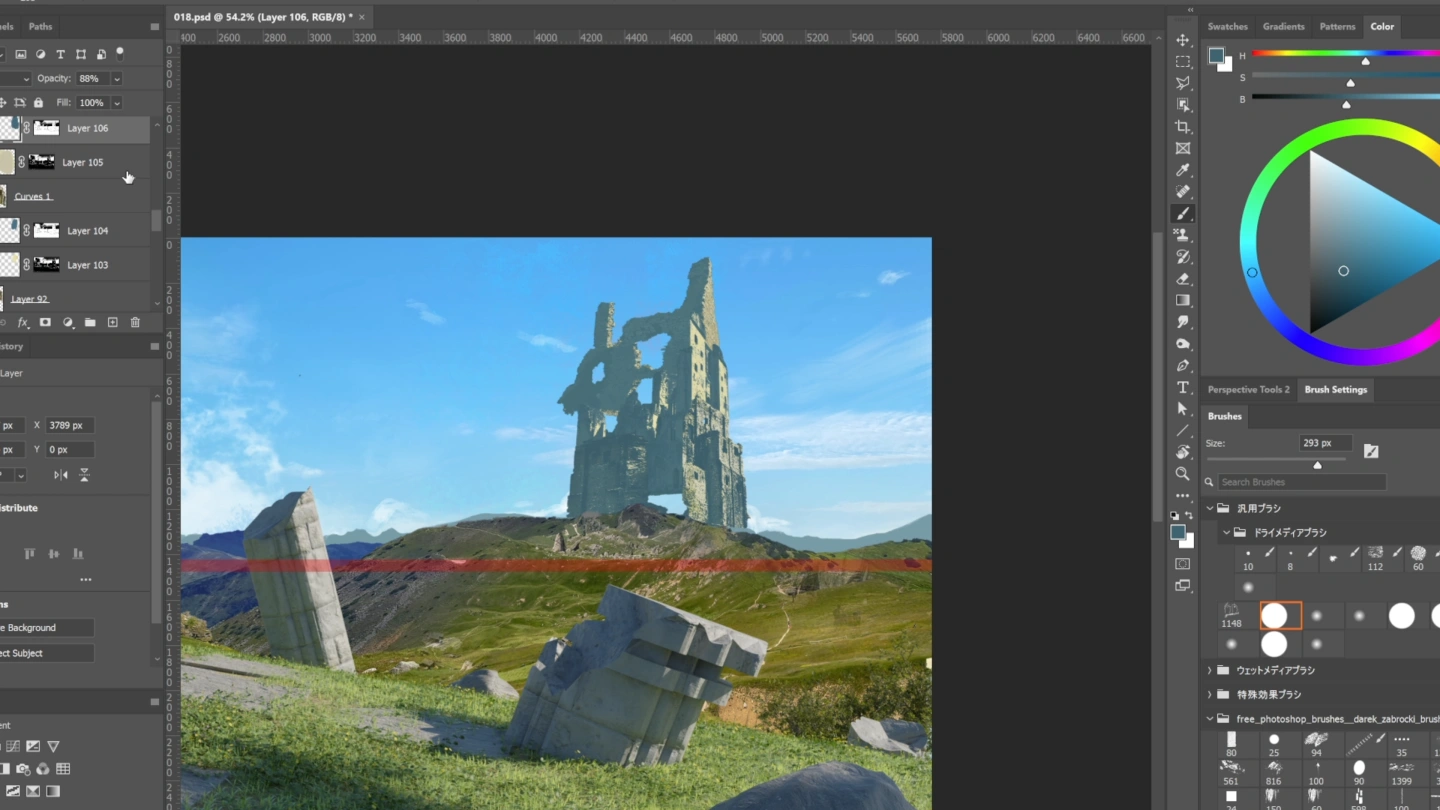
- Practical application of composition knowledge
- Practical application of 3DCG and Photobash
- Sketching with Photoshop
- Practical application of 3DCG and Photobash
- Sketching with Photoshop
Class Perks
Special Gift from Gyoukan
-
 Learn Gyoukan’s exclusive illustration techniques throughUnlimited Access to 24 Chapters
 -
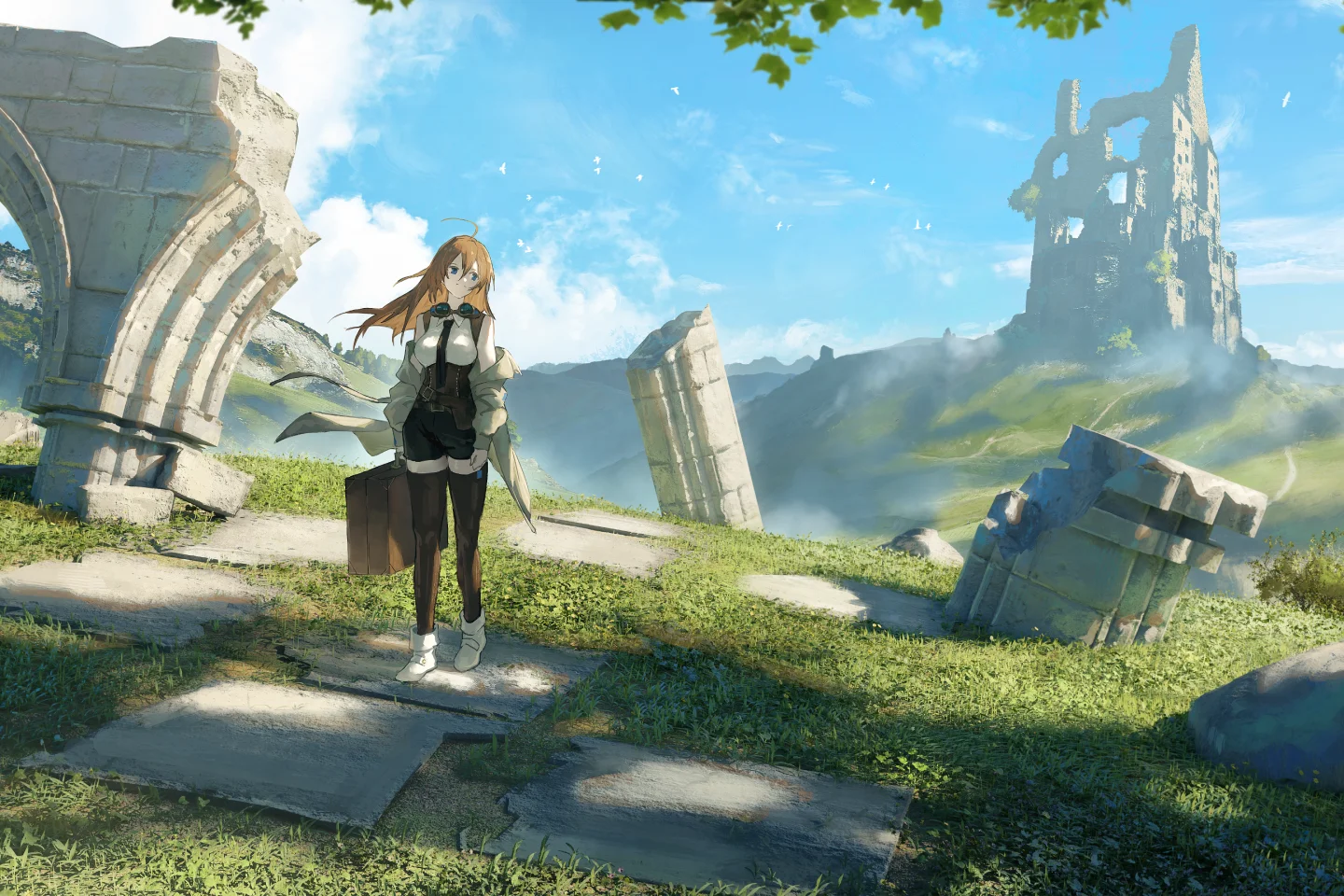 By Following The Full WorkflowComplete One Finished Illustration
 -
 Provide Files Used Throughout The ClassIllustration PSD Files and Blender Files
Class Material Details
-
 Files for the Completed Artwork- PSD files of the illustration created during the course
 -
 Files Used During the Lessons- Selected PSD files used throughout the lessons
- Blender project files
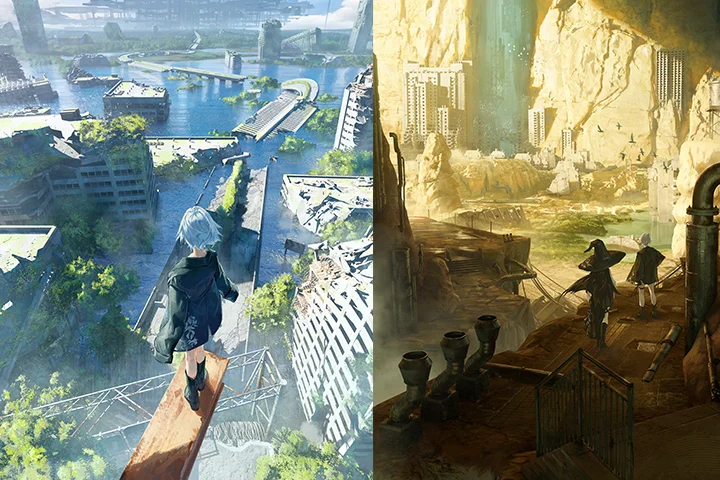
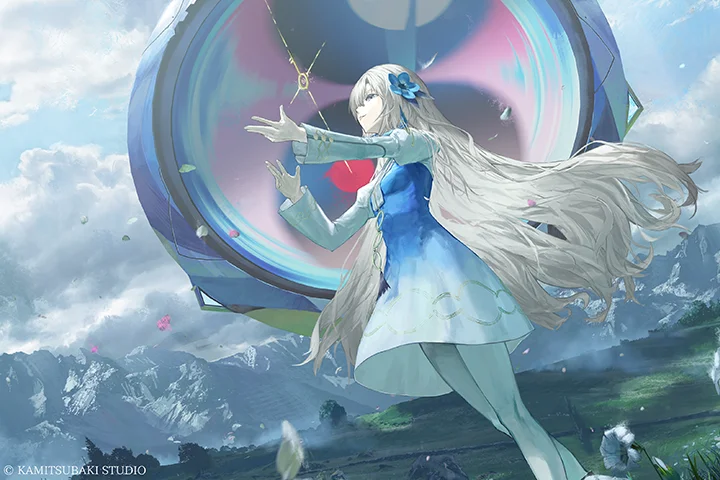
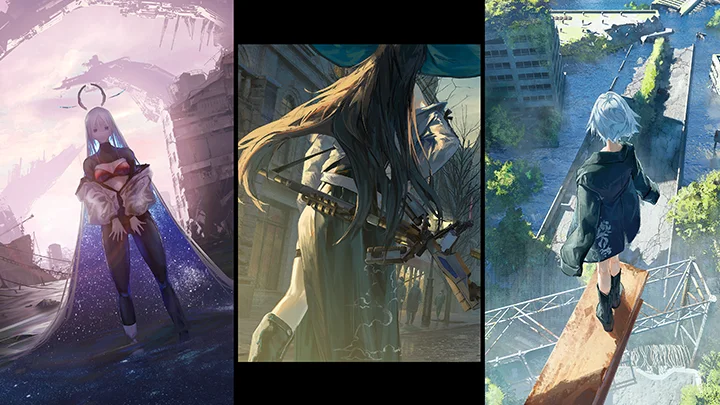
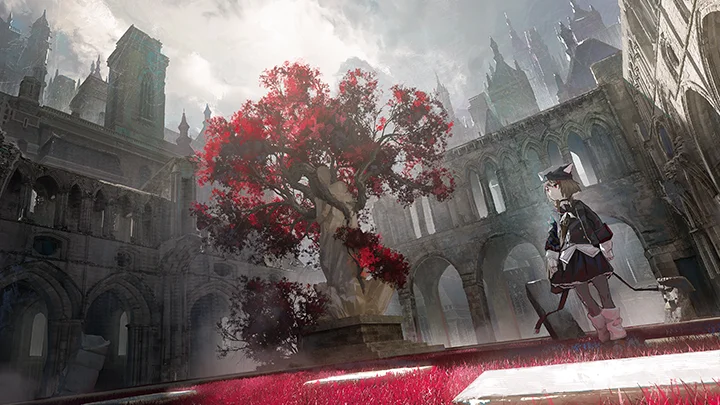
Expert Illustrator Gyoukan's Portfolio
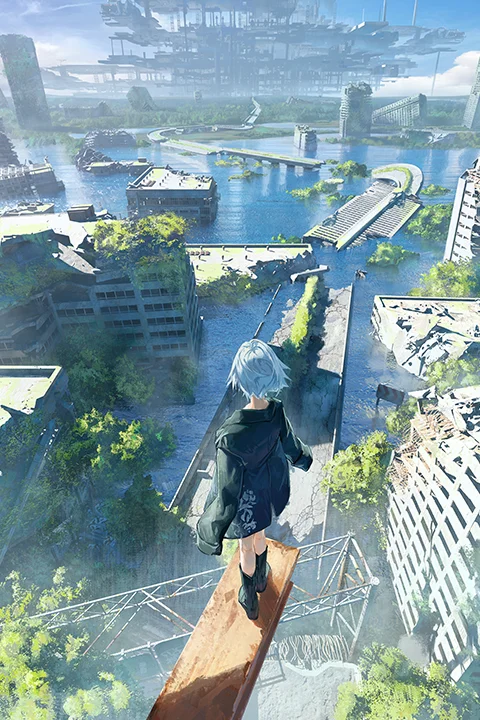
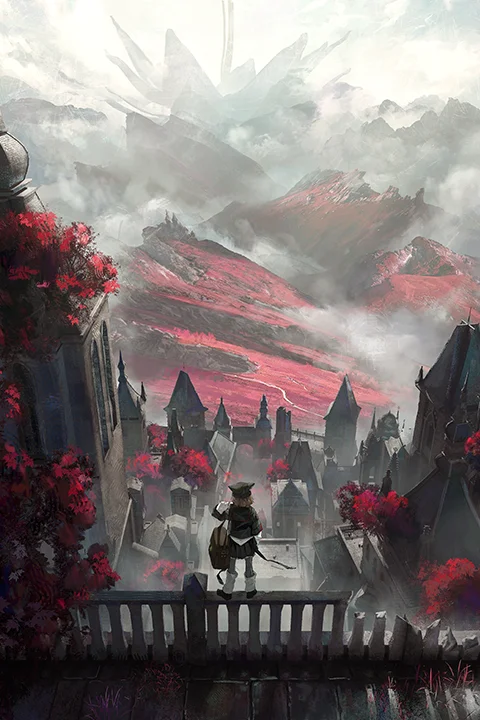
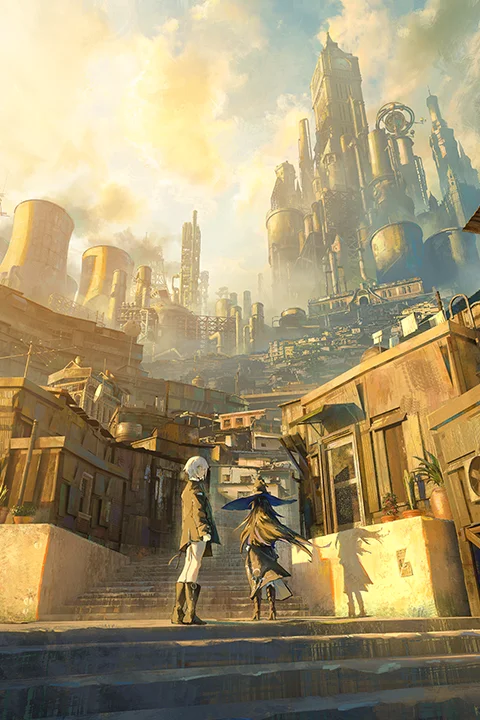
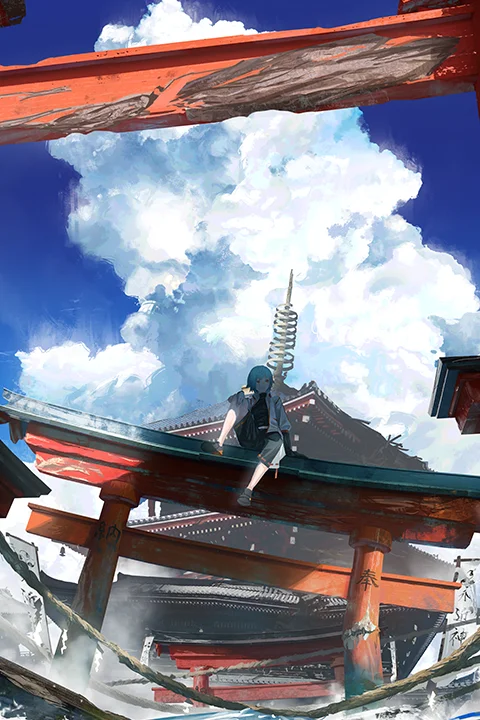
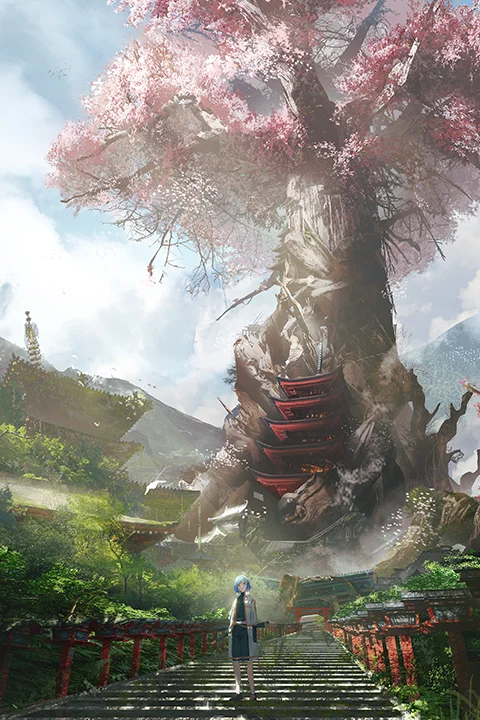
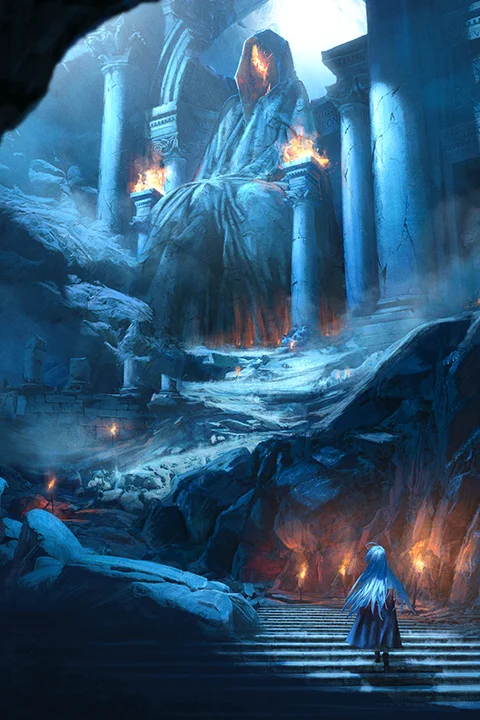
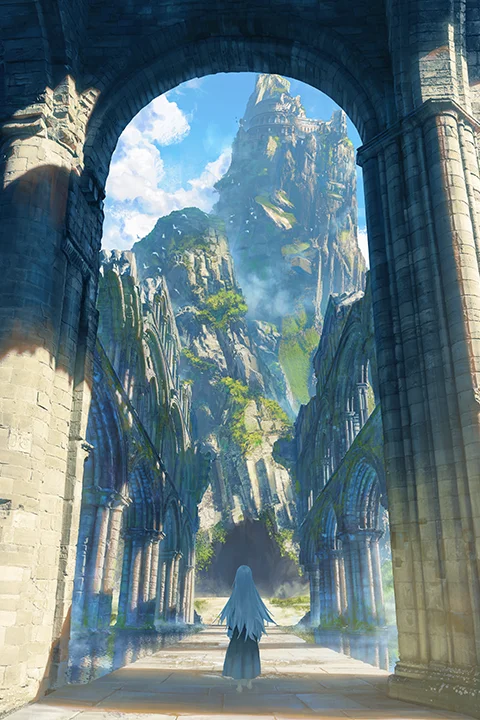
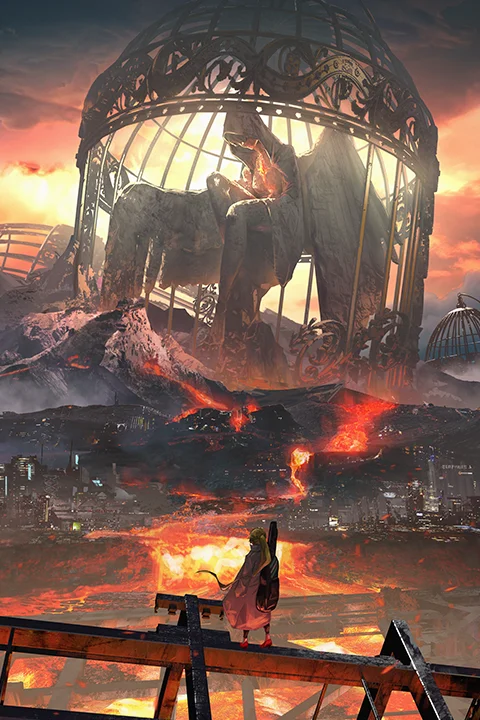
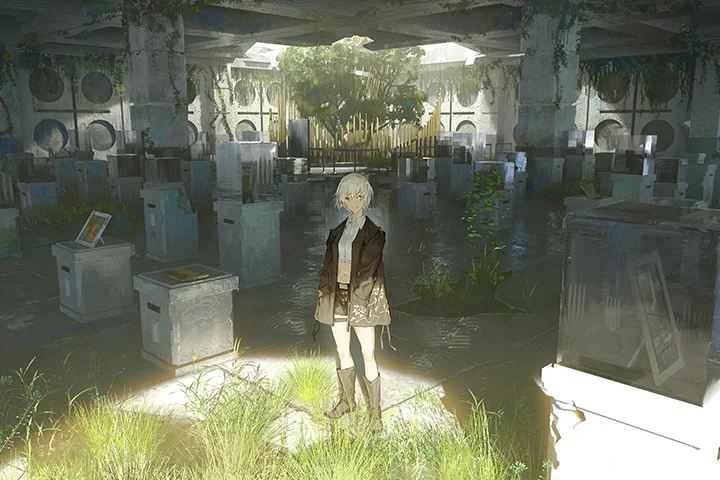
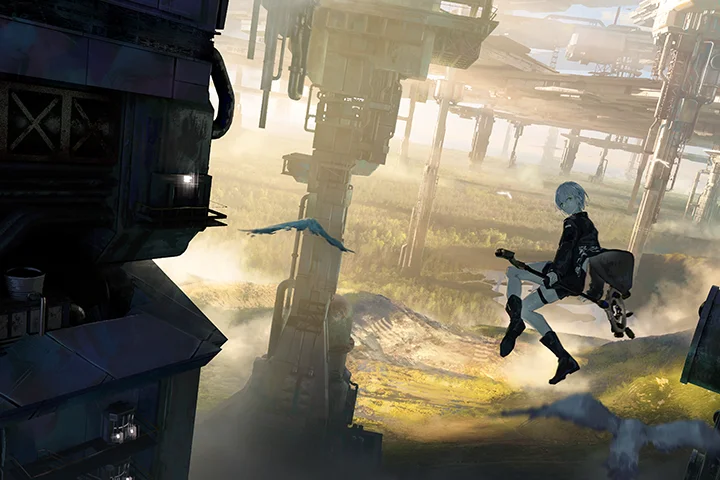
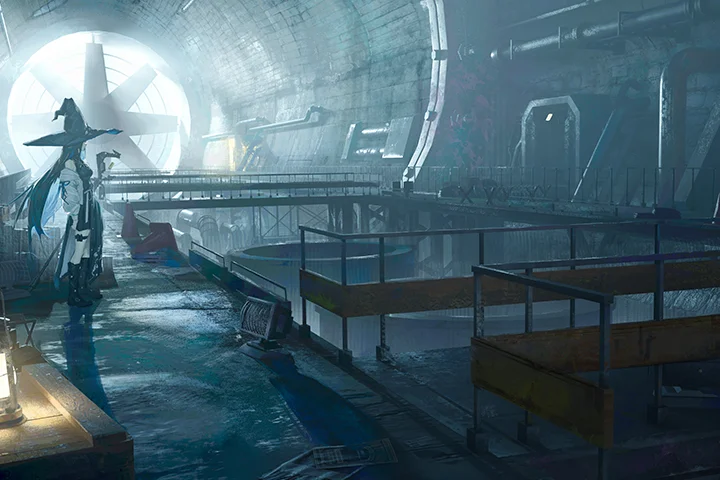
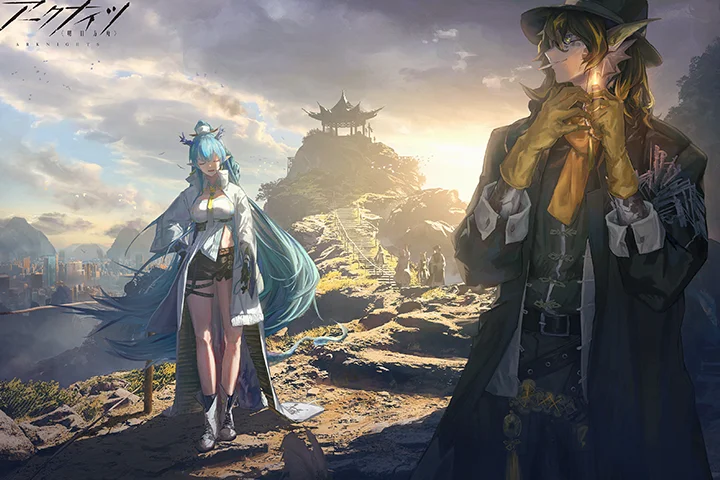
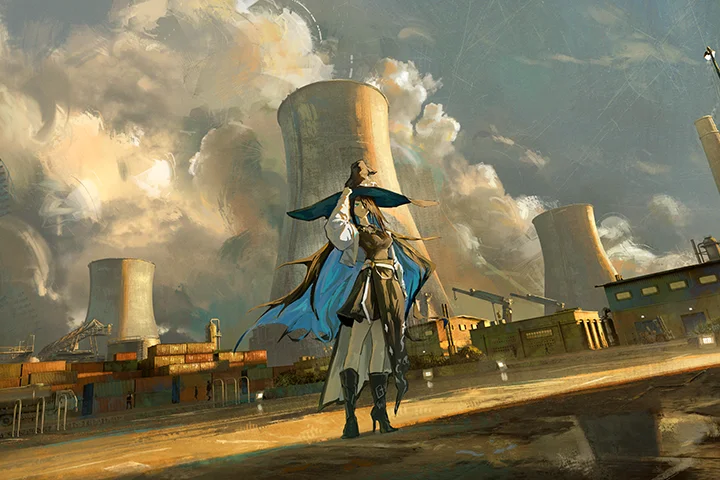
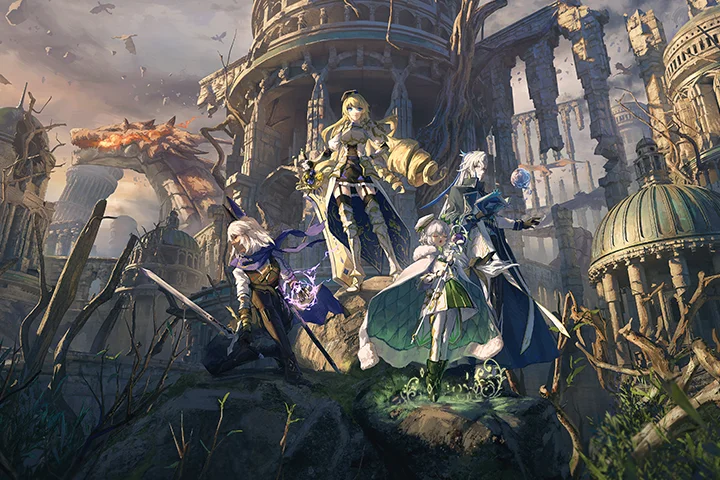
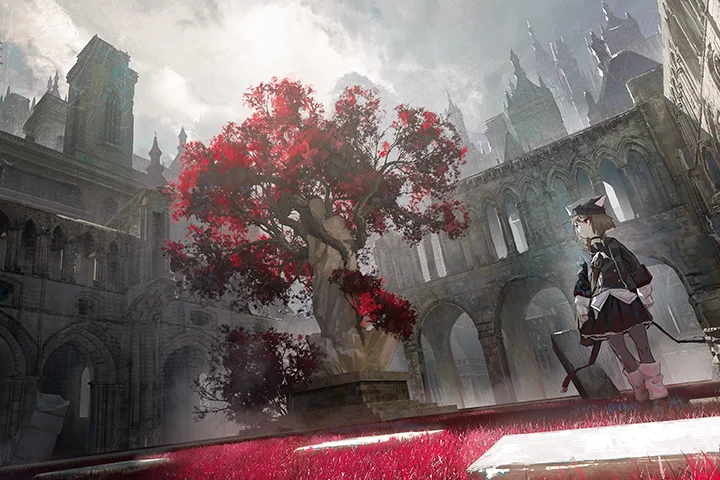
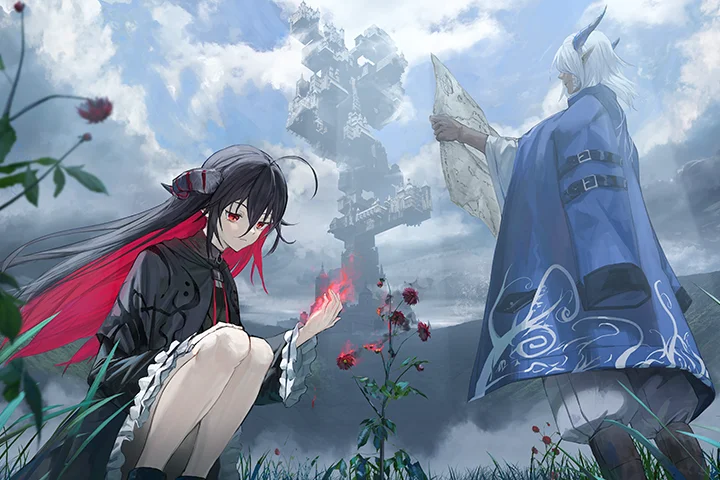
Class Exercises
Learning How to Create Immersive Illustrations Through Real Examples
-
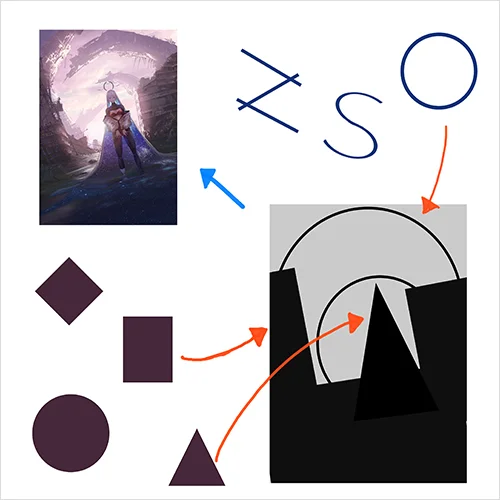 Fundamental Composition Principles
 -
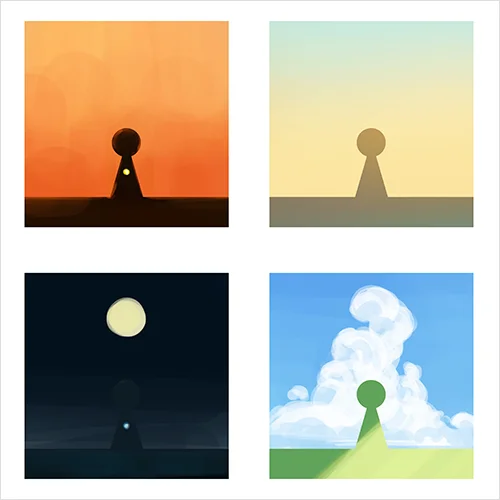 Color Design Based on Weather and Time of Day
 -
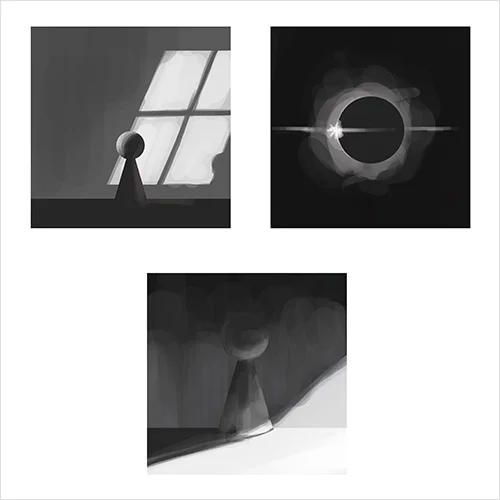 Dynamic and Varied Lighting Techniques
-
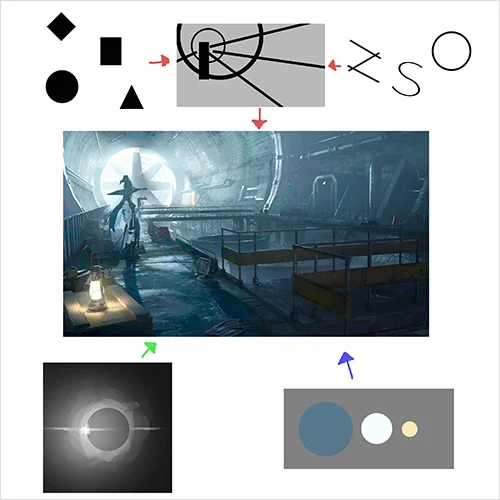 Considering Overall Composition Balance
 -
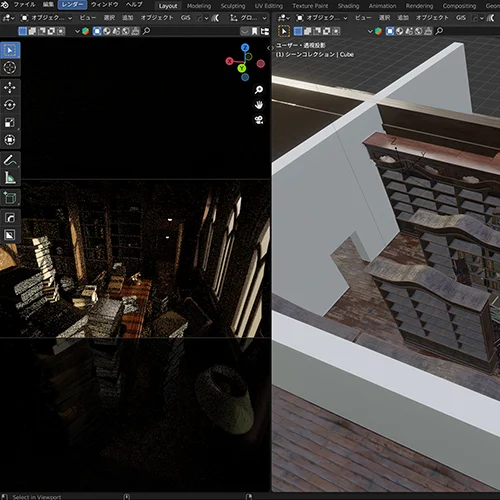 Basic Blender Operations and Practical Applications
 -
 Photobashing Techniques
-
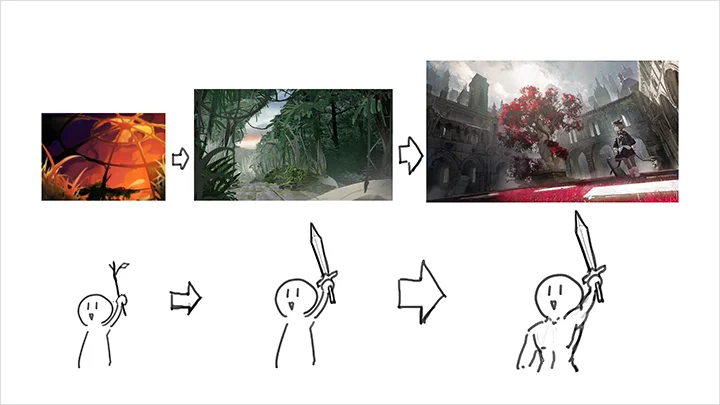
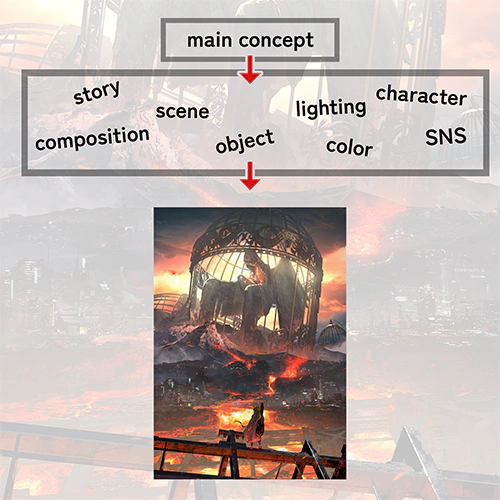 Methods for Generating Ideas While Drawing
 -
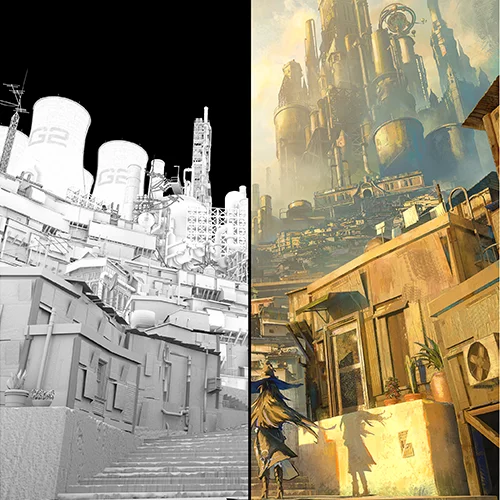 Creating Illustrations Based on 3D Foundations
 -
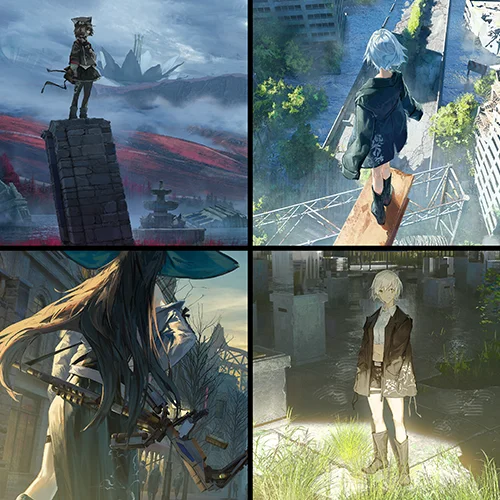 Techniques for Seamlessly Blending Backgrounds and Characters
Final Product
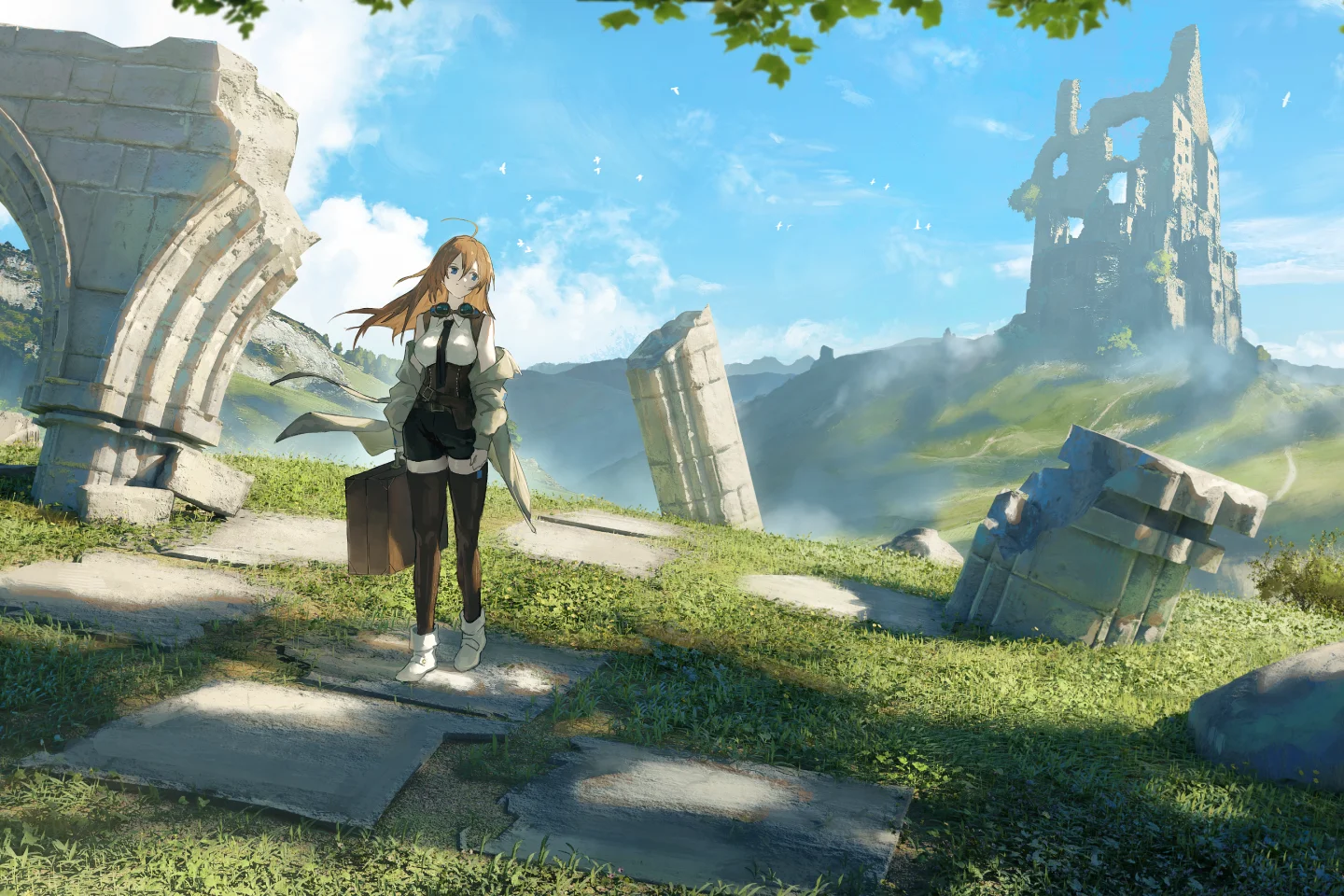
Highlights
Class Highlights
Revealing the Secrets to Creating Illustrations With Warmth and Atmosphere
From balancing color based on season and weather to shaping light and shadow according to time of day and context, this course reveals how to create illustrations that authentically convey temperature, mood, and emotion. As an illustrator who achieved success in a short time, Gyoukan shares his personal strategies and key considerations developed through real-world experience.
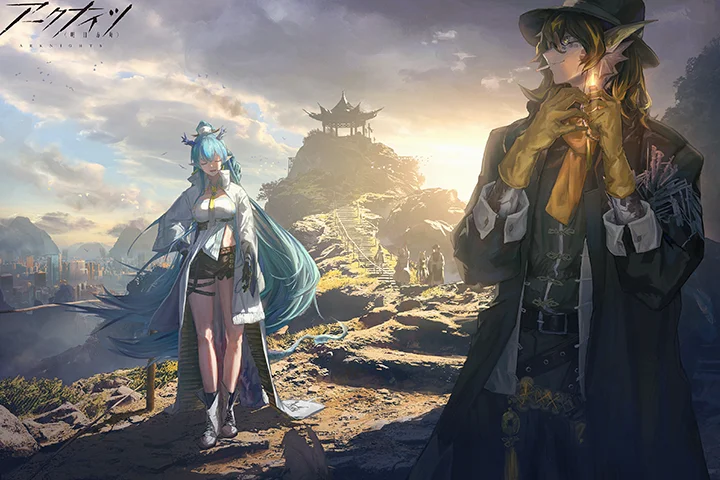
Composition That Brings Out the Strength of Your Style
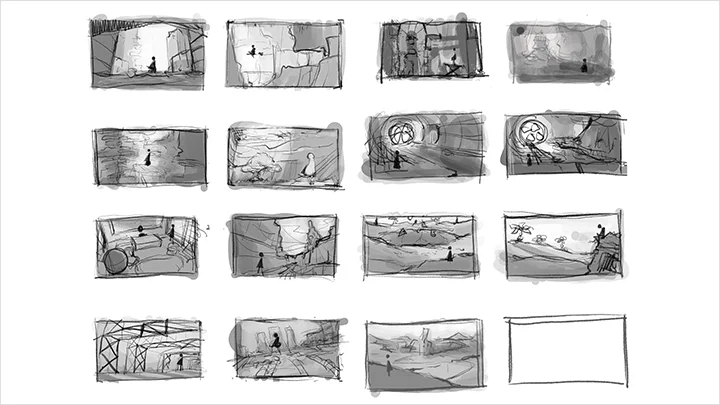
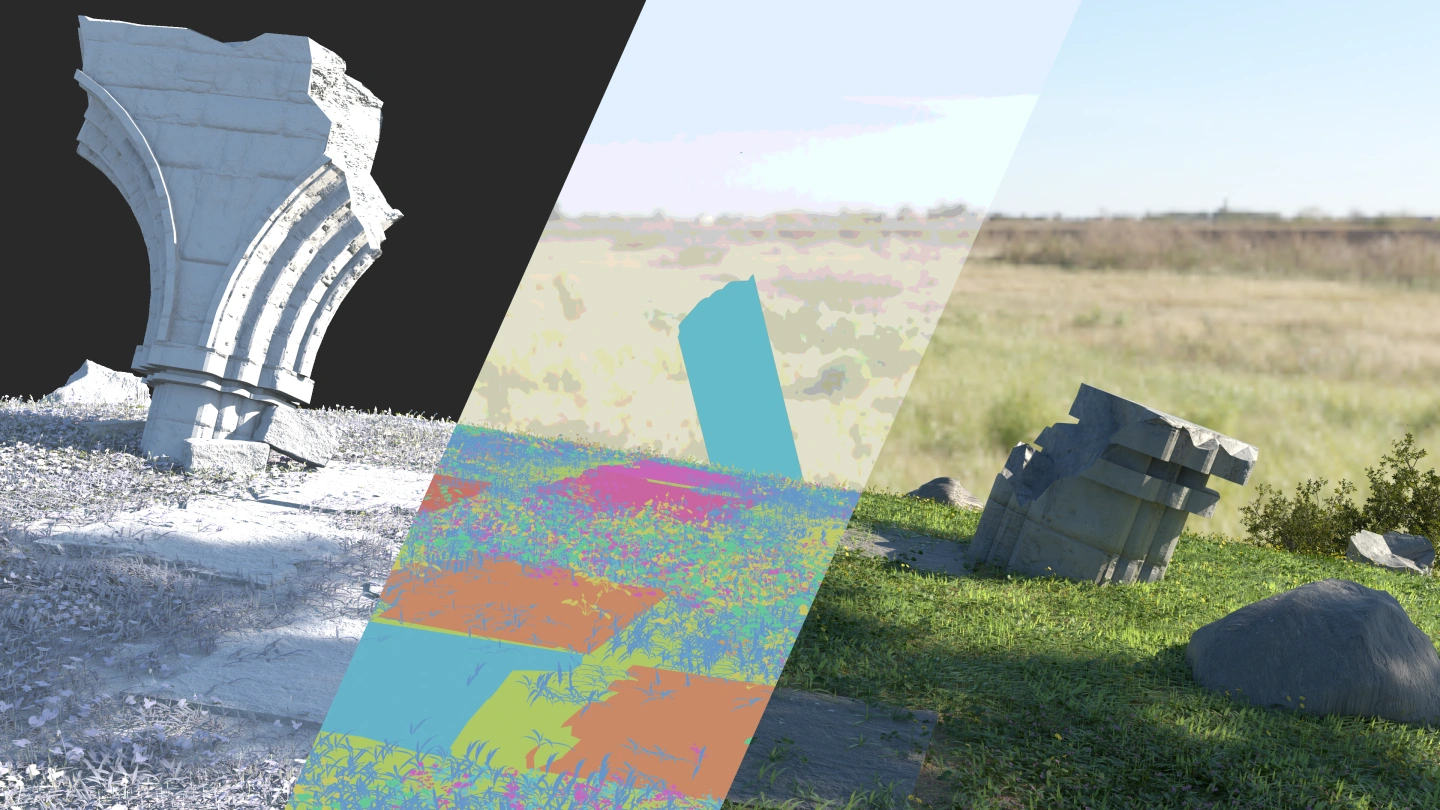
This section breaks down the three core elements of composition: structure, lighting, and color. Gyoukan then walks through how to define a visual style, sketch compositions with intention, and apply fundamental knowledge during the clean-up stage. By following the actual drawing order, you’ll learn how to assemble these elements into a complete illustration.
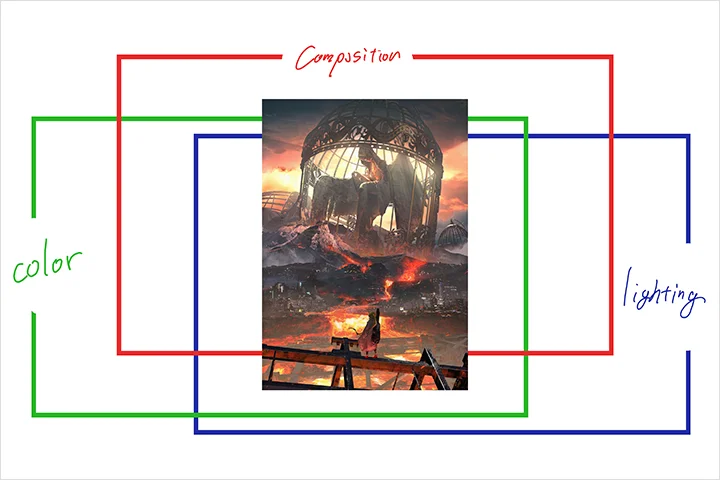
Using 3DCG to Efficiently Elevate Illustration Quality
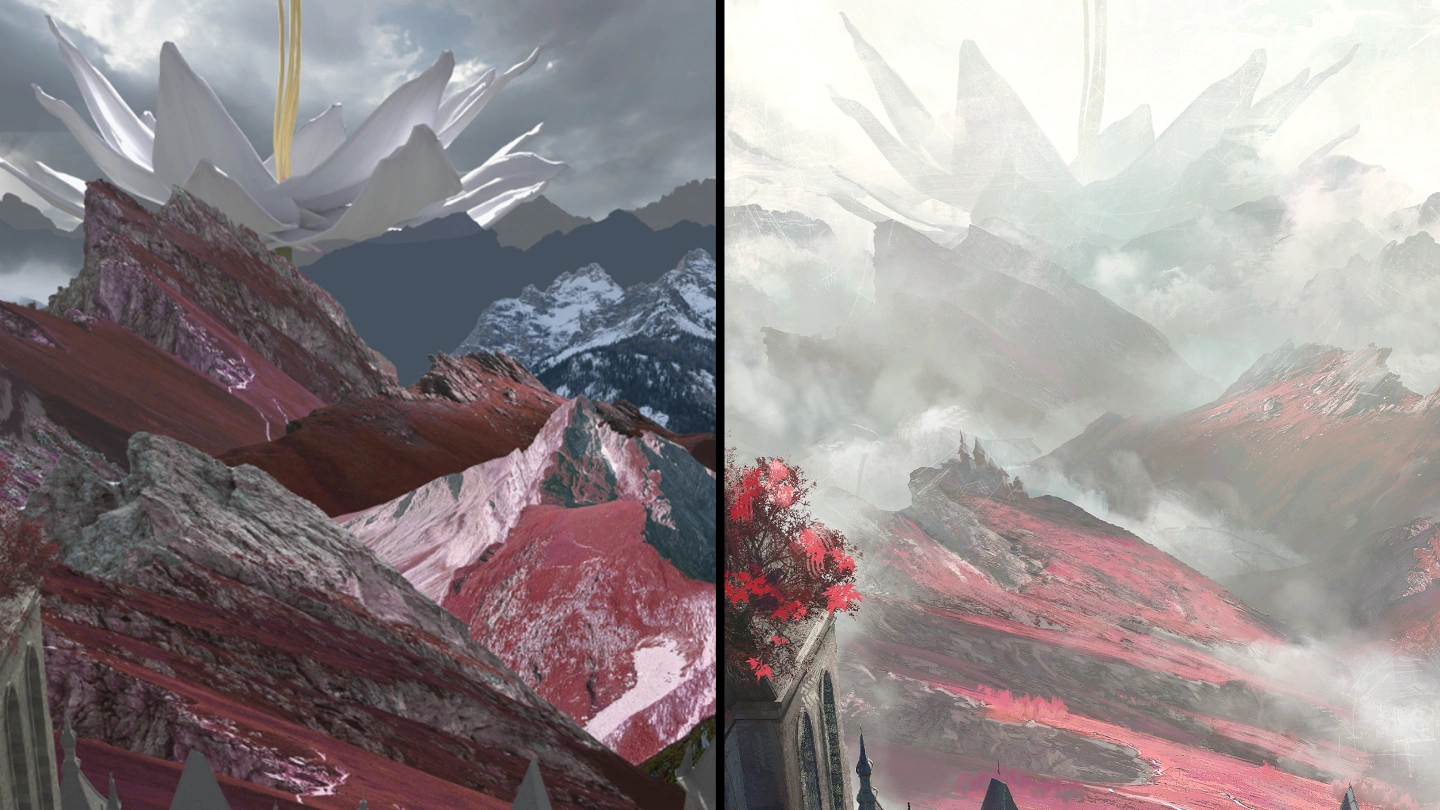
You’ll learn the basics of the 3DCG tool Blender, along with practical ways to apply it in production-ready workflows. By combining 3DCG with photo references, you’ll also develop a stronger sense of composition and acquire efficient, real-world techniques for improving illustration quality without unnecessary trial and error.