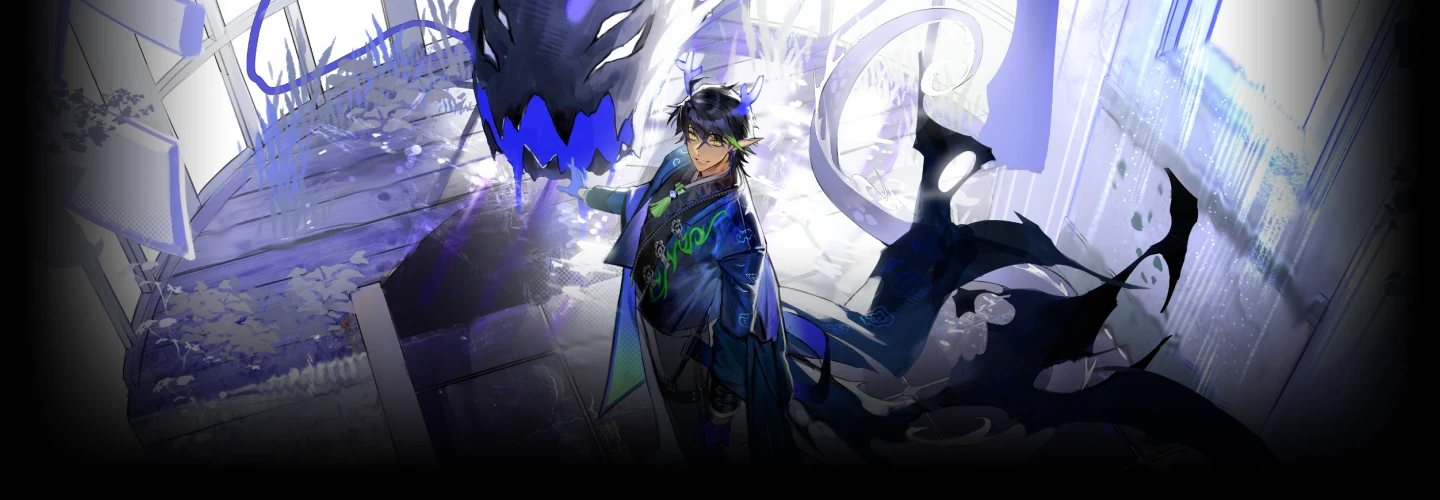
illustrator,dabaek2_다백2KR Details
Intro

Now in Your Language, Only on Coloso!
Learn from Korea's Top Master Creatives
-
 Master Portraits from Basics to Pro-Level
 -
 Unlock Effortless 3D Workflow with Blender
 -
 Boost Skills with Notes & 15 Practice Files
Over 1,000 Enrolled Students! DABAEK’s Comprehensive Portrait Illustration & Blender Techniques
Create a large-scale portrait illustration packed with characters, backgrounds, objects, and effects all in one piece! Have you ever felt lost about where to start or found yourself endlessly revising because you weren’t satisfied with your work?
Meet DABAEK’s class, proven by over a year of no waiting time and more than 1,000 students enrolled on Coloso, offering solid and reliable instruction!
Meet DABAEK’s class, proven by over a year of no waiting time and more than 1,000 students enrolled on Coloso, offering solid and reliable instruction!
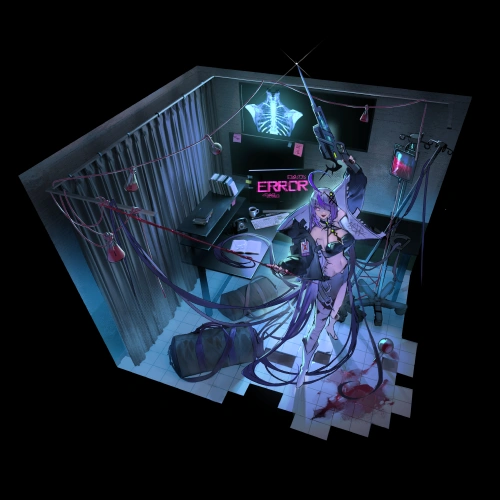
Everything you need to elevate the quality of your portrait illustrations and portfolio! From character design, composition, perspective, figure placement, objects, and effects to 3D techniques. Discover DABAEK’s class, where you’ll learn customized Blender workflows for illustrators and large-scale portrait illustration methods, delivered in the easiest and most enjoyable way, especially for those who found it hard to study alone!
Class Perks
Special Gift from DABAEK
-
 From theory to practical application11 Class Material PDF Files
 -
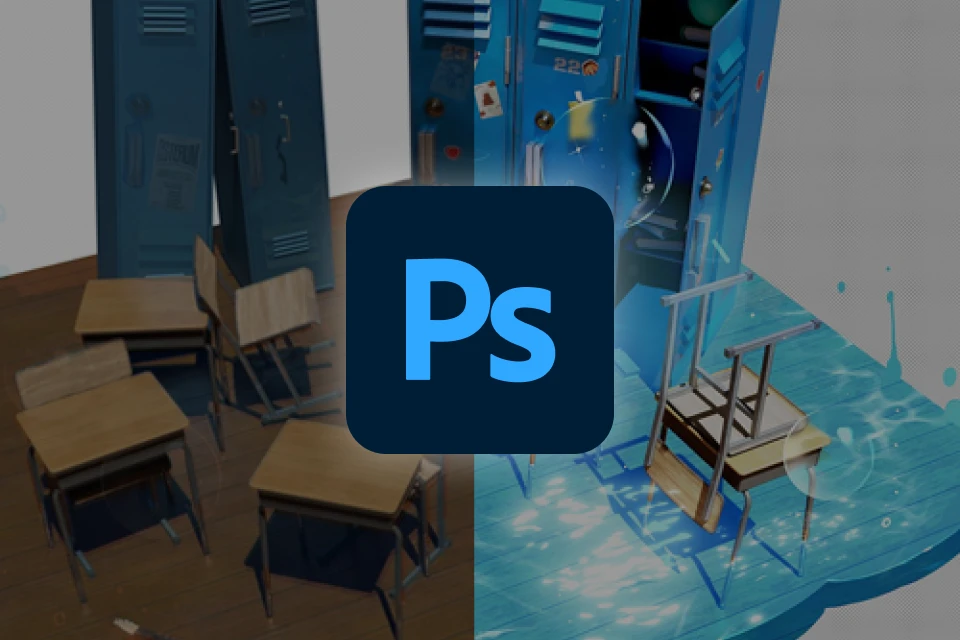 DABAEK’s portrait workflow recipes18 Original Practice Files (.psd, .clip)
 -
 Self-study guide for guaranteed growth3 Types of Assignments
Class Material Details
-
 11 Class Material PDFs and 3 Reference Resources- 3 Perspective & Form Theory PDFs
- 4 Lightness & Value Theory PDFs
- 1 Practical Exercises for Illustration PDF
- 1 Character Planning PDF
- 1 Portrait Drafting PDF
- 1 Finalization Guide PDF
- 1 Brush & Resource Recommendations JPG
- 1 Line Art Guide JPG
- 1 Color Tone & Adjustment Filter Guide JPG -
 18 Original Practice Files (.psd, .clip)- 1 Contrast Practice File
- 1 Texture Practice File
- 1 Blender Image Retouching Source File
- 5 Photo Retouching Source Files (Artificial / Natural Objects)
- 2 Matte Painting Practice & Example Source Files
- 1 Texture Brush Practice File
- 1 Effects Drawing Practice Source File
- 1 Line Art Practice File
- 2 Concept Roughs for Original Art Design
- 3 Illustration Drafts (Initial Draft / Lighting Rough / Final Draft) -
 Assignment Guides & Example Files- Includes 3 additional assignments
Recommendation
Who should take this class?
Artists who want to improve their overall illustration composition, including backgrounds, objects, and layout
3D beginners who want to boost their workflow efficiency using Blender
Aspiring illustrators who want to capture the detail and quality unique to large-scale illustrations
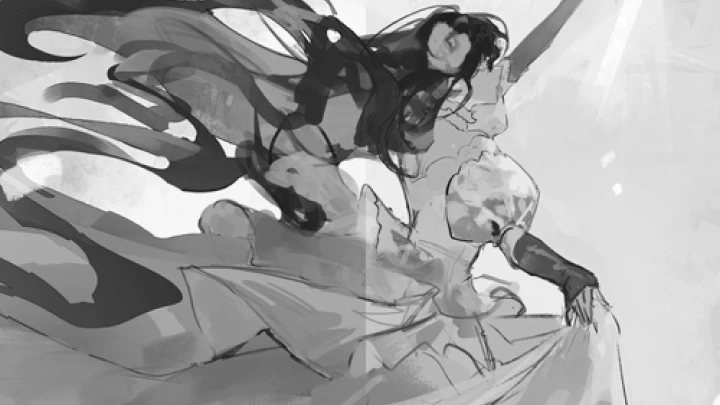
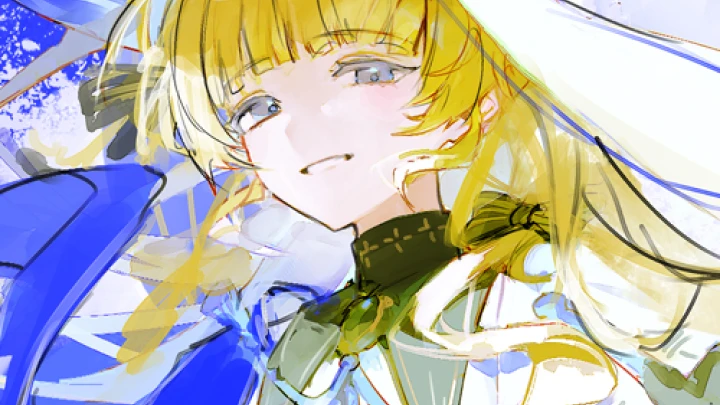
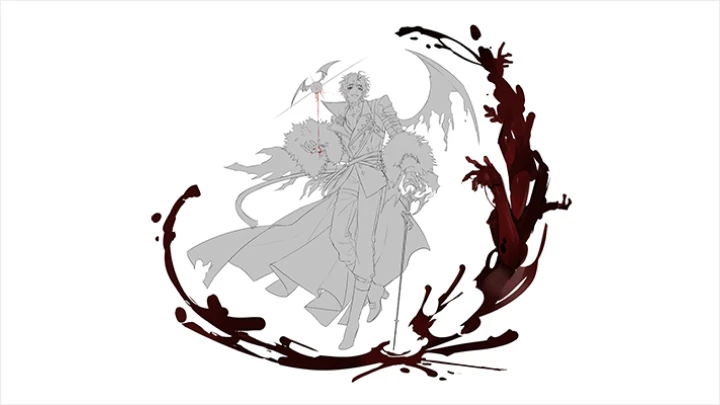
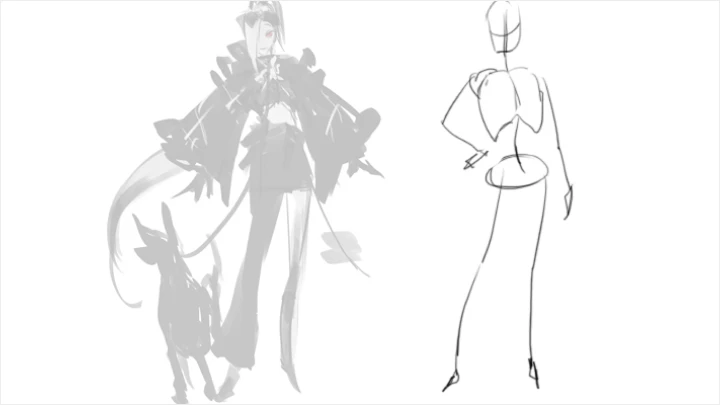
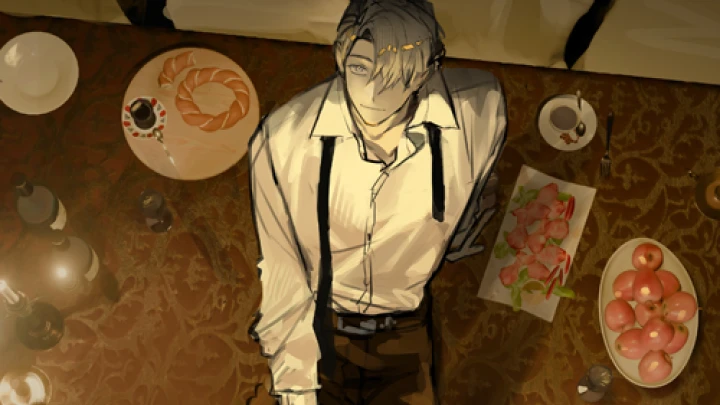
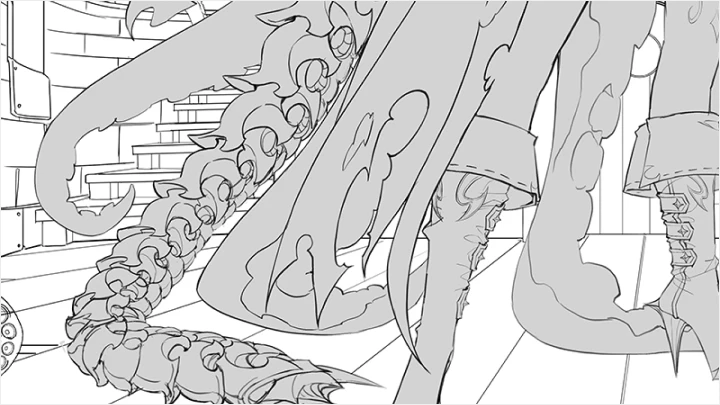
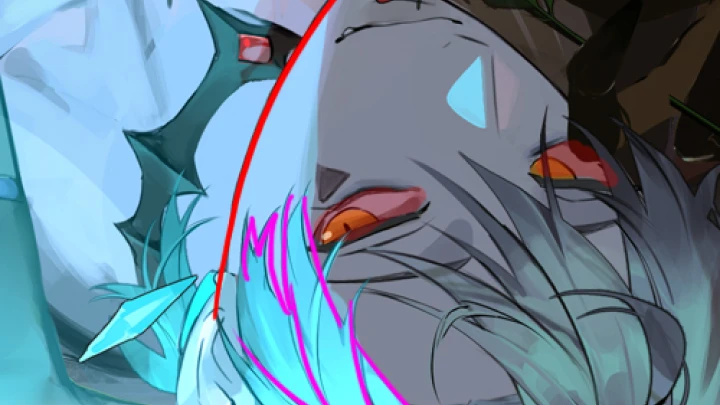
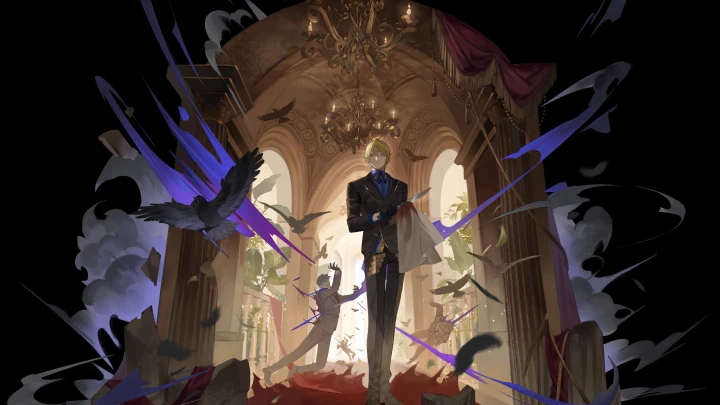
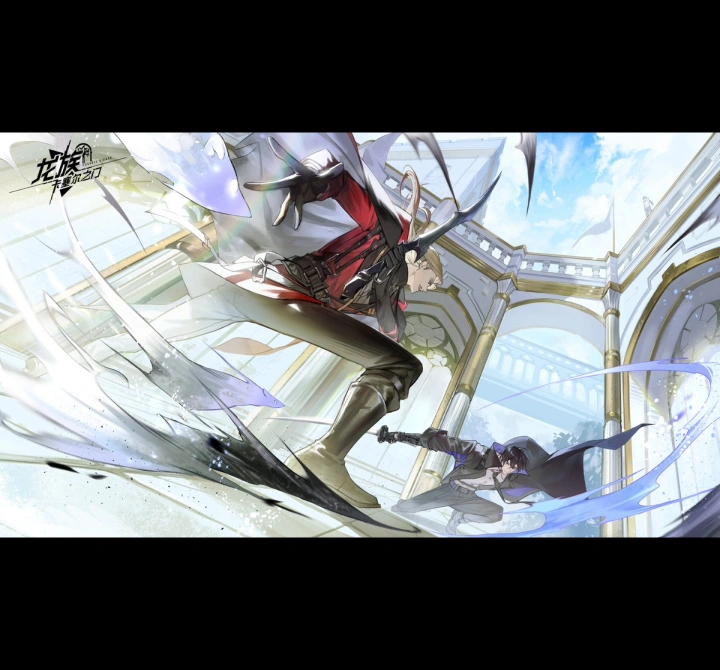
Expert Illustrator DABAEK's Portfolio
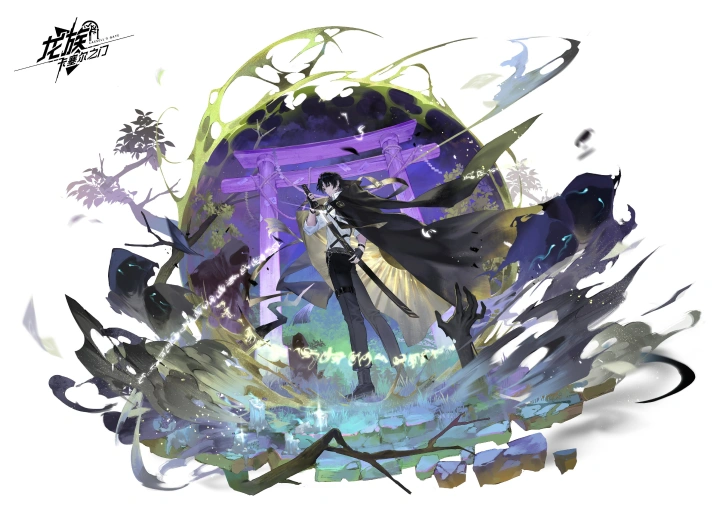
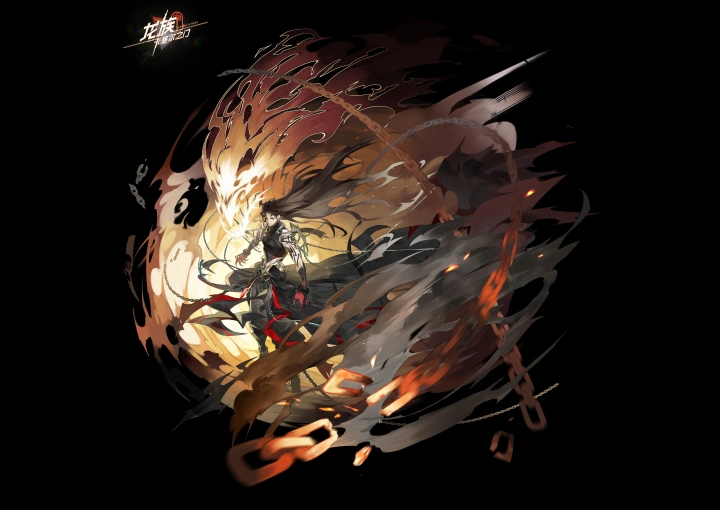
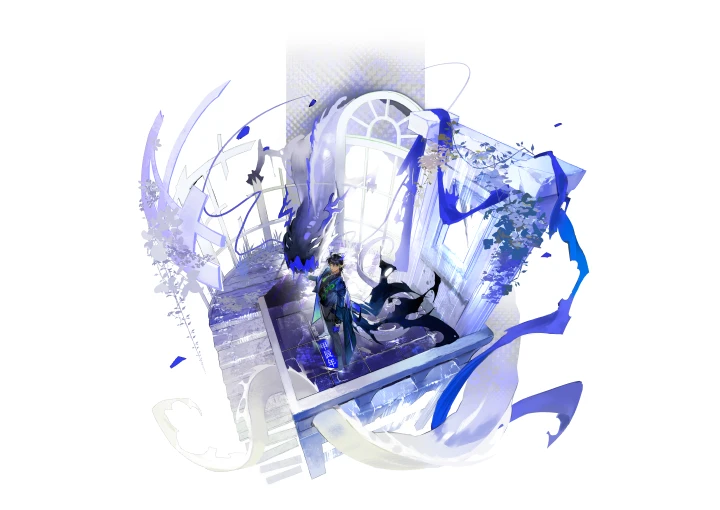
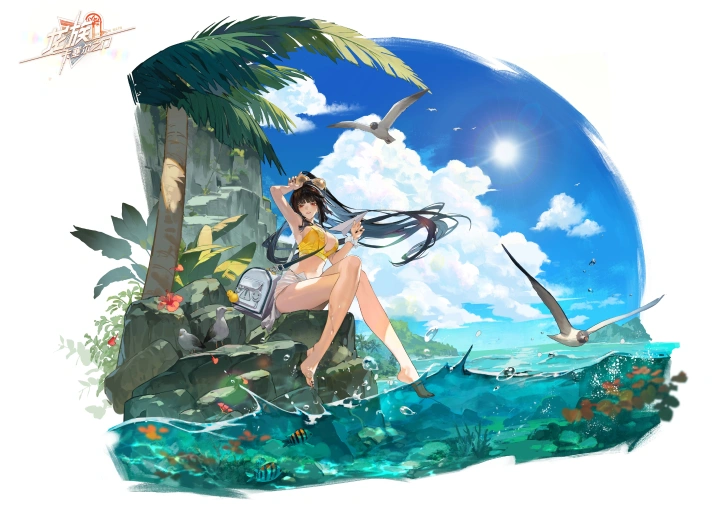
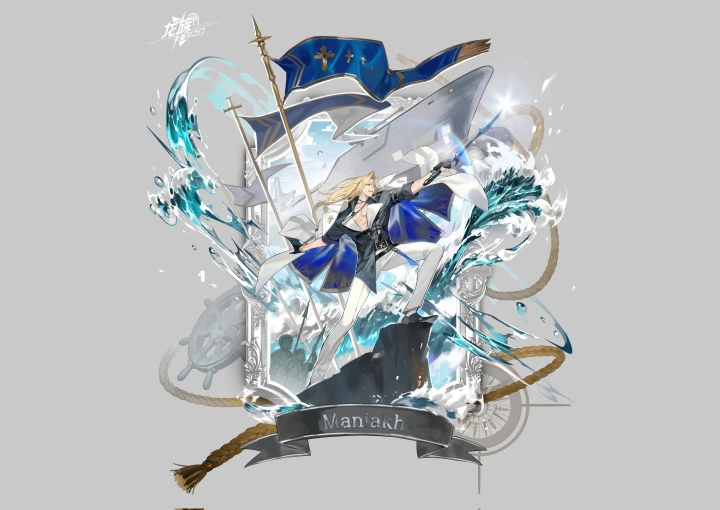
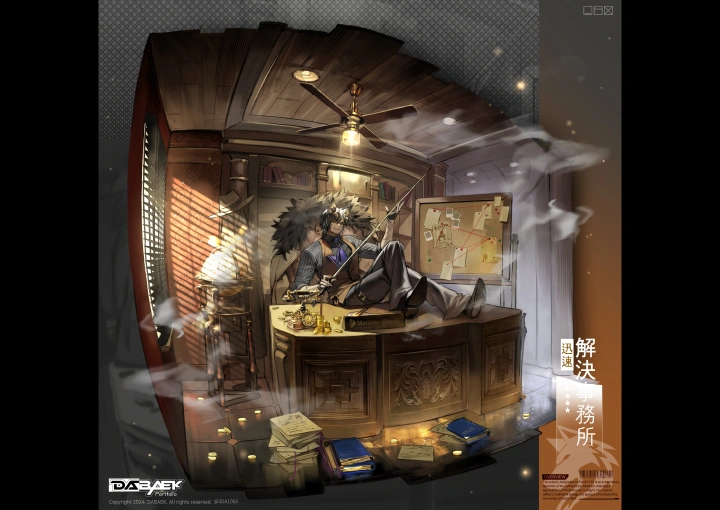
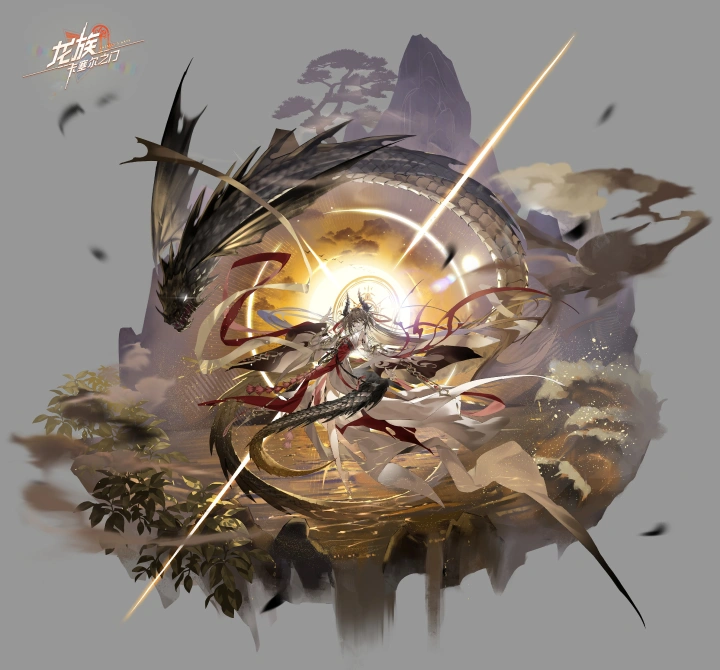
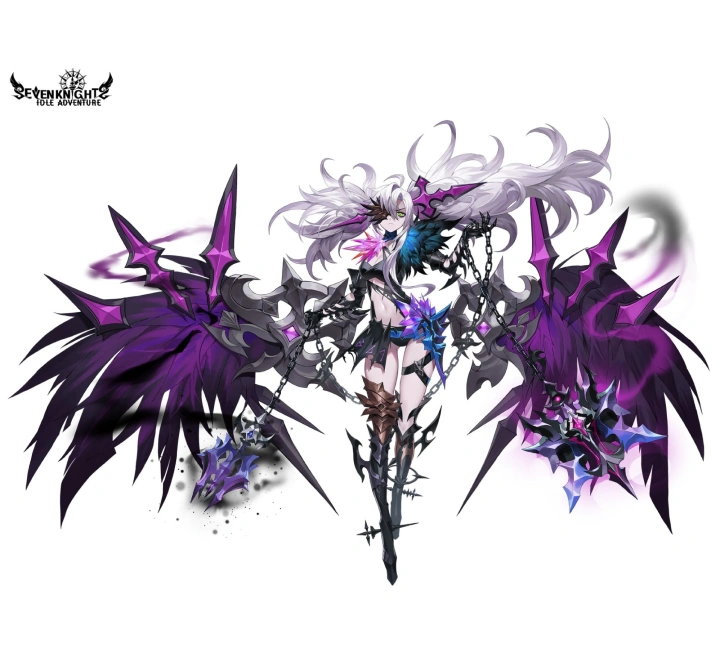
Why Take This Class?
The key to portrait illustration, where every detail matters, from backgrounds and objects to composition, is improving workflow efficiency! Optimize the countless objects and elements that match the scale of your work with an efficient workflow. Discover the easiest and most beginner-friendly Blender 3D techniques designed exclusively for illustrators.
Skip the complicated and unnecessary features, focus quickly on the essentials you need for illustration work! From basic modeling tools and 3D asset placement to using rendered images and line art extraction. Get the practical Blender guide focused on core functions, perfect for large-scale portrait illustration projects. Now available at Coloso.
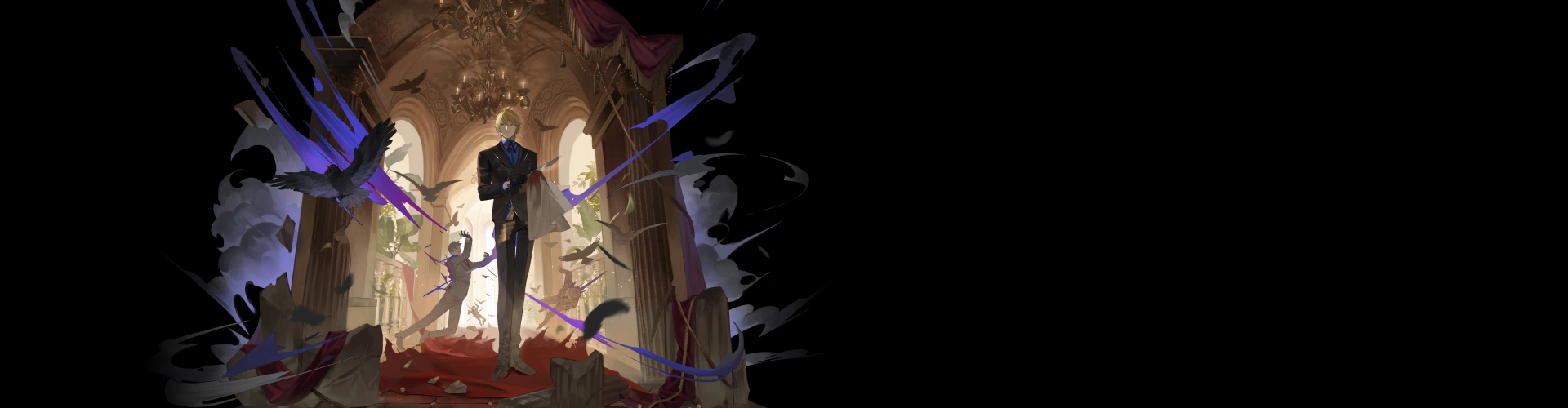
Get Ready for the Real-World
Step-by-Step Portrait Illustration from A to Z
Part 1. Fundamentals of Drawing: Mastering Perspective, Lightness & Value
-
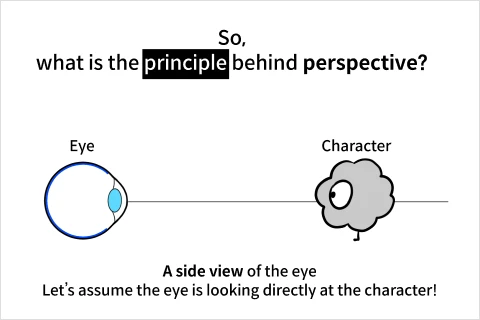 Basic Theory Study and Application Tips
 -
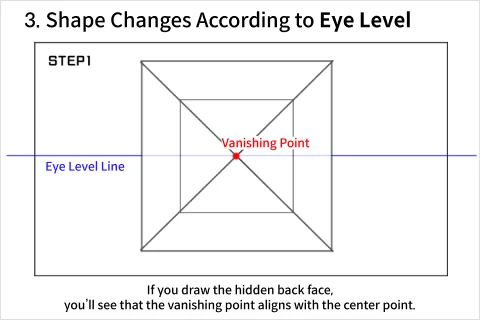 Understanding Basic Perspective Terms
 -
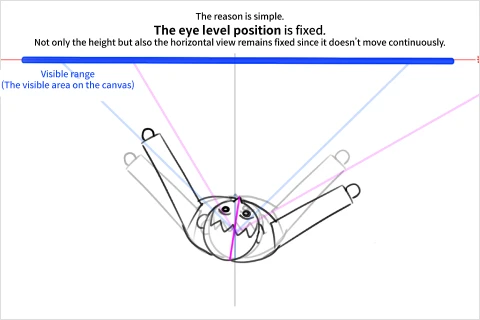 Rotational Perspective
-
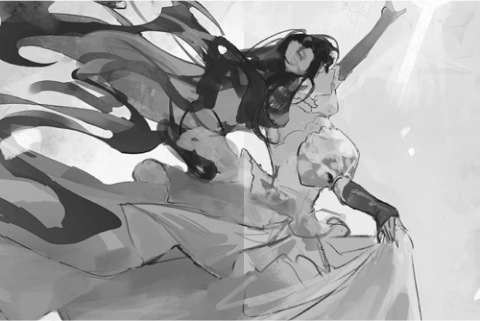 Difference between Lightness and Value
 -
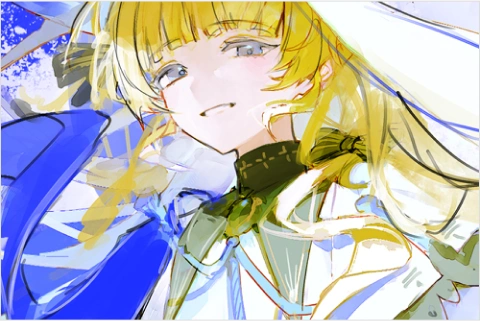 Color Contrast
 -
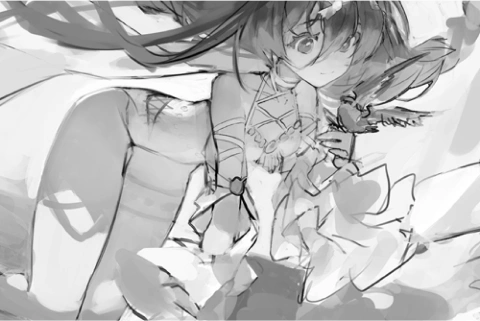 Lightness Contrast
Part 2. Basic Practice for Portrait Illustration
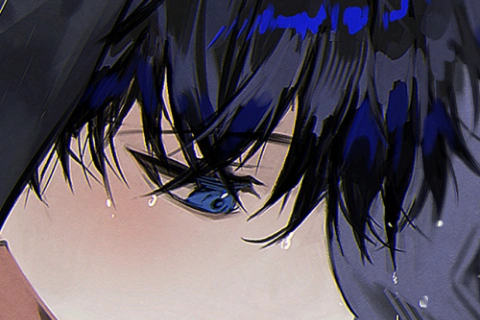
Texture Brush
-
 Photo Source Retouching
 -
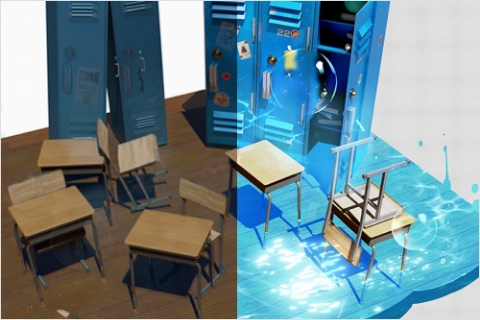 Blender Source Retouching
-
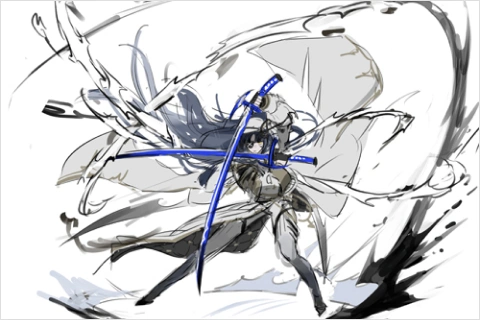 Effect Practice Using Shapes
 -
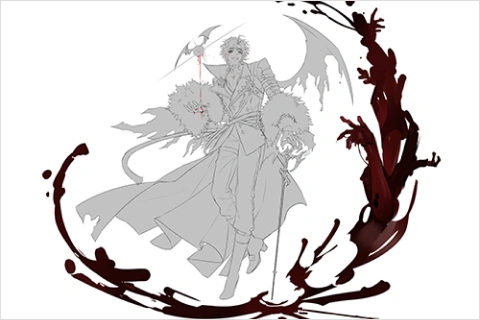 Practice with Frequently Used Effects
Part 3. Character Design with Worldbuilding
-
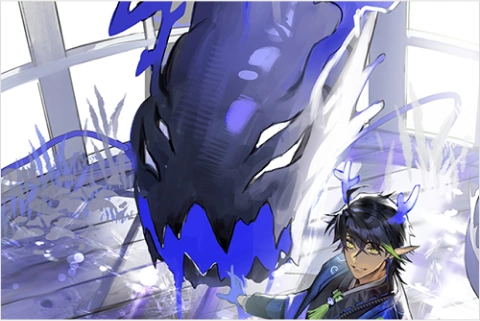 Worldbuilding Settings
 -
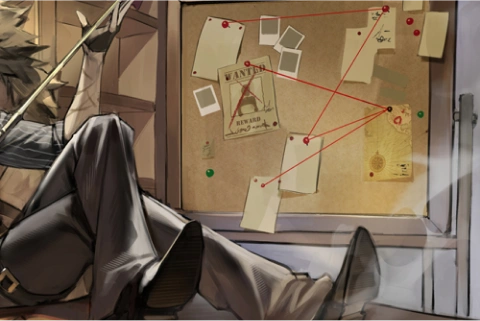 Character Props & Background Settings
 -
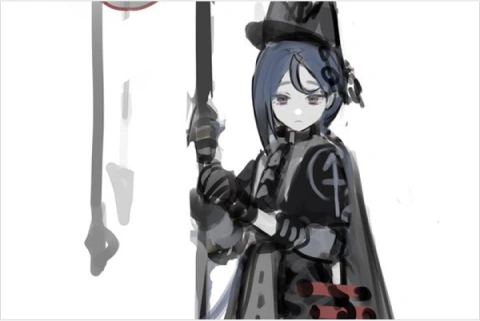 Front View Costume Design
Part 4. Portrait Draft Work
-
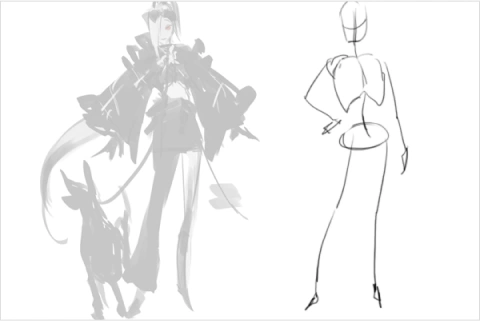 Draft 01: Lines and Surfaces
 -
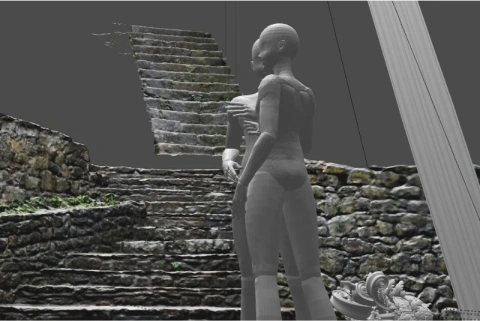 Draft 02: Using Blender
-
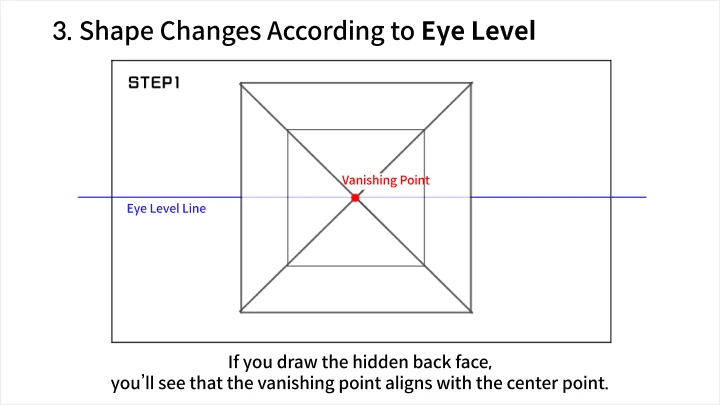
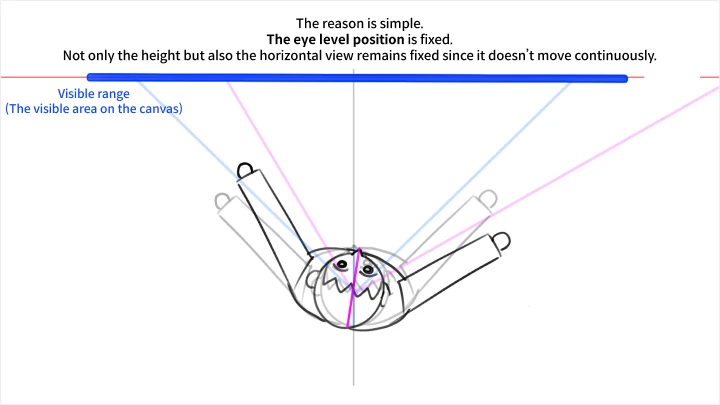
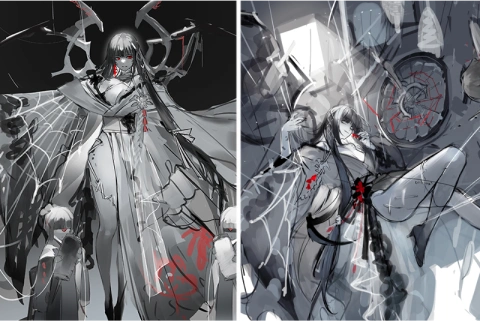 Draft 03: Changing the Eye Level Line
 -
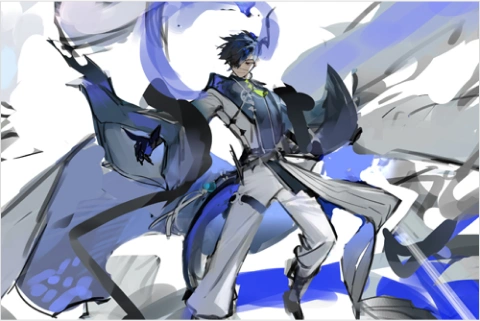 Draft Illustration Error Log
-
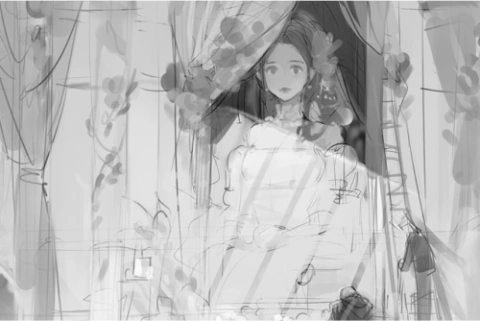 Light Direction Setup
 -
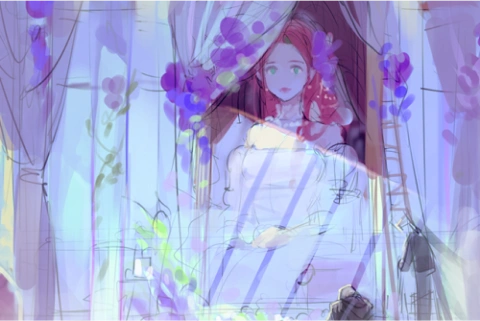 Color Rough Work
 -
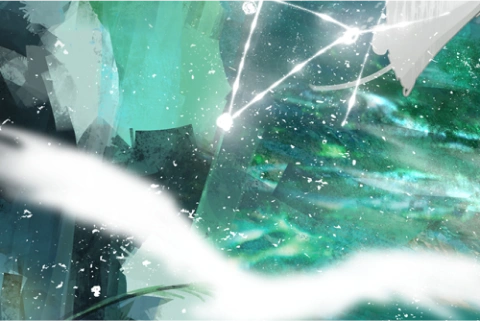 Effect Setup
Part 5. The Easiest and Most Effective Blender Practice
-
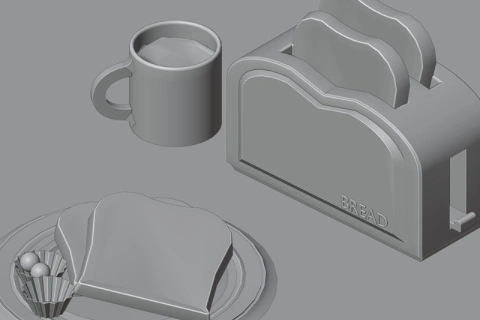 Modifier Functions
 -
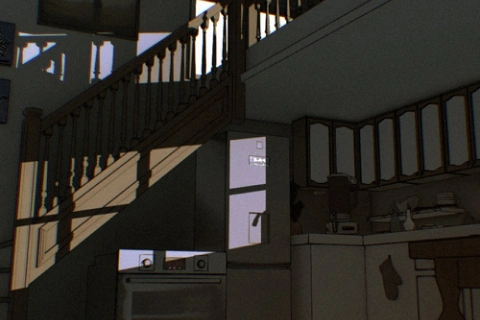 Lighting and Camera Setup
 -
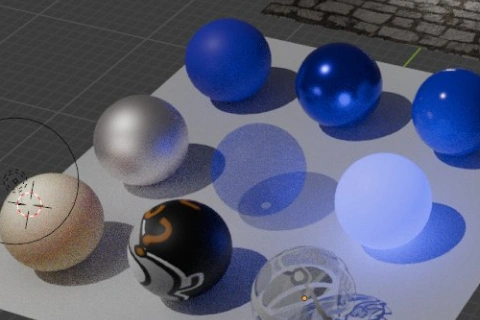 Texture Work Using Add-ons
-
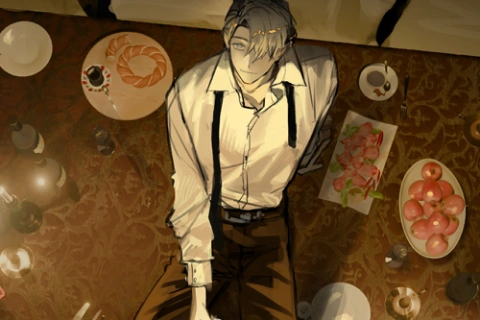 Using Blender Assets
 -
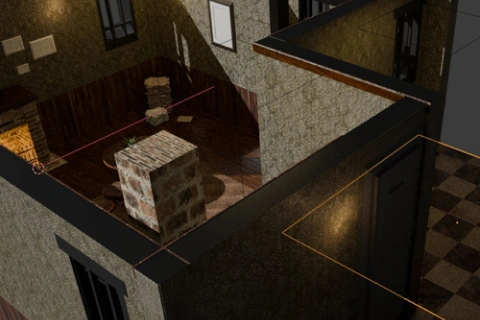 Creating a Virtual Room
 -
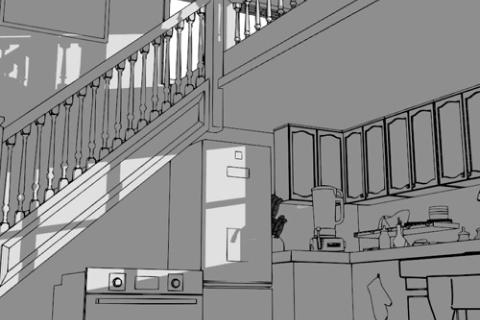 Using the Grease Pencil
Part 6. Portrait Illustration Practice
-
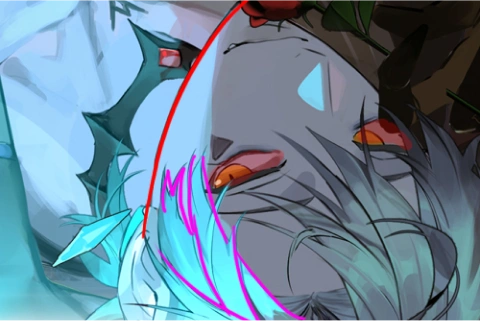 Parts Separation
 -
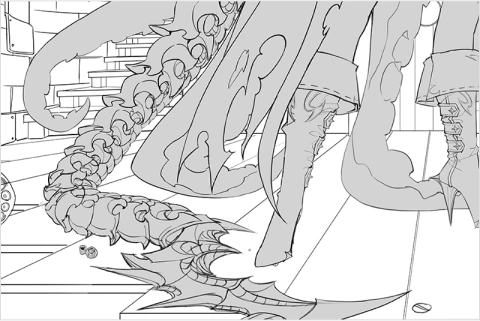 Line Art Work
 -
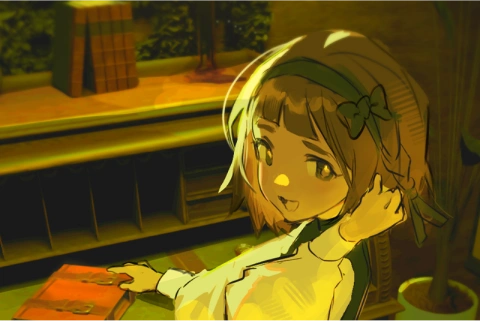 Color Harmony Between Character and Background
-
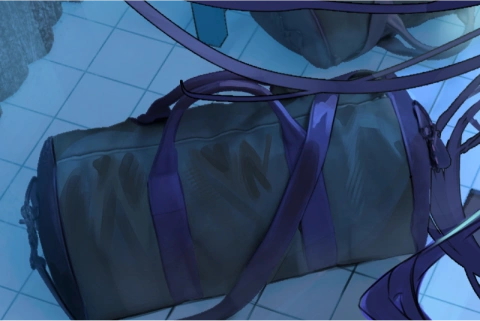 Blender Image Retouching
 -
 Post-processing
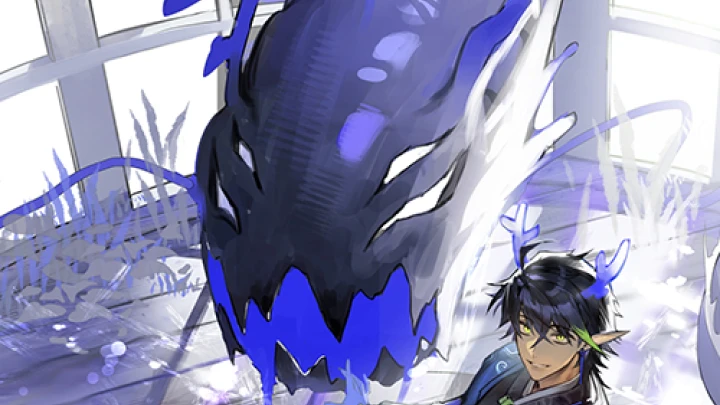
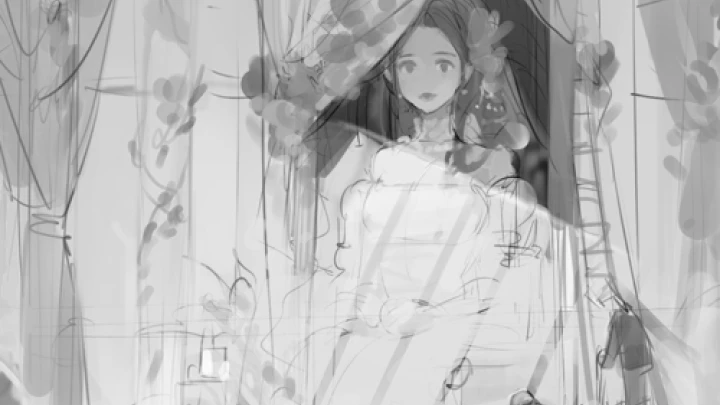
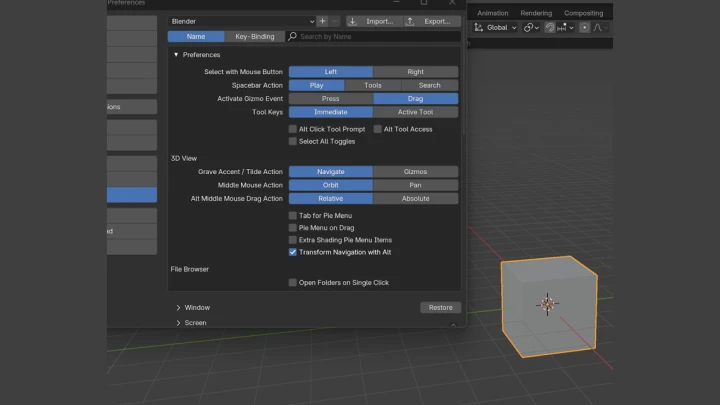
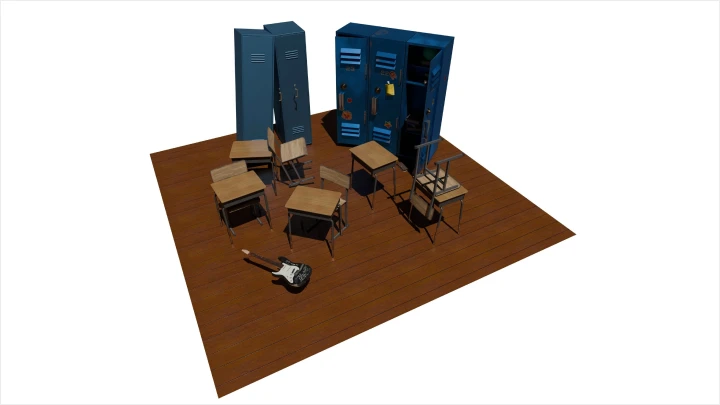
*The above images are sample images for a better understanding.
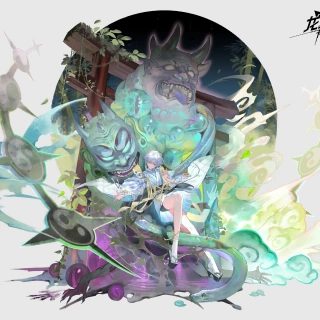
Illustrator
DABAEK
Hello, I’m illustrator DABAEK. I’ve worked on numerous cover and game standing illustrations, and I currently teach at Propic Academy. This course is a follow-up to the previous one on illustration composition and layout, where I’ll be sharing "lifelong techniques for portrait design & Blender."
In this class, I’ll share insights from my experience across various projects, covering Blender techniques and portrait illustrations.Let’s create eye-catching illustrations on a more impressive scale, and make the 3D tool Blender feel much more approachable and friendly to use.

Instructor
Illustrator DABAEK
[Current]
Freelance illustrator and concept artist
[Previous]
Instructor at Propic Academy
Projects & Awards
[Notable Projects]
Black Survival – Illustration
Eternal Return – Illustration & Concept Art
Tales Runner – Chloe Illustration
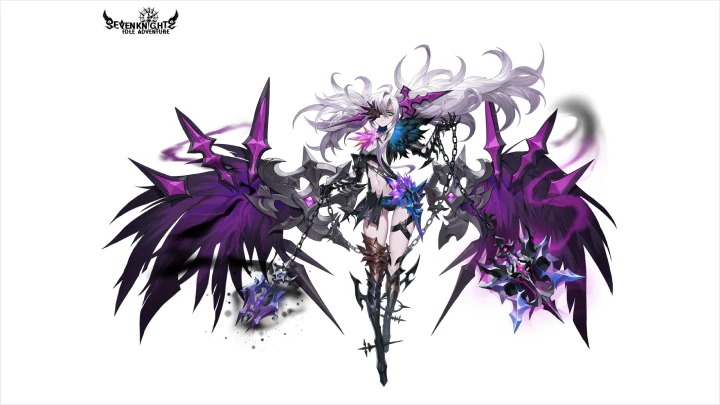
Seven Knights – Illustration
Idle Seven Knights – Illustration
Cassel Gate (China) – Illustration
Trace of the Sun (Audiobook) – Illustration
Plus numerous undisclosed illustration and cover projects
Student Reviews
Student Reviews of Illustrator DABAEK's Class
-
 Student A
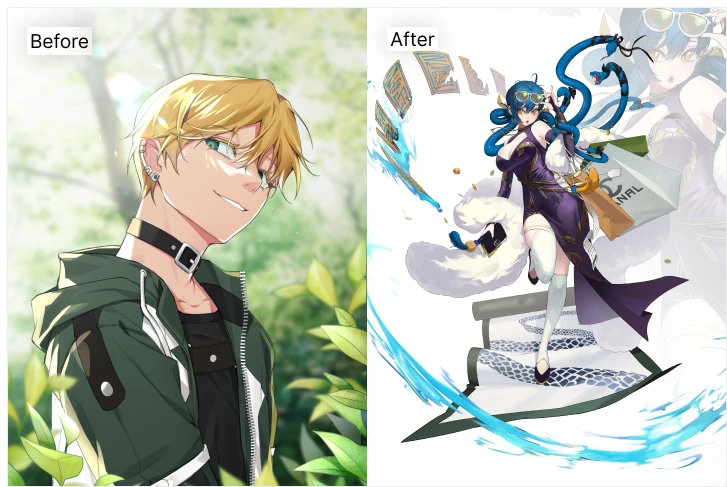
What I liked most about DABAEK’s class was how the difficulty gradually increased, and with each step, the instructor provided clear examples and explanations to follow.
I used to dive into difficult things right away, hoping to do well from the start only to leave many pieces unfinished. But with DABAEK’s step-by-step assignments and guidance, even someone like me, who struggled with the basics, could follow along easily.
Thanks to DABAEK’s course, I’m now completing illustrations on a scale I wouldn’t have even dared to start before. -
 Student B
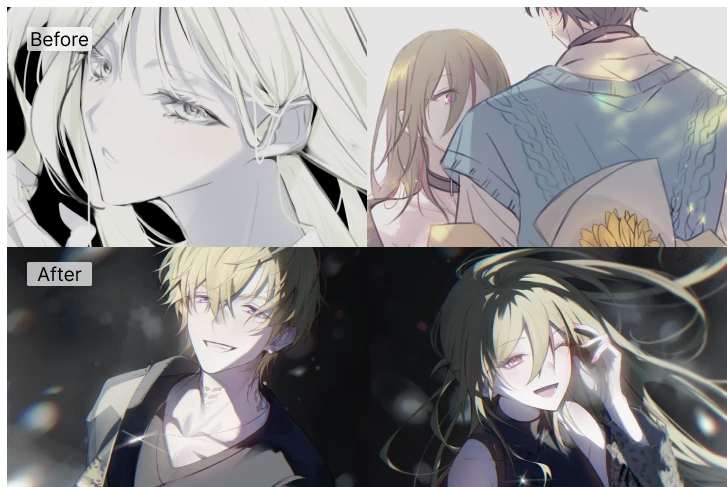
I’ve always been a slow artist, and with a weak understanding of anatomy, everything took me two or even three times longer than others. It used to take me at least two months to complete a single fully-colored illustration... and even longer if I was feeling burnt out or in a slump.
After taking DABAEK’s course, I noticed that I’m spending more focused time on my drawings, and while it’s a small change, I can feel that my overall working time has slightly decreased.
Now, no matter how long it takes, I approach each piece with the mindset: “Let’s fully finish a complete illustration with a background! Thanks to DABAEK’s guidance, I’m steadily completing one piece at a time, step by step, with more confidence each time I start a new project. -
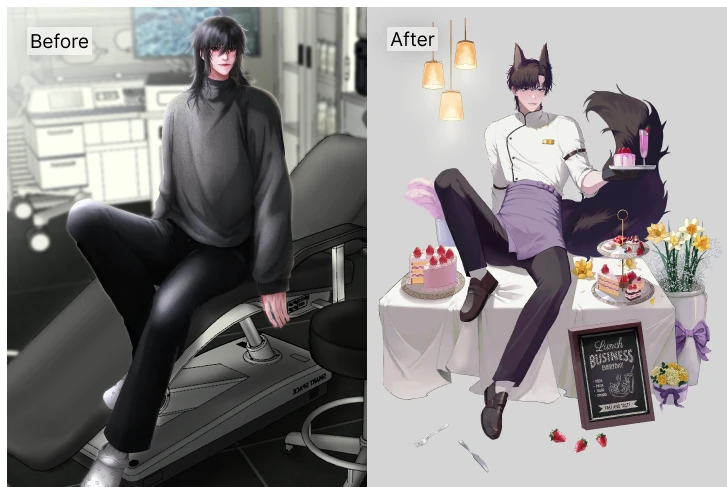 Student C
Before taking DABAEK's class, I had gone through anatomy books, figure drawing guides, and all kinds of other classes but nothing really clicked. I couldn’t understand why muscles moved a certain way, why bones connected where they did, or how lighting worked in certain areas.
In DABAEK’s class, even the most basic concepts and the parts students often struggle with are explained in a way that’s easy to understand. Once things started to make sense, I finally began to grasp what other tutorials and lessons were trying to teach.
Not only anatomy, but also how to use the right tools effectively, how to correct and adjust your work, and how to handle color DABAEK covers everything you need to create a complete illustration.
It wasn’t just one-off feedback either. The class pointed out things that continue to be useful even as I study on my own, and that’s helped me a lot.
Highlights
Class Highlights
Master Portrait Illustration in Three Parts: Theory, Practice, and Demonstration!
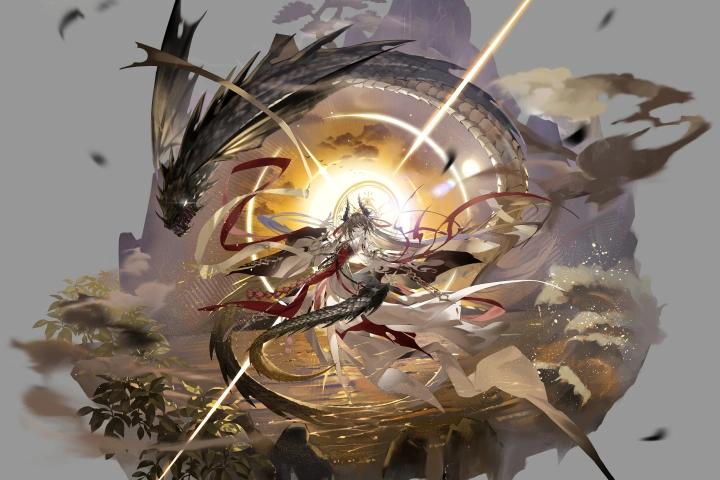
Learn portrait illustration in depth through three step-by-step parts: theory, practice, and demonstration! Master perspective and color theory, practice retouching, effect creation, color roughs, and Blender techniques, and apply what you’ve learned through demonstrations. Gain hands-on experience with large-scale illustration workflows, from composition and layout to final presentation.
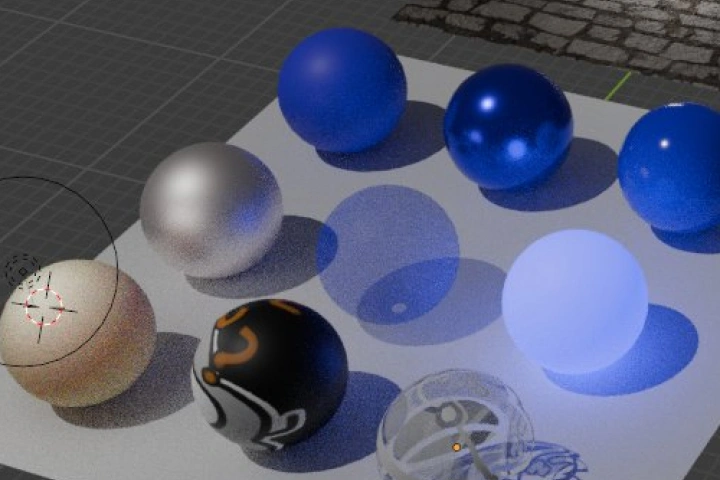
How to Maximize Efficiency and Quality with Blender & Source at 200% Utilization
The ultimate blender & source guide for illustrators! Designed for beginners and newcomers to Blender, this course guides you step by step, from basic UI setup to utilizing a variety of assets. Learn to dramatically improve your workflow with Blender, photo and 3D sources, and matte painting techniques you can use for a lifetime.
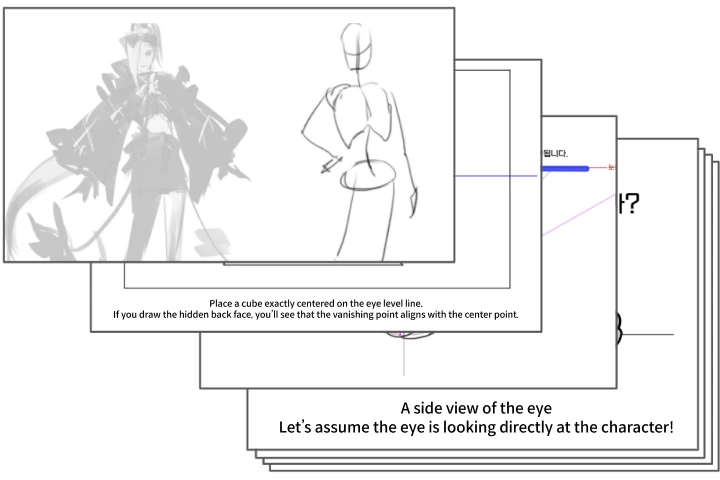
Skyrocket Your Skills! 12 Organized Summary Notes & 30 Original Projects Included
Comprehensive class materials to help you rapidly improve and use what you learn for life! Strengthen your fundamentals with 12 detailed summary notes covering challenging topics like perspective, form, brightness, and value. You’ll also receive 15 original practice examples to reinforce your skills. Additionally, this package includes DABAEK’s highly praised 30-day challenge guide and 15 assignment files designed to provide structure and support for self-study.
Class Details
You'll Learn
-
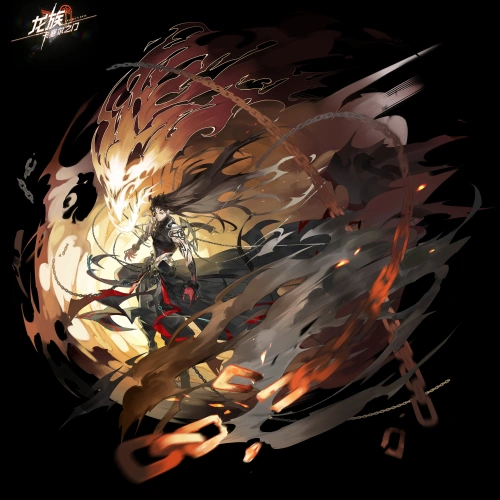 Portrait Illustration Focus: Large-Scale Composition & DirectionLearn DABAEK’s expert techniques for character illustration composition and presentation, optimized for large-scale portrait illustrations. Beyond general composition methods, deepen your understanding step-by-step through theory and practical exercises focused specifically on large-scale works.
 -
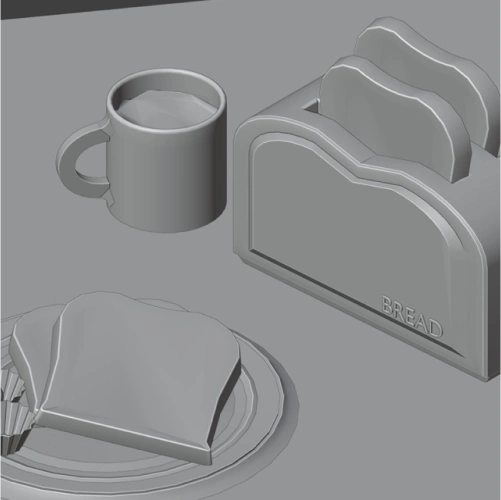 3D Cheat Sheet for Illustrators: Beginner’s Guide to BlenderEasily learn Blender even as a complete beginner! Create rendered images for your illustrations using Blender’s basic functions and assets. Discover fundamental setup tips, resource utilization, and explore rendering techniques tailored to your workflow.
 -
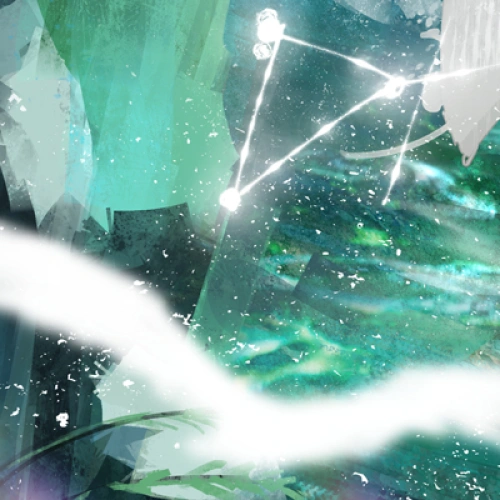 Essential Portrait Work: Effect Techniques & Expression PracticeAdd captivating sparkling effects, an essential element of striking portraits. Using simple shapes, design effect forms and practice drawing various commonly used elements to enhance large-scale illustrations with dynamic effects.
-
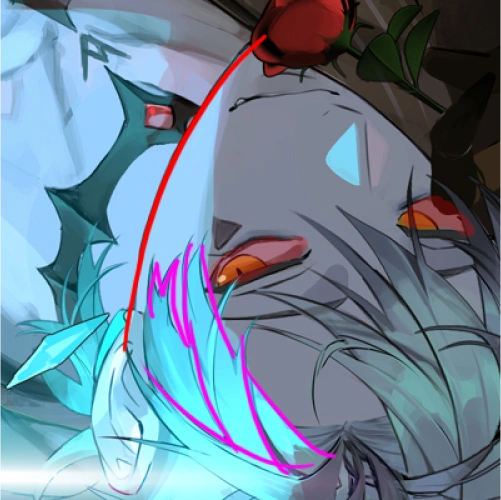 Part Separation Techniques for Completing Game Standing IllustrationsMaster the step-by-step part separation process essential for game character work! Learn the typical parts division, order of separation distinct from virtual methods, common areas to segment, and important precautions during the process. Gain practical know-how to directly apply part separation to your own projects.
 -
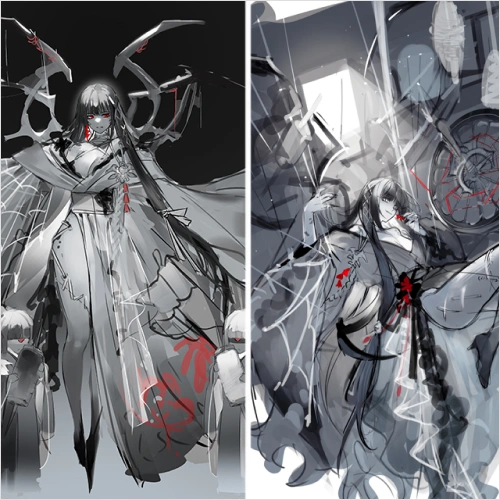 Seamless Approach to Large-Scale Illustration WorkflowUnderstand the different scales and applications of standing illustrations and portraits depending on their purpose. Grasp the workflow for large-scale portrait illustrations that once felt overwhelming, and develop the broad perspective needed to complete more concise and effective artworks on your own.
 -
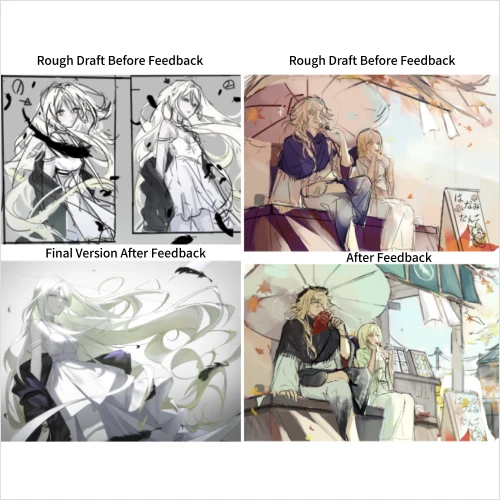 Error Log to Regain Lost DirectionDABAEK's answer key that clears up common sticking points! A comprehensive summary of frequent questions, common mistakes during work, and key checkpoints for final review to help you get back on track.
Interview with
Illustrator DABAEK

Question.01
What do you consider to be your strengths in your usual work?
I’m able to work with a variety of tools, including Photoshop, Clip Studio, and even Blender. Since the focus is on portrait work, I can share not only an understanding of effects but also knowledge about backgrounds and characters.
Question.02
How are the strengths you mentioned reflected in this course’s curriculum?
In this curriculum, you’ll start with theory, learning about perspective and color. The practical section then covers various retouching and effect techniques. While keeping portrait composition in mind, you’ll work on color roughs together. The course also highlights essential Blender basics tailored for illustrators, making it easy even for beginners to follow. Finally, in the demonstration part, you’ll integrate the skills and exercises learned to complete a final illustration.
Question.03
What is the planning intent and unique selling points of this course?
Unlike traditional Blender courses, this class focuses on how to integrate 3D tools into portrait workflows. You’ll learn how to retouch and incorporate 3D images and photo sources into your illustrations. Additionally, you’ll study how part separation is structured in game projects, which differs from virtual production workflows.
Question.04
Lastly, please leave a message for the students and junior creators.
My teaching motto has always been to prioritize kindness and fun from start to finish. Whether it’s the initially intimidating Blender or portrait illustrations often seen in games but daunting to create, I aim to approach these topics in an enjoyable way. I hope this journey will bring you closer to these tools and skills, step by step.
Required Programs
This course will use Adobe Photoshop 2025, Blender 4.2.6 LTS, ClipStudio EX 4.0.3.
Please purchase and install these program(s) for an optimized chapter experience.
*Supported Versions: Adobe Photoshop 2021 or later, Blender 3.0 or later, Clip Studio EX/PRO (any version) / 2.2 or later
*These programs and/or materials will not be provided with the chapter.