[Course]gamedesigner,shiroma_시로마JP Details
Intro

Now in Your Language, Only on Coloso!
Learn from Japan's Top Master Creatives
-
 The Secret of Horror Games
 -
 Unreal Engine Techniques
 -
 From Pro Game Designer
Class Intro
Game Designer, Shiroma
Using UE5 to Create
a Random Map Horror Game
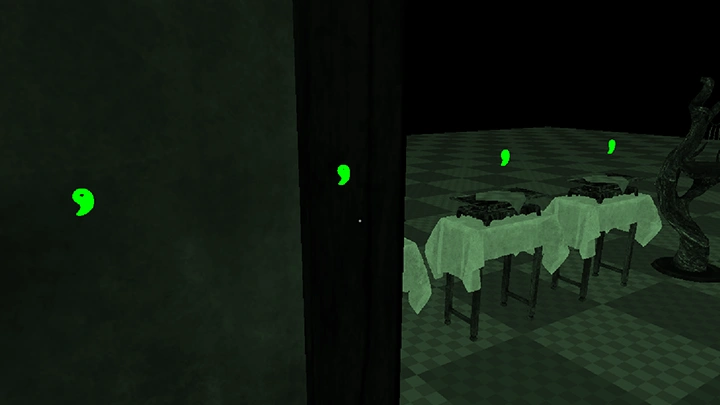
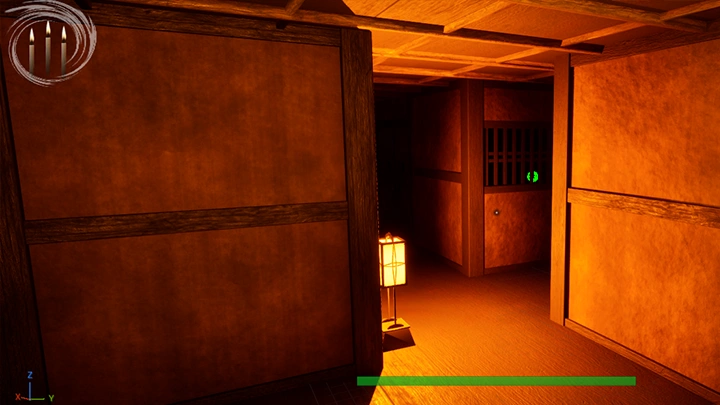
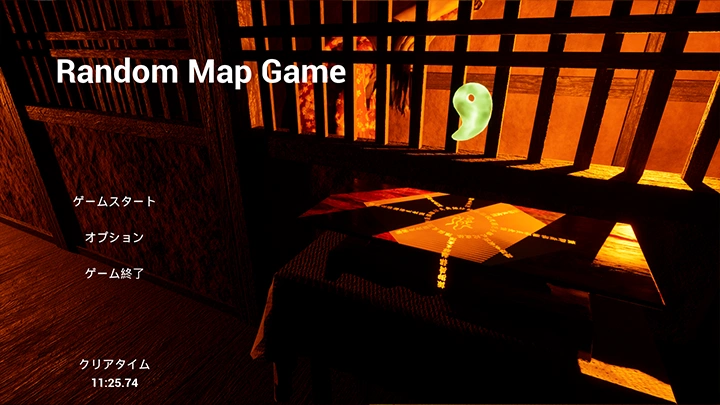
Detailed Explanations, Starting From the Design Concept, From the Developer of Shadow Corridor! How to Create an Infinitely Replayable Horror Game Using UE5
Shiroma is the developer behind the acclaimed Japanese horror game Shadow Corridor and CEO/game designer at Space Onigiri Games.
In this class, he unveils the entire process behind the design philosophy of random map generation, the core concept that shaped his hit title, and how to bring it to life using UE5 Blueprints.
Shiroma is the developer behind the acclaimed Japanese horror game Shadow Corridor and CEO/game designer at Space Onigiri Games.
In this class, he unveils the entire process behind the design philosophy of random map generation, the core concept that shaped his hit title, and how to bring it to life using UE5 Blueprints.
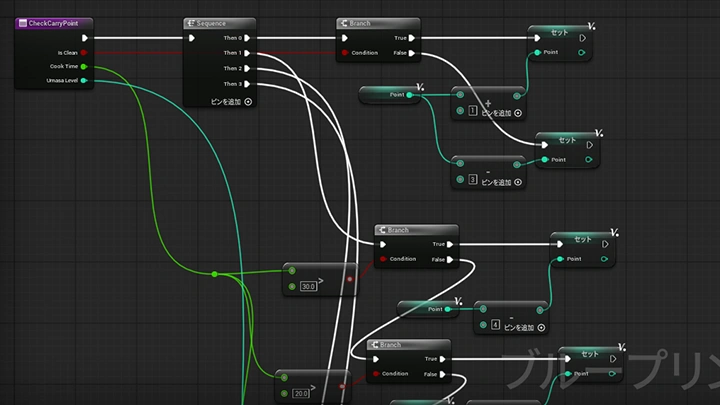
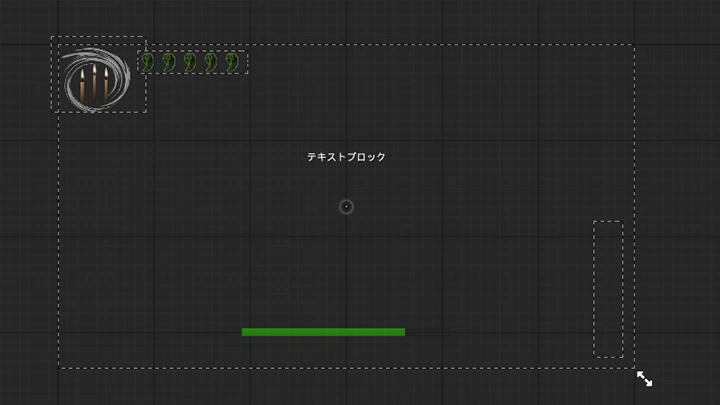
The course begins with Unreal Engine 5 fundamentals, from basic controls and movement to player features such as stamina systems and UI implementation, so you’ll learn everything you need to build a fully playable foundation.
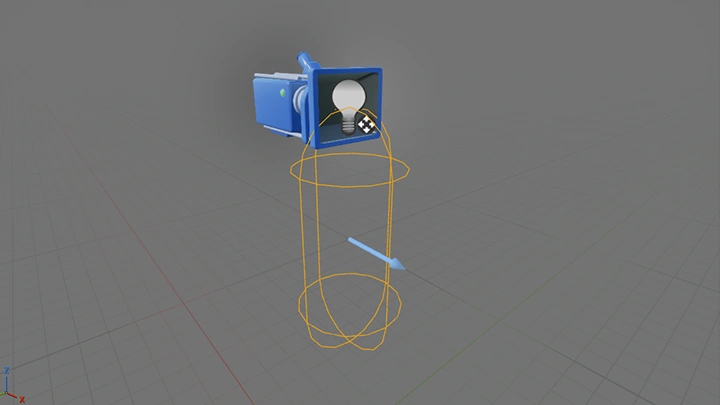
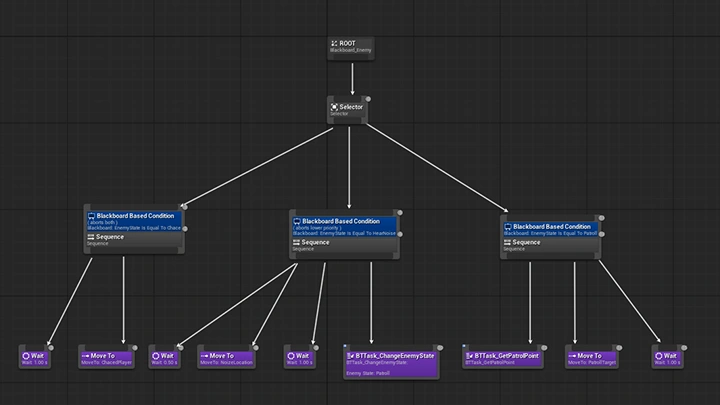
Next, you’ll craft intelligent enemy AI, a key element of every horror experience. Implement enemies that can detect and track players through sound, and design interactions with doors and items to create tense, dynamic encounters.
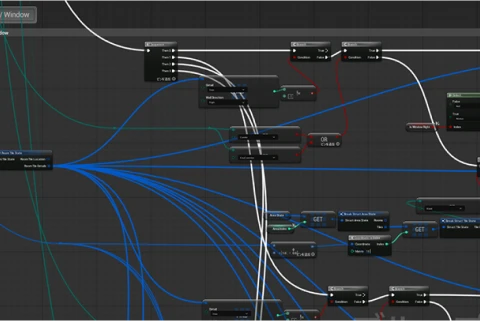
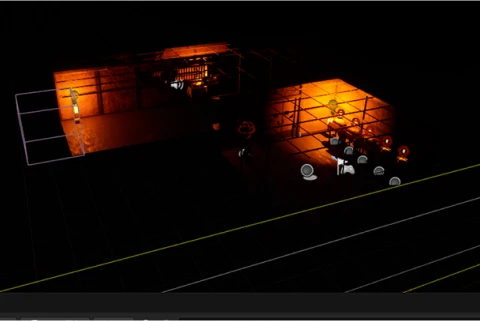
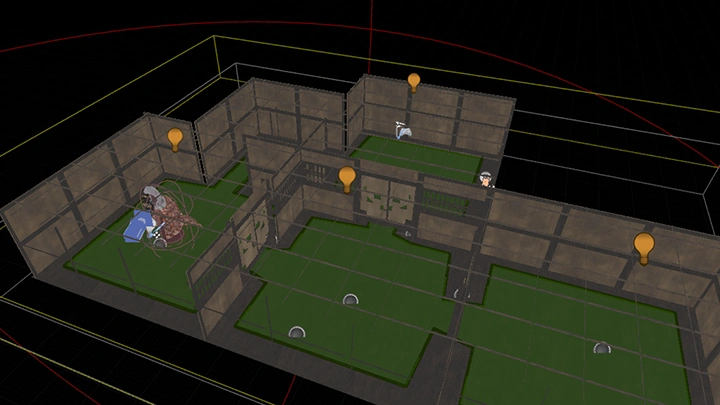
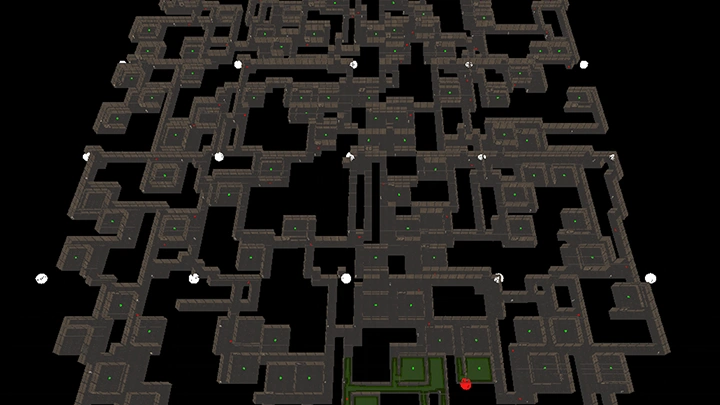
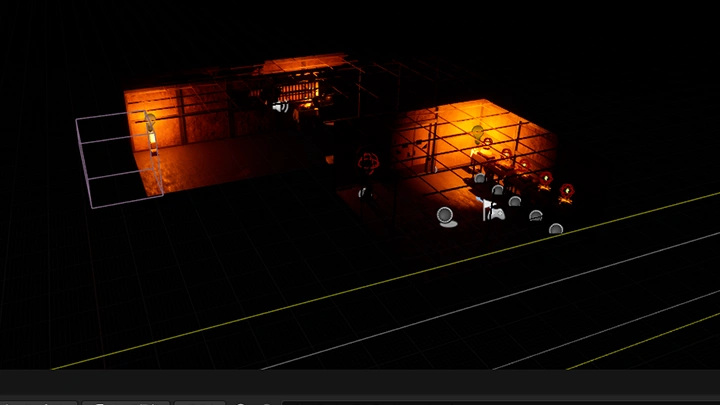
Finally, Shiroma dives into this type of game’s standout feature: random map generation. You’ll explore how to automatically generate rooms and corridors and implement save functionality. You’ll also acquire practical production techniques to bring your game to life.
This course covers more than technical skills. It also gives you direct insight into the design philosophy of a developer who produced a successful horror title. Experience it all on Coloso!
Next, you’ll craft intelligent enemy AI, a key element of every horror experience. Implement enemies that can detect and track players through sound, and design interactions with doors and items to create tense, dynamic encounters.
Finally, Shiroma dives into this type of game’s standout feature: random map generation. You’ll explore how to automatically generate rooms and corridors and implement save functionality. You’ll also acquire practical production techniques to bring your game to life.
This course covers more than technical skills. It also gives you direct insight into the design philosophy of a developer who produced a successful horror title. Experience it all on Coloso!
Class Preview
Still Not Sure?
Check Out Shiroma's Class Preview!
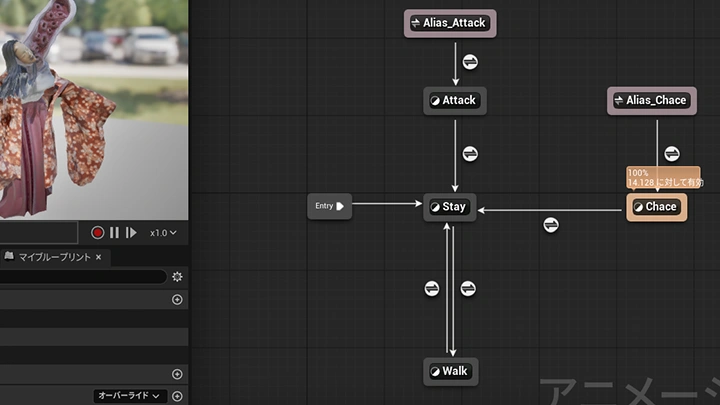
13. Animation Transitions
- Creating animation transitions
- Adding sound effects
- Adding sound effects
Class Perks
Special Gift from Shiroma
-
 Get unlimited access to 29 course videos packed with Shiroma’s unique expertise on random map generation games
 -
 Create one work through six exercises
 -
 3D models, voice files and other materials
Class Material Details
-
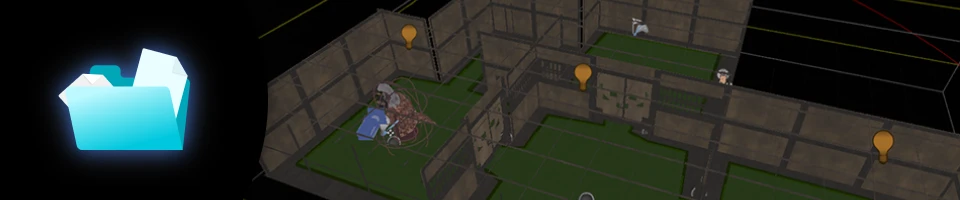 Image Materials Related to Class Content- Texture data used in game production (excluding 3D model)
- Specifications required for random map generation -
 Files Related to Class Content- 3D models used in class content
- Voice files
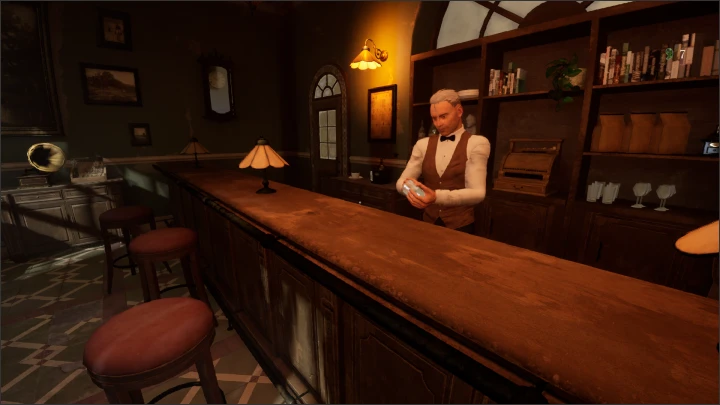
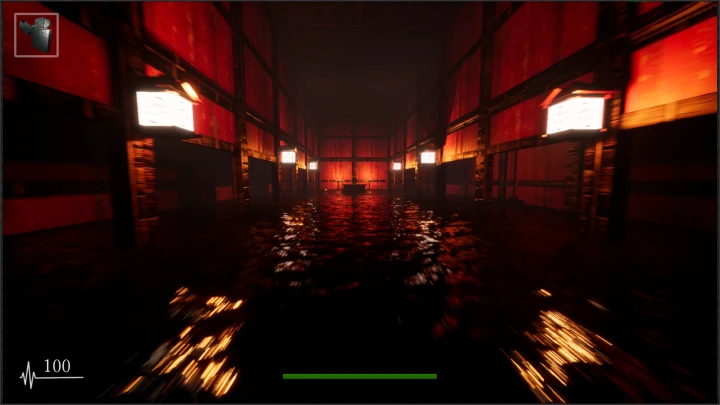
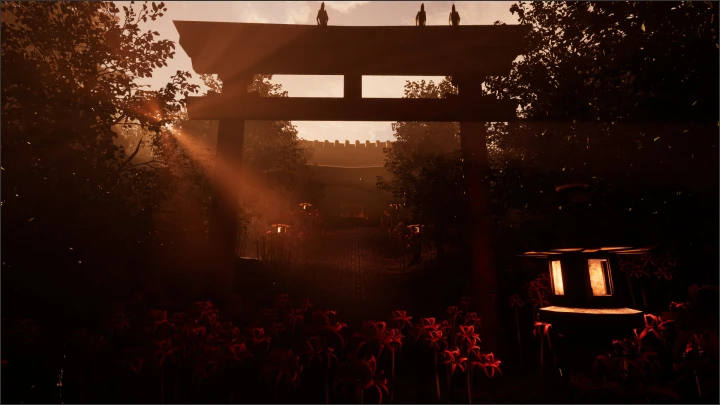
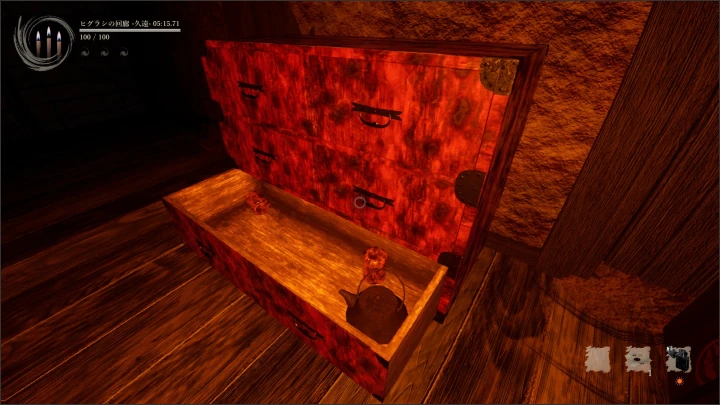
Expert Game Designer Shiroma's Portfolio
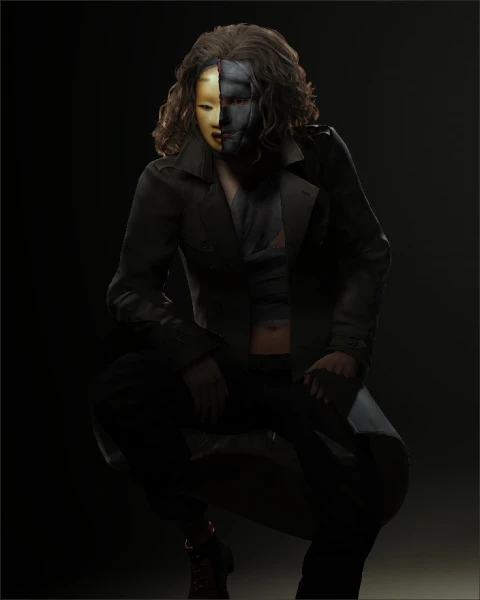
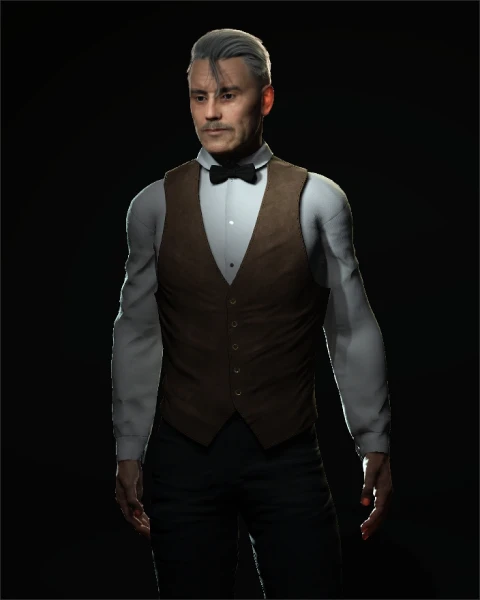
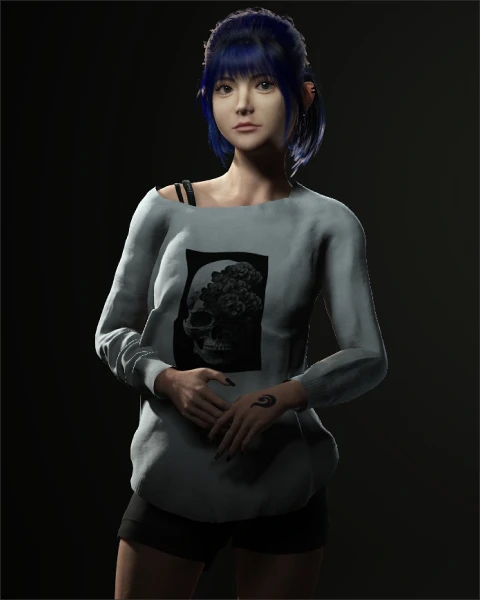
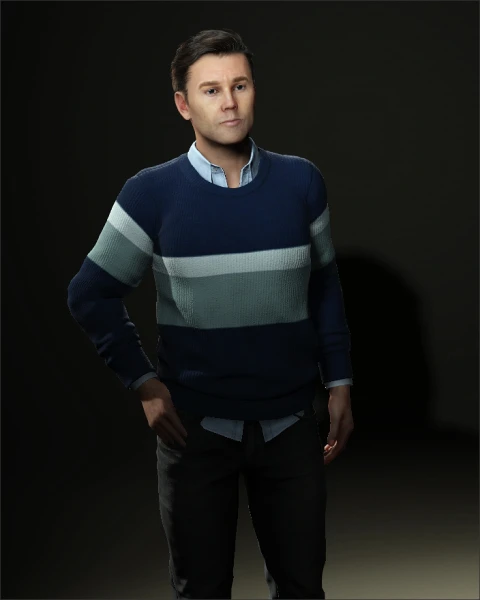
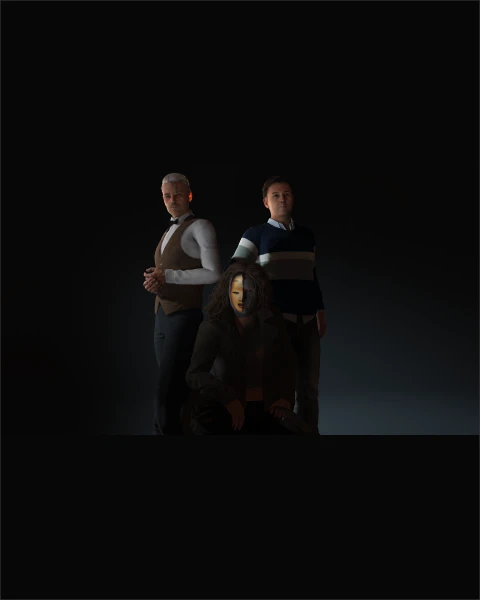
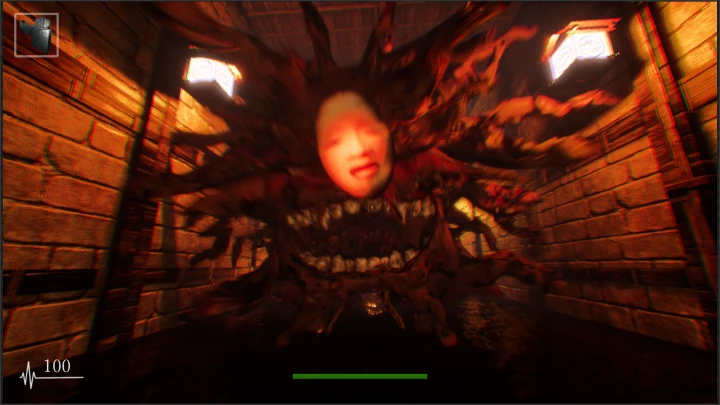
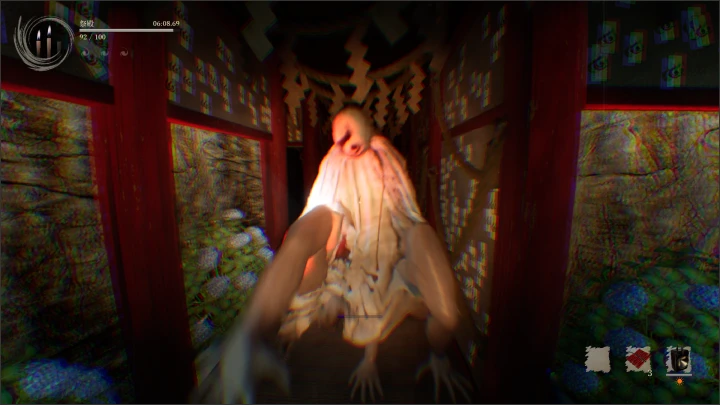
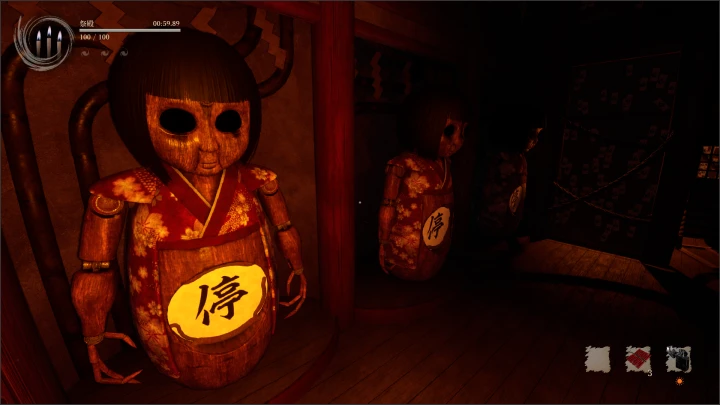
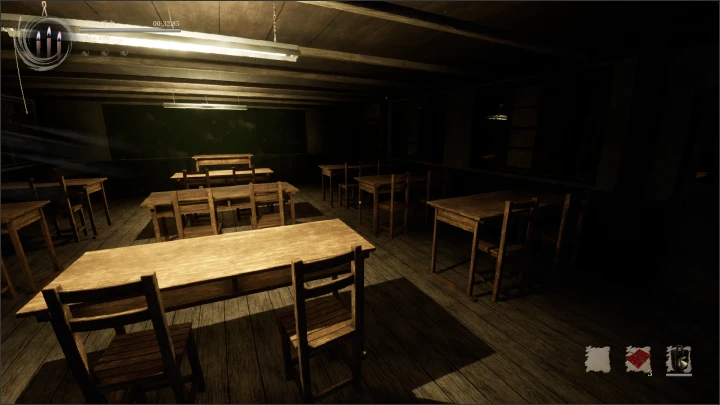
Class Exercises
Here’s what you’ll learn in this course.
-
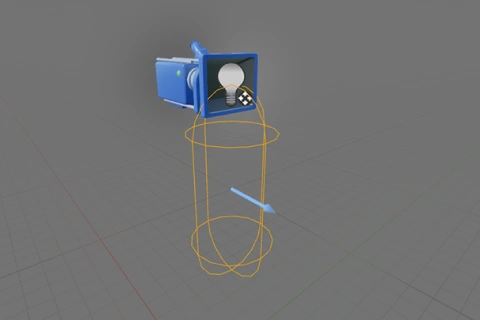 Player Character
 -
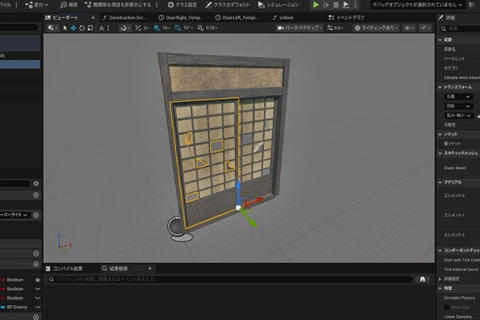 Interactive Objects
 -
 Enemy Characters
-
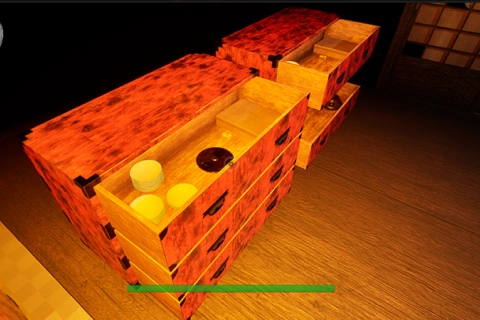 Items
Items -
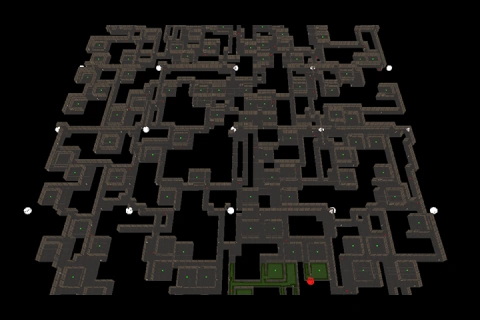 Random Map Generation Algorithms
 -
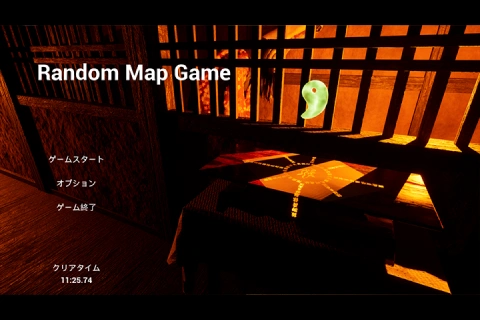 Game System
Final Completed Work
*The above images are sample images for a better understanding.
Class Highlights
Class Highlights
Unreal Engine From the Basics to Advanced Uses
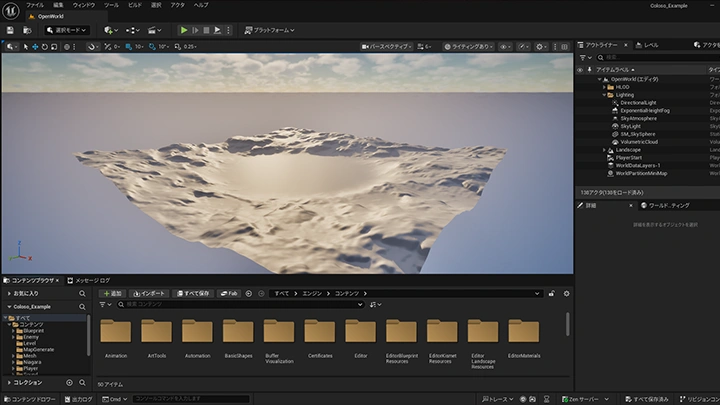
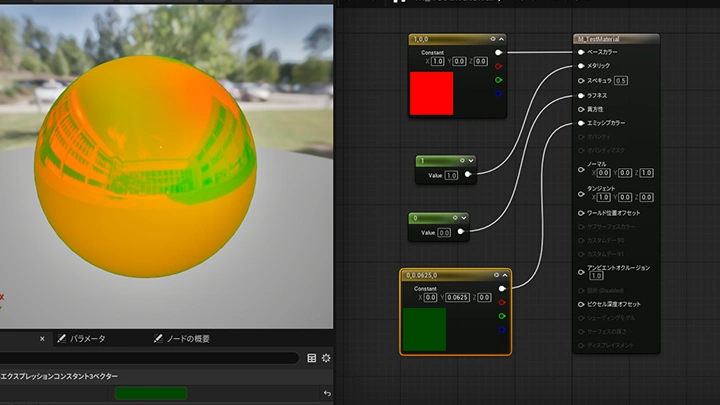
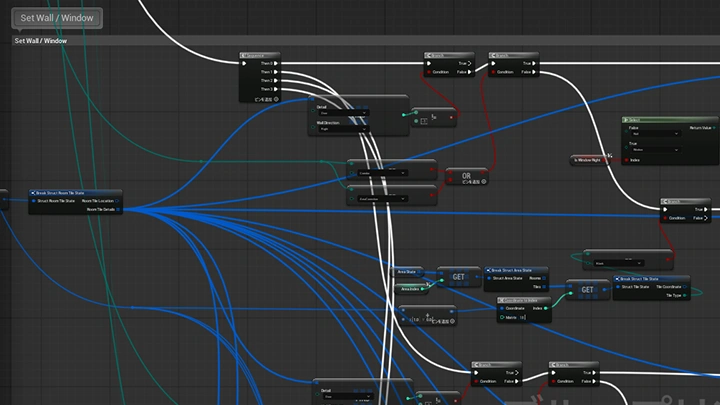
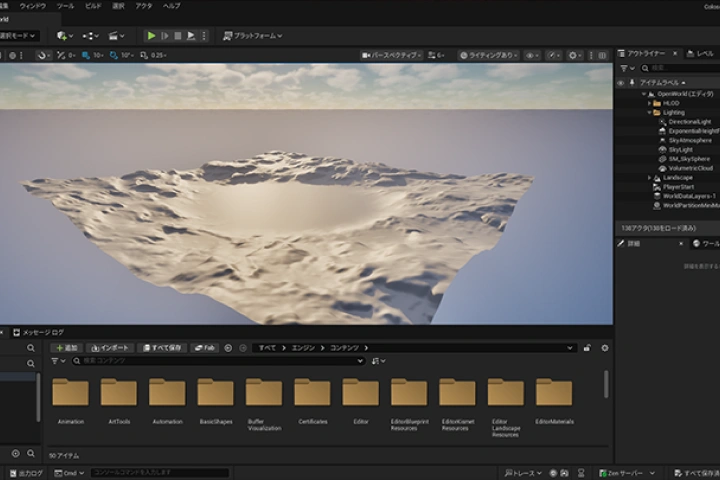
This course provides a comprehensive, step-by-step guide that takes you all the way from installing Unreal Engine to exploring its key features and creating game logic using Blueprints.
Random Map Generation
Random map generation can be difficult to implement on your own. In this course, you’ll learn the theory behind design principles for random map generation and how to bring them to life using Blueprints.
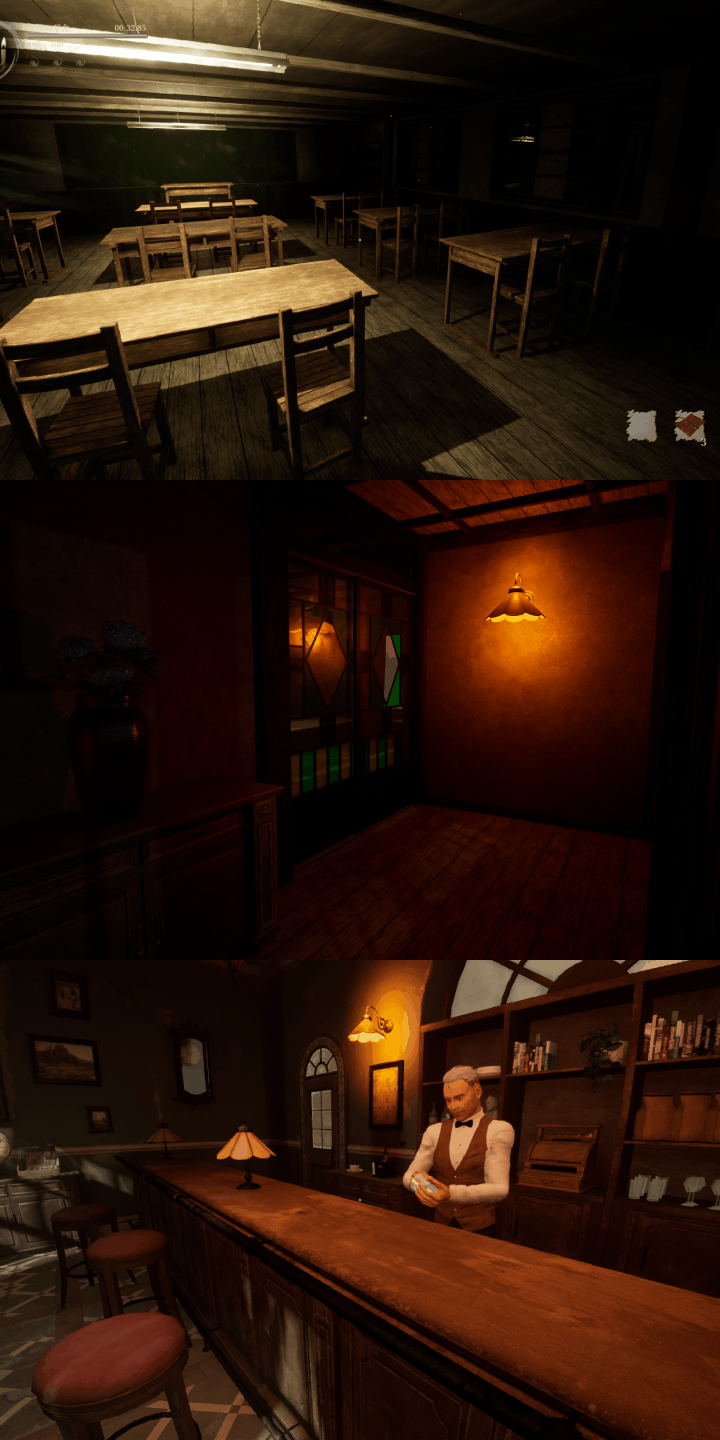
Boost Your Ability to Visualize the Game Creation Process
By exploring Unreal Engine’s wide range of features, you’ll gradually understand what each can do and what it’s best for. As you discover the potential of each feature through hands-on game production, you’ll be able to confidently make logical development decisions when working on your own projects.