animator,snowlisa Details
Intro
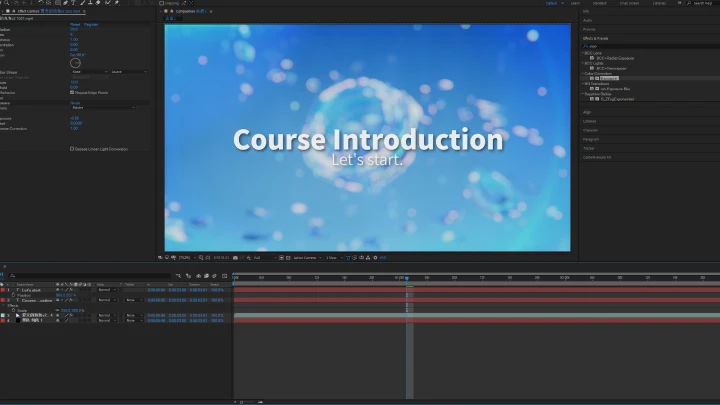
Class Intro
Animator, SNOW LISA
"You'll utilize AE effects to replicate the flow & dynamic energy of hand-drawn animated FX."
Digital Tools, Hand-Drawn Feel: Master Anime-Style Effects in AE
In animation, some of the most striking visual moments come from special effects that feel alive and handcrafted. This course teaches you how to recreate those effects in After Effects while retaining the warmth, dynamics, and expressiveness of hand-drawn animations.
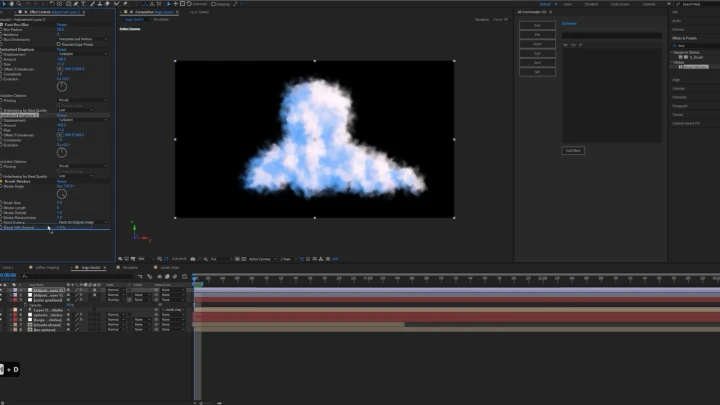
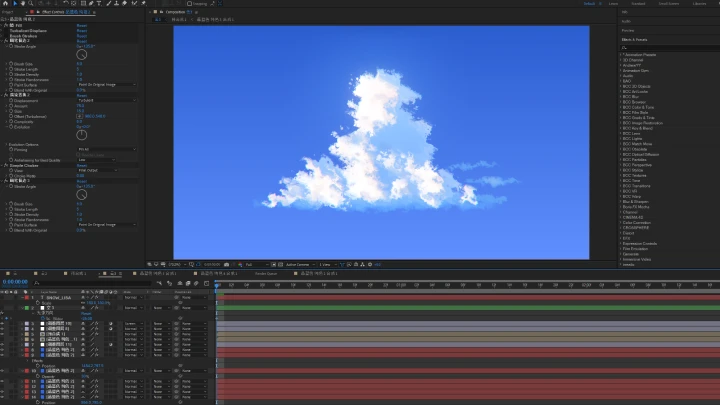
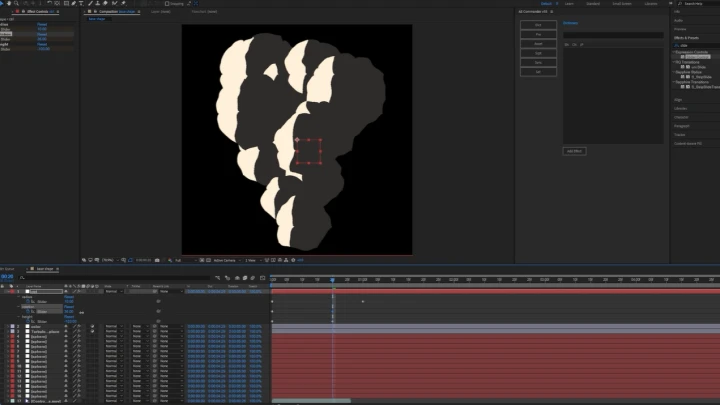
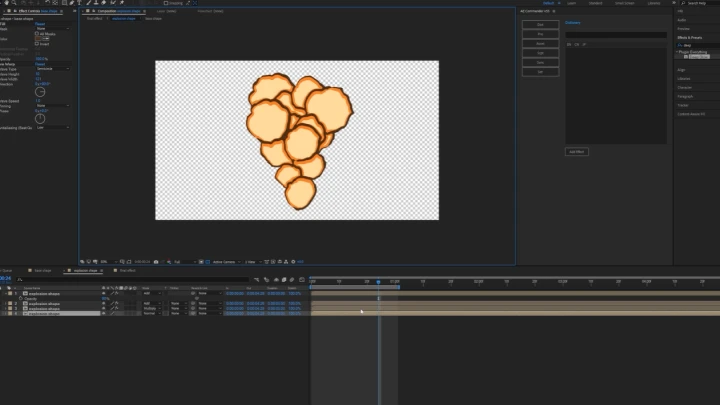
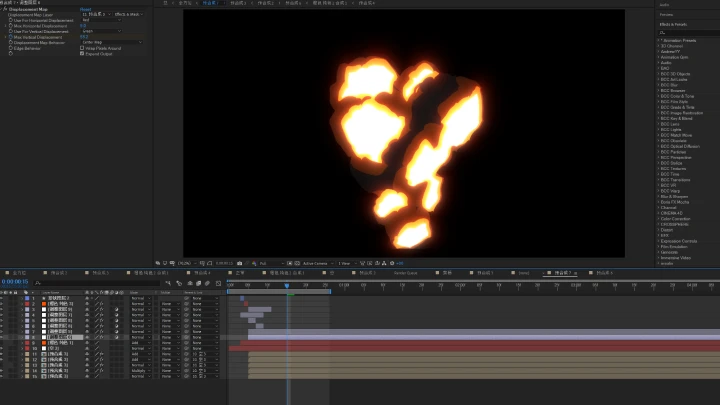
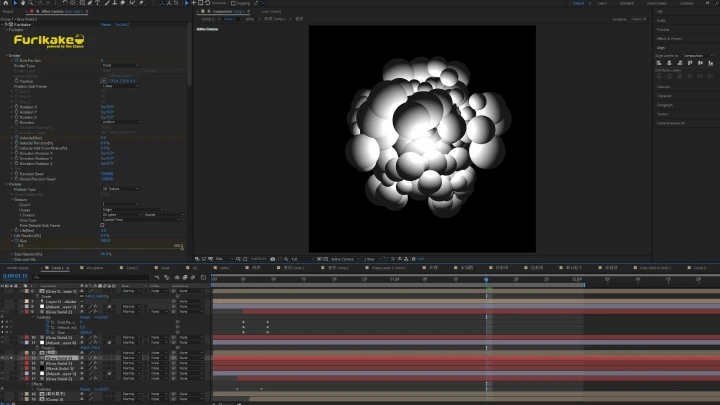
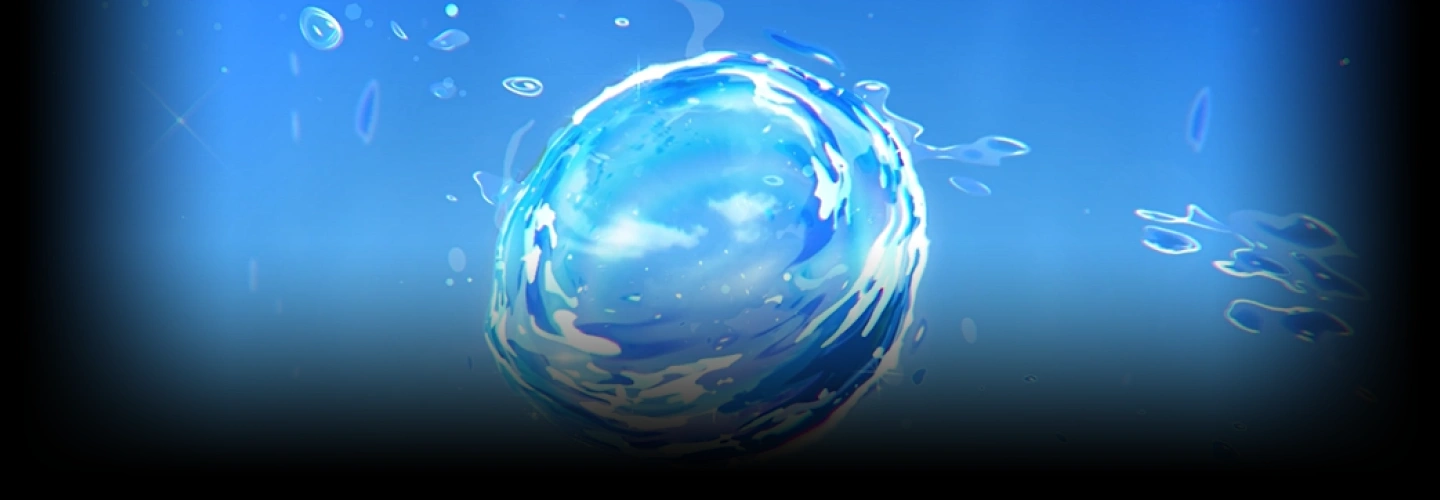
Through a structured workflow of observation, deconstruction, and reconstruction, you’ll learn to analyze reference footage, break down effects into shapes, textures, and movements, and rebuild them using AE’s tools and techniques. You'll get hands-on practice creating flames, clouds, explosions, and bubbles, mastering key details like timing, lighting, color, and motion to produce professional-quality results.
Beyond technical skills, the course focuses on developing your visual style, compositing, and creative solutions, giving you a framework that will support independent projects, your portfolio, and professional client work. By the end, you will have the confidence and skills to craft visually compelling, dynamic effects that feel as if they were hand-drawn.
Beyond technical skills, the course focuses on developing your visual style, compositing, and creative solutions, giving you a framework that will support independent projects, your portfolio, and professional client work. By the end, you will have the confidence and skills to craft visually compelling, dynamic effects that feel as if they were hand-drawn.
* To address language barriers, this content includes AI-generated voiceovers.
Class Preview
Still Not Sure?
Check Out SNOW LISA's Class Preview!
05. Introduction to Anime Textures in After Effects
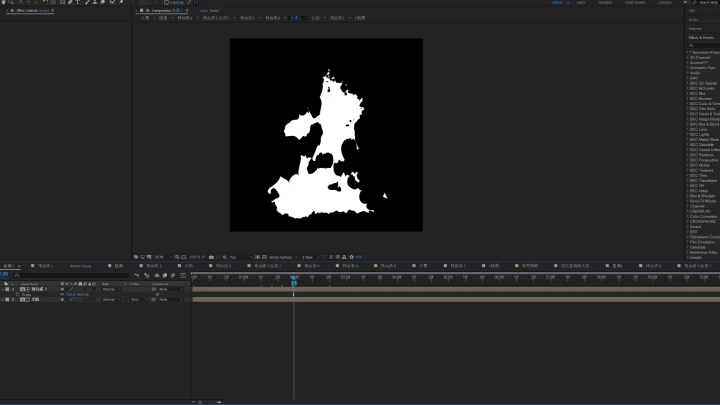
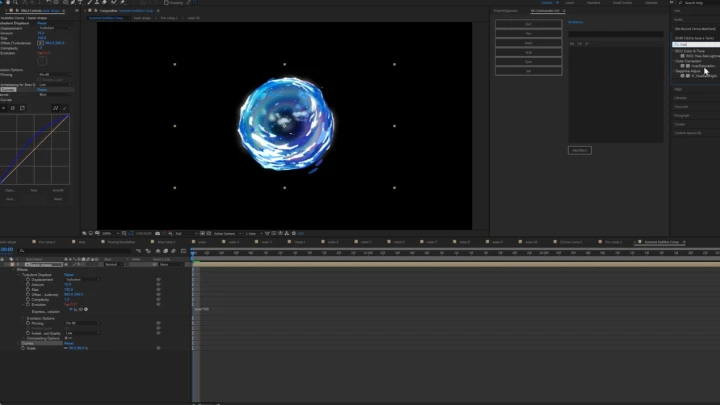
1. Apply a combination of fractal noise, polar coordinates, distortion, and other effectors to create anime-style textures
Class Perks
Special Gift from SNOW LISA
-
 Course AEP Engineering Files
 -
 High-Definition Animation Files
 -
 AE Script File
Recommendation
Who should take this class?
Students who wish to enter the animation and game industries.
Beginner animators who wish to improve their skills in animation compositing.
Digital artists who wish to improve their artistic skills.
Expert Animator SNOW LISA's Portfolio

Credit
Why Take This Class?
This course provides a fresh approach to creating anime-style special effects in AE, guiding you from raw reference footage to fully realized, dynamic visuals. Starting with careful analysis, you’ll learn to break down each effect into its fundamental shapes, movements, and textures. Then you'll rebuild them with tools and techniques that capture the feel of hand-drawn animation.
By focusing on the entire creative workflow, you’ll develop both technical proficiency and a strong visual intuition, allowing you to craft effects that are uniquely your own. Beyond step-by-step demonstrations, the course teaches a flexible, modular pipeline that can adapt to any project, helping you create professional-quality animations for personal work, portfolios, or client projects.
Throughout the course, you’ll deepen your understanding of composition, lighting, timing, and texture, building a strong foundation for continuous growth as an animator. This foundation will also empower you to create work that is visually striking, warm, and authentically expressive.

Get Ready for the Real-World
13 Class Exercises
-
Create Anime Textures
-
Create Base Flame
-
Animate Flame Effects
-
Create Clouds
-
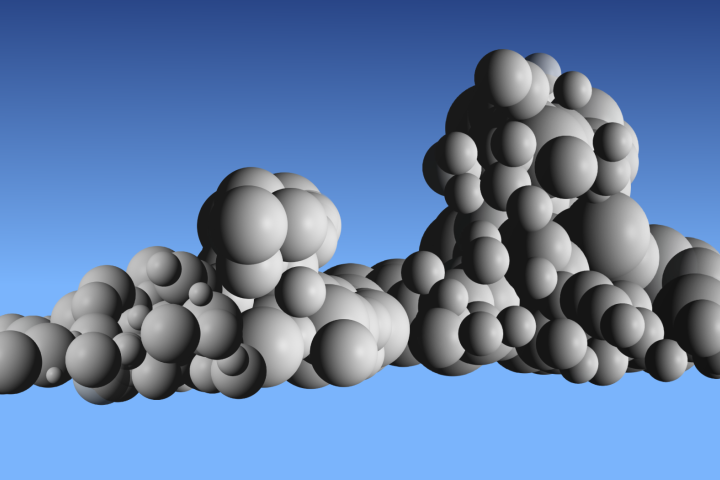 Create the Sky
 -
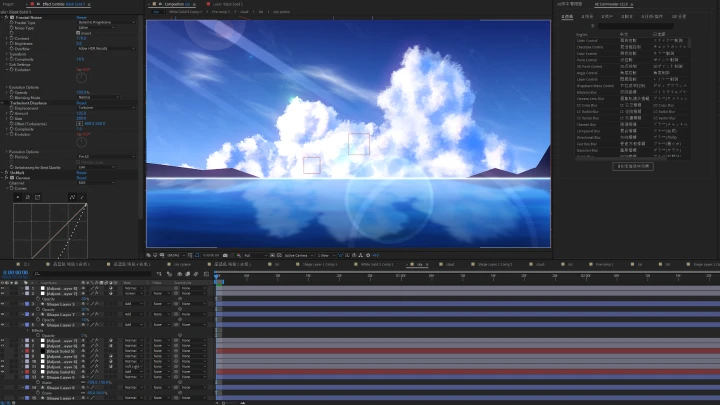
Composite Sky & Clouds
-
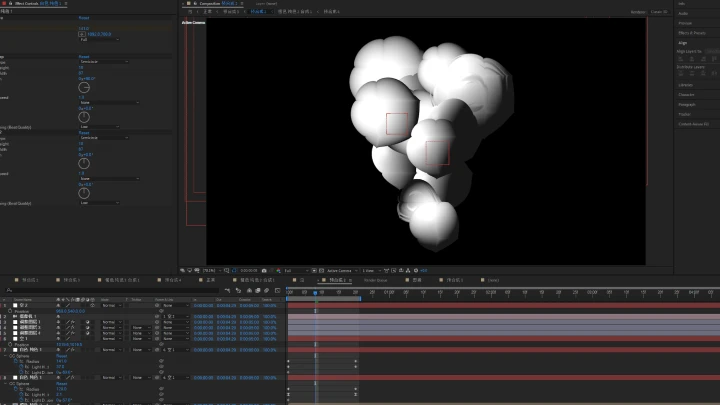
Create Base Explosion Form
-
Create Explosion Animations
-
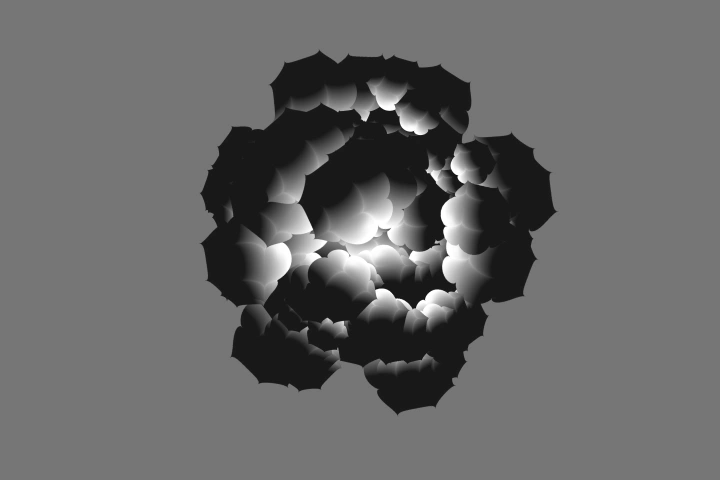 Add Texture to Explosions
-
Animate Explosions
-
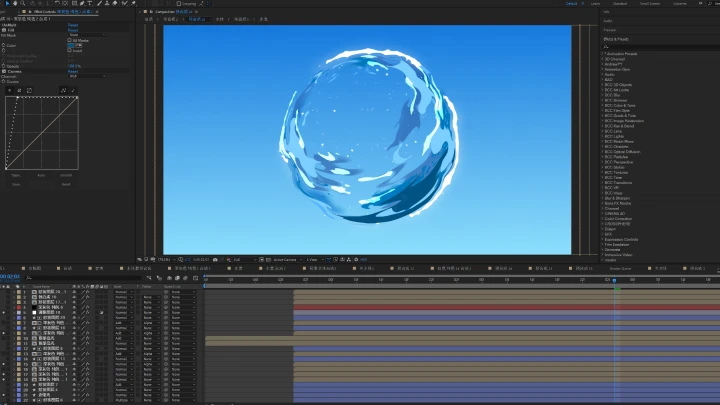
Create Bubbles
-
Animate Bubbles & Particle Effects
-
Apply Lighting & Shadow Effects
Final Products
-
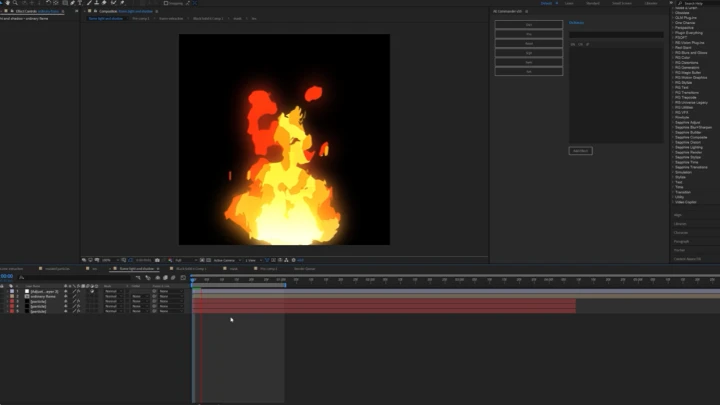
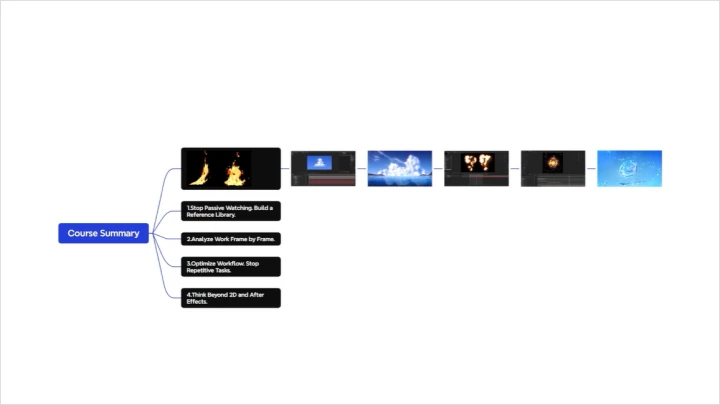
Flame Effect
-
Cloud Effect
-
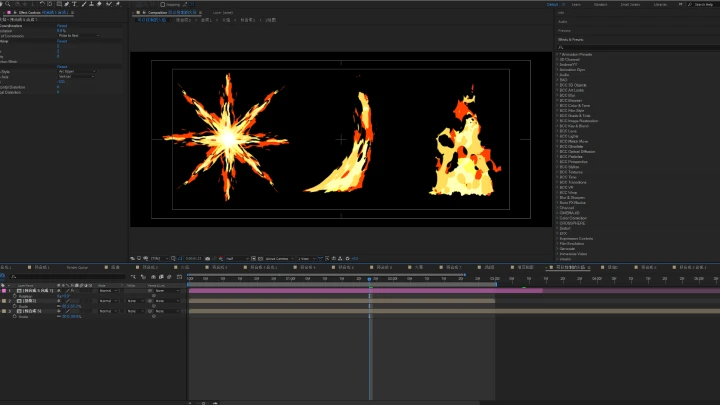
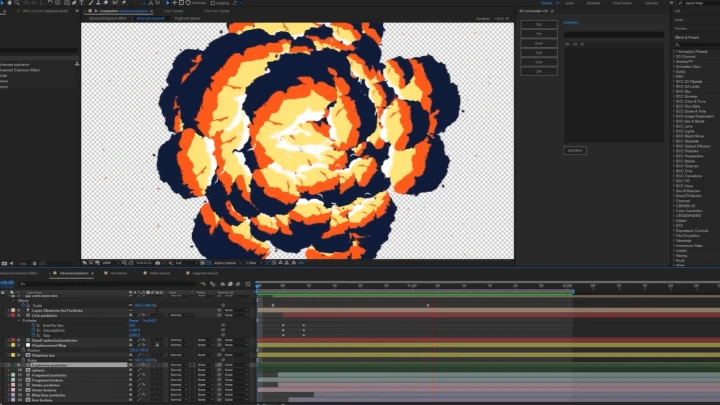
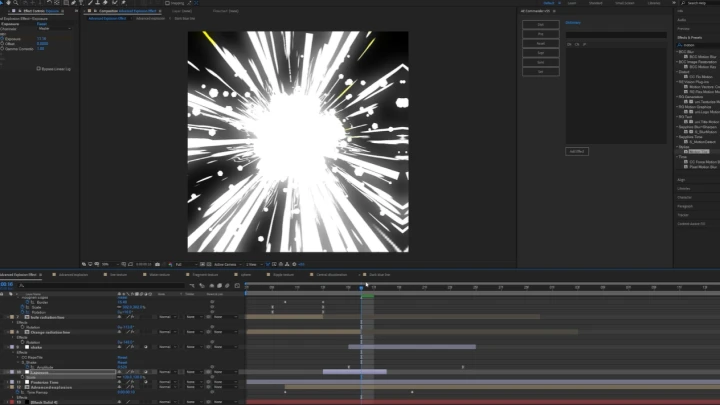
Explosion Effect
-
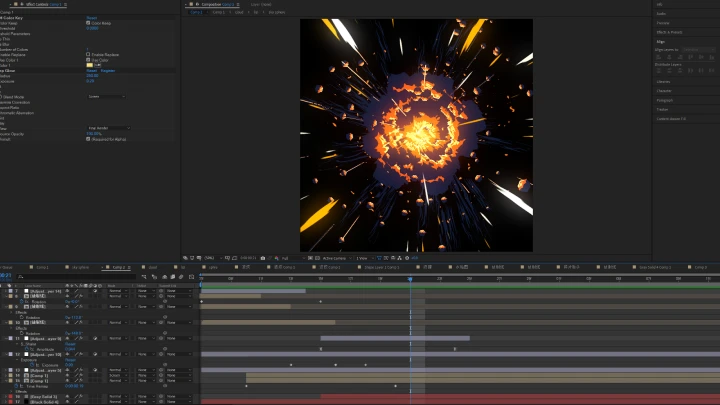
Advanced Explosion Effect
-
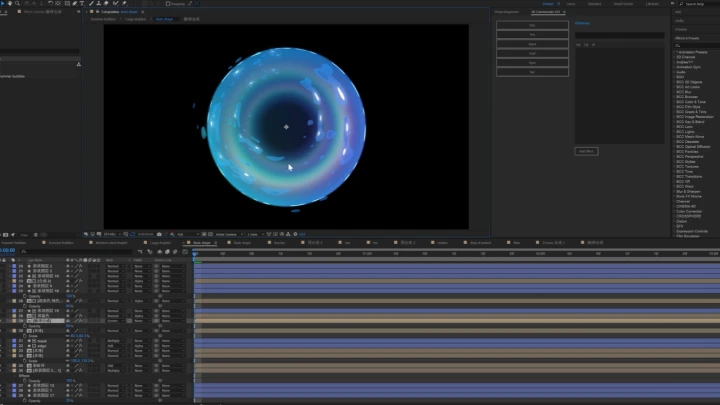
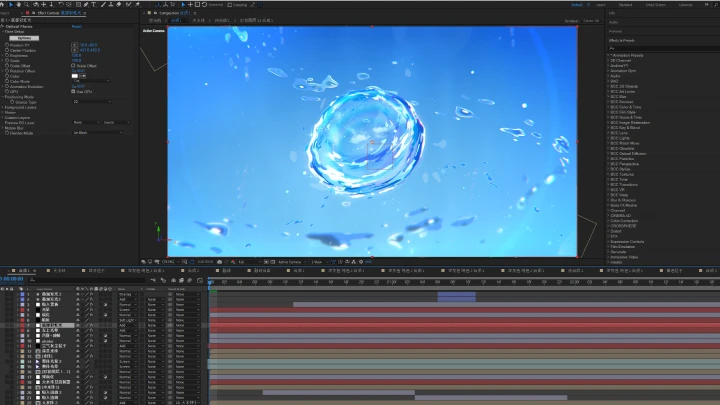
Advanced Bubble Effect
Highlights
Class Highlights
Observe and Deconstruct
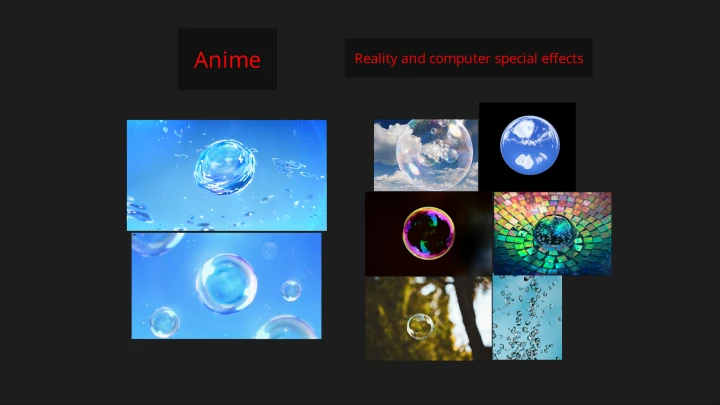
Train your analytical skills as an artist. Learn to accurately extract and summarize the core visual elements, such as light and shadow relationships, basic shapes, material textures, and color combinations, from reference works.
Hand-Drawn Aesthetic
Break away from the “digital feel”! Creatively combine AE effects, such as turbulence displacement, fractal noise, and vector graphics. Use them to replicate the organic flow, distinctive brushwork, and dynamic energy of hand-drawn animation.
Design and Synthesize Images
Combine the techniques you have learned to craft a cohesive and striking shot that instantly captures the audience’s attention.