animationsupervisor,laurentrossi Details
Intro
Class Intro
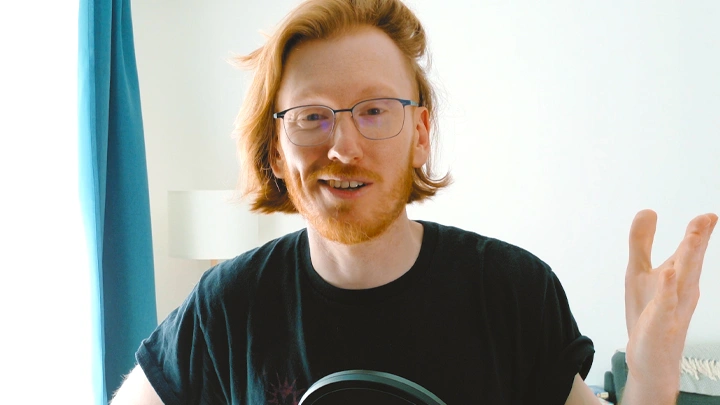
Animation Supervisor, Laurent Rossi
Create movements that flow through the dialogue
for more emotive & relatable characters to truly captivate your audience
Enter into a Dialogue: Mastering Lip Sync
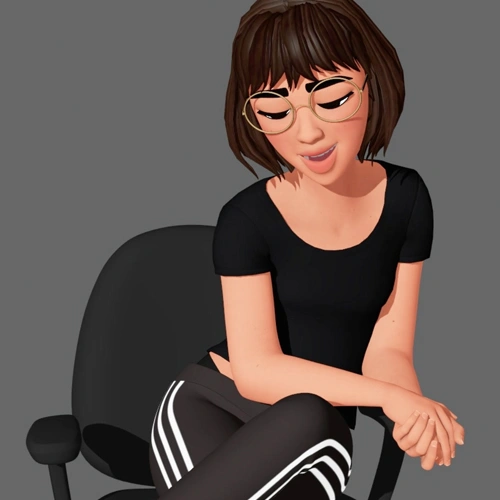
Do you feel like your animations are strong in acting and body mechanics, but your lip sync still falls flat? Do the shapes, timing or phrasing of your dialogue feel unconvincing or disconnected from the rest of the face? In this class, you’ll learn how to make every word, breath, laugh and shout feel like it’s truly coming from your character, turning lip sync into one of your greatest strengths.

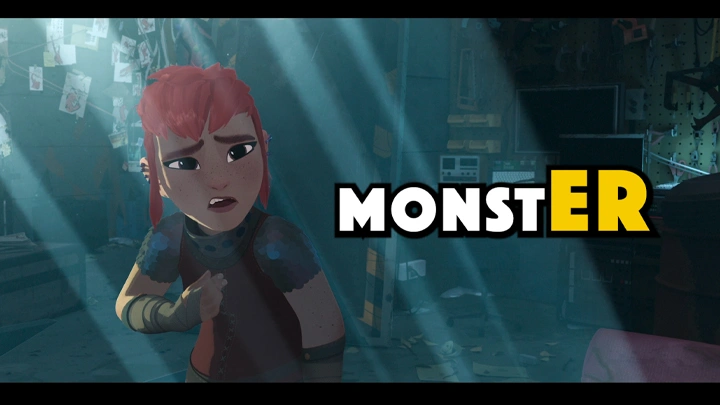
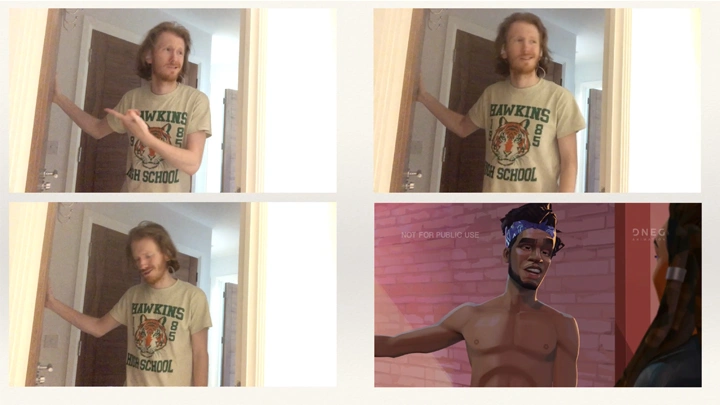
Led by Animation Supervisor Laurent Rossi, who contributed to and influenced the facial libraries of the Oscar-nominated film Nimona and the Emmy-nominated film Entergalactic, this course draws on 18 years of feature animation experience across 2D, 3D, and stop-motion. Students will learn to analyze and interpret dialogue, place shapes with purpose, create appealing motion, build a reusable lip sync library, animate a dialogue test, and review and communicate notes effectively.
By the end of the course, students will have a complete workflow for feature-quality lip sync, along with the confidence and skills to make their characters feel alive and fully believable on screen.
By the end of the course, students will have a complete workflow for feature-quality lip sync, along with the confidence and skills to make their characters feel alive and fully believable on screen.
Class Preview
Still Not Sure? Check Out Laurent Rossi's Class Preview!
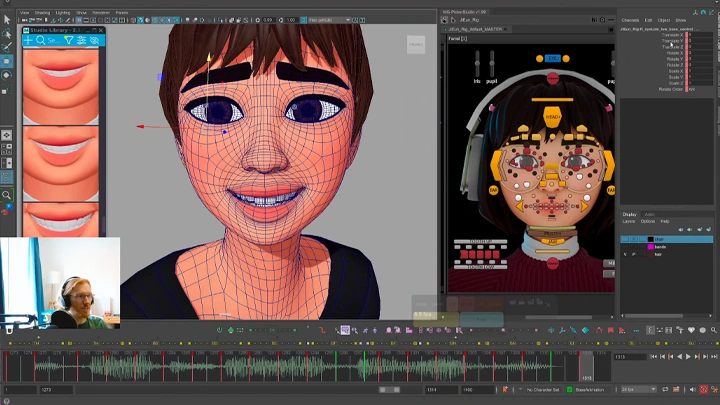
Chapter 04. Exercise: Shape Placement
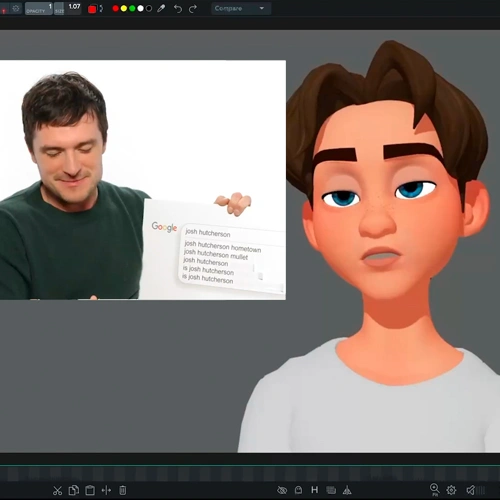
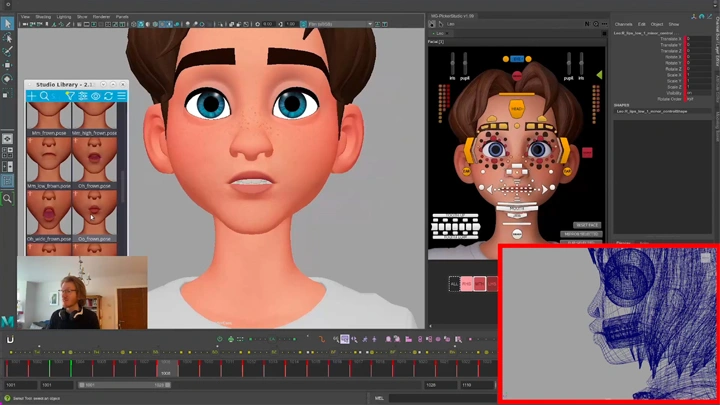
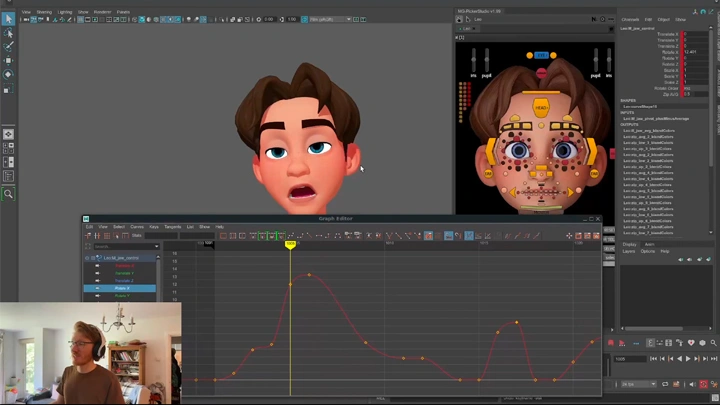
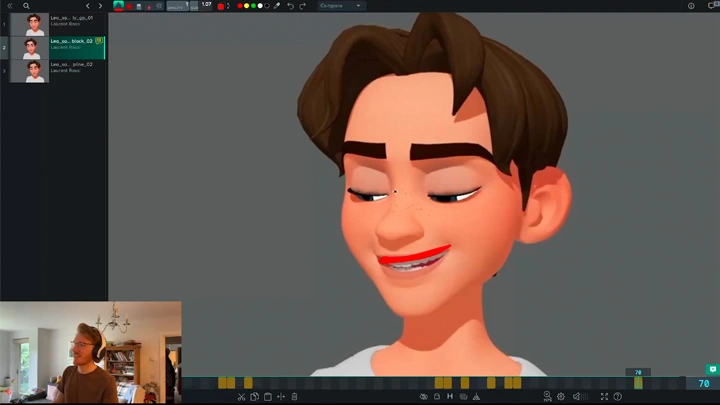
1. Animating a dialogue clip in Maya and incorporating shape placement principles
Class Perks
Special Gift from Laurent Rossi
-
 Rig Discount Code- 20% off the full price of Wonderwill Rigs, as featured in the course - 25% off the full price of Ramon Arango Rigs, as a viable alternative
 -
 YouTube Video Curation- A curated list of YouTube videos for further learning that will train your eye and ear... and also make you laugh out loud!
 -
 Syncsketch Session- A Syncsketch link to a large selection of clips from movies to study the audio and dialogue, with annotations and comments
-
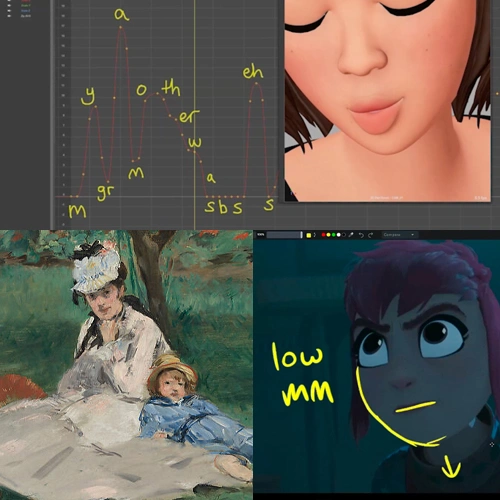
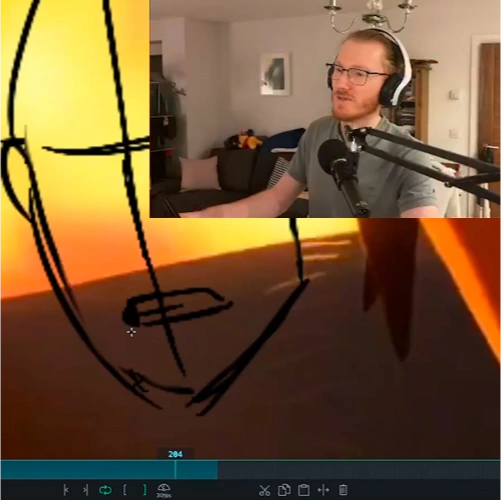
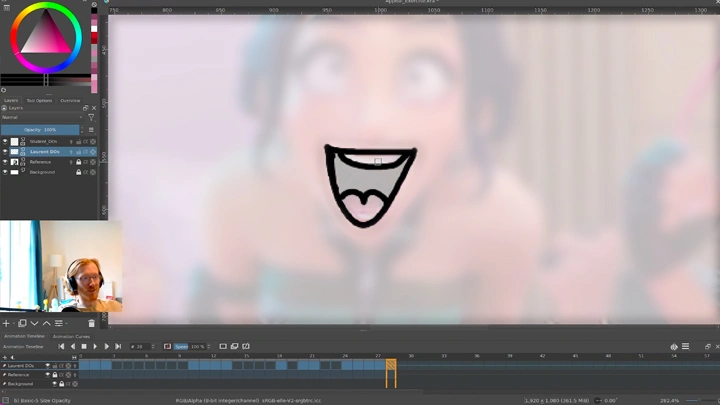
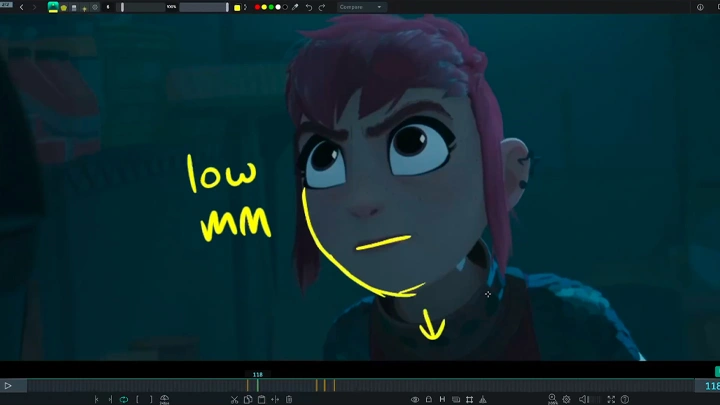
 Krita Scene File- A Krita scene file that includes drawovers and notes on mouth shapes, providing insight on factors that enhance image appeal
 -
 Audio File Selection- A selection of audio files that can be imported into your preferred animation program to animate a dialogue test with
 -
 Maya Lighting Setup- A basic light setup for Maya that you can drag and drop into your scenes to light your character and avoid the typical "playblast" look
Recommendation
Who should take this class?
3D and 2D animation students who are eager to master lip sync in a structured and comprehensive way, gaining a resource they can return to as they continue to grow and refine their animation skills.
3D and 2D animators who recognize lip sync as a weak point in their work and want to strengthen their ability to interpret dialogue, animate it effectively, and enhance design and appeal through well-crafted mouth shapes.
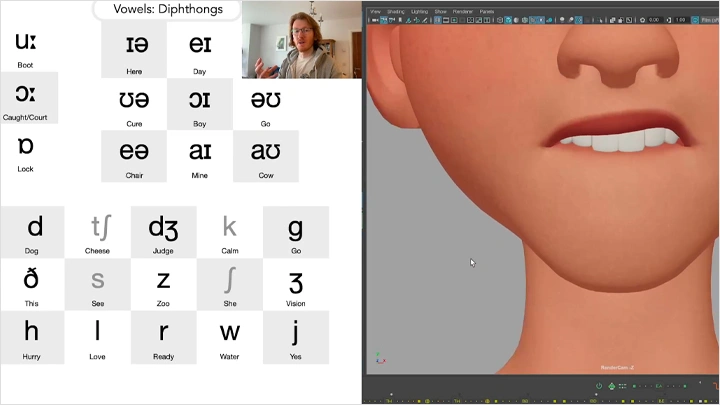
Animation professionals who aim to elevate their work by exploring design, appeal, phonetics, and accents, and by building a complete lip sync library for feature film that blends phonemes seamlessly and maintains consistency across a production.
Expert Animation Supervisor Laurent Rossi's Portfolio
-
 That Christmas
 -
 Nimona
 -
 Entergalactic
-
 Despicable Me 2
 -
 Minions
 -
 Secret Life of Pets
-
 Ron's Gone Wrong
 -
 Missing Link
 -
 Here We Are
-
 Project_Gouken
 -
 One Day
 -
 Sam's Dream
Why Take This Class?
It's one thing to have beautiful weight and body mechanics, strong posing, and excellent acting choices, but nothing is more satisfying than truly feeling that the sound we hear is coming from the character in front of us—that every word, breath, shout, whimper and laugh is emanating from their very being. Even with everything else in place, if your lip sync falls flat, your shot may be technically strong but will never feel fully believable.
This class takes a holistic look at art and design, dialogue and language, intent and interpretation, drawing on 18 years of feature animation experience across 2D, 3D, and stop-motion. It culminates in animated dialogue tests and equips you with all the knowledge needed to create your own lip sync library to the standard of a high-quality feature film.
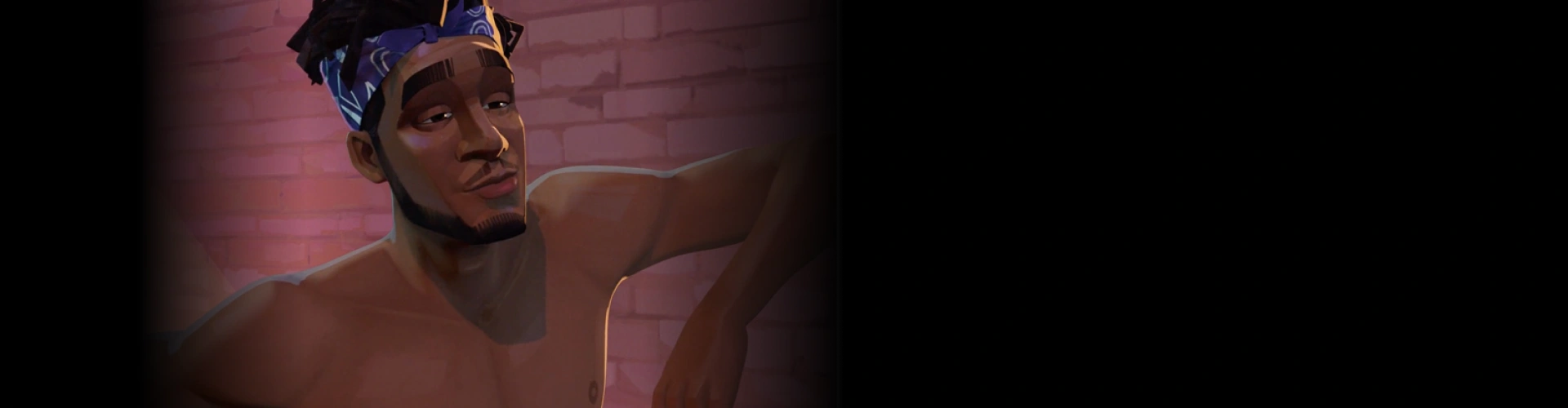
Get Ready for the Real-World
6 Class Exercises
-
 Shape Placement
 -
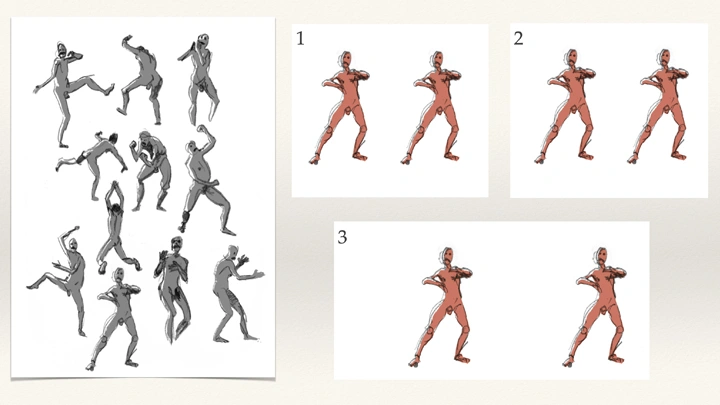
Committing Design Principles to Memory
-
 Building a Lip Sync Library
-
 Dialogue Performance Animation
 -
 How to Review a Shot
 -
 How Breakdowns Change Intent
Final Product Example(s)
-
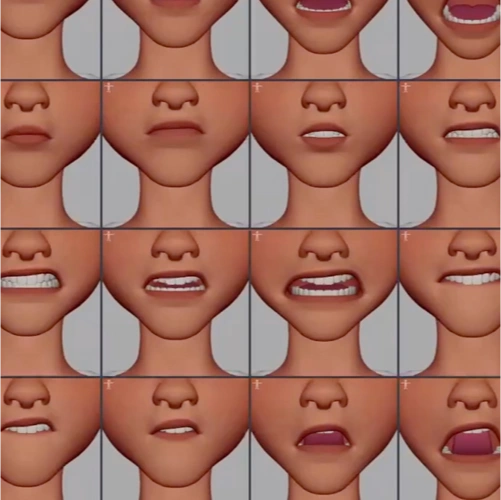
Lip Sync LibraryA resuable libary of mouth shapes, ready for use in every dialogue test with speed and efficiency
-
Dialogue TestA dialogue test with either a provided audio file (or one of your own), from blocking to spline to polish
Highlights
Class Highlights
Truly Understanding the WHY
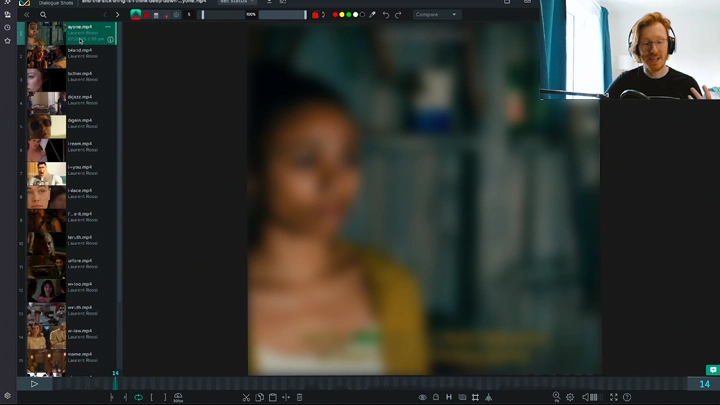
After watching this class, I want students to understand how to approach lip sync for themselves, not just follow instructions. I'm not just going to tell you what to do—I’ll dive deep into the reasoning behind it all, and if you understand the WHY, you'll have the confidence to tackle any dialogue test.

Every Frame is a Painting

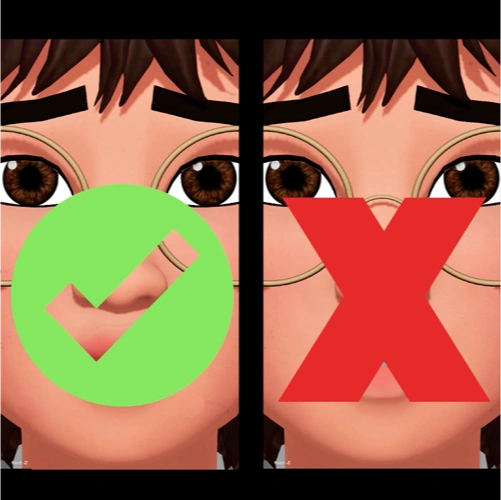
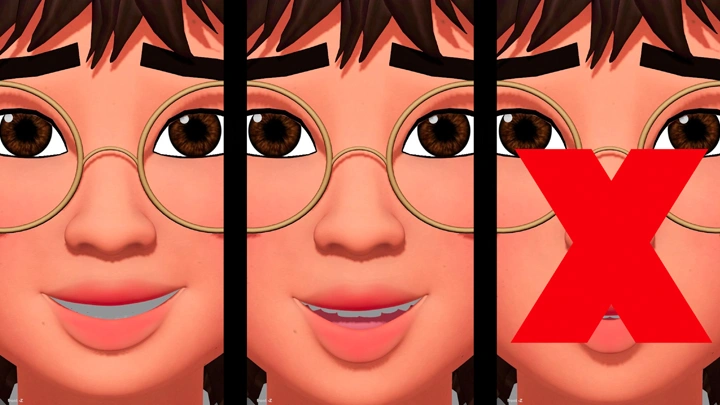
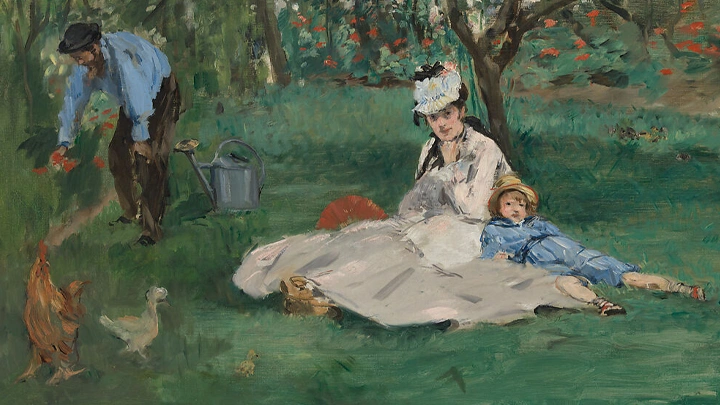
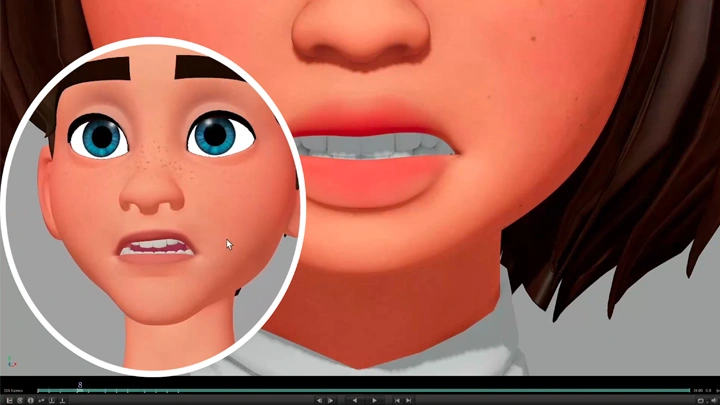
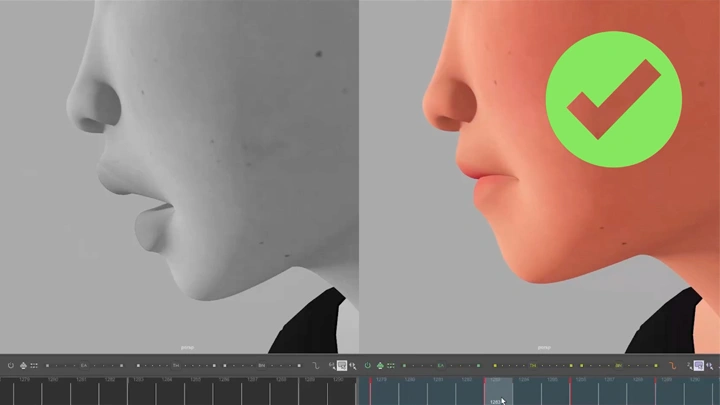
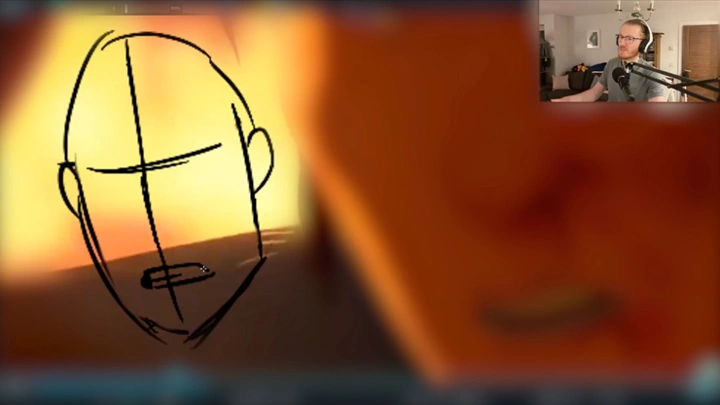
Learn how to make each frame a beautiful, clear, and graphic mouth shape that reads well on camera. Creating appealing shapes is not only necessary for a beautiful image, but the clearer the design to the camera, the more readable it is to the audience. More readable = more believable = more empathy.

Poetry in Motion
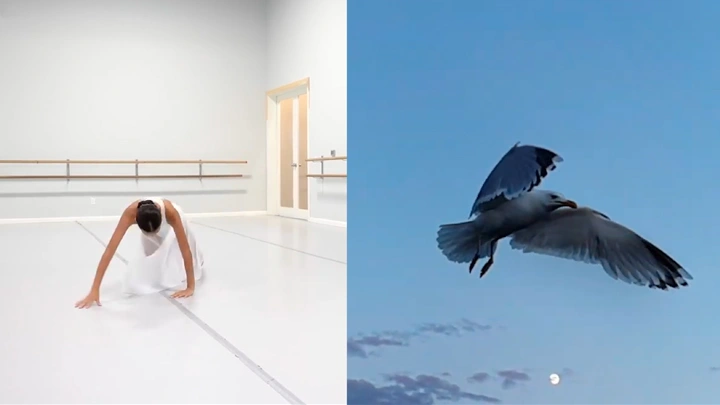
Learn how to make the mouth move through the dialogue, using phrasing and core animation principles to enhance both clarity and appeal. Clear, appealing movement not only looks good on screen, but makes the character more readable, more believable, and more relatable to the audience!