2dstoryboardartist,rambu Details
Intro
Class Intro
2D Storyboard Artist, Rambu
"Going beyond storyboarding, let's dive into the world of animatics which will help mould your final sequence!"
Want to Create Your Own Musical Animation? Learn to Visualize Songs into Compelling Animatics!
If you’re drawn to musical storytelling but struggle to turn music into clear, compelling storyboard, this class is designed for you. Rather than teaching isolated techniques, it focuses on how to think and decide as an independent creator when working with musical scenes. This is your moment to turn ideas into finished musical animatics, with confidence.

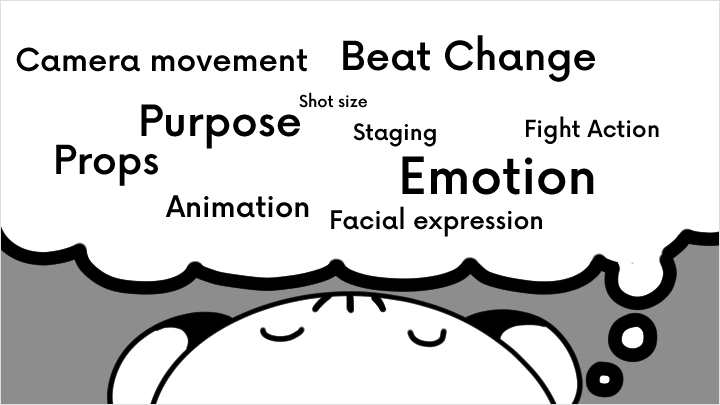
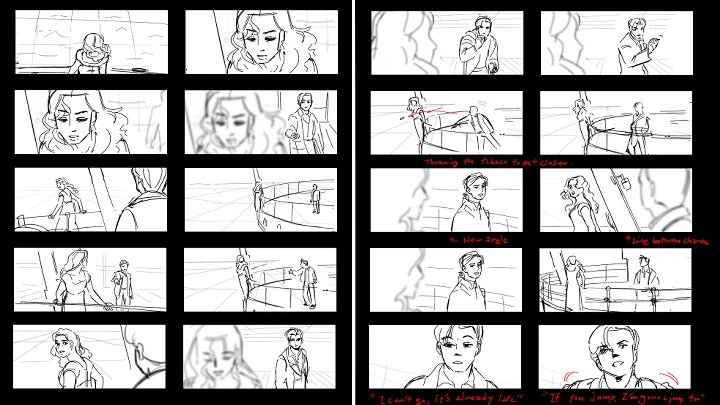
You’ll learn how to translate music into animation by understanding timing, rhythm, and performance at the pre-prodution stage. Through structured exercises such as reference analysis, beat board development, thumbnail iteration, and shot planning, you’ll build the creative decision-making framework that connects music to drawing, camera movement, and visual storytelling.
Instead of relying on specific software or shortcuts, this course teaches a repeatable directing process you can apply to any song or story. By the end of the class, you’ll independently complete a short musical animatic from script research to final render, gaining a workflow you can reuse for original characters, personal projects, and future musical productions.
This course is for creators who want to go beyond following tutorials, and start directing music-driven animation with intention, clarity, and confidence.
Instead of relying on specific software or shortcuts, this course teaches a repeatable directing process you can apply to any song or story. By the end of the class, you’ll independently complete a short musical animatic from script research to final render, gaining a workflow you can reuse for original characters, personal projects, and future musical productions.
This course is for creators who want to go beyond following tutorials, and start directing music-driven animation with intention, clarity, and confidence.
Class Preview
Still Not Sure?
Check Out Rambu's Class Preview!
Chapter 14. What Makes a Musical Animatic Different?
1. Difference between music videos and narrative musicals
2. Instruments and tempo
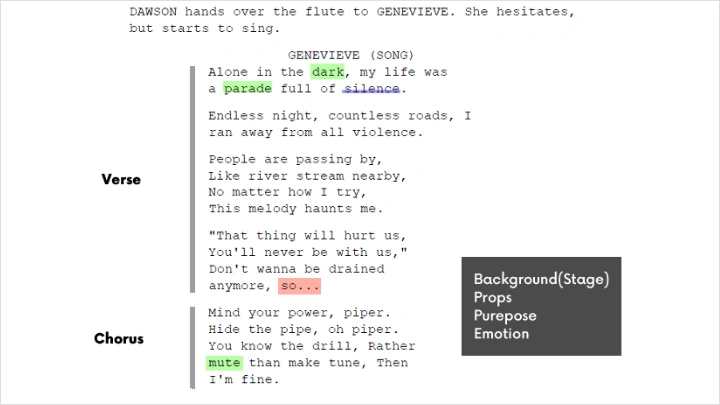
3. Verse, chorus, and bridge
2. Instruments and tempo
3. Verse, chorus, and bridge
Class Perks
Special Gift from Rambu
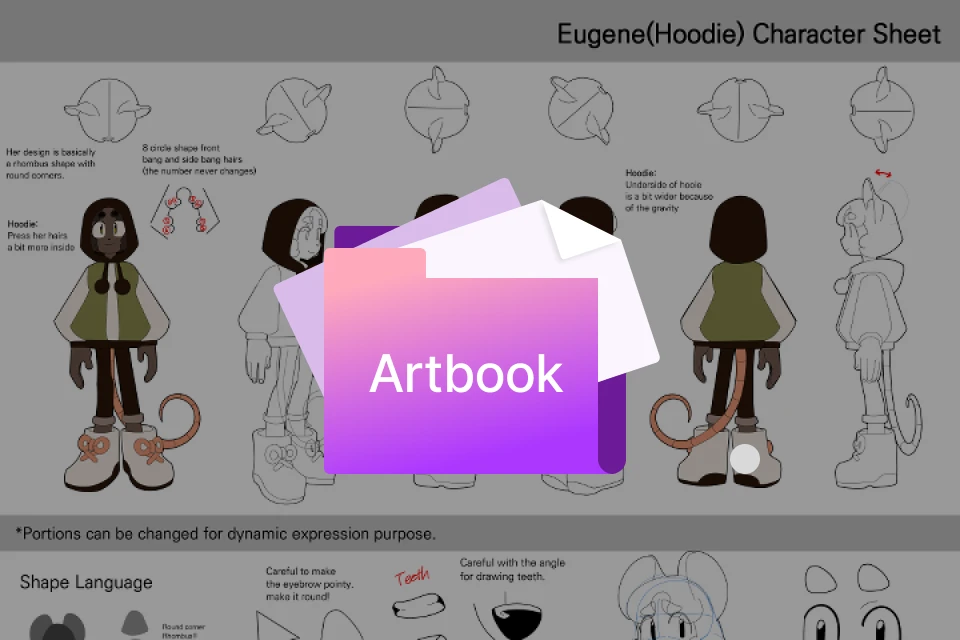
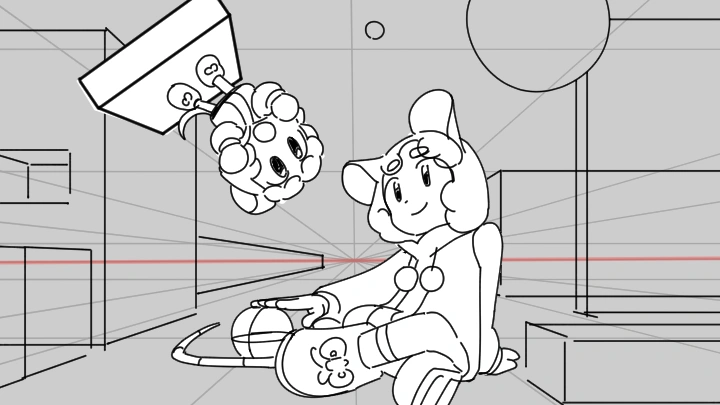
"Musical Pipers: The Pied Piper" Mini Artbook
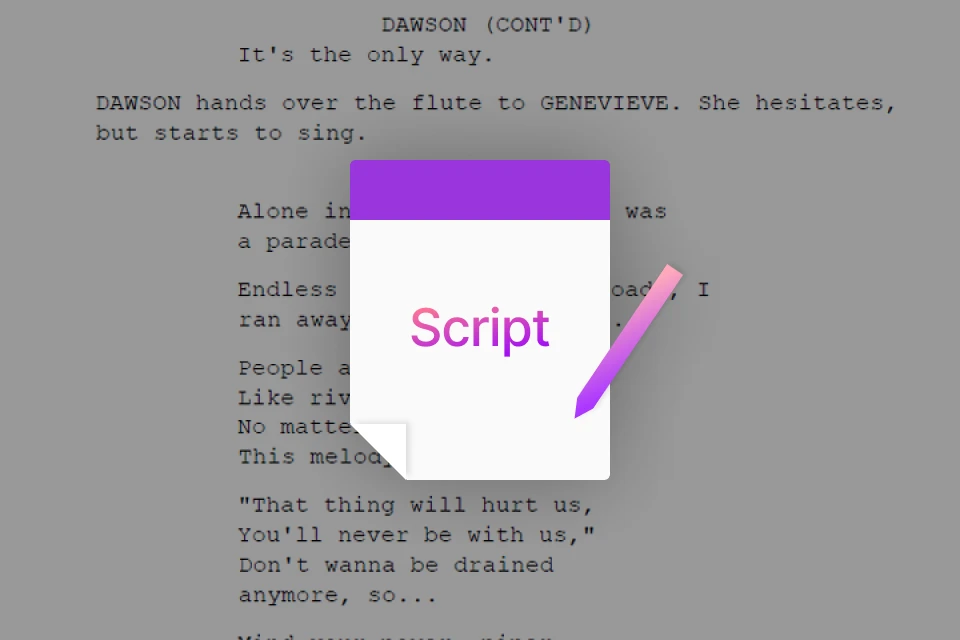
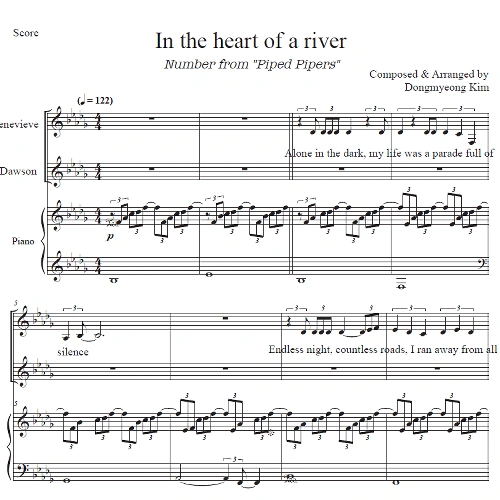
"Heart of a River" Musical Song Script
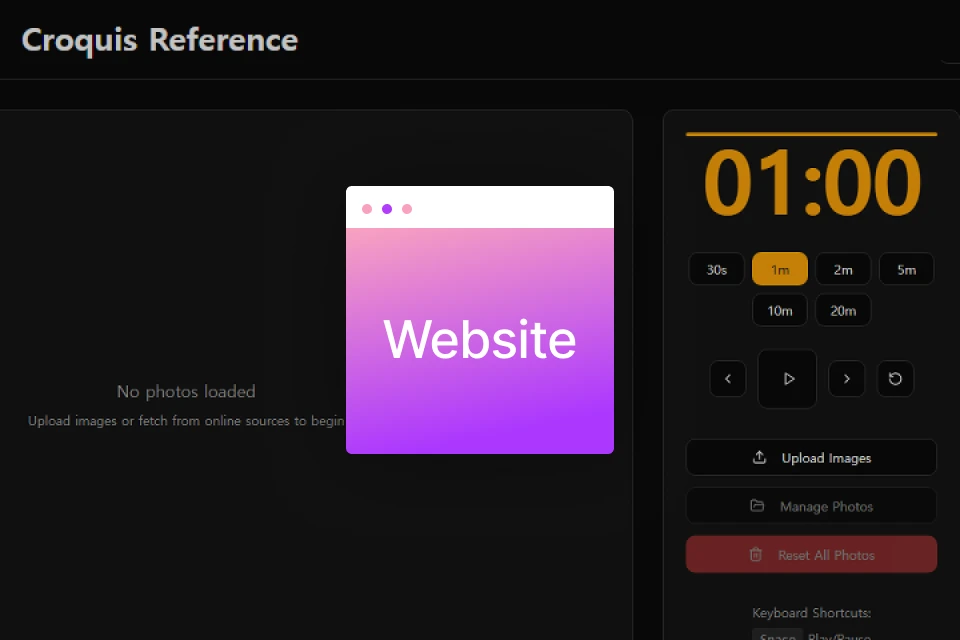
Customizable Croquis Website
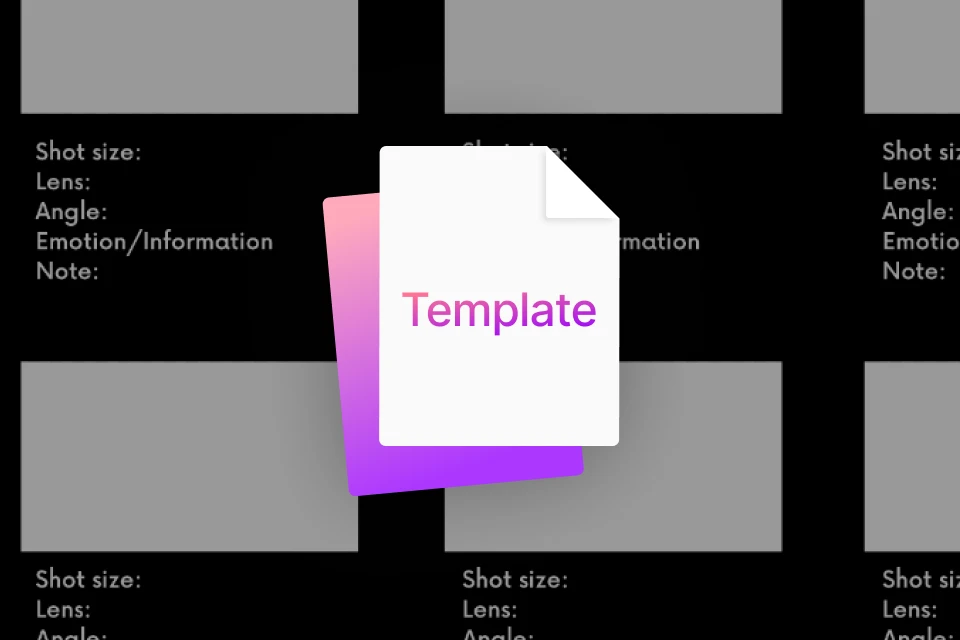
Directing Study Template
Class Material Details
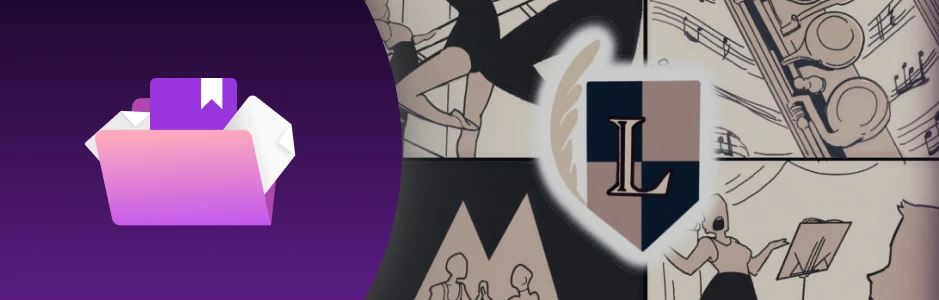
- An Exclusive Behind-the-Scenes Look at Rambu’s Creative Process for Musical Pipers
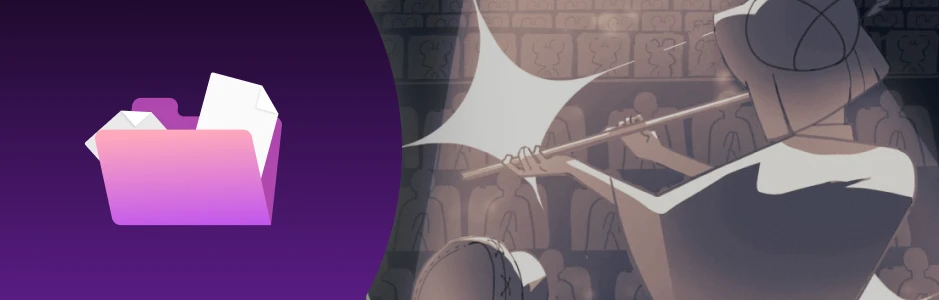
- Original song script from the musical number
- Lyrics, structure, and narrative flow
- Adjustable poses for croquis references
- Practice resource for figure drawing
- Template for analyzing film scenes
- Checklist for composition, pacing, and direction
- Organized format for film study notes
Recommendation
Who should take this class?
Aspiring artists who already make art but have never learned to direct in a structured or professional way, and want to build videos from the ground up.
Content creators who want to tell stories through music and video, and need a clear starting point to turn ideas into visual plans.
Storyboard artists who want to strengthen their directing skills, especially when working with music-driven or musical sequences.
Expert 2D Storyboard Artist Rambu's Portfolio
-
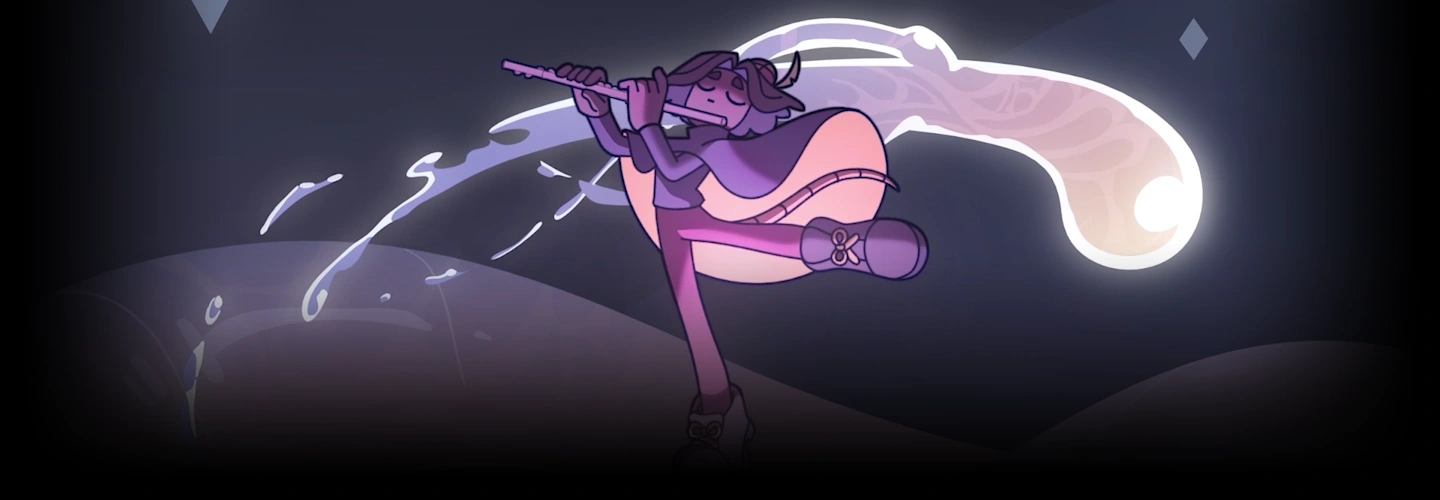



Musical Pipers
-

Wicked - Defing Gravity (OC Fan Animatic)
-
Beetlejuice - Say My Name (OC Fan Animatic)
-

Hamilton - Yorktown (OC Fan Animatic)


Why Take This Class?
This class helps bridge the gap from where you are to where your dream project is. It gives you clear direction and a practical process to visualize the stories and images in your mind into a music driven animation scene.
Instead of passive lessons, you’ll follow a self-study–oriented approach from Rambu that combines analysis, experimentation, and making. By the end of the course, you’ll have a repeatable creative process and original portfolio work shaped by what truly inspires you.

Get Ready for the Real-World
18 Class Exercises
Part 1. Drawing for Storyboarding (4 Exercises)
-
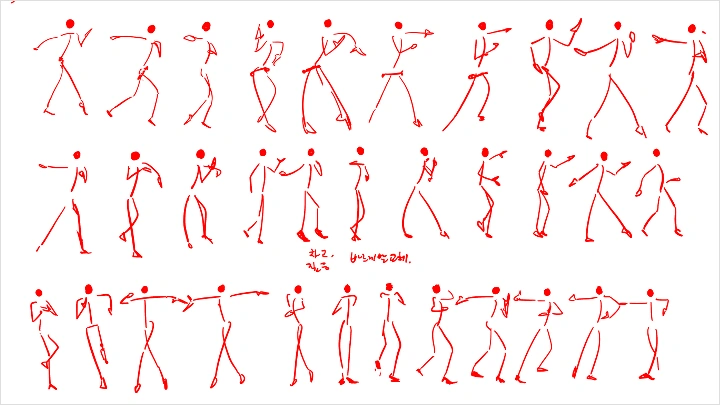
 Fast & Simple Daily Croquis- Build a sustainable daily drawing routine and explore a fast, simplified croquis method for storytelling
 -
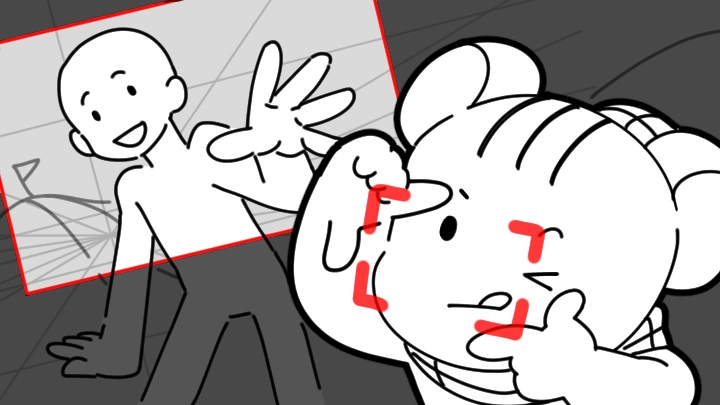
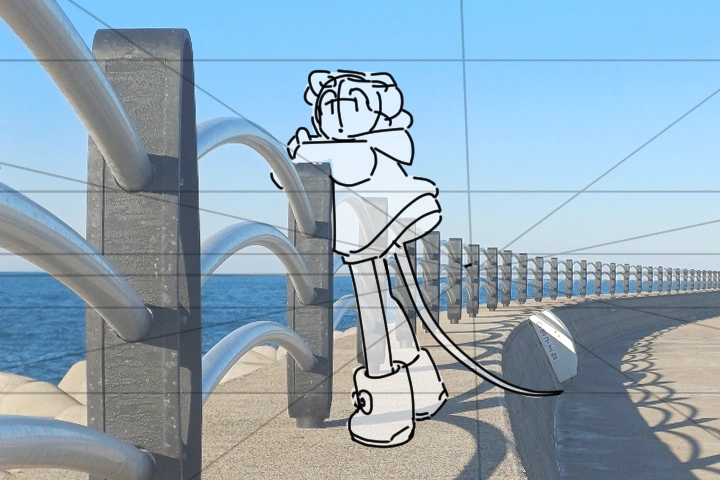 Real-World Perspective Studies- Take photos from real environments and study perspective by drawing directly over real-world references
 -
Composition Analysis from Screenshots- Analyze composition by breaking down screenshots from films and animation
-
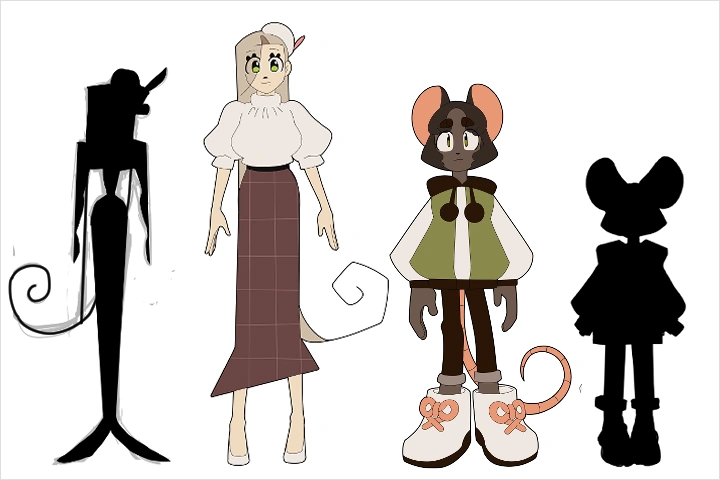 Style Research & Development- Redraw your old work, study artists you admire, and experiment with blending their influence into your own style
Part 2. Film Grammar and Camera Understanding (4 Exercises)
-
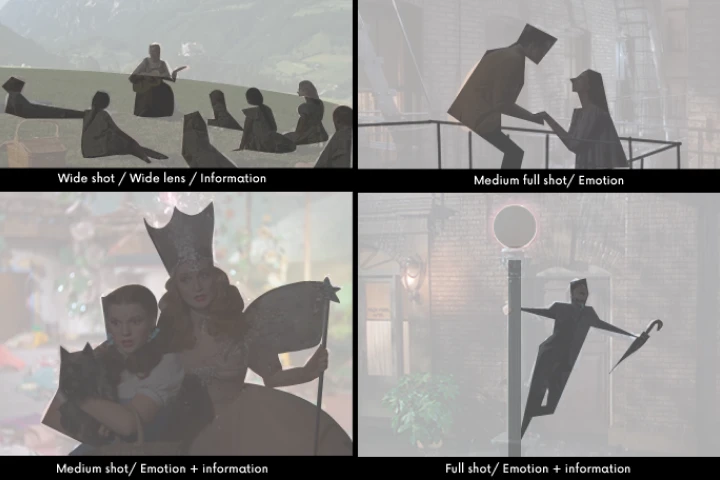 Film Grammar Through Scene Analysis- Analyze core film grammar principles through carefully selected movie scenes
 -
Dynamic Action Camera Break Down- Learn how to analyze cmplex camera movement using perpctive line
-
Dynamic Action Movement Break Down- Learn how to analyze complex character actions with camera
-
Spatial Scene Breakdown- Learn how to create spatial camera movement with 2D drawings
Part 3. Scene and Shot Understanding (2 Exercises)
-
Understanding Shot Interaction- Understand how shots are intertwined by learning montage theory
-
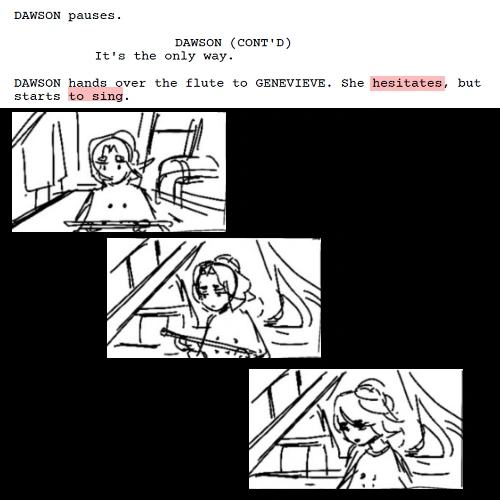
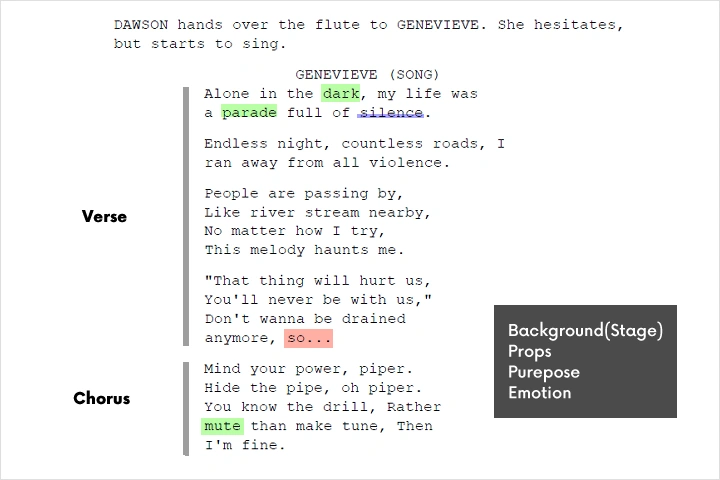 Script Break Down- Review animation references in video form to understand timing, movement, and performance
Part 4.Musical Focused Storyboarding (5 Exercises)
-
 Animation Timing & Performance Study- Review animation references in video form to understand timing, movement, and performance
 -
Dance Choreography Planning- Analyze and combine references to create iconic dance movement
-
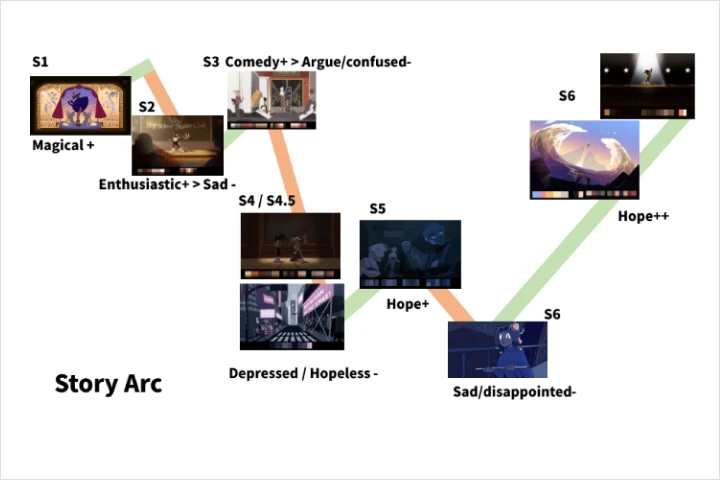 Story Beat Analysis- Explore story beats through written lyrics and scripts
 -
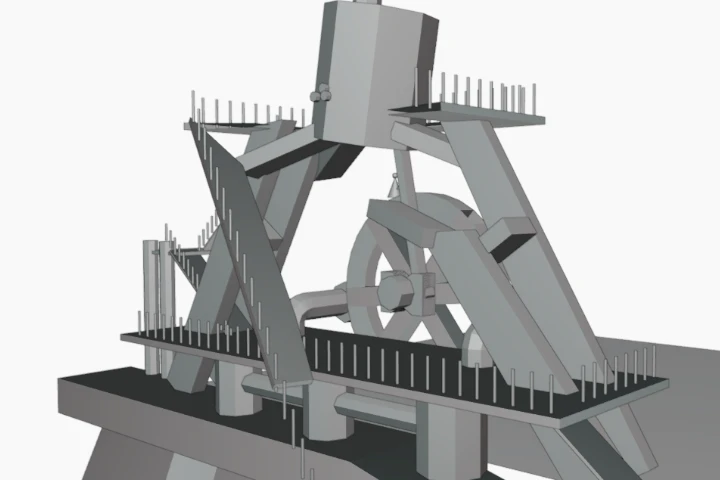 Scene Staging- Tips and tricks for creating iconic staging for performances
 -
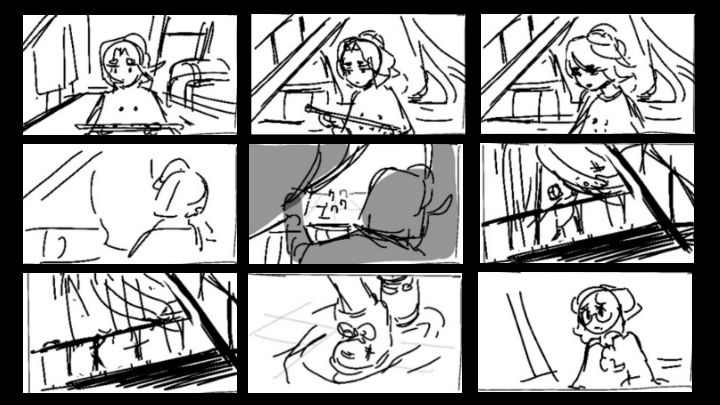
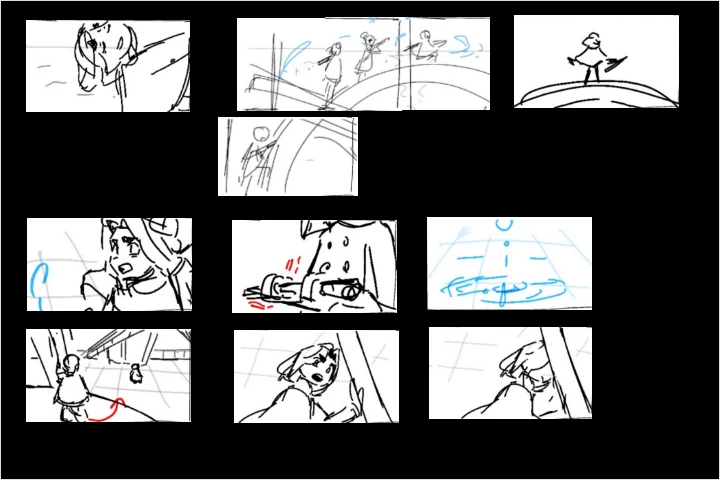 Study-Based Thumbnailing- Combine all previous studies and analyses into a panel that matches the flow of the song
Part 5. Production Exercises (3 Exercises)
-
Final Visual Development-Clean up lines and polish your drawings to a professional presentation level
-
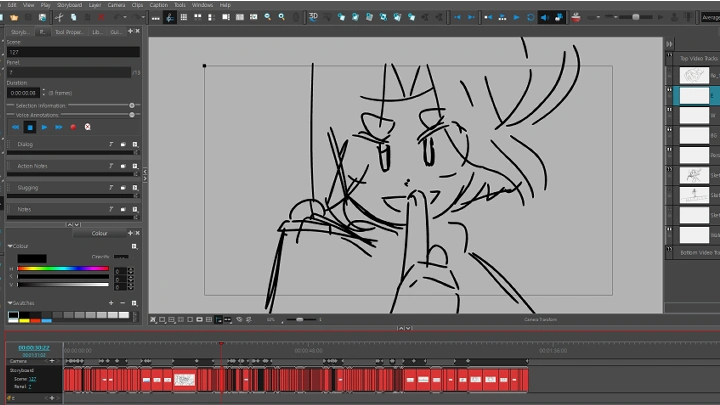
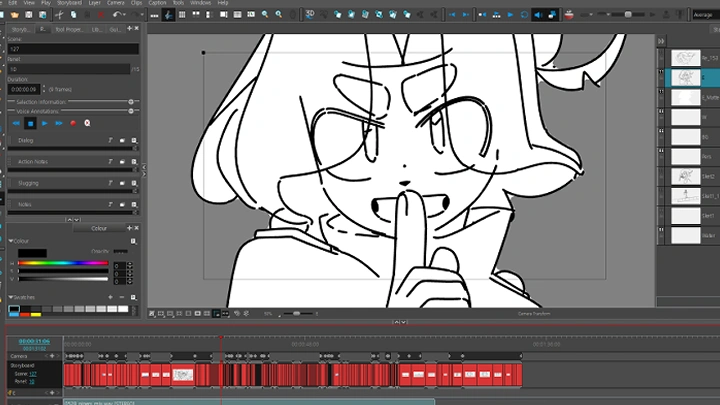
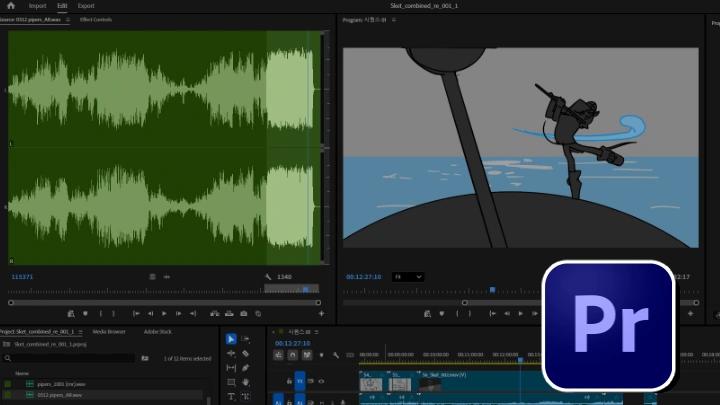
 Editing for Timing and Flow-Edit your storyboard into a cohesive animatic with clear timing and flow
 -
 Final Rendering- Understand the rendering format differences for social medial and film festivals
Final Product
"Heart of a River" inpired Musical Animatic
Students will complete their own animatic by researching references and breaking down a script. While the course uses a specific song as an example, students are free to apply the process to any music of their choice.
Highlights
Class Highlights
"What You'll Learn From This Class: Musical Storytelling for Animatics
Learn how to build animatics using rhythm, timing, and emotion, applying musical structure to plan beats, control pacing, and clearly communicate story flow.Break down music into actionable story moments, and translate them into key poses and timed sequences that guide your entire animatic.
What You'll Develop While Taking This Class: Timing, Flow, and Visual Expression
Develop a stronger sense of timing, shot continuity, and visual direction by practicing keyframe placement, shot transitions, and scene progression. Refine how each shot connects and flows, ensuring your animatics feel intentional, readable, and emotionally cohesive from start to finish.

How This Class Translates to Real-World Practice: Portfolio-Ready Animatics to Pursue Career Opportunities!
Create a complete musical animatic from concept to final output, demonstrating your ability to structure scenes, direct motion, and deliver a polished piece. Organize your workflow from rough thumbnails to final compositing, and produce a portfolio-ready project that can be used for pitching or professional opportunities.