2dmotionartist,faruco_화루코JP Details
Intro

Now in Your Language, Only on Coloso!
Learn from Korea's Top Master Creatives
-
 After Effects for 2D Motion
 -
 MV Planning & Workflow
 -
 Stylized Motion Expression
Class Intro
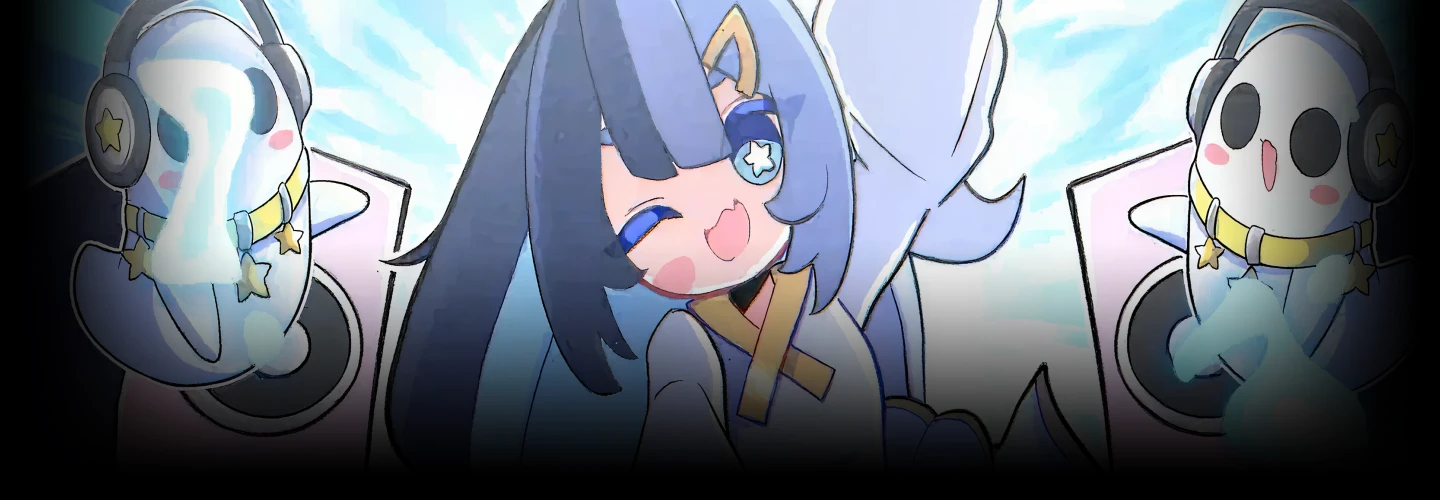
2D Motion Artist, Faruco
The Secrets to Creating Highly Addictive MV Animations
Faruco, a 2D motion artist known for creating MVs for Genshin Impact, Zenless Zone Zero, and more.
In this course, he shares how to independently create highly addictive 2D animation MVs—using After Effects to craft satisfying motion and his signature original VFX.
In this course, he shares how to independently create highly addictive 2D animation MVs—using After Effects to craft satisfying motion and his signature original VFX.
First, you’ll learn the full workflow of MV production and the fundamentals of 2D rig animation. From planning and storyboarding to efficient part separation in CSP/Photoshop, as well as the basics of After Effects and project setup - you’ll build a solid foundation for creating animation MVs.
Next, you’ll practice animation in After Effects through three levels, beginner, basic, and intermediate. You’ll progress from simple Puppet Tool operations to complex controls using bones and rigs, and also learn Faruco’s original VFX techniques that don’t rely on preset assets.
Finally, you’ll master the finishing process: compositing, syncing motion to the song’s BPM, camera work, lighting adjustments, and all the techniques that maximize the “satisfying” feel of an MV.
Experience the techniques behind creating irresistibly satisfying music videos—only on Coloso.
Next, you’ll practice animation in After Effects through three levels, beginner, basic, and intermediate. You’ll progress from simple Puppet Tool operations to complex controls using bones and rigs, and also learn Faruco’s original VFX techniques that don’t rely on preset assets.
Finally, you’ll master the finishing process: compositing, syncing motion to the song’s BPM, camera work, lighting adjustments, and all the techniques that maximize the “satisfying” feel of an MV.
Experience the techniques behind creating irresistibly satisfying music videos—only on Coloso.
Class Preview
Still Not Sure?
Check Out Faruco's Class Preview!
08. 2D Animation Basics 1
- Anchor Points and Parenting
- Pre-composition
- Puppet Tool
- Pin Settings
- Bone Setup
- Rigging Setup
- Pre-composition
- Puppet Tool
- Pin Settings
- Bone Setup
- Rigging Setup
Class Perks
Special Gift from Faruco
-
 Unlimited access to 25 chapters featuring Faruco’s animation MV production know-how
 -
 Complete one finished artwork through the course
 -
 Access provided materials such as illustration source files and After Effects script files
Class Material Details
-
 Project assets- Example illustration source files (.clip)
-
 Faruco’s original production support script- After Effects script file (.jsxbin)
Expert 2D Motion Artist Faruco's Portfolio
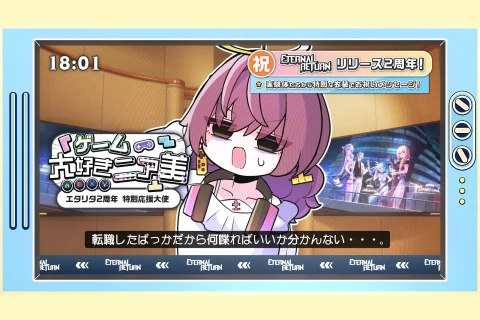
[Anime MV] “Oshi-Katsu Angel Vivian-chan” [ZZZ / HoYoFair]
Responsible for illustration, animation, video production, and direction.
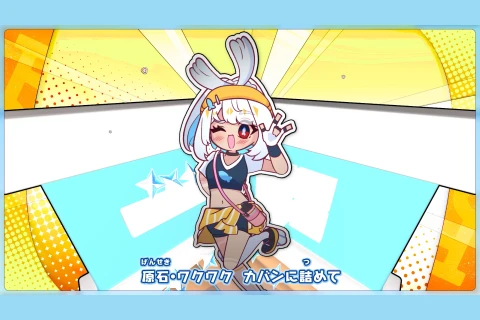
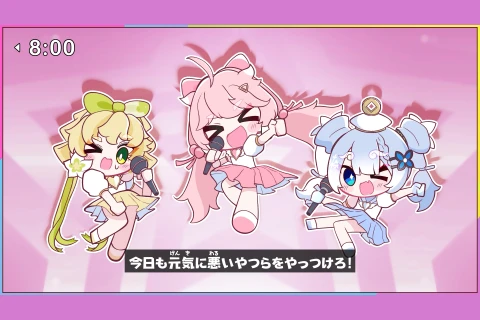
[Anime MV] “Suki Suki Hunter♡” / Espri [official]
Animation, video production, and direction.
©2014・2019 Happy Elements K.K.
All rights to this work belong to Happy Elements Co., Ltd.
©2014・2019 Happy Elements K.K.
All rights to this work belong to Happy Elements Co., Ltd.
Why Take This Class?
This course helps you create polished 2D animated music videos entirely on your own, even if you’re new to After Effects. You’ll learn essential skills directly from Faruco - the motion artist behind major HoYoverse titles without getting overwhelmed by unnecessary features. Through guided assignments, you’ll master smooth, music-synced motion and unique VFX techniques that don’t rely on presets. You’ll also learn how to develop ideas, interpret character concepts, and shape them into clear storyboards.
In addition, the course reveals the full compositing workflow needed to elevate your final visuals to a commercial level. You’ll build efficient production habits and the creative stamina required to complete personal projects from start to finish. By the end, you’ll have the skills, mindset, and confidence to make expressive, highly engaging 2D MVs on your own.

Get Ready for the Real-World
From Basic Character Motion to Advanced 2D Animation Techniques
-
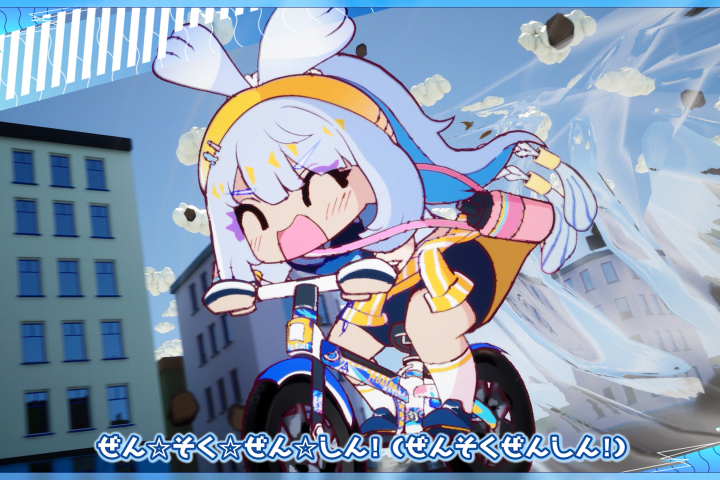 Creating Basic Character Motions
 -
Producing Visual Effects (VFX)
-
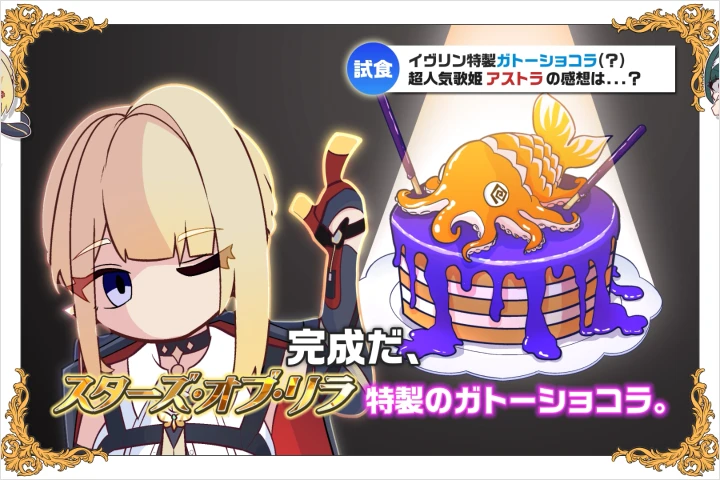 Compositing Techniques to Maximize Animation Impact
-
Advanced Loop Motion Techniques
-
Camera Movement Adjustment & Rendering Techniques
-
Synchronizing & Refining Motion to Match Music Tempo
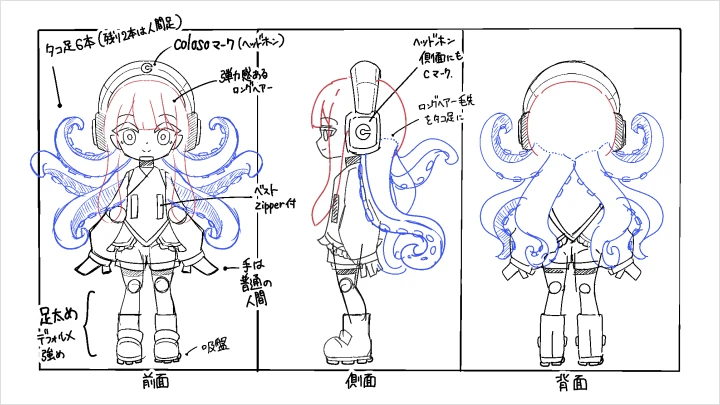
Final Completed Artwork
*The above images are sample images for a better understanding.
Highlights
Class Highlights
Motion Creation That Beginners Can Quickly Understand and Put Into Practice
2D rig animation controlled by keyframes and interpolation often feels more difficult than traditional frame-by-frame animation. In this course, we focus on reproducibility, carefully designing each lesson so that even After Effects beginners can apply the techniques right away. Without requiring complex programming or specialized knowledge, you’ll experience the depth and appeal of motion creation through step-by-step exercises that gradually build your skills.
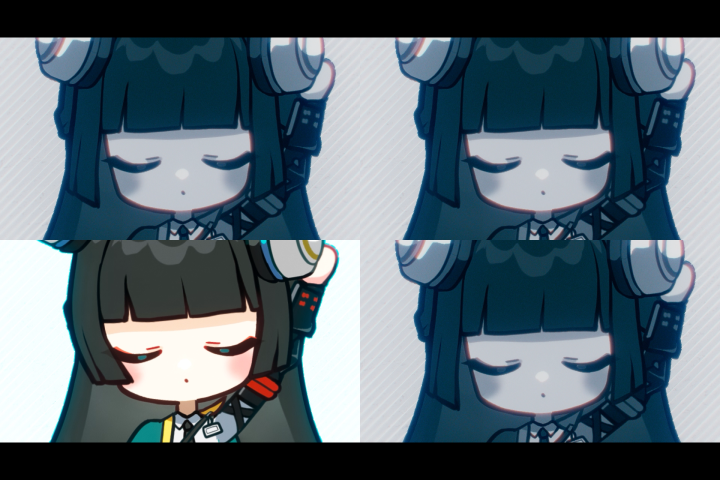
Go Beyond Assets: Learn Vfx and Background Creation Techniques to Elevate Your MV Details
Break free from asset dependency and discover Faruco’s production tips for creating original VFX and backgrounds. This course reveals concrete directing approaches and effect creation techniques that allow you to achieve a level of detail impossible through imitation alone. By following Faruco’s proven methods, you’ll naturally develop your own unique visual direction and effect creation skills.
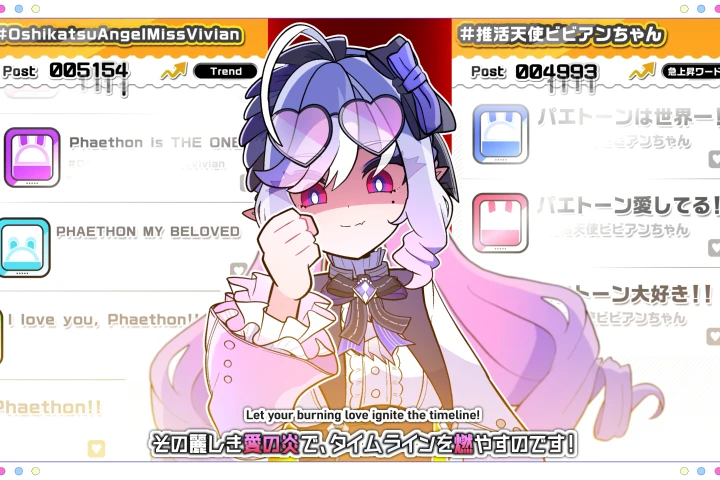
Practical Solo-Production Know-How and the Value of Creating Independently
From MV planning and storyboarding to team direction, illustration, animation, and final video production, Faruco shares real-world insights gained from working independently across the entire production process. Learn the importance of fully committing to what you love - even within limited time and resources - while gradually mastering workflow optimization and practical production techniques.