2dfxanimator,nahu Details
Intro
Class Intro
2D FX Animator, Nahu
"I'll be giving you insights into both the Western & Eastern production pipelines, so you can get the ball rolling for your career anywhere!"
Starting Your 2D FX Journey: Practical FX for All Scenes & Scenarios
In this class, you’ll learn how 2D effects are planned, layered, and polished within professional animation pipelines, building the skills needed to create clear, production-ready FX.
Led by Nahu, a 2D FX animator who has worked across major studios including Studio MAPPA, SpindleHorse Toons, and FlyingBark Productions, the course begins with core animation principles and FX fundamentals. You’ll focus on object- and environment-based effects, developing a strong foundation through practical studies of water, fire, smoke, and debris.
Led by Nahu, a 2D FX animator who has worked across major studios including Studio MAPPA, SpindleHorse Toons, and FlyingBark Productions, the course begins with core animation principles and FX fundamentals. You’ll focus on object- and environment-based effects, developing a strong foundation through practical studies of water, fire, smoke, and debris.
As the class progresses, you’ll gain insight into both Western and Eastern studio workflows, learning how professional FX are designed to adapt across different production environments and creative requirements. The course culminates in a studio-style FX shot, created from the ground up and refined to a polished final result.
By the end of the class, you’ll walk away with stronger fundamentals and a clearer understanding of how to design effective, adaptable FX for real-world animation pipelines.
By the end of the class, you’ll walk away with stronger fundamentals and a clearer understanding of how to design effective, adaptable FX for real-world animation pipelines.
Class Preview
Still Not Sure?
Check Out Nahu's Class Preview!
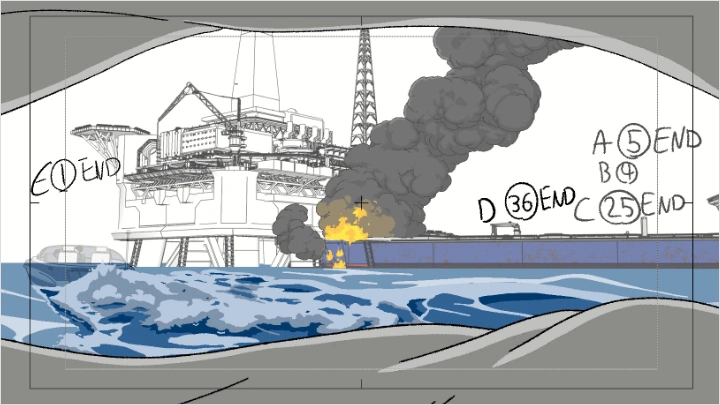
Chapter 11: Shot Planning
1. Storyboarding a multi-FX sequence
2. Deciding which FX elements to combine per shot
2. Deciding which FX elements to combine per shot
Class Perks
Special Gift from Nahu
-
 Project Files
 -
 References
 -
 Cheat Sheets & Summaries
Class Material Details
-
 Collection of Course Assets- A complete set of Clip Studio files used throughout the class
 -
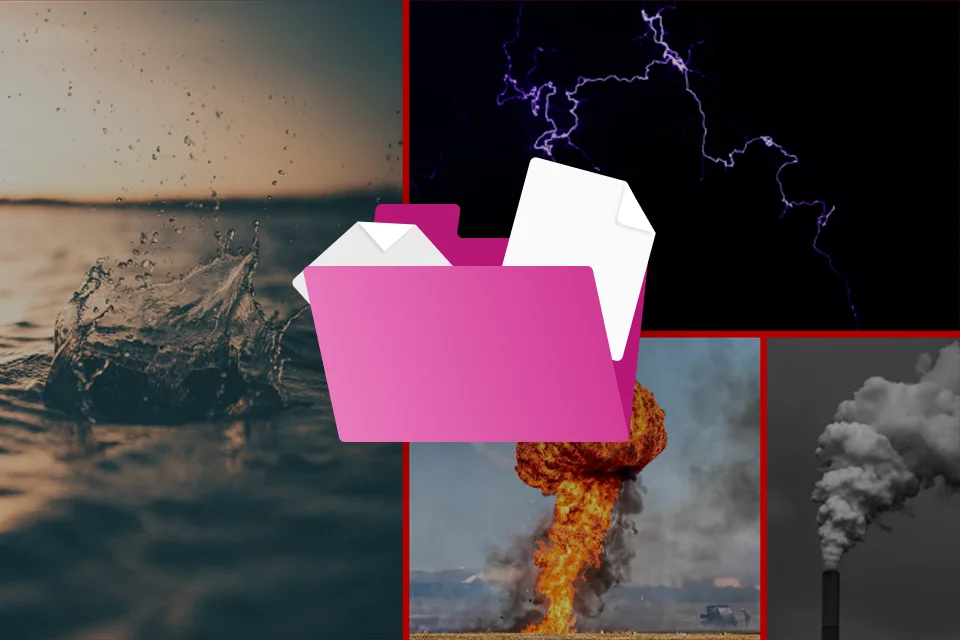
 FX Reference Library- A curated collection of FX references, including bonus materials not shown directly in the lessons
 -
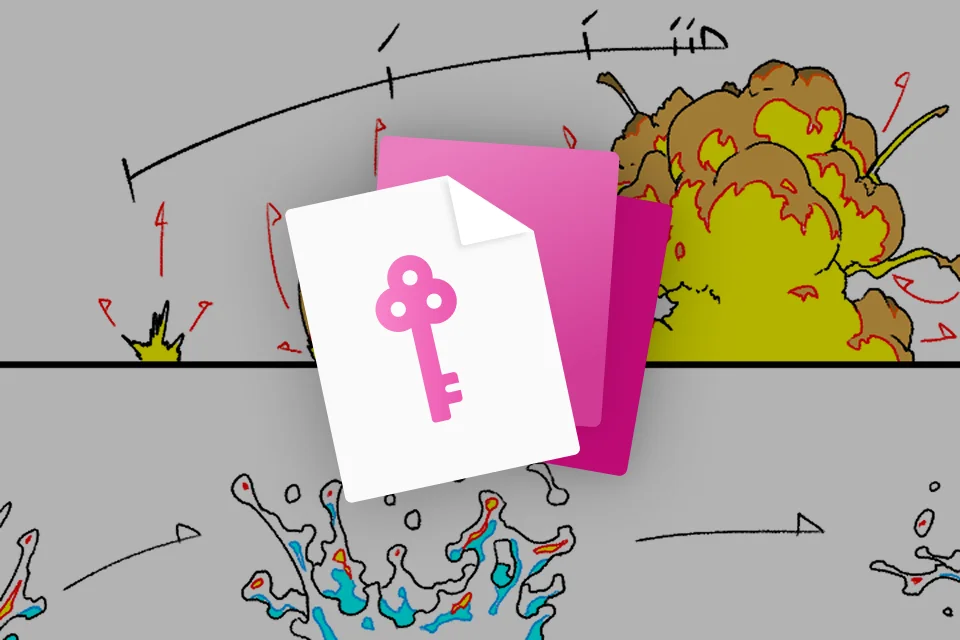
 Key Takeaways- Cheat sheets and summaries highlighting the core concepts and techniques covered in each section
Recommendation
Who should take this class?
Beginner animators who want to start learning the fundamentals of 2D FX animation
Advanced animators looking to refine their FX skills and expand their range
Aspiring professionals interested in understanding how FX are designed within real studio workflows
Expert 2D FX Animator Nahu's Portfolio
SpindleHorse Toons x Helluva Boss
SpindleHorse Toons x Helluva Boss
Studio MAPPA x Lazarus
Studio MAPPA x Lazarus
Studio MAPPA x Chainsaw Man: Fan Animation
* This Portfolio includes fanart and client works.
Why Take This Class?
Unlock the fundamentals of 2D FX animation and learn why effects move the way they do, not just how to animate them. This course gives you the insight to create FX that feel alive, intentional, and production-ready. You’ll practice a wide range of exercises, from sparks and fire ignition to smoke, debris, and surface interactions, with a focus on objects and environments used in real studio work.
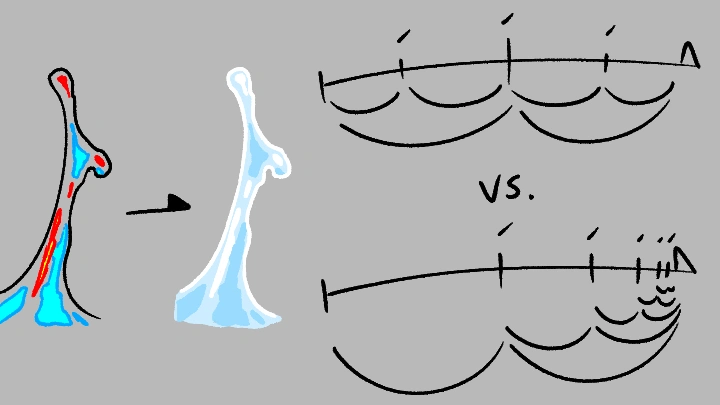
Along the way, you’ll also learn professional techniques and notations used across both Western studios and Eastern anime production pipelines, gaining insight into how FX are planned, layered, and refined in different production cultures. This understanding gives you the versatility and confidence to approach studio-style FX shots with a deeper grasp of real-world workflows.
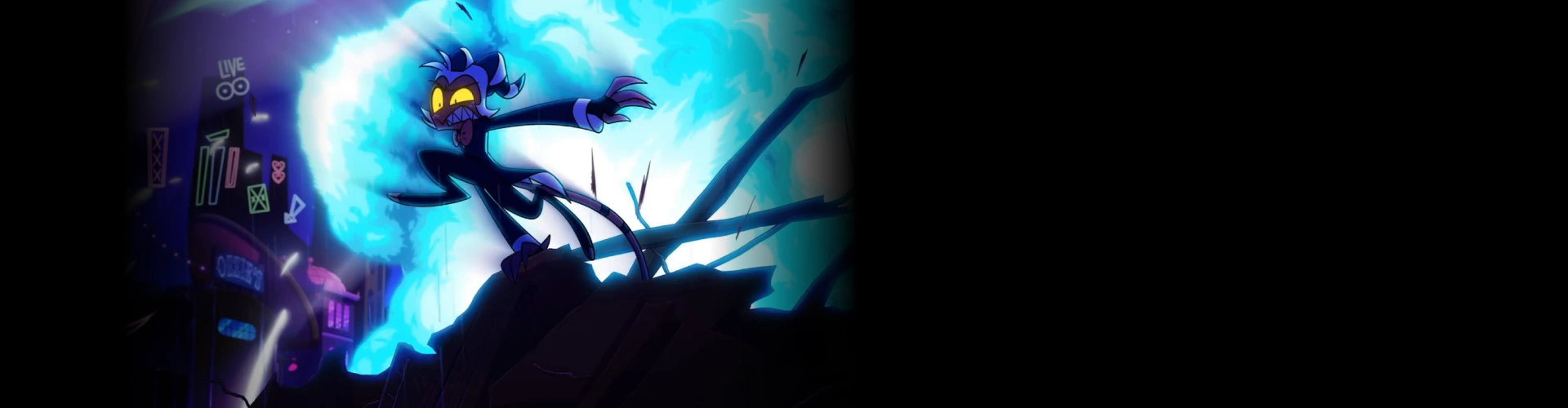
Get Ready for the Real-World
12 Class Exercises
-
Animation Fundamentals
-
Water Droplet
-
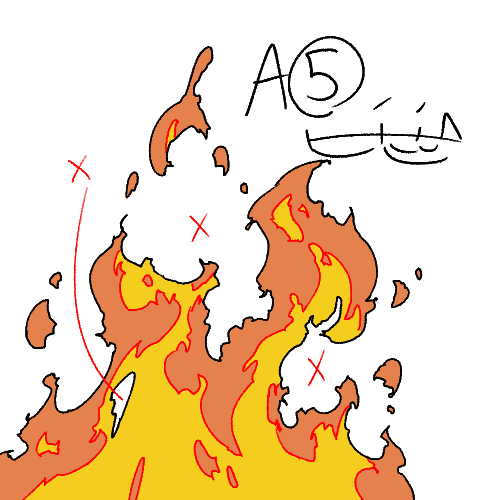
Fire Ignition
-
Smoke & Steam
-
Debris & Surface Impact
-
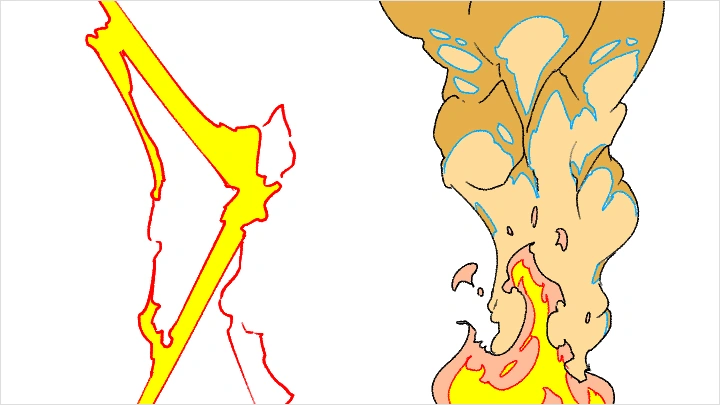
Simple Spark
-
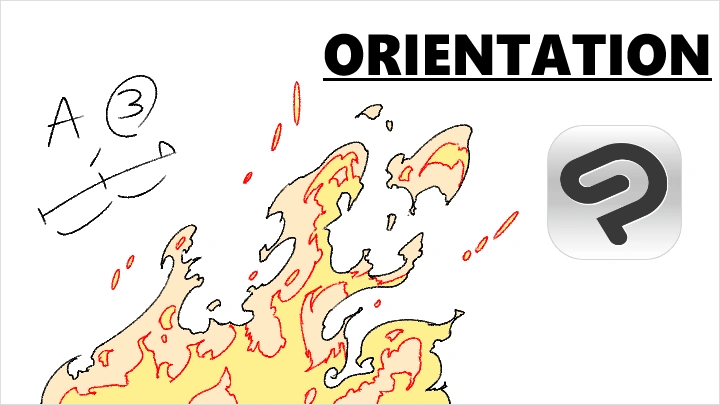
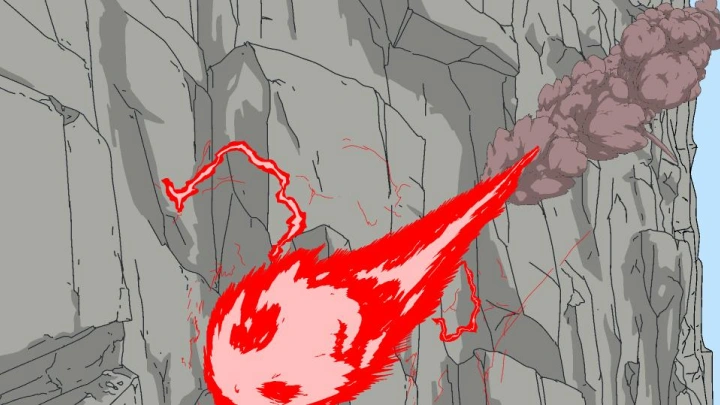
Flames & Explosions
-
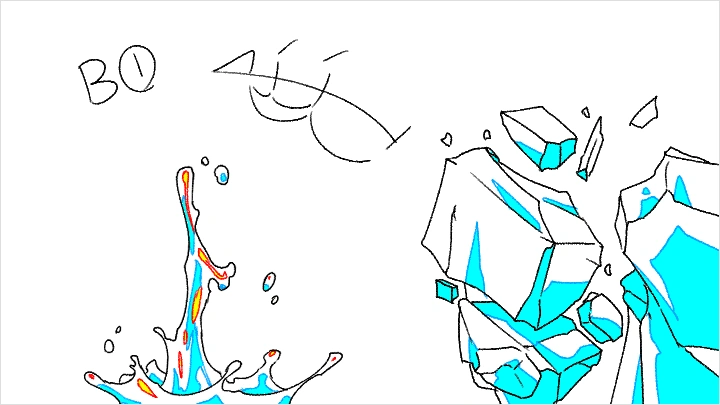
Splashes & Surface Interaction
-
Destruction & Debris
-
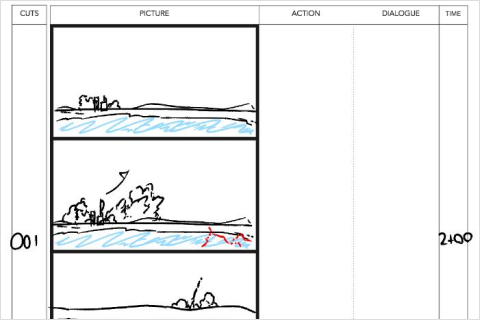 Storyboarding
 -
Rough Animation
-
Layered FX
Final Product Example(s)
-
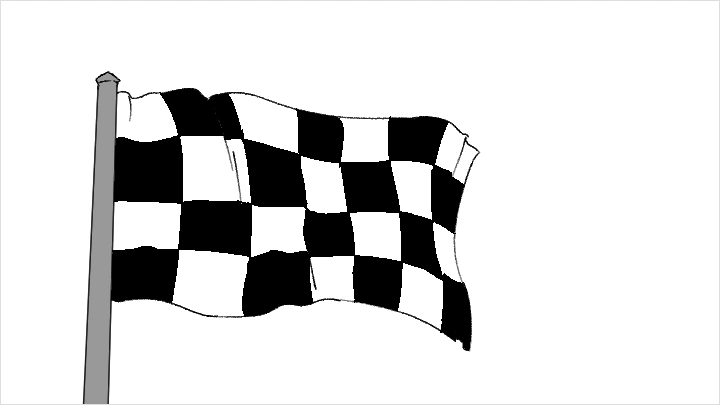
Simple FXSimple, versatile FX animations that can be applied to a wide range of situations
-
Advanced FXMore grounded and challenging FX, while remaining efficient to create thanks to clever workarounds
-
Complex FXA complex, FX-heavy sequence designed to push your limits and showcase everything you’ve learned
*The above images are sample images for a better understanding.
Highlights
Class Highlights
Developing a Fundamental Understanding of FX Animation
To begin the learning process, we will examine real-world references to help you build the foundational understanding needed to create believable FX. By strengthening these fundamentals, you’ll gain the ability to draw and apply FX across a wide variety of situations.
From Simple Effects to a Complex, FX-Heavy Scene
Even the most complex FX animations start from simple ideas. We’ll begin with the basics, learning how to observe reference images and videos and understand how different types of FX move and behave. Over time, this knowledge will be used to gradually increase the complexity of your animations.
Learning About the Professional Workflow
This course also provides insight into professional FX animation pipelines from both Western and Eastern perspectives. You’ll explore essential notations and concepts used in anime production workflows, helping prepare you for your first steps into the industry.