2danimator,msbunnat Details
Intro
Class Intro
2D Animator, MsBunnat
"Your art deserves to be seen by the world, so let's work to perfect your animations so the algorithm gives it the audience it deserves!"
Have You Ever Wanted to Grow Your OC on Social or Turn a Simple Idea Into Animation That Blows Up?
You’ve created characters you love. You’ve animated scenes you’re proud of. But when it comes to social media, the views stall and your OC doesn’t translate the way you imagined. Short-form platforms move fast. Without understanding hook timing, device-friendly composition, replay value, and platform psychology, even strong animation can go unnoticed. Talent isn’t the problem. Structure is. And if you don’t have an OC yet, turning a simple idea into a compelling, animated character can feel even more overwhelming.
Led by MsBunnat, this workshop is designed to close that gap. Through 32 structured chapters and 15 practical exercises, you will strengthen your fundamentals and develop OCs with real presence. You will also learn to create animation tailored for Instagram, TikTok, and YouTube Shorts, mastering vertical composition and expressive lip sync for music-driven content.
With 9 production-focused perks, you will not just learn the process. You will create 3 fully developed final animation projects that are platform-ready, portfolio-worthy, and built to showcase your unique creative voice.
With 9 production-focused perks, you will not just learn the process. You will create 3 fully developed final animation projects that are platform-ready, portfolio-worthy, and built to showcase your unique creative voice.
Class Preview
Still Not Sure?
Check Out MsBunnat's Class Preview!
Chapter 24. Animation Process
1. Develop a color script to guide mood and visual consistency
2. Bring your storyboard to life through intentional animation
2. Bring your storyboard to life through intentional animation
Class Perks
Special Gift from MsBunnat
-
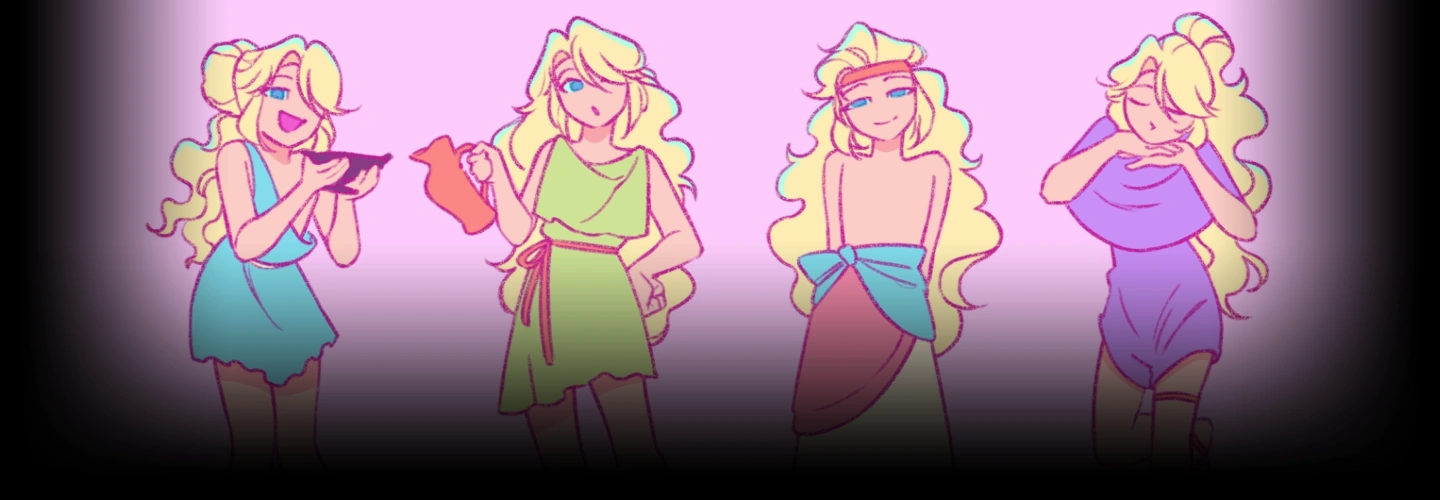
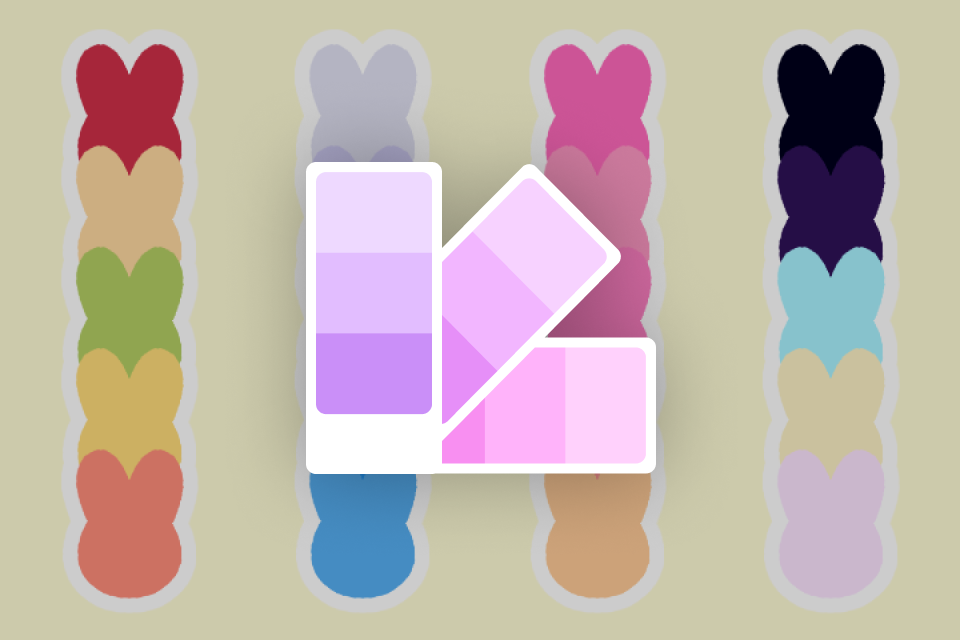 5 Curated Color Palettes- Carefully selected custom palettes designed to enhance charm, personality, and visual clarity in your OC and animations.
 -
 10 Simple, Animation-Ready Background Design Files- Versatile custom background references you can use directly in your projects or adapt to fit your own scenes.
 -
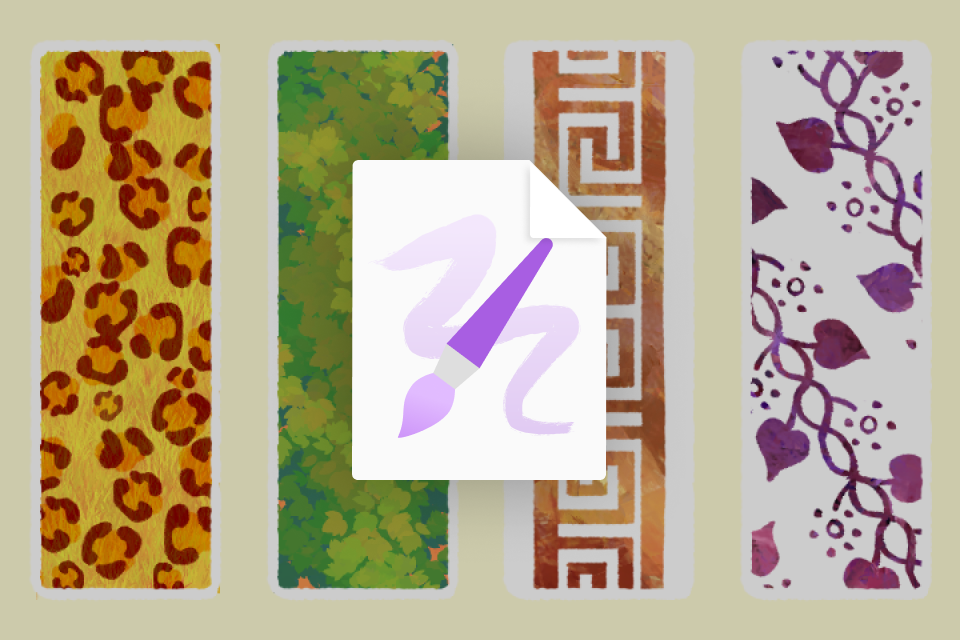 6 Curated Coloso Exclusive Brushes- A set of 6 exclusive brushes created for the class to support cleaner linework, expressive texture, and a smoother animation workflow.
-
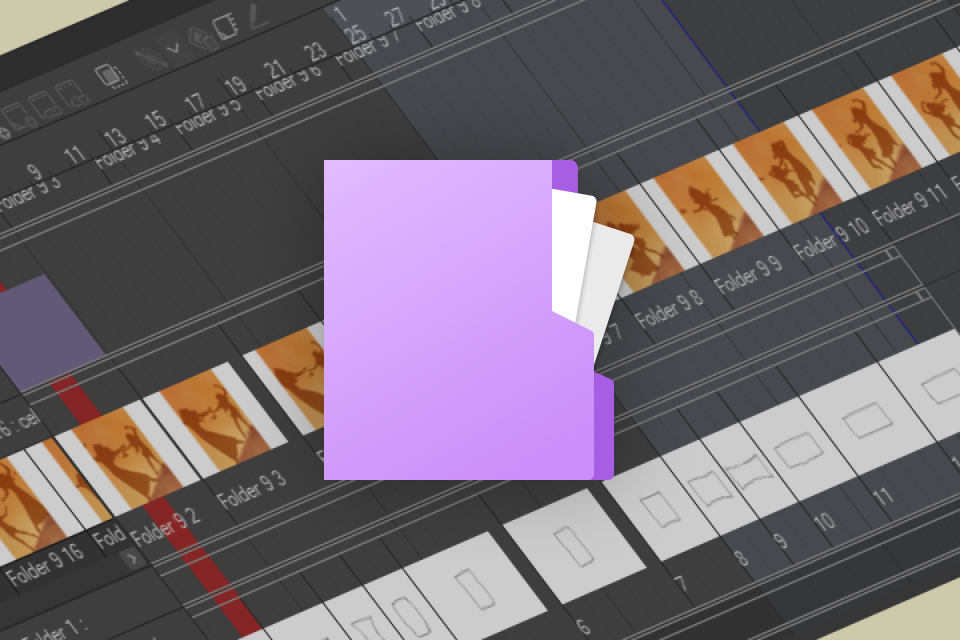 Master Files for 3 Final Animation- Fully layered working files from start to finish, allowing you to study timing, structure, and production workflow in detail.
 -
 Full-Resolution Class Note Deck- Downloadable class slides including class slides, sketches, thumbnail sheets, expression reference sheet, and more!
 -
Recommendation
Who should take this class?
OC Creators who already have original characters and want to strengthen their storytelling, build a cohesive portfolio, and grow an engaged audience around their OCs.
Aspiring Animators who want to improve their skills for modern platforms, explore vertical composition, and apply core animation principles to short-form content that actually connects.
Visual Creatives who are drawn to charming aesthetics, mixed-media experimentation, and a playful yet challenging animation process that pushes both skill and imagination.
Expert 2D Animator MsBunnat's Portfolio

Why Take This Class?
Through MsBunnat’s approach, you will develop the mindset of an artist who designs with social media optimized composition at the core. By exploring framing and vertical storytelling in depth, you will build a strong foundation for future animated music videos while sharpening your narrative skills, discovering new animation techniques, and refining a distinctive, charming aesthetic.
The course is thoughtfully structured for beginners, laying down essential fundamentals that will strengthen any content you create moving forward and provide both technical confidence and creative clarity.
Beyond the structured curriculum, MsBunnat includes a dedicated self care section, a rare yet essential part of art education. Acknowledging that the creative journey is rarely linear or black and white, she shares practical guidance to help artists build sustainable habits, overcome self doubt, and navigate creative blocks with resilience. This thoughtful addition supports not only technical growth but also a healthier, more balanced artistic practice.

Get Ready for the Real-World
15 Class Exercises
-
Warm-Up
-
Animation Basic Revision
-
Gesture Animation
-
Verticalization
-
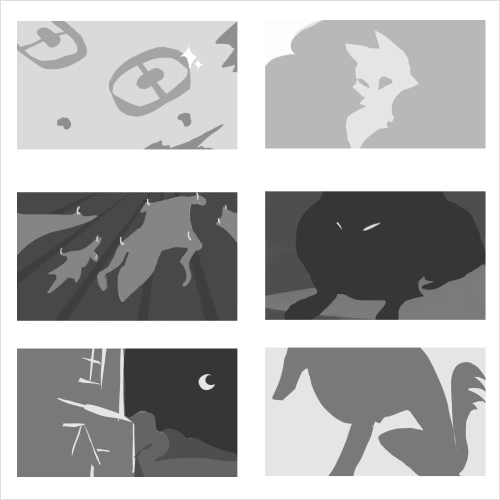 Storyboarding
 -
Color Script
-
After Effects on CSP
-
Expression Practice
-
Mix Media Exploration
-
Create Your Reference
-
How to Present Your Character
-
Quick Storytelling
-
Cuteness Exploration
-
Lip Sync
-
Background Composition
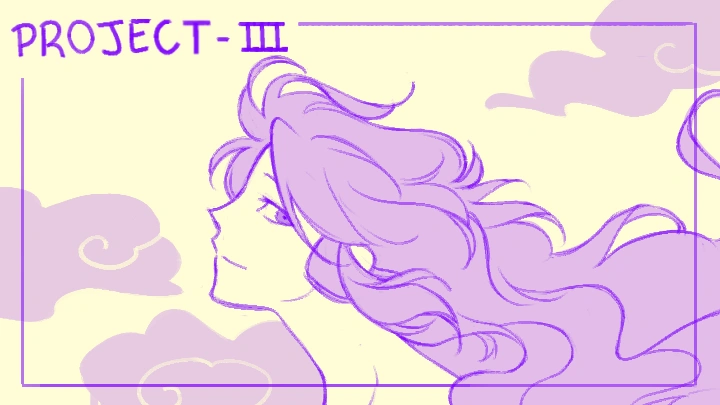
3 Final Products
-
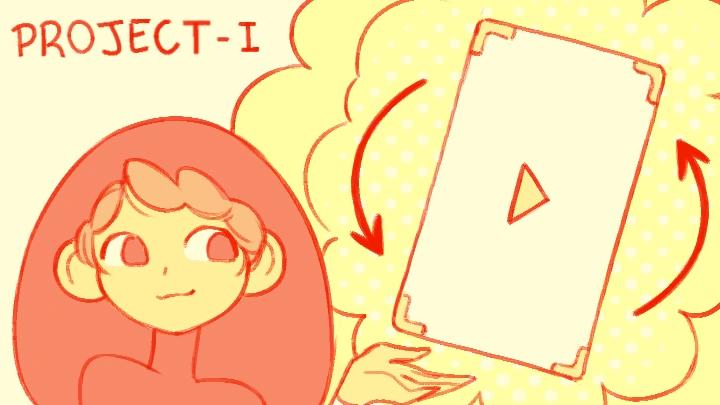
Project 1
-
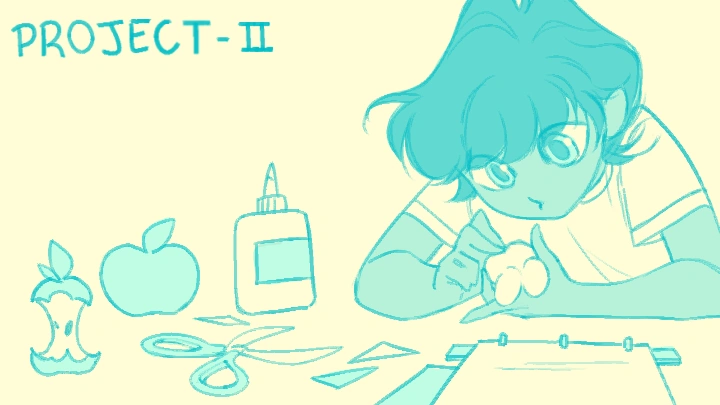
Project 2
Final Project
*The above images are sample images for a better understanding.
Highlights
Class Highlights
Social Media Optimized Animation
Explore vertical composition in depth, learning how to design for scroll based viewing while maintaining clarity, balance, and impact. You will also discover how to translate your ideas between vertical and conventional horizontal formats, adapting framing and movement without losing narrative strength.
The Art of Character Appeal
Discover how to harness the power of appeal to create characters that instantly captivate. You will learn how to work with both original creations and established characters, understanding how to highlight their unique traits to deliver clear, engaging storytelling within a short format. By refining expression, posing, and visual charm, you will be able to craft quick yet memorable narratives that resonate with today’s fast paced audiences.
Foundational Techniques in Mixed Media Animation
Take a closer look at the core principles of animation, with a strong focus on character movement and expressive timing. By grounding your work in solid fundamentals, you will learn how to create motion that feels natural, appealing, and full of personality. The course also encourages experimentation across different media and techniques, allowing you to expand your creative range while maintaining a strong technical foundation.