[Dictionary]2danimator,jdge_JP Details
Intro

Now in Your Language, Only on Coloso!
Learn from Japan's Top Master Creatives
-
 Master 2D Animation Techniques
 -
 Create Independent Animations
 -
 Express Realistic Motion
Class Intro
2D Animator, JDGE
"From paraphrasing and composition to creating short animations, I'll cover everything from concept development to the actual production process."
Start Creating Your Own Animation Today!
JDGE is an animator and illustrator known for short animations and expressive, warm color techniques.
In this course, you’ll start with the basics setting up essential tools like CLIP STUDIO PAINT. Then, by learning how to animate a bouncing ball, you’ll explore animation-specific features and build a solid foundation in animation production.
In this course, you’ll start with the basics setting up essential tools like CLIP STUDIO PAINT. Then, by learning how to animate a bouncing ball, you’ll explore animation-specific features and build a solid foundation in animation production.

Building on that foundation, you’ll learn how to draw characters and create basic animations such as blinking eyes and mouth movements. As you progress, the course will cover more advanced animations like waving hands, walking, running, and jumping.
Throughout the course, you’ll also follow the complete process of creating a short animation from start to finish. This curriculum is packed with the knowledge and practical skills beginners need to produce their own animations. Experience it now on Coloso!
Throughout the course, you’ll also follow the complete process of creating a short animation from start to finish. This curriculum is packed with the knowledge and practical skills beginners need to produce their own animations. Experience it now on Coloso!
Class Preview
Still Not Sure?
Check Out JDGE's Class Preview!
23.Drawing Backgrounds Based on Body Forms (Example Exercise)

- Drawing background based on calculated perspective and side view
*The Japanese language content in this class preview is translated into English in the class videos.
**The subtitles in this preview video are auto-translated. Please note that some content may not be accurately translated.
***Associated content is subject to change without prior notice.
Class Perks
Special Gift from JDGE
-
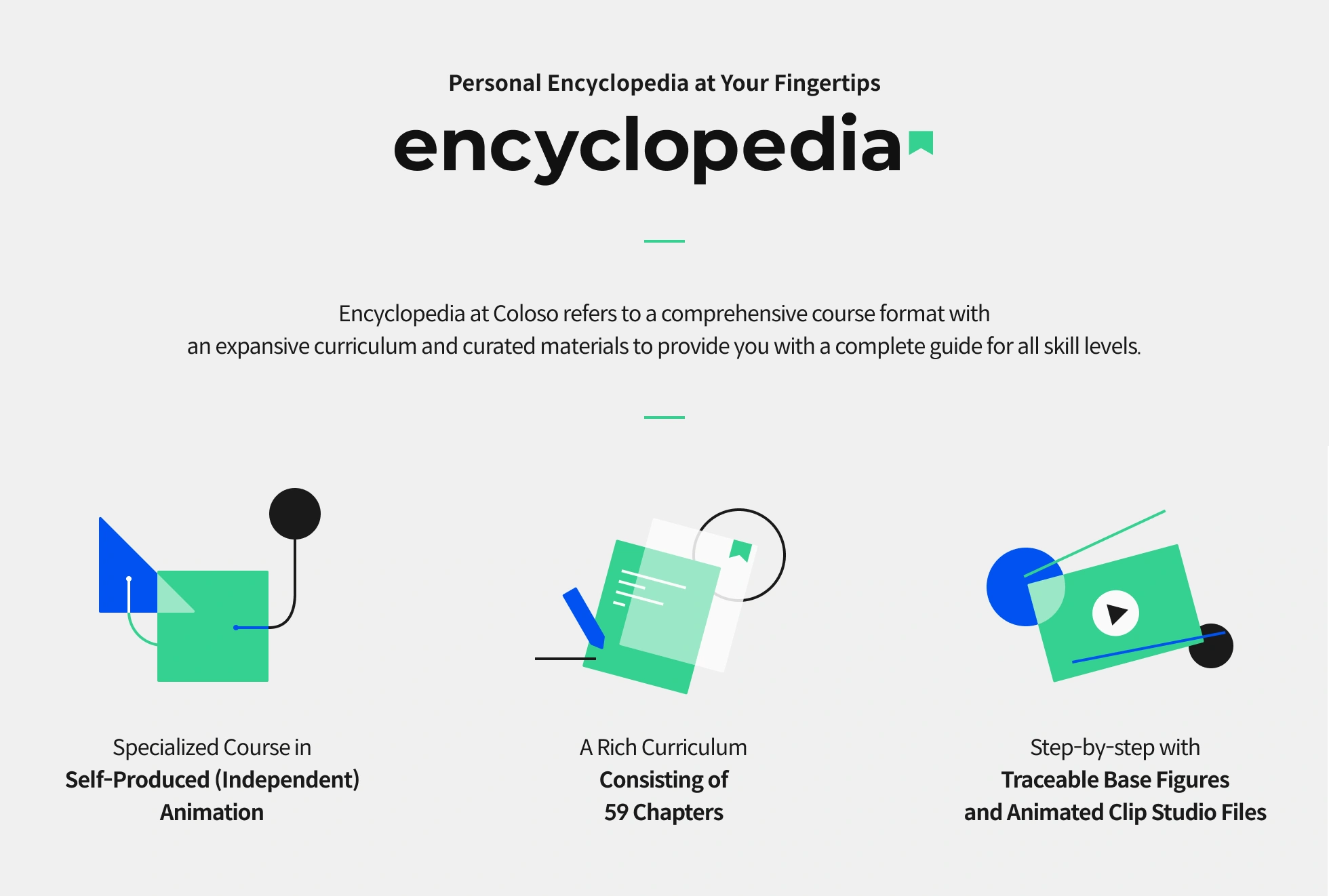
 Unlimited access to 59 chapters covering JDGE’s diverse background creation techniques
 -
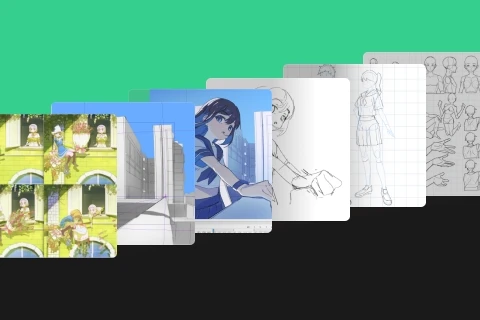 Create a complete artwork by the end of the course
 -
 Includes Clip Studio data files and other reference materials
Class Material Details
-
 PSD Files of the Final Artwork- Animated Clip Studio data with a traceable base figure
- Clip Studio illustration data for coloring reference -
 Class Materials- PDF file covering the course content
 -
 Perspective Practice Files- Drill-style exercises to practice how to match characters with background perspectives
Recommendation
Who should take this class?
Beginners in animation or those looking to take on self-produced animation
Individuals who find it difficult to coordinate perspective between backgrounds and characters
Aspiring artists who want to make their coloring, lighting, and composition more appealing
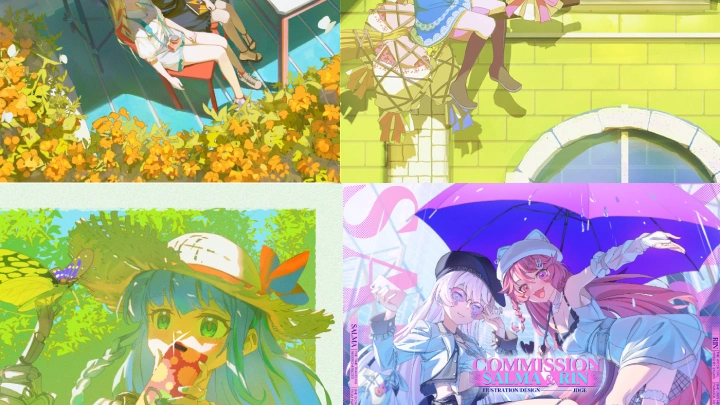
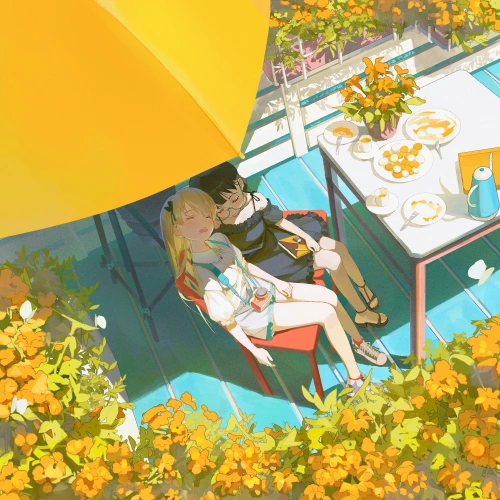

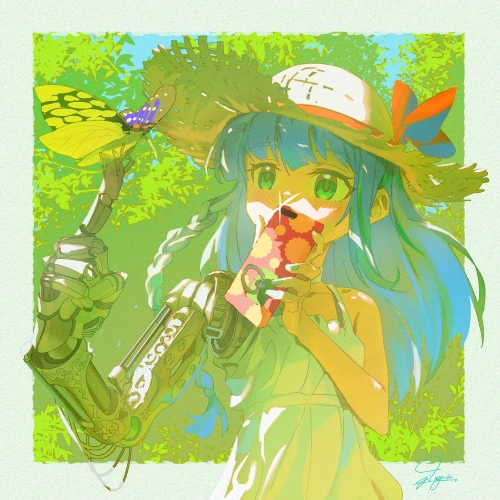

Expert 2D Animator JDGE's Portfolio



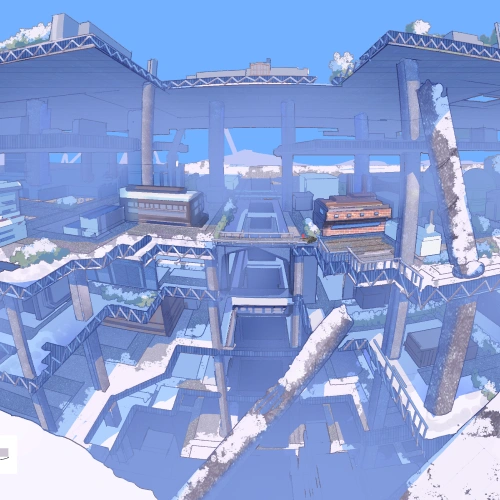
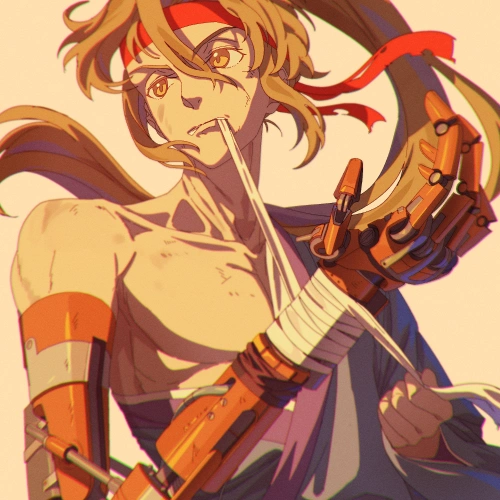
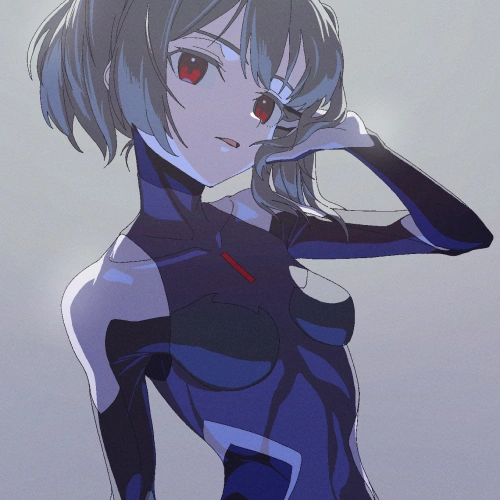
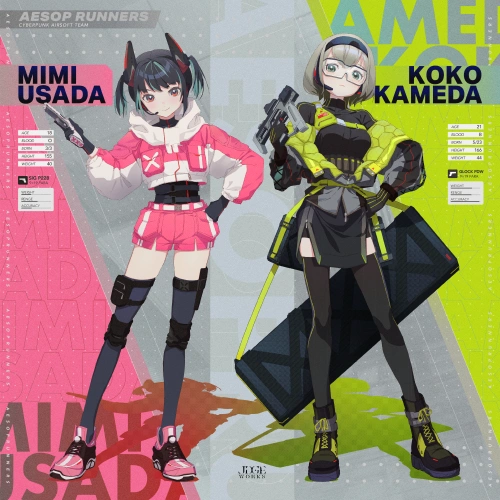
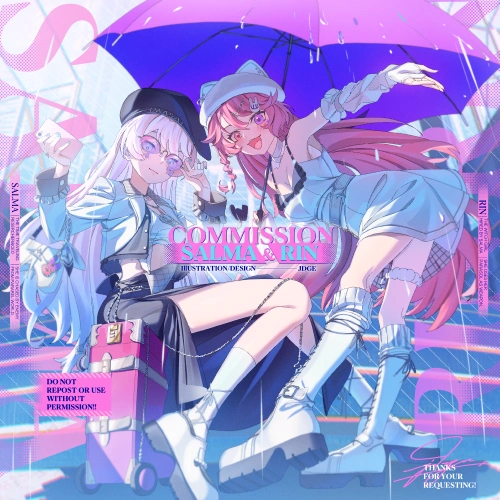
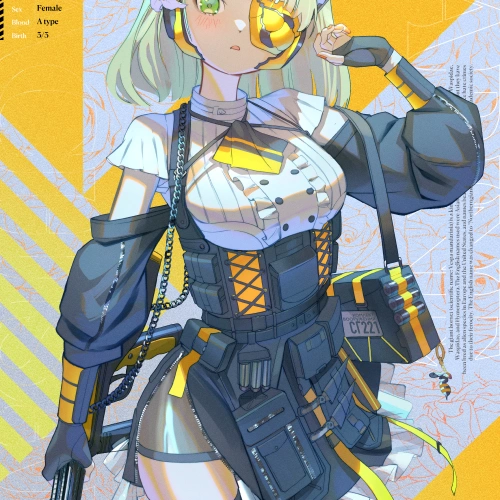

A Step-by-Step Journey from Motion to Emotion in Character Animation
Animation can feel overwhelming, especially for beginners. JDGE’s course breaks down the process with clear, step-by-step guidance anyone can follow to create smooth, expressive character movements. Starting from basic shapes, you’ll develop essential animation skills like eye blinking and lip-syncing while mastering how to seamlessly integrate characters with backgrounds and perspective.
By taking this course, you’ll gain hands-on experience working with real finished artwork and animated Clip Studio files you can trace and study, bringing you closer to professional workflows. More importantly, you’ll learn how to infuse your animations with life and emotion, making your characters truly connect with viewers. Whether you’re just starting out or looking to elevate your skills, this course equips you with the practical knowledge and creative insight to take your animation to the next level.
Get Ready for the Real-World
Challenge Yourself with Indie Animation and Impactful Color Through Example Exercises
-
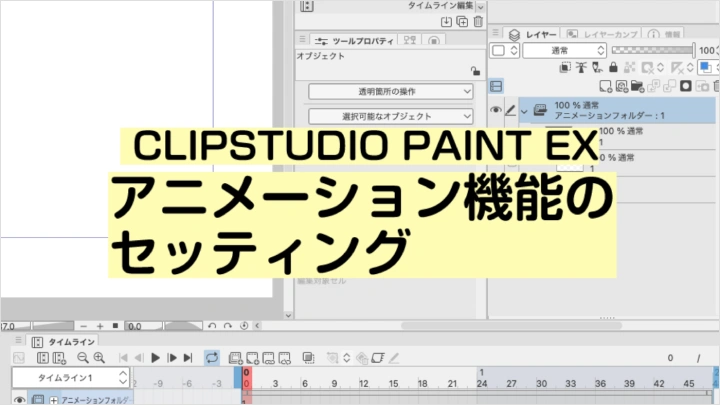
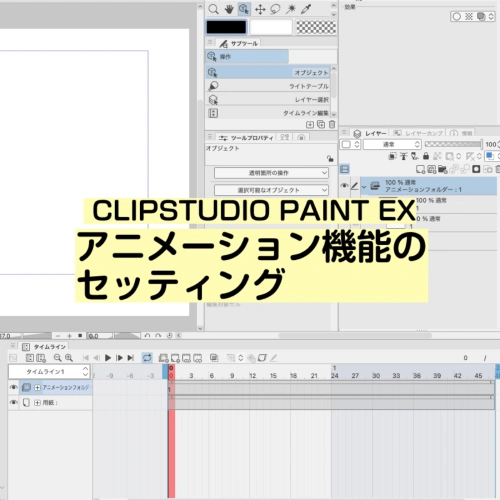 Setting Up CLIP STUDIO PAINT EX
 -

 Learning Basic Animation with a Bouncing Ball
 -
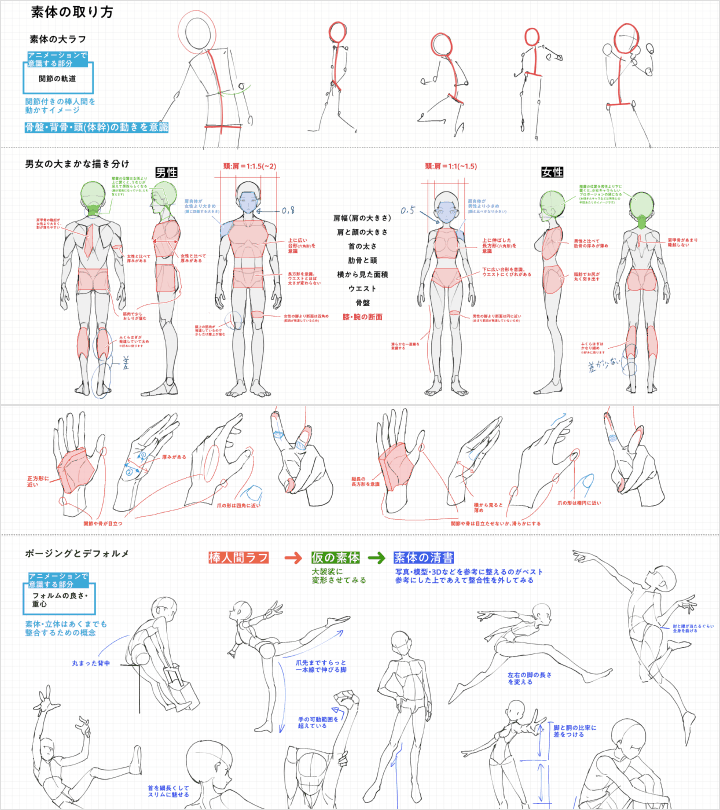
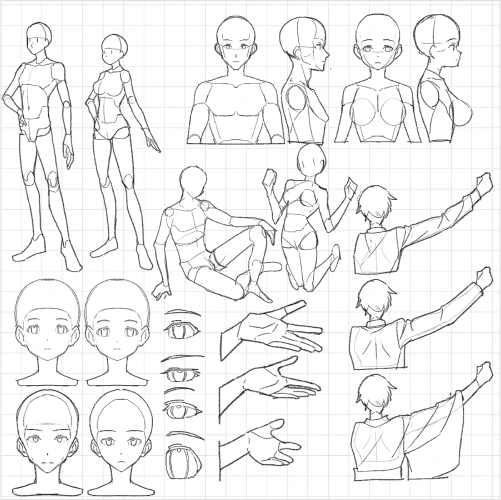 How to Construct the Base Figure
-
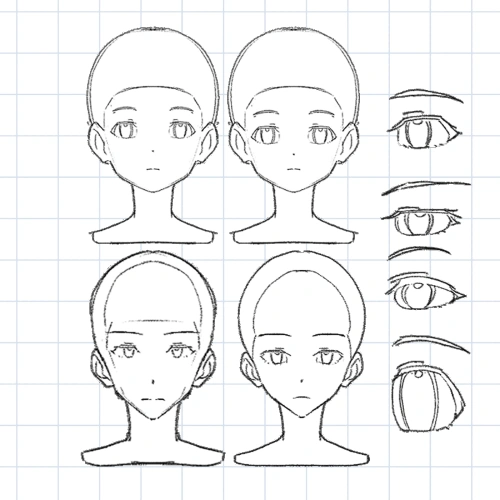 Facial Proportions
 -
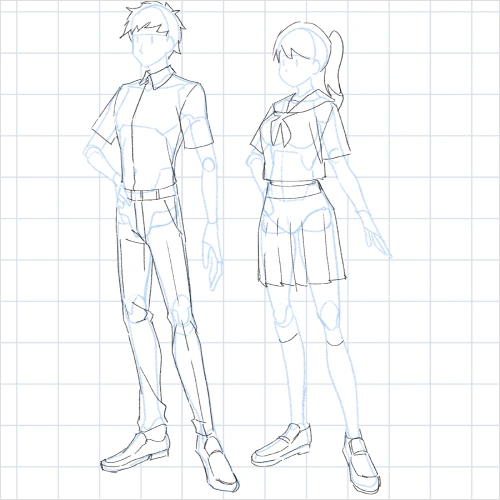 How to Draw Clothing
 -
 How to Animate Blinking and Lip Sync
-

 Hair Movement
 -
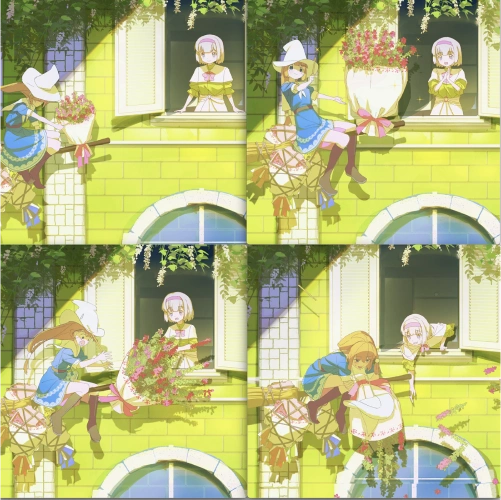 How to Come Up with Ideas for Short Animations
 -
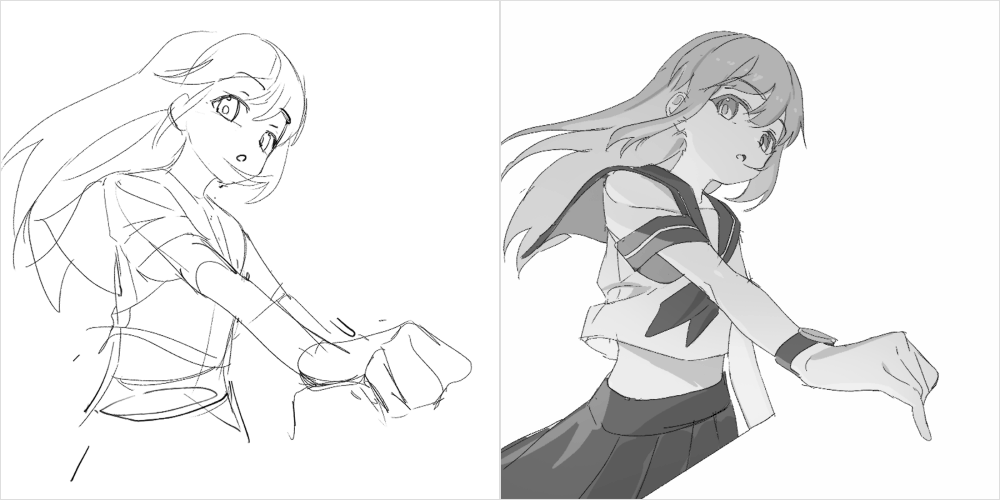 Start Drawing from the Base Figure (Character)
-
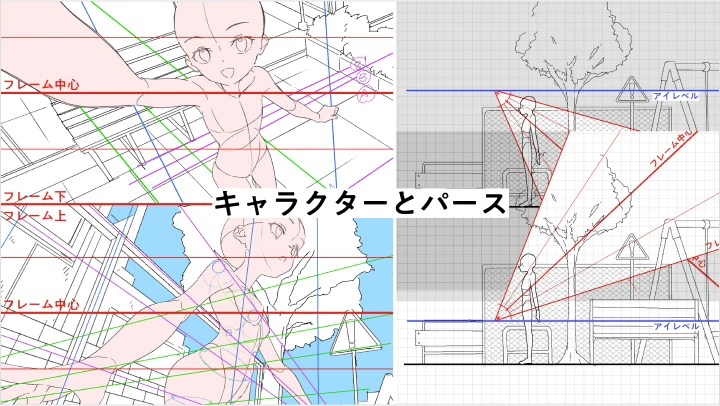
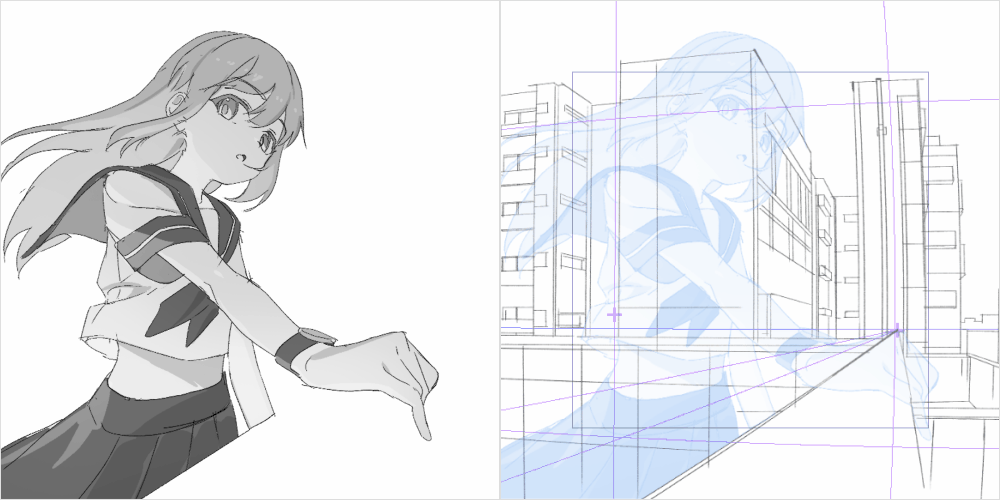 Deriving Perspective from the Base Figure
 -
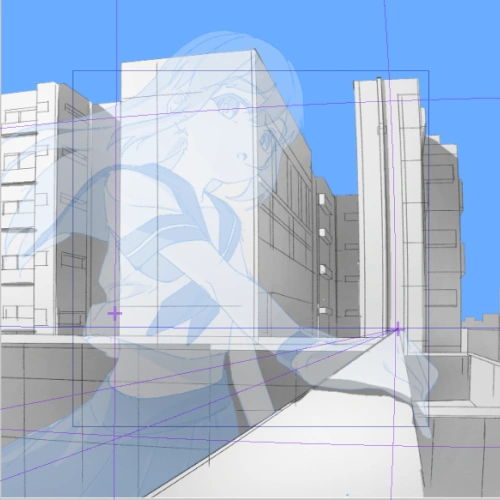 Drawing Backgrounds Starting from the Base Figure
 -
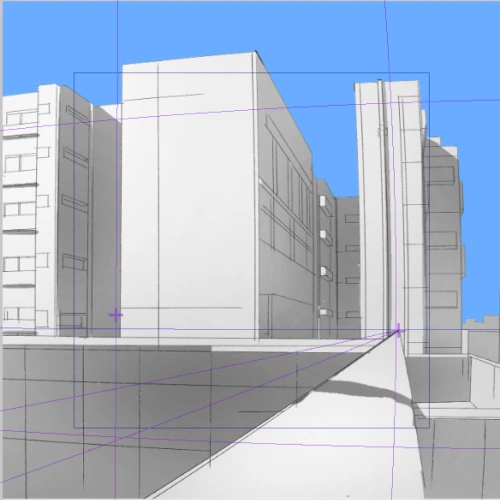 Backgrounds
-
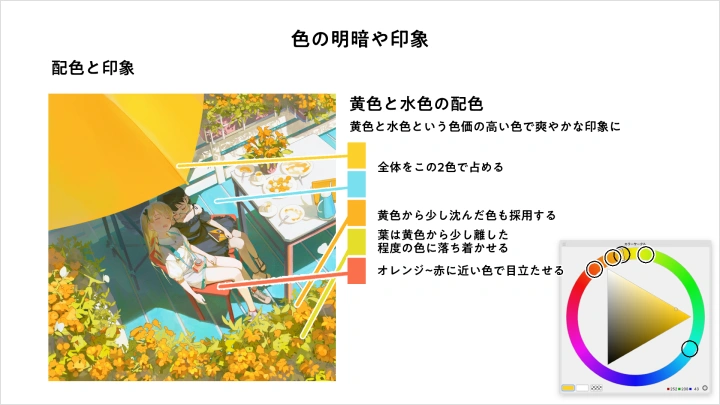
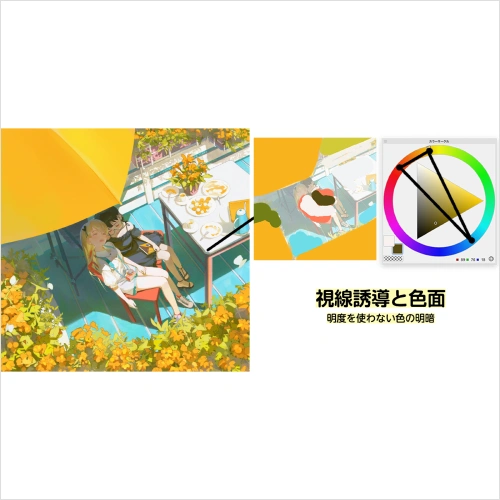 Guiding the Viewer’s Gaze and Color Areas
 -
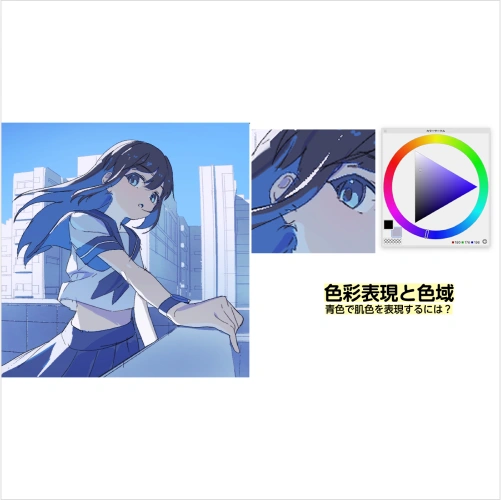 Color Expression and Color Range
 -
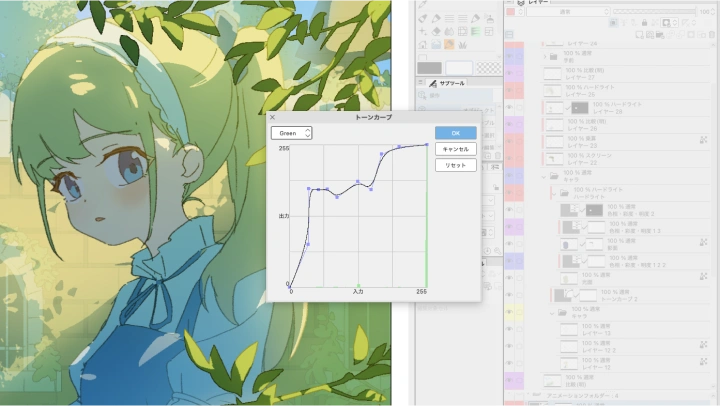
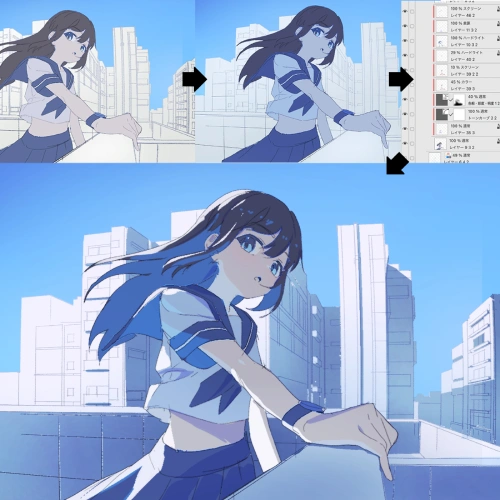 JDGE’s Coloring Techniques
-
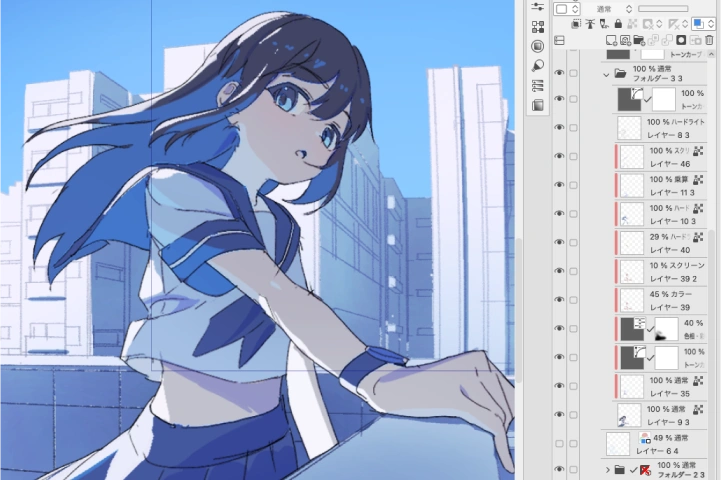 Adjusting and Controlling Color Information
 -

 Camera Work in CLIP STUDIO PAINT


Final Artwork
*The above images are sample images for a better understanding.
Instructor
2D Animator
JDGE
Nice to meet you.
I'm JDGE, an illustrator and animator.
This course was created for those who want to start making their own animations or learn how to use color more effectively.
Not only will I teach you how to draw characters, but also guide you through animation setup, advanced animation techniques, and practical color expression with theoretical explanations. You’ll be able to create a short animation project hands-on together with me throughout the course.
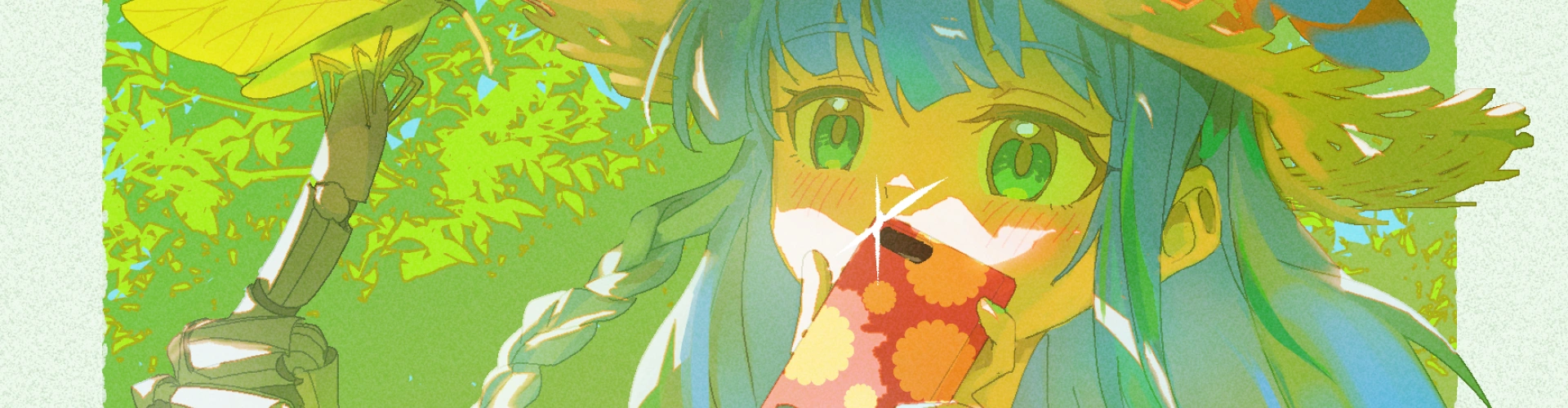

2D Animator JDGE
[Current]
Illustrator / Animator
Projects & Awards
[Career]
Worked for several years as an illustrator at a game development company.
Currently active as a freelance illustrator and animator.
[Achievements]
Light Novels
Illustrated and designed characters for Kodansha’s Kūmei no Ryūki (author: Torino Kamioka)
Games
Created in-game illustrations for Utawarerumono: Lost Flag (AQUAPLUS)
Contests
Winner of the EIZO Illustration Contest (Grand Prize)
Animation
Key animator for Proseka MV “NEO”
Key animator for ONE PIECE episode #1091
Key animator for the commercial of the manga Seitokai ni mo Ana wa Aru!
Key animator, in-between, finishing, and color design for Vtuber Marine Houshou & Kobo Kanaeru MV “III”
Key animator for Genshin Impact MV “Teyvat Olympics”
Vtuber
Created fan-only wallpaper illustrations for Vtuber I Sekai Jōcho (July 2023)
Highlights
Class Highlights
All-in-One Basics for Creating Your Own Animation
You’ll start animating simple shapes and gradually step up to creating natural character movements. The course also covers topics like drawing characters, dressing them, and perspective-based figure drawing, perfect for beginners in illustration or those looking to improve their skills.

Add Expressive Acting That Brings Characters to Life
After learning basic animations like blinking and lip-syncing, you’ll be guided through the process of creating a short animation project. Following that, several advanced movement techniques will be explained. To help you create more engaging animations, JDGE will share insights and thought processes on how to express character-specific performances that bring your animation to life.

Mastering Color Expression That Captivates Viewers
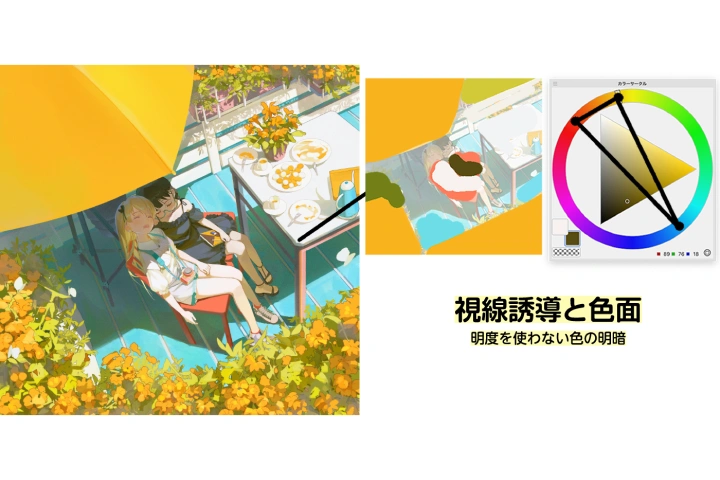
Learn the fundamentals of lighting, color composition, and shading, to create visually captivating expressions based on solid theory. Deepen your numerical understanding of Clip Studio’s tools and learn how to apply these features to color your work freely and effectively.
Class Details
You'll Learn
-
 Animating Shapes Applicable to Any MovementAnimating a character from scratch can be very challenging. That’s why this course teaches you how to animate shapes in ways that can be applied not only to characters but also to effects and more. You’ll learn how to add easing and timing to create smooth and versatile animations that work across various types of movement.
 -
 Basic Character AnimationsLearn the fundamentals of character animation, including lip-sync, blinking, walking, and flowing movements. You’ll also discover tips on how to draw consistently so that character parts and motions don’t break down during the animation process.
 -
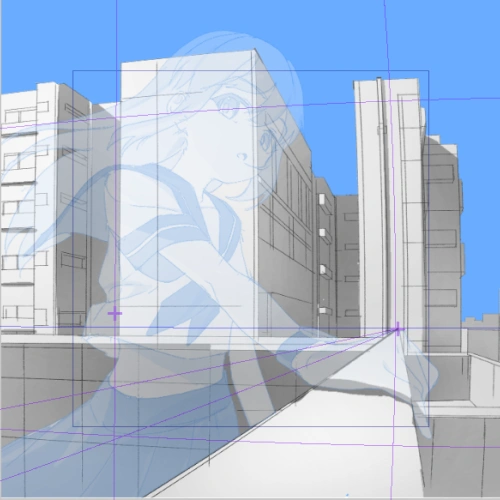 Matching Perspective with CharactersLearn how to determine perspective from characters and understand how to draw backgrounds without errors. This section also covers techniques for animating characters seamlessly within backgrounds.
-
 Character Acting ConceptsOnce you’ve learned how to animate characters, this section dives into JDGE’s approach and thinking about acting to create more captivating animations.
 -
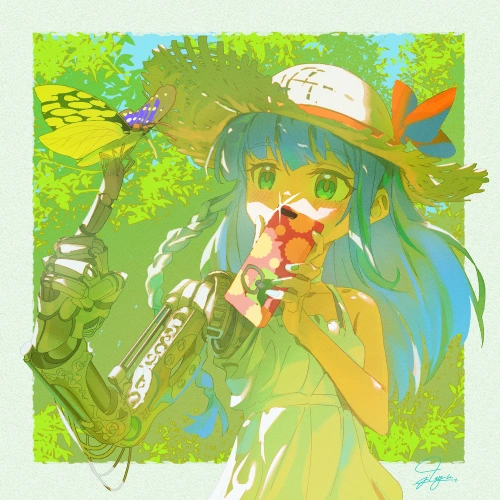 The Color Philosophy of "Showing What You Want to Show"Based on the important design principle of creating color planes, essential in graphic design, illustration, and animation you’ll learn how to use composition and color expression to clearly communicate your intended message to viewers.
 -
 Numerical and Theoretical Explanation of Clip Studio Functions and Coloring TechniquesThis part explains the modes of Clip Studio layers, tone curves, and other functions you might usually use by feel. You’ll see how JDGE applies these tools effectively in coloring.
- Unlimited Access
- Best Price
Buy now, get unlimited access.
09/28 (Mon) (UTC-7) Special offer ends soon.
This special offer ends soon.
Buy now and save!
Interview with
2D Animator JDGE

Question.01
Please tell us about your unique strengths and what sets this course apart from others.
I believe the course stands out through its unique and distinctive approaches to color expression and animation ideas, which are tailored specifically for independent animation production and differ from commercial animation. This course is designed for those who want to develop their own style into something more unique and original.
Question.02
During your studies, what did you personally find difficult, and what efforts did you make to overcome those challenges?
I struggled with skills that are considered essential for commercial animators, such as accurately constructing base figures and drawing characters consistently. However, I found that I had a strong sensitivity for adjusting color expression, animation, and acting ideas, things that are often difficult to fully explore in commercial animation.
While working to improve my foundational technical skills, I also focused on developing those more expressive abilities freely. I believe that this balance is what shaped my current artistic style.
While working to improve my foundational technical skills, I also focused on developing those more expressive abilities freely. I believe that this balance is what shaped my current artistic style.
Question.03
What are your thoughts on the market potential and future outlook of the illustration industry? (e.g., employment, compensation, current and future market growth, etc.)
I believe that, like illustration, independently produced animation is a field with growing opportunities across various platforms and media.
At the same time, we’re seeing an increasing trend in indie animation toward commercial-style visuals and team-based production. Alongside that, stylistic diversity is also expanding more than ever before. As such, I believe it’s becoming essential even for individuals to develop the ability to clearly define their own artistic style while also gaining the skills to direct and manage group projects. These production and supervisory abilities will be critical moving forward.
At the same time, we’re seeing an increasing trend in indie animation toward commercial-style visuals and team-based production. Alongside that, stylistic diversity is also expanding more than ever before. As such, I believe it’s becoming essential even for individuals to develop the ability to clearly define their own artistic style while also gaining the skills to direct and manage group projects. These production and supervisory abilities will be critical moving forward.
Question.04
Please share a message for your students.
In commercial animation, skills like drawing accurate base figures and matching character designs are highly valued, but they take a great deal of time to master. On the other hand, independent animation allows for much more freedom of personal expression, making it a more approachable form of creation for those who enjoy refining their own style.
Establishing your own form of expression is never easy, but I hope that, one day, when you look back after taking this course, you’ll find that your unique style has naturally taken shape along the way.
Establishing your own form of expression is never easy, but I hope that, one day, when you look back after taking this course, you’ll find that your unique style has naturally taken shape along the way.
Required Programs
This course will use Clip Studio Paint EX (Recommended).
Please purchase and install these program(s) for an optimized chapter experience.
*These programs and/or materials will not be provided with the chapter.